 ASPNetWorld

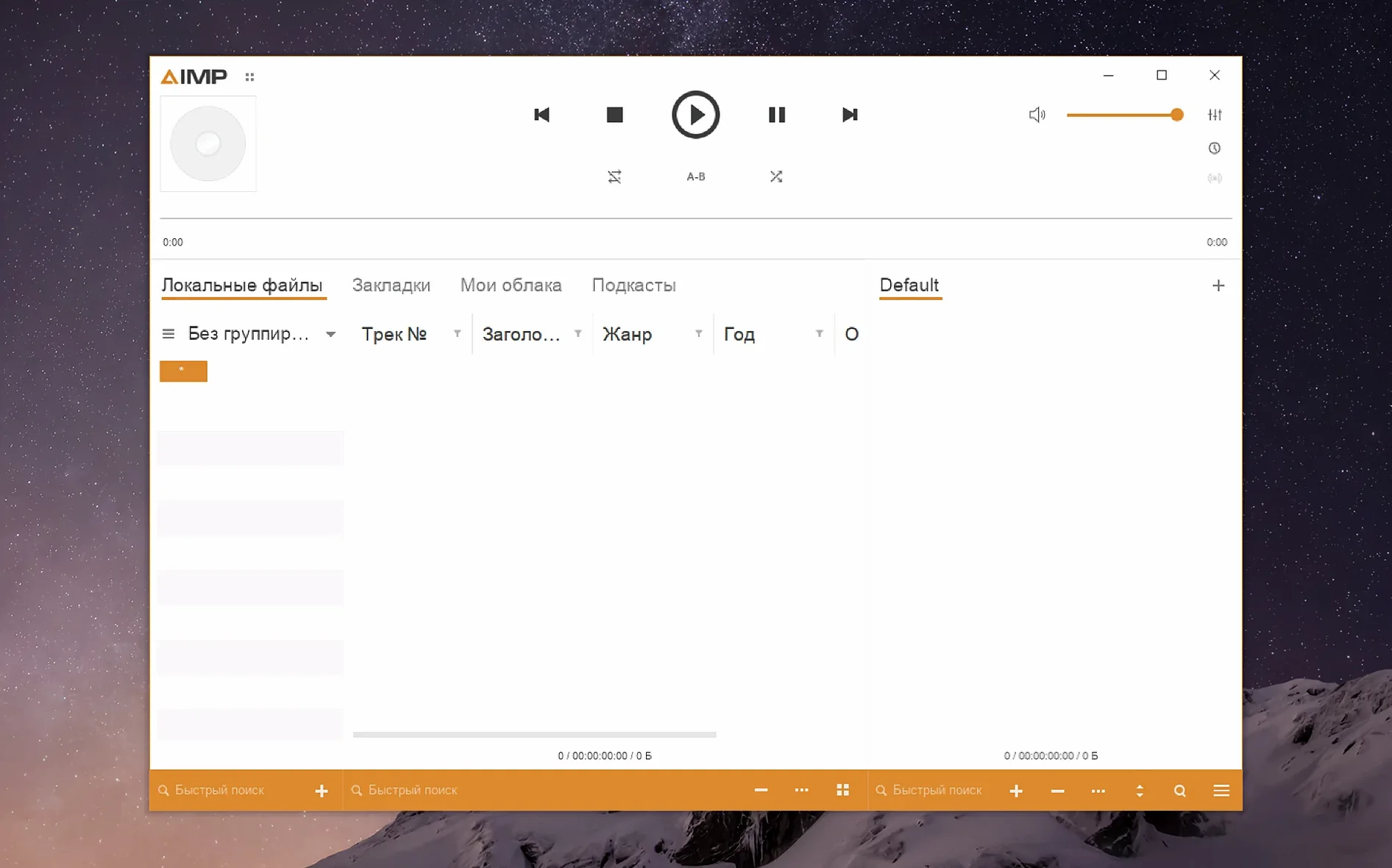
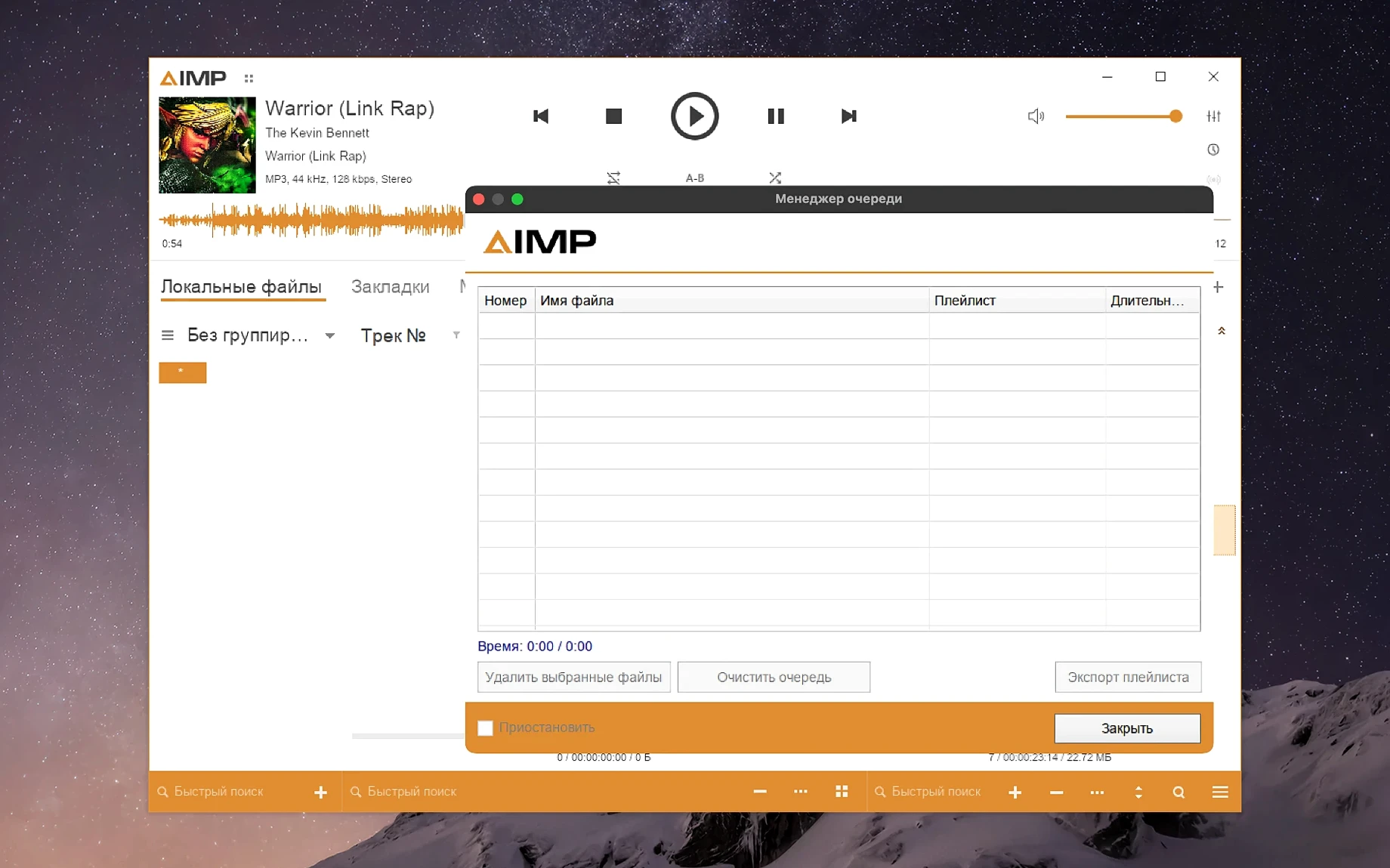
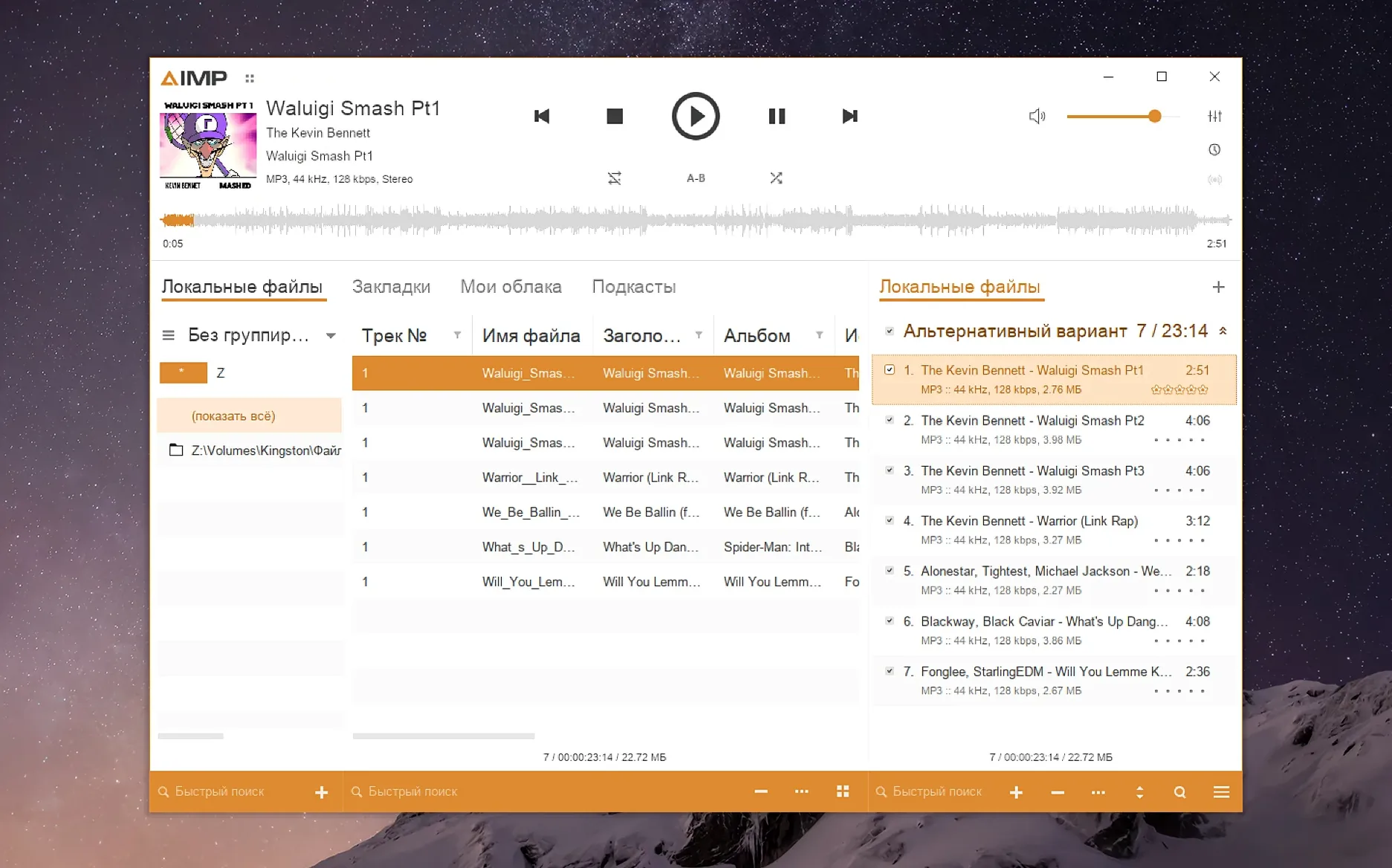
AIMP runs happily on any Mac with Apple Silicon and macOS 11 (Big Sur) or later. The app arrives as a standard disk image, with the Windows build wrapped in Wineskin so it feels at home on a Mac desktop.
Play almost any format without fuss
The player handles a long list of audio types out of the box — think of it as a library that already speaks every musical dialect you are likely to throw at it. The updated Monkey's Audio codec (version 11.08) keeps lossless playback running smoothly alongside the usual MP3, FLAC, and OGG suspects.
Edit tags without the parser grumbling
The built-in tag editor got a quiet but welcome fix in this release: an unnamed MP4 field no longer trips a parser error. It is the sort of small change that saves you from scratching your head mid-session, especially if your collection has files from several different sources.
See the waveform, snappier than before
Waveform calculation speed has been noticeably improved, so the visual overview of a track appears with less waiting. A buffering quirk that could linger after changing the sampling frequency has also been sorted, keeping playback tight when you switch between material at different rates.
How it feels in daily work
Because the app sits inside a Wineskin wrapper, there is a tiny extra moment at first launch while the environment spins up — perhaps two or three seconds. After that, AIMP settles into a rhythm that feels entirely native. Menus respond with a snap, the waveform preview draws almost instantly for tracks under ten minutes, and switching between playlists brings none of the micro-pauses you sometimes get with heavier media centres. Memory use hovers around 200 MB with a full library loaded, which is modest for an Apple Silicon machine; you can run it alongside a DAW and a dozen browser tabs without hearing a single click or dropout.
Stability is equally reassuring. Through a morning of jumping between a 90-minute audiobook in M4B, a folder of high-rate FLAC rips, and a streaming radio URL, the player did not stutter once. The Wineskin layer feels less like a compromise and more like a well-run translation service — it gets out of the way once the music starts. The recent crash-report fixes in version 5.40.2675 seem to have ironed out the last gremlins on the macOS side, too.
Who really benefits from AIMP on a Mac
If your music collection lives in folders rather than in a streaming service queue, AIMP makes immediate sense. It suits people who still curate local libraries — the kind of listener who has a directory called “Live Recordings 2018” and wants to queue it up without importing anything into a database first. The playlist manager, which no longer falsely marks content as modified after a track change in active storage, is a quiet gift for anyone who juggles several working lists throughout a day.
Mac users who have looked for aimp for macos after moving from Windows will find the familiar layout intact: the same tabbed playlist interface, the same sensible right-click menus. It also appeals to anyone who needs a lightweight player for rehearsal rooms or live-sound checks — something that launches fast, plays clean, and does not try to upsell you a subscription in the sidebar.
Small conveniences lurking in plain sight
There are a handful of moves in AIMP that do not advertise themselves loudly. Double-clicking the waveform area jumps playback to that exact spot, which turns the visualisation into a quick navigation tool. Holding Alt while clicking a grouping tree node in the music library now behaves properly after the latest fix, letting you expand or collapse entire branches without disturbing your selection.
The skin engine supports mouse-wheel actions in the visualisation window, and the fix in this build means scrolling no longer triggers odd jumps. If you tend to work with the playlist manager open for hours, you will appreciate that the “modified” flag only lights up when you actually change something — a tiny courtesy that stops unnecessary save prompts. For anyone running aimp mac on a high-resolution display, the KegworksConfig resolution bump to 122–144 dpi makes text and controls comfortably legible without zooming the whole desktop.
A working session, step by step
A quiet evening with a playlist to assemble
You open AIMP at around seven in the evening, the app appearing on screen after a brief pause while the wrapper initialises. The main window settles into the dark skin you chose last week, with the playlist manager docked to the right. You drag a folder of newly downloaded FLAC files straight onto the empty playlist area — no import wizard, no dialogue box, just fourteen tracks lined up and ready.
You double-click the first track and the waveform draws in under a second. While it plays, you highlight a handful of songs and press Cmd+E to open the tag editor. An album field is missing on three of them — you type it once, hit apply, and move on. No parser errors, even with the slightly odd MP4 metadata one of the files came bundled with.
Halfway through, you remember a streaming radio station a friend recommended. You press Cmd+U, paste the URL, and the station starts buffering in a separate playlist tab. You lower its volume independently from the main mix using the per-tab slider, so it plays softly while you continue sorting tracks. The CPU fan on your MacBook stays silent the entire time.
Thirty minutes later, you save the playlist as an M3U file and close the app. The whole session used about 180 MB of RAM at peak, left no background processes running, and did not prompt a single alert. That is the rhythm AIMP settles into — unobtrusive, quick to respond, and deliberately light on ceremony.
Version 5.40.2675 tidies up several corners of the player while bringing a welcome speed boost to waveform display.
- Waveform calculation is faster.
- Localizations have been updated across the board.
- The Monkey's Audio codec moves to version 11.08.
- A libVorbis conflict with third-party plugins is resolved.
- A buffering issue when changing the sampling frequency is fixed.
- macOS 11 (Big Sur) or later
- Apple Silicon Mac (M1, M2, M3 family)
Questions I keep hearing
Does AIMP for macOS work on Intel-based Macs?
The current build is packaged for Apple Silicon, so it requires an M-series Mac and macOS 11 or later.
Can I use the interface in my own language?
Yes — the player includes localizations for over twenty languages, including Arabic, Danish, Finnish, French, Italian, and Ukrainian.
Questions from the class 0
Sign in or join the class to ask a question.
Nobody has asked anything yet. If you have used it on a real job, say what the file did.
Also on the Audio shelf
The whole Audio shelf Airfoil
Sends any Mac audio to AirPlay and Bluetooth speakers around your home.
Airfoil
Sends any Mac audio to AirPlay and Bluetooth speakers around your home.
 Amadeus Pro
Edits and analyses audio files with a customisable favourite actions palette.
Amadeus Pro
Edits and analyses audio files with a customisable favourite actions palette.
 Absynth
Generates evolving, unearthly sounds through semi-modular synthesis.
Absynth
Generates evolving, unearthly sounds through semi-modular synthesis.
 Ableton Live
Lets you record, perform and improvise music without ever pressing stop.
Ableton Live
Lets you record, perform and improvise music without ever pressing stop.
 Audio Hijack
Routes any Mac audio into a recording and can transcribe it to searchable text.
Audio Hijack
Routes any Mac audio into a recording and can transcribe it to searchable text.
 Audiobook Builder
Joins dozens of audio files into a single, properly chaptered audiobook with cover artwork.
Audiobook Builder
Joins dozens of audio files into a single, properly chaptered audiobook with cover artwork.
 Bitwig Studio
Gives producers a sandbox for recording, sound design, and live performance with modular freedom.
Bitwig Studio
Gives producers a sandbox for recording, sound design, and live performance with modular freedom.
 Boom 3D
Reshapes your Mac's entire output with an equaliser, a volume boost, and spatial widening.
Boom 3D
Reshapes your Mac's entire output with an equaliser, a volume boost, and spatial widening.