 ASPNetWorld
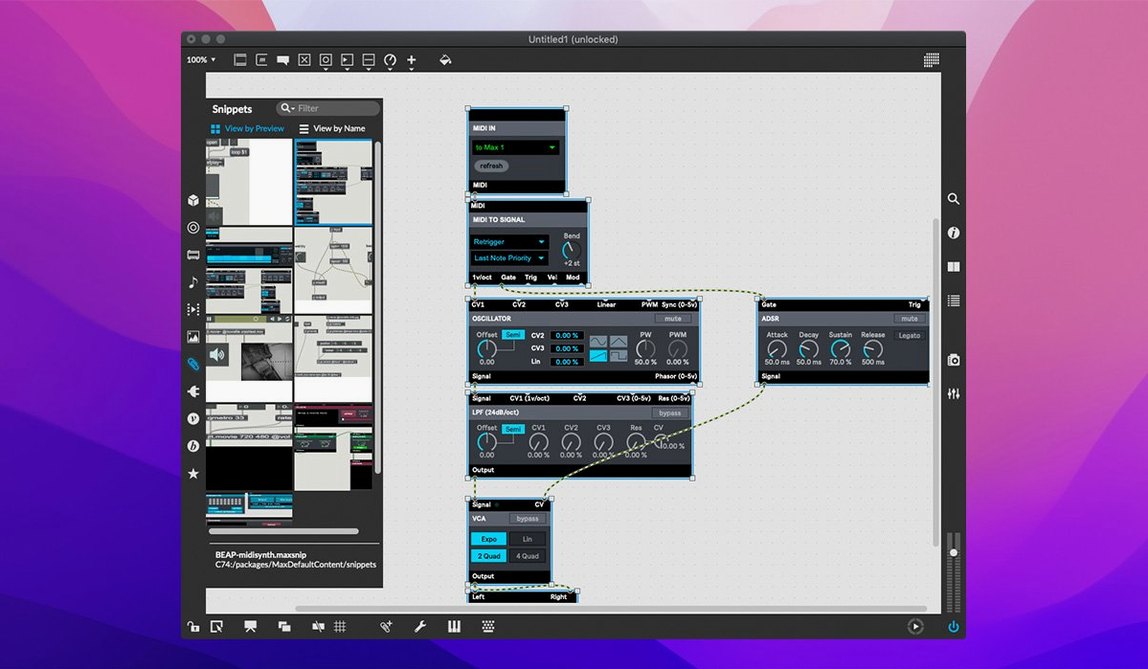
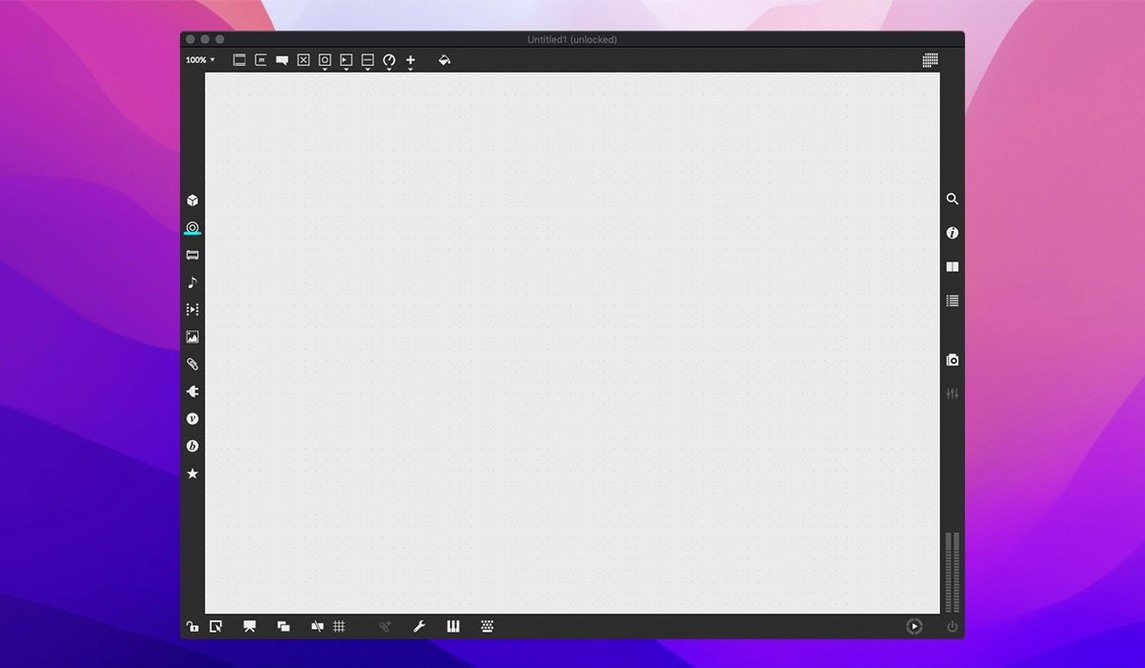
If you use Logic Pro for arranging and mixing, think of Max as its open-ended cousin — a place where the invisible wiring between instruments is something you build yourself, with patch cords and objects instead of code. Max is a visual programming environment for music and multimedia, and it slots into a Mac-based setup as the ultimate scratchpad for custom audio processing, interactive installations, or instruments that don't exist yet.
- Sketch in Max, polish in a DAW. Build a generative sequencer, an oddball reverb, or a MIDI processor in Max, then route the audio or MIDI into Logic or Ableton Live. Max acts as the lab; your main sequencer handles the arrangement and final mix.
- Let Max talk to your hardware. Patch live.banks — which now supports button assignments for parameter banks — to MIDI controllers and synthesizers. It turns a simple button press into a complex chain of events without a single line of traditional code.
- Render standalone tools with RNBO. The bundled RNBO v1.3.5 lets you export patches as plug-ins, Raspberry Pi code, or web audio. A reverb you design in Max can become an Audio Unit that sits neatly in your regular DAW channel strip.
- Use QuickTime as a canvas. Max plays QuickTime movies, so you can design sound that responds to picture — useful for scoring or gallery work — all within the same patch window.
The whole thing runs natively on both ARM and 64-bit x86 Macs from macOS 11 onwards, and the 40-plus interactive tutorials mean you're not staring at a blank canvas on day one. A recent fix tidied up a potential Inspector crash when editing a text field, and the Web Based Text Editor now properly lists externals — small but practical improvements that keep the patching environment steady when you're deep in a complex build.
Controller banking snapped into predictable alignment
Version 9.0.9 isn't a headline-grabbing release, and that's precisely the point. The support for button assignments in live.banks means hardware controllers with multiple banks of pads or buttons now map more predictably — no more hunting through a patch to figure out why the third row of a Launchpad triggers the wrong cue. For live performers, that's the difference between trusting your rig and nervously watching it during a set.
The bundled RNBO v1.3.5 brings better stability when exporting patches to plug-in formats. If you've ever built a Max patch and tried to package it as an Audio Unit for use in Logic, earlier versions occasionally dropped parameter mappings or introduced clicks at buffer boundaries. The update tightens that export path, so the reverb or synth you design sounds identical inside a DAW as it does in the Max editor.
Small fixes matter more than they sound. The Inspector crash that occurred when closing a text field — imagine accidentally dismissing a comment box with unsaved changes and losing twenty minutes of careful object-attribute tweaks — is gone. And the Web Based Text Editor now correctly lists externals and subpatcher files, which helps when you're maintaining a library of custom objects across projects and need to trace which file a patch actually depends on.
A patch with three hundred objects and criss-crossing cables
Max is generous with rope, and new users tend to tie knots. The most common misstep is treating the patch as a single flat canvas. A patch with three hundred objects and cables criss-crossing like a plate of spaghetti works until it doesn't — debugging it means tracing signal flow through a visual maze. The fix, learned the hard way, is encapsulation: select a logical chunk, hit the Encapsulate command, and turn it into a subpatcher with named inlets and outlets. Your future self will thank you.
Another classic stumble: ignoring the right-to-left message order. Max processes messages from rightmost outlet to leftmost when multiple connections leave a single object. Newcomers wire a bang to three destinations and assume simultaneous execution. They get a cascade that fires in reverse visual order, producing glitches or dropped notes. The tutorial on message ordering exists for a reason.
There's also the temptation to skip the built-in help system. Every object in Max has a working demonstration patch — right-click any object and choose Open Help. Beginners often Google a problem for half an hour instead of opening the help file that ships with the software and contains exactly the annotated example they need.
Polished interface and gen~ versus Pd’s lean launch
Max versus Pure Data (Pd). Pure Data is Max's open-source relative, originating from the same Miller Puckette lineage. Pd feels lean — it launches in seconds and runs on almost anything. Max, by contrast, arrives with a polished interface, the RNBO export pipeline, and the MSP audio engine tightly integrated. Pd requires more manual setup for things Max handles natively: QuickTime playback, the inspector-based debugging tools, and the cross-platform SDK for writing externals. If you want a lightweight patcher that costs nothing, Pd works. If you want an environment where the documentation, built-in tutorials, and UI refinement shorten the path from idea to working patch, Max pulls ahead.
Max versus Reaktor. Native Instruments' Reaktor is the closest commercial competitor, and the philosophical split is instructive. Reaktor presents a modular synthesiser paradigm — you build instruments from oscillators, filters and envelopes, and it excels at DSP-heavy sound design with a huge factory library. Max is broader: audio processing is one neighbourhood in a city that also contains MIDI routing, serial-port communication, video playback, and real-time UI construction. Reaktor makes a superb custom synth; Max makes a custom synth, then lets you embed it in a touch-screen installation that controls lighting via OSC while generating notation data for Sibelius. The learning curve is steeper, but the ceiling is higher.
Max versus TouchDesigner. TouchDesigner dominates real-time visual performance and projection mapping, areas where Max can participate but doesn't lead. If your work is primarily graphics-driven — generative video, LED wall control, 3D reactive environments — TouchDesigner's node-based rendering pipeline is purpose-built. Max handles video competently via Jitter, but its real strength lies in the marriage of audio, control data and interactivity. Many installations use both: Max runs the audio engine and sensor logic, piping data to TouchDesigner for the visual layer.
Confirm your sample rate and buffer size match the interface
Out of the box, Max is configured for safe, general-purpose patching. A few adjustments tip it towards your actual workflow.
Open the Audio Status window and confirm the sample rate and buffer size match your interface. Max defaults to a conservative buffer that adds latency unnecessary on a modern Mac. Drop it to 256 samples — or 128 if your machine handles it — and real-time audio feels more responsive.
Enable Overdrive in the Audio Status window if you're running computationally heavy patches. It engages a separate high-priority thread for DSP, reducing audio dropouts when the scheduler juggles graphics and MIDI alongside the signal chain. On an ARM Mac, this can be the difference between a crackle-free performance and a patch that stutters when you drag a UI element.
Turn on Message Tracking from the Debug menu. It prints every message passing through your patch to the Max Console, which looks noisy but teaches you the actual message flow faster than any tutorial. Leave it off during performances — it adds overhead — but for development sessions, it's the quickest way to diagnose why a number box isn't updating.
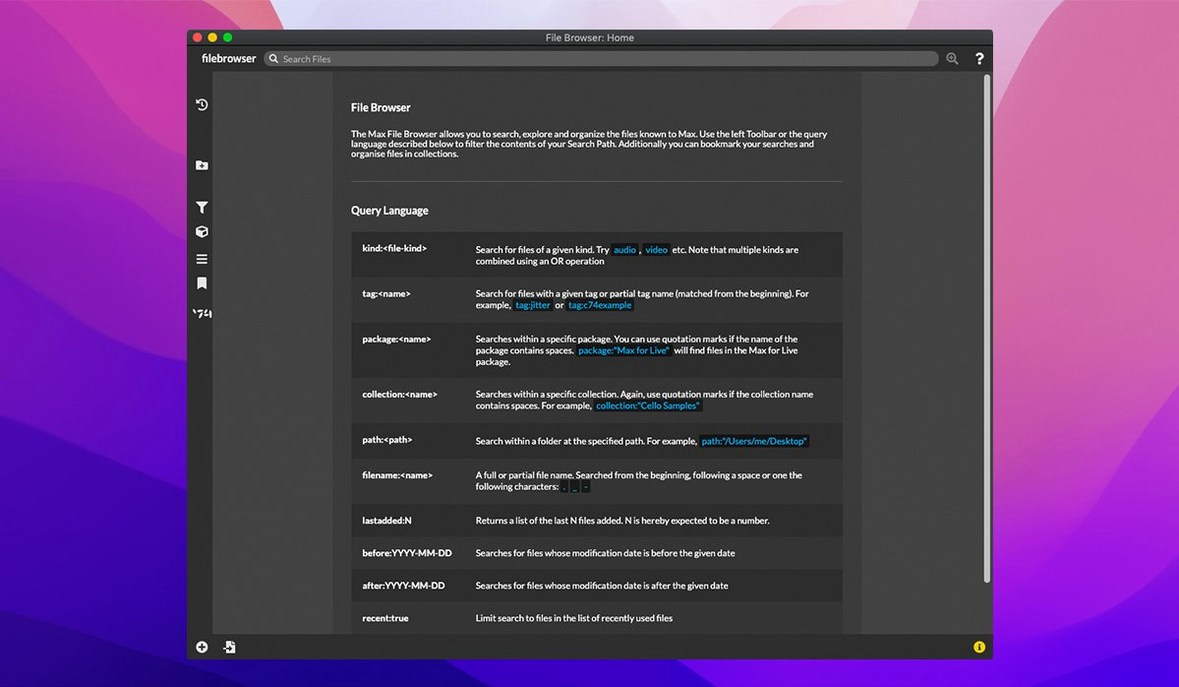
Finally, set the file path preferences. Max searches for externals and abstractions in a default folder, but if you maintain a personal library — and you will, once you start building reusable components — add its location under File Preferences. No relative-path headaches when you move a project between machines.
Max 9.0.9 sharpens a few practical corners for patching and live performance. The update bundles RNBO v1.3.5 for exporting your patches to other formats, adds button assignment support for parameter banks in live.banks, and fixes a crash that could occur when editing or closing a text field in the Inspector.
- macOS 11 or later
- Runs natively on Apple Silicon and 64-bit Intel Macs
- English interface
Questions I keep hearing
Can Max 9 run multiple patches or tasks at the same time?
Yes, Max can create and run multiple applications and tasks simultaneously, limited only by your computer's memory and processing speed.
Questions from the class 0
Sign in or join the class to ask a question.
Nobody has asked anything yet. If you have used it on a real job, say what the file did.
Also on the Audio shelf
The whole Audio shelf Cubase
Provides a musical workspace that keeps up with an arrangement as fast as you can imagine it.
Cubase
Provides a musical workspace that keeps up with an arrangement as fast as you can imagine it.
 djay Pro
Mixes tracks, samples, and video on a pair of software decks that grow with your skill.
djay Pro
Mixes tracks, samples, and video on a pair of software decks that grow with your skill.
 Cockos REAPER
Turns a Mac into a full multitrack studio for recording, arranging and mixing audio.
Cockos REAPER
Turns a Mac into a full multitrack studio for recording, arranging and mixing audio.
 Dorico Pro
Engraves fully notated scores with the structural clarity of a modern DAW.
Dorico Pro
Engraves fully notated scores with the structural clarity of a modern DAW.
 Boom 3D
Reshapes your Mac's entire output with an equaliser, a volume boost, and spatial widening.
Boom 3D
Reshapes your Mac's entire output with an equaliser, a volume boost, and spatial widening.
 Bitwig Studio
Gives producers a sandbox for recording, sound design, and live performance with modular freedom.
Bitwig Studio
Gives producers a sandbox for recording, sound design, and live performance with modular freedom.
 Fender Studio Pro
Guides you through your first recording sessions step by step.
Fender Studio Pro
Guides you through your first recording sessions step by step.
 FL Studio
Gives you one space to record, shape, and arrange your music.
FL Studio
Gives you one space to record, shape, and arrange your music.