 ASPNetWorld

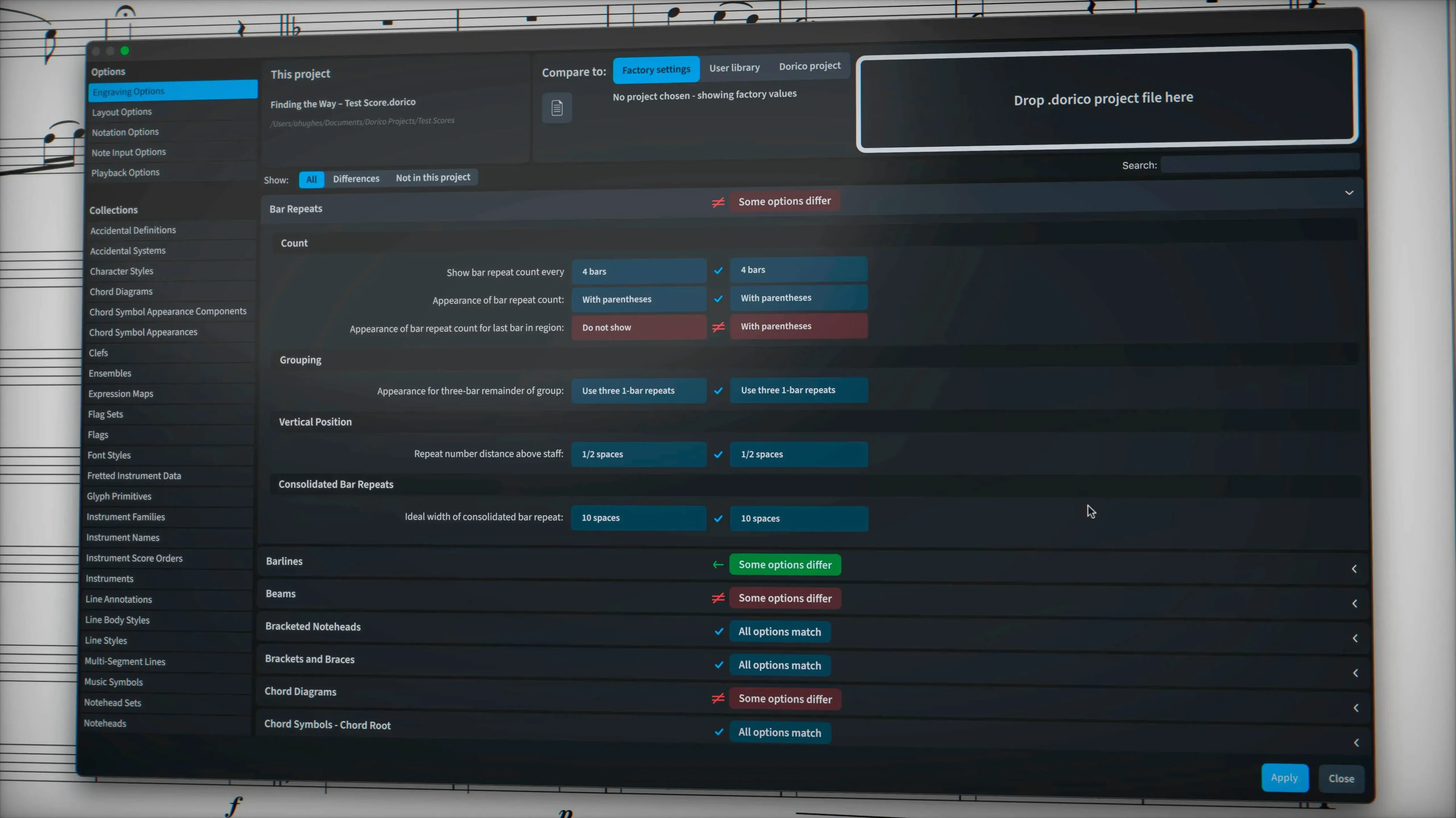
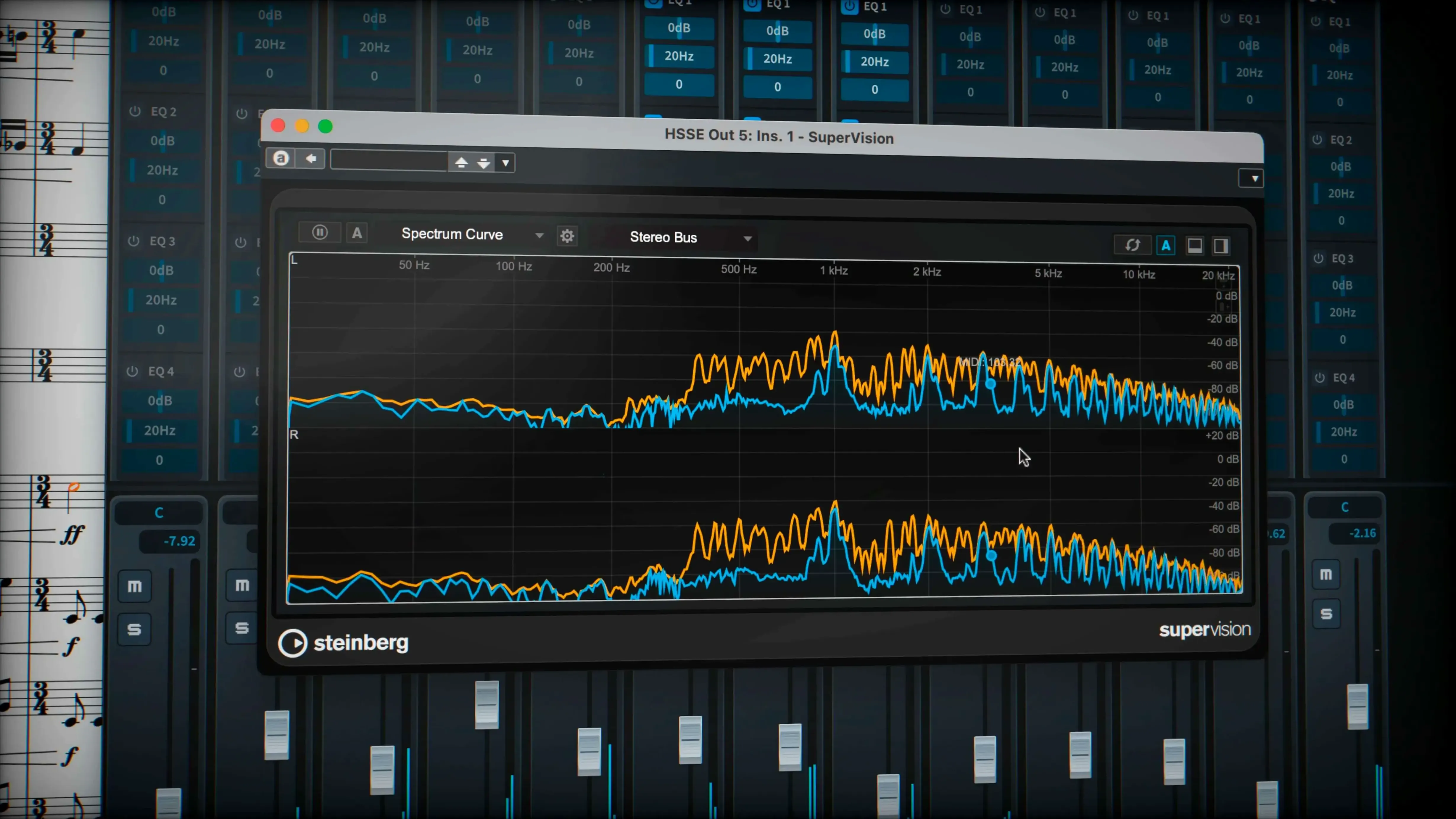
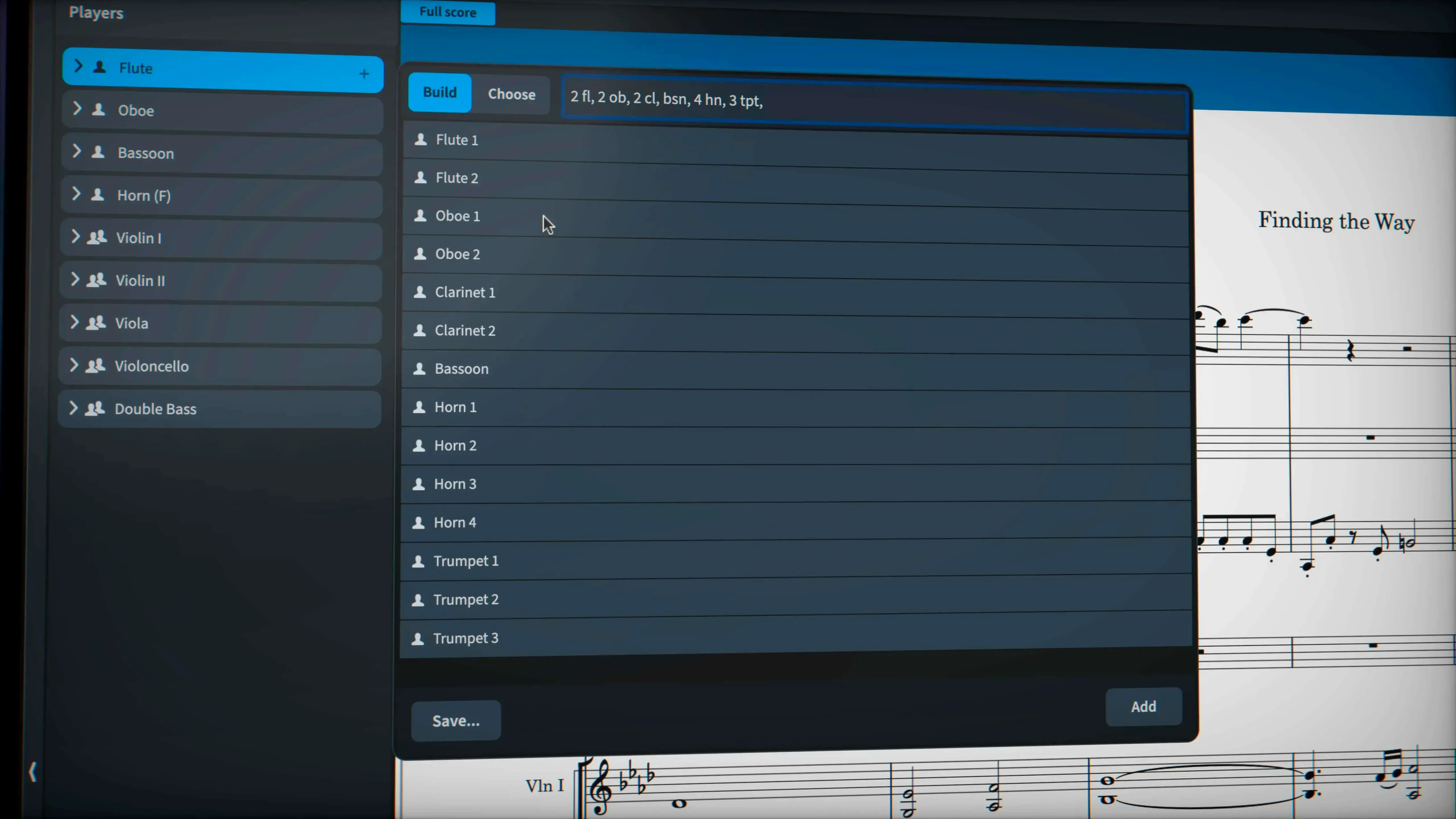
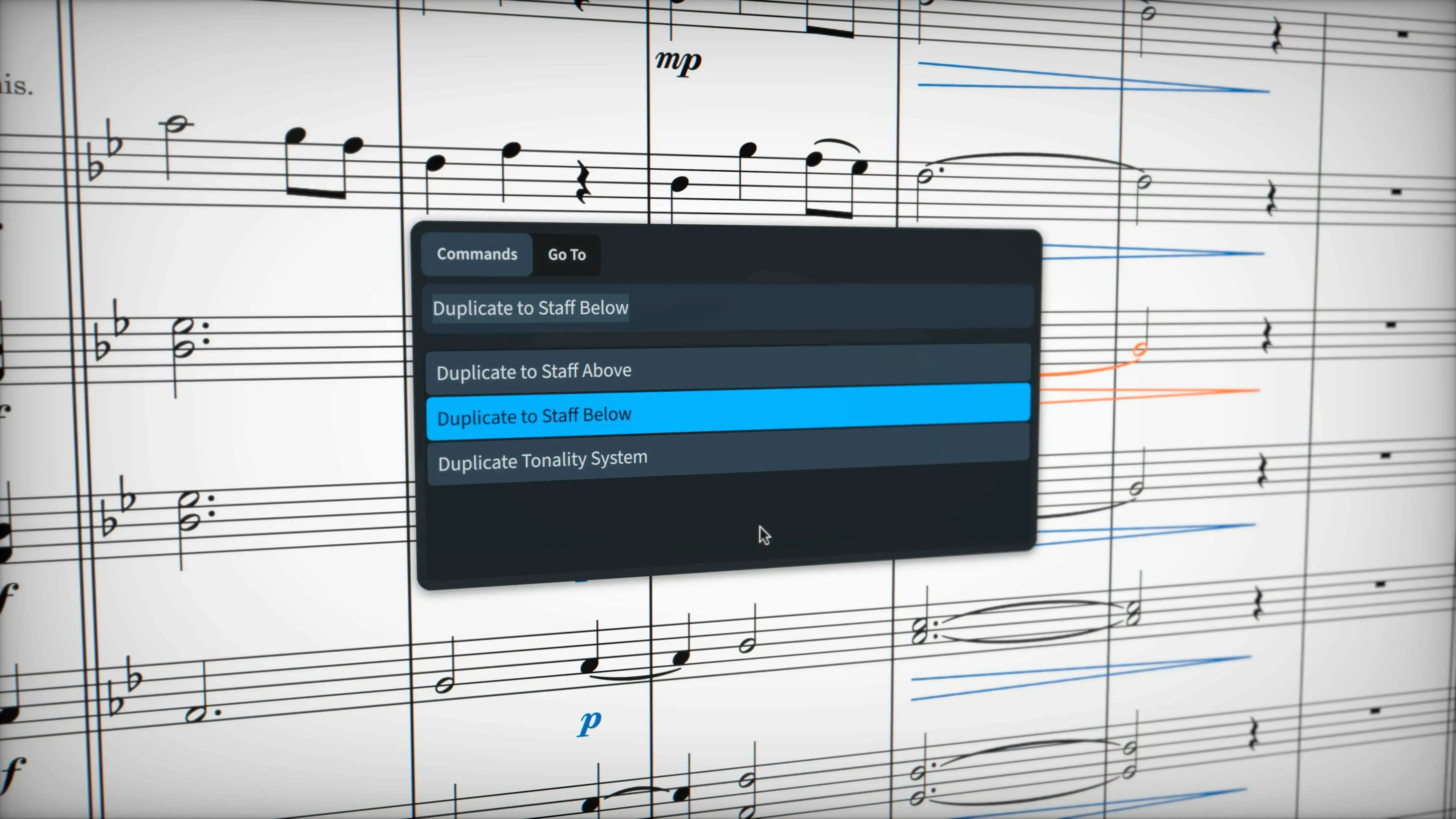
If you come to Dorico from a traditional sequencer, the concept of a musical ‘flow’ feels immediately familiar — a bit like arranging patterns in a DAW, but for fully notated sections of a score. That structural clarity is what first hooks a lot of experienced users. But what keeps them are the tools that go far beyond note entry, the ones that handle the genuinely fiddly corners of professional engraving. This is where version 6.2.30 earns its keep.
Override a glissando line style from the properties panel
1. Shape a glissando to your exact spec. A wiggly gliss line doesn’t have to settle for the default trill wiggle glyph. Open the properties panel and assign a line style from your project — you can override the look of a single gliss without touching the global engraving rules.
2. Clean up tuplet exports without guesswork. When tuplet brackets and numbers are hidden by your engraving options, older workflows could leave stray artefacts in an exported file. The latest build exports them cleanly, so what you see in the print preview is genuinely what lands in the MusicXML or PDF.
3. Write music that notation normally fights against. Tuplets that cross bar lines, microtonal accidentals, and stemless noteheads all sit comfortably in the same bar without workarounds. The automatic page layout and collision avoidance engine simply handles them, leaving you to worry about the music rather than the geometry of the page.
4. Sustain the details. Exporting sustain and sostenuto pedal lines is now properly supported, so playback instructions you add in Dorico travel intact to other software via MusicXML or MIDI. The software’s 30 included VST 3 processors also give you a capable mixing environment right inside the notation window.
These aren’t flashy features, but for a working arranger or engraver they’re the difference between a tool that gets you most of the way and one that actually finishes the job. The improved handling of hidden notes tightens up the editing experience further, so you can suppress a note from the printed page while keeping it active for playback — a textbook example of a small fix that resolves a daily irritation.
Where Dorico fits in your Mac ecosystem
A notation program doesn't live in isolation. Dorico talks to the rest of your setup in ways that repay a little initial configuration. MIDI out, for instance, can pipe individual voices to Cantai via the Track Inspector in Play mode — tick the independent voice playback checkbox and suddenly your four-part vocal score is driving four separate instrument channels, each with its own expression map. That's a workflow that makes sense the moment you hear it working.
MusicXML import and export received attention in the 6.2.30 update, and it's worth knowing that Dorico's MusicXML round-trip is now clean enough to treat as a bridge to other notation tools, not a last resort. If a colleague sends you a Sibelius or Finale file, you can pull it in, edit, and send it back without spending an afternoon on damage control. The same applies to MIDI exchange with Logic Pro — tempo maps, time signatures, and articulations survive the journey better than you might expect, though some massaging of expression data is still advisable.
Dorico also integrates with macOS at a system level. It respects Core Audio device switching, so unplugging your audio interface mid-session won't cause a meltdown. The built-in sound library — roughly 1,500 patches — sits inside the VST 3 host, but you can also route audio to any Core Audio-compatible application using BlackHole or Loopback if you need to record Dorico's output directly into a DAW. Finally, drag-and-drop from the Finder works for importing graphics into page templates, which is a small but telling macOS convention that the developers bothered to support.
Resist replicating your old workflow for a faster adjustment
New notation software has a reputation for feeling alien for the first week. Dorico is no exception, but a few deliberate moves early on will shorten the adjustment period considerably. The trick is to resist the urge to replicate your old DAW or notation workflow keystroke for keystroke — Dorico's logic rewards meeting it on its own terms.
Day one: build a one-page score and print it. Don't start your symphony. Create a simple piano piece with a title, a tempo marking, and a couple of dynamic changes. The goal is to experience the automatic page layout engine from note entry to printed page. Watch how collision avoidance moves items as you add notes — it's instructive to see the algorithm work in real time, and it teaches you which elements you can trust to handle themselves and which benefit from manual nudging.
Day two: explore the piano-roll editor. If you come from a sequencer background, the MIDI editor in Play mode will feel like familiar territory. Open a passage you entered in notation view and look at it as MIDI data. This dual view is where Dorico reveals its hybrid nature — you can quantise a performance, adjust velocities, or shift note lengths without ever leaving the score environment. It's also the fastest route to tightening up playback timing before exporting a reference audio file.
Day three: set up a project template. By now you'll have discovered preferences you reach for repeatedly. Save a template with your preferred house style, instrument roster, and playback configuration. Include a couple of common flows — maybe a full score layout and a set of parts. Dorico's template system is deep enough that a well-built starting point can save twenty minutes of setup on every future project.
Engineered for the space between composition, engraving, and playback
Dorico Pro has always been engineered for the person who lives between composition, engraving, and playback. The users who extract the most value from it fall into a few distinct groups, and the 6.2.30 update sharpens the offer for each.
Professional engravers and copyists are the natural home crowd. The tuplet export fixes, hidden-note handling, and glissando line-style overrides are precisely the kind of refinements that turn a three-hour clean-up session into a thirty-minute polish. When a publisher expects camera-ready parts on a deadline, the ability to suppress a note visually while keeping it sounding — and have that decision travel correctly through MusicXML — isn't a luxury, it's the price of entry. Some users searching for a Dorico Pro 6 crack are engraving students who have been asked to deliver professional-grade scores and need to practise on the same tool the industry uses.
Composers working with unusual notation — microtonality, stemless notation, tuplets across barlines — find that Dorico removes the fight. Most notation software treats these as edge cases requiring clumsy workarounds. Dorico treats them as first-class citizens, and version 6.2.30 continues that philosophy. If your music doesn't look like standard notation, the application still behaves as though it was designed for you.
Educators and students who need a single environment for composing, arranging, and producing reference recordings get the benefit of the 1,500 built-in sounds plus the VST 3 rack. A student searching for a dorico mac torrent is often facing the practical reality of needing professional notation software across multiple machines — a campus lab Mac and a personal laptop — and Dorico's architecture handles both Apple Silicon and Intel Macs transparently.
Small conveniences worth memorising
Every deep application has features that hide in plain sight, the ones experienced users deploy without thinking while newcomers scroll through menus. Here are a few that repay the effort of committing to muscle memory.
Popovers are faster than menus. Press Shift+P for the playing techniques popover, Shift+D for dynamics, or Shift+T for tempo text. You type what you want — "pizz", "mf", "Allegro" — and Dorico applies it intelligently to the selected range. This is significantly quicker than hunting through palettes, and it works because Dorico interprets your intent rather than simply pasting text onto the page.
The system track in Play mode. The piano-roll editor gets the attention, but the system track above it — showing tempo, time signature, and marker events — is the real navigation hub. Clicking a marker jumps playback and view simultaneously. Dragging a tempo point adjusts it graphically. It's the fastest way to audition a section with a different tempo shaping.
Right-click anything. Dorico's context menus are unusually complete. Right-click a notehead and you can change notehead type, hide the note, or adjust its playback properties without opening a separate panel. Right-click a barline to insert a time signature change. The design philosophy seems to be: if you can see it, there's a right-click shortcut for it.
Key commands for layout switching. Ctrl+Tab cycles through open layouts — full score, parts, custom views. Combined with W to toggle between Page View and Galley View, you can move around a large project almost entirely from the keyboard. This alone is worth the initial learning investment if you work on orchestral scores where you're constantly cross-referencing parts against the full score. A user who grabbed a dorico torrent to try the software before committing to a purchase often discovers this keyboard fluency is what finally sells them on the application's design.
- macOS 12 or later
- Apple Silicon or Intel processor
Questions from the class 0
Sign in or join the class to ask a question.
Nobody has asked anything yet. If you have used it on a real job, say what the file did.
Also on the Audio shelf
The whole Audio shelf djay Pro
Mixes tracks, samples, and video on a pair of software decks that grow with your skill.
djay Pro
Mixes tracks, samples, and video on a pair of software decks that grow with your skill.
 Cycling '74 Max
Lets you build your own instruments and effects by connecting visual objects with virtual patch cords.
Cycling '74 Max
Lets you build your own instruments and effects by connecting visual objects with virtual patch cords.
 Cubase
Provides a musical workspace that keeps up with an arrangement as fast as you can imagine it.
Cubase
Provides a musical workspace that keeps up with an arrangement as fast as you can imagine it.
 Fender Studio Pro
Guides you through your first recording sessions step by step.
Fender Studio Pro
Guides you through your first recording sessions step by step.
 FL Studio
Gives you one space to record, shape, and arrange your music.
FL Studio
Gives you one space to record, shape, and arrange your music.
 Cockos REAPER
Turns a Mac into a full multitrack studio for recording, arranging and mixing audio.
Cockos REAPER
Turns a Mac into a full multitrack studio for recording, arranging and mixing audio.
 Guitar Pro
Transcribes the riff in your head into tab that plays back accurately.
Guitar Pro
Transcribes the riff in your head into tab that plays back accurately.
 Guitar Rig
Routes your guitar through a custom chain of modelled amps and effects.
Guitar Rig
Routes your guitar through a custom chain of modelled amps and effects.