 ASPNetWorld

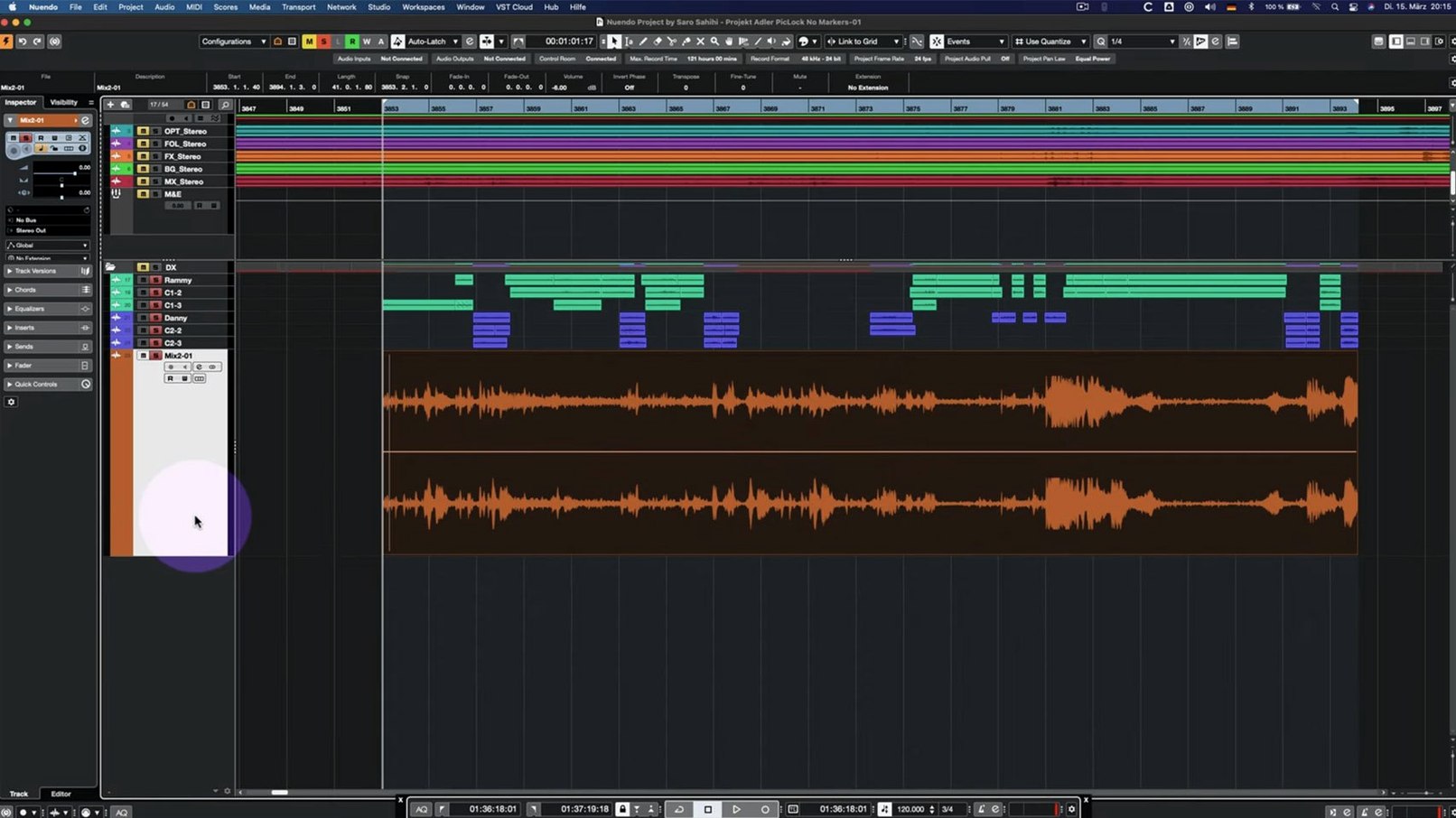
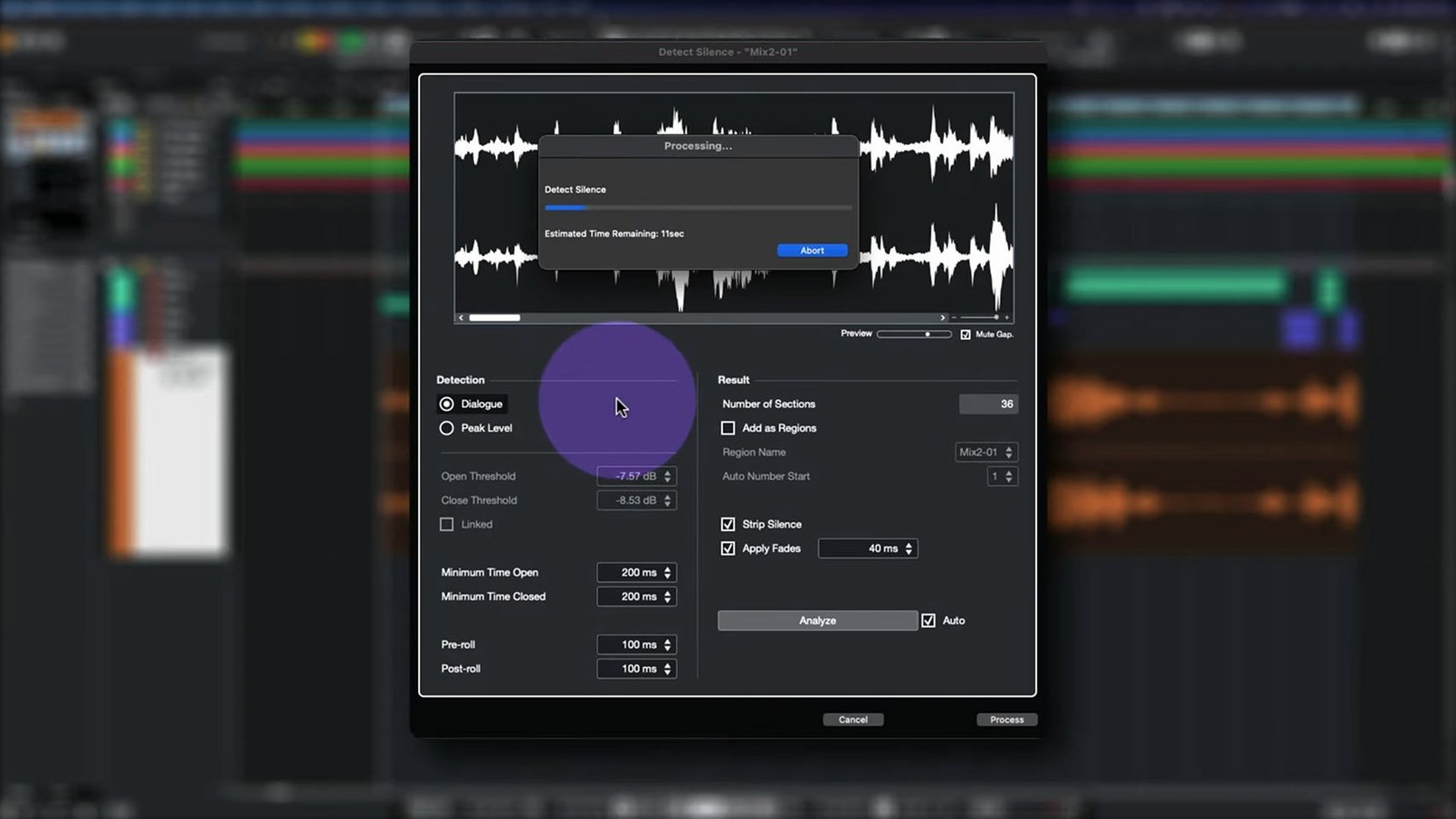
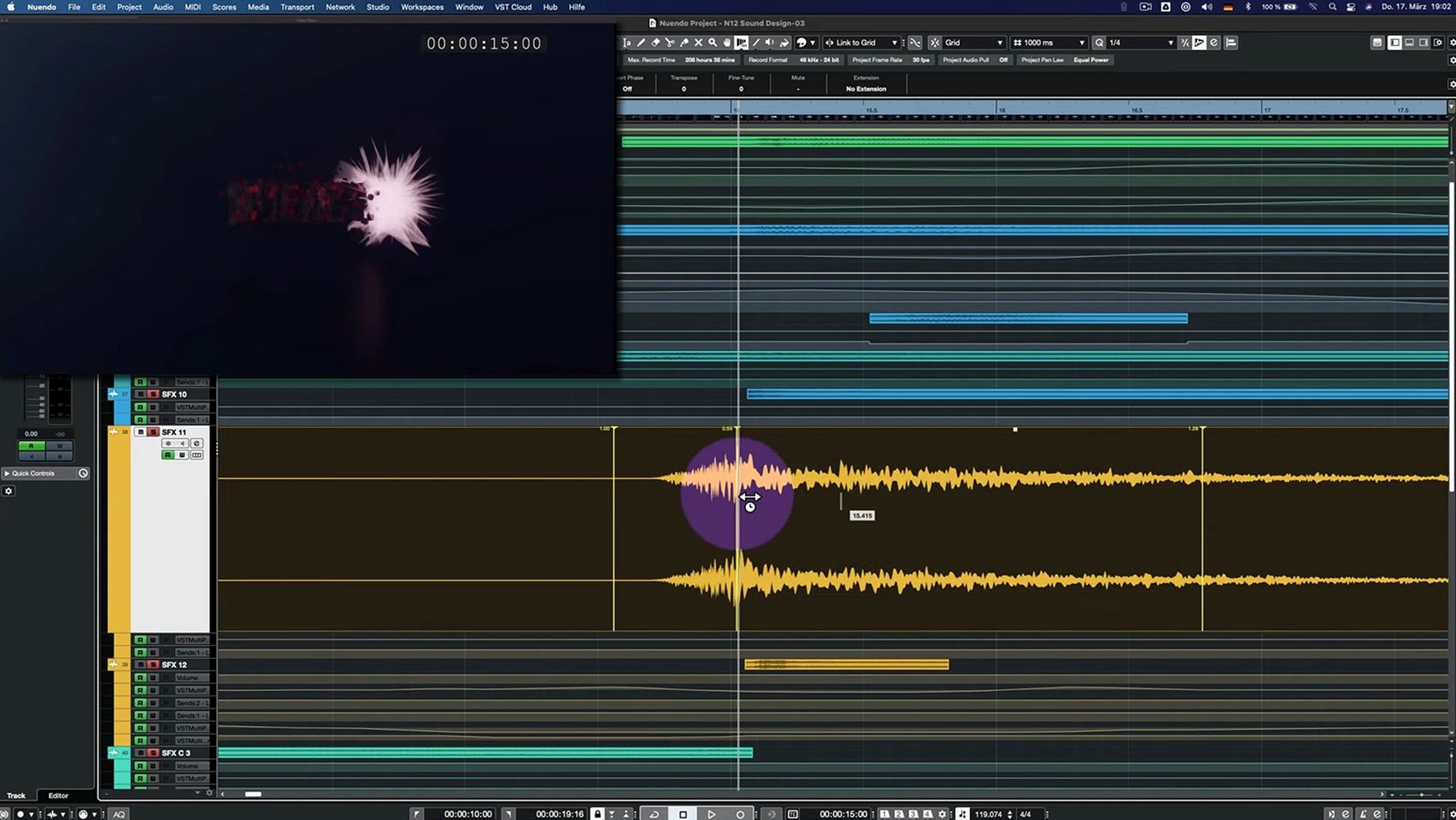
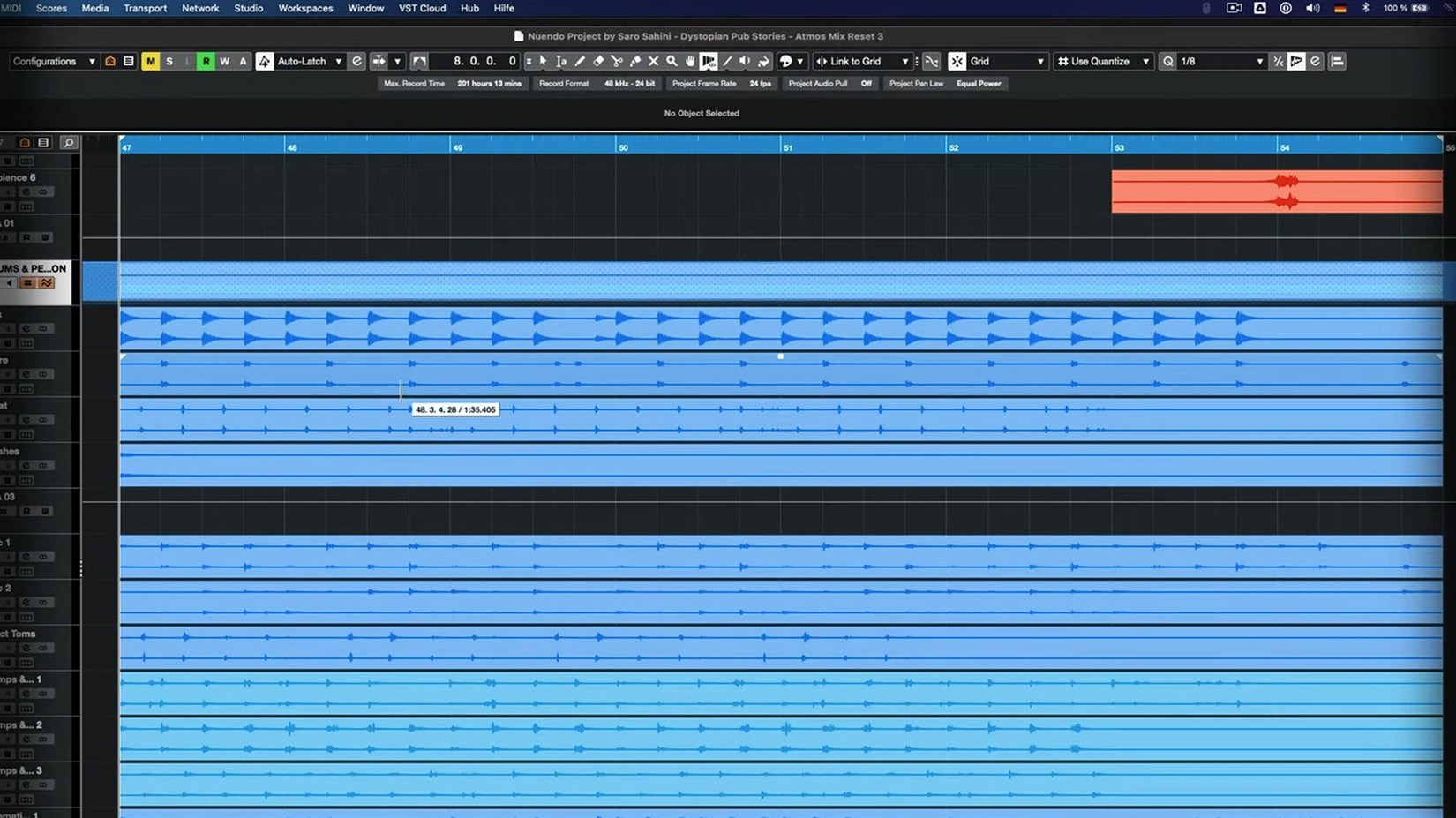
Nuendo is the kind of tool you'll find in dubbing theatres, game-audio suites and the cutting rooms of dialogue editors. It's a professional audio post-production workstation, built from the ground up for film, television, games and immersive audio. The goal is simple: make the precision work—dialogue editing, spotting sound effects to picture, delivering a Dolby Atmos mix—feel direct and uncluttered.
Assemble dialogue performances with grouped Comp Tool edits
- Dialogue editing. The Comp Tool with Group Editing lets you assemble a performance from multiple takes and have your fades, clip-gain edits and crossfades follow across all grouped tracks simultaneously—a huge timesaver when a line needs to be built from six microphones.
- Visual feedback. The Analyzer track puts a real-time spectral display directly on your timeline, so you can check for low-end rumble or a problematic resonance in a car engine effect without opening a separate plug-in window.
- Flexible routing. Folder tracks now behave with full Group Channel functionality, letting you sum, process and meter a submix—like an entire ambience bed—inside the folder structure you already organise your session with.
This is a dedicated post workstation, not a music-composition tool
- Nuendo is a dedicated post-production workstation; musicians looking for traditional music-composition features are better served by its sibling, Cubase.
- The interface language is English only.
- It runs natively on Apple Silicon and Intel Macs, as well as Windows x64 and Windows on Arm.
A dialogue editing workflow, start to finish
Let's walk through a typical task: cleaning up and assembling a dialogue scene for a short film. You've got a picture lock, an AAF from the picture editor, and the production sound—a boom track plus two radio mics per actor. The goal is a tight, natural-sounding dialogue stem that the re-recording mixer can push straight into the final mix.
First, import the AAF and point Nuendo to the original production audio files. The session populates with clips on labelled tracks, roughly in place. Immediately, you'll notice the boom track has a low-frequency thump every time an actor steps on a hollow floorboard. Rather than reaching for a third-party EQ, drag the Analyzer track onto the timeline below the boom. Set its source to the boom track and watch the spectral display roll. The thump shows up as a bright smear around 80 Hz, exactly on the footstep transients. Now you know precisely where to notch, and you can confirm the fix visually as you work.
With the problem spots identified, switch to the Comp Tool. Group your boom and radio-mic tracks together. As you audition takes of a tricky line—where the boom caught too much room reflection—you can assemble the performance from the clean lavalier take, and every crossfade you draw on one track appears identically on the grouped channels. Clip-gain adjustments made on the lav track ripple across the group, so the mixer downstream gets a consistent level. No exporting stems to a new session, no manual copying of fades.
Finally, route all dialogue tracks to a folder that's been set up with Group Channel functionality. Insert a gentle compressor across the whole dialogue submix and watch the folder's meter. You're hearing the summed dialogue with processing applied, all within the same folder structure that keeps your session tidy for the mix handover.
Set up your external instruments and ergonomics early
Nuendo arrives with a lot under the bonnet, and the first days are about getting the ergonomics right so the software stays out of your way. Here are a few things worth doing early.
- Set up your external instrument and MIDI ports early. The 15.0.30 update tidied Quick Link behaviour with MIDI ports and channels. Go to Studio Setup and define which ports are visible in the track inspector. If you're running a fader controller or a sound-effects keyboard, do this before you build any track templates—it'll save re-mapping later.
- Build a post-production template. Create a project with your standard track layout: dialogue DX, Foley, backgrounds, hard effects, a 5.1 or Atmos bed, and a couple of Group Channel folders for submixes. Save it as a template. The folder-track routing improvements in the current version mean you can nest a background-fx folder inside a broader effects stem folder and have both sum correctly without messing with the signal flow.
- Test the Comp Tool with a dummy session. Group three audio tracks, drop in some random clips, and practise assembling a composite. Get a feel for how the edit cursor behaves when group editing is on. It's the feature that rewards a half-hour of fumbling before you need it on a paying gig.
Also worth noting: the Multiband Envelope Shaper plug-in had a bypass-performance optimisation in this build. If you use it to tighten up transient-heavy Foley, try leaving it inserted but bypassed across several tracks. The CPU hit is now negligible, which means you can keep it parked on channels without committing to a render until later.
Fix broken routing when importing track archives from colleagues
Even a workstation as mature as Nuendo has corners where people trip. Here are a few I've seen in the classroom and on sessions.
Snag: You import a track archive from a colleague, and the routing is broken—sends feeding into the void, panners flipped to odd configurations. Fix: The 15.0.30 release improved imported track-settings handling, but it still pays to open the archive in a blank session first. Check the Track Import dialogue and make sure you're pulling in the correct bus assignments. If the archive came from an older Nuendo version, rebuild the output routing manually—it only takes a minute and eliminates phantom signal paths.
Snag: You've got a locked global track for ADR cues, and the Score Editor refuses to open or behaves oddly. Fix: This was specifically addressed in the current update. If you're still seeing glitches, unlock the global track temporarily, open the Score Editor, then re-lock it. The editor needs an unlocked timeline to parse note data correctly.
Snag: Direct Offline Processing with VST Bass Amp or VST Amp Rack shows a garbled interface or doesn't apply processing. Fix: The UI issue is resolved in 15.0.30, but if you're picking up projects from an earlier build, delete the offline processing event and re-apply it. The fix requires the plug-in to be re-instantiated; old processed events may carry the bug forward.
Colour-coded track lanes across two screens for a reel mix
Tuesday morning, nine o'clock. The kettle's boiled, and a short film's final reel is open in Nuendo. The timeline stretches across two screens: video on the left monitor, track lanes on the right. You've got fifty-two tracks, organised into colour-coded folders—DX in blue, Foley in brown, BGs in green, and an Atmos bed folder at the bottom.
You start by soloing the dialogue folder. A scene in a kitchen has the actors' lines fighting against a fridge hum that the location recordist couldn't kill. You pull up the Analyzer track on the boom channel and spot the hum sitting steadily at 50 Hz with harmonics at 100 and 150. A narrow notch at 50 Hz, a gentler dip at the harmonics, and the hum drops away without thinning the voices. You confirm by watching the spectral display smooth out.
Next, the director's notes ask for the fridge to actually be louder in one shot, for tension. You open the background-effects folder and locate the dedicated fridge-buzz track you'd spotted from the sound report. The folder-track Group Channel already has a subtle high-pass engaged, so you bypass it temporarily with a single click and push the clip gain up by four decibels. The folder meter shows the summed background level rising cleanly; no clipping, no surprises.
Mid-morning, the ADR supervisor sends over two re-recorded lines. You drop them onto new tracks inside the DX folder, group them with the original production tracks, and switch the Comp Tool on. The actor's new delivery fits better on the second half of the line, so you slice at the midpoint and crossfade. The grouped tracks follow the edit exactly—boom, lav one, lav two all transition together. You add a few milliseconds of room tone fill on a separate lane to cover the join, and the edit disappears.
By lunchtime, the reel is playing back with dialogue, backgrounds and spot effects balanced inside their folders. You render a quick preview for the director, knowing the session is clean enough to hand straight to the dubbing theatre. That's the rhythm Nuendo encourages: solve the problem on the timeline, keep the routing logical, and trust the tools to stay responsive while you work.
The afternoon might bring a nuendo free download search from an assistant who's setting up a home rig to practise dialogue editing, or maybe someone hunting a nuendo torrent to test the immersive features before committing to a full post suite. Either way, the same session file opens natively on Intel and Apple Silicon Macs, so the workflow travels wherever the project goes.
Version 15.0.30 is a maintenance update that tidies up quite a few corners of the application while adding one genuinely visible improvement.
- The Analyzer track has been reworked, so its real-time spectral view integrates more smoothly into your workflow.
- Folder tracks now behave as proper Group Channels, making submix routing and processing far more logical.
- Handling of imported track settings and track archives has been improved, reducing odd behaviour when moving sessions between systems.
- Quick Link and MIDI port or channel behaviour have been adjusted for more predictable control.
- Several fixes arrived for the Comp Tool with Group Editing and the Score Editor's behaviour with locked global tracks.
- The Direct Offline Processing interface no longer causes a UI glitch when using VST Bass Amp or VST Amp Rack.
- Bypass performance on the Multiband Envelope Shaper plug-in has been optimised.
- macOS 11 or later
- Apple Silicon or Intel processor
Questions I keep hearing
What is the Comp Tool with Group Editing?
It's a way of editing multiple takes into a single performance while your trims, fades and clip-level changes are applied automatically across all grouped tracks, keeping everything perfectly in sync.
Can I use Nuendo 15 on an older Mac?
It requires macOS 11 or later, so any Mac that can run Big Sur, Monterey or newer—Intel or Apple Silicon—will handle it.
Questions from the class 0
Sign in or join the class to ask a question.
Nobody has asked anything yet. If you have used it on a real job, say what the file did.
Also on the Audio shelf
The whole Audio shelf Studio One
Streamlines music production with drag and drop.
Studio One
Streamlines music production with drag and drop.
 SoundSource
Gives you a menu-bar panel to adjust the volume and output of every app on your Mac individually.
SoundSource
Gives you a menu-bar panel to adjust the volume and output of every app on your Mac individually.
 Swinsian
Plays and organises local music files.
Swinsian
Plays and organises local music files.
 Serato Studio
Builds beats and full arrangements around your existing DJ library and its stem-separated parts.
Serato Studio
Builds beats and full arrangements around your existing DJ library and its stem-separated parts.
 Serato DJ Pro
Plays two or more audio tracks in sync and lets you blend them with hardware decks.
Serato DJ Pro
Plays two or more audio tracks in sync and lets you blend them with hardware decks.
 Traktor Pro
Mixes on four decks and isolates drums, bass or vocals from a track in real time.
Traktor Pro
Mixes on four decks and isolates drums, bass or vocals from a track in real time.
 QLab
Controls audio, video and lighting cues for live performances.
QLab
Controls audio, video and lighting cues for live performances.
 Plugin Alliance Brainworx bx_mastering studio
Polishes a finished stereo mix with a few focused mastering controls.
Plugin Alliance Brainworx bx_mastering studio
Polishes a finished stereo mix with a few focused mastering controls.