 ASPNetWorld
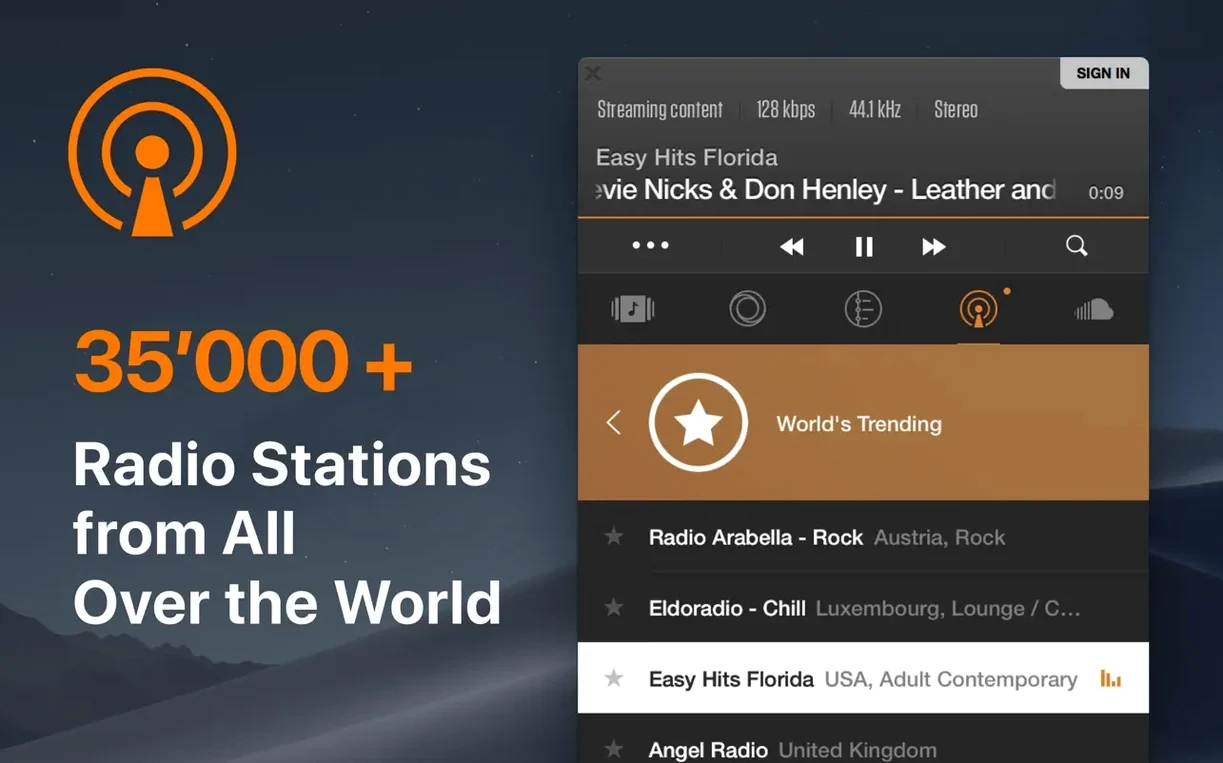
When you drop a folder of FLAC albums into the default Music app and half the tracks refuse to play, you quickly learn a truth many Mac users discover: Apple's built-in player cares deeply about its own formats and politely ignores the rest. VOX exists for that moment. It's a lightweight player from Coppertino that treats formats like FLAC, APE, DSD, and WMA as first-class citizens, not afterthoughts.
Under the hood, VOX uses its own audio engine—it doesn't pipe everything through the system's default player, which means it handles sample-rate switching and Hi-Res files without the usual workarounds. If you've just installed it and want to know where to start, here's the lay of the land.
Plays FLAC, DSD, and CUE sheets without conversion
- Playing lossless and high-resolution files—FLAC, ALAC, APE, DSD, WAV—without conversion.
- Working with CUE sheets and playlists in M3U, PLS, or XSPF formats, so a full album rip stays intact as one file with track points.
- Anyone who wants an alternative to the Music app (the former iTunes) that stays out of the way and focuses purely on local and network playback.
- Listeners who want the app's own audio engine handling playback rather than the system's default player.
macOS-only, no iPhone or iPad version
- VOX is macOS-only, so it won't follow you to an iPhone or iPad.
- It needs macOS 10.15 (Catalina) or later to run.
- The interface is available in Russian, English, Traditional Chinese, and Japanese—other languages are not currently supported.
A real-world session: prepping a live set from a network library
Let’s walk through a plausible two-hour prep session for a DJ who keeps a sprawling library of lossless dance singles on a NAS drive in the studio. The goal is to pull together a coherent forty-minute set, audition everything at full quality, and walk out with a single M3U playlist on a USB stick.
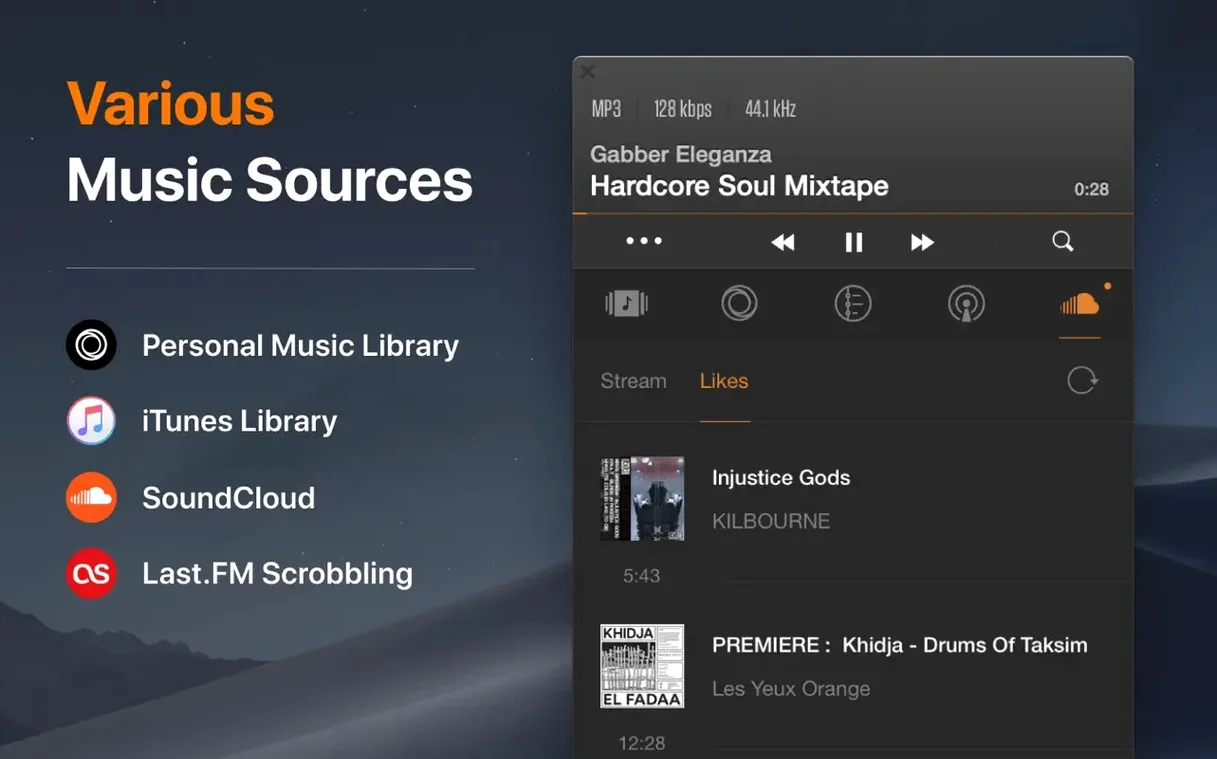
The first step is getting VOX to see the NAS. Open File > Add Source and point it at the network volume. Because VOX can index folders on network drives without copying files locally, the whole FLAC collection appears in the sidebar inside a minute or two. A quick tip: drag the NAS folder to the Favourites area so it survives a restart. With the library mounted, switch the view to Artist or Album—whichever maps better to how the tracks are tagged. Highlight a shortlist of about twenty-five candidates and press Space to preview; VOX keeps playback running in a separate window, so you can skip, scrub, and make notes without breaking context.
As keepers emerge, drag them one by one into a new playlist. Hit Cmd‑N, name it something sensible like “Warehouse warm‑up Feb”, and start building a running order. Because VOX respects M3U, PLS, and XSPF natively, the playlist stays portable—export it with File > Export Playlist and choose M3U. The file that lands on the USB stick carries relative paths, so any laptop that can reach the same NAS will resolve the tracks without fuss.
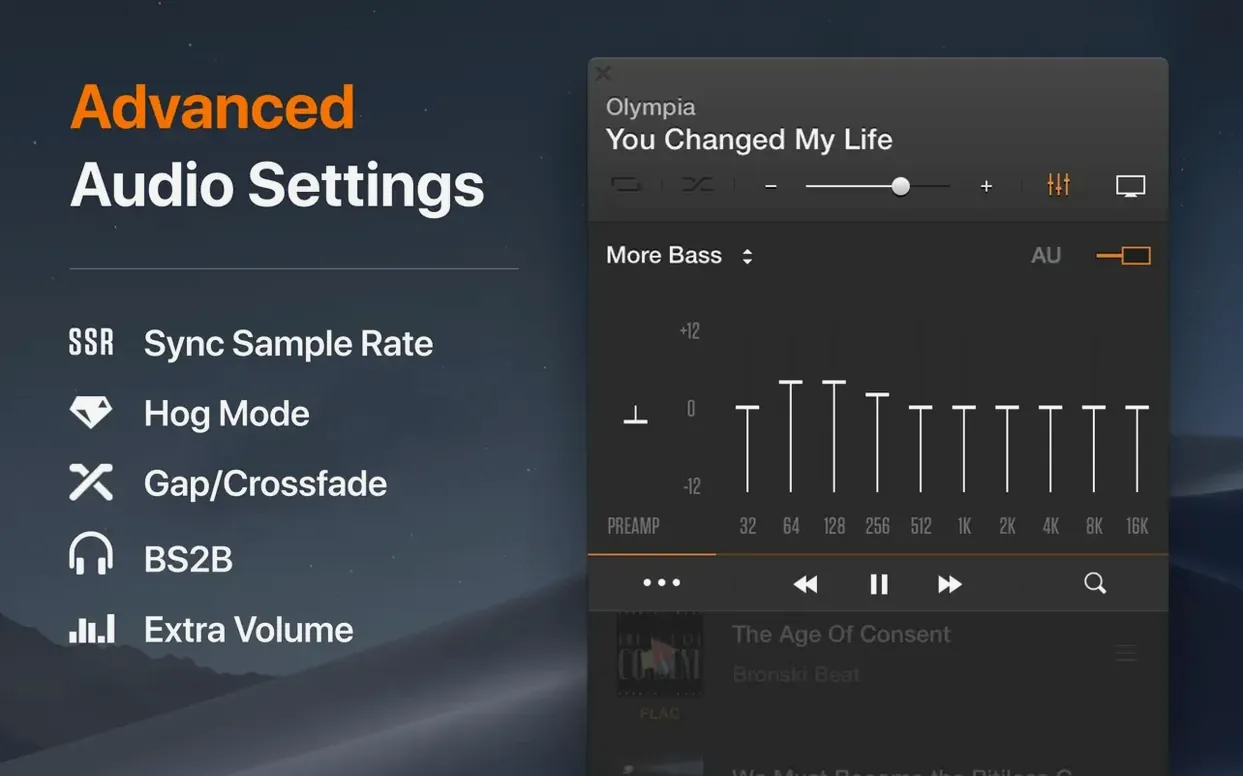
When you need to check how two tracks sound layered, the app’s own audio engine handles sample-rate switching on the fly; queuing a 24‑bit/96 kHz WAV after a 16‑bit/44.1 kHz FLAC doesn’t stutter. For anyone who has wrestled with Core Audio’s automatic rate conversion in other players, that’s a quiet but meaningful difference. By the time the playlist is exported, every transition has been auditioned at the resolution it will play on the night.
Where VOX sits among other Mac audio tools
VOX doesn’t try to be a DAW, and it’s not a streaming client. It makes most sense as the playback layer between your file system and your ears—a role it shares the stage with Finder’s Quick Look, the Music app, and any tagging tool you might use upstream.
Quick Look (tap the Spacebar on any FLAC in Finder) is the fastest way to hear ten seconds of a track, but it won’t follow CUE sheets, won’t build playlists, and won’t hand off to a DAC at the file’s native sample rate. That’s where VOX slots in. You do the rough triage with Quick Look, then open the serious listening session in VOX. It’s a rhythm many people fall into without thinking about it.
For tagging, VOX reads the metadata you’ve already written—there’s no built‑in batch editor—so a companion like Metadatics or Yate sits naturally earlier in the chain. Clean up the tags there, then let VOX handle the listening and organising. If you use AppleScript or Automator, you can chain folder actions so that dropping a folder of freshly tagged FLACs onto a watch folder adds them to a VOX playlist automatically. The integration is light, but it works.
One other neighbour worth mentioning: the Music app itself. If you keep an Apple Music subscription for streaming but want VOX for local lossless, the two coexist without drama. Hand off playback in your head, not in software—stream with Music, listen to your own hi‑res library with VOX. They share the same audio hardware without conflict.
A decade of CD rips meets a USB DAC setup
Picture someone who has spent a decade ripping CDs to FLAC and now owns a modest collection of DSD and high‑resolution PCM downloads. The Mac sits in the corner, plugged into a USB DAC and a headphone amp. This listener isn’t making playlists for a gig; she’s working through a pile of newly acquired classical albums, most of which arrived as single FLAC files with CUE sheets.
She drags the whole batch into VOX and watches the CUE data split each album into tracks in the playlist panel. The interface stays out of the way—no cloud‑library prompts, no subscription nags. She sets the output to the external DAC in Preferences > Audio, confirms the sample rate lights up correctly on the DAC’s display, and starts listening. An hour passes. She’s barely thought about the software itself, which is exactly the point. For a certain kind of listener, a player that does its job and then gets out of the way is the highest compliment you can pay it.
- macOS 10.15 (Catalina) or later
- Runs natively on both Intel and Apple Silicon Macs
Questions I keep hearing
Does VOX replace the Music app entirely?
It can. VOX is built as a standalone player for local and network audio files, so you can use it instead of the Music app for all your offline listening if you prefer its handling of lossless formats and its own audio engine.
What audio formats does VOX actually play?
The app handles a broad set: FLAC, APE, ALAC, WAV, DSD, MP3, WMA, and OGG are all supported, covering most common lossless and lossy formats you're likely to encounter.
Questions from the class 0
Sign in or join the class to ask a question.
Nobody has asked anything yet. If you have used it on a real job, say what the file did.
Also on the Audio shelf
The whole Audio shelf Traktor Pro
Mixes on four decks and isolates drums, bass or vocals from a track in real time.
Traktor Pro
Mixes on four decks and isolates drums, bass or vocals from a track in real time.
 Swinsian
Plays and organises local music files.
Swinsian
Plays and organises local music files.
 Studio One
Streamlines music production with drag and drop.
Studio One
Streamlines music production with drag and drop.
 Steinberg Nuendo
Edits dialogue and sound for film and games.
Steinberg Nuendo
Edits dialogue and sound for film and games.
 SoundSource
Gives you a menu-bar panel to adjust the volume and output of every app on your Mac individually.
SoundSource
Gives you a menu-bar panel to adjust the volume and output of every app on your Mac individually.
 Serato Studio
Builds beats and full arrangements around your existing DJ library and its stem-separated parts.
Serato Studio
Builds beats and full arrangements around your existing DJ library and its stem-separated parts.
 Serato DJ Pro
Plays two or more audio tracks in sync and lets you blend them with hardware decks.
Serato DJ Pro
Plays two or more audio tracks in sync and lets you blend them with hardware decks.
 QLab
Controls audio, video and lighting cues for live performances.
QLab
Controls audio, video and lighting cues for live performances.