 ASPNetWorld

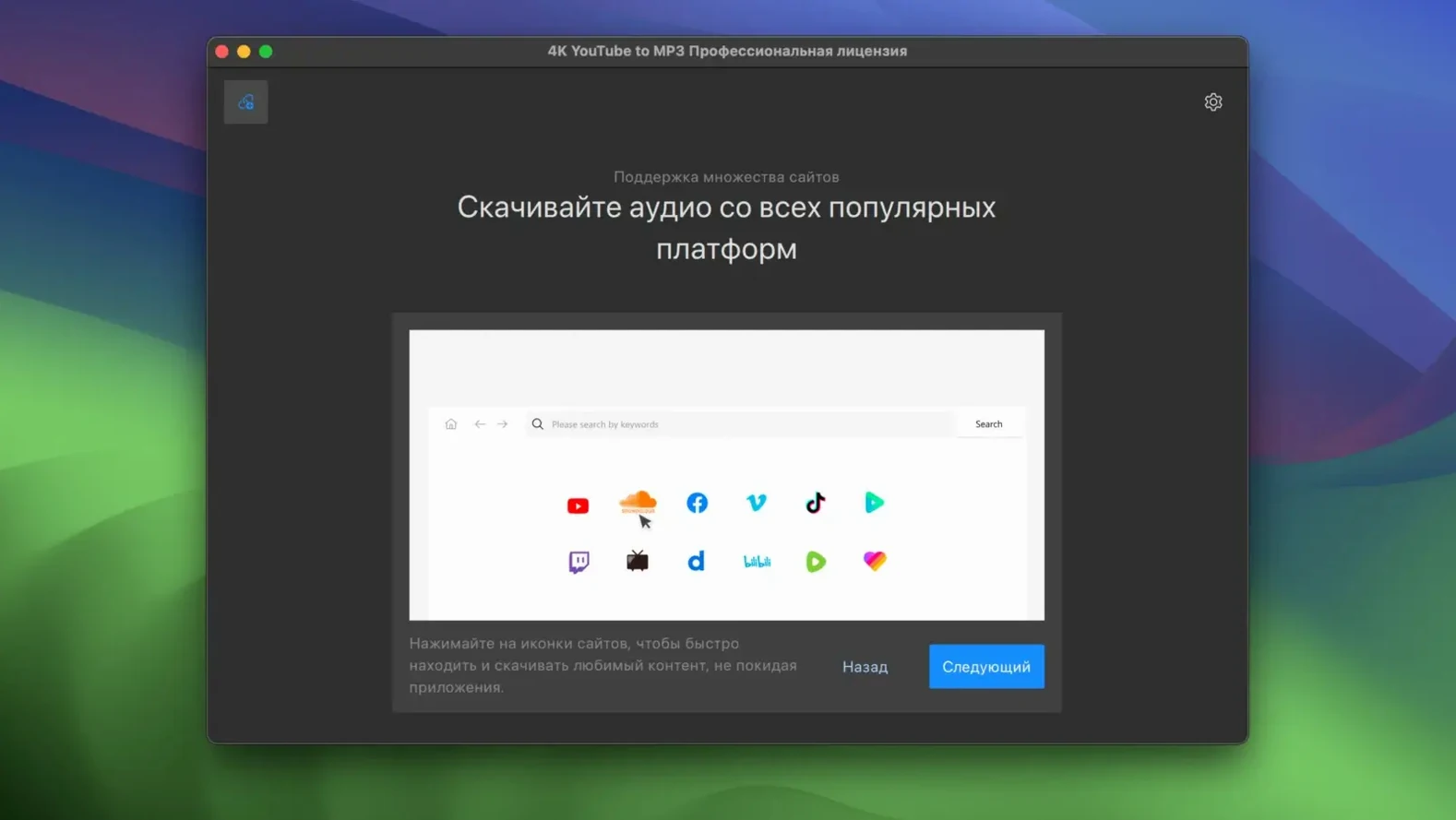

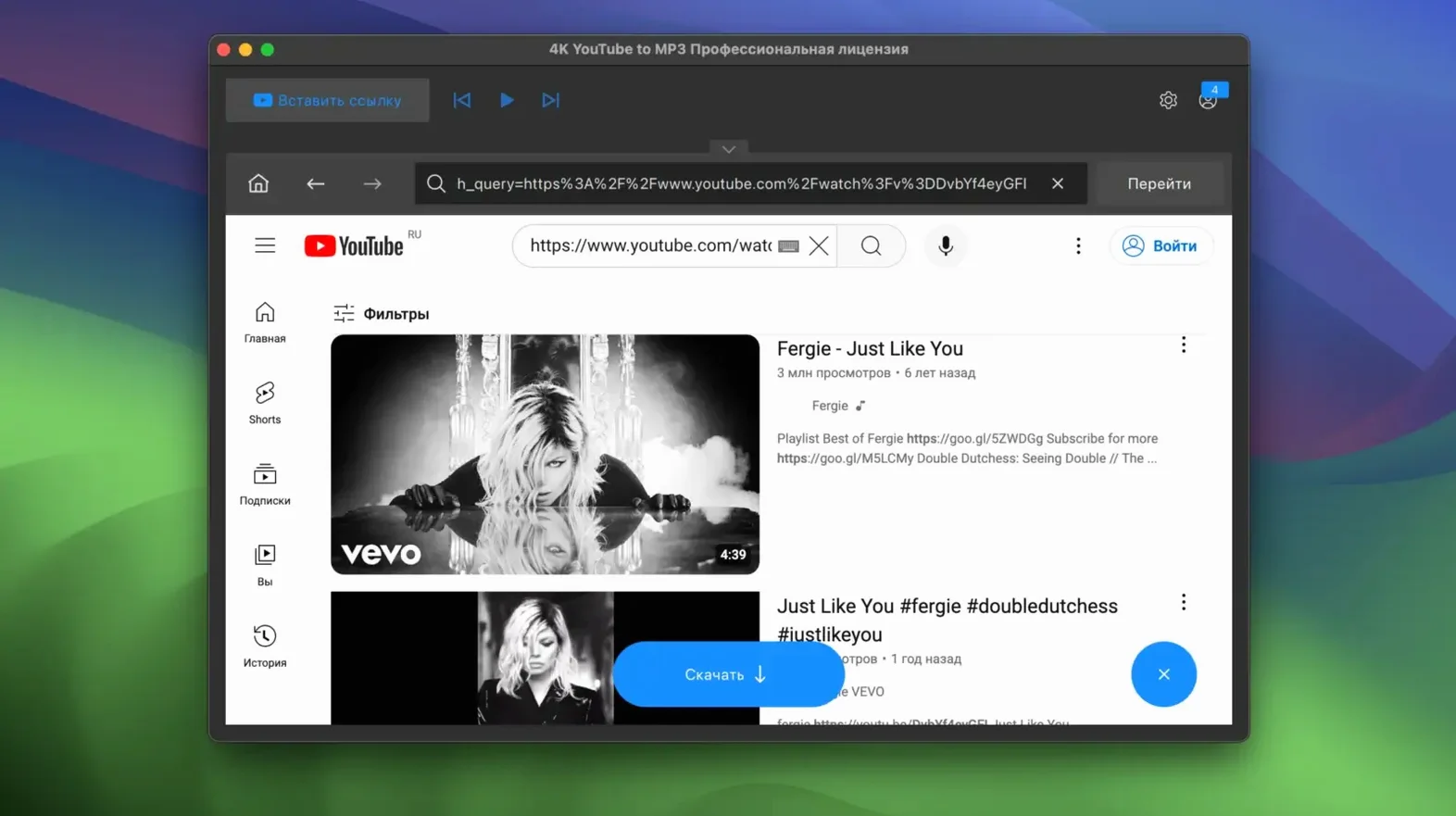
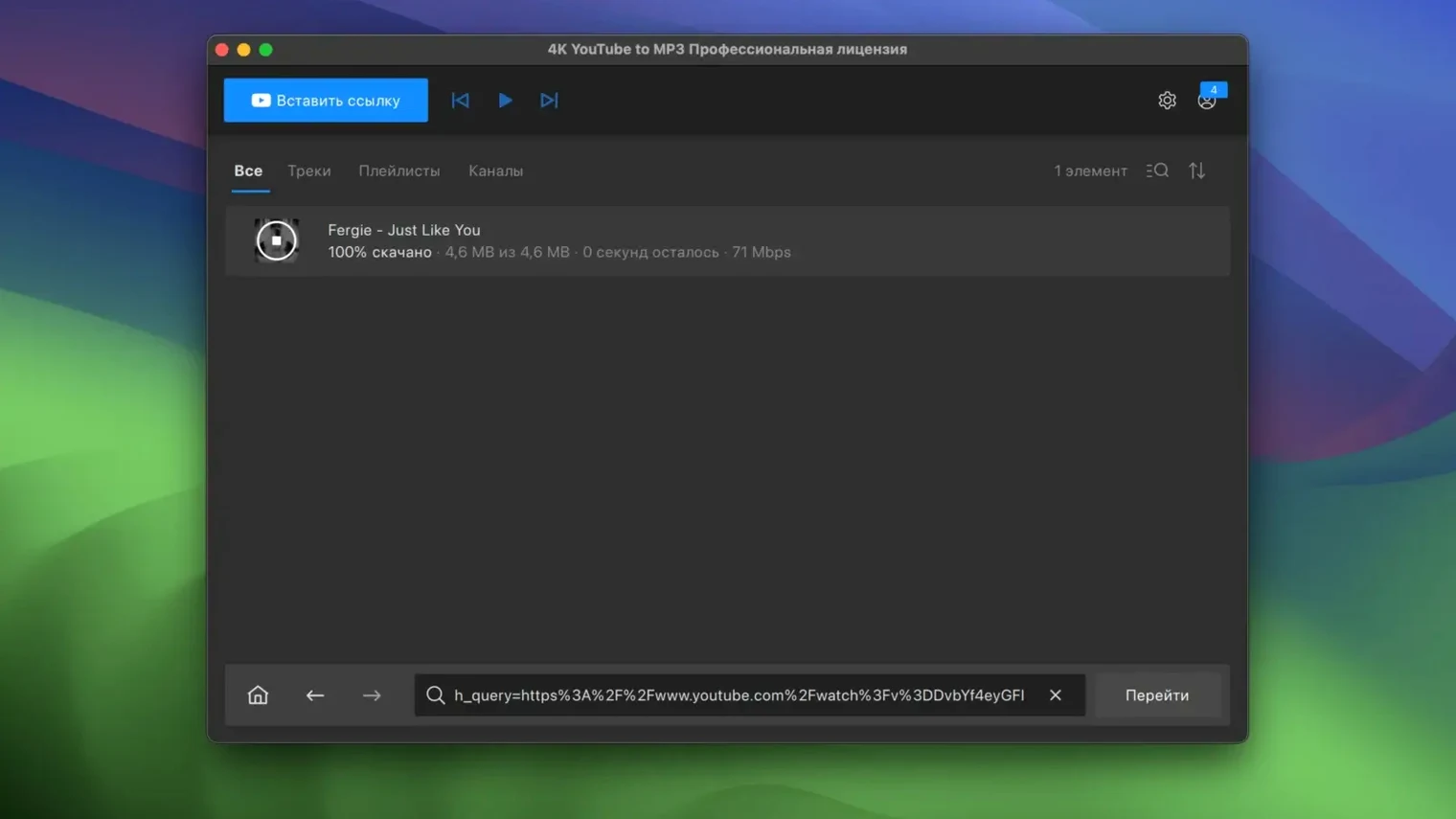
When a video has a great soundtrack but you only really need the audio, streaming it again just to hear the music can feel like using a sledgehammer to crack a nut. 4K YouTube to MP3 is built for exactly that moment, stripping the sound from an online clip and saving it as a tidy audio file on your Mac.
Pulls audio from YouTube, VEVO, SoundCloud, and Facebook straight into MP3
The app sits quietly on your desktop, ready to pull audio from YouTube, VEVO, SoundCloud, and Facebook. It converts straight to MP3, so the files land in a format that plays nicely with practically any music library. Playlist support means you can point it at a whole list of tracks rather than feeding it one link at a time — a real time-saver for longer collections.
Extract offline audio from talks, lectures, or live sets
- Grabbing clean audio from a talk, lecture, or live session you want to listen to offline
- Building a local copy of a playlist without touching the video stream
- Quick one-click extraction when you already know you only want the sound
English-only interface on Intel Macs running macOS 12 or later
- The interface is English only, so it helps to be comfortable with that
- Intel Macs running macOS 12 or later are the supported setup
Handles seventy-minute ambient mixes and three-hour podcasts without stumbling
After a week of dropping links into 4K YouTube to MP3 between other tasks, two things stand out: it stays out of your way, and it rarely trips over itself. I've thrown seventy-minute ambient mixes, three-hour podcast recordings and forty-track playlists at it, and the conversion time stays proportional to the audio length rather than getting bogged down by the video data it's ignoring. That matters when you're queuing up a batch before heading out the door.
Resource use is modest by modern standards. On an Intel iMac with 16 GB of RAM running other apps, the converter hums along at around four to six percent CPU while processing a single track. Memory sits low because it's not buffering huge video chunks — it's fishing for the audio stream, which is a much smaller catch. Playlist jobs queue sensibly, downloading one item at a time rather than trying to do everything at once and choking the Wi‑Fi. In practice that means you can keep working in Logic Pro or DaVinci Resolve and the fans won't suddenly spin up just because track seven of a chillwave playlist is being saved as an MP3.
Stability has been uneventful, and that's a compliment for a utility. No crashes switching between YouTube and SoundCloud sources, no frozen progress bars when a link redirects oddly. If a URL genuinely can't be resolved, the app simply flags it and moves on to the next item — a quiet bit of grace that saves you discovering a stalled queue an hour later.
From YouTube link to downloaded audio in about ninety seconds
Say it's Thursday evening and you've stumbled on a live performance you'd like on your phone for the weekend. Here's how the next ninety seconds usually play out.
You copy the YouTube link, open the app, and the link is already waiting in the input field — 4K YouTube to MP3 reads the clipboard automatically when you launch it or click the paste area. A small touch, but you notice how many extra keystrokes it saves over a week. You tap Return. The app resolves the title, shows a quality selector (320 kbps MP3 is the sensible default, though M4A and OGG are a click away), and starts extracting. Eight seconds later — the track is only four minutes long — the file sits in your Music folder with clean tags and a thumbnail embedded. You drag it into iTunes, sync the phone, done.
For a playlist, the rhythm is the same but the thinking is inverted. Paste the list URL, and the app expands all the entries in a pane below the input area. You can untick the ones you don't want — useful when a playlist mixes music with short spoken intros — and then let it work through the queue. The progress bar for the overall batch sits beside individual file indicators, so you can see at a glance whether you've got time to make tea.
Output format selector remembers your last choice automatically
A few things in 4K YouTube to MP3 aren't obvious on first launch but quickly become part of your muscle memory.
The output format selector remembers your last choice, so if you always want M4A for better compatibility with Apple devices you set it once and forget it. Right‑clicking a queued item lets you change the destination folder for that single file without altering the global preference — handy when you're sorting a batch into different project directories. There's also a tiny speaker icon beside completed items that plays a short preview directly from the app, which saves you opening Finder just to check you grabbed the right version of a track.
If you do a lot of 4K YouTube MP3 work with long‑form content — lectures, audiobooks, DJ sets — the option to keep the original bitrate rather than re‑encoding is tucked under the settings cog. It stops the app from upscaling a 128 kbps source to 320 kbps and adding artificial padding, which keeps file sizes honest. And a quiet power‑user feature: you can drop a .txt file containing multiple URLs onto the window and it will parse every line as a separate job. No clicking required.
Stripping audio from sixty Portuguese news clips for an MP3 player
Consider someone who's learning Portuguese and has built a YouTube playlist of short news clips, recipe videos, and podcast excerpts — maybe sixty items in total. They need the audio stripped and loaded onto a basic MP3 player for listening practice on the bus, where video streaming isn't practical.
They launch the app, paste the playlist link, and watch the list populate. Five items are live‑stream recordings that have no audio track yet; those get unticked quickly. The remaining fifty‑five are set to MP3 at 128 kbps — plenty clear for spoken word, and the smaller files mean the whole collection fits on an old 8 GB player. The batch runs in the background while they prepare dinner. When they return, the files are named with the original video titles, so it's easy to sort them into folders by topic: notícias, receitas, entrevistas. A quick drag to the device, and the morning commute has a month's worth of immersion practice waiting. No intermediate video files to delete, no extra conversion steps.
That's the pattern 4K YouTube to MP3 settles into: it disappears between the moment you find something worth hearing and the moment it lands where you'll actually listen.
- macOS 12 or newer
- Intel processor
- English interface
Questions I keep hearing
Does 4K YouTube to MP3 handle anything other than single videos?
Yes, it can process full playlists, so you don’t have to queue up individual tracks one after another.
What file format does the audio come out as?
The app converts source audio directly to MP3, a format that works with pretty much any media player or phone.
Questions from the class 0
Sign in or join the class to ask a question.
Nobody has asked anything yet. If you have used it on a real job, say what the file did.
Also on the Video Downloaders shelf
The whole Video Downloaders shelf 4K Video Downloader
Fetches and saves online video so you don't need browser tools.
4K Video Downloader
Fetches and saves online video so you don't need browser tools.
 AmpliTube
Models guitar amps and cabs for crafting your own virtual rig tones.
AmpliTube
Models guitar amps and cabs for crafting your own virtual rig tones.
 Downie
Grabs a video file from almost any website when you paste its link.
Downie
Grabs a video file from almost any website when you paste its link.
 Folx Pro
Manages all your downloads and torrents in one queue.
Folx Pro
Manages all your downloads and torrents in one queue.
 HarborDrop
Takes over downloading so you control exactly how files arrive on your Mac.
HarborDrop
Takes over downloading so you control exactly how files arrive on your Mac.
 iDownerGo
Grabs the media stream the moment you press play on a supported site.
iDownerGo
Grabs the media stream the moment you press play on a supported site.
 iTubeGo
Grabs online video and audio and saves it to your Mac in a format you choose.
iTubeGo
Grabs online video and audio and saves it to your Mac in a format you choose.
 Musify
Downloads music from streaming platforms and saves tracks as playable offline audio files.
Musify
Downloads music from streaming platforms and saves tracks as playable offline audio files.