 ASPNetWorld
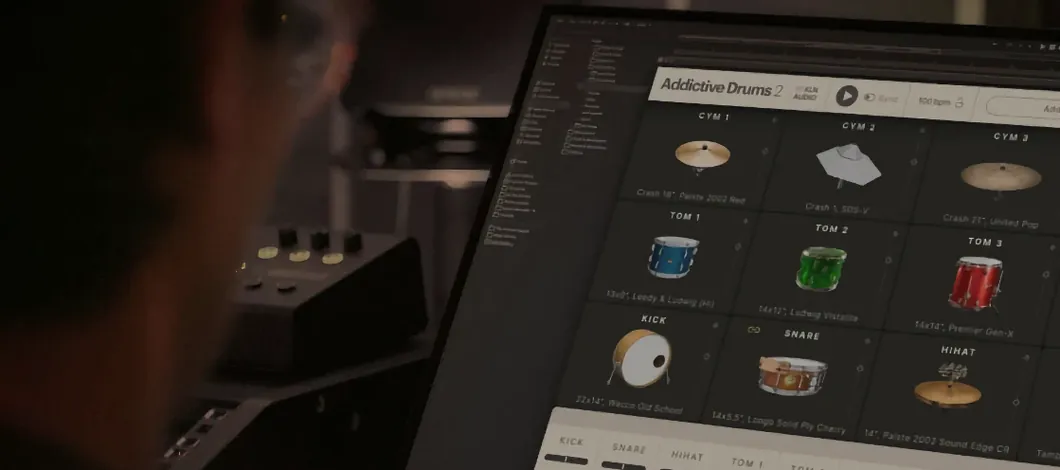
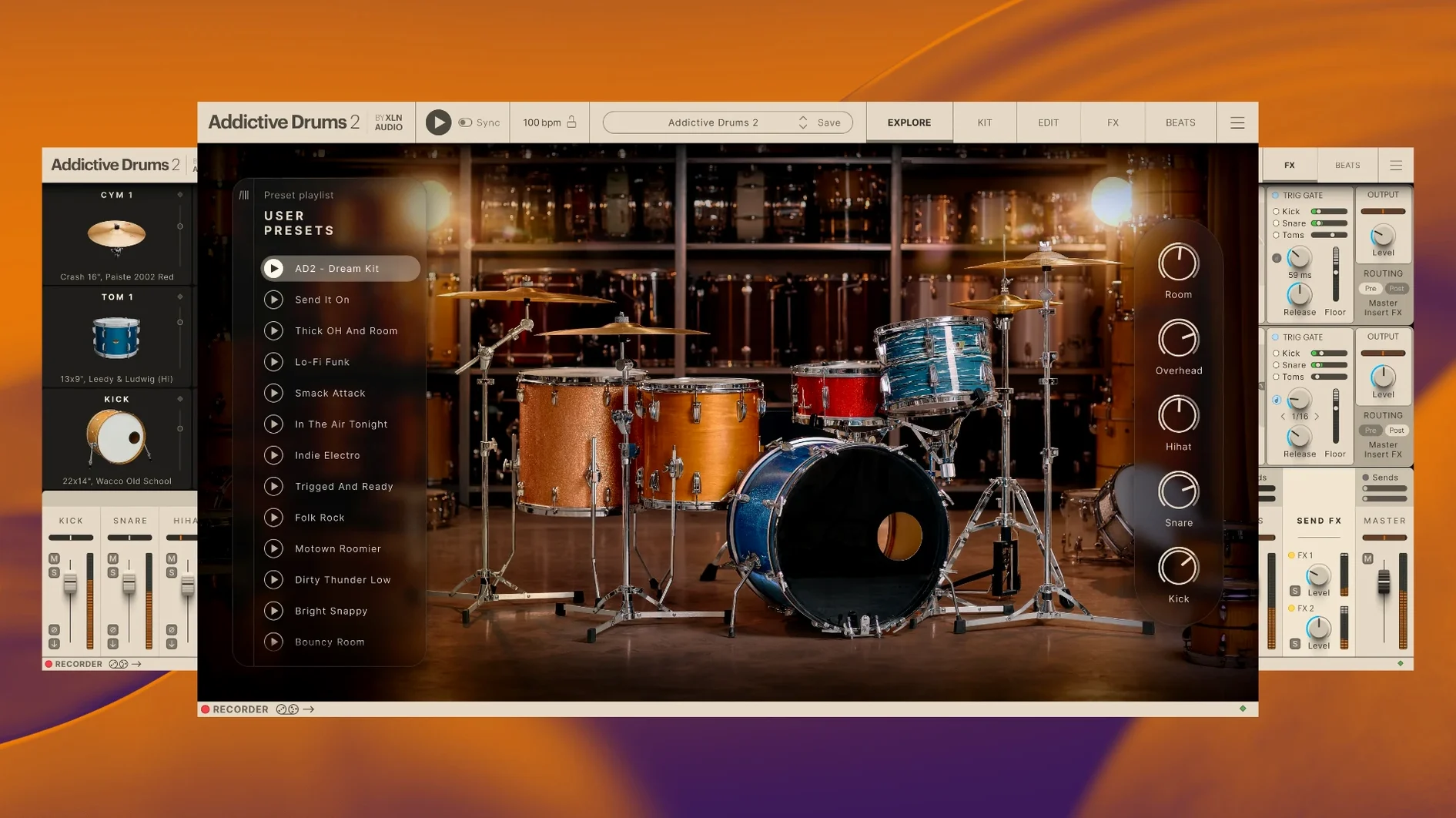
If you’ve ever spent an afternoon wrestling a live drum recording into shape inside your DAW, you’ll appreciate what Addictive Drums 2 sets out to do. It is, in essence, a meticulously captured drum kit that lives inside your Mac as a plug-in, ready to be played from a MIDI controller or programmed note by note. The current version runs as a 64-bit instrument across AU, VST, and AAX formats, so it slots into Logic Pro, Ableton Live, Pro Tools, and pretty much any serious macOS host you’re likely to have open.
Confirm your DAW sees the 64-bit AU, VST, or AAX plug-in
Before you audition a single snare, make sure the plug-in and your DAW are speaking the same language. Addictive Drums 2 arrives as a 64-bit bundle that covers Audio Units, VST, and AAX — a broad net that catches everything from GarageBand to the latest Pro Tools rig. There is also a standalone application, so you can tap out ideas without launching a full session.
Map a kit to your playing style
The core library gives you three full kits — each recorded in a different world-class studio — and the real personality lives in the detail: multiple snares, a choice of kick drums, and cymbals with genuine sustain. Everything is routed to its own channel inside the plug-in’s mixer, so you can treat the room mics with the same reverb you’d use on a live tracking date.
Expand with ADpaks when the mood strikes
The Complete Collection bundles every official ADpak, MIDIpack, and Kitpiece Pak XLN Audio has released, which means you can jump from a dry 1970s funk kit to a huge modern rock sound without ever leaving the interface. Each ADpak is a self-contained expansion — new drums, new presets, and new MIDI grooves — that behaves like a fresh recording session dropped into your existing workflow.
A composer’s Sunday afternoon
Imagine a media composer who’s just landed a short film with a tight turnaround. The director wants drums that shift from brushed, intimate verses into a thundering chorus, and there’s no budget for a session drummer. She opens Logic Pro on a MacBook Pro, loads Addictive Drums 2 on an instrument track, and within twenty minutes she’s auditioning the brushes from the Jazz Sticks ADpak against a piano sketch. She drags a MIDI groove from the built-in browser onto the timeline, swaps the snare for something with more crack, and dials the room mics up just enough to suggest a live space. By the time she renders stems for the director, the drums sound like they were tracked in the same room as the strings — even though the strings are samples too. That’s the sort of hybrid workflow the instrument was built for: fast, tactile, and convincing enough that nobody asks whether the drummer was real.
Building a drum part from silence to finished groove
Let’s walk through a specific task — programming a verse-chorus drum part for an indie-rock song that needs a tight, punchy feel without sounding robotic. The DAW is already running with a rough guitar and bass guide track.
Start by inserting Addictive Drums 2 as a stereo instrument track. When the interface opens, you’re looking at the Fairfax Vol. 1 kit by default — a good all-rounder. Before touching a single fader, tap the kick drum pad on your MIDI controller a few times. Notice how the velocity response changes the attack and body of the sound; that’s the round-robin sampling at work, cycling through subtly different hits so repeated notes don’t sound machine-gunned.
Next, open the Beats browser by clicking the tab at the top of the interface. Type “straight rock” into the search field and skim the results. Each MIDI groove previews in sync with your DAW’s transport, so let the guide tracks play and click through a few options until one locks in with the guitar rhythm. Drag the chosen groove onto a MIDI clip in your arrangement window. The performance now exists as editable MIDI notes — not locked inside the plug-in — which means you can thin out the hi-hat pattern for the verse, copy the clip to the chorus, and add crash cymbal hits where the energy lifts.
With the basic pattern in place, open the Kit panel and swap the stock snare for a deeper, brass-shelled model from an ADpak — the Black Oyster snare cuts through a dense mix beautifully. Now route the snare top mic to a separate output in your DAW by opening the plug-in mixer, clicking the snare channel, and assigning it to an auxiliary output. This lets you add a plate reverb that only affects the snare, leaving the overheads clean. Crank the overhead channel’s high-shelf EQ a touch to bring out stick definition, then pull the room fader down by 3 dB so the kick doesn’t get washy. You’ve just built a drum part that breathes with the track, taking maybe fifteen minutes from blank project to a convincing performance.
Default preferences that shape every kit you load
A handful of preferences shape how Addictive Drums 2 behaves across every kit you load, and the defaults aren’t always the most musical starting point.
Velocity curve and mapping
Open the Settings menu (the cog icon) and look at the Velocity Curve graph. The default linear response works for keyboard players with a heavy touch, but if you’re using mesh-head electronic drums, you’ll almost certainly want a gentler curve that opens up the dynamic range. Click and drag the curve points so lighter strikes produce softer samples earlier in the travel. There’s a preset dropdown with curves tailored for Roland and Yamaha kits — start there and tweak.
Memory and streaming behaviour
Inside the same Settings panel, find the Data tab. By default the engine may try to load full samples into RAM, which adds up fast when you’re stacking multiple ADpaks. Switch to disk streaming mode and set a modest RAM buffer — 512 MB is a safe middle ground on a modern Mac — so the plug-in reads samples from your drive in real time. This keeps session load times brisk and leaves headroom for other virtual instruments.
MIDI drag behaviour
One small but telling checkbox lives under Settings > MIDI: “Drag as MIDI file.” With this enabled, dragging a groove from the Beats browser into your DAW creates a MIDI clip containing the original pattern’s timing and velocity, exactly as the groove designer intended. Without it, you might get a simplified version. Tick it once and forget about it.
A typical session, moment by moment
It’s a Tuesday evening and you’re sketching a slow, atmospheric track inspired by a rainy walk home. You launch the standalone application — no DAW tonight, just headphones and a pair of drumsticks on a pad controller.
The interface opens on the Fairfax kit, but the mood calls for something drier and more intimate. You click the Kit Load button, browse to the Studio Pop ADpak, and select a preset called “Tight and Dry.” The kit reconfigures instantly: a smaller kick, a crisp maple snare, and a set of dark, unlathed cymbals. You tap out a loose kick-snare pattern with your fingers on the pads, then hit the Record button in the standalone’s toolbar. The metronome clicks in and you play a full two minutes of slightly swung, off-the-grid drums — no quantisation, no editing.
After stopping playback, you open the Beats browser again, not to replace your performance but to layer in a shaker loop from one of the Latin percussion MIDIpaks. You drag it onto a second MIDI lane, set the shaker volume low in the mixer, and pan it slightly left. The whole thing now has a lazy, human pulse that a grid alone could never produce. You export the stereo file via the standalone’s File menu, drop it into a shared folder, and call it a night. The whole process felt closer to playing an instrument than programming a machine — and that’s really the point.
Option-click a drum to hear it inside the full mix
Some of the best features in Addictive Drums 2 don’t announce themselves. They’re tucked behind right-clicks, modifier keys, and unlabelled icons, and they quietly speed up everyday tasks.
Auditioning kit pieces in context. Holding the Option key while clicking a snare or kick in the Kit panel plays the currently loaded groove through that drum alone. It’s a fast way to test whether a different snare tuning cuts through the hi-hat pattern without stopping playback.
Copying processing chains. If you dial in a lovely EQ and compression combination on the snare top mic and want the same treatment on the snare bottom, just Command-drag the effect rack from one channel strip to the other. The entire chain duplicates in one motion — no preset saving required.
Quick level balancing from the kit view. Each drum in the overhead Kit image has a small volume ring that appears when you hover near its edge. Dragging this ring adjusts that drum’s level in the main mix without opening the mixer panel. It’s an ergonomic touch that feels second nature after a few sessions.
Auto-preview on kit load. In the Kit Load browser, there’s a small speaker icon at the bottom. When it’s lit, clicking any preset plays a short demo groove so you can hear the kit in action before committing. Switch it off when you’re in a hurry and just want to load and go.
MIDI learn for hardware controllers. Right-click almost any knob — snare tuning, room mic level, cymbal decay — and choose “Learn MIDI CC.” Wiggle a physical fader or knob on your MIDI controller and the link is made. Five minutes of mapping turns a generic control surface into a dedicated drum mixer.
- macOS 10.13 or later
- Intel or Apple Silicon Mac
- 64-bit host or standalone mode
- Interface language: English
Questions I keep hearing
What exactly is an ADpak?
An ADpak is an official expansion for Addictive Drums 2 that adds a complete new drum kit, along with matching presets and MIDI grooves, recorded in a specific studio or style.
Can I use Addictive Drums 2 without a DAW?
Yes, the installer includes a standalone application for macOS, so you can play and practise directly from a MIDI controller without opening a host.
Does the Complete Collection include everything?
It bundles all available ADpaks, MIDIpaks, and Kitpiece Paks into one package, covering every expansion XLN Audio has made for the instrument.
Questions from the class 0
Sign in or join the class to ask a question.
Nobody has asked anything yet. If you have used it on a real job, say what the file did.
Also on the VST Plugins shelf
The whole VST Plugins shelf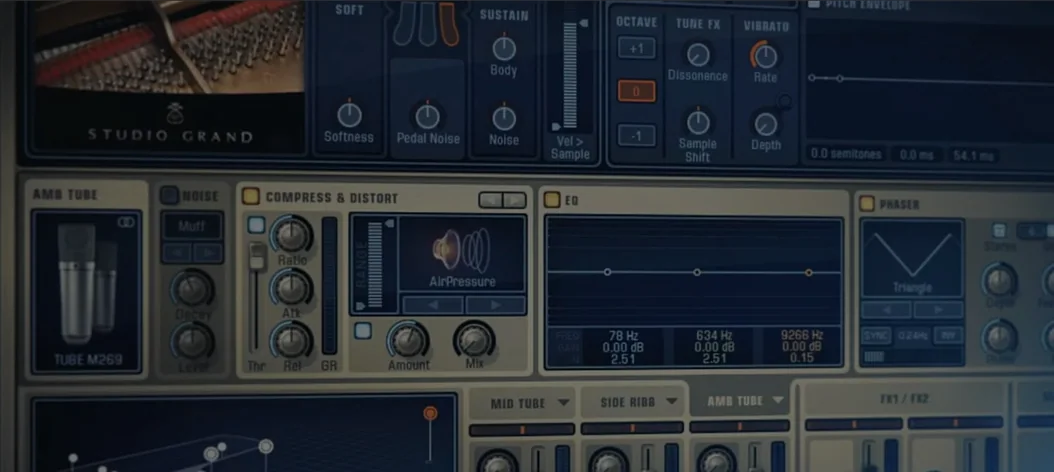 Addictive Keys
Models four studio-recorded pianos as a playable plug-in instrument.
Addictive Keys
Models four studio-recorded pianos as a playable plug-in instrument.
 Ample Guitar M
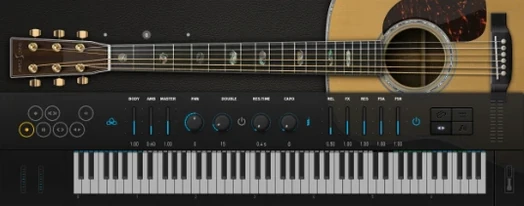
Delivers sampled acoustic guitar parts played across a full virtual fretboard.
Ample Guitar M
Delivers sampled acoustic guitar parts played across a full virtual fretboard.
 Ample Sound Ample Guitar LP III
Recreates the sound of a classic electric guitar with built-in amps and effects.
Ample Sound Ample Guitar LP III
Recreates the sound of a classic electric guitar with built-in amps and effects.
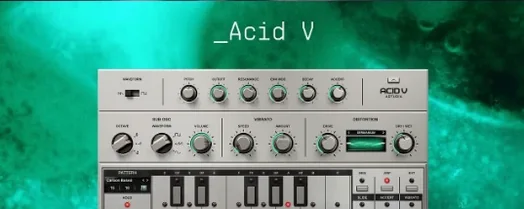 Arturia Acid V
Builds squelchy, sequenced basslines from a single init patch and a handful of knob turns.
Arturia Acid V
Builds squelchy, sequenced basslines from a single init patch and a handful of knob turns.
 Arturia Analog Lab V
Gives you thousands of production-ready presets you can shape with simple macro controls.
Arturia Analog Lab V
Gives you thousands of production-ready presets you can shape with simple macro controls.
 Arturia Efx AMBIENT
Generates evolving, three-dimensional backgrounds from any static input signal.
Arturia Efx AMBIENT
Generates evolving, three-dimensional backgrounds from any static input signal.
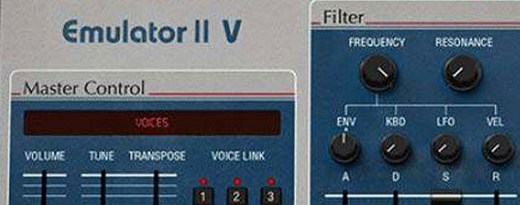 Arturia Emulator II V
Recreates the crunchy, grainy character of an early 8-bit sampling keyboard.
Arturia Emulator II V
Recreates the crunchy, grainy character of an early 8-bit sampling keyboard.
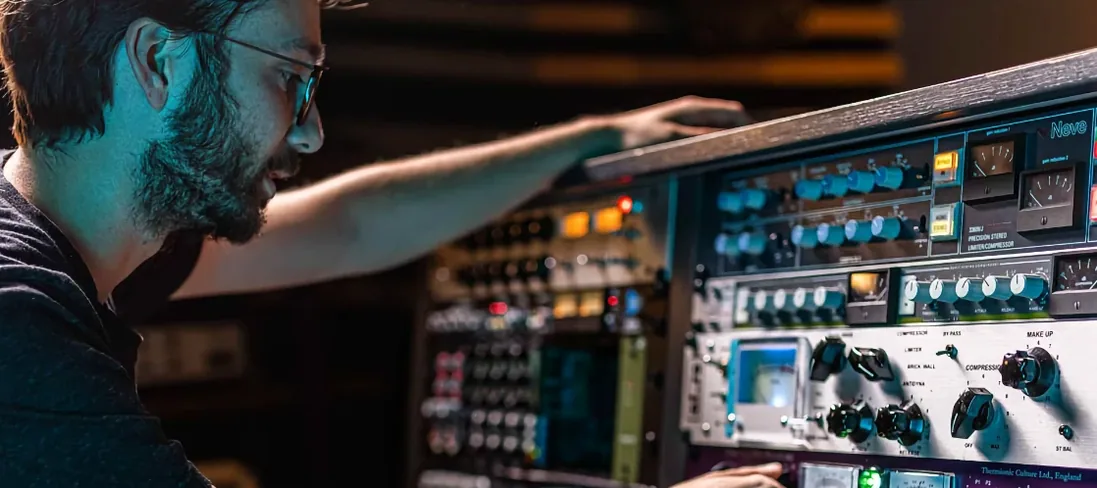 Arturia FX Collection
Bundles over thirty precise modelled processors, from studio classics to creative oddities.
Arturia FX Collection
Bundles over thirty precise modelled processors, from studio classics to creative oddities.