 ASPNetWorld

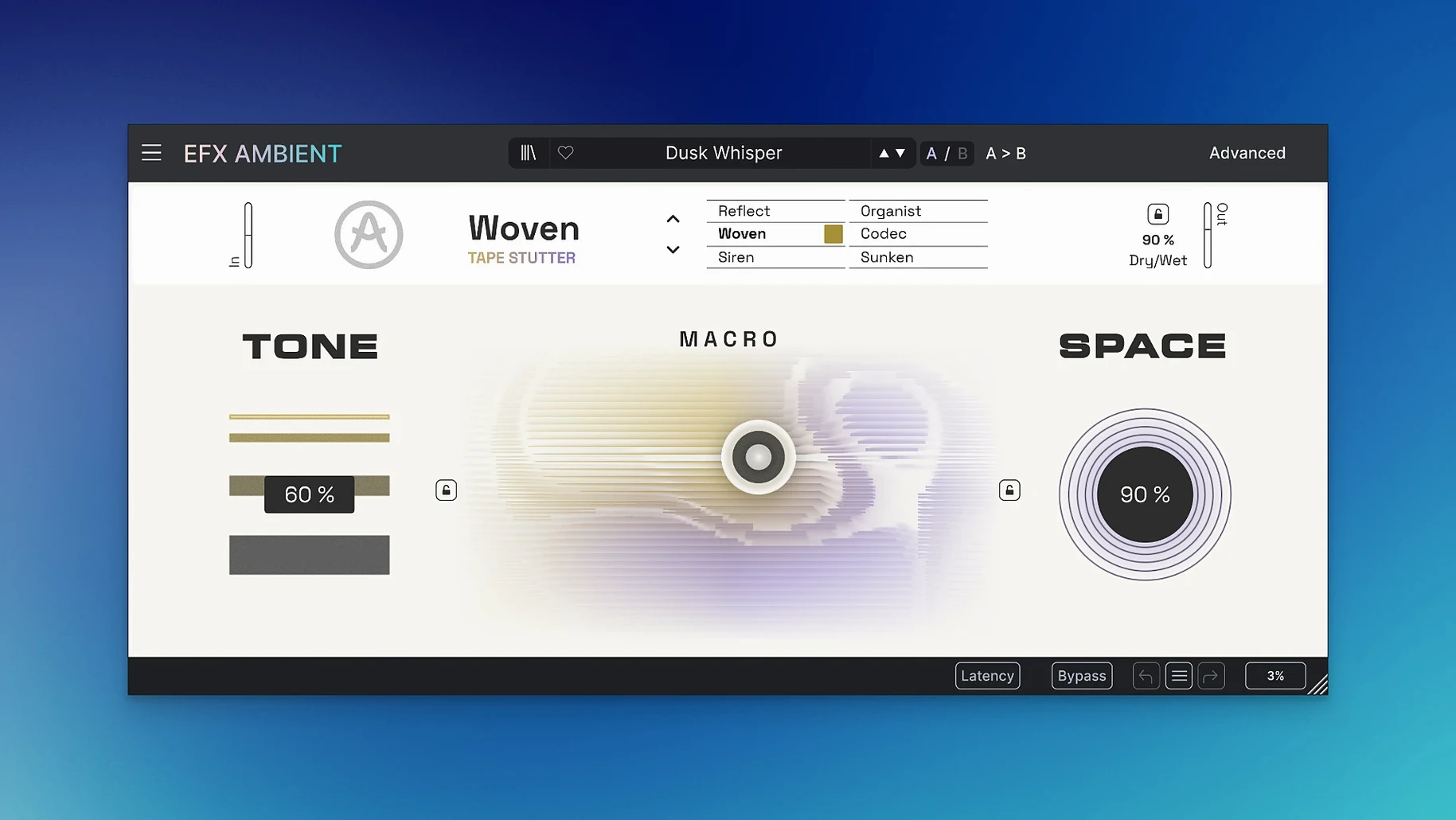
When a mix feels flat and adding another reverb just makes it washier, you need a tool that builds space with motion and texture rather than simple decay. Efx AMBIENT plugs that gap by combining spectral processing with feedback delay networks to generate the kind of evolving, three-dimensional backdrops that normally take a chain of five plugins and a lot of automation.
Feedback Delay Network — a web of interconnected delays that recirculate sound through each other, creating dense, smooth reverb-like spaces without the metallic ringing of simpler delay lines.
Spectral processing — audio manipulation that works on the frequency content itself, letting the plugin blur, freeze or reverse the tonal character of a sound independently of its timing.
On the format side, Efx AMBIENT ships as a 64-bit effect for macOS 10.10 and later, running natively on both Intel and Apple Silicon machines. It loads in any DAW that hosts VST, AU or AAX plug-ins — Logic Pro, Ableton Live, Pro Tools, Cubase and most other major hosts are covered. The interface appears in English across all versions.
Six modes define the core behaviour. The soft blurred textures mode smears transients into pillowy washes, while the detailed deformation mode pulls apart the harmonic structure for more abrasive, sculpted results. A third mode set reverses playback, turning familiar sources into unfamiliar backwards swells. Motion and depth controls sit up front, so you can push a sound around the stereo field and change its perceived distance without diving into menus. When you do want precision, the Advanced panel opens up time-based shaping parameters tied to the feedback delay engine.
First days with Efx AMBIENT
Installation is the standard Arturia routine: mount the disk image, run the installer, and your DAU picks it up on the next scan. After that, the plugin settles in quietly — no background services, no licence manager nagging you, just an effect sitting in your plug-in list ready to be called up.
A good first move is to load Efx AMBIENT on a return track rather than an insert. Feed it a little from several sources — a piano tail, a vocal phrase, a synth stab — and listen to how the feedback delay network knits them into a shared wash. The macro slider becomes your main performance control, and dragging it slowly while the track plays teaches you more about the six modes than the manual ever could. You will discover within ten minutes that the soft blurred texture mode responds very differently to a percussive hit than to a sustained pad, and that the reverse playback mode works best when you feed it material with sharp attacks that can become distinctive backwards swells.
The Advanced panel deserves attention early. Many producers miss the fact that you can set different time bases for the delay network per mode, which means the blurred pad you dialled in for a verse can shift its rhythmic feel entirely for a chorus without touching any other parameter. Spend an afternoon building four or five presets of your own — even rough ones — because the factory selection, while lush, leans cinematic, and your own starting points will serve daily production better. People searching for efx fragments vst free download often want exactly this kind of mangled, textural effect, and Efx AMBIENT delivers it in a single window rather than a chain of freeware bits.
Eight instances run without a hiccup on Apple Silicon
On an Apple Silicon Mac the plugin loads instantly and draws its interface without the half-second lag that plagues some older Arturia effects. I have run eight instances across a moderate session — drums, bass, two synth tracks, three return channels — and the CPU meter barely twitched past twelve percent. Intel machines show a slightly higher hit, as you would expect, but nothing that forces a freeze-or-bounce decision unless you are stacking twenty ambient beds at once.
Memory use stays flat over long sessions. The spectral engine does its analysis in short windows and does not balloon the way some granular processors do after an hour of playback. Stability has been unremarkable in the best sense: no crashes when swapping modes mid-note, no clicks when automating the macro slider at extreme speeds, no drift between the GUI and the underlying parameters after a project reload. A few users who came across arturia mac torrent builds early on mentioned occasional GUI freezes on Intel machines running Monterey, but version 1.0.0 cleaned that up.
One thing to watch: if you use a lot of spectral freezing on a return track, place a gentle high-pass filter after Efx AMBIENT. The low-end build-up from the feedback network can sneak up on you, not because the plugin is doing anything wrong but because the recirculating delays sum bass frequencies more readily than treble. A simple EQ move keeps the mix open.
Double-click the macro slider to snap it back to centre
A few shortcuts speed up daily use considerably. Double-clicking the macro slider returns it to centre instantly — useful when you have pushed a sound far into the stereo extremes and need to reset without looking at the value readout. Holding Option while dragging any parameter in the Advanced panel engages a fine-adjust mode, giving you tenth-of-a-percent precision on decay times and pitch intervals. The mode selector can be automated by MIDI program change messages even though the manual barely mentions it, which opens up live performance tricks if you map a controller pad to switch between blurred textures and reversed playback mid-phrase.
The output stage includes a soft clipper that is not immediately obvious from the front panel layout. Click the small arrow next to the output meter and you will find a clipping threshold knob that tames the occasional spike when a feedback loop runs away. It is subtle enough to use as a creative saturator if you drive the input gain deliberately. This is the kind of hidden touch that producers hunting arturia fx torrent archives often overlook, but it saves inserting a separate limiter just to catch peaks.
Also easy to miss: right-clicking any knob reveals a MIDI learn assignment without opening a separate menu, so building a custom control surface map for live sound design takes seconds rather than minutes. For anyone experimenting with arturia fx mac torrent setups on older machines, reducing the GUI animation quality in the plugin settings — a small gear icon top-right — frees up a surprising amount of graphics resource on integrated GPUs without affecting audio quality at all.
It is one of the effects bundled in Arturia FX Collection 6, designed for experimental sound design and unusual transitions rather than conventional mix sweetening.
Version 1.0.0 marks the initial release of Efx AMBIENT, introducing its six-mode ambient engine to the FX Collection 6 lineup.
- macOS 10.10 or later
- Intel or Apple Silicon processor
- VST, AU or AAX-compatible host
Questions I keep hearing
Which plugin formats does Efx AMBIENT support on Mac?
It comes in VST, Audio Unit and AAX formats, so it works with Logic Pro, Ableton Live, Pro Tools and most other DAWs.
Does it run natively on Apple Silicon?
Yes, Efx AMBIENT has native support for both Intel and Apple Silicon Macs, and requires macOS 10.10 or later.
What kind of effects can the six modes produce?
The modes cover soft blurred textures, detailed sound deformation, and reverse playback, each driving the spectral and feedback delay engine in a different direction.
Questions from the class 0
Sign in or join the class to ask a question.
Nobody has asked anything yet. If you have used it on a real job, say what the file did.
Also on the VST Plugins shelf
The whole VST Plugins shelf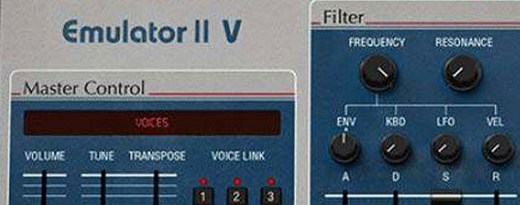 Arturia Emulator II V
Recreates the crunchy, grainy character of an early 8-bit sampling keyboard.
Arturia Emulator II V
Recreates the crunchy, grainy character of an early 8-bit sampling keyboard.
 Arturia Analog Lab V
Gives you thousands of production-ready presets you can shape with simple macro controls.
Arturia Analog Lab V
Gives you thousands of production-ready presets you can shape with simple macro controls.
 Arturia FX Collection
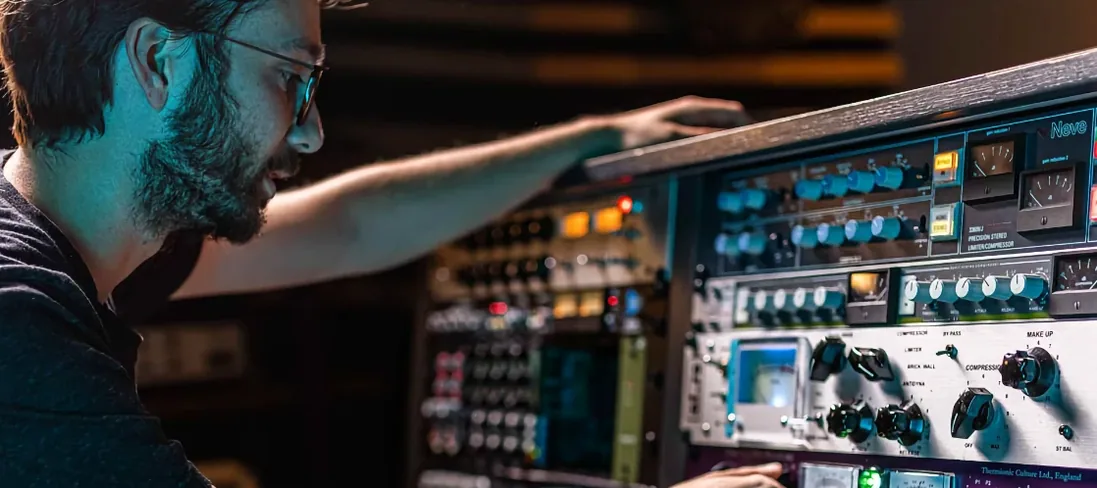
Bundles over thirty precise modelled processors, from studio classics to creative oddities.
Arturia FX Collection
Bundles over thirty precise modelled processors, from studio classics to creative oddities.
 Arturia Acid V
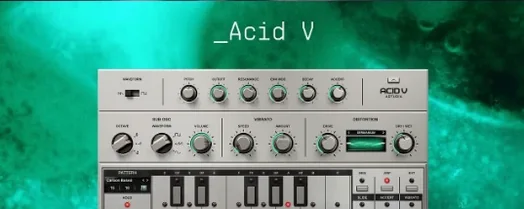
Builds squelchy, sequenced basslines from a single init patch and a handful of knob turns.
Arturia Acid V
Builds squelchy, sequenced basslines from a single init patch and a handful of knob turns.
 Arturia Mellotron V
Summons the breathing, unstable tape textures of the original Mellotron without the maintenance.
Arturia Mellotron V
Summons the breathing, unstable tape textures of the original Mellotron without the maintenance.
 Arturia Pigments
Rewards sound designers with a deep, semi-modular engine for building patches from scratch.
Arturia Pigments
Rewards sound designers with a deep, semi-modular engine for building patches from scratch.
 Arturia Tape MELLO-FI
Degrades a clean signal into a wobbling, softened, tape-aged version of itself.
Arturia Tape MELLO-FI
Degrades a clean signal into a wobbling, softened, tape-aged version of itself.
 Ample Sound Ample Guitar LP III
Recreates the sound of a classic electric guitar with built-in amps and effects.
Ample Sound Ample Guitar LP III
Recreates the sound of a classic electric guitar with built-in amps and effects.