 ASPNetWorld
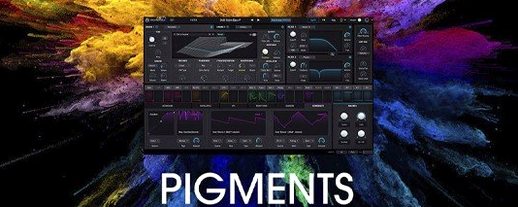
Electronic producers, film composers and sound designers who spend their days building patches from scratch tend to be the ones who gravitate towards Pigments. It is the sort of instrument that rewards curiosity, and you will often find it sitting on a MIDI track with its arpeggiator running, or layered under a vocal on a bus to add a shifting, textured bed that would be impractical to record acoustically.
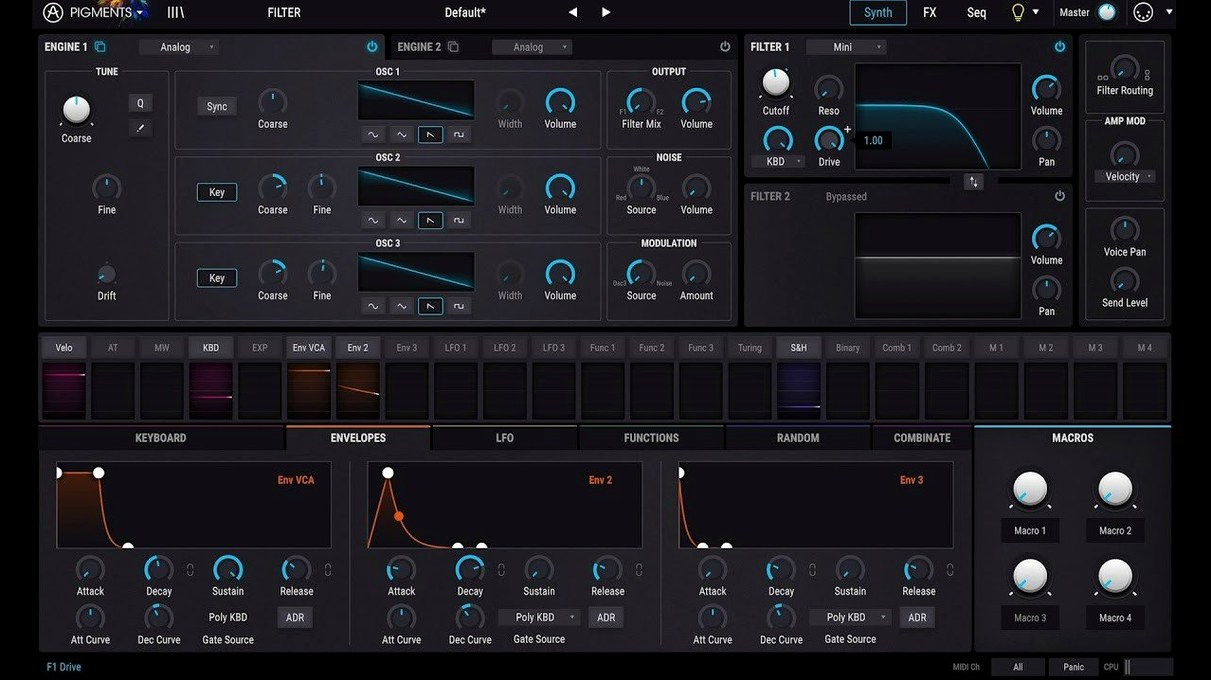
What makes it click in a busy session is the colour-coded interface. Six synthesis engines — virtual analogue, wavetable, sample, granular, harmonic and a newly expanded noise module — each get their own visual signature, so you can glance at a patch and immediately understand which engines are active. Modulation is handled by dragging a source directly onto a destination, which suits the way most producers think when they are chasing a sound rather than reading a manual.
On a typical project, Pigments tends to do three jobs well. As a track instrument it delivers everything from punchy analogue-style basses to slowly evolving pads built from layered wavetables and granular samples. On a send bus, the built-in effects — including the new Corroder distortion and the Rage, Ripple and Reverb filters added in version 7 — let you treat it almost like a dedicated processing channel, feeding a dry signal in and bringing back something unrecognisable. It also works as a quick idea starter: the redesigned Play Page presents macro controls and preset browsing in a streamlined view that encourages tweaking rather than menu-diving when you need a sound fast.
Drag-and-drop modulation means LFOs, envelopes and random sources land exactly where you aim them, and the visual feedback shows the connection immediately. In practice, that turns a complex routing matrix into something you use without breaking concentration, which is the real test of any synth that finds a permanent slot in a template.
What the 7.0.1 update changes in daily practice
The 7.0.1 revision is less about reinvention and more about filling the gaps that experienced users had been politely pointing out. The redesigned Play Page is the change you will meet first. Where the old Play view felt like a browser with a few knobs tacked on, the new one groups macros, sequencer controls and the arpeggiator into a single, logically laid-out strip. The practical result is that you can stay in Play for far longer during a writing session — tweaking filter movement, tightening sequence swing and swapping preset categories — without ever touching the deeper synthesis panels. For anyone who builds live sets or needs to track quickly, that single-screen focus trims a surprising amount of friction.
The three new filter types — Rage, Ripple and Reverb — extend the tone-shaping palette into territory that used to require a chain of external plugins. Rage is the most aggressive of the trio, introducing a biting, slightly chaotic resonance that suits industrial basses and snarling lead patches. Ripple behaves more like a rippling comb filter with a liquid character, ideal for plucked sounds and percussive sequences where you want the timbre to shift as the filter opens. The Reverb filter is an unusual beast: it blends filtering with a short, dense reverberant tail directly at the filter stage, so a pad can wash out into space before it even reaches the effects rack. Dropping one of these onto a wavetable patch mid-session often generates the sort of happy accident that becomes the foundation of a cue.
The Corroder effect deserves its own mention because it fills a role that the built-in distortion options previously skirted around. It is a bit-crusher, sample-rate reducer and saturation unit rolled into one, but voiced with a grittier, more lo-fi character than the tube and tape emulations elsewhere in Pigments. Feeding a clean granular cloud through Corroder, then rolling back the wet mix with a macro knob, gives you a texture that sits somewhere between a damaged cassette and a weathered vinyl sample — and it is automatable, of course, so it can evolve across a breakdown.
The 150 new factory presets, together with the 50 wavetables, 30 samples and 20 noise sources, are weighted towards the newer engines. You will find more granular vocal fragments, more harmonic engine timbres that lean into additive territory, and a clutch of bass presets that use the updated noise module for sub-weight. If you have been browsing an Arturia Pigments torrent to explore the sound palette before committing, these new presets are worth the download alone — they double as tutorials, showing how the new filters and Corroder are intended to be patched.
Building a rhythmic pad from scratch: a walkthrough
Here is a task that Pigments handles in a way few other synths can match without external processing. The goal is a pad that pulses in time with the project, shifts its harmonic content across a bar, and leaves space for a vocal in the centre of the stereo field.
Start with an initialised patch. Select the wavetable engine on Engine 1 and load one of the new wavetables from the 7.0 update — the ones tagged "glass" or "vocal" work well for this. Set the oscillator to a slow position sweep using an LFO assigned to the wavetable position parameter. The rate should be synced to a dotted half-note so the timbre evolves across two bars.
On Engine 2, activate the granular engine and drag in a short vocal sample or a field-recording snippet from the new sample set. Set grain density moderately high, spray to around 30 percent, and detune the engine by five cents for a subtle chorusing effect against Engine 1. This layer is what gives the pad its air and unpredictability.
Now route both engines through the Ripple filter in series mode. Assign an envelope follower — triggered by Engine 2's output — to the filter cutoff, and set the follower's attack and release to taste. What you get is a filter that opens in response to the granular density, creating a breathing quality that no static filter sweep can replicate.
In the effects rack, place Corroder first in the chain with a low wet mix (around 15 percent) just to add grit to the transient edges. Follow it with the multi-band compressor to tighten the low end, then a ping-pong delay synced to eighth notes with feedback around 25 percent. The delay widens the image without cluttering the centre, which is exactly where that vocal will eventually sit.
Finally, head to the Play Page and map four macros: wavetable position offset, granular spray, Ripple cutoff and delay mix. Name them something useful — Timbre Shift, Grain Scatter, Breath and Space — and save the patch. In the project, you can now ride those macros live or draw automation lanes that shift the pad from glassy and close to diffuse and wide over a chorus section.
First days: getting comfortable
After installing, the in-app tutorials added in 7.0.1 are genuinely worth the thirty minutes they take to work through. They are context-sensitive and appear as overlays on the interface, so you learn by doing rather than by watching a video in another window. Start with the modulation tutorial even if you think you know how it works — Pigments' drag-and-drop system has subtleties, like the ability to modulate a modulator's depth with a second source, that are not immediately obvious from the interface alone.
Next, spend an evening organising the preset library. Pigments ships with a generous factory set, and the Play Page now lets you tag favourites and create user playlists. Tagging patches by project type — "underscore", "drop", "transition" — rather than by sound category saves time when you are scoring to picture and need a specific function rather than a specific timbre. You will thank yourself two weeks later when a deadline is looming.
A less obvious early task: set up a default MIDI mapping template for the eight macro knobs on the Play Page. Even if you do not own a hardware controller yet, assigning the macros to standard CC numbers means any controller you connect later will immediately grab the most important parameters of whatever patch is loaded. The mapping is saved globally, not per patch, so this is a one-time job.
If you have been searching for an Arturia Pigments crack or a Pigments VST crack to explore it fully before committing, the 7.0.1 build is stable enough for production work — just be aware that the factory library and the tutorial system need a clean installation to function correctly, and the new Play Page relies on the updated preset database format introduced in version 7.
Copying complex modulation routings in one right-click
Right-clicking any modulation slot opens a contextual menu that lets you copy modulation assignments between destinations. If you have spent ten minutes dialling in a complex LFO-to-filter mapping with three additional depth modulators, you can duplicate the entire routing structure onto the effects rack or a second engine parameter in two clicks. It is the sort of feature you stumble across by accident and then use daily.
The sequencer's probability lanes — small sliders next to each step — are easy to overlook. They set the likelihood that a given step fires, and they operate independently per lane. Setting a kick-like noise hit to 70 percent probability on steps 1 and 9, with a hi-hat click at 40 percent on the off-beats, generates a groove that feels human without any manual velocity editing. Coupled with the new noise samples, this turns the sequencer into a capable percussion generator in its own right.
When using the sample engine, holding Option while dragging a sample onto the slot maps it across the keyboard as a multisample rather than loading a single instance. This is not new to 7.0.1 but remains undocumented in most third-party guides, and it transforms the sample engine from a one-shot player into a playable instrument with minimal effort.
The effects rack routing can be reordered by dragging, and the order is saved with the patch. A common trick among sound designers is to place the delay before the reverb in the chain, then modulate the delay time slightly with a random source — the result is a reverb tail that smears and shifts unpredictably, which works beautifully on the new Reverb filter when you feed it back into the filter stage via the sidechain input. It is an advanced move, but one that Pigments makes surprisingly accessible once you know the routing supports it.
Finally, if you are installing from an Arturia Mac torrent and want to verify everything is in place, check that the noise sample folder contains 20 items and the wavetable folder shows the new glass and vocal sets. Missing assets tend to manifest as silent engines rather than error messages, which can be confusing during the first session
Pigments 7.0.1 refines the playing and patching experience with a fresh focus on immediacy and new sonic material.
- A redesigned Play Page puts macro controls and preset navigation front and centre for faster browsing and performance.
- Three new filter types — Rage, Ripple and Reverb — extend the sound-shaping palette considerably.
- The Corroder effect adds a gritty, textured distortion character.
- Fresh content includes 150 factory presets, 50 wavetables, 30 samples and 20 noise sources.
- macOS 11 or later
- Runs natively on both Intel and Apple Silicon Macs
Questions I keep hearing
Which synthesis types does Pigments 7 combine?
It brings together virtual analogue, wavetable, sample-based, granular, harmonic and a noise engine, all accessible from a single interface.
Does Pigments include its own effects?
Yes, it has a full set of built-in effects, with version 7 adding a Corroder distortion and new Rage, Ripple and Reverb filter types.
Questions from the class 0
Sign in or join the class to ask a question.
Nobody has asked anything yet. If you have used it on a real job, say what the file did.
Also on the VST Plugins shelf
The whole VST Plugins shelf Arturia Mellotron V
Summons the breathing, unstable tape textures of the original Mellotron without the maintenance.
Arturia Mellotron V
Summons the breathing, unstable tape textures of the original Mellotron without the maintenance.
 Arturia Tape MELLO-FI
Degrades a clean signal into a wobbling, softened, tape-aged version of itself.
Arturia Tape MELLO-FI
Degrades a clean signal into a wobbling, softened, tape-aged version of itself.
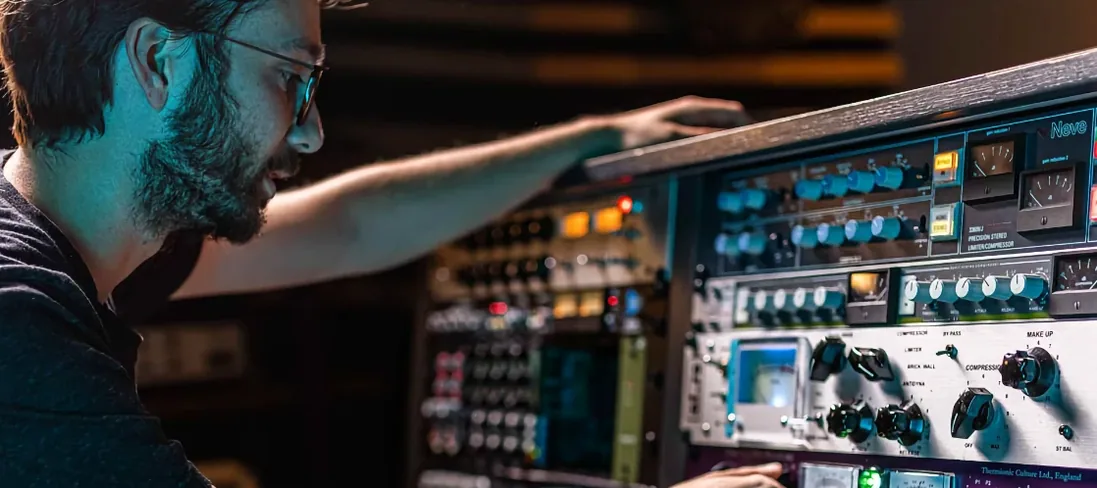 Arturia FX Collection
Bundles over thirty precise modelled processors, from studio classics to creative oddities.
Arturia FX Collection
Bundles over thirty precise modelled processors, from studio classics to creative oddities.
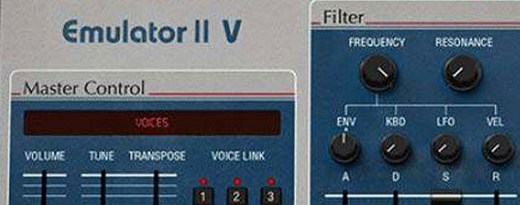 Arturia Emulator II V
Recreates the crunchy, grainy character of an early 8-bit sampling keyboard.
Arturia Emulator II V
Recreates the crunchy, grainy character of an early 8-bit sampling keyboard.
 Arturia Efx AMBIENT
Generates evolving, three-dimensional backgrounds from any static input signal.
Arturia Efx AMBIENT
Generates evolving, three-dimensional backgrounds from any static input signal.
 Arturia Analog Lab V
Gives you thousands of production-ready presets you can shape with simple macro controls.
Arturia Analog Lab V
Gives you thousands of production-ready presets you can shape with simple macro controls.
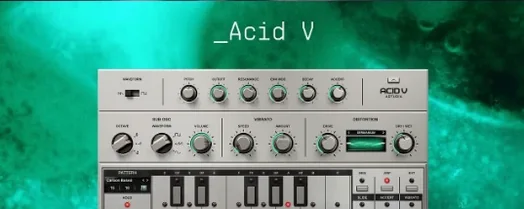 Arturia Acid V
Builds squelchy, sequenced basslines from a single init patch and a handful of knob turns.
Arturia Acid V
Builds squelchy, sequenced basslines from a single init patch and a handful of knob turns.
 Ample Sound Ample Guitar LP III
Recreates the sound of a classic electric guitar with built-in amps and effects.
Ample Sound Ample Guitar LP III
Recreates the sound of a classic electric guitar with built-in amps and effects.