 ASPNetWorld
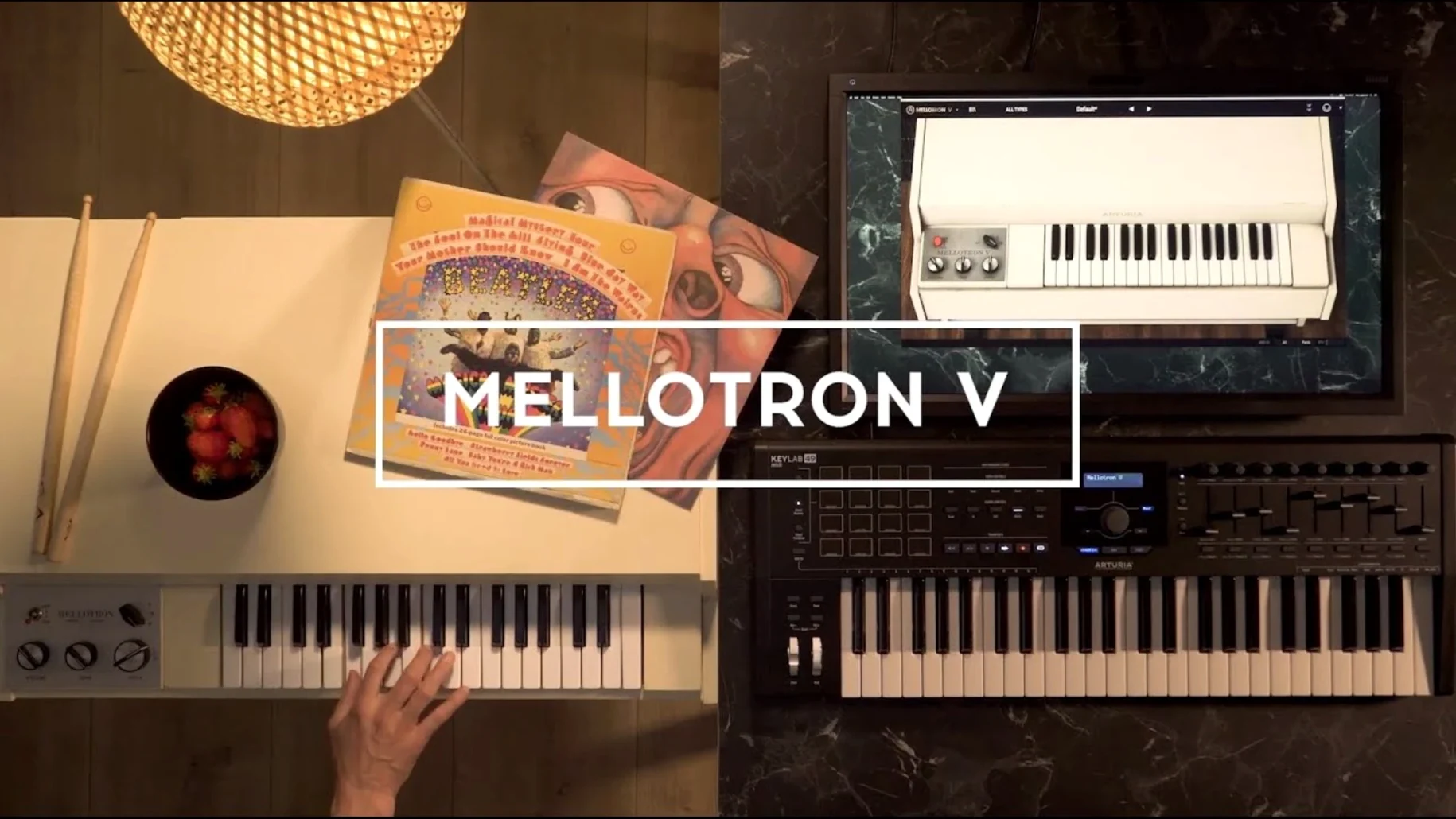
It runs on any Mac that can handle macOS 11 or later, natively on both Intel and Apple Silicon processors, and only as a 64-bit plug-in. Arturia’s modelled take on the Mellotron brings its peculiar, breathing instability into a modern session without the maintenance headaches of the original hardware, and it tends to find a home on buses and aux tracks where its character can bleed into a whole arrangement rather than sitting dry on a single channel.
- Pad thickening on a stereo bus — feeding a clean digital pad through a tape-aged string or choir bank and mixing it back in parallel adds a flickering, unstable layer that moves independently of the source.
- Pre-chorus riser with mechanical noise — dialling up the key-release clunks and motor noise creates a tactile build-up that sounds like machinery waking up, especially effective when automated across the last four bars before a drop.
- Bass-line grit on a group track — the original brass and cello tapes, pushed with a little built-in saturation and flutter, turn a sterile synth bass into something that feels like it was bounced to worn quarter-inch tape.
- Ambient bed from the 65 tape banks — layering a flute bank with a reversed tape preset, then washing it through the onboard delay and reverb, produces a shifting drone that works under spoken word or sparse verses.
- Ear candy on a dedicated FX return — short, pitched stabs from the chromatic track row, heavily processed with the built-in effects and automated panning, provide the sort of incidental texture that keeps a mix interesting on repeat listens.
The 96 chromatic semitones per track row mean you are never hunting for a pitch that sits right against other instruments, and the mechanical, noise, and tape controls let you decide whether the instability is a subtle warble or a full-on degraded mess. Version 1.9.3 (5306) tidied up the preset browsing experience so those 65 original tape banks are easier to navigate without crashes interrupting the flow.
Barely a blip on the CPU even with other tracks running
Open the plug-in on a track that already has half a dozen other instruments running and Mellotron V slots in without a sigh. On an Apple Silicon MacBook Pro it barely registers as a blip – the CPU meter stays low even with the mechanical noise section wide open and the tape age slider pushed past noon. I have left it running across a forty-track session with multiple instances and never hit the point where the system started swapping. That matters when you are in the middle of an arrangement and do not want to freeze or bounce just to keep the transport rolling.
Stability in version 1.9.3 (5306) feels sorted. The crashes that used to appear when naming presets or flicking through the library while the transport was running are gone, which makes the preset search genuinely useful mid-session rather than something you learned to avoid. AAX, AU and VST all load the same state reliably when you reopen a project, and the playlist visibility fix means custom banks you built last week are actually there when you call up the session again. For an instrument that models something as temperamental as a Mellotron, the software itself is refreshingly uneventful – and I mean that as a compliment.
RAM use is modest for a tape-based instrument. The factory banks stream from disk rather than loading entirely into memory, so even the longer tape loops do not bloat the session file. Loading your own samples – up to eight user slots per track – changes the equation slightly, but only if you are dragging in full-length WAV stems rather than the short chromatic samples the engine expects. Stick to the intended workflow of mapping single notes across the 96-semitone row and the memory footprint stays lean.
Turn up the mechanical noise to give it teeth
Out of the box, Mellotron V presents a clean, almost polite version of its sound. Two tweaks change its personality immediately.
- Turn up the mechanical noise section. The key-release clunk, motor rumble and mechanism hiss are not decoration – they are half the character. The default mix keeps these background artefacts nearly inaudible. Pulling the motor level to around 30% and the key noise to 25% gives every note a physical, wooden attack that makes the difference between a sample library and an instrument that feels alive. On a sparse track where the Mellotron is the main texture, go higher and let the noise become part of the arrangement.
- Set tape age and flutter before adding effects. The temptation is to reach for the onboard delay and reverb first, but the tape controls shape the source tone. A small amount of flutter – just enough to hear a gentle pitch drift on sustained chords – combined with moderate tape age gives you the warble that defines the original hardware. If you push age past 60% the top end rolls off in a way that sits beautifully behind a vocal without needing additional EQ.
One more worth mentioning: disable the onboard effects entirely when you are sending the instrument to an external reverb or delay bus. The built-in effects are perfectly usable, but Mellotron V sounds more expansive when its dry tone feeds a room or plate outside the plug-in. The ADSR envelope is sensible at default settings, but shortening the release slightly – especially on the choir and string banks – prevents overlapping notes from building into a muddy wash in denser mixes.
A Composer’s Afternoon
Picture a jobbing media composer with a deadline on a short documentary about British coastal weather. The brief calls for something melancholic but not sentimental, a bed that sits under archive footage of grey seas and abandoned piers. She has Logic Pro open with a string arrangement that is too clean, too obviously a sample library, and the director has asked for something that feels “older, like it was found in a cupboard.”
She drops Mellotron V onto a new instrument track and pulls up a flute bank, then layers it with a cello tape from the factory selection – two sounds that never played together in the real world but share the same wobbly, half-tuned DNA. The mechanical noise section gets pushed until the key clunk is audible between notes, and the tape age knob sits at around 40% to take the edge off the high frequencies. A second instance loads a reverse tape preset, pitched down an octave, that swells in and out on the chord changes using volume automation.
She sends both instances to a shared bus with a Valhalla plate and a gentle low-pass filter, then applies sidechain compression from the narrator’s voice so the Mellotron ducks slightly during speech. The whole setup takes twenty minutes, and the result sounds like something pulled from a BBC radiophonic archive rather than a virtual instrument running on a laptop. When the director hears the first pass he asks what hardware she used. She does not correct him – the sound speaks for itself.
Logic’s MIDI transform tools unlock the tape-switching character
Mellotron V plays nicely with the broader Mac audio ecosystem because it does not try to be the centre of attention. As an Audio Unit it loads in Logic without fuss, and Logic’s MIDI transform tools become genuinely useful for shaping the instrument’s articulations – mapping velocity to the tape flutter depth, for instance, so harder strikes wobble more. In Ableton Live, dropping it into an Instrument Rack with a Macro mapped to the tape age control lets you sweep from clean to degraded across a performance, something that sounds especially good when you record the automation rather than drawing it in.
It also works as a sound design tool in ways the original Mellotron never could. Dragging a user sample into one of the eight available slots per track – a field recording, a vocal phrase, a synth stab – and spreading it across the chromatic row turns it into a playable instrument with the same mechanical instability as the factory banks. Export that as audio, drop it into Apple’s Quick Sampler, and you have a second-generation texture that still carries the Mellotron’s fingerprint. Users searching for a mellotron v vst free download are often chasing that specific texture, but the real value here is in how it chains with other tools.
macOS features like Audio MIDI Setup recognise the standalone application without extra configuration, and aggregate device setups work as expected – useful if you are running Mellotron V on a dedicated live-performance machine alongside a hardware sequencer. The instrument also responds to MPE controllers over USB, though that is not an advertised feature; pitch bends per note bring out the tape warble in a way that feels organic rather than programmed.
For anyone who has spent time hunting down a mellotron v crack to try before committing, the current build’s stability and preset improvements make the case that this is an instrument worth keeping in regular rotation. It is not a one-trick nostalgia box – it is a texture engine that slots into a modern workflow and stays there.
Version 1.9.3 (5306) is a quality-of-life round that makes preset work feel less like housekeeping and more like browsing a library. Editing and naming playlists is smoother, favourites now sort properly with shuffle on, and searching across the 65 tape banks no longer trips over itself.
- Playlist editing and naming are tidier — less chance of losing a good sound in a badly labelled slot.
- Favourite preset management is fixed so your chosen sounds appear in the right order when shuffle is active.
- Preset search and naming improvements make hunting through the banks faster and more predictable.
- Several under-the-hood bug fixes including a crash when browsing presets.
- macOS 11 or later
- Intel or Apple Silicon processor
- 64-bit only
Questions I keep hearing
Does it only play the original Mellotron sounds?
It ships with the 65 original tape banks, but the mechanical, noise, and tape-modelling controls let you shape those sounds into something far removed from the source material.
Can I use it as an effect for other tracks?
Not as a traditional insert effect — you trigger it like an instrument, but routing audio through it as a sound source on a bus or aux track opens up plenty of textural possibilities.
Is it stable on Apple Silicon Macs?
Yes, it runs natively on Apple Silicon and Intel Macs, and the 1.9.3 (5306) update fixed several bugs including preset browsing crashes and favourite-sorting issues when shuffle was enabled.
Questions from the class 0
Sign in or join the class to ask a question.
Nobody has asked anything yet. If you have used it on a real job, say what the file did.
Also on the VST Plugins shelf
The whole VST Plugins shelf Arturia Pigments
Rewards sound designers with a deep, semi-modular engine for building patches from scratch.
Arturia Pigments
Rewards sound designers with a deep, semi-modular engine for building patches from scratch.
 Arturia FX Collection
Bundles over thirty precise modelled processors, from studio classics to creative oddities.
Arturia FX Collection
Bundles over thirty precise modelled processors, from studio classics to creative oddities.
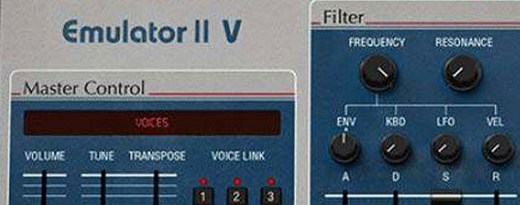 Arturia Emulator II V
Recreates the crunchy, grainy character of an early 8-bit sampling keyboard.
Arturia Emulator II V
Recreates the crunchy, grainy character of an early 8-bit sampling keyboard.
 Arturia Tape MELLO-FI
Degrades a clean signal into a wobbling, softened, tape-aged version of itself.
Arturia Tape MELLO-FI
Degrades a clean signal into a wobbling, softened, tape-aged version of itself.
 Arturia Efx AMBIENT
Generates evolving, three-dimensional backgrounds from any static input signal.
Arturia Efx AMBIENT
Generates evolving, three-dimensional backgrounds from any static input signal.
 Arturia Analog Lab V
Gives you thousands of production-ready presets you can shape with simple macro controls.
Arturia Analog Lab V
Gives you thousands of production-ready presets you can shape with simple macro controls.
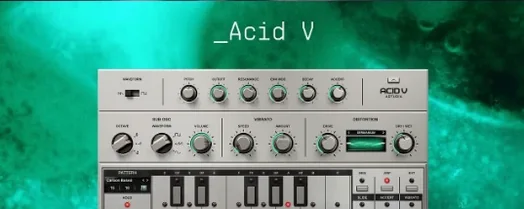 Arturia Acid V
Builds squelchy, sequenced basslines from a single init patch and a handful of knob turns.
Arturia Acid V
Builds squelchy, sequenced basslines from a single init patch and a handful of knob turns.
 Ample Sound Ample Guitar LP III
Recreates the sound of a classic electric guitar with built-in amps and effects.
Ample Sound Ample Guitar LP III
Recreates the sound of a classic electric guitar with built-in amps and effects.