 ASPNetWorld
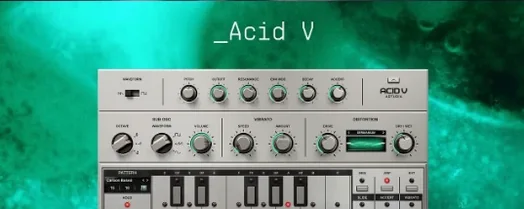
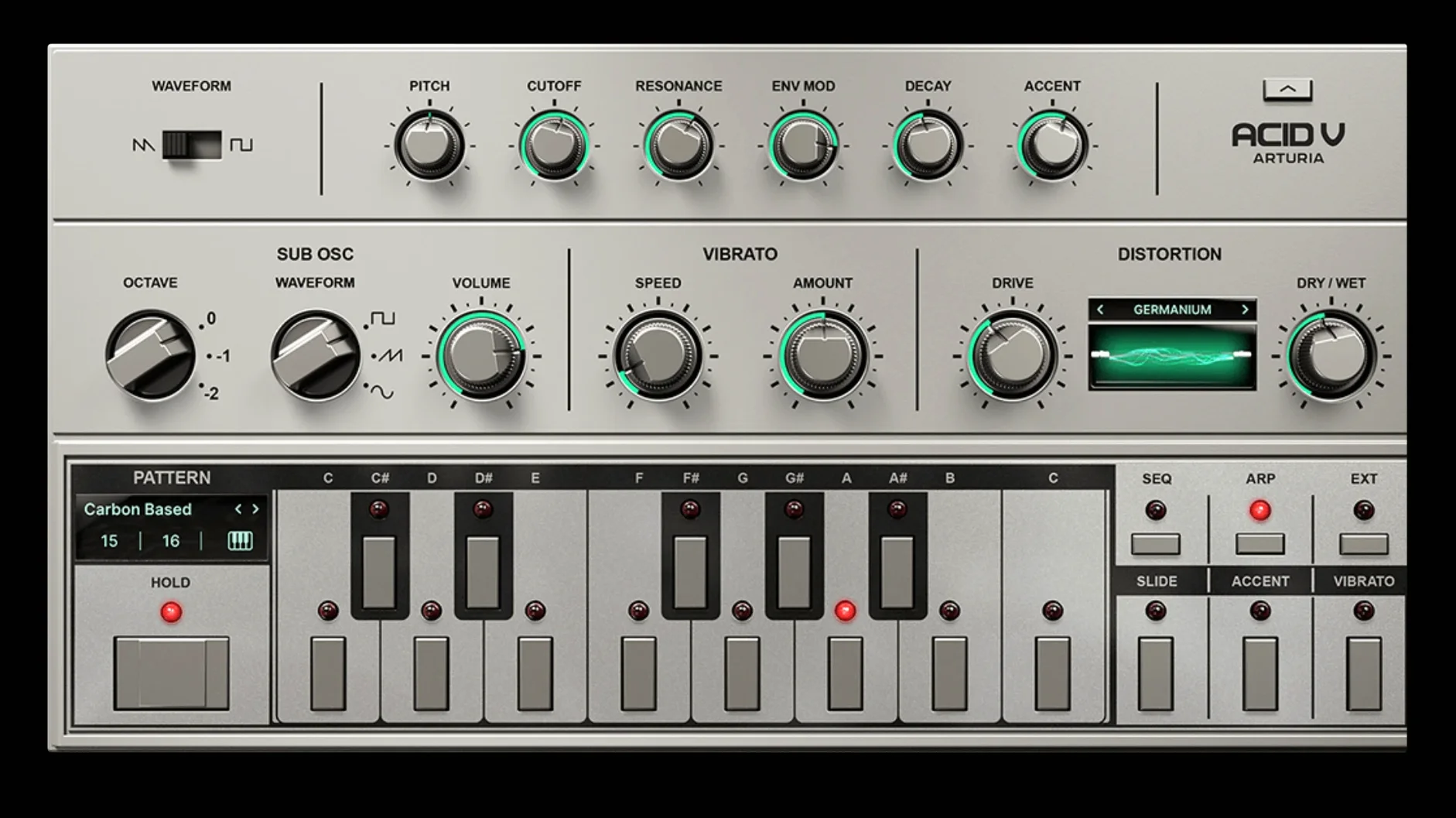
You have your DAW open, a basic drum pattern looping, and you pull up a fresh instance of Acid V on a MIDI track. You are not hunting through presets — you start with a blank init patch, dial in a simple square-wave pattern on the built-in sequencer, and nudge the filter cutoff while the pattern cycles. Within a minute, that squelchy, rubbery tone sits in the mix exactly where you hoped it would.
Good for
- Running as a VST, AU or AAX instrument inside any major DAW on macOS 11 and later, or using it standalone with a MIDI keyboard for quick sound design sessions.
- Shaping the core oscillator tone with the 14-algorithm distortion module, which moves from subtle drive to full signal destruction without leaving the plugin.
- Thickening a bassline fast — the sub-oscillator adds weight across a 2-octave range and three waveforms, sitting underneath the main voice.
Keep in mind
- The macOS download clocks in just over 540 MB, so on a slower connection it is worth factoring in a short wait.
- The resonant low-pass filter and 17-effect arsenal reward careful gain staging; the four FX slots can run away from you if you stack them aggressively.
- The 150-plus factory presets are a strong starting point, but the sequencer and vibrato really come alive when you write your own patterns.
Right-click any knob to assign a macro without menus
When a plugin carries this much modulation depth, the little workflow accelerators tend to slip past unnoticed. One that saves real time is right-clicking any knob or slider to assign it to a macro control — no menu diving, no modal windows. The mapping pops up, you choose a destination, and the connection is live. For a bassline that needs to evolve across eight bars, drag a slow LFO onto the filter cutoff via this route and the lane stays clean.
Another one: hold Shift while adjusting the sequencer's step values and the increments snap to musically useful intervals rather than drifting in fine decimal steps. It is a tiny thing, but when you are programming a pattern at 2 a.m. and your ears are tired, it stops you from chasing fractions of a semitone. The arpeggiator shares the same behaviour, which makes quick octave jumps feel instant rather than fiddly.
The three multi-mode function generators deserve a mention here too. They sit in the modulation section looking unassuming, yet each one can behave as an envelope, an LFO, or a one-shot ramp. The real convenience is that you can drag a generator's output onto almost any visible parameter — oscillator pitch, distortion drive, FX wet/dry — without opening a mod matrix.
A few days in: a producer's first project
Imagine a producer who spends most of their time in hip-hop and broken-beat territory, someone who already has a folder of 808 samples but wants a bass sound that cuts through a sparse arrangement without dominating it. They install Acid V on a Thursday evening, open it inside Ableton Live, and load the init patch. No presets, no tutorials.
Day one is spent learning the sequencer's polymetric behaviour — setting a five-step pitch lane against a seven-step gate lane, so the pattern repeats in an uneven cycle that never quite lands where the kick drum expects it. The result is a bassline that feels off-grid in a good way, pulling the groove sideways. By Friday afternoon they have paired it with a muted kick and a rim-shot pattern; the bassline carries the low end but also functions as a rhythmic element in its own right.
On Saturday they dig into the distortion module, trying algorithm four — a folded-wave shaper — at low drive, keeping the sub-oscillator at a sine an octave below. The tone stays round but gains a grainy halo that sits forward in laptop speakers without muddying the mix. The track is not finished, but the bass sound is locked.
Practical first-days advice
The plugin installs cleanly, but a few habits will smooth the first week. Start with your audio interface buffer set to 128 or 256 samples; the sequencer timing stays tight at those settings, and the CPU hit from the 17 effect algorithms is manageable even on older Intel machines. If you hear clicks when the arpeggiator runs at high tempos, nudging the buffer up to 512 usually sorts it.
Second, give yourself twenty minutes with the init patch before touching the preset library. Dial in a simple pattern on the sequencer — four notes, a rest, two more notes — and then work through the filter types with the resonance at about 60 percent. The low-pass model reacts differently to envelope modulation than a standard DAW filter does, and learning that response curve early saves time later when a preset's envelope depth feels wrong and you need to tweak it by ear.
Finally, if you plan to use the plugin across several projects, save a template track with Acid V loaded, MIDI routed, and the four FX slots bypassed. Having a zero-latency starting point means you can sketch a pattern immediately rather than reconfiguring the signal chain each time you open a new session.
A tidy maintenance update for the macOS package, bringing the version number to 1.1.5.6367. No new features — just a fresh build that keeps everything running smoothly on Intel and Apple Silicon Macs.
- macOS 11 or newer
- Intel Core processor or Apple Silicon chip
- Runs in VST, AU and AAX formats, plus standalone
Questions I keep hearing
Can I use Arturia Acid V without a DAW?
Yes, it runs in standalone mode as a virtual instrument, so you can play it with a connected MIDI keyboard without opening your main recording software.
Questions from the class 0
Sign in or join the class to ask a question.
Nobody has asked anything yet. If you have used it on a real job, say what the file did.
Also on the VST Plugins shelf
The whole VST Plugins shelf Arturia Analog Lab V
Gives you thousands of production-ready presets you can shape with simple macro controls.
Arturia Analog Lab V
Gives you thousands of production-ready presets you can shape with simple macro controls.
 Arturia Efx AMBIENT
Generates evolving, three-dimensional backgrounds from any static input signal.
Arturia Efx AMBIENT
Generates evolving, three-dimensional backgrounds from any static input signal.
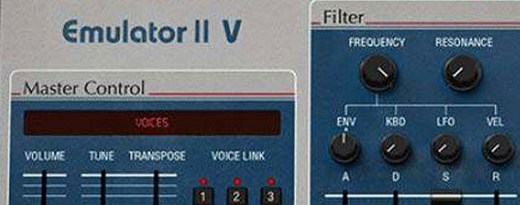 Arturia Emulator II V
Recreates the crunchy, grainy character of an early 8-bit sampling keyboard.
Arturia Emulator II V
Recreates the crunchy, grainy character of an early 8-bit sampling keyboard.
 Arturia FX Collection
Bundles over thirty precise modelled processors, from studio classics to creative oddities.
Arturia FX Collection
Bundles over thirty precise modelled processors, from studio classics to creative oddities.
 Arturia Mellotron V
Summons the breathing, unstable tape textures of the original Mellotron without the maintenance.
Arturia Mellotron V
Summons the breathing, unstable tape textures of the original Mellotron without the maintenance.
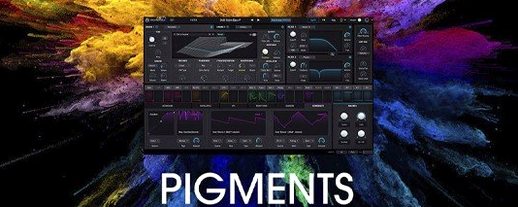 Arturia Pigments
Rewards sound designers with a deep, semi-modular engine for building patches from scratch.
Arturia Pigments
Rewards sound designers with a deep, semi-modular engine for building patches from scratch.
 Arturia Tape MELLO-FI
Degrades a clean signal into a wobbling, softened, tape-aged version of itself.
Arturia Tape MELLO-FI
Degrades a clean signal into a wobbling, softened, tape-aged version of itself.
 Ample Sound Ample Guitar LP III
Recreates the sound of a classic electric guitar with built-in amps and effects.
Ample Sound Ample Guitar LP III
Recreates the sound of a classic electric guitar with built-in amps and effects.