 ASPNetWorld
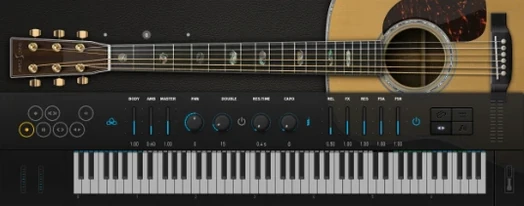
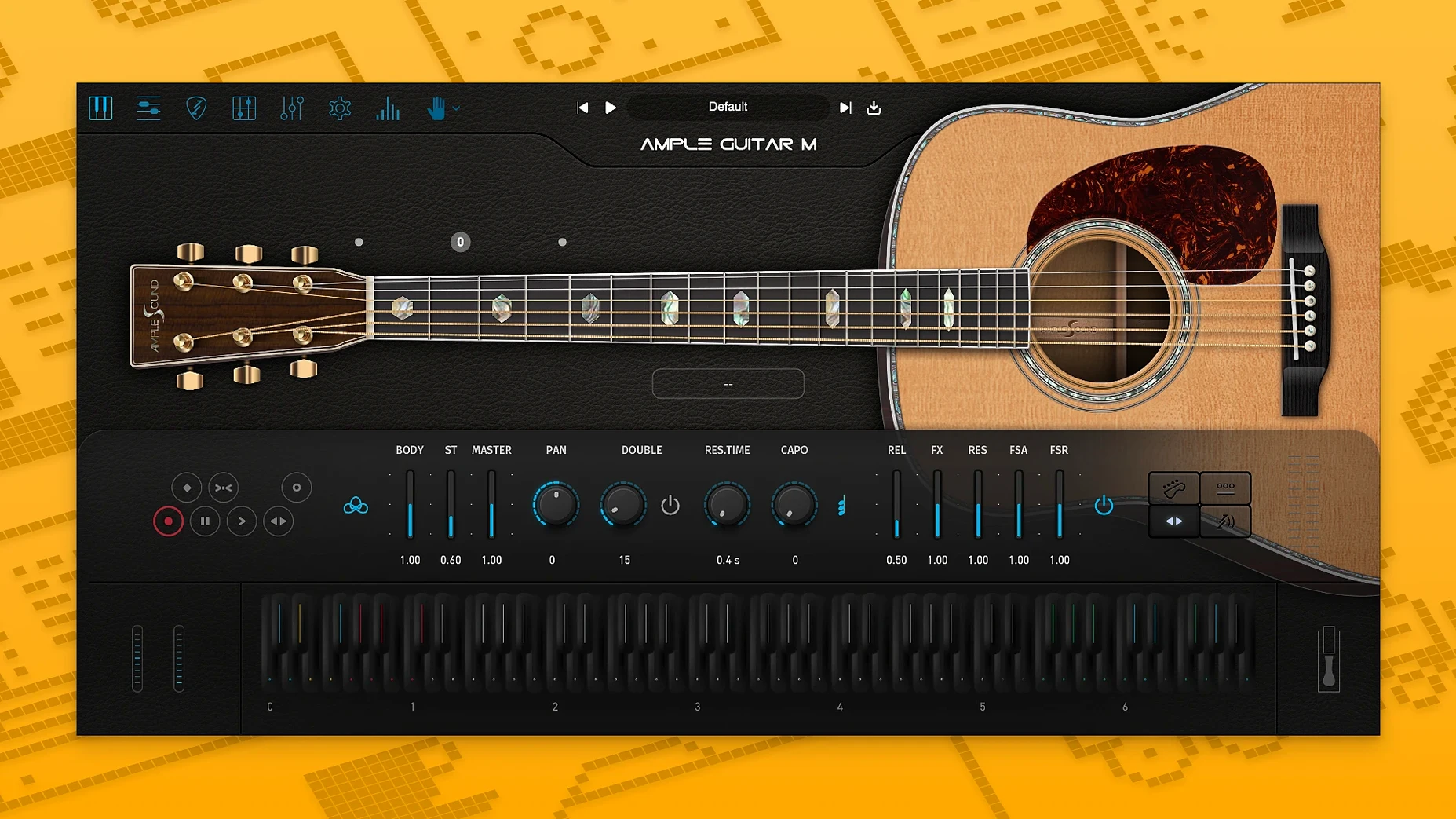
Every note you hear from Ample Guitar M began as a 24-bit sample, mapped across the fretboard so that an E on the second string sounds subtly different from the same pitch played on the third. The installer lands as a single PKG file for macOS 10.13 upwards, covering VST2, VST3, Audio Unit, AAX, and a standalone application on both Intel and Apple Silicon machines. Once the sample library is unpacked, the instrument pulls from around 4.5 GB of recorded material, which is why the installer separates the plug-in itself from the library download—it keeps the audio engine lean while the samples sit wherever you have the space.
A songwriter’s afternoon with the Martin voice
Picture a singer-songwriter who hears a fingerpicked verse in her head but doesn’t have a D-41 in the room—just a MIDI keyboard, a MacBook Air and a deadline for a demo. She loads Ample Guitar M into Logic, picks the Finger preset from the browser and starts playing two-handed: left hand shaping chords, right hand tapping out a pattern on the keys. The moment she switches on the built-in reverb and nudges the mic blend toward the neck position, the tone warms into something that sits behind a vocal without swallowing it. Half an hour later she’s dragged a simple strumming pattern from the Strummer tab onto a new track, set the key to E♭, and swapped a few chord voicings until the chorus lifts. The demo goes out that evening—and the producer asks who played the acoustic.
What 4.1 brought to everyday sessions
Version 4.1.0 isn’t a headline-grabbing redesign, but the two changes it introduced quietly improve the rhythm of a working day. The sampler engine got a tune-up: patches that used to pause for a second while the hard drive caught up now appear almost as soon as you click them, and playback under a dense arrangement feels less likely to glitch when the buffer size is low. If you’ve ever auditioned half a dozen presets while a client waits, that snappier loading alone makes the update worth installing.
The other addition lives inside Riffer, Ample Sound’s built-in phrase generator. Auto Vibrato Curve listens to note length and applies vibrato that fades in naturally rather than kicking in at a fixed point, so a long held note at the end of a phrase gains a gentle warble without you drawing a single automation lane. Swing Quantization is the more immediately fun of the two: drop a Riffer pattern onto the timeline, dial in a swing percentage, and straight eighth-notes shuffle like a player who’s internalised a Joni Mitchell record. Together the two features mean less MIDI editing for results that feel less programmed.
Musicians who search out terms like ample guitar crack or ample guitar torrent sometimes discover that the real instrument is already waiting on the official download page—4.1’s faster loading removes one of the few practical frustrations people used to grumble about.
Velocity curve drag to match soft MIDI strokes to gentle samples
The default patch sounds honest, but a couple of tweaks make it fit your hands and your mix straight away.
Velocity curve. Open the settings panel and drag the velocity response so the softest MIDI strokes trigger the gentlest sample layers without dropping out. If your controller has a light action, flatten the curve a little; weighted keys usually want a steeper slope. Getting this right stops the guitar from feeling either timid or permanently strummed at fortissimo.
Noise and release layers. Turn up the Fret Noise and Release Noise sliders a few decibels. The default level is tasteful, but a touch more finger-squeak and the whisper of fingers lifting off strings does more for realism than any amount of reverb. Dial them back only if the part sits in a busy mix where the detail gets lost.
Strum time. In the Strummer tab, shorten the Strum Time slightly—around 80–90 ms instead of the factory 120 ms. This tightens chord attacks just enough that rhythm parts lock into a drum groove without sounding clipped, while still preserving the sense of six strings being swept rather than hit simultaneously.
After those three adjustments, save a user preset. You’ll reach for it more often than the factory defaults, especially if your work crosses between delicate fingerpicking and full-band arrangements.
Capo slider shifts playable range up the neck for your vocal range
The Capo slider sits quietly in the main interface and does exactly what a real capo does: it shifts the playable range up the neck while keeping the same chord shapes. If a song sits uncomfortably in your vocal range, bump the capo to the third or fifth fret and the guitar moves with you—no transposition math required.
Holding the Alt key while clicking any fret on the virtual fingerboard triggers a harmonic, and the round-robin sampling means repeated harmonic plucks cycle through slightly different recordings. It’s the kind of detail that stops a repeating two-bar loop from turning robotic.
The Tab Player, often overlooked because it requires loading a Guitar Pro file, doubles as a quick arranger’s scratchpad. Write a chord chart in any tab editor, save it as a .gp5 file, drag it onto Ample Guitar M, and the instrument voices the chords with proper fingering. From there you can export the MIDI into your DAW and tweak individual notes—useful if you think in fretboard positions but arrange in a piano roll.
Right-clicking almost any knob resets it to its default. The Double button—easy to miss, tucked near the bottom—plays the same note on two strings simultaneously with a micro-delay between them, thickening single-note lines without chorus or delay pedals. And the Doubling Guitar switch, when enabled, layers a second performance with slightly different timing and tuning, which is why some people searching ample guitar m torrent or ample sound torrent are really chasing that double-tracked width. The feature is already inside the plug-in, waiting for a single click.
Version 4.1.0 tightens the sampler engine so patches load faster and playback feels snappier, even on older Macs. The Riffer tool also gains an Auto Vibrato Curve for more natural pitch movement and Swing Quantization to nudge rhythm patterns off the grid.
- macOS 10.13 or newer
- Intel 64-bit or Apple Silicon processor
- Separate sample library download required (approximately 4.5 GB)
Questions I keep hearing
Does Ample Guitar M work natively on Apple Silicon Macs?
Yes, the current version provides native support for Apple Silicon alongside Intel 64-bit systems.
Can I write rhythm parts with the built-in tools?
It includes a dedicated strumming engine for building rhythm patterns, plus a tablature player and the Riffer sequencer for melodic lines.
Questions from the class 0
Sign in or join the class to ask a question.
Nobody has asked anything yet. If you have used it on a real job, say what the file did.
Also on the VST Plugins shelf
The whole VST Plugins shelf Ample Sound Ample Guitar LP III
Recreates the sound of a classic electric guitar with built-in amps and effects.
Ample Sound Ample Guitar LP III
Recreates the sound of a classic electric guitar with built-in amps and effects.
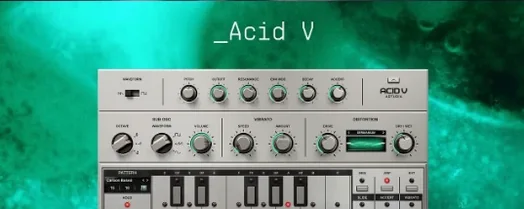 Arturia Acid V
Builds squelchy, sequenced basslines from a single init patch and a handful of knob turns.
Arturia Acid V
Builds squelchy, sequenced basslines from a single init patch and a handful of knob turns.
 Arturia Analog Lab V
Gives you thousands of production-ready presets you can shape with simple macro controls.
Arturia Analog Lab V
Gives you thousands of production-ready presets you can shape with simple macro controls.
 Arturia Efx AMBIENT
Generates evolving, three-dimensional backgrounds from any static input signal.
Arturia Efx AMBIENT
Generates evolving, three-dimensional backgrounds from any static input signal.
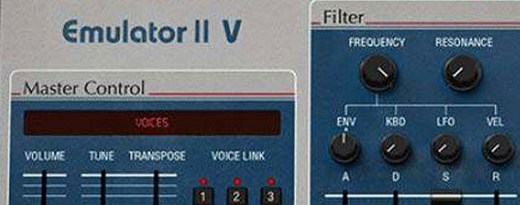 Arturia Emulator II V
Recreates the crunchy, grainy character of an early 8-bit sampling keyboard.
Arturia Emulator II V
Recreates the crunchy, grainy character of an early 8-bit sampling keyboard.
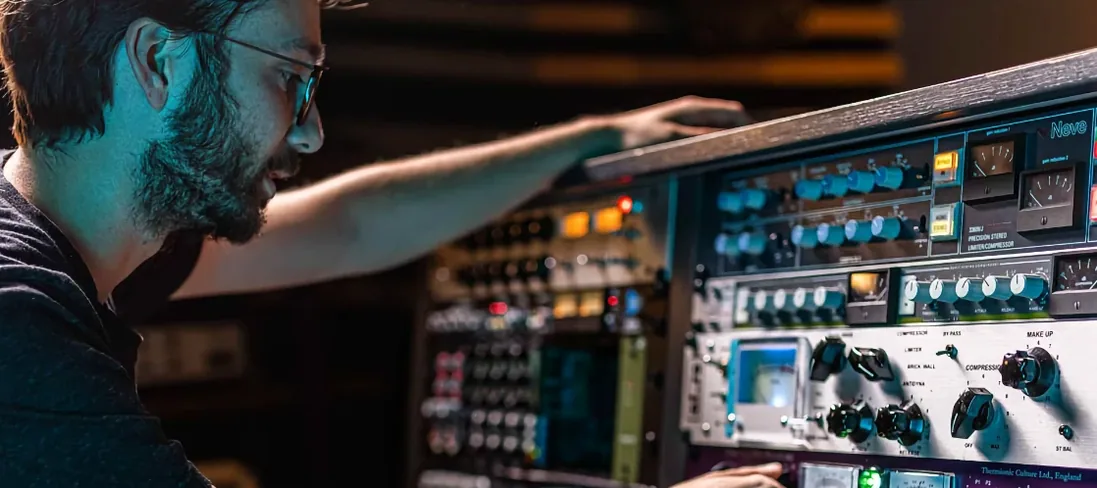 Arturia FX Collection
Bundles over thirty precise modelled processors, from studio classics to creative oddities.
Arturia FX Collection
Bundles over thirty precise modelled processors, from studio classics to creative oddities.
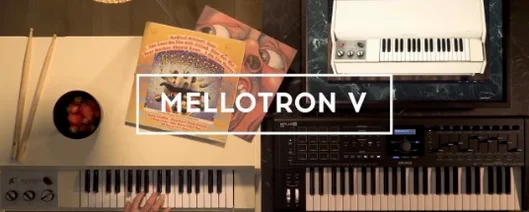 Arturia Mellotron V
Summons the breathing, unstable tape textures of the original Mellotron without the maintenance.
Arturia Mellotron V
Summons the breathing, unstable tape textures of the original Mellotron without the maintenance.
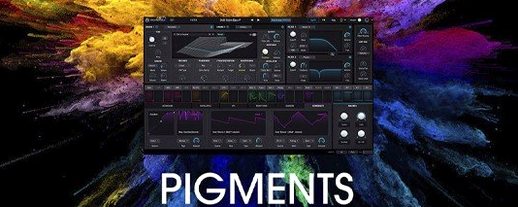 Arturia Pigments
Rewards sound designers with a deep, semi-modular engine for building patches from scratch.
Arturia Pigments
Rewards sound designers with a deep, semi-modular engine for building patches from scratch.