 ASPNetWorld
The current version is 2.4.0, released on 2023-08-23. It runs on macOS Big Sur and later, as a native universal binary for Intel and Apple silicon. The plug-in comes in VST, AU, and AAX formats — and the AAX build now speaks arm64 natively for Pro Tools 2023.3+ on M-series Macs. Multi-user installation is supported, which makes it easier to deploy in a studio with several engineers sharing a machine. The interface is in English, and the preset manager has gained factory and custom tabs so you can organise your starting points more cleanly.
What Insight 2 actually shows you
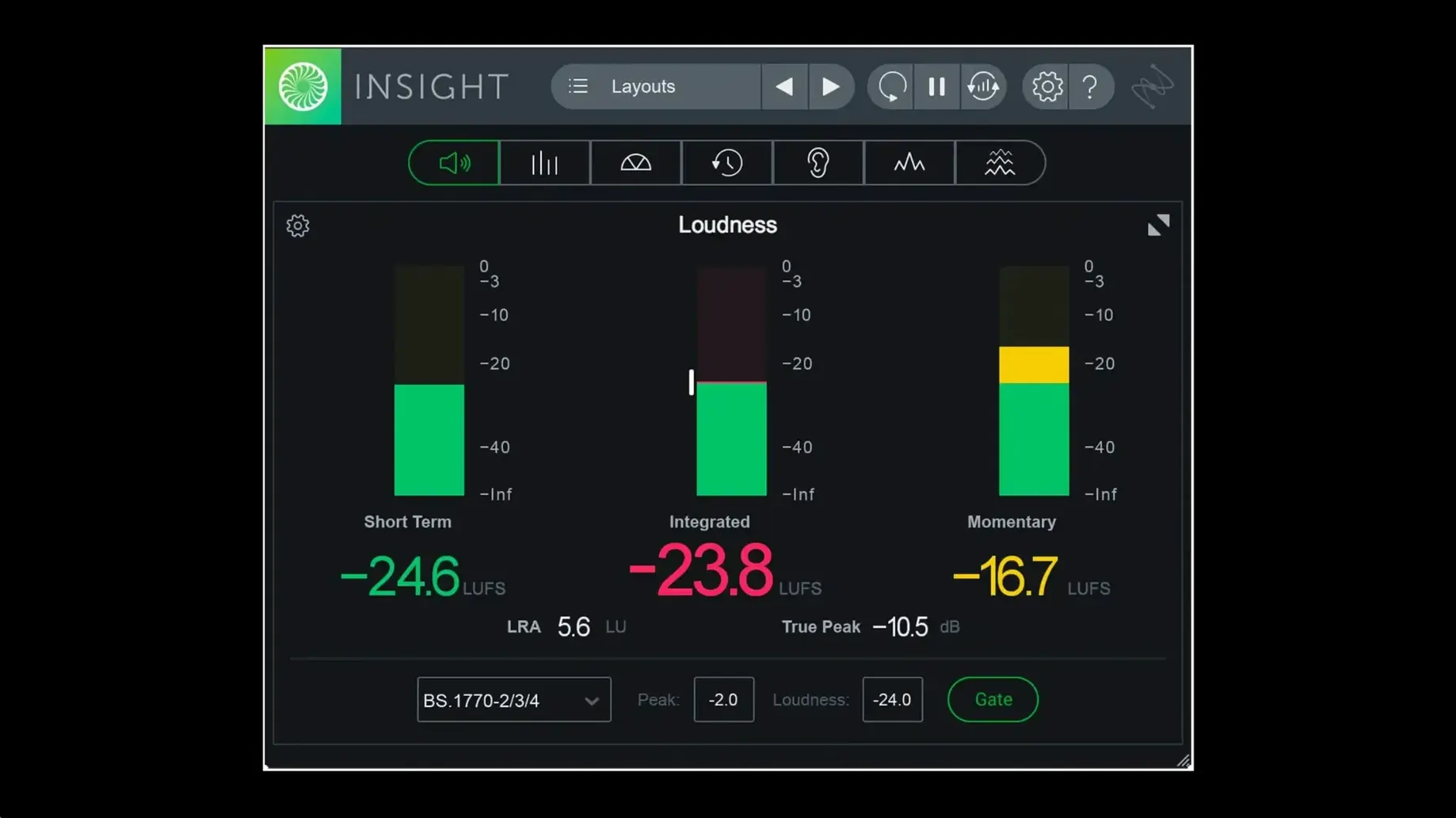
Metering is not glamorous, but it stops you making decisions your ears haven’t caught yet. Insight 2 gives you a collection of resizable, configurable meters designed to sit in your session without fighting for screen space. You get True Peak Meters, Loudness Meters with a history graph, a Stereo Vectorscope, a Surround Scope, and both 2D and 3D Spectrograms alongside a Spectrum Analyzer. All of it updates in real time, with colour signals that flag potential mix problems as they happen. Think of it as a second pair of eyes that never blinks.
Loudness standards and deep analysis
The plug-in can verify your audio against current broadcast loudness standards, so you know whether a mix will pass QC before you export it. It measures overall loudness, intelligibility, and spectral balance, pulling in audio from any track or bus via flexible routing. The analysis is scalable: you can dig into a single channel or watch the full surround field, depending on what the session demands. Because the meters sit inside your DAW rather than in a separate application, there is no round-trip delay when you tweak an EQ and want to see the spectral shift on the spectrogram straight away.
Insight 2 on a post-production dub stage
Picture a re-recording mixer near the end of a long-form documentary. The offline edit is locked, the music cues are placed, and the dialogue has been cleaned with three different noise-reduction chains. The mixer’s job now is to make sure the final print master sits comfortably within the EBU R128 loudness spec the broadcaster demands. They load Insight 2 as an insert on the master bus, resize the Loudness History Graph so it spans the width of a secondary display, and let the session play through from the top. Every time the integrated loudness drifts past -23 LUFS, the meter nudges from green toward amber. By the closing credits, they’ve caught a two-minute section where the voiceover was riding 2 dB too hot — a section their ears had grown accustomed to over the last three days of editing. A quick level trim, a re-check, and the graph settles back into the safe zone. No guesswork, no last-minute panic email from the broadcaster’s QC department.
Checking if a pop mix’s low end is swallowing the track
Imagine it’s a Tuesday afternoon mix session on a six-minute pop track. Brad, a mixing engineer, has already balanced the faders and applied broad-stroke EQ. Now he wants to confirm that the low end isn’t swallowing the mix and that the stereo image stays coherent on smaller speakers. Here’s how he folds Insight 2 into the next hour.
He inserts Insight 2 on the mix bus, right after his bus compressor but before the limiter, so he reads the unmastered dynamic picture. The plug-in opens in its default layout, but Brad has saved a custom preset called “Mix Bus Check” that shows only the Spectrum Analyzer, the Stereo Vectorscope, and the True Peak meter. Three meters, no scrolling. He loads it from the custom tab in the preset manager — two clicks — and the interface shrinks to exactly what he needs.
He starts by watching the Spectrum Analyzer while the chorus plays. A hump around 120 Hz catches his eye. The bass guitar and the kick drum are fighting, and the analyser makes it obvious because the slope holds steady rather than relaxing on the off-beats. Brad soloes the kick, applies a narrow cut at the bass guitar’s fundamental, and watches the hump soften in real time. The analyzer isn’t making the decision; it’s just showing him what the room’s slightly uneven bass response was hiding.
Next he shifts attention to the Stereo Vectorscope during a wide synth pad section. The pattern blooms outward, which is fine, but it leans right by about 4 dB. A quick check of the pan pots reveals a stereo aux return that was accidentally panned 80% right. He corrects it, the vectorscope recentres, and the mono-collapse test he runs afterwards sounds solid rather than hollow.
Finally, he loops the loudest eight bars and watches the True Peak meter. The ceiling is set to -1 dBTP, and a handful of transients flash red. Brad adjusts the threshold of his bus compressor — just a half-dB — and the overs disappear. He saves the session, exports a reference, and doesn’t think about Insight 2 again until the mastering revision comes back. The whole process took maybe seven minutes, and none of it relied on squinting at stock DAW meters.
How Insight 2 fits into a larger toolkit
Insight 2 plays well with other tools because it doesn’t process audio — it observes it. That makes it a natural companion to corrective plug-ins like iZotope’s own Neutron or Ozone, but it doesn’t demand them. You can place it after a third-party EQ, a console emulation, or a convolution reverb and simply watch what happens to the spectral balance or the loudness profile. On an Apple silicon Mac, the native arm64 AAX build means Pro Tools users can keep Insight 2 visible on screen while running a dense session without the performance penalty of Rosetta bridging.
Beyond the DAW, Insight 2 integrates with macOS in small but helpful ways. Because the plug-in supports multi-user installation, a facility machine with three login accounts — one for the head engineer, one for an assistant, one for a freelance mixer who books Wednesdays — can host a single install that all three can access without re-authorising. The plug-in’s resizable interface also respects Spaces and multiple desktops; you can park a full-screen Loudness History Graph on a second monitor and swipe between it and your main edit window with a trackpad gesture. It feels less like a plug-in and more like a piece of outboard metering hardware that happens to live inside your Mac.
If you work with video, Insight 2 slots into a post-production workflow alongside Final Cut Pro or DaVinci Resolve via an external audio editor or a round-tripped Pro Tools session. The loudness verification tools align with the same standards that Netflix and YouTube enforce, so you can check a 5.1 or 7.1.2 print master before you bounce the final file. For music producers who are curious about spatial audio, the Surround Scope gives a clear read on height channels and rear surrounds — something the built-in meters in most DAWs still handle rather clumsily.
The fan stays silent on an M2 MacBook Pro thirty minutes in
The shift to native arm64 AAX support is the kind of update that doesn’t feel exciting until you’re thirty minutes into a Pro Tools mix on an M2 MacBook Pro and you realise the fan hasn’t spun up. Before 2.4.0, Insight 2 ran under Rosetta for AAX, which worked but added a layer of translation that could nudge CPU meters upward in a busy session. Now it loads as a native process, and the difference shows most when you have multiple instances spread across stems — one on dialogue, one on effects, one on the full mix — all updating in real time.
The addition of factory and custom preset tabs in the preset manager changed the rhythm of setup, too. Instead of fishing through a flat list for a starting point, you can save a layout that shows only the meters you need for a particular task — loudness for broadcast, spectrogram for dialogue cleanup, vectorscope for stereo imaging — and recall it with a click. Over a week of sessions, those presets become muscle memory. The installer also tidied up behind the scenes: multi-user installation support means a studio’s system administrator can push the plug-in across accounts without manual tweaks, and Relay is no longer bundled directly in the installer, which keeps the package leaner for people who never used the routing utility in the first place.
Version 2.4.0 adds native support for Apple silicon across the board. The AAX plug-in now runs natively on M-series Macs for Pro Tools 2023.3 and later, and the installer itself is arm64-native too. The preset manager has been tidied up with separate factory and custom tabs, making it quicker to switch between your own starting points and the built-in ones.
- macOS Big Sur or later
- Intel or Apple silicon Mac
- VST, AU, or AAX host (AAX arm64 requires Pro Tools 2023.3+)
Questions from the class 0
Sign in or join the class to ask a question.
Nobody has asked anything yet. If you have used it on a real job, say what the file did.
Also on the VST Plugins shelf
The whole VST Plugins shelf iZotope Nectar
Processes a vocal track through a full chain of EQ, compression, pitch and effects in one window.
iZotope Nectar
Processes a vocal track through a full chain of EQ, compression, pitch and effects in one window.
 iZotope Neutron
Analyses your audio and suggests a custom chain of EQ, compression and exciter settings.
iZotope Neutron
Analyses your audio and suggests a custom chain of EQ, compression and exciter settings.
 iZotope RX
Repairs clicks, hum, noise and clipped audio in recordings for broadcast and music.
iZotope RX
Repairs clicks, hum, noise and clipped audio in recordings for broadcast and music.
 iZotope Tonal Balance Control
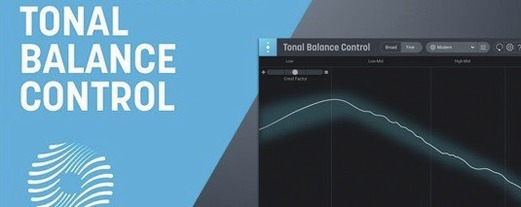
Shows whether your mix sits within typical genre curves for low, mid and high energy.
iZotope Tonal Balance Control
Shows whether your mix sits within typical genre curves for low, mid and high energy.
 Kalifornia Dynamic KD Alkane
Adds four flavours of analogue-style drive and saturation to any sound source.
Kalifornia Dynamic KD Alkane
Adds four flavours of analogue-style drive and saturation to any sound source.
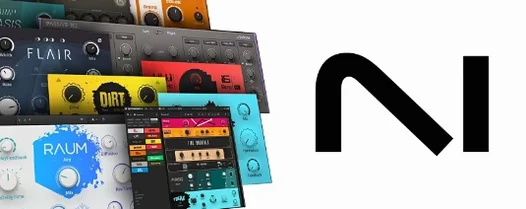 Komplete FX Bundle
Collects six processor packs that model studio compressors, EQs, reverbs and delays.
Komplete FX Bundle
Collects six processor packs that model studio compressors, EQs, reverbs and delays.
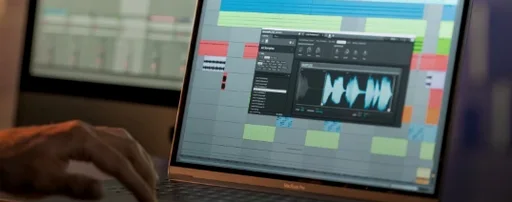 Komplete Kontrol
Organises all your instruments and effects into one keyboard-controlled browsing library.
Komplete Kontrol
Organises all your instruments and effects into one keyboard-controlled browsing library.
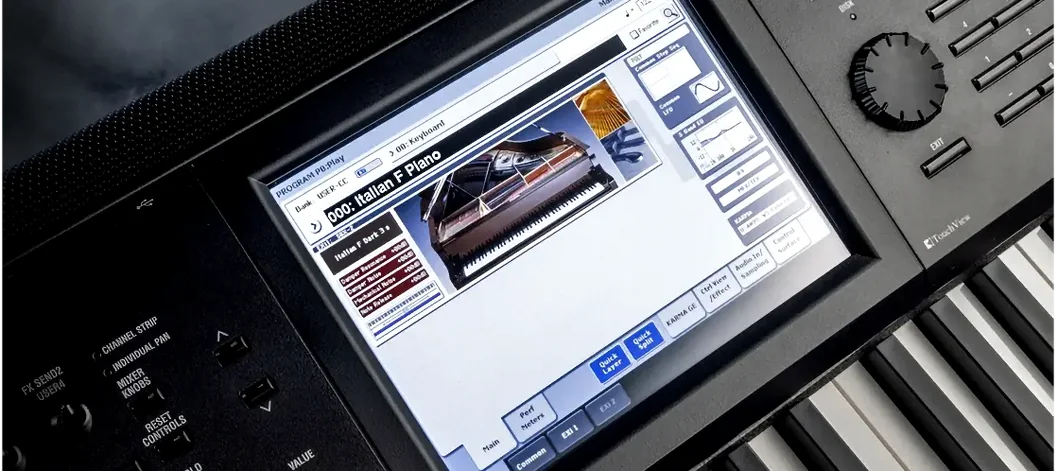 KORG Collection
Recreates classic Korg synthesizers and adds newer sound engines in a single plug-in suite.
KORG Collection
Recreates classic Korg synthesizers and adds newer sound engines in a single plug-in suite.