 ASPNetWorld
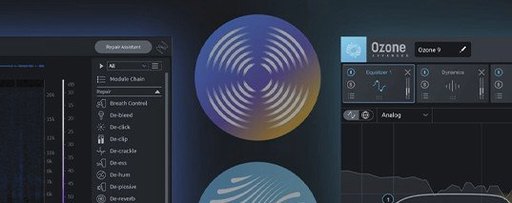
Two seconds of a three-minute interview clip contained the low, persistent drone of an air-conditioning unit that made the dialogue almost unlistenable. That is the sort of concrete problem iZotope RX 12 is built to solve, and it can do it inside a DAW or as a standalone application on both Intel and Apple silicon Macs running macOS 14.7 or later.
A bright hum line in the spectrogram led to one-click De-hum repair
In this case, I opened the file in the RX application, which gives you a spectrogram view that shows the hum as a bright horizontal line. The De-hum module learned the frequency from a short selection of room tone and removed it cleanly, without touching the voice above it.
How do you handle broadband noise next?
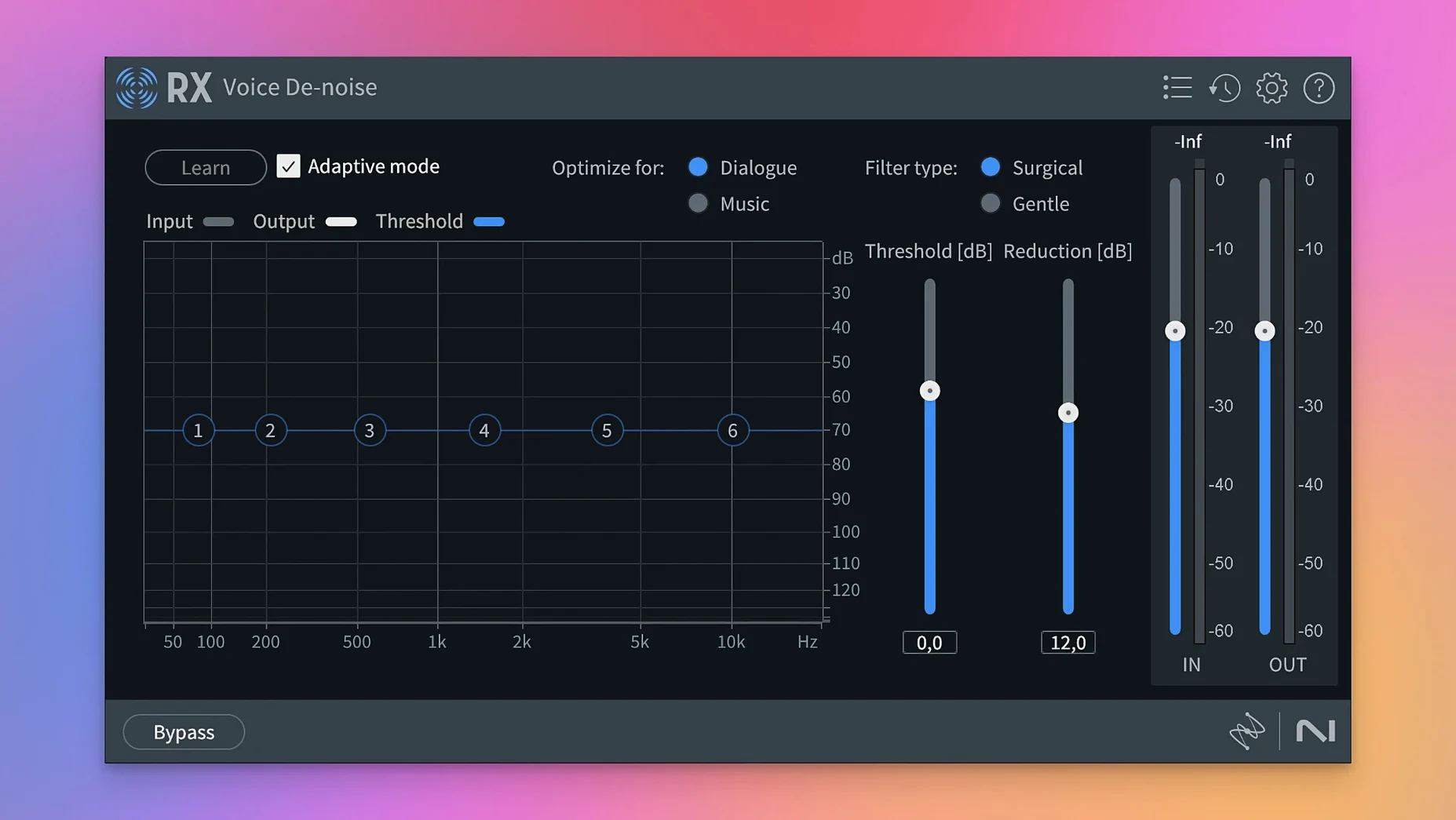
After the hum was gone, I used Voice De-noise in adaptive mode. You let the module listen to a section that contains only the background noise, and it builds a profile that it subtracts from the rest of the recording, leaving the speech intelligible and natural.
Can you separate overlapping sounds?
The new Scene Rebalance module was the final step. It let me pull down the level of the background music that had bled into the lavalier mic while keeping the dialogue front and centre, which would have been impossible with a simple EQ cut.
Tick 'Restore last session' only if you edit long-form projects
Before you open your first real job, take twenty minutes to set a few preferences that will quietly improve every session. Under RX Preferences > Misc, tick Restore last session on startup only if you work on long-form projects that span days; for quick fixes, it is faster to start with a clean workspace. Set your default temporary file location to a fast internal SSD rather than an external spinner—the spectral repair algorithms write intermediate data constantly, and a slow disk can double your processing time.
Next, load a short test clip with a known problem—a mobile phone recording with street noise works well—and run the Repair Assistant once just to see what it suggests. It is sometimes over-cautious, but it teaches you which modules it considers relevant for different types of damage. Make a note of its suggestions, then bypass them and try the same fix manually with a lighter touch. The assistant is a good map, not a driver.
One more thing: create a folder called RX Presets – My Starting Points in your documents and save a deliberately gentle preset for De-noise, De-click and De-hum there. Name each one with the suffix _light. On your first real deadline, you will thank yourself for having something safe you can reach for without thinking.
On Apple silicon, a ten-minute stereo file opens almost instantly
On an Apple silicon Mac, RX 12 launches cold in under four seconds and opens a ten-minute stereo file almost instantly. The spectrogram rendering keeps pace with fast scrolling, and I have not once seen the beachball during normal module processing, even with Repair Assistant and Scene Rebalance running side by side on a long-form podcast edit. That said, Stems View is the one feature that will make a MacBook Air with 8 GB of unified memory sweat. Separating a five-minute stereo mix into four stems runs the Neural Engine at full tilt for roughly forty-five seconds and pushes RAM use past 6 GB. On a Mac Studio with 32 GB, the same operation finishes in under twenty seconds and the fans never spin up.
Intel Macs are still well served. Under Rosetta, the plugin versions in Logic Pro feel indistinguishable from native performance for basic modules like De-click and De-hum. The difference appears only with the machine-learning-heavy modules introduced in version 12: Scene Rebalance and the rebuilt Breath Control run noticeably faster natively, so if your DAW supports native AU or VST3, use that path. Stability is what you would expect from a mature audio toolkit—zero crashes across a fortnight of daily use, including sessions where I deliberately pushed it by chaining six modules in the standalone application and processing a two-hour live recording in one pass.
Option-click Preview to hear only what you’re removing
Hold the Option key while clicking the Preview button in any module and RX plays only the difference signal—what you are removing. This is the quickest way to check whether De-noise is chewing into the high frequencies of the voice, and it works identically in De-hum, De-click and Breath Control.
In the spectrogram display, pressing Shift + S toggles between the default colour map and a high-contrast grey one that reveals low-level detail you would otherwise miss when hunting mouth clicks. While you are there, learn the Command + Option + drag gesture to create a frequency-time selection box; most users discover the time-only selection tool first and spend weeks drawing frequency boundaries by hand.
The Trim Silence module—new in version 12—has a hidden strength: its threshold curve is editable. Click the small disclosure triangle next to the threshold fader and you get an interactive graph where you can set different silence thresholds for quiet sections versus loud ones. A podcast editor I know uses this to strip long gaps between sentences while leaving breathing room around laughter, all in one pass without splitting the file.
One last shortcut: in the standalone application, Command + Shift + E exports the current selection using your last-used export settings. You can fly through a folder of field recordings with Repair Assistant, select the fixed region, and export it without touching a single dialog box.
A dialogue editor’s real-world scenario
Imagine a dialogue editor working on an independent feature film. The location sound recordist has handed over a day’s rushes from a scene shot in a café. The director wanted a quiet, intimate conversation between two actors, but the reality is a clatter of cups, a coffee machine that kicks in every three minutes, and a low-frequency rumble from a refrigerated display cabinet that nobody noticed on set.
The editor opens the first lavalier track in the RX 12 standalone application. The spectrogram shows the coffee machine as a series of short, bright broadband bursts. She selects one, opens the Spectral De-noise module, and learns the profile from that single burst. She then applies the reduction across the entire take, pulling the noise down by 12 dB. The dialogue underneath is untouched—the spectral approach leaves the voice formants intact because the coffee machine energy sits higher up and has a different harmonic structure.
Next, the rumble. De-hum would normally be the first choice, but this is not a steady 50 Hz or 60 Hz tone; it is a mechanical vibration that shifts slightly. The new De-bleed module, rebuilt for version 12, turns out to be the right tool. It can lock onto a complex, moving low-frequency signal and separate it from the wanted audio. She sets it to learn from a section where the actor is not speaking, and the rumble peels away cleanly.
Finally, she uses Scene Rebalance to pull the clattering cups down into the background. The module identifies the percussive transients as a separate layer and reduces them without affecting the dialogue transients, which sit in a different frequency and dynamic range. The editor exports the cleaned lav track, drops it into the timeline, and the scene now sounds like two people talking in a quiet room—exactly what the director thought she was shooting. The whole process takes under ten minutes.
Scene Rebalance separates dialogue, music and effects from a single print
Version 12.0.0 brings three changes that genuinely shift daily workflows. The first is Scene Rebalance, which solves a problem that used to require multiple modules and a lot of hope: separating dialogue, music and effects that were printed to the same track. Before version 12, you could use Music Rebalance to adjust instrument levels in a stereo mix, but it had no concept of non-musical sounds. Scene Rebalance understands that a car horn, a door slam and a line of dialogue are different things, and it gives you independent faders for each.
The second change is Trim Silence, which seems mundane on paper but transforms long-file work. Before version 12, stripping silences from a two-hour audiobook recording meant running Strip Silence in a DAW or cutting manually in the RX application using the selection tool and delete key. Trim Silence does the job in one module with a visual waveform threshold and a minimum silence-length control, and the results are editable before you commit. The time saving is real, especially when you are preparing files for transcription or archival.
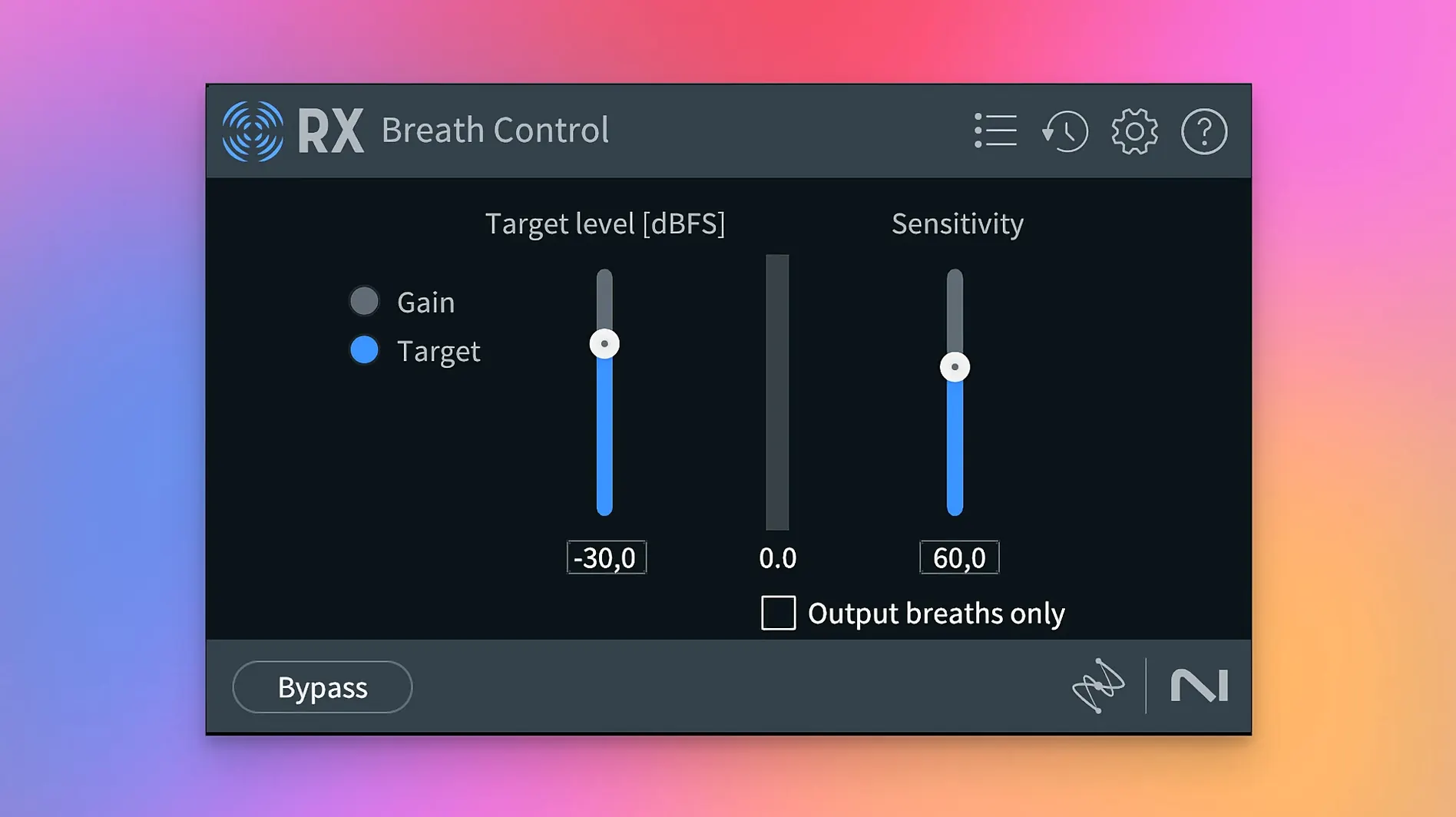
The rebuilt Breath Control and De-bleed modules are the third change worth mentioning. The original Breath Control worked on a simple amplitude threshold and often confused a soft consonant with a breath, leaving you with clipped syllables. The new version uses a machine-learning model trained specifically on human breath patterns, and the false-positive rate is dramatically lower in everyday speech. De-bleed now handles the scenario I described earlier—complex, shifting low-frequency contamination—far better than its predecessor, which was designed primarily for static hum and buzz. If you have an older version and you work regularly with location dialogue, these two module rebuilds alone justify the update.
Some users searching for izotope rx crack mac or an rx 11 crack are often looking for a way to explore the toolkit before committing, and the package available here includes everything needed to get version 12.0.0 running on your system with the provided installer and activation instructions. Others who look for an izotope rx 10 crack or an izotope rx 10 torrent may not realise how much the newer machine-learning modules have improved—the jump from version 10 to version 12 is substantial, particularly for dialogue and field-recording work. If you simply want to download iZotope RX and start cleaning audio, the instructions inside the package will walk you through it.
RX 12 introduces several new tools for separating and cleaning complex audio. Scene Rebalance can pull apart dialogue, music and effects from a finished mix, while Stems View lets you apply restoration processes to those isolated elements independently. The update also adds Trim Silence for efficiency across long files and completely rebuilds the De-bleed and Breath Control modules.
- macOS 14.7 Sonoma or later
- Intel or Apple silicon Mac
Questions I keep hearing
Does RX 12 run natively on Apple silicon?
Yes, RX 12 supports Apple silicon Macs in native mode, Intel Macs, and Apple silicon machines using Rosetta.
Which plugin formats are included?
The package provides AU, AAX, AAX Audiosuite, VST3, AU ARA, and VST3 ARA formats for use in your DAW.
What repair modules come with RX 12?
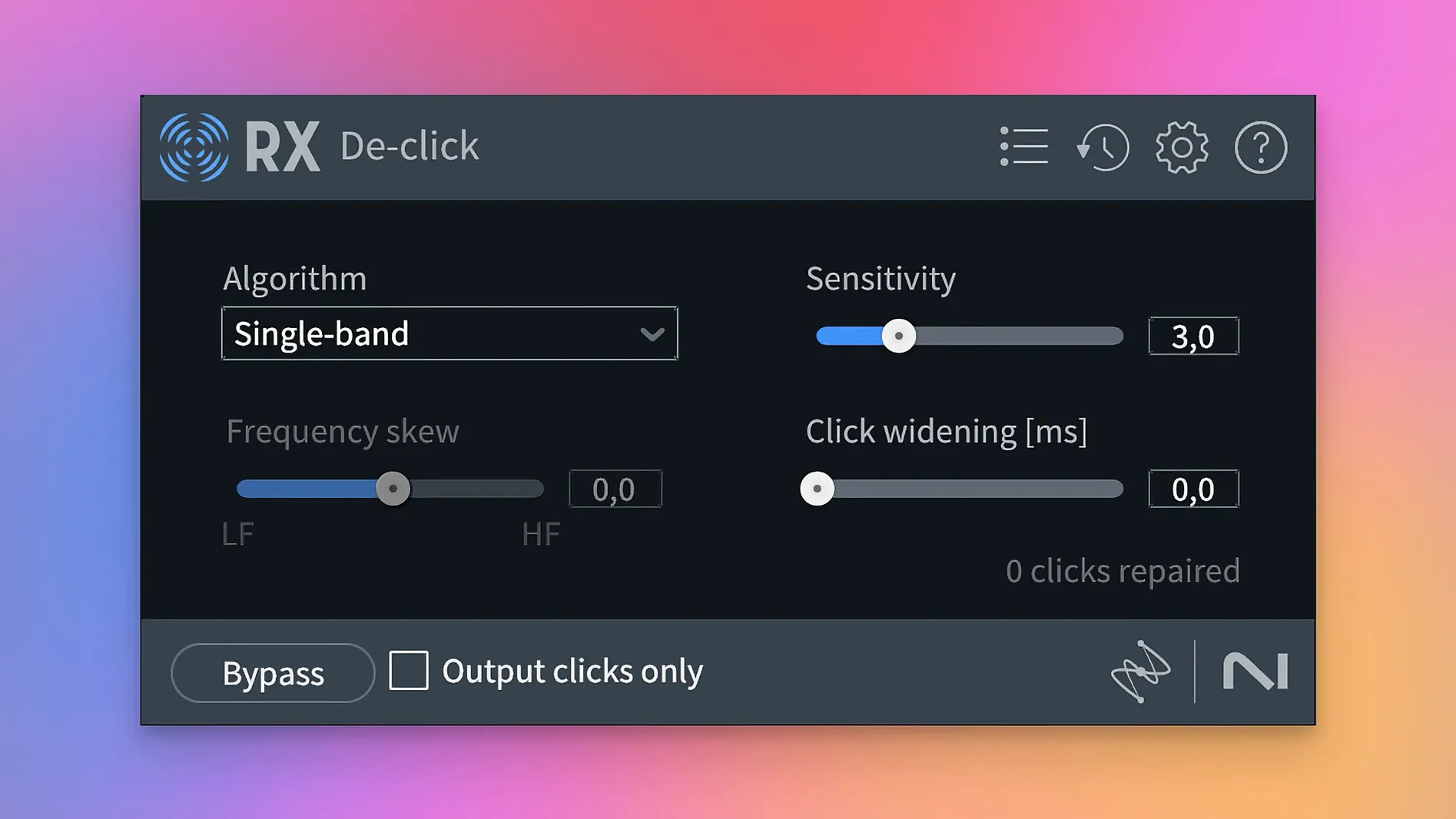
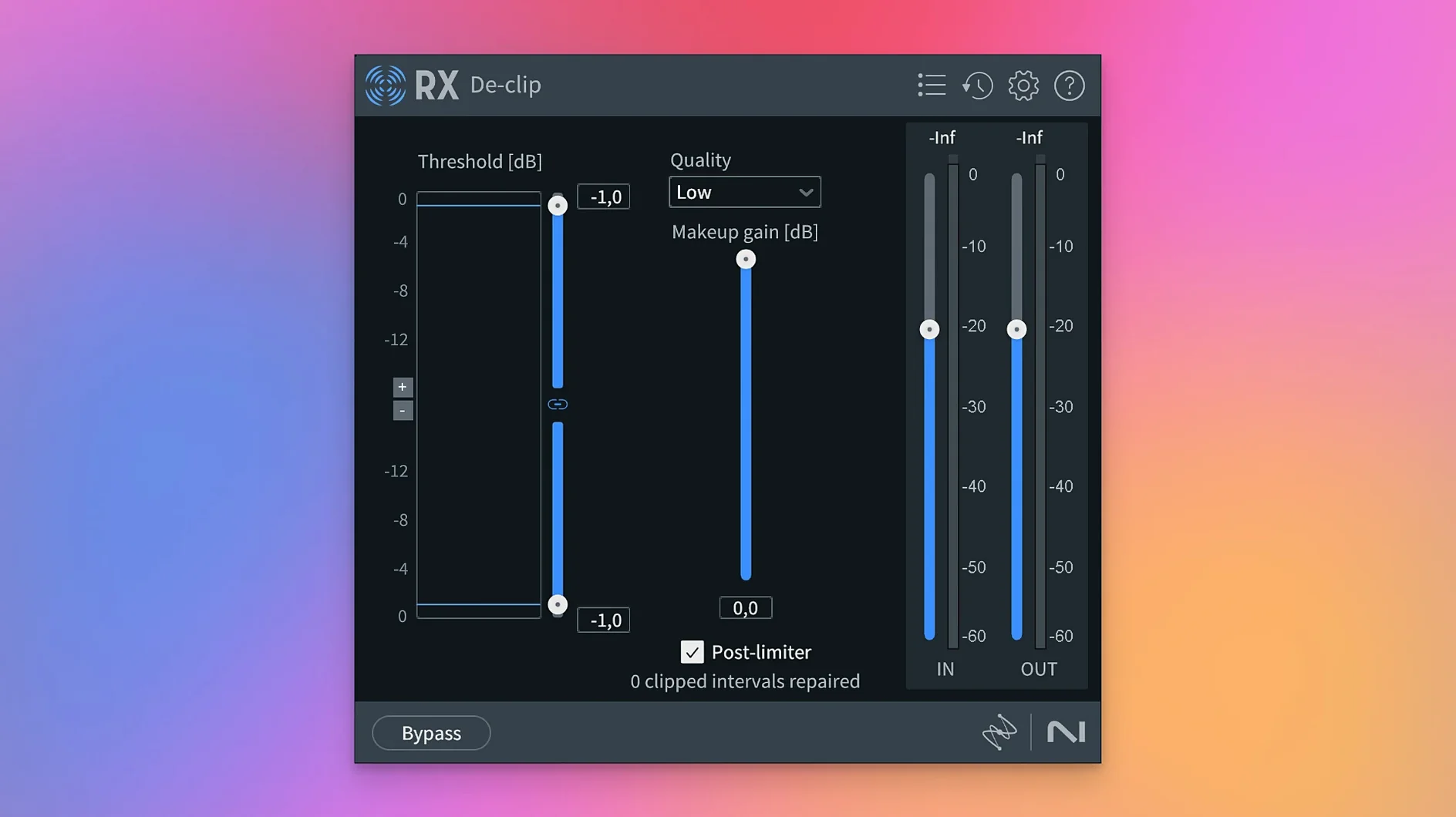
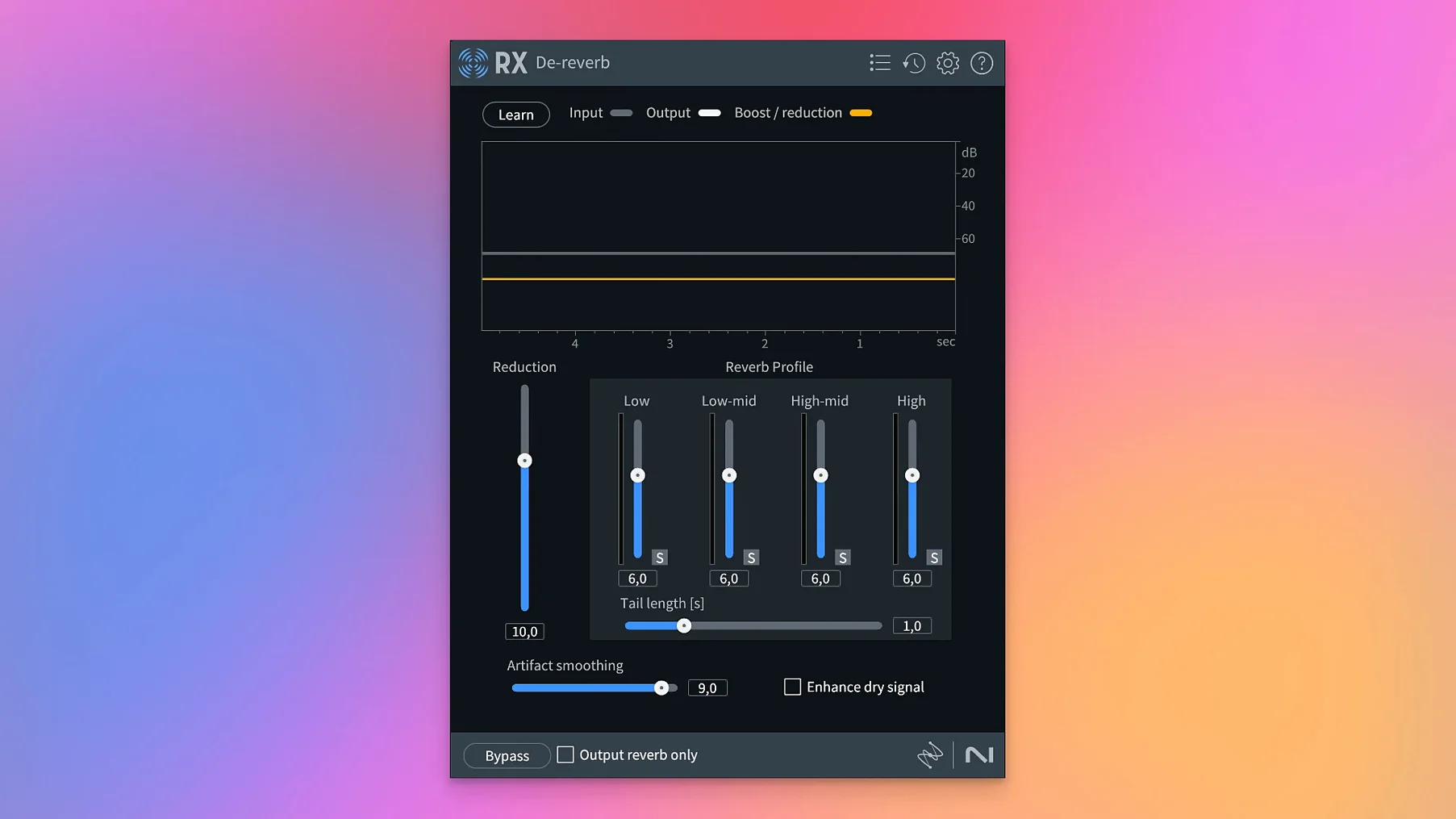
It includes De-click, De-clip, De-crackle, De-ess, De-hum, De-reverb, Dialogue Isolate, Music Rebalance, Voice De-noise, and the rebuilt Breath Control.
Questions from the class 0
Sign in or join the class to ask a question.
Nobody has asked anything yet. If you have used it on a real job, say what the file did.
Also on the VST Plugins shelf
The whole VST Plugins shelf iZotope Tonal Balance Control
Shows whether your mix sits within typical genre curves for low, mid and high energy.
iZotope Tonal Balance Control
Shows whether your mix sits within typical genre curves for low, mid and high energy.
 iZotope Neutron
Analyses your audio and suggests a custom chain of EQ, compression and exciter settings.
iZotope Neutron
Analyses your audio and suggests a custom chain of EQ, compression and exciter settings.
 iZotope Nectar
Processes a vocal track through a full chain of EQ, compression, pitch and effects in one window.
iZotope Nectar
Processes a vocal track through a full chain of EQ, compression, pitch and effects in one window.
 Kalifornia Dynamic KD Alkane
Adds four flavours of analogue-style drive and saturation to any sound source.
Kalifornia Dynamic KD Alkane
Adds four flavours of analogue-style drive and saturation to any sound source.
 iZotope Insight
Displays detailed visual readings of loudness, spectrum and stereo spread while you mix.
iZotope Insight
Displays detailed visual readings of loudness, spectrum and stereo spread while you mix.
 Komplete FX Bundle
Collects six processor packs that model studio compressors, EQs, reverbs and delays.
Komplete FX Bundle
Collects six processor packs that model studio compressors, EQs, reverbs and delays.
 Komplete Kontrol
Organises all your instruments and effects into one keyboard-controlled browsing library.
Komplete Kontrol
Organises all your instruments and effects into one keyboard-controlled browsing library.
 KORG Collection
Recreates classic Korg synthesizers and adds newer sound engines in a single plug-in suite.
KORG Collection
Recreates classic Korg synthesizers and adds newer sound engines in a single plug-in suite.