 ASPNetWorld

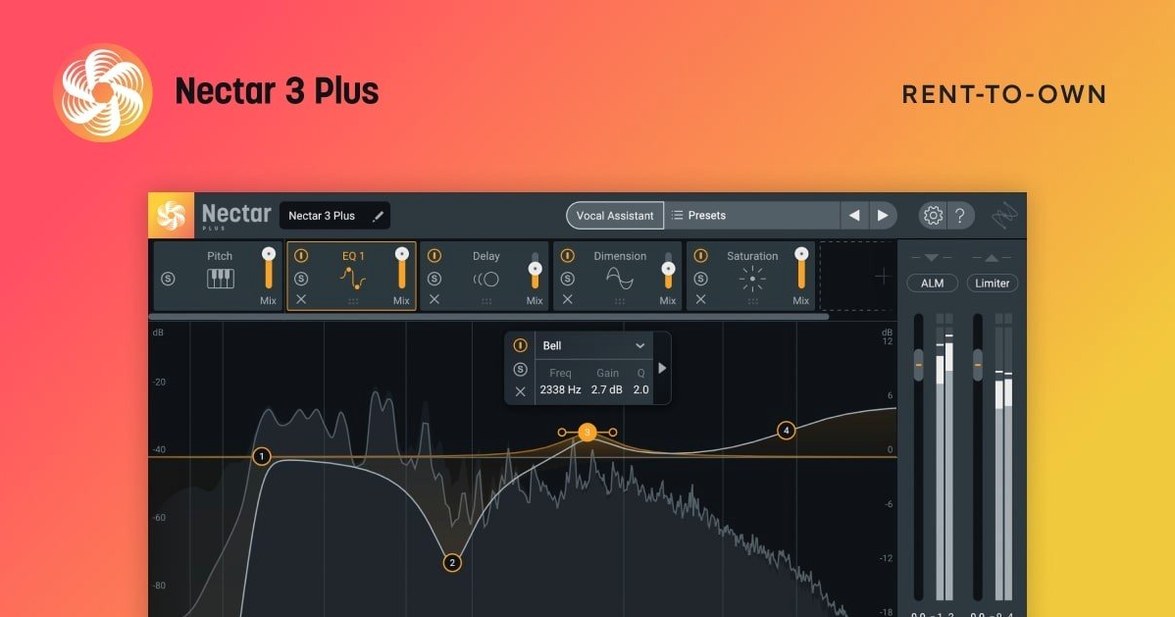
iZotope Nectar is a self-contained vocal mixing suite that applies EQ, compression, de-essing, reverb, pitch correction and harmonic saturation within a single plugin window. Think of it as a dedicated vocal channel strip where every module is tuned specifically for the human voice, rather than general-purpose processing.
Formats, hosts and architecture
Nectar 4 runs as a 64-bit plugin only — there is no 32-bit bridge or legacy version. On macOS it supports AU, VST3 and AAX formats, and on Windows it covers VST3 and AAX. The current version requires macOS Ventura 13.7.4 or later, with native Apple Silicon support alongside Intel. Windows users get full HiDPI scaling, which was added in this release and makes the interface far more comfortable on high-resolution screens.
- AU, VST3 and AAX on macOS
- VST3 and AAX on Windows
- 64-bit architecture only
- Native Apple Silicon and Intel support
- Windows HiDPI support included
What the processing actually does
The signal path is guided by the Vocal Assistant, an AI-driven tool that listens to your recording, identifies problems like harshness, mud, sibilance or uneven level, and builds a starting chain of modules. You can tweak every decision it makes, or bypass it entirely and build your own chain from scratch. In the Standard and Advanced editions you also get the Voices module, which layers doubled or harmonised parts in real time, and Backer, which generates a subtle thickened version of the vocal that sits behind the lead. The Advanced edition adds Auto-Level, a ride-style processor that smooths out volume inconsistencies before the signal hits the compressor — useful for long voiceover sessions or an untreated home recording. All editions share the same interface language, English, and the assistant is trained to work with sung and spoken material alike.
Dial back the Assistant's sensitivity before it over-processes
Right after you drop Nectar onto a vocal track, the Vocal Assistant offers a sensible starting point, but a handful of defaults benefit from immediate adjustment once you know where to look. The first is the Assistant's own sensitivity to the source. If you recorded in a treated space with a condenser microphone, the default analysis works well; if the room has hard surfaces or the take includes headphone bleed, switch the Vocal Assistant to Lively mode before it runs its analysis. That setting tells it to expect a less isolated signal and it will dial back the high-frequency boosts that would otherwise lift room tone along with the voice.
The second is the De-ess module's split point. The factory preset places it at 4.5 kHz, which suits most female vocalists, but a baritone or a deep spoken voice often benefits from pulling it down to 3.8 kHz or even 3.2 kHz. Listen for the moment the sibilance softens without making the top end feel dusted with cotton wool — that is the sweet spot. If you work with the same voice across a project, save that as a user default so the Assistant picks it up next time.
Third, turn on the input level meter's peak-hold and watch it through a complete pass. Nectar's internal gain staging is generous, but the compressor and saturation stages respond more musically when the incoming signal averages around –18 dBFS with peaks no higher than –10 dBFS. Adjust the clip gain on the track itself rather than the plugin's input trim; that way the Assistant's analysis stays consistent if you re-run it later. If you are using the Advanced edition, engage Auto-Level before you set these levels — it flattens the performance and gives you a more honest read of the raw signal.
A quieter, more stable everyday mix
The move to version 4.1.0 tightened a few practical edges without changing the sound of the modules themselves. For anyone who had been running Nectar Standard alongside an iLok Cloud session, the authorization failure that occasionally interrupted a mix is now fixed — the plugin stays authorised through session restarts and DAW reboots, which matters when you are an hour into a vocal comp and do not want to rebuild the chain. The update also formalised which host versions are officially supported, so if you are on a recent build of Logic Pro, Cubase or Pro Tools, you are inside the tested envelope.
The macOS requirement shifted upward to Ventura 13.7.4, which means the plugin now assumes the Metal graphics stack and the tighter audio security model Apple introduced in that release. In practice that translates to smoother UI drawing when you resize the plugin window on a Retina display, and fewer permission-related stalls when multiple instances run across a large session. On Windows the new HiDPI support is the headline change — text labels, metering segments and the Vocal Assistant's analysis overlay all render crisply on 4K screens without blurring or misalignment. For a plugin you stare at while making micro-adjustments to a breath or a consonant, those screen pixels add up to less eye strain over a long day.
No dongle and no online activation needed to run Nectar
Will Nectar replace my existing EQ and compressor plugins?
Not in the sense of making them redundant, but it can reduce how often you reach for them on vocal tracks. The EQ is tuned with vocal-friendly curves and the compressor understands the envelope of a sung phrase, so for the core shaping of a lead vocal, Nectar alone often gets the job done. If you have a favourite character compressor or a surgical EQ you trust for problem-solving, they still earn their place on the insert row — plenty of engineers run Nectar for the broad strokes and a separate parametric EQ for notching out a specific room resonance.
Does the Vocal Assistant work on spoken word, or only on singing?
It works on both, and it identifies the type of source during analysis. A voiceover fed into the Assistant will receive a different starting chain than a pop vocal: less pitch correction, a gentler high-shelf, and a wider, more natural reverb tail if the assistant determines the recording is speech. You can override that choice in the Assistant panel if it guesses wrong, but in practice it rarely does.
Opening a session without Nectar just bypasses the plugin
The plugin slot shows as missing and the processing is bypassed — the raw vocal plays through unprocessed. If you freeze or bounce the track before moving the session, the baked-in sound travels with it. Nectar does not phone home or embed copy protection that breaks a session when the plugin is absent; it simply is not there.
You can replace Logic's Vocal Channel preset with Nectar
Nectar behaves like any well-mannered AU or VST3 plugin inside a DAW, but it also interacts with a few macOS features worth knowing about. If you use Logic Pro's Vocal Channel preset as a starting point, you can drop Nectar into the first insert slot and disable Logic's own EQ and compressor — the Vocal Assistant then sees a drier signal and makes cleaner decisions. For podcasters working in Hindenburg or a video editor who mixes in DaVinci Resolve, the AU version slots into the audio track inserts without fuss, and Auto-Level (Advanced edition) proves especially handy when you are balancing interview levels across multiple guests recorded in different environments.
On the file-management side, Nectar stores its user presets in the standard macOS Audio Presets folder inside ~/Library/Audio/Presets/iZotope/Nectar, which means they get picked up by Time Machine backups and are easy to migrate to a new Mac. The plugin also respects the system-wide microphone privacy setting — if you deny microphone access to your DAW, Nectar's Vocal Assistant cannot listen to the live input for analysis, though you can still feed it an already-recorded clip. For anyone searching out an iZotope Nectar 3 torrent for an older project file, a smooth setup tip is to make sure your DAW's plugin manager rescans the correct VST3 and AU folders after placing the components so Nectar 3 appears reliably. Nectar 4 opens sessions that used Nectar 3, but the reverse is not true: a session saved with Nectar 4 will not load in the older version. If you are moving between studios, keep both installers handy, or freeze the vocals before handing off the session. Those who look for an iZotope Nectar 4 Advanced download to run the full module set will find Auto-Level absent from the Standard edition, so if you are collaborating with someone on a different tier, stick to modules both editions share or commit the processing to audio.
Version 4.1.0 is largely a maintenance and compatibility update. The most visible change is proper Windows HiDPI support, which makes the interface crisp on high-resolution displays. On the bug-fix side, an iLok authorisation failure that affected Nectar Standard has been resolved. The minimum macOS version has moved up to Ventura 13.7.4, and the list of officially supported DAW and NLE versions has been revised to reflect current releases.
- macOS Ventura 13.7.4 or later
- Intel or Apple Silicon processor
- 64-bit host supporting AU, VST3 or AAX
Questions I keep hearing
Which editions include the Vocal Assistant?
The Vocal Assistant is included in Elements, Standard and Advanced editions of Nectar 4, so every version gets the AI-driven starting point for vocal processing.
What does the Auto-Level feature do, and where is it available?
Auto-Level acts like an automatic vocal rider that evens out volume before the signal reaches other processors, and it is available in Nectar 4 Advanced only.
Is Nectar 4 compatible with older 32-bit DAWs?
No — Nectar 4 is a 64-bit plugin exclusively, so it requires a modern 64-bit host on either macOS or Windows.
Questions from the class 0
Sign in or join the class to ask a question.
Nobody has asked anything yet. If you have used it on a real job, say what the file did.
Also on the VST Plugins shelf
The whole VST Plugins shelf iZotope Insight
Displays detailed visual readings of loudness, spectrum and stereo spread while you mix.
iZotope Insight
Displays detailed visual readings of loudness, spectrum and stereo spread while you mix.
 iZotope Neutron
Analyses your audio and suggests a custom chain of EQ, compression and exciter settings.
iZotope Neutron
Analyses your audio and suggests a custom chain of EQ, compression and exciter settings.
 iZotope RX
Repairs clicks, hum, noise and clipped audio in recordings for broadcast and music.
iZotope RX
Repairs clicks, hum, noise and clipped audio in recordings for broadcast and music.
 iZotope Tonal Balance Control
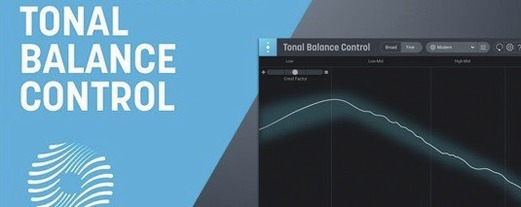
Shows whether your mix sits within typical genre curves for low, mid and high energy.
iZotope Tonal Balance Control
Shows whether your mix sits within typical genre curves for low, mid and high energy.
 Kalifornia Dynamic KD Alkane
Adds four flavours of analogue-style drive and saturation to any sound source.
Kalifornia Dynamic KD Alkane
Adds four flavours of analogue-style drive and saturation to any sound source.
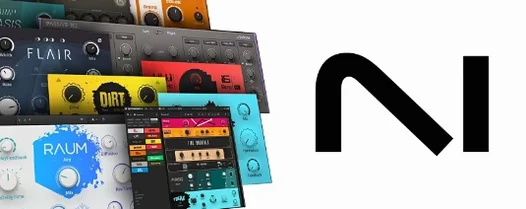 Komplete FX Bundle
Collects six processor packs that model studio compressors, EQs, reverbs and delays.
Komplete FX Bundle
Collects six processor packs that model studio compressors, EQs, reverbs and delays.
 Komplete Kontrol
Organises all your instruments and effects into one keyboard-controlled browsing library.
Komplete Kontrol
Organises all your instruments and effects into one keyboard-controlled browsing library.
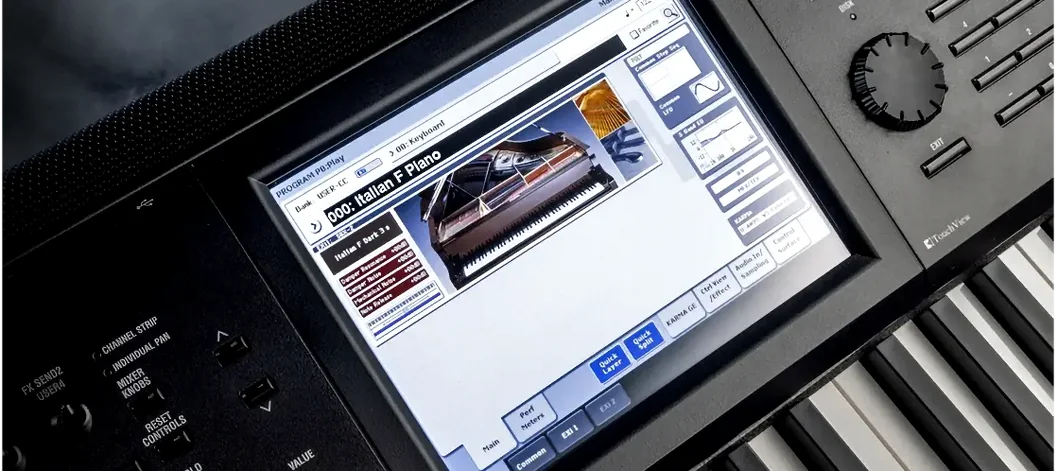 KORG Collection
Recreates classic Korg synthesizers and adds newer sound engines in a single plug-in suite.
KORG Collection
Recreates classic Korg synthesizers and adds newer sound engines in a single plug-in suite.