 ASPNetWorld

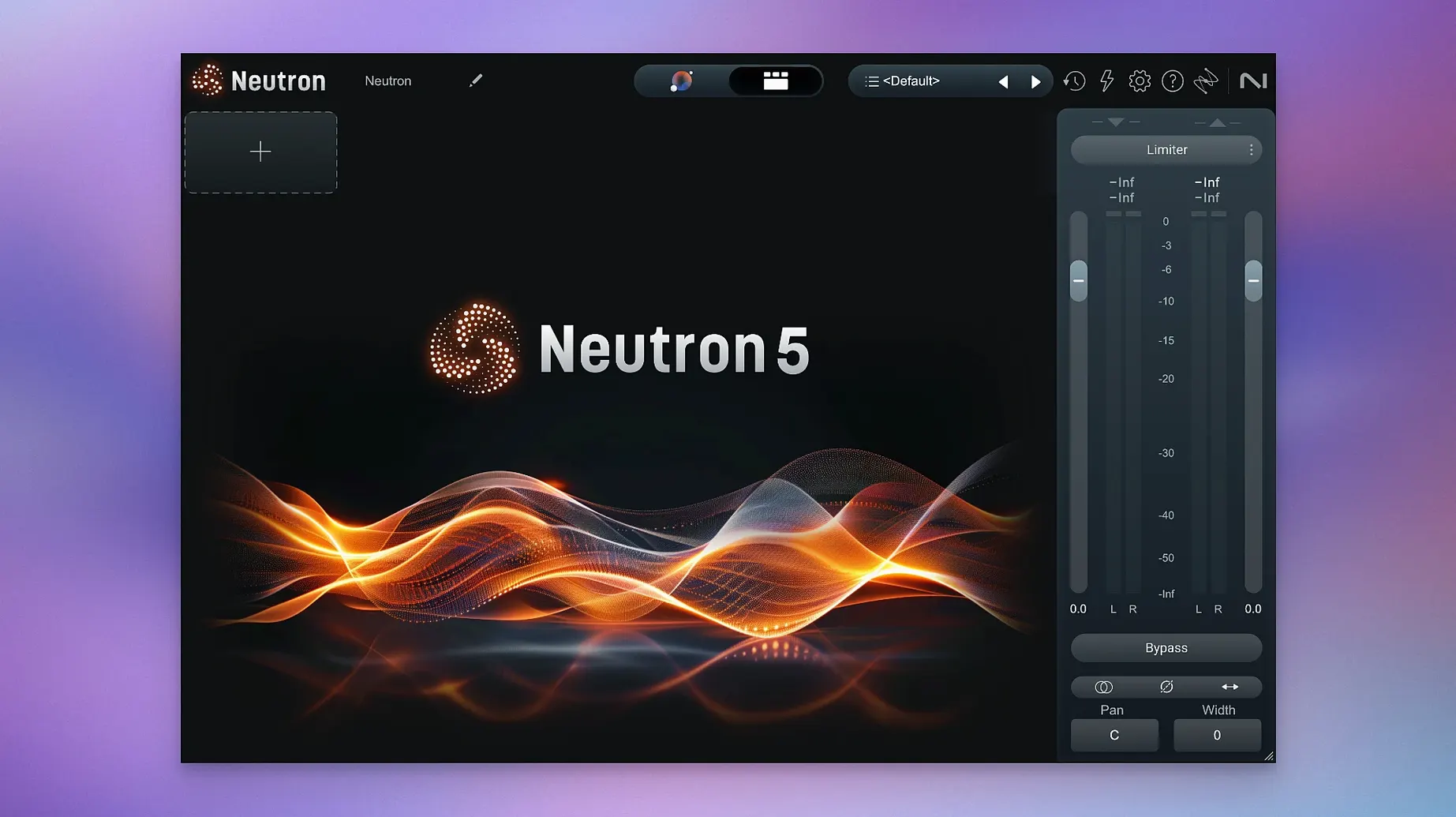
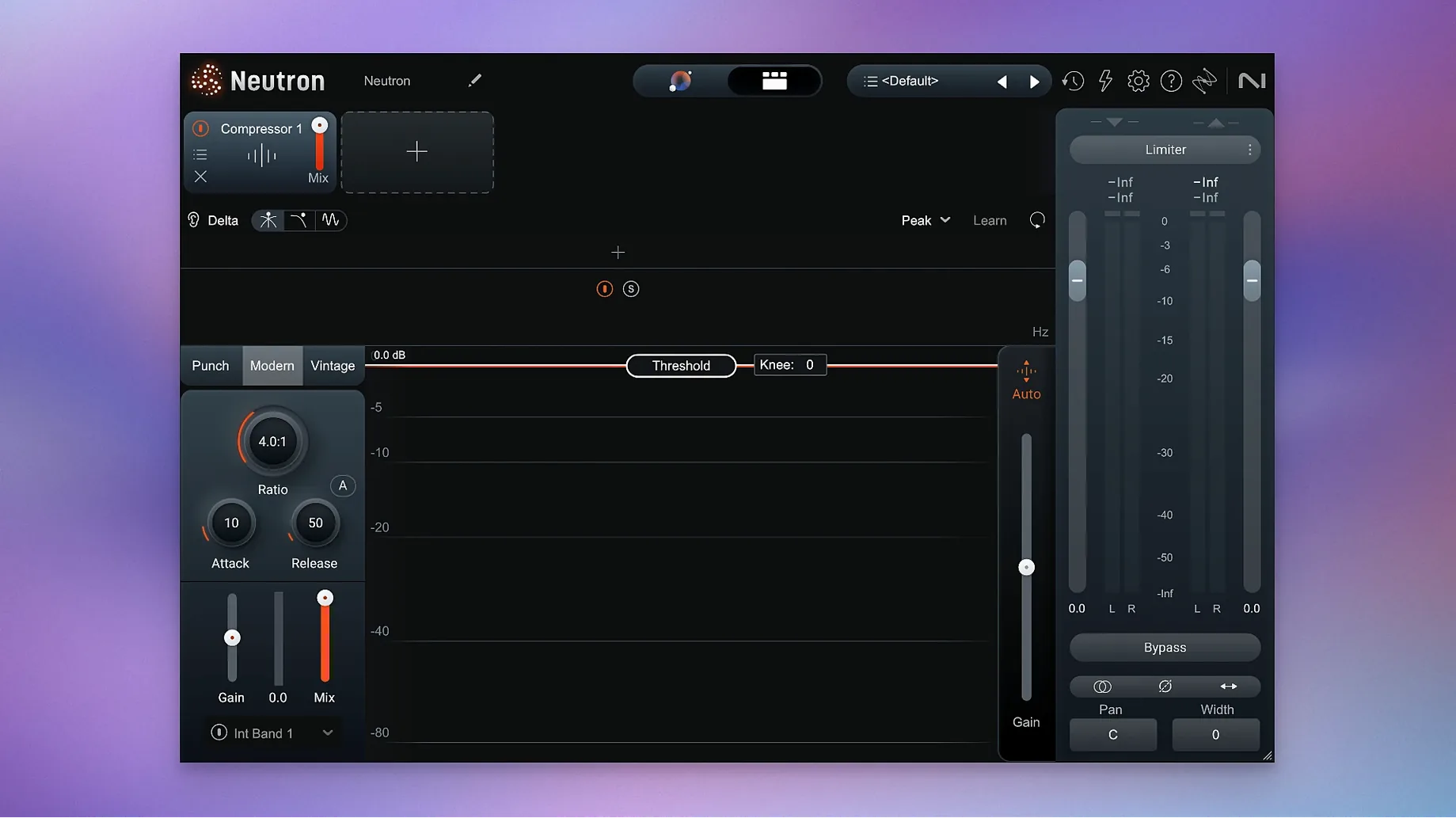
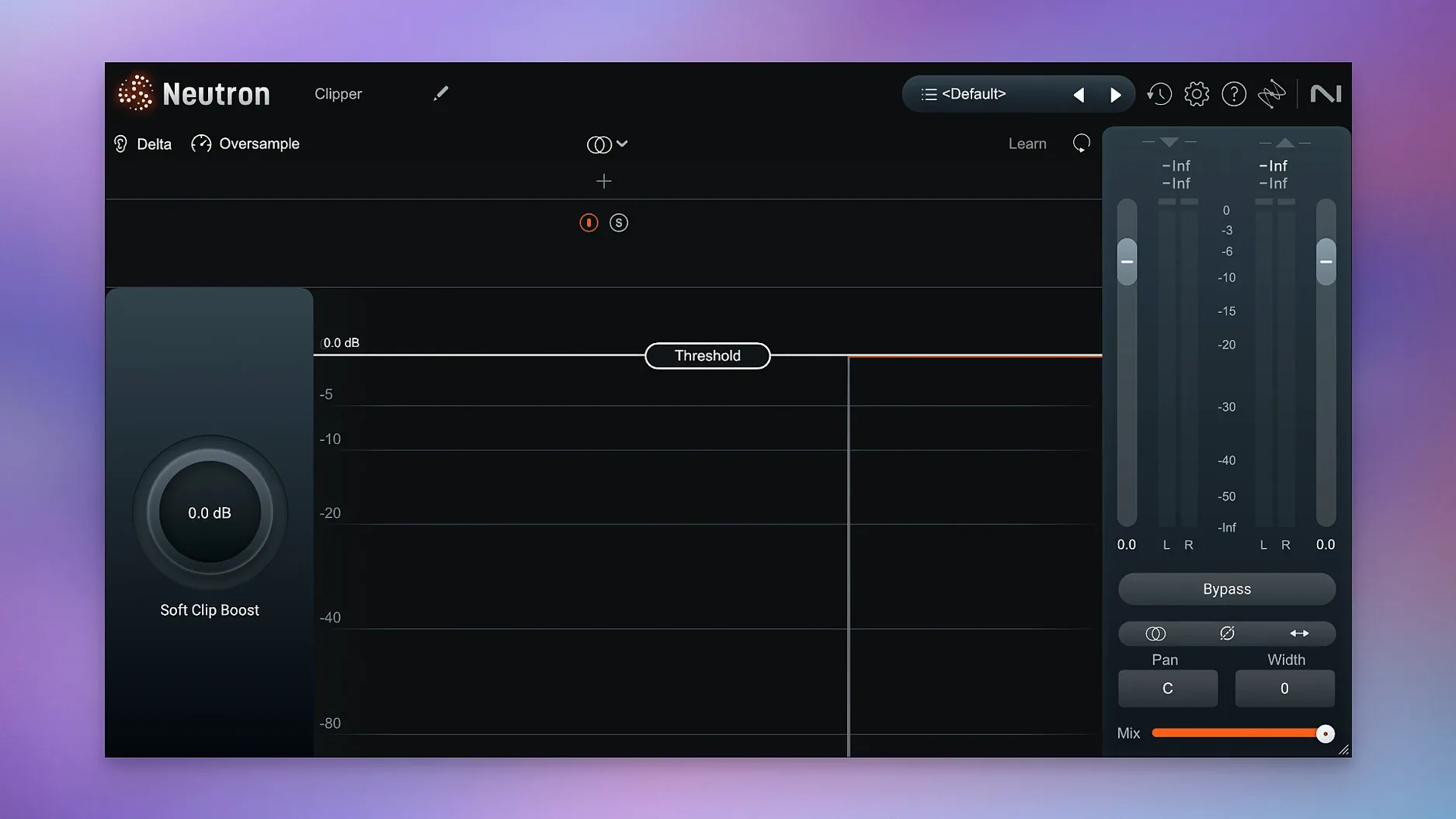
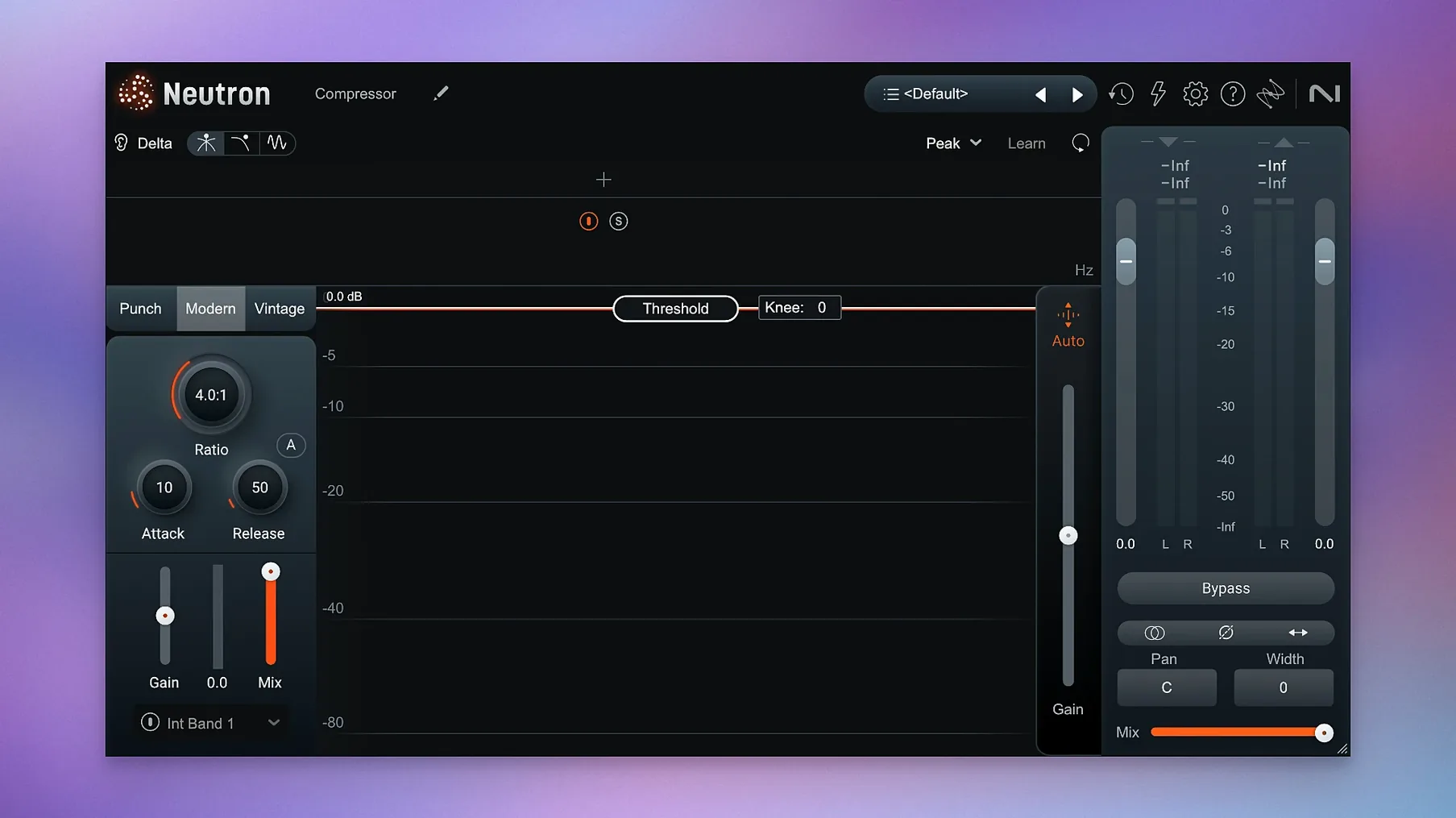
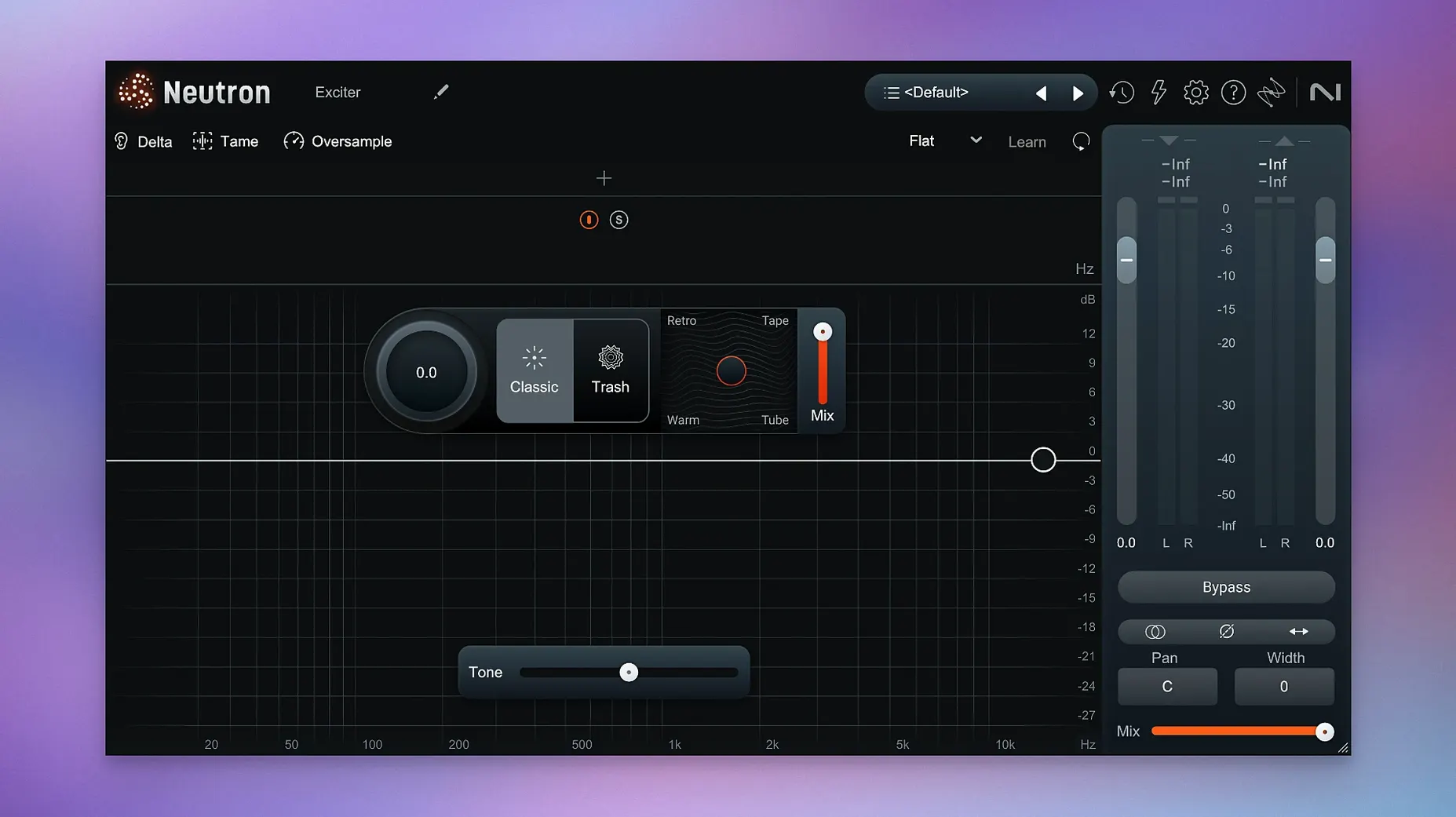
Version 5.2.0 tightened things up on the authorisation side, fixing an iLok issue that affected surround instances, and quietly updated the supported macOS range. If you’ve been holding off, it now expects macOS 13.4 or later and runs natively on both ARM and x86 64-bit.
What is the mothership plugin, and when do I reach for it?
The mothership is the full-channel strip that houses all the component modules under one roof. I tend to drop it on a track when I want the Mix Assistant to listen to the audio and suggest a starting point, or when I know I’ll be tweaking dynamics, EQ, and width together rather than stacking separate plugins.
Where do the ten component modules fit?
Each module — things like the Compressor, Equaliser, Exciter, and Transient Shaper — can be loaded as an individual plugin. That’s useful on buses and groups where you only need one precise job done, like adding top-end air to a backing vocal bus without cluttering the insert chain with a full multi-tool.
How does the Masking module help in a busy mix?
Masking is one of those problems you feel before you can name it: the bass disappears when the kick hits, or a synth pad swallows the lead line. The Masking module detects those frequency collisions and lets you carve out space dynamically, and the Delta Buttons in every module let you audition exactly what’s being removed so you don’t overdo it.
What’s the Mix Assistant actually doing?
It analyses the audio playing through the plugin and builds an initial processing chain tailored to that sound. Think of it as an intelligent starting point, not a finished mix — you’re still expected to use the clearer metering and visualizations to refine things until the track sits right.
How does Neutron 5 sit alongside FabFilter Pro-Q 4 and Pro-C 2?
If you already own a couple of FabFilter staples, you might wonder whether Neutron is treading the same ground. The short answer is that they overlap in tool categories but not in workflow philosophy. Pro-Q 4 is a surgical equaliser, and it’s as transparent as they come — the spectrum grab and dynamic bands are beautifully refined, but it’s purely an EQ. Pro-C 2 is a compressor with genuinely musical style modes; Vocal mode alone has saved many a verse from sounding squashed. Neither one whispers a word about what your track actually needs.
Neutron brings the conversation. The Mix Assistant gives you a considered first move, and the Masking module talks between tracks in a way that a standalone EQ simply can’t, because a standalone EQ has no awareness of what another instance is doing. For sheer tonal flexibility, Pro-Q 4 still edges ahead, particularly with its linear-phase options and the sheer speed of building bands. But for glue, dynamics and the detective work of unmasking, Neutron covers more ground in a single window, and the Delta buttons make learning from its choices a genuine education.
Where does Sonible smart:EQ 4 fit into the picture?
Sonible’s smart:EQ 4 is another intelligent option, and it’s a fair comparison because both it and Neutron use analysis to propose settings. Sonible’s approach feels more like a corrective polish — it learns a profile and gently nudges imbalances without you needing to understand exactly which frequency the hi-hat is fighting. It’s quicker to a clean result, especially on spoken word or acoustic instruments.
Neutron goes deeper into the mix mechanics. The Assistant profiles are built around instrument categories and reference material, and the chain it constructs includes compression, width and harmonic excitement alongside EQ. smart:EQ 4 is superb at what it does, but if you want a full channel strip whose decisions you can reverse-engineer module by module, Neutron is the more complete teacher. I often see engineers graduate from Sonible’s helpful automation to Neutron’s broader toolkit once they’re ready to understand why a cut at 380 Hz helped, not just that it did.
When your ears aren’t sure yet, you react instead of starting from scratch
Bedroom producers who are still training their ears tend to bond with it quickly, because the Assistant fast-forwards past the intimidating blank-slate stage. Instead of staring at a flat EQ and wondering where to start, you’re reacting to a suggestion, and that’s a much easier headspace for learning. Post-production editors working on dialogue or foley also find the Masking module invaluable; when a rumble masks a sentence, seeing the collision visualised is faster than sweeping a notch filter by hand.
Mix engineers juggling deadlines appreciate the mothership’s ability to reduce plugin counts on dense sessions. If you’re mixing a twenty-four-track project with twenty-four individual EQ, compressor and exciter inserts, scrolling becomes a workout. Swapping those for a single Neutron mothership per track — still flexible, still tweakable — keeps the mixer view clean and the CPU breathing easier. It’s also been a quiet favourite among educators running evening classes like mine; the visualisations are clear enough to project, and the Delta buttons make before-and-after comparisons immediate for a room full of students.
Don’t just accept the Assistant’s chain — spend hours listening to what it did
The Assistant will tempt you on day one, and that’s fine — feed it a vocal, a bass and a drum bus, and let it build chains for each. Spend the next couple of hours just listening to what it did. Solo the Delta on the Equaliser module and hear exactly what frequencies were cut; do the same on the Compressor to feel the gain reduction in isolation. That habit alone teaches more about mixing than a dozen passive YouTube tutorials.
On day two, try the Masking module on two tracks that are clearly stepping on each other, perhaps a bass and a kick. Route the kick as the mask source to the bass’s Neutron instance and watch the spectrum fill in the overlap. Dial back the amount to about 60% of what the module suggests — full unmasking can leave things feeling surgically separated and a little lifeless. Day three is for Trash Mode and Punch Mode. Trash adds a surprisingly musical saturation that can wake up a dull snare; Punch visualises transient impact and lets you shape the attack and sustain of percussive material with a clarity that most transient shapers only gesture at.
Small conveniences that often go unnoticed
Each module remembers its own state independently, so pulling up just the Exciter on a background vocal bus doesn’t load the whole mothership’s worth of processing overhead. That sounds obvious, but in practice it means you can build a lightweight toolkit of favourite modules scattered across a session without duplicating work.
The metering has had a quiet overhaul. The input and output meters now show peak and RMS simultaneously, and the gain-reduction trace on the Compressor is smooth enough to read at a glance during playback. It’s a small thing, but when you’re riding thresholds across sixteen tracks, not squinting at a jumpy needle saves real mental energy. The interface scaling is also worth mentioning — it stays crisp on a Retina display without hogging screen real estate, and the Assistant View collapses neatly when you’ve finished with it, so the initial analysis window doesn’t linger like an uninvited guest.
Twelve full mothership instances with masking active, and Logic barely flinches
On an Apple Silicon machine, the native ARM version loads almost instantly, even inside a moderately heavy Logic session. I’ve run twelve mothership instances with full chains active — EQ, two compressors, Exciter, and the Masking module listening across pairs — and the session stayed responsive with the buffer at 128 samples. That’s not a scientific benchmark, but it’s a realistic mix scenario, and Neutron didn’t flinch.
Intel Macs see a slightly hungrier footprint, particularly older i7 machines from the 2018–2019 era. The Assistant’s analysis pass can spike the CPU momentarily, though it settles once the chain is built and the real-time processing takes over. Stability-wise, the 5.2.0 maintenance update fixed a frustrating iLok hiccup that could knock out authorisation on surround instances, a bug I’d run into when working on a 5.1 short film project a month ago. Since the update, it’s been uneventful, which is precisely what you want from authorisation — you forget it’s there. The plugins have yet to crash a session here, and the recall of settings between project reloads has been dependable, even across machines with different sample-rate setups.
Version 5.2.0 is a maintenance update that fixes iLok authorisation in surround instances of Neutron 5 and adjusts the supported macOS versions to 13.4 and above.
- macOS 13.4 or later
- ARM (Apple Silicon) and x86 64-bit supported
- Interface language: English
Questions I keep hearing
Does Neutron 5 work on Apple Silicon Macs?
Yes. Version 5.2.0 supports both ARM (Apple Silicon) and x86 64-bit architectures natively, running on macOS 13.4 and later.
Questions from the class 0
Sign in or join the class to ask a question.
Nobody has asked anything yet. If you have used it on a real job, say what the file did.
Also on the VST Plugins shelf
The whole VST Plugins shelf iZotope Nectar
Processes a vocal track through a full chain of EQ, compression, pitch and effects in one window.
iZotope Nectar
Processes a vocal track through a full chain of EQ, compression, pitch and effects in one window.
 iZotope Insight
Displays detailed visual readings of loudness, spectrum and stereo spread while you mix.
iZotope Insight
Displays detailed visual readings of loudness, spectrum and stereo spread while you mix.
 iZotope RX
Repairs clicks, hum, noise and clipped audio in recordings for broadcast and music.
iZotope RX
Repairs clicks, hum, noise and clipped audio in recordings for broadcast and music.
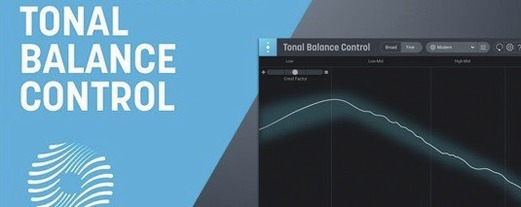 iZotope Tonal Balance Control
Shows whether your mix sits within typical genre curves for low, mid and high energy.
iZotope Tonal Balance Control
Shows whether your mix sits within typical genre curves for low, mid and high energy.
 Kalifornia Dynamic KD Alkane
Adds four flavours of analogue-style drive and saturation to any sound source.
Kalifornia Dynamic KD Alkane
Adds four flavours of analogue-style drive and saturation to any sound source.
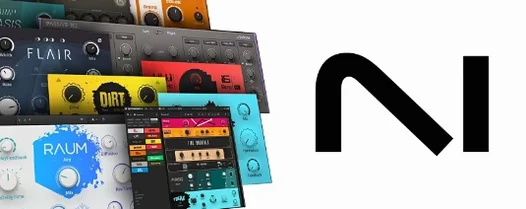 Komplete FX Bundle
Collects six processor packs that model studio compressors, EQs, reverbs and delays.
Komplete FX Bundle
Collects six processor packs that model studio compressors, EQs, reverbs and delays.
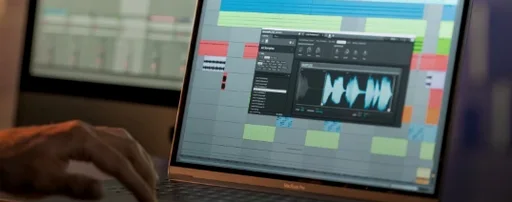 Komplete Kontrol
Organises all your instruments and effects into one keyboard-controlled browsing library.
Komplete Kontrol
Organises all your instruments and effects into one keyboard-controlled browsing library.
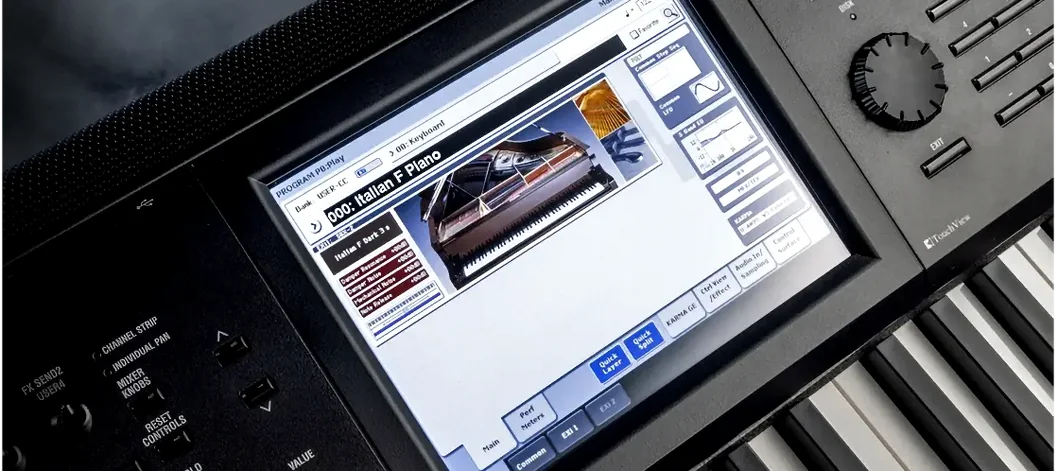 KORG Collection
Recreates classic Korg synthesizers and adds newer sound engines in a single plug-in suite.
KORG Collection
Recreates classic Korg synthesizers and adds newer sound engines in a single plug-in suite.