 ASPNetWorld
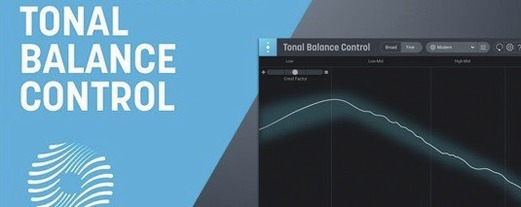
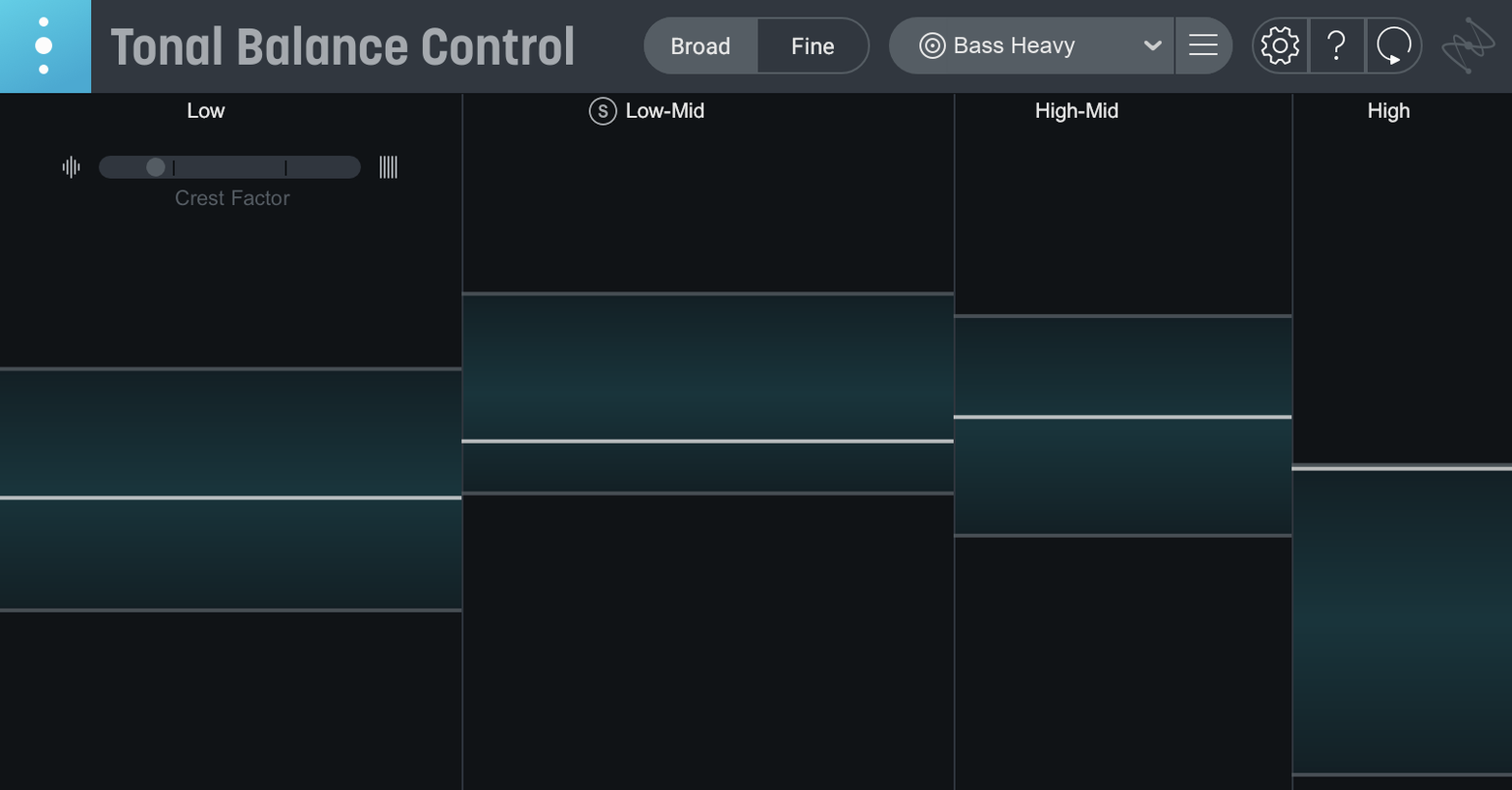
Every mix reaches a point where your ears stop being reliable. You have listened to the same chorus forty times, the low end feels either bloated or anaemic depending on the hour, and you need something outside your own head to tell you where the energy actually sits. That is the problem Tonal Balance Control is built around — a second opinion that works as a meter, not as a preset.
Reading the curve, not chasing it
- Target curves — the plugin ships with 12 genre-based references, from folk to hip-hop, so you can see how your mix compares to a broad tonal shape rather than a single song.
- Custom reference — load an audio file you trust and the plugin builds a curve from it. Useful when a client says "make it sound like that record" and you want the comparison in front of you.
- Vocal balance, dynamics and stereo width meters — new in version 3.0.0, these show you more than frequency content. They tell you whether the vocal is poking out, whether the dynamics are breathing, and whether the sides are doing something the middle is not.
- Hybrid EQ — a built-in equaliser that lets you nudge the mix while you watch the curve respond, rather than switching back and forth between windows.
What the meters actually do to a mix
The clever part is that Tonal Balance Control is not telling you to flatten everything into a perfect line. The target curve is a band, not a ruler. Your mix can wander inside it, and the readout is far more useful for catching a build-up at 200 Hz than for making artistic decisions for you. On a Mac, it runs as a plugin inside your DAW, and the included Relay utility lets you adjust gain, pan and stereo imaging from the same interface — a small but genuinely handy touch when you spot a problem and want to fix it without leaving the analysis view.
Floating analysis window on your Logic Pro master bus
iZotope designed Tonal Balance Control to talk to its own family, but the plugin also sits comfortably alongside macOS features that engineers rely on every day. Drop it onto the master bus in Logic Pro, and the analysis window floats above the arrange page, updating in real time as the playhead moves through the most demanding section of a chorus. Because the standalone app now runs directly on a Mac—with full support for both Intel and Apple silicon machines on macOS Sonoma 14.7 and later—you can feed it a bounced reference track from the Finder without opening the DAW. Drag a 24-bit WAV straight from a folder onto the custom reference slot, and the curve appears in seconds.
The plugin also works nicely with Audio Units routing in the background. If you use a utility like BlackHole or Loopback to route system audio, you can send a streaming service playlist into Tonal Balance Control and build a mental library of how commercial releases distribute energy. It is not an official feature, but it is the kind of thing Mac users tend to rig up on a quiet afternoon, and the plugin handles it without complaint.
A full mastering pass, start to finish
Imagine a dense indie-rock track with layered guitars, a lead vocal that keeps dipping behind the doubled parts, and a kick drum that punches on small speakers but disappears in the car. The mix is finished, and you are about to start the mastering chain.
Open the standalone Tonal Balance Control app and bounce the stereo mix into it. Select the Rock target curve and watch the low end. The bass sits inside the band, but the region around 250 Hz pushes against the upper boundary—mud from the doubled guitars piling up in the low mids. Load a reference track from a band the client admires, and that same region sits a good 3 dB lower. You now have a specific frequency range to address, not a vague feeling of thickness.
Launch the hybrid EQ built into the plugin and pull a gentle, wide cut at 240 Hz while the curve updates. The line drops back into the band without thinning the body of the guitars. Switch to the vocal balance meter and notice the lead vocal sits slightly below the suggested range during the bridge. Back in the DAW, a half-decibel automation lift on the vocal bus fixes it, and the meter confirms the change when you re-check.
Finally, the dynamics meter shows a healthy crest factor, and the stereo width readout reassures you that the hard-panned toms are not pulling the image lopsided. The whole process—reference comparison, surgical EQ, vocal check and stereo inspection—took under ten minutes, and no preset touched the audio.
Small things that reward curiosity
Several conveniences in Tonal Balance Control 3 are easy to overlook on a first pass. Right-clicking the curve display resets the view to the default zoom, which saves you from squinting at a graph you accidentally pinched too wide on a trackpad. Holding the Option key while adjusting a band in the hybrid EQ constrains the gain change to half-decibel increments—a tiny detail that makes fine-tuning feel precise rather than twitchy.
The Relay utility, included with the plugin, is more than a gain trim. Click its pan control while holding Command, and it snaps to centre. Its stereo width slider, when pushed into negative values, collapses the signal toward mono in a way that reveals phase issues faster than a dedicated correlation meter. Seasoned users of tonal balance control mac setups often tuck Relay onto individual busses during mix prep so the analysis window can reach deeper into the session without extra routing.
If you are migrating from Tonal Balance Control 2, the quick import function pulls in your old custom curves without fuss—look for the small folder icon in the custom reference panel rather than hunting through menus. And for anyone who likes to keep a tidy workspace, the meters can be collapsed into a compact strip view by double-clicking the header bar, freeing up screen real estate on a laptop display.
Version 3.0.0 is the first major release of Tonal Balance Control 3, and it brings the plugin's analysis beyond simple frequency curves.
- A standalone desktop app, so you can check a mix without opening your DAW first.
- Extra meters for vocal balance, dynamics and stereo width.
- A built-in hybrid EQ for making adjustments while you watch the curve respond.
- macOS Sonoma 14.7, macOS Sequoia 15.4, or macOS Tahoe 26.1
- Intel or Apple silicon M-series Mac
- Interface language: English
Questions I keep hearing
Can Tonal Balance Control create a curve from a reference track?
Yes — you can load an audio file and the plugin will build a custom reference curve from it, which is handy when you want to match the overall tonal shape of a specific record.
Does version 3.0.0 work on Apple silicon Macs?
It does. Tonal Balance Control 3 supports Intel Macs and Apple silicon M-series Macs, with a minimum requirement of macOS Sonoma 14.7, macOS Sequoia 15.4, or macOS Tahoe 26.1.
Questions from the class 0
Sign in or join the class to ask a question.
Nobody has asked anything yet. If you have used it on a real job, say what the file did.
Also on the VST Plugins shelf
The whole VST Plugins shelf iZotope RX
Repairs clicks, hum, noise and clipped audio in recordings for broadcast and music.
iZotope RX
Repairs clicks, hum, noise and clipped audio in recordings for broadcast and music.
 Kalifornia Dynamic KD Alkane
Adds four flavours of analogue-style drive and saturation to any sound source.
Kalifornia Dynamic KD Alkane
Adds four flavours of analogue-style drive and saturation to any sound source.
 iZotope Neutron
Analyses your audio and suggests a custom chain of EQ, compression and exciter settings.
iZotope Neutron
Analyses your audio and suggests a custom chain of EQ, compression and exciter settings.
 iZotope Nectar
Processes a vocal track through a full chain of EQ, compression, pitch and effects in one window.
iZotope Nectar
Processes a vocal track through a full chain of EQ, compression, pitch and effects in one window.
 iZotope Insight
Displays detailed visual readings of loudness, spectrum and stereo spread while you mix.
iZotope Insight
Displays detailed visual readings of loudness, spectrum and stereo spread while you mix.
 Komplete FX Bundle
Collects six processor packs that model studio compressors, EQs, reverbs and delays.
Komplete FX Bundle
Collects six processor packs that model studio compressors, EQs, reverbs and delays.
 Komplete Kontrol
Organises all your instruments and effects into one keyboard-controlled browsing library.
Komplete Kontrol
Organises all your instruments and effects into one keyboard-controlled browsing library.
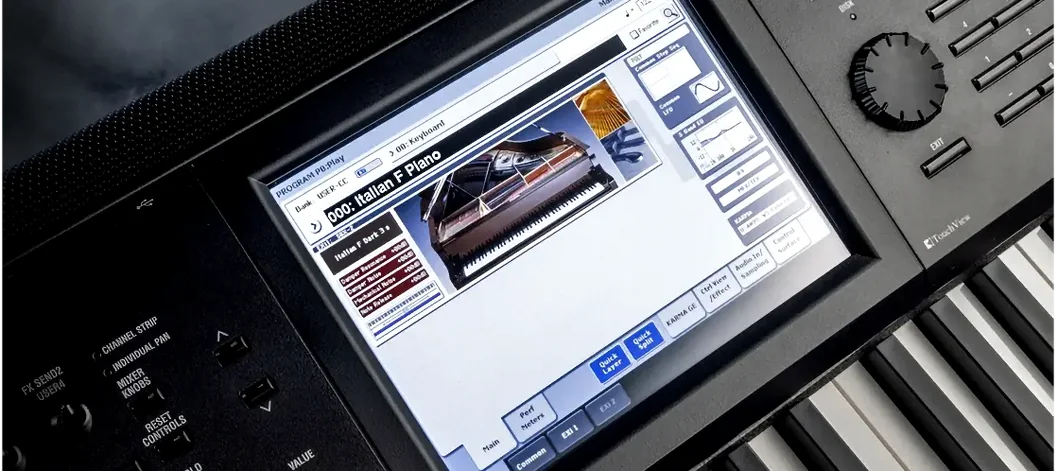 KORG Collection
Recreates classic Korg synthesizers and adds newer sound engines in a single plug-in suite.
KORG Collection
Recreates classic Korg synthesizers and adds newer sound engines in a single plug-in suite.