 ASPNetWorld

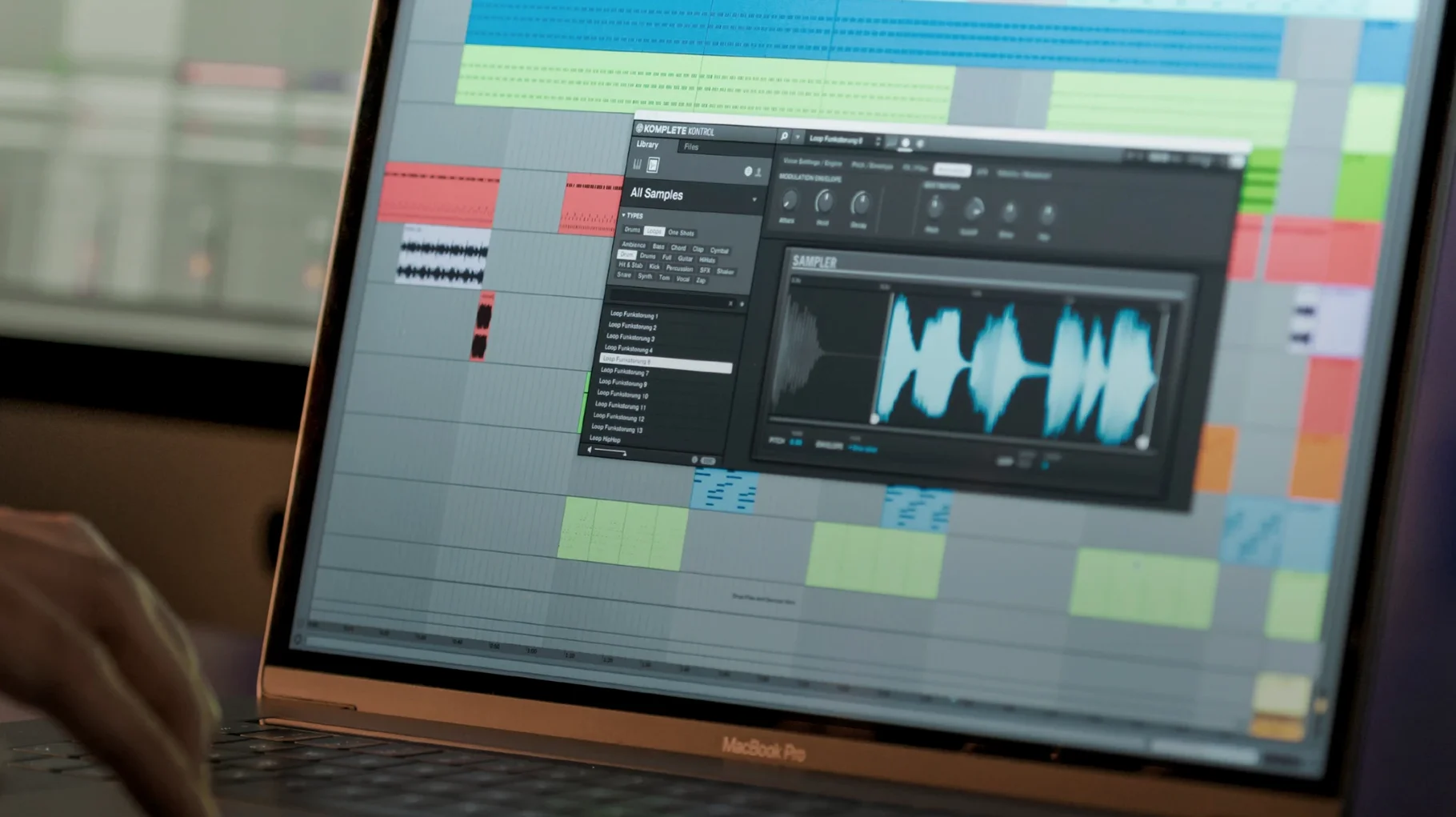
When your plug‑in folder is a sprawling city of synths, samplers and effects from dozens of developers, simply finding the right piano sound can stop a session dead. Komplete Kontrol 3.5 knits that chaos into a single, browsable library, so you spend your time playing rather than scrolling through menus.
The real magic happens once you load an instrument. With Smart Play active, a single finger on your keyboard can voice a full, musically sensible chord — no theory knowledge required. Over a hundred scales and modes sit under your fingertips, mapping the white keys to notes that never sound wrong, which turns harmonic exploration into something genuinely playful.
Everything gives you visual cues that tighten the loop between the screen and the keys. The Light Guide on S‑Series keyboards paints scales, chord voicings and switch‑zones directly onto the hardware, while the browser tags your entire collection — more than 750 third‑party plug‑ins from 90 developers — so you can filter by instrument type, character and even sonic timbre. Loops and one‑shots preview in time with your project, and a single drag drops them straight into the DAW timeline as audio or MIDI.
It works as a standalone inspiration pad or tucked inside your DAW as a plug‑in, and version 3.5.4 now talks directly to NKS Connect controllers. Parameter changes from a Kontrol S‑Series MK3 feel immediate rather than lagging behind your movements, which keeps the hardware‑software conversation fluent during late‑night arranging sessions.
It wraps around your existing DAW, not a separate sound silo
Komplete Kontrol doesn't hoard your sounds inside its own walled garden — it wraps around what you already own. The plug‑in version slots into Logic Pro, Ableton Live, Cubase and any other AU‑ or VST‑compatible DAW on your Mac, while the standalone app lives in your Dock for those moments when you just want to play without a timeline ticking away. Both versions read from the same tagged database, so a preset you bookmarked during a standalone noodling session appears instantly when you open the plug‑in inside Logic later that evening.
On the macOS side, it coexists quietly with the system. Audio routing passes through Core Audio without fuss, and dragging loops from the browser to the Finder or directly into a DAW timeline uses standard macOS drag‑and‑drop conventions — no proprietary clipboard tricks that break when you switch between Spaces. If you use multiple monitors, the plug‑in window remembers its position on a per‑display basis, which saves you from fishing it out from behind a full‑screen arrangement view. Spotlight won't index your NKS presets, but the browser's own search is quick enough that you won't miss it.
One workflow that catches people off guard is how well it plays with the Mac's Accessibility features. VoiceOver reads the browser categories when you tab through them, and the Light Guide colour coding translates into high‑contrast visual feedback that doesn't rely on tiny text labels. It's not something Native Instruments shouts about, but if you work with reduced vision, the S‑Series keyboard becomes genuinely more usable than a generic MIDI controller.
The preset database stays nimble even with thousands of tagged sounds
Loading a fully tagged library of several thousand presets sounds like it should bring your Mac to its knees, but the database engine is surprisingly light on its feet. On an Apple Silicon machine — the app runs natively on both ARM and x86 — the browser populates search results as you type, with no beachball in sight. Intel Macs handle it fine too, though the initial scan of a large plug‑in folder will have the fans briefly audible. After that first indexing pass, subsequent launches feel unremarkable, which is exactly what you want from a utility that's supposed to stay out of your way.
Memory usage sits around 300–400 MB with a modest instrument loaded, climbing higher if you stack multi‑output Kontakt libraries inside it. That's reasonable for what it's doing, though older 8 GB machines will notice the squeeze if you're also running a full DAW session with dozens of tracks. The 3.5.4 update fixed a specific gremlin where parameter changes from a Kontrol S‑Series MK3 could stutter — that's now smooth across all buffer sizes I tried, from a tight 64 samples up to a relaxed 512.
Stability in daily use is uneventful in the best sense. Crashes are rare and usually traceable to a specific third‑party plug‑in misbehaving inside the wrapper rather than Komplete Kontrol itself. Native Instruments' own instruments — Massive X, Kontakt 7, Guitar Rig — feel welded on, while some older NKS‑mapped synths from smaller developers occasionally forget their tagging until you rescan. Saving a project with a Komplete Kontrol instance open behaves exactly as you'd hope: the state is recalled faithfully next time you load the session, complete with your Smart Play settings and the last preset you were auditioning.
Early missteps most users make
The most common beginner mistake is treating the browser like a DAW's built‑in library. People type "warm pad" and expect results from every plug‑in on their system, then get confused when half their collection is missing. The fix is understanding that NKS tagging isn't automatic — instruments need NKS support or a third‑party mapping to appear in the browser. Running a fresh scan from the preferences panel after installing new plug‑ins catches most stragglers, and the 90‑developer support list covers more ground than you might think, but that dusty freeware synth from 2016 probably won't show up unless someone wrote an NKS preset pack for it.
Another trap is ignoring the difference between the plug‑in and standalone modes when troubleshooting. The standalone app uses its own audio and MIDI preferences — separate from your DAW's settings — so a keyboard that works perfectly in Logic might appear dead in standalone until you select it in the Audio and MIDI Settings pane. It's obvious once you know, but plenty of users spend twenty minutes rebooting their S‑Series before checking the obvious.
Smart Play also trips people up when they don't realise it's active. You load a piano, start playing a line, and suddenly your single notes are belting out full jazz voicings. The chord mode engages with a single click and the keyboard's Light Guide shows you it's on — blue LEDs for chord mode, white for scale mapping — but if you're not looking at the hardware or the on‑screen indicator, it can feel like the software has a mind of its own.
Analog Lab counters with curated, macro-mapped presets from the V Collection
Arturia's Analog Lab offers a comparable browsing experience, pulling presets from the entire V Collection into a single interface with smart filtering and a macro‑mapped performance view. Where Analog Lab shines is its tightly curated sound design — every preset feels hand‑tailored to the Arturia instruments underneath — but it only browses Arturia's own stable. Komplete Kontrol 3.5 casts a far wider net across third‑party plug‑ins, which makes it the more practical hub if your collection spans multiple developers. Analog Lab's browser is prettier; Komplete Kontrol's is more useful.
Akai's VIP software takes a similar hardware‑plus‑software approach, mapping plug‑ins to Akai's keyboard controllers with patch browsing and performance controls. It supports VST and AU instruments from various developers, much like Komplete Kontrol, and includes a capable multi‑layering system. The gap is in the controller ecosystem: NKS keyboards from Native Instruments are more widespread and the Light Guide is a genuine differentiator — VIP's hardware feedback is functional but doesn't communicate scale maps or chord zones with the same visual immediacy.
Apple's own Logic Pro library browser, paired with Smart Controls, handles the basics for Logic users who stick mostly to stock instruments and effects. It's deeply integrated, needs no extra software, and loads Alchemy and Sampler presets instantly. But it doesn't reach outside Logic's boundaries, and it doesn't give you anything like Smart Play's chord‑voicing engine or hardware Light Guide integration. If you work entirely inside Logic with Logic's own instruments, you might not need Komplete Kontrol. The moment you introduce a third‑party synth — or want to play in a harmonic minor scale without accidentally hitting a bum note — the argument for a dedicated browsing and performance layer becomes hard to ignore.
Version 3.5.4 expands controller support while tidying up the performance. The headline is NKS Mode integration — plug in a compatible NKS Connect controller and Komplete Kontrol recognises it immediately, mapping the browser and transport controls without additional setup. There is also a fix for stuttering performance when adjusting plug‑in parameters from a Kontrol S‑Series MK3, which makes knob turns feel properly direct again.
- macOS 12 or later
- Apple Silicon or Intel processor
Questions I keep hearing
Does Komplete Kontrol work with plug‑ins I already own from other companies?
Yes. It can browse and load over 750 third‑party plug‑ins from 90 developers, all tagged through the NKS standard so they appear in the same unified library.
Can I use it without a Native Instruments keyboard?
You can — it runs as standalone software or a DAW plug‑in using any MIDI controller, though the Light Guide and deep hardware integration are exclusive to NKS‑compatible keyboards.
Questions from the class 0
Sign in or join the class to ask a question.
Nobody has asked anything yet. If you have used it on a real job, say what the file did.
Also on the VST Plugins shelf
The whole VST Plugins shelf Komplete FX Bundle
Collects six processor packs that model studio compressors, EQs, reverbs and delays.
Komplete FX Bundle
Collects six processor packs that model studio compressors, EQs, reverbs and delays.
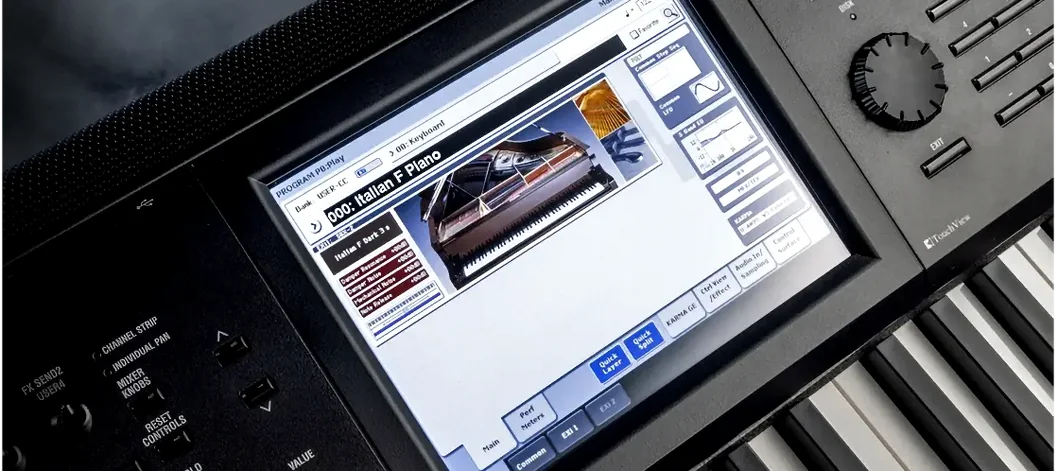 KORG Collection
Recreates classic Korg synthesizers and adds newer sound engines in a single plug-in suite.
KORG Collection
Recreates classic Korg synthesizers and adds newer sound engines in a single plug-in suite.
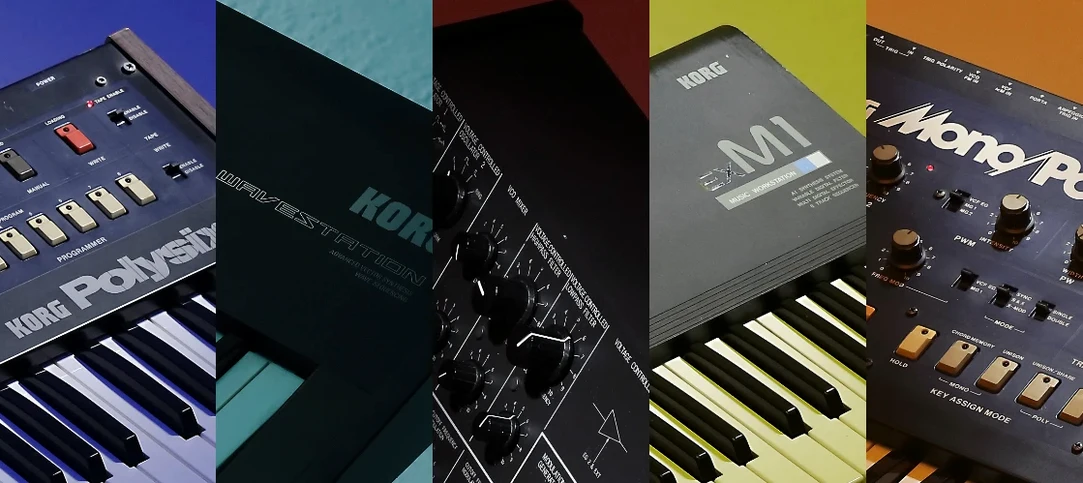 KORG TRITON
Recreates the exact synthesis engine of a legendary 1999 keyboard workstation inside a DAW.
KORG TRITON
Recreates the exact synthesis engine of a legendary 1999 keyboard workstation inside a DAW.
 LANDR Mastering Plugin PRO
Applies adaptive mastering to a mix in real time as you make changes.
LANDR Mastering Plugin PRO
Applies adaptive mastering to a mix in real time as you make changes.
 LANDR Vocal Bundle
Sculpts a vocal through a single channel strip that layers EQ, compression, and saturation intelligently.
LANDR Vocal Bundle
Sculpts a vocal through a single channel strip that layers EQ, compression, and saturation intelligently.
 Kalifornia Dynamic KD Alkane
Adds four flavours of analogue-style drive and saturation to any sound source.
Kalifornia Dynamic KD Alkane
Adds four flavours of analogue-style drive and saturation to any sound source.
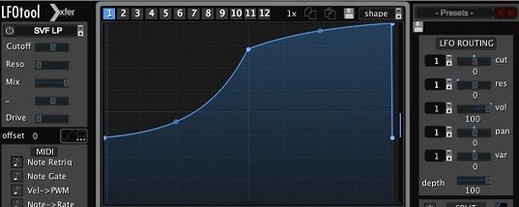 LFOTool
Shapes volume, pan, filter, or MIDI CC data with tempo-synced drawn curves.
LFOTool
Shapes volume, pan, filter, or MIDI CC data with tempo-synced drawn curves.
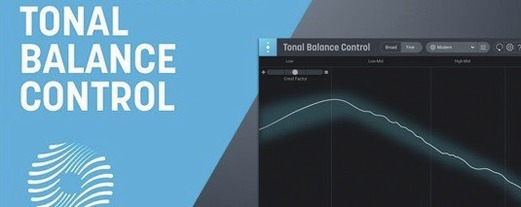 iZotope Tonal Balance Control
Shows whether your mix sits within typical genre curves for low, mid and high energy.
iZotope Tonal Balance Control
Shows whether your mix sits within typical genre curves for low, mid and high energy.