 ASPNetWorld
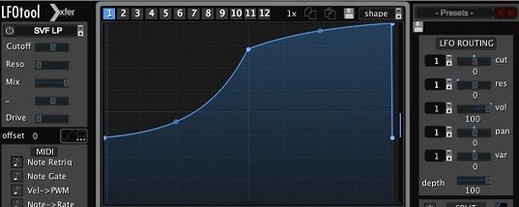
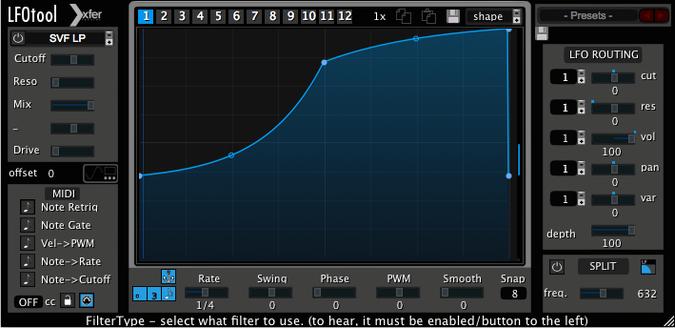
A synth pad is sitting still in the mix, doing its job but feeling a bit static. On its channel, LFOTool is drawing a gentle filter rise that breathes with the tempo, and a second graph is nudging a MIDI CC to open a reverb on the bus. No extra automation lanes, no fuss.
Drop it on audio tracks, instruments or buses for instant ducking
You can drop LFOTool onto an audio track, a software instrument channel, or a bus. In practice, I see it used in a handful of familiar spots:
- Audio tracks and buses: Process incoming audio directly with volume ducking, filter sweeps, or panning wobbles. A bassline sidechained to a kick without needing a compressor is a classic move.
- MIDI-driven control: The plug-in generates a MIDI message stream, so you can place it before a synth and use the LFO curves to animate parameters inside that instrument, or send CC data to external hardware.
- Performance switching: A single preset holds up to 12 graphs, and you can switch between them with MIDI notes or host automation, which is handy for evolving a sound through a song section.
Shapes, sync and graph juggling
At its heart, LFOTool is a custom LFO designer. You draw the curve you want rather than picking from a fixed set of shapes. Up to four graphs can run simultaneously, each with its own rate, and the BPM-based clock keeps everything locked to your project, with optional swing if the groove calls for it. The sync is sample-accurate, so even fast retriggers land where they should. Because a preset can store twelve graphs that are switchable on the fly, the plug-in works as a hands-on modulation hub — part audio processor, part MIDI dispatcher.
LFOTool alongside other rhythmic shapers
Once you start looking at modulation plug-ins on the Mac, three names tend to surface regularly: LFOTool, Cableguys ShaperBox, and MeldaProduction MRhythmizer. They share a broad family resemblance — draw a curve, apply it to audio — but the emphasis and working style differ enough that it’s worth knowing which does what.
ShaperBox bundles several shapers (volume, filter, pan, time, and so on) into a single interface and leans heavily on visual feedback. If your main goal is to sculpt volume ducking or complex filter patterns and you enjoy seeing the waveform change in real time, ShaperBox can feel immediate. LFOTool does less hand-holding visually but gives you more deliberate control over MIDI output: those CC streams can leave the plug-in and travel to a hardware synth or another software instrument, which isn’t ShaperBox’s territory. The Xfer plug-in also keeps CPU load low by way of its C++ architecture, and on older Intel Macs that can tip the balance during a dense mix.
MRhythmizer comes from the stutter-and-glitch world — it’s brilliant at beat-mangling time effects, retriggers, and sequenced gating. Where LFOTool excels is the blend of audio processing and MIDI generation inside a single, restrained interface. You’re not going to build a glitch breakdown in LFOTool, but you will build a sidechain pump that sends a CC to a compressor on a reverb return without any extra routing. It’s a more focused box of tricks, and for many producers that focus is the point.
One preset runs across Logic, Live, Cubase and Pro Tools
LFOTool slides into several Mac DAW workflows without demanding a particular host. Because it speaks VST, AudioUnit and AAX, you can run the same preset logic in Logic Pro, Ableton Live, Cubase or Pro Tools. It also plays nicely with macOS’s own MIDI routing if you pair it with the IAC Driver, which means CC data generated by LFOTool on one track can hop across to an instrument on another track, or even out to a hardware synth connected via a USB-MIDI interface.
On the audio side, a common pairing is to place LFOTool after a dynamic EQ such as TDR Nova, where the LFO modulates the EQ’s gain via MIDI CC rather than its internal envelope follower. Another useful combination is with AU-hosted software instruments that respond to CC messages but don’t have their own modulation sequencers; LFOTool effectively becomes the LFO section those instruments lack. If you’re running a Mac with Apple Silicon, the plug-in’s native support means it won’t force your entire DAW into Rosetta, and on an Intel machine the efficient C++ code leaves breathing room for other plug-ins.
House and techno producers adopt it for pump, then stay for the extras
Certain kinds of Mac users will pull LFOTool out of the plug-in folder more than others. Electronic music producers working in four-on-the-floor styles — house, techno, synthwave — often adopt it first for the sidechain-pumping simulation, then stay for the filter modulation and MIDI CC control. Sound designers who build patches in Serum or Phase Plant find LFOTool a natural companion because it extends Xfer’s way of thinking about modulation to any plug-in that follows it.
Mix engineers who prepare stems for broadcast and need consistent volume ducking without a messy sidechain compressor chain also benefit. They can dial in a transparent ducking curve, sync it to the project tempo, and print the result. And anyone who uses MIDI-controlled hardware effects units — a Strymon pedal, an Eventide rack — can route LFOTool’s CC stream out to the device and automate parameters that don’t have an internal LFO, all from within the DAW session.
Pitfalls when you’re starting out
A few things tend to catch beginners out, and most are easy to fix once you know they exist.
Forgetting that LFOTool is both an audio processor and a MIDI source. You insert it on an audio track and expect it to control a synth parameter, but nothing happens. The plug-in processes the audio passing through it, yes, but the MIDI stream needs a destination. In most DAWs you’ll need to route the plug-in’s MIDI output to the instrument you want to control, which is a separate step from inserting it on a channel.
Graph switching without checking the active graph count. A preset can hold twelve graphs, but only four run simultaneously. Flipping to a new graph via a MIDI note or automation can disable one you’re still relying on, especially if you’ve assigned cutoff, resonance and pan to three graphs and the fourth is doing volume ducking. Keeping a mental note (or a scribble) of what’s active avoids the head-scratching moment when the filter suddenly stops moving.
Expecting a sidechain input. LFOTool doesn’t have one. The ducking shape comes from the LFO curve, not from an external signal. That’s a strength — no routing, no latency compensation headaches — but if you’re expecting it to listen to a kick drum, you’ll stare at the interface wondering where the sidechain menu is. It isn’t there, deliberately.
Leaving the MIDI stream enabled when you only want audio processing. The plug-in will happily send CC data into the ether, which can confuse a downstream instrument that picks up unexpected messages. If you’re just doing a tremolo on a guitar part, switch the MIDI output off.
A live performer’s afternoon
Imagine a keyboard player preparing a live set for a small club gig, running MainStage on a MacBook. They’ve got a split patch: a bass synth on the lower keys and a pad on the upper. The bass needs a rhythmic volume pump locked to 124 BPM, and the pad’s filter should open slowly over eight bars, then snap shut on the downbeat of the next phrase.
They insert LFOTool on the bass channel, pick a preset with a sharp ducking curve, and tweak the shape so the attack is snappy. On the pad channel, a second instance of LFOTool uses two graphs: one does the slow filter rise, the other sends a MIDI CC to the reverb mix on a bus, so the pad grows more spacious as the filter opens. Both instances are set to retrigger on song-position changes, so when the player launches the next MainStage patch everything locks to the click without any tap-tempo fumbling. During the gig they don’t touch LFOTool at all — it just runs, clocking from the project tempo, while they focus on playing.
- macOS 10.11 or later
- Intel or Apple Silicon Mac
- A VST or AudioUnit-compatible host application
Questions I keep hearing
Can LFOTool control other plug-ins, or does it only process audio?
It does both. LFOTool processes incoming audio and can simultaneously generate a stream of MIDI CC messages to control software instruments, effects, or external hardware.
Questions from the class 0
Sign in or join the class to ask a question.
Nobody has asked anything yet. If you have used it on a real job, say what the file did.
Also on the VST Plugins shelf
The whole VST Plugins shelf LANDR Vocal Bundle
Sculpts a vocal through a single channel strip that layers EQ, compression, and saturation intelligently.
LANDR Vocal Bundle
Sculpts a vocal through a single channel strip that layers EQ, compression, and saturation intelligently.
 LANDR Mastering Plugin PRO
Applies adaptive mastering to a mix in real time as you make changes.
LANDR Mastering Plugin PRO
Applies adaptive mastering to a mix in real time as you make changes.
 KORG TRITON
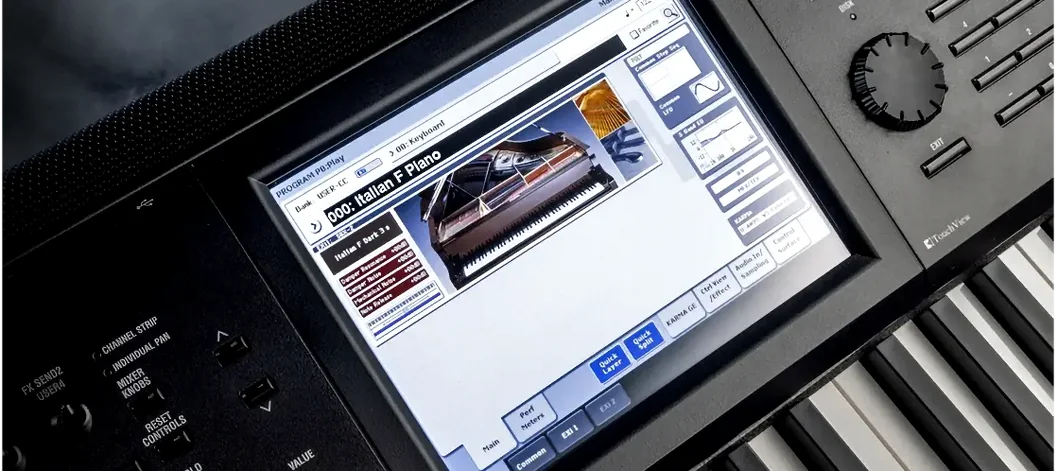
Recreates the exact synthesis engine of a legendary 1999 keyboard workstation inside a DAW.
KORG TRITON
Recreates the exact synthesis engine of a legendary 1999 keyboard workstation inside a DAW.
 KORG Collection
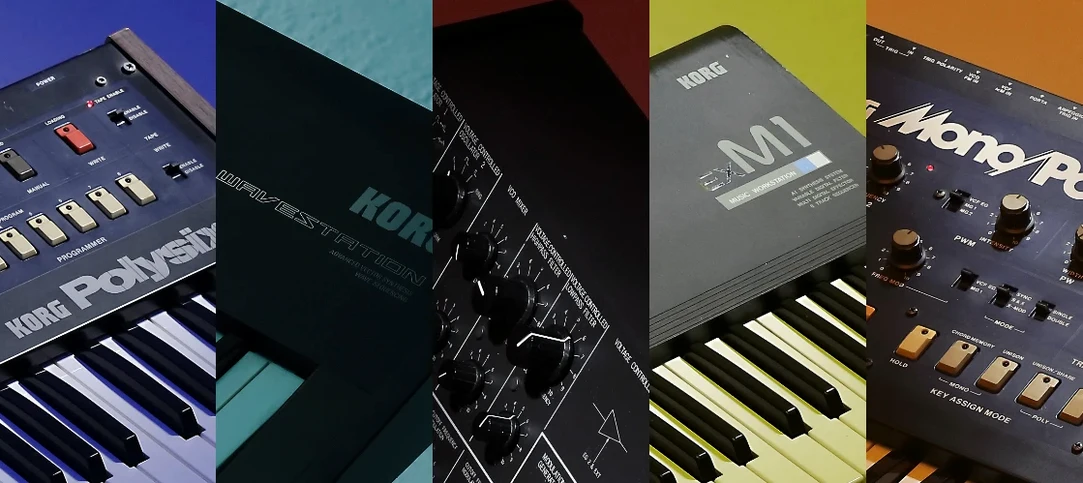
Recreates classic Korg synthesizers and adds newer sound engines in a single plug-in suite.
KORG Collection
Recreates classic Korg synthesizers and adds newer sound engines in a single plug-in suite.
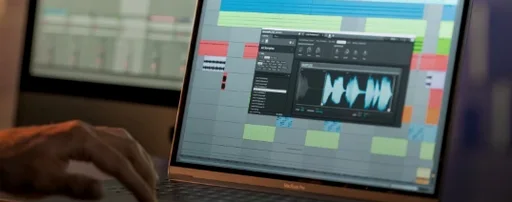 Komplete Kontrol
Organises all your instruments and effects into one keyboard-controlled browsing library.
Komplete Kontrol
Organises all your instruments and effects into one keyboard-controlled browsing library.
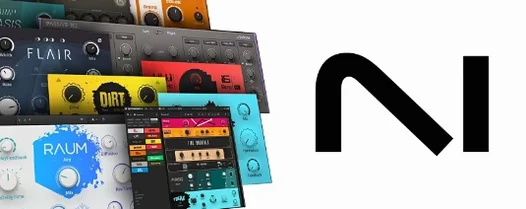 Komplete FX Bundle
Collects six processor packs that model studio compressors, EQs, reverbs and delays.
Komplete FX Bundle
Collects six processor packs that model studio compressors, EQs, reverbs and delays.
 Kalifornia Dynamic KD Alkane
Adds four flavours of analogue-style drive and saturation to any sound source.
Kalifornia Dynamic KD Alkane
Adds four flavours of analogue-style drive and saturation to any sound source.
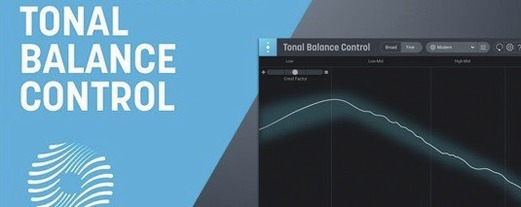 iZotope Tonal Balance Control
Shows whether your mix sits within typical genre curves for low, mid and high energy.
iZotope Tonal Balance Control
Shows whether your mix sits within typical genre curves for low, mid and high energy.