 ASPNetWorld
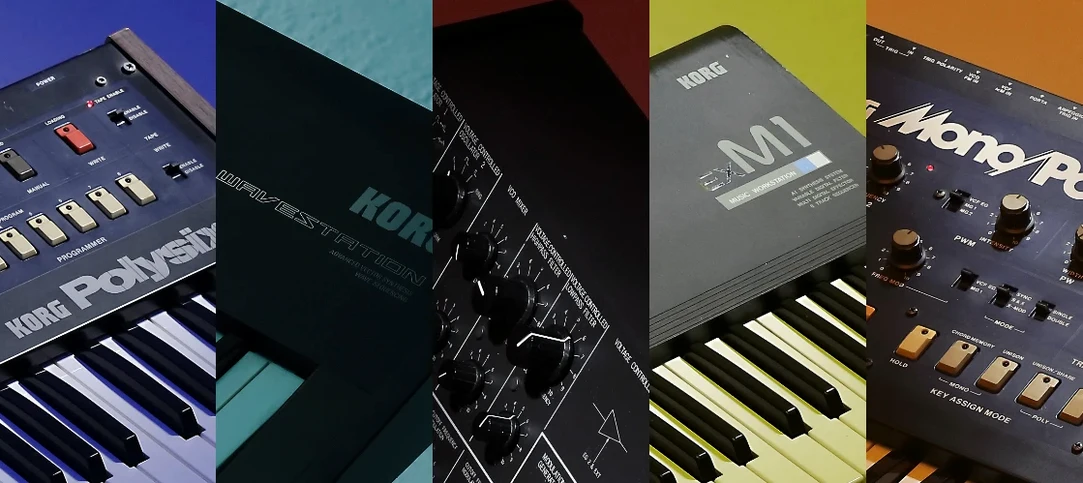
If you cut your teeth on a DAW, the original KORG TRITON might feel like a legend whispered about in studios. Released in 1999, that keyboard workstation was the sound of an era, and this plug-in is its direct descendant — a full software recreation of the TRITON HI synthesis system, now running natively on modern Macs with Apple Silicon support. It arrives as part of the KORG Collection suite, in VST, AU and AAX formats, and you can run it standalone too.
Choosing your host and format
The plug-in works across VST3, AU and AAX, so it slots into Logic Pro, Ableton Live, Cubase, Pro Tools and just about any major Mac DAW. Because it supports Apple Silicon natively, you are not relying on Rosetta translation — the processor talks directly to the code, which keeps latency low and CPU headroom generous. Standalone mode is equally useful; you can open it like any other application, without a DAW, and just play. The current version 1.4.7 asks for macOS 11 or newer, and the installation is refreshingly simple: follow the included activation instructions and you will be up and running in minutes.
What the engine actually gives you
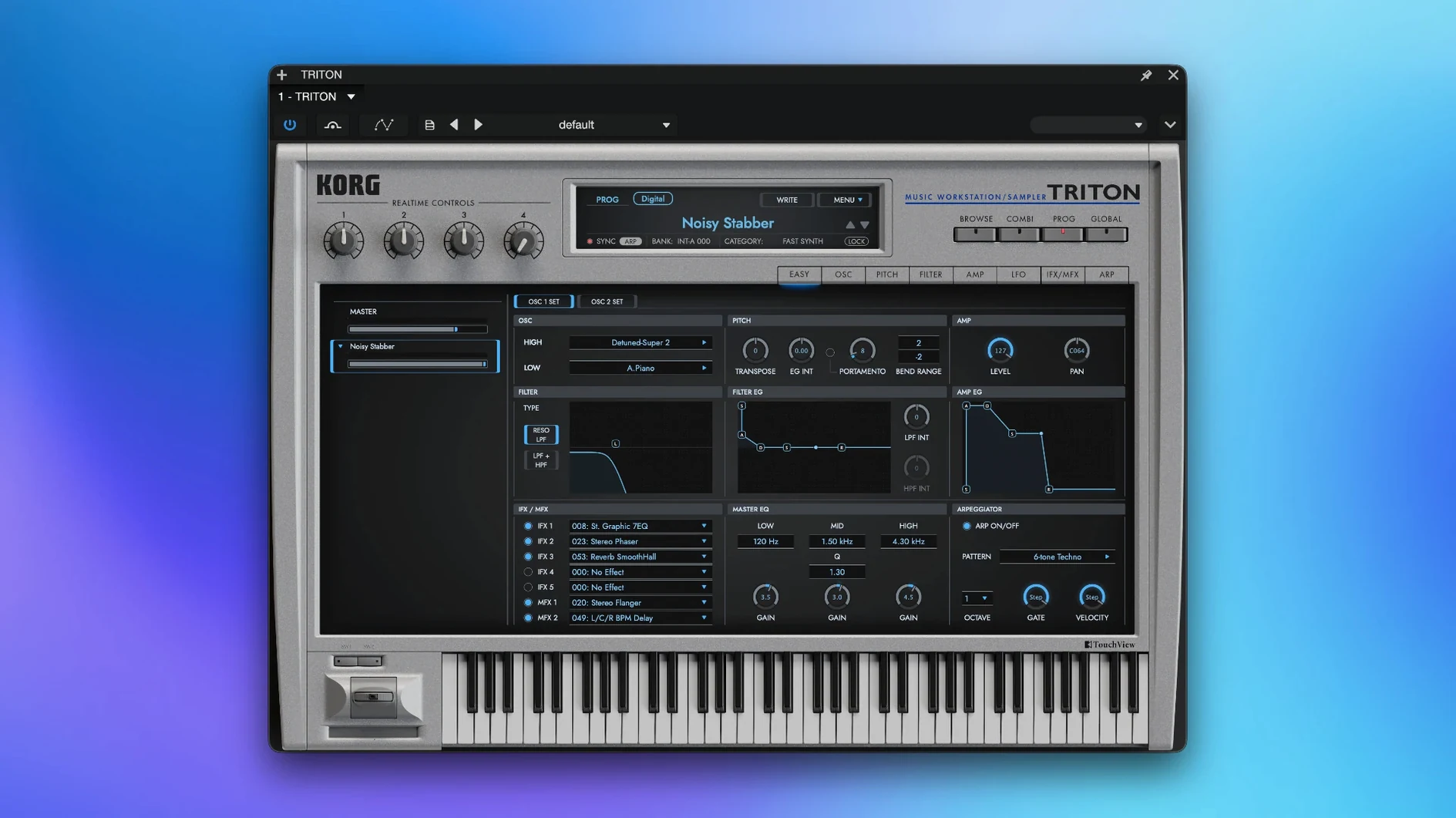
Under the hood is a meticulous model of the HI synthesis system, the same architecture that powered both the original TRITON and the later TRITON Extreme. The combination mode remains the star of the show — stack up to eight multi-timbral parts at once, each with its own arpeggiator and effects routing. Speaking of effects, the signal path gives you five insert effects per part, two master effects for global sweetening, and a master EQ to shape the final output. It is a deep toolkit, but one that rewards patience with a sound that moves between glassy digital pads, aggressive basses, and those unmistakably grainy early-2000s textures.
Master EQ sorts the hardware gain quirks instantly
Out of the box, the plug-in sounds exactly like the hardware — which also means it inherits the same gain-staging quirks. The first thing I reach for is the master EQ, not because the patches need fixing, but because the TRITON’s low end can feel startlingly large on modern monitoring. A gentle high-pass around 40 Hz tidies things up without robbing the bass patches of their weight. While you are in that panel, check the output level; some of the combis arrive surprisingly hot and can clip a DAW channel that is set to unity.
Next, open the global settings and confirm the sample rate matches your project. The PCM library was captured at 48 kHz, and running the instrument at a different rate forces real-time conversion. On an Apple Silicon Mac this costs almost nothing in CPU terms, but on an older Intel machine you might notice the difference when you start stacking parts. I also switch the velocity curve to something slightly softer than the default — the original keybed had a particular resistance, and most controller keyboards today send higher MIDI velocities than the sound engine expects. Dialling it back by one notch makes the piano and electric-piano patches respond more musically.
The plug-in runs fully offline once activated
Does it need a constant internet connection? No. Once you have followed the activation instructions included with the download, the plug-in runs entirely offline. You can take your laptop to a remote studio, switch off Wi‑Fi, and the TRITON will not complain.
Will it choke my older Mac? It is surprisingly well-behaved. Version 1.4.7 runs natively on both ARM and Intel 64‑bit processors, and a single instance playing an eight‑part combi barely registers on an M1 chip. On a 2018 Intel MacBook Pro, expect around 15–20% CPU load for a dense combi — perfectly manageable. If you plan to run a dozen instances, freeze or bounce as you go, but that is standard advice for any detailed work.
Can I load my old TRITON sounds and banks? The software does not read original TRITON floppy disks or SCSI media directly, but it ships with more than 4,000 sounds, including the factory banks that defined the workstation. If you have custom patches saved as SysEx or in a KORG‑compatible format, check the librarian tools available in the KORG Collection ecosystem; some users have had luck converting legacy data, though it is not an officially documented workflow.
Arturia, Roland, and NI model different synthesis philosophies
Comparisons tend to land on three names: Arturia’s Jup‑8 V, Roland’s Zenology, and Native Instruments’ FM8. The Arturia plug‑in models a different era of synthesis — analogue subtractive rather than PCM‑based — but it shares the same software‑recreation philosophy. Arturia’s filter emulations are arguably more characterful, yet the TRITON counters with sheer polyphony and that eight‑part combi mode, which the Jup‑8 V cannot match because it was never a multitimbral workstation. If your music leans on layered, evolving patches with rhythmic arpeggiation, the KORG wins on depth.
Roland’s Zenology is a closer rival in concept: a huge ROMpler library with effects and a modern interface. Zenology is more recent and its sample library is larger, but the TRITON’s charm lies in its imperfections — the slight aliasing in the highest octave, the lo‑fi character of the original converters, the way the insert effects saturate. Zenology sounds polished; the TRITON sounds like a record. For producers chasing late‑nineties and early‑2000s authenticity, that distinction matters.
FM8 is a different beast entirely — frequency modulation rather than sample playback — but it often appears in the same conversations because both instruments defined a sound. FM8 excels at metallic, bell‑like tones and evolving pads; the TRITON covers those too, but its real strength is the breadth of its acoustic and semi‑acoustic patches. Strings, choirs, electric pianos, drum kits — the TRITON is a generalist where FM8 is a specialist. If you can only have one all‑rounder for quick arranging, the KORG covers more ground.
A software-only beatmaker builds a track from scratch
Imagine a beatmaker who grew up on software, never touched the hardware, and recently grabbed the KORG TRITON VST crack Mac release to see what the fuss is about. She opens Logic, loads the plug‑in on an instrument track, and selects a combi called “Liquid Crystal.” Eight parts spring to life — a glassy bell layer, a slow‑attack string pad, a sub‑bass that only triggers below C3, and five other elements that fill the stereo field. She mutes the drum part, because her own kit already knocks, and lets the arpeggiator run on the bell layer while she plays chords with her left hand.
Within twenty minutes, she has swapped the bass for a fatter analogue‑style patch, dialled back the master‑effect reverb to push the sound forward, and nudged the EQ to carve space for a vocal sample. The track already sounds like a finished intro. What strikes her is how little outside processing she needs — the five insert effects per part mean she can compress the bass, distort the pad, and chorus the bells entirely inside the plug‑in. By the end of the session, the combi is saved as a user preset, and she has a new go‑to for atmospheric R&B intros. The whole experience feels less like sound design and more like arranging with a band that never argues.
A blank plug-in window usually redraws if you resize it
The plug‑in window opens blank or stays white. This occasionally happens on macOS when the graphics framework does not initialise correctly. Resize the window by dragging a corner — that usually forces a redraw. If it persists, try launching the standalone version first; it often completes whatever first‑run setup the plug‑in needs, and the DAW version behaves afterwards.
Notes cut off when you play a combi. Each combi can use up to eight parts, and the total polyphony depends on how many notes each part demands. If you hear voices dropping, open the combi and check whether any part is set to a unison mode with multiple detuned voices. Reducing the unison count on pads or strings frees up headroom without noticeably thinning the sound. Also, avoid stacking sustain‑heavy parts unless you really need them all ringing at once.
Automation parameters are not showing in the DAW. Some hosts only expose plug‑in parameters after you touch them. Wiggle a knob — any knob — while the DAW’s automation lane is in latch or touch mode, and the parameter name should appear. The TRITON exposes hundreds of parameters, and not all DAWs index them immediately. If you are hunting for a specific control, check your DAW’s list of “last touched” parameters rather than scrolling the full list.
The arpeggiator drifts out of sync. This is almost always a mismatch between the plug‑in’s internal tempo setting and the host clock. In the TRITON’s global menu, set the clock source to “External” or “Auto” rather than “Internal.” That forces the arpeggiator and any tempo‑synced effects to follow your DAW’s transport, and the drift disappears.
- macOS 11 or newer
- Intel or Apple Silicon Mac
- VST3, AU or AAX-compatible host (or use standalone mode)
- English interface language
Questions I keep hearing
Does the KORG TRITON VST work on Apple Silicon Macs?
Yes, version 1.4.7 has native Apple Silicon support, so it runs directly on M1, M2 and M3 chips without Rosetta translation.
Can I use the plug-in without a DAW?
Absolutely. The software includes a standalone mode that lets you open and play the TRITON like any other desktop application.
How many parts can I layer in combination mode?
Combination mode supports up to eight multi-timbral parts playing simultaneously, each with independent insert effects and arpeggiators.
Questions from the class 0
Sign in or join the class to ask a question.
Nobody has asked anything yet. If you have used it on a real job, say what the file did.
Also on the VST Plugins shelf
The whole VST Plugins shelf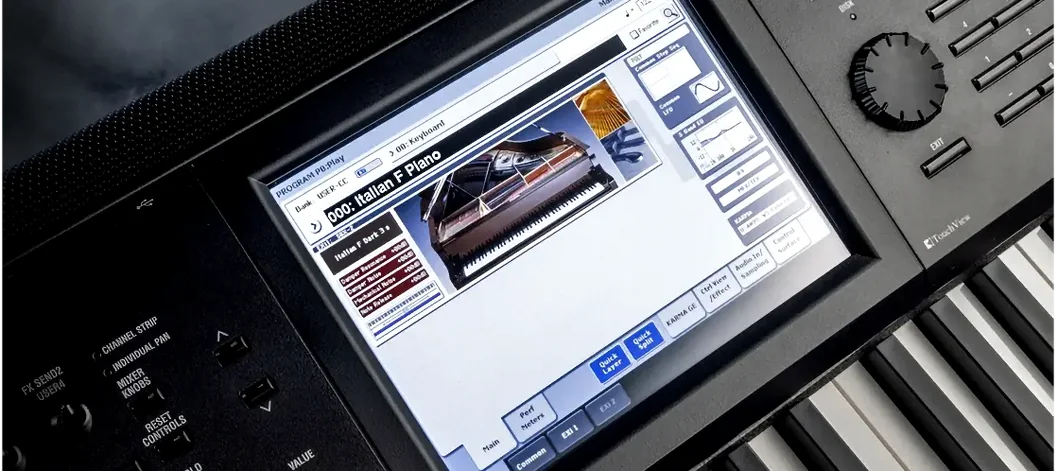 KORG Collection
Recreates classic Korg synthesizers and adds newer sound engines in a single plug-in suite.
KORG Collection
Recreates classic Korg synthesizers and adds newer sound engines in a single plug-in suite.
 LANDR Mastering Plugin PRO
Applies adaptive mastering to a mix in real time as you make changes.
LANDR Mastering Plugin PRO
Applies adaptive mastering to a mix in real time as you make changes.
 LANDR Vocal Bundle
Sculpts a vocal through a single channel strip that layers EQ, compression, and saturation intelligently.
LANDR Vocal Bundle
Sculpts a vocal through a single channel strip that layers EQ, compression, and saturation intelligently.
 Komplete Kontrol
Organises all your instruments and effects into one keyboard-controlled browsing library.
Komplete Kontrol
Organises all your instruments and effects into one keyboard-controlled browsing library.
 Komplete FX Bundle
Collects six processor packs that model studio compressors, EQs, reverbs and delays.
Komplete FX Bundle
Collects six processor packs that model studio compressors, EQs, reverbs and delays.
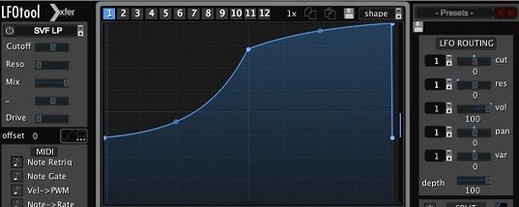 LFOTool
Shapes volume, pan, filter, or MIDI CC data with tempo-synced drawn curves.
LFOTool
Shapes volume, pan, filter, or MIDI CC data with tempo-synced drawn curves.
 Kalifornia Dynamic KD Alkane
Adds four flavours of analogue-style drive and saturation to any sound source.
Kalifornia Dynamic KD Alkane
Adds four flavours of analogue-style drive and saturation to any sound source.
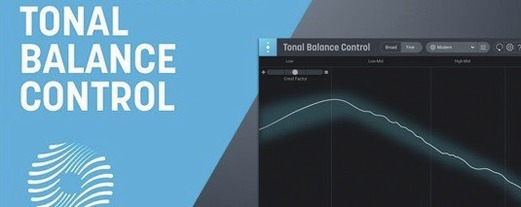 iZotope Tonal Balance Control
Shows whether your mix sits within typical genre curves for low, mid and high energy.
iZotope Tonal Balance Control
Shows whether your mix sits within typical genre curves for low, mid and high energy.