 ASPNetWorld

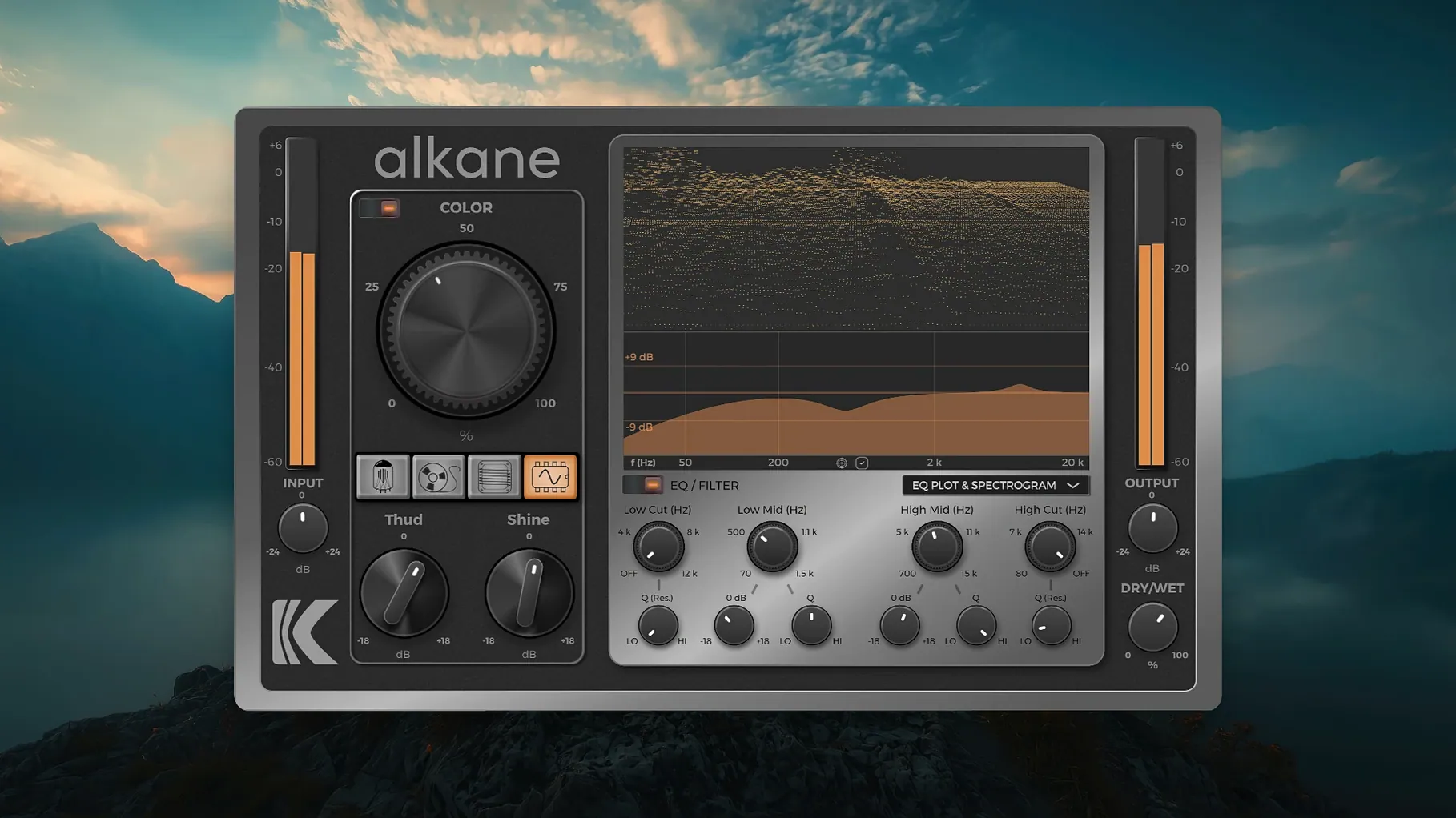
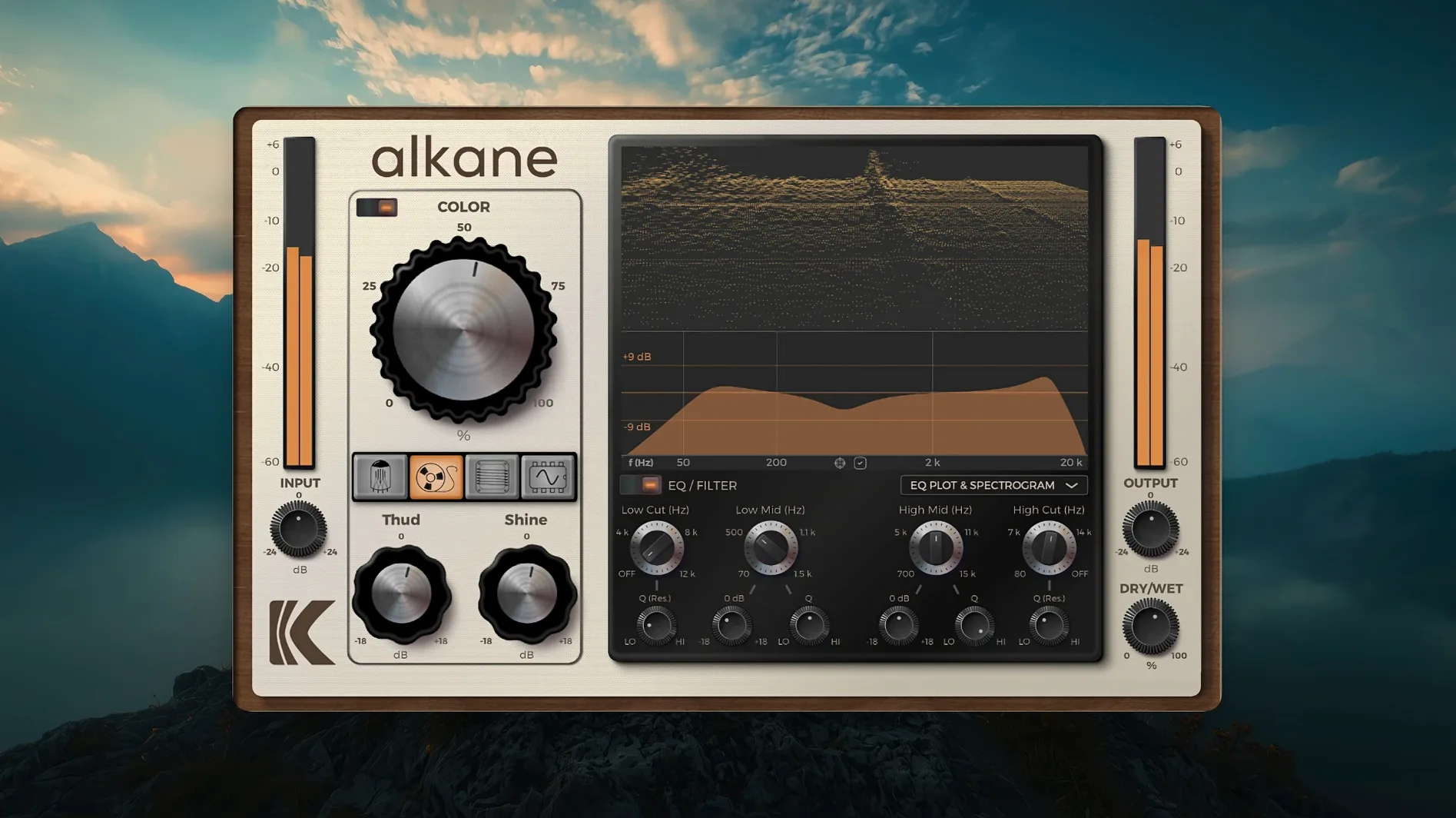
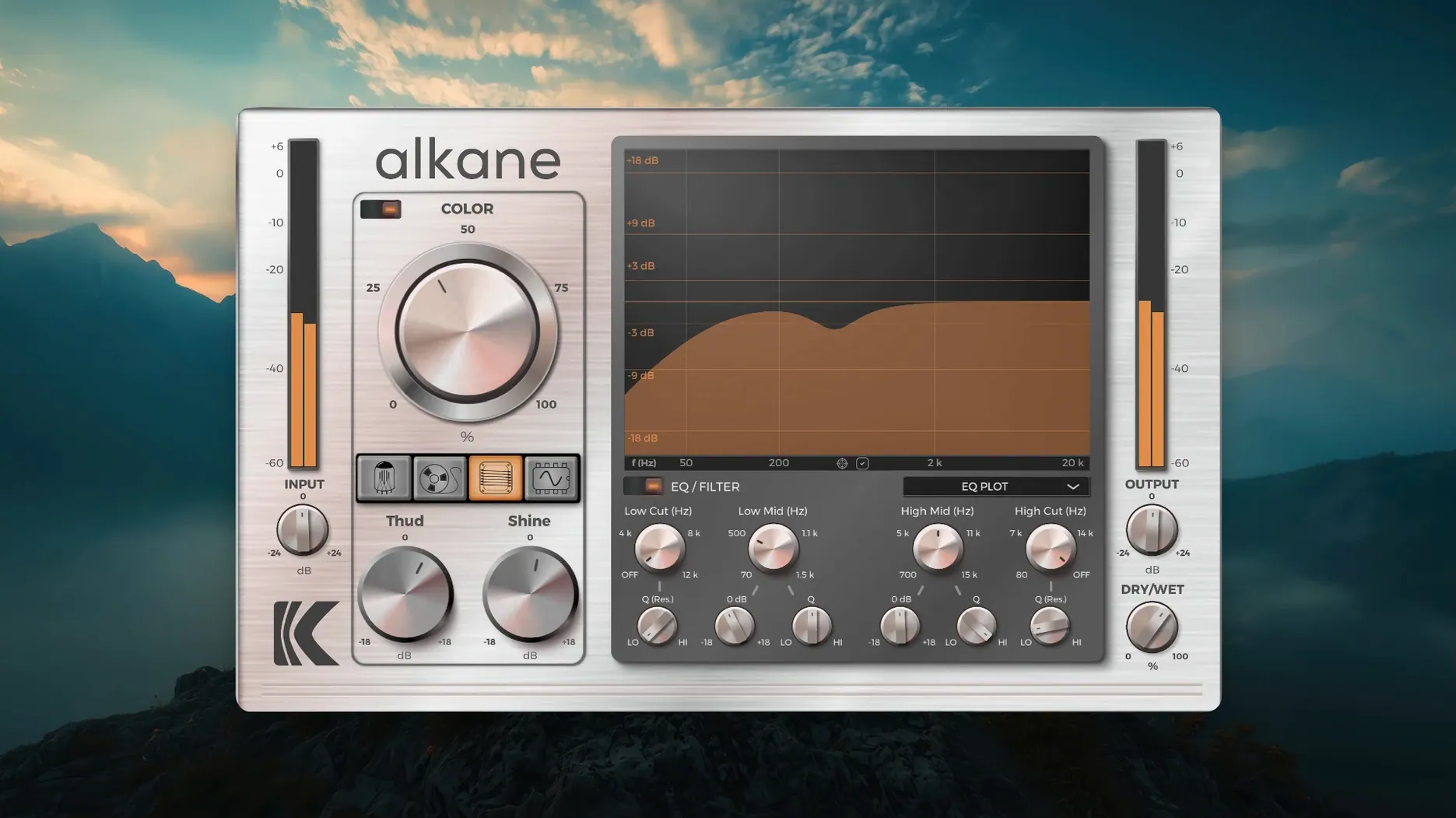
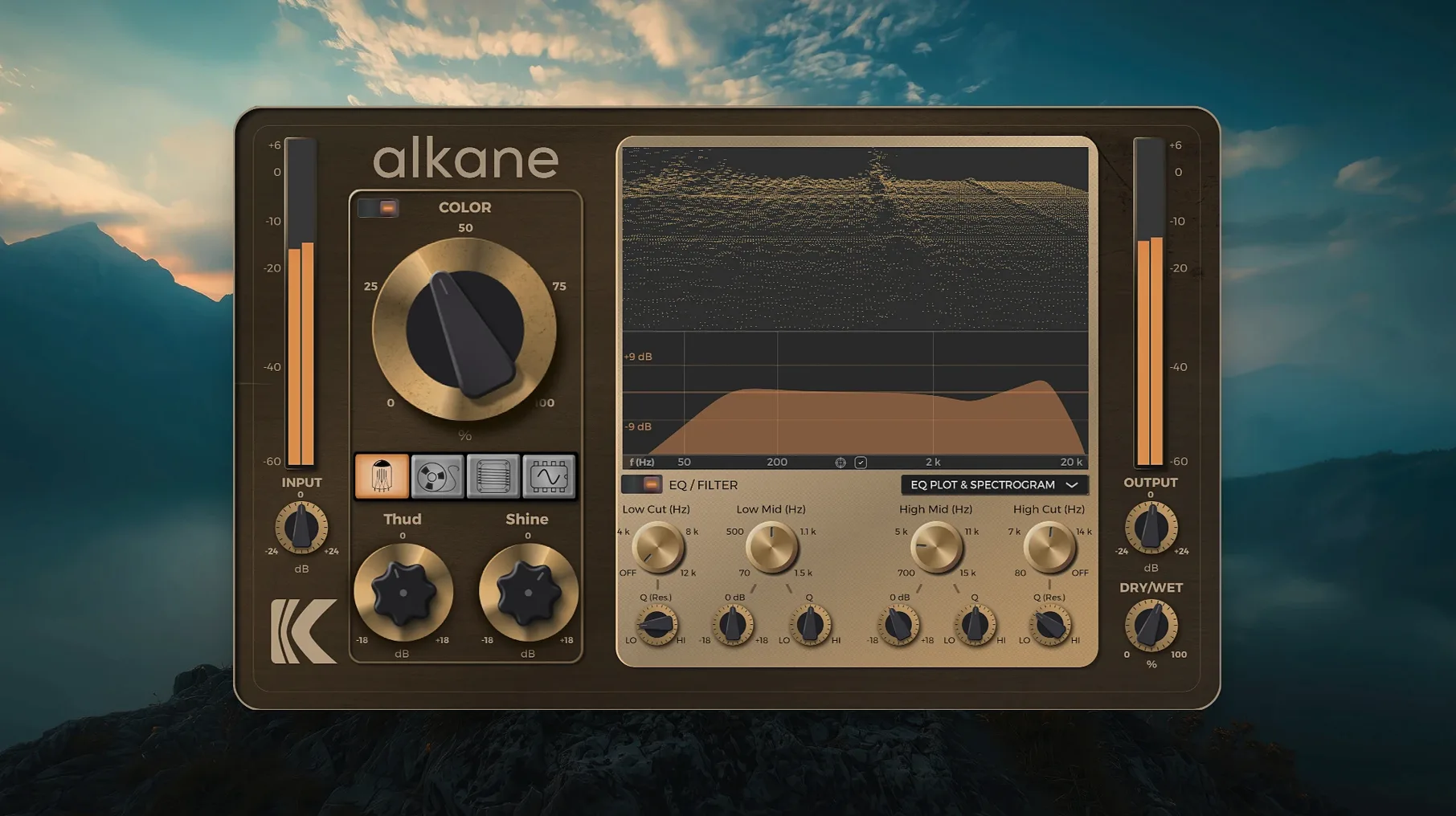
You load Alkane across a drum bus that feels a touch polite, and right away the four drive circuits give you four distinct ways to push it — from a gentle thickening that leaves the transients intact to a full, broken-up roar that still reads as musical. It is, at heart, a quad-circuit harmonics processor that runs inside your DAW on macOS, and before you even touch the sound, it helps to know exactly where it fits in your setup.
- Plug-in formats and hosts: Alkane works inside any DAW that supports modern Mac plug-in formats — you can drop it into Pro Tools, Logic, Cubase, and similar hosts without fuss.
- Apple Silicon native: The processor runs natively on Apple Silicon, so there is no Rosetta translation layer getting between you and the harmonics.
- Four distinct drive circuits: The quad-circuit design is not four copies of the same thing — each circuit colours the saturation differently, letting you push vocals, drums, bass, or full mixes through distinct flavours of grit.
- Built-in parametric EQ: A two-band parametric section with high-pass and low-pass filters sits right in the plug-in, so you can shape which frequencies hit the drive and which stay clean.
- Visual feedback that matters: The interface includes a 3D spectrogram and an EQ plot — think of it as a map of what the harmonics are doing in real time, rather than just a pretty light show.
- 8x oversampling and the Color module: The oversampling keeps aliasing at bay when you push the circuits hard, and the Color module lets you shift the overall tonal tilt of the saturation.
What ties it all together is that Alkane treats harmonic saturation as something you sculpt rather than just apply. The parametric EQ lets you carve out space before the drive, the four circuits give you distinct breakup characters, and the visualizer shows you exactly where the energy is piling up — so you are never guessing whether that extra warmth is sitting exactly where the mix needs it.
Alkane is Apple silicon only — no Intel support
People tend to fire off the same handful of questions before they even unzip the download, so let us deal with those upfront. The first is almost always about whether Alkane works on Intel Macs. It does not — the plug-in is compiled for Apple Silicon only, and there is no fallback path through Rosetta because the installer itself expects an ARM-based machine. If your Mac has an M1, M2, M3, or later chip, you are fine. If you are still on an Intel machine, this one will not load, and no amount of fiddling with the AU validation tool will change that.
Another question that crops up is whether the plug-in phones home or needs an internet connection. It does not. Once the installer has finished, Alkane sits quietly in your Components, VST3, and AAX folders and minds its own business. There is no background service, no licence manager pinging a server, nothing that will suddenly stop working if your studio machine stays offline.
People also ask about latency. Because Alkane uses 8x oversampling internally, there is a small processing delay — typically a few milliseconds — which most DAWs handle with automatic delay compensation. If you are doing precise drum editing or running a live input through it, you will notice the lag, but for mixing and sound design it is a non-issue.
Finally, a question that deserves a straight answer: "Will alkane vst free download searches lead me to version 1.0.17.0?" They will, and the file you get is fully functional. The activation work has been handled — the build is k'd by GUISEPPE — so you skip the registration steps entirely and go straight to making noise.
Tube, Tape, and Diode circuits are not interchangeable saturation flavours
The most common slip-up is treating all four drive circuits as interchangeable flavours of the same thing. They are not. The Tube circuit softens transients as it saturates, which makes it lovely on a pokey vocal but disastrous on a kick drum that needs to punch through. The Transformer circuit, by contrast, tends to emphasise the leading edge of a sound — great for drums, less flattering on sibilant vocals. Spend ten minutes running the same looped bar through each circuit at matched gain and you will hear the differences plainly. Skipping that step is why some people dismiss the plug-in as "just another saturator" after five minutes of twiddling.
Another beginner trap is piling on drive with no regard for what the EQ section is doing upstream. Alkane places its two-band parametric EQ before the drive stage, which means any boost you apply there will hit the circuit harder. Crank 200 Hz by six decibels and then wonder why the Tube model is farting out — well, now you know. A smarter workflow is to cut before you boost: pull back the frequencies that already saturate too easily, then gently lift what you want the circuit to chew on.
The Color module invites its own class of mistake. It is not a simple tone control, and slamming it to extreme settings while the Drive knob is already cooking will often produce a congested, phasey mess in the low-mids. Treat Color as a tilt — a gentle nudge toward brighter or darker — and you will get far more musical results than treating it as an effect in its own right.
A subtler error is ignoring the visualizer entirely. The 3D spectrogram looks intimidating at first glance, but you do not need to study it like a textbook. Glance at it when you switch circuits; watch where the harmonic peaks bloom. If you see a thick band of energy sitting right on top of your vocal fundamental, you have probably over-egged the drive and are masking the very thing you wanted to enhance.
Oversampling at 8x eats CPU — switch to 4x for tracking
Alkane ships with sensible defaults, but there are a handful of tweaks that should be part of your first session. The most important is the oversampling mode. By default it runs at 8x, which is sonically clean but eats more CPU than some older Apple Silicon machines appreciate in a heavy session. If you are stacking twelve instances across a mix, switching to 4x or even 2x will lighten the load without an audible penalty on most material. Save 8x for the vocal bus and the mix bus — places where aliasing artefacts genuinely matter.
Next, set the high-pass filter to something useful immediately. The factory default leaves it wide open, which means subsonic rumble and DC offset from sampled material will hit the drive circuits and produce unpredictable low-end blur. A gentle roll-off at 30 Hz cleans this up with zero impact on musical bass content, and you can push it higher on sources that do not need sub-bass at all.
The GUI scaling deserves a mention too. Alkane supports high-resolution displays, but the default scaling percentage sometimes looks cramped on a 4K or 5K screen. Head into the interface preferences and bump it to 125% or 150% — the spectrogram becomes genuinely readable rather than a squint-inducing thumbnail, and the parameter editor feels less like surgery.
If you found Alkane via a kd alkane or alkane plugin free download route, you might be tempted to leave every setting stock and just twist the Drive knob. Resist that urge. Spend two minutes setting the oversampling, the high-pass corner, and the GUI scale, and the plug-in immediately feels like it belongs in your workflow rather than fighting it.
Plug-in missing in Logic Pro — force-rescan the AU units
Snag: The plug-in does not appear in your DAW after installation. This is almost always a caching issue. Logic Pro users should open the Plug-in Manager and force a rescan of the AU units. If that fails, quit the DAW, delete the AudioUnit cache file from ~/Library/Caches/AudioUnitCache, and relaunch. Cubase and Pro Tools users should check that the VST3 or AAX versions landed in the correct system folders — sometimes the installer places them correctly but the DAW has blacklisted them after a previous failed scan. Clearing the DAW's plug-in blacklist usually sorts it.
Snag: Alkane loads but produces no output. Nine times out of ten, the output trim has been pulled down to silence by accident — the knob is easy to nudge with a mouse wheel. The other possibility is that both EQ bands are set to extreme cuts with narrow Q values, effectively muting the signal before it reaches the drive stage. Reset the EQ section from the parameter editor and work back from there.
Snag: CPU spikes on an M1 Mac when switching circuits during playback. This is a known quirk of the 1.0.17.0 build. The circuit switching recalibrates the internal oversampling buffer, and on M1 chips this can cause a brief processing spike. The fix is inelegant but effective: stop playback before switching circuits, then hit play again. It is not a dealbreaker once you know the rhythm of it.
Snag: The visualizer freezes or shows garbled data. This sometimes happens if the plug-in window has been open for hours in a long session. Closing and reopening the plug-in window clears it. If it persists, toggling the oversampling rate forces a full redraw of the spectrogram engine.
Snag: The plug-in crashes the DAW when you try to replace k'd mac with a newer build. Since this version is pre-activated, installing a different build over the top without properly clearing the old components can leave your DAW confused. If you ever need to swap versions, manually delete the existing Alkane files from the Components, VST3, and AAX folders, then run the new installer. Do not simply drag the old files to the Trash while the DAW is running — quit everything first, or the system will hold onto cached copies and the conflict will persist.
- macOS 11 or later
- Apple Silicon processor
- A compatible DAW host (Pro Tools, Logic, Cubase, and similar)
Questions I keep hearing
Does Alkane add noticeable latency in a mixing session?
Because it runs natively on Apple Silicon with 8x oversampling handled internally, any latency is minimal and most DAWs compensate for it automatically, so you can work without nudging tracks around.
Questions from the class 0
Sign in or join the class to ask a question.
Nobody has asked anything yet. If you have used it on a real job, say what the file did.
Also on the VST Plugins shelf
The whole VST Plugins shelf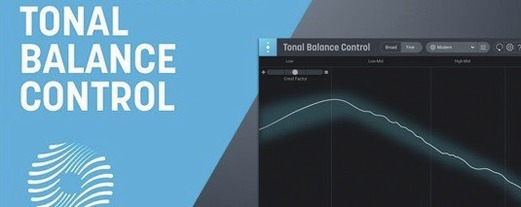 iZotope Tonal Balance Control
Shows whether your mix sits within typical genre curves for low, mid and high energy.
iZotope Tonal Balance Control
Shows whether your mix sits within typical genre curves for low, mid and high energy.
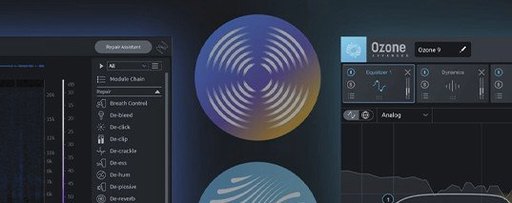 iZotope RX
Repairs clicks, hum, noise and clipped audio in recordings for broadcast and music.
iZotope RX
Repairs clicks, hum, noise and clipped audio in recordings for broadcast and music.
 iZotope Neutron
Analyses your audio and suggests a custom chain of EQ, compression and exciter settings.
iZotope Neutron
Analyses your audio and suggests a custom chain of EQ, compression and exciter settings.
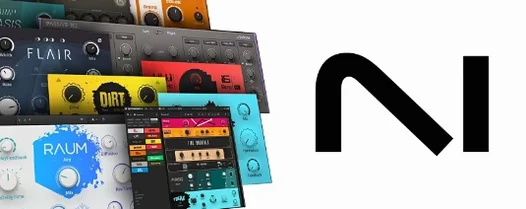 Komplete FX Bundle
Collects six processor packs that model studio compressors, EQs, reverbs and delays.
Komplete FX Bundle
Collects six processor packs that model studio compressors, EQs, reverbs and delays.
 iZotope Nectar
Processes a vocal track through a full chain of EQ, compression, pitch and effects in one window.
iZotope Nectar
Processes a vocal track through a full chain of EQ, compression, pitch and effects in one window.
 Komplete Kontrol
Organises all your instruments and effects into one keyboard-controlled browsing library.
Komplete Kontrol
Organises all your instruments and effects into one keyboard-controlled browsing library.
 iZotope Insight
Displays detailed visual readings of loudness, spectrum and stereo spread while you mix.
iZotope Insight
Displays detailed visual readings of loudness, spectrum and stereo spread while you mix.
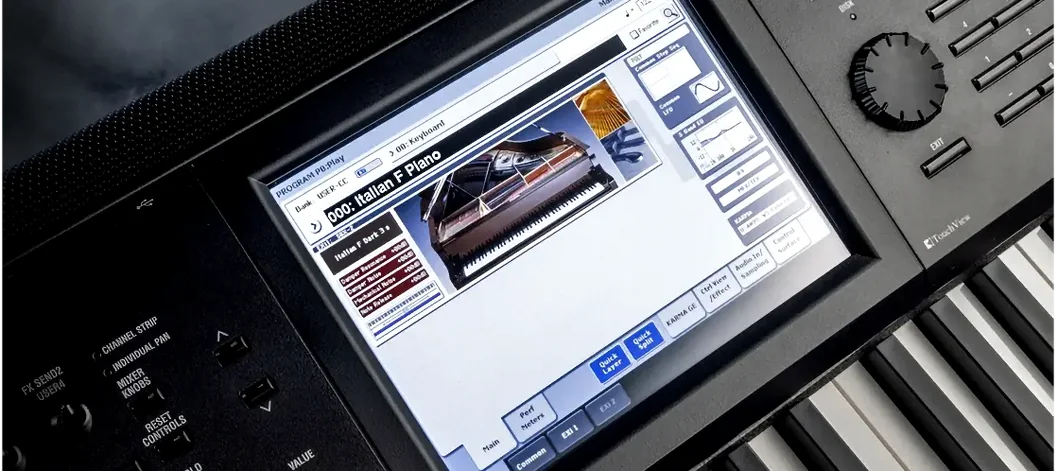 KORG Collection
Recreates classic Korg synthesizers and adds newer sound engines in a single plug-in suite.
KORG Collection
Recreates classic Korg synthesizers and adds newer sound engines in a single plug-in suite.