 ASPNetWorld

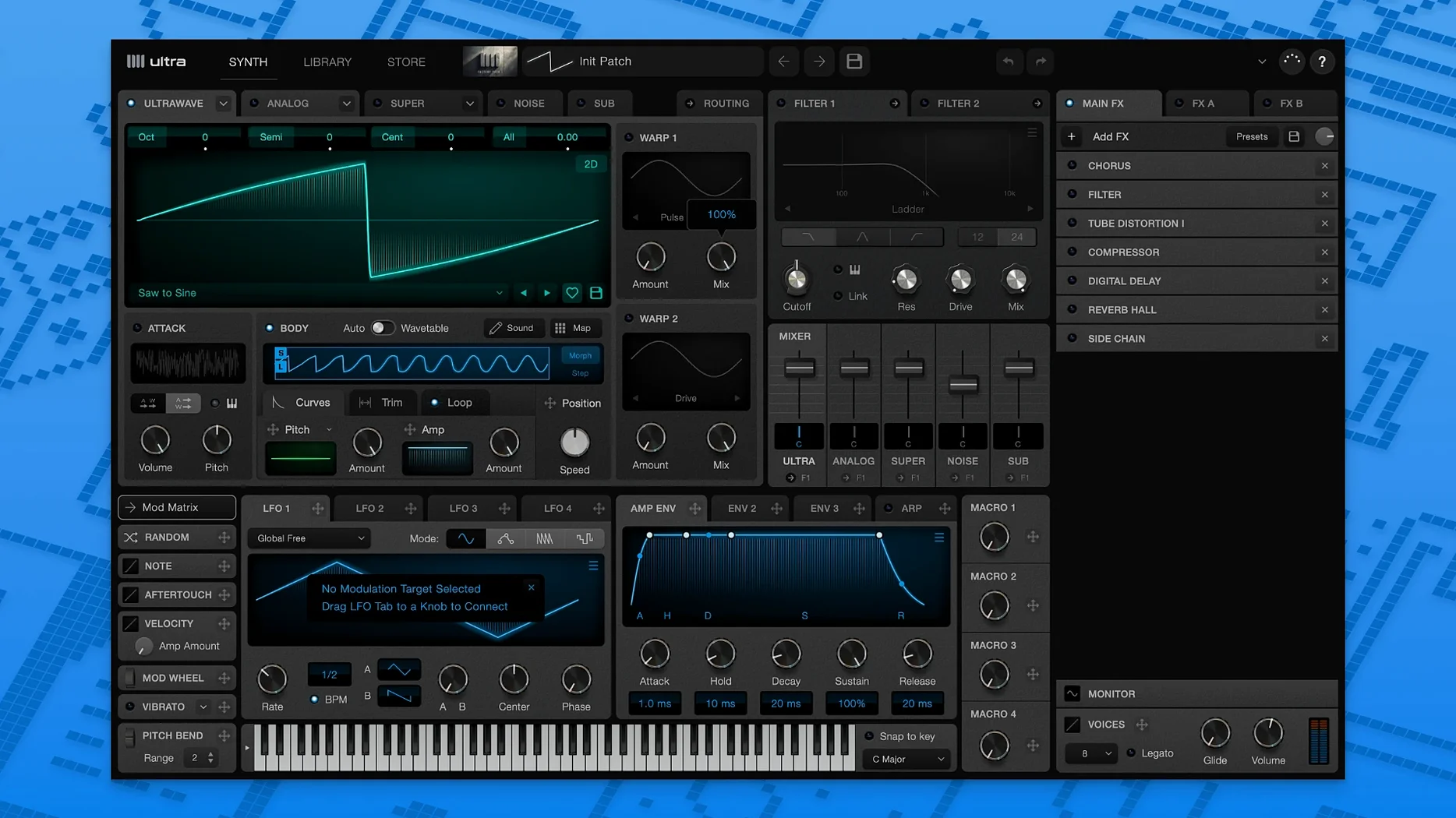
Ultra Audio Ultra runs happily on any Mac from OS X 10.11 onwards, covering both Intel and Apple Silicon machines as a VST3 or AU instrument plug-in.
Load a wavetable preset and start playing on an instrument track
Instrument track — the synth's natural home. Load Ultra on a software instrument slot in your DAW, pull a wavetable preset from the online library and start playing. Because it supports multisampling, you can map entirely different wavetable sounds across the keyboard range on a single track, which keeps sessions tidy when a part needs to shift character between verse and chorus.
Left and right as separate sources — Ultra lets you load independent waveforms into the left and right channels. That turns a single track into a split-voicing engine: a gritty, vowel-like sweep on the left and a glassy pad on the right, panned hard for instant stereo width without touching a bus send.
Bus duties — send Ultra to a reverb or delay bus exactly as you would any other synth. The trick is what you send. Use the loop-extraction feature to grab a cycling fragment from a wavetable, then feed that rhythmic pulse into a tempo-synced delay bus. The delayed taps follow the extracted loop timing rather than a static LFO, so the effect breathes with the patch itself.
Stereo wavetables in the mix — a stereo wavetable loaded into Ultra already carries its own spatial information. On a track, that means less reliance on stereo-widening plug-ins. In a dense arrangement, a stereo wavetable pad often sits better when you leave it dry and let the waveform's baked-in movement do the work, reserving buses for mono sources that need the space more.
Right-click a slot to copy modulation across siblings
The right-click menu on any wavetable slot offers a copy modulation to sibling command that saves a surprising amount of mouse work when you are building layered patches. If you have dialled in a pitch envelope on the left channel and want the right to track identically, one click duplicates the routing rather than making you rebuild it knob by knob.
Double-clicking a parameter resets it to its default value, which sounds obvious but becomes indispensable inside the modulation grid. When an LFO depth has drifted somewhere strange and the sound has gone nasal, a quick double-click gets you back to neutral faster than squinting at tiny readout numbers.
The UltraWave documentation lives inside the plug-in under a dedicated tab, and it contains a searchable index of every wavetable operation. It is worth knowing that the index works across both the Synth and UltraWave sections, so if you cannot remember whether aftertouch mapping is documented under "multisampling" or "modulation sources", typing aftertouch into the search box finds it in either place.
Holding Shift while dragging a waveform import slider locks the value to whole-percent steps. That matters when you are importing pitch data from an audio sample and need exact scaling — a 50% pitch offset sounds quite different from a 49.7% one once the wavetable is cycling at audio rate.
Switch anti-aliasing to the higher-quality mode first
The plug-in ships with oscillator anti-aliasing set to a balanced middle ground, and switching it to the higher-quality mode is worth the small CPU increase on any Mac made in the last few years. The difference shows up most on bright wavetables swept into the upper octaves, where the standard setting can leave a faint glassy edge that the high-quality mode polishes out.
Under preferences, the default wavetable import mode is set to mono extraction from stereo files. If your workflow regularly pulls stereo WAV samples for custom wavetables — and Ultra's ability to load separate left and right waveforms makes that a natural habit — changing the default to stereo saves you from correcting the import dialogue every time. It is a one-click fix that quietly disappears into muscle memory.
The aftertouch response curve is also tucked into the settings panel rather than on the synth front panel, and its default linear curve can feel a little eager if your keyboard sends high aftertouch values. A slightly softened curve gives you more usable travel before the multisample cross-fade kicks in fully, making it easier to feather between two wavetables with finger pressure alone.
Step through online presets during playback without dropouts
On an Apple Silicon Mac, Ultra Audio Ultra loads as a native ARM binary and settles into a session without fanfare. Patch changes are fast enough that you can step through the online library presets during playback without the transport stuttering — the UltraWave engine seems to keep a small cache of recently used wavetables warm, so revisiting a sound you auditioned a minute ago is near-instant.
Memory use stays modest for a wavetable synth with multisampling support. A patch with six velocity layers spread across three octaves might add thirty to forty megabytes to your session footprint, and releasing unused wavetables from the cache trims that back down. It is the sort of plug-in you leave instantiated on a muted track without worrying whether it is quietly nibbling at system resources.
Stability has been uneventful in the current 1.1.4 build. Hosting it inside Logic, Ableton Live and Reaper across both Intel and ARM machines produced no unexpected quits during several long arranging sessions. The one small quirk worth knowing is that the standalone app sometimes retains the last-used audio interface buffer size even after the interface is disconnected; switching it back to the built-in output manually avoids a silent-start moment next time you launch it for sound design away from the DAW.
The plug-in's real-time wavetable mixing stays smooth even when aftertouch and note pitch are both actively switching between multisamples — the cross-fade logic does not glitch or drop samples, which is not always a given at this weight class. If you work on a Mac where Ultra Audio Ultra torrent macOS searches led you here, you will find the same behaved performance on an offline studio machine as on a connected daily driver.
- OS X 10.11 or later
- Apple Silicon or Intel 64-bit processor
- VST3 or AU-compatible host
Questions I keep hearing
Does Ultra Audio Ultra work as an effect or just as an instrument?
It is a synthesizer plug-in, not a general-purpose audio utility. You load it on an instrument track to generate sound from its wavetables, not to process existing audio.
Questions from the class 0
Sign in or join the class to ask a question.
Nobody has asked anything yet. If you have used it on a real job, say what the file did.
Also on the VST Plugins shelf
The whole VST Plugins shelf UJAM Symphonic Elements STRIIIINGS
Blends orchestral strings with processed textures for cues that breathe and move.
UJAM Symphonic Elements STRIIIINGS
Blends orchestral strings with processed textures for cues that breathe and move.
 uJAM Cinedream
Layers ambient guitar textures that sit beneath a scene rather than stepping into the spotlight.
uJAM Cinedream
Layers ambient guitar textures that sit beneath a scene rather than stepping into the spotlight.
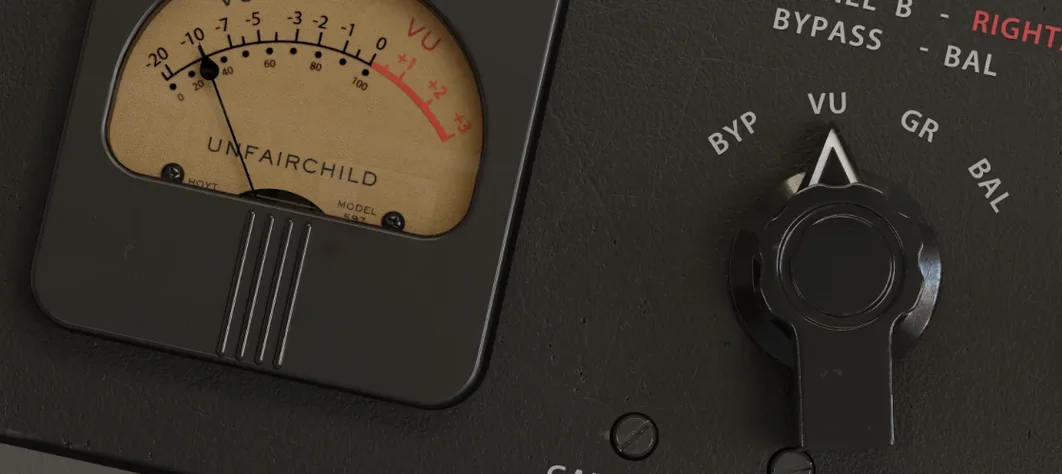 UnderTone Audio UnFairchild
Adds valve-style harmonic saturation you can season independently of the compression.
UnderTone Audio UnFairchild
Adds valve-style harmonic saturation you can season independently of the compression.
 UJAM Beatmaker VICE
Supplies the crisp, gated drum sounds of 1980s synthwave and retrowave productions.
UJAM Beatmaker VICE
Supplies the crisp, gated drum sounds of 1980s synthwave and retrowave productions.
 Valhalla DSP Bundle
Offers nine plugins of reverb, delay, and modulation built on deep acoustic models.
Valhalla DSP Bundle
Offers nine plugins of reverb, delay, and modulation built on deep acoustic models.
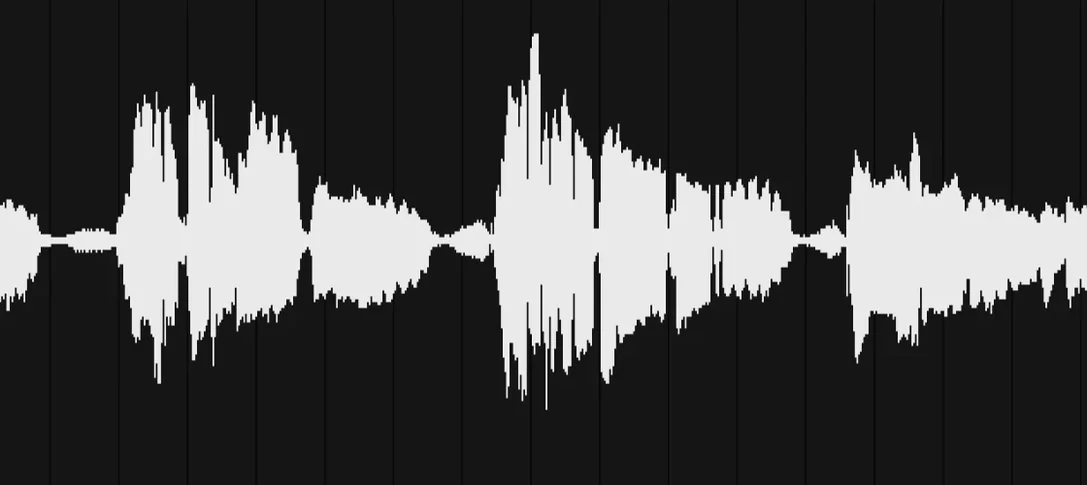 VocalNet
Morphs a lead vocal with breathy samples to create an airier double without a second take.
VocalNet
Morphs a lead vocal with breathy samples to create an airier double without a second take.
 VocalSynth 2
Thickens a vocal with vocoder and polyvox layers while keeping its core identity intact.
VocalSynth 2
Thickens a vocal with vocoder and polyvox layers while keeping its core identity intact.
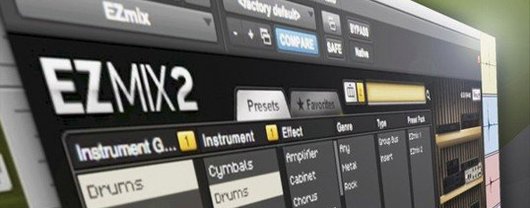 Toontrack EZmix Bundle
Collapses whole chains of mixing effects into a single preset you audition like a radio dial.
Toontrack EZmix Bundle
Collapses whole chains of mixing effects into a single preset you audition like a radio dial.