 ASPNetWorld
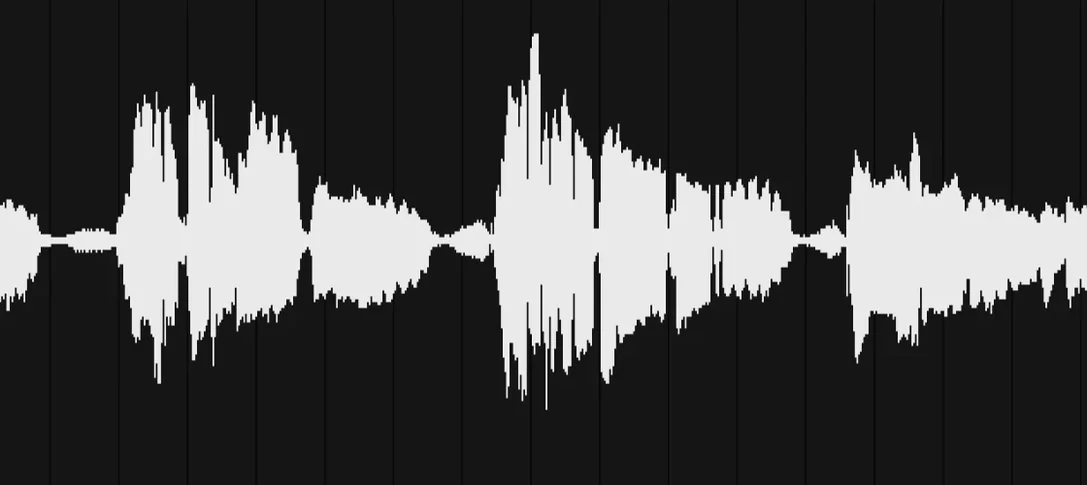
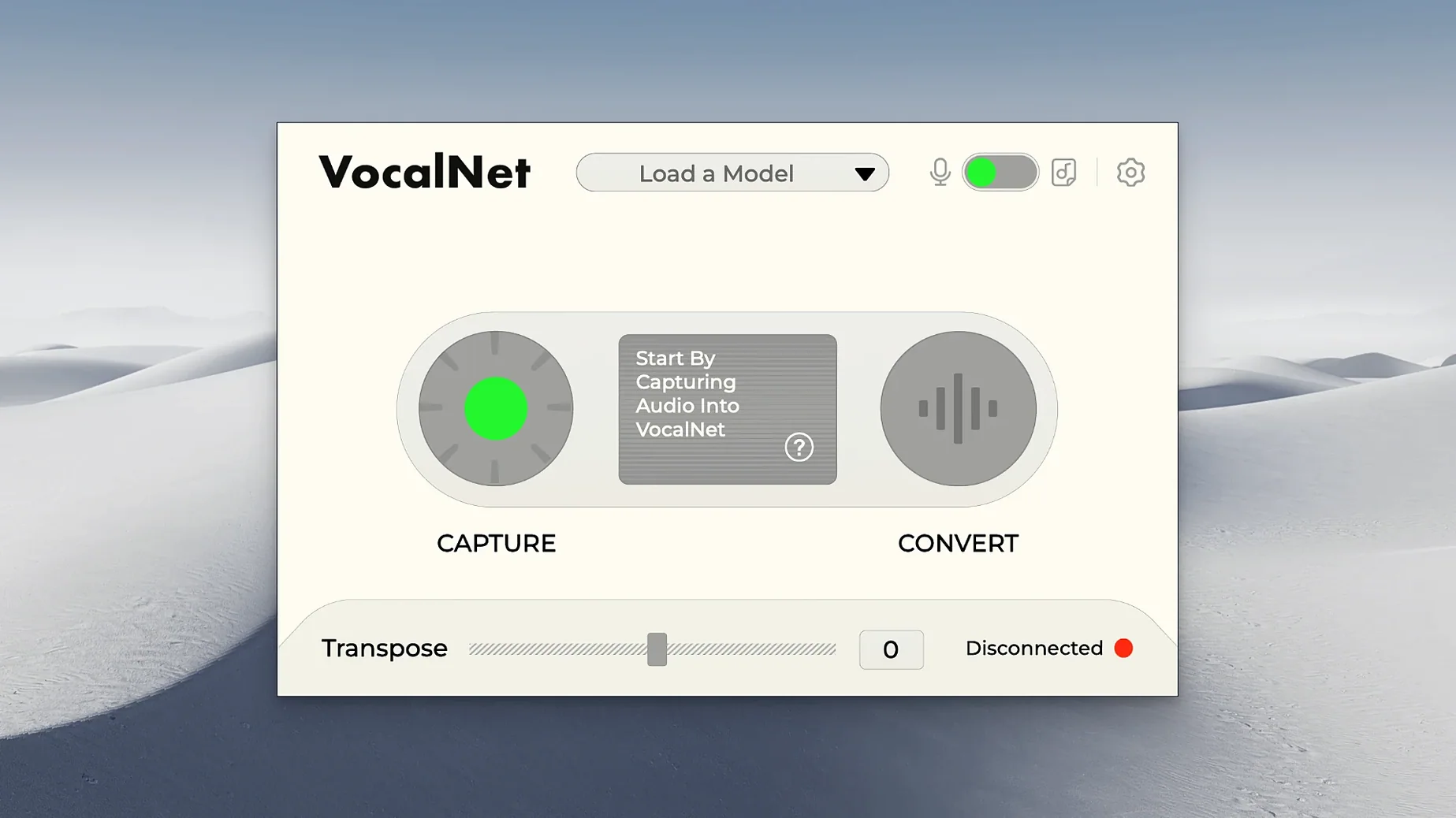
You drop VocalNet onto a lead vocal track after your surgical EQ and before the de-esser. The singer wants a whispered double that sits just underneath the main take, but there is no whisper take. You load a breathy sample, pull the blend fader left, and the performance morphs into something airier without losing the original articulation. That is the kind of job VocalNet does best — reshaping vocal character while the transport keeps rolling.
Insert it after noise gates and corrective EQ
VocalNet works as an insert effect on an audio or aux track, not a generator. It expects a clean, recorded vocal at its input, so place it after noise gates and corrective EQ but before time-based effects like reverb or delay. The output is the transformed voice alone, ready for further mixing.
Can it handle more than one voice at a time?
The plugin processes whatever mono or stereo signal you feed it, but it shines on single-voice sources. Sending a full backing-vocal bus through it will produce unpredictable blends, which can be creatively useful on a parallel aux track blended underneath the natural stack.
How does the sample-blending actually feel in a session?
You load up to four voice samples into the interface and drag a single control to move smoothly between them. The local AI engine recalculates the timbral crossfade in near real time, so you can ride the blend during a pass and print the automation for later tweaking. The processing stays on your machine — no cloud round-trip, no added latency beyond what the plugin reports to the host.
A podcast editor's lunchtime rescue
Imagine a weekly interview podcast recorded in a treated home studio. The host's voice is warm and consistent, but a remote guest sounds thin through a laptop microphone, and their room has a faint 120 Hz hum you have already notched out. The editor has twenty minutes before the episode must be uploaded. VocalNet sits on the guest's channel, fed with a short snippet of the host's own voice captured from the intro. Dragging the blend halfway towards the host sample doesn't turn the guest into a clone — it just borrows enough body and presence that the two voices sit in the same acoustic neighbourhood. The editor prints the track and moves on, no re-recording needed.
That sort of rescue isn't confined to spoken word. A vocalist who tracked a guide vocal in a hotel room can later borrow the timbre of the studio condenser take without re-singing a note. The plugin doesn't fix room reflections or mouth clicks, but it can match tonal weight surprisingly well when the source recording is otherwise clean.
How VocalNet sits alongside similar tools
Voice transformation plugins split into two broad camps: formant-shifting effects that tweak pitch and resonance mathematically, and AI-driven timbre transfer that analyses and rebuilds vocal character from reference material. VocalNet belongs firmly in the second group, which puts it in conversation with a handful of other Mac-compatible processors.
iZotope VocalSynth 2 is the colourful, multi-engine cousin. It layers vocoding, talkbox, polyvox and codec modules into a single interface and excels at obvious, stylised effects — robotic harmonies, shimmering choirs, bit-crushed artefacts. VocalNet doesn't do any of that. It aims for organic voice replacement rather than synthetic layering, so a producer who wants an invisible timbre shift will lean towards VocalNet, while someone building a pop drop with a glitchy talkbox will reach for VocalSynth.
Zynaptiq MORPH 3 shares the real-time blending philosophy but applies it to any audio source, not just voices. You could morph a cello into a vocal, a drum loop into rainfall, or a synth pad into a tiger growl. MORPH 3 gives you five different morphing algorithms and fine-grained format control, which makes it a broader sound-design tool. VocalNet narrows the brief deliberately to voices, trading general-purpose flexibility for a simpler control set that a vocal producer can dial in without reading a manual. If your work is ninety percent voice, that focus saves time.
Output's Arcade occasionally appears in the same search results because people look for vocalnet expecting a sample library. Arcade is a subscription-based loop and sound platform with some vocal manipulation built into its playback engine, but it doesn't process live input. VocalNet is a plugin you insert on a track, not a content library, so the two serve different stages of production.
Double-check the licence before downloading
Does VocalNet need an internet connection?
No. The AI processing runs locally on your Mac's CPU or Apple Silicon Neural Engine. Once the plugin is authorised, you can disconnect from Wi‑Fi entirely and it will keep working. The voice samples you load never leave your machine, which matters if you are working with unreleased vocal takes or speech recordings under embargo.
Will it work in Logic Pro's native Apple Silicon mode?
Yes. The installer includes a universal binary for AU, VST3 and AAX formats, so Logic Pro loads it natively on M‑series chips without Rosetta translation. The same installer covers Intel Macs too, which keeps older Pro Tools HDX rigs happy.
AI grabs chair squeaks and room reverb too
VocalNet analyses timbre, not background noise. If the input contains chair squeaks, traffic bleed or heavy room reverb, the AI will attempt to map those artefacts into the target voice sample, and the result will sound messy. A clean, gated vocal with consistent level gives the engine the best material to work with. Treat it like you would treat a pitch correction plugin: garbage in, garbage out.
Can I stack multiple instances on the same track?
Technically yes, and some sound designers running vocalnet ai vst experiments do exactly that — one instance for a subtle body shift, followed by a second instance with a different reference sample to add an eerie, hybrid tail. Each instance adds its own processing latency, so doubling up works better on frozen or printed tracks than during a live monitoring session.
Blend fader handover smoothed out at the final stretch
Version 1.0.4, prepared by the Session Loops team, tightened a handful of behaviours that early adopters noticed. The blend transition between four loaded samples now feels smoother across the last fifteen percent of the fader travel, so the handover from one timbre to the next doesn't snap abruptly when you ride the control during a vocal take. CPU usage on Apple Silicon Macs dropped slightly — enough that a 2020 M1 MacBook Air can run one instance at a 128-sample buffer without the fan spinning up, where earlier builds occasionally pushed the thermal envelope on long sessions.
The plug-in also remembers its last sample library folder path between sessions, a small change that removes the minor friction of re‑navigating to a custom voice-samples directory every time you open a project. For anyone who has built a personal collection of reference voices — bandmates, character voices, clean studio takes from older projects — this means less clicking and more auditioning.
Session Loops haven't added new factory voice samples in this release, so users who search for session loops vocalnet hoping for an expanded library will still rely on their own audio snippets. That keeps the plugin lean and pushes the creative work back onto the producer: the sound palette is whatever you capture and feed into it.
- macOS 10.15 or later
- Apple Silicon or Intel 64‑bit processor
- Host DAW supporting VST3, AU, or AAX formats
Questions from the class 0
Sign in or join the class to ask a question.
Nobody has asked anything yet. If you have used it on a real job, say what the file did.
Also on the VST Plugins shelf
The whole VST Plugins shelf VocalSynth 2
Thickens a vocal with vocoder and polyvox layers while keeping its core identity intact.
VocalSynth 2
Thickens a vocal with vocoder and polyvox layers while keeping its core identity intact.
 WaveLab Pro
Provides a dedicated mastering workspace with sample-accurate editing and analysis tools.
WaveLab Pro
Provides a dedicated mastering workspace with sample-accurate editing and analysis tools.
 Valhalla DSP Bundle
Offers nine plugins of reverb, delay, and modulation built on deep acoustic models.
Valhalla DSP Bundle
Offers nine plugins of reverb, delay, and modulation built on deep acoustic models.
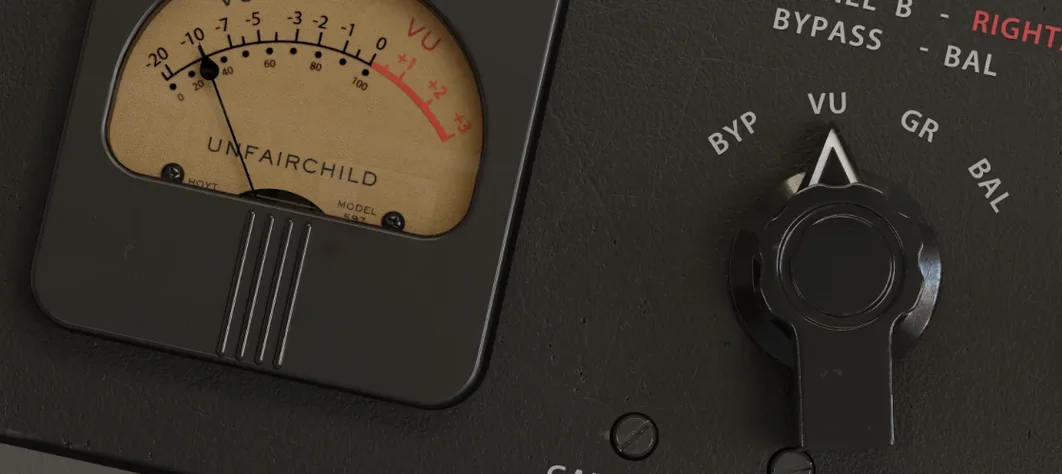 UnderTone Audio UnFairchild
Adds valve-style harmonic saturation you can season independently of the compression.
UnderTone Audio UnFairchild
Adds valve-style harmonic saturation you can season independently of the compression.
 Ultra Audio Ultra
Puts a wavetable synthesiser with simple controls onto your instrument track.
Ultra Audio Ultra
Puts a wavetable synthesiser with simple controls onto your instrument track.
 UJAM Symphonic Elements STRIIIINGS
Blends orchestral strings with processed textures for cues that breathe and move.
UJAM Symphonic Elements STRIIIINGS
Blends orchestral strings with processed textures for cues that breathe and move.
 uJAM Cinedream
Layers ambient guitar textures that sit beneath a scene rather than stepping into the spotlight.
uJAM Cinedream
Layers ambient guitar textures that sit beneath a scene rather than stepping into the spotlight.
 UJAM Beatmaker VICE
Supplies the crisp, gated drum sounds of 1980s synthwave and retrowave productions.
UJAM Beatmaker VICE
Supplies the crisp, gated drum sounds of 1980s synthwave and retrowave productions.