 ASPNetWorld
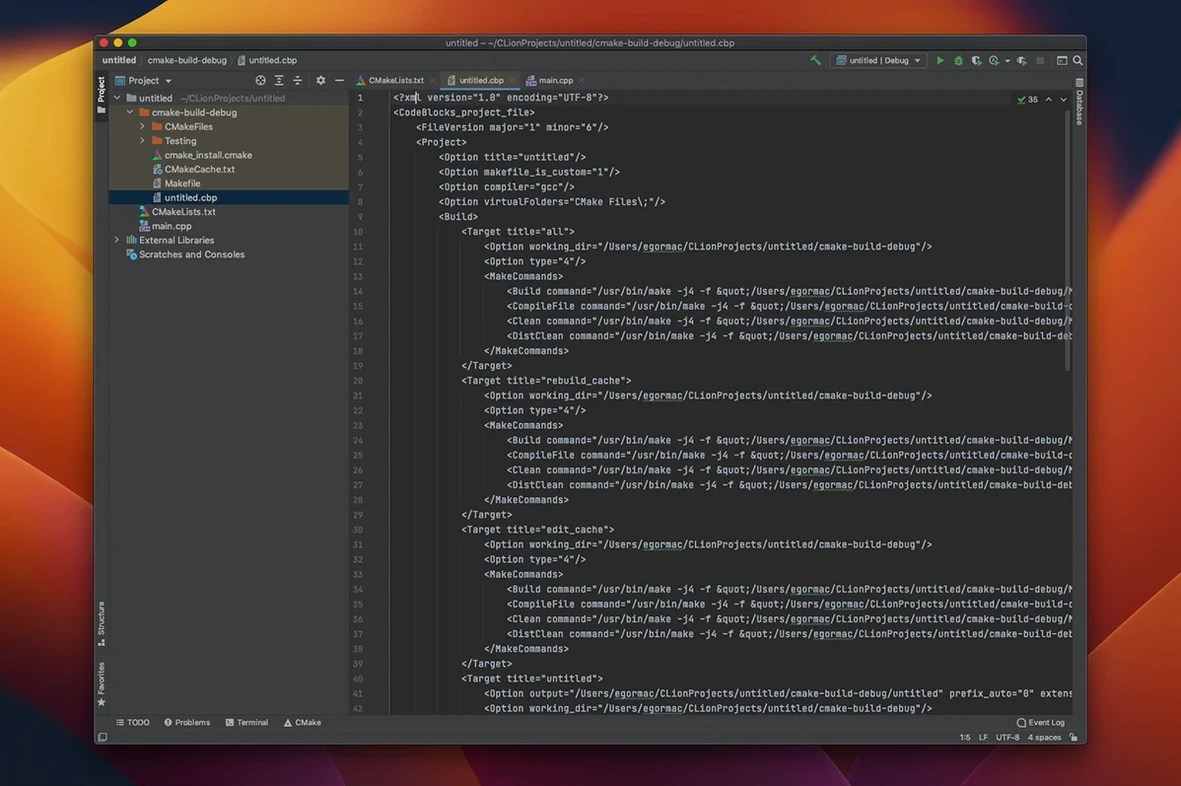
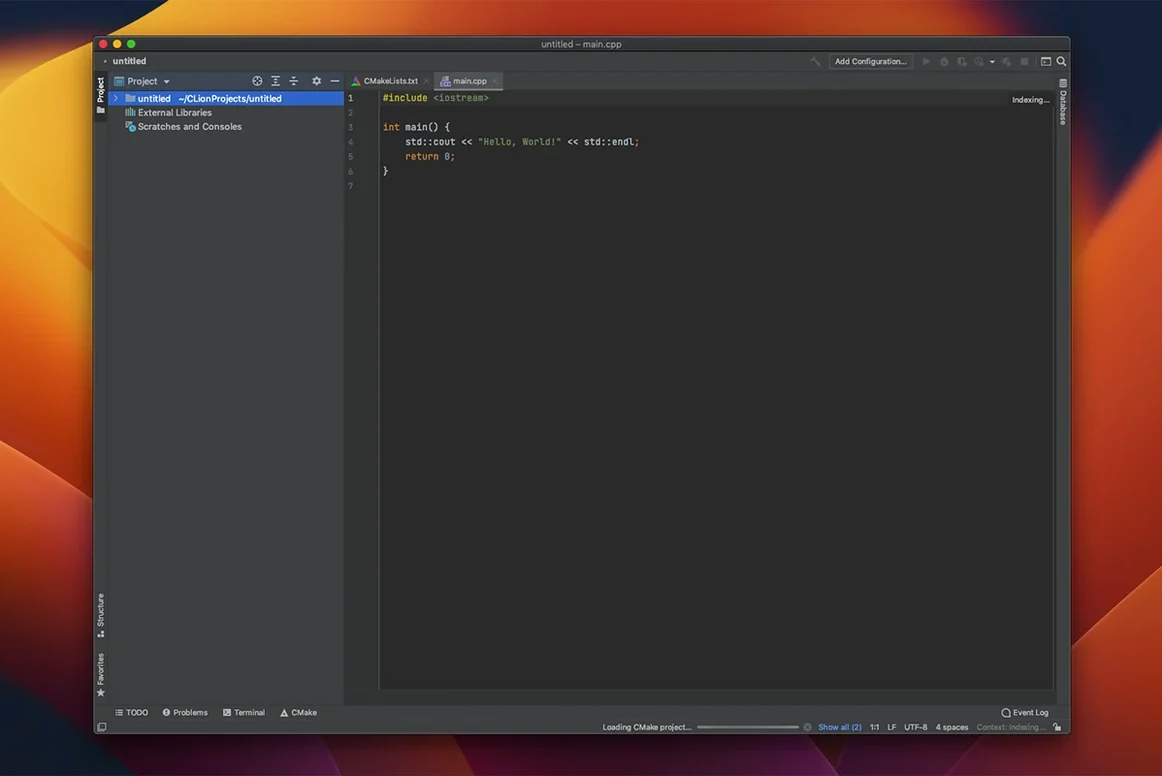
Keeping a handle on a sprawling C or C++ codebase tends to be the real bottleneck, not the act of typing lines. CLion aims to give you back that grip by understanding your code as a living structure rather than a flat list of files, letting you trace logic and reshape components with a degree of confidence that a simple text editor can't offer.
Trace execution across machines
Debugging doesn't have to be limited to the process running on your desk. You can attach the IDE to a local process or set up a remote GDB or LLDB session, which means you can step through code running on a different machine, inside a container, or on embedded hardware while still using the full Variables view and watch expressions you'd expect locally.
Reshape code without breaking the build
Real refactoring in C++ is delicate; a simple rename can cascade through headers in surprising ways. CLion's refactoring tools handle operations like extracting a function, inlining a variable, or changing a signature across a whole project, automatically updating every call site and declaration to keep the build intact.
Navigate by structure, not by memory
Breadcrumb navigation sits at the bottom of the editor, showing your current position in the class and namespace hierarchy as a clickable path. It's a small detail, but when you're deep inside a member function of a nested class, being able to jump directly to the enclosing scope or a sibling member without searching becomes second nature.
ARM-native launch and CMake indexing feel like flipping through a notebook
On an Apple Silicon Mac, the native ARM build of CLion 2026.2.3 starts briskly and settles into a steady rhythm. Opening a mid-sized CMake project—a few hundred source files with a handful of external libraries—feels more like flipping through a well-organised ring binder than waiting for a lift. Memory pressure stays reasonable; I rarely see the IDE push past the 2 GB mark during ordinary editing and local debugging. The real-time code analysis keeps up with typing on all but the most tangled template-heavy headers, and even then the brief pause is more of a polite cough than a freeze. Background tasks like Clangd indexing and Clang-Tidy checks are genuinely background—they don't steal focus or stutter the editor. Remote development over SSH adds a thin layer of latency, naturally, but the UI remains responsive, and the terminal integration means you're never left staring at a beachball while a distant build churns.
Pulling firmware changes and chasing a register-level bug in the debugger
Monday morning. You open a project that builds firmware for an industrial sensor—C++17, CMake, a mix of custom hardware abstraction layers and vendor-supplied libraries. The first thing you do is pull the latest changes from Git; the Version Control tool window lights up with a clean diff, and a couple of clicks stage and commit your weekend notes. You switch to a branch where the sensor's calibration routine has been misbehaving. A Find Usages search on the calibration function shows it called from three places, but the real problem is a parameter that changed type in a header last month. You right-click the old parameter name, choose Change Signature, and let CLion ripple the update through every caller and declaration. One call site lights up red—a Clangd warning about a narrowing conversion you'd missed. You fix it, set a conditional breakpoint on the calibration loop that triggers only when a raw ADC value drifts above a threshold, and launch a remote debug session targeting the test rig in the lab. The breakpoint hits within seconds. You watch the Variables panel, add a watch for the moving average, and spot the overflow. You write a fix, push the branch, and close the laptop—all without leaving one window.
Tracing logic across translation units and debugging physical devices
CLion earns its keep for developers working on code where the structure matters more than the keystrokes. If your day involves tracing logic through multiple translation units, maintaining a CMake or Meson build system, or debugging across physical devices, the IDE's understanding of the whole project graph saves real time. Embedded engineers who juggle cross-compilation toolchains and remote targets find the unified debugger and terminal a genuine productivity boost—fewer context switches, fewer terminals cluttering the desktop. Teams who rely on static analysis to catch regressions before they reach review will lean heavily on the integrated Clang-Tidy and Data Flow Analysis; having those checks run as you type, not as a separate CI step, shortens the feedback loop considerably. Even solo developers maintaining a single library benefit from the code generation tools: generating comparison operators or move constructors stops being a chore and becomes a quick menu selection, leaving you free to think about the design rather than the boilerplate.
Version 2026.2.3 has landed with expanded build-system support. The headline addition is proper awareness of Meson projects, which means the IDE can now parse and manage projects built with one more popular system straight out of the box.
- macOS 11 or later
- Runs natively on both Intel and Apple Silicon Macs
- Interface language: English
Questions I keep hearing
Can CLion debug a program running on a remote Linux server?
Yes, it can connect to a remote GDB or LLDB debugger, letting you step through code on a different machine as if it were local.
What build systems does CLion understand?
It works with CMake, Makefile, Meson, Gradle, and compilation database project models, so it can parse your project structure from a range of build setups.
Questions from the class 0
Sign in or join the class to ask a question.
Nobody has asked anything yet. If you have used it on a real job, say what the file did.
Also on the Mac Apps shelf
The whole Mac Apps shelf CleanShot X
Snaps a screenshot or recording, then lets you annotate, hide sensitive bits, and share the result.
CleanShot X
Snaps a screenshot or recording, then lets you annotate, hide sensitive bits, and share the result.
 Clip Studio Paint
Gives animators a traditional light-table view to reference previous frames while drawing.
Clip Studio Paint
Gives animators a traditional light-table view to reference previous frames while drawing.
 CleanMyMac
Scans for system junk, old caches, and stray files, then clears them out in one pass.
CleanMyMac
Scans for system junk, old caches, and stray files, then clears them out in one pass.
 CloudMounter
Mounts cloud storage and remote servers as local drives in your Finder sidebar.
CloudMounter
Mounts cloud storage and remote servers as local drives in your Finder sidebar.
 Cocktail Sequoia Edition
Clears cached files, repairs permissions and sweeps away the digital clutter that slows a Mac.
Cocktail Sequoia Edition
Clears cached files, repairs permissions and sweeps away the digital clutter that slows a Mac.
 coconutBattery Plus
Charts the invisible decline of your MacBook battery so you can replace it before it fails.
coconutBattery Plus
Charts the invisible decline of your MacBook battery so you can replace it before it fails.
 Coherence X
Creates isolated, standalone desktop apps for each of your web accounts and services.
Coherence X
Creates isolated, standalone desktop apps for each of your web accounts and services.
 Color Finale
Lets you colour-grade video directly inside Final Cut Pro without leaving the timeline.
Color Finale
Lets you colour-grade video directly inside Final Cut Pro without leaving the timeline.