 ASPNetWorld

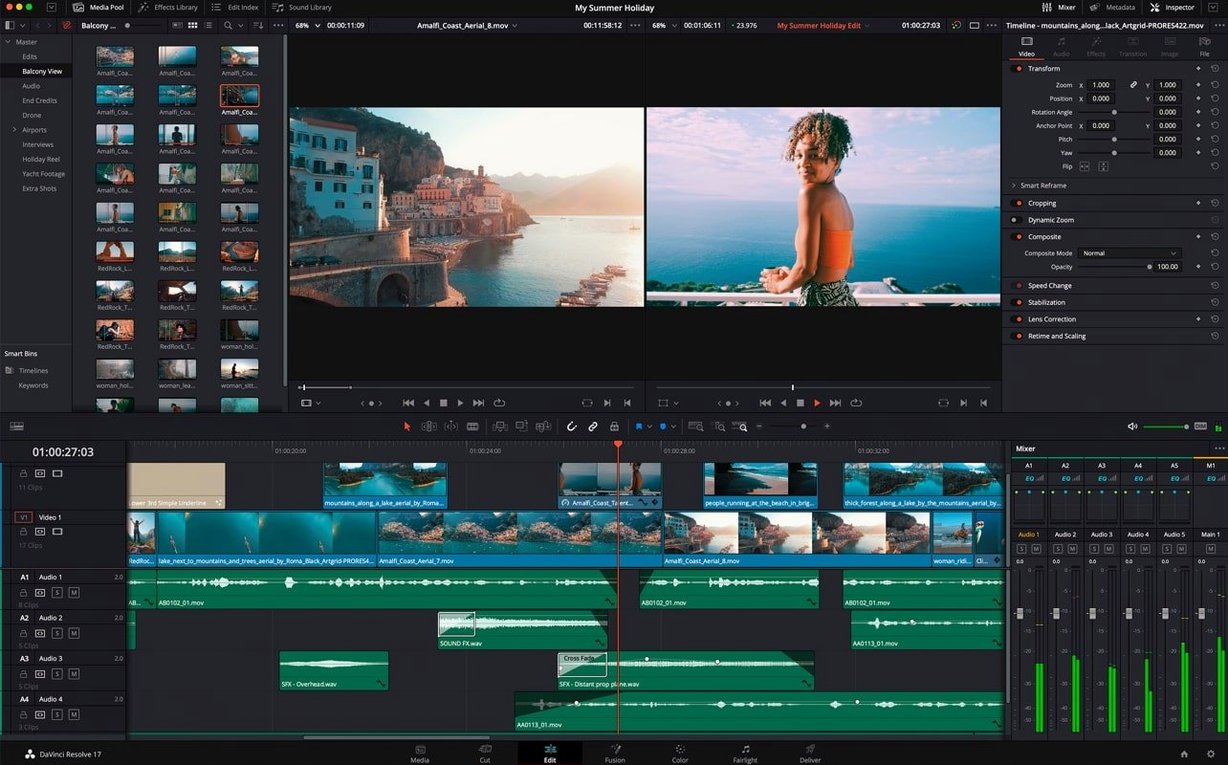
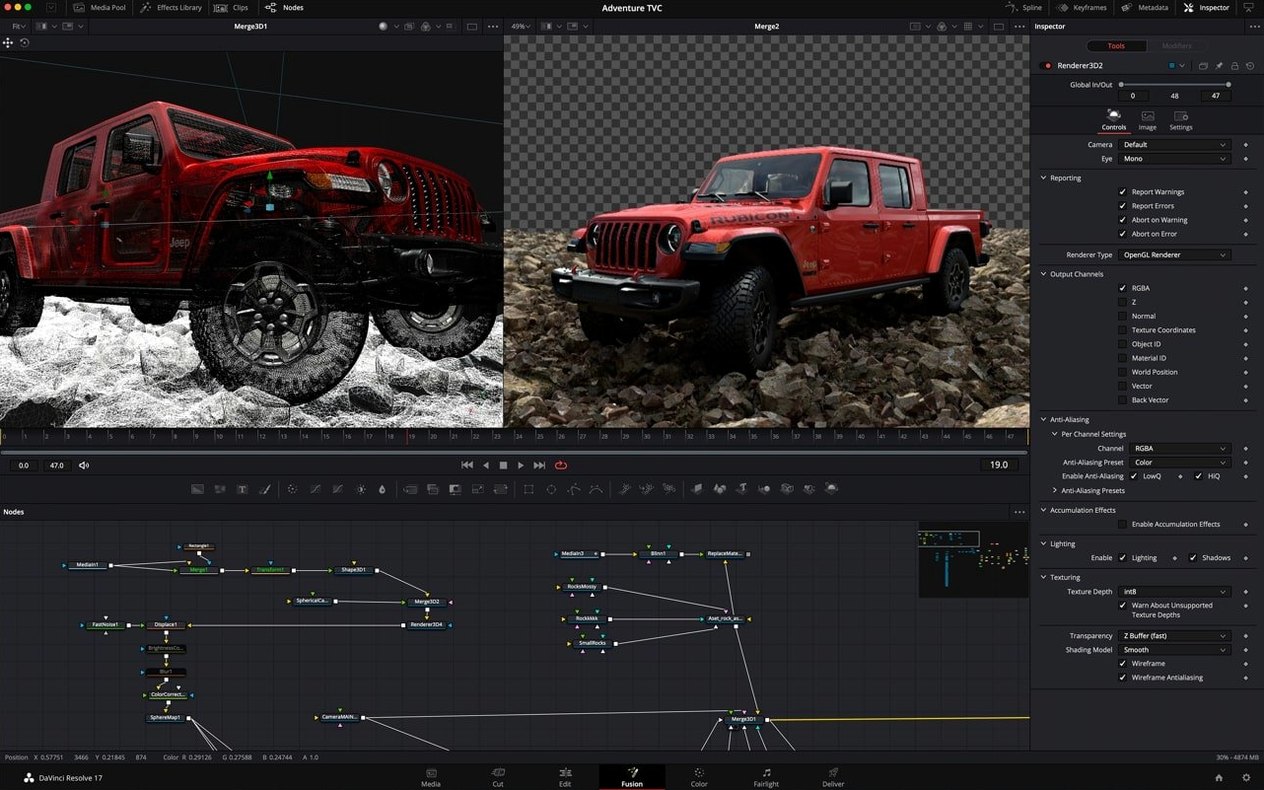
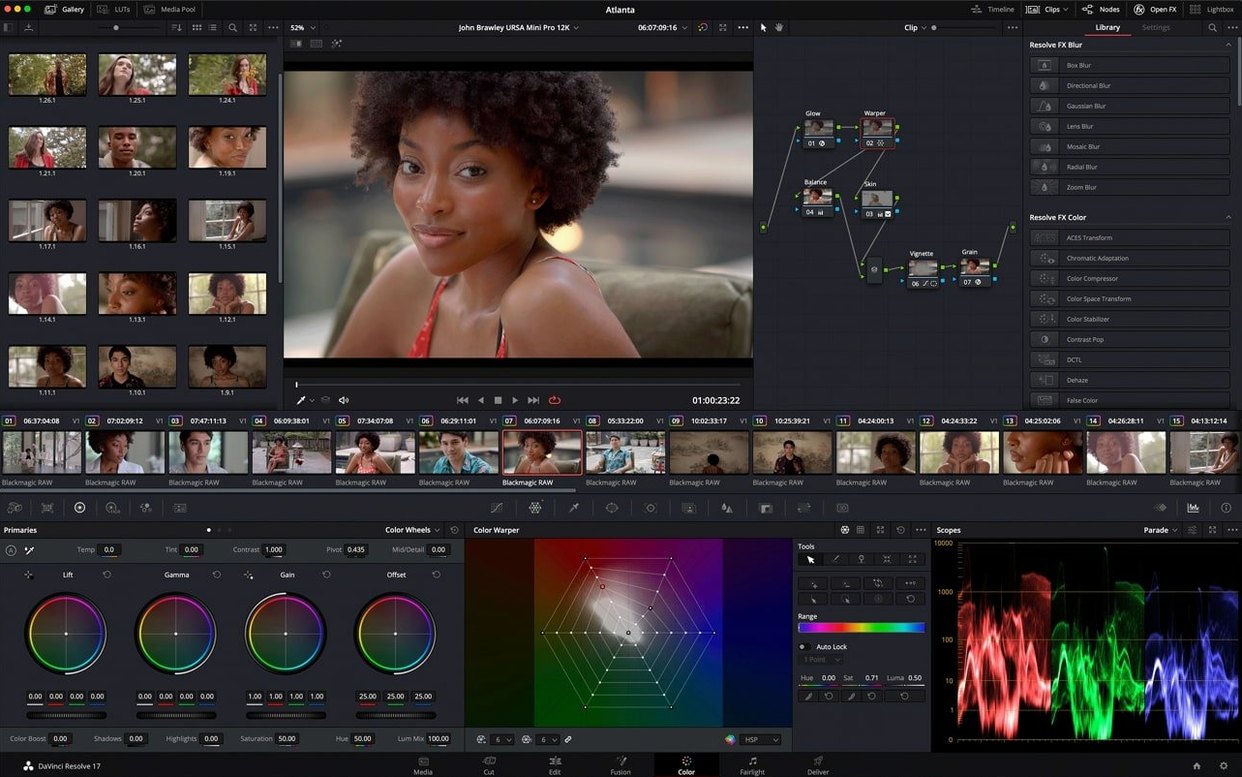
Every composition in Fusion Studio 21 starts as a single node, and a typical shot might fuse over 40 layers before you see a final frame. The software is Blackmagic Design's 2D and 3D compositing, VR, and motion graphics tool, and it thinks in a flow chart rather than a timeline. Let's step through a realistic task: integrating a 3D logo into a handheld plate.
- Import the plate and set up tracking. A Loader node brings in the footage, then a Tracker node follows four high-contrast points in the shot. The resulting motion path gets piped into a Transform3D node to match the camera move.
- Build the 3D logo. A Text3D node extrudes the type, while a custom vector star shape, made with a sMerge Boolean operator, floats nearby. Both sit in a 3D space lit by a spotlight and a point light for rim definition.
- Organise the node editor. Grouping the lighting rig into a single Underlay keeps the flow readable. A vertical layout option gives more room for the spline and keyframe windows, which helps when tweaking the bounce animation on the star.
- Shade and reflect. A Reflection node catches the surrounding plate by projecting it onto the logo's bevels, adding a quick sense of physical presence without leaving the node graph.
- Render and check text. A Saver node writes the EXR frames. Before signing off, a quick spell check on the Text3D node catches a typo in the tagline—the Spell Check support in Text+ and MultiText works here too.
The whole graph leans on GPU acceleration to keep the 3D viewport responsive, and if the deadline tightens, network rendering can split the frame range across any number of computers on the local switch.
Shortcuts you will wish you found sooner
Fusion Studio 21 hides a handful of shortcuts that save more time than their modest interface footprint suggests. Many users go months without noticing them, then wonder how they ever worked without.
The animation curve modifiers introduced in this version are a quiet gem. When a composition's duration changes—perhaps the edit team trimmed 12 frames off the head of your shot—the modifiers automatically retime keyframed animation to fit. No manual nudging of splines, no cross-checking frame counts. It sounds minor, until you are rescaling six animated layers at 11pm.
A related trick: holding Shift while dragging a keyframe in the spline editor constrains movement to horizontal or vertical, which keeps timing and value edits separate without opening a numeric field. Combined with the keyframe waveform display, audio-synced animation becomes a matter of lining up peaks visually rather than scrubbing blind.
On the organisational side, saving a combined image as a macro turns any cluster of nodes into a reusable tool with its own controls exposed. Build a lens flare setup once, save it as a macro, and drop it into any composition with a single drag from the effects library. The library itself accepts drag-and-drop application directly to clips, so you can bypass the node editor entirely for simple touch-ups.
For text-heavy motion graphics, the native OGraf HTML graphics and Lottie animation support let you import web-born assets without converting them through a third-party tool first. A designer can hand you a Lottie export from After Effects, and it lands in Fusion with keyframes intact.
A complete VR composite, start to finish
Imagine a 360° shot of a city square that needs a hovering holographic billboard inserted into the equirectangular footage. The camera is static, but the parallax across the sphere still demands attention.
Step one: bring in the VR plate. A Loader node reads the 2:1 equirectangular file, and a Camera360 node wraps it into spherical space. Viewing through the VR preview, you can pan around to check stitching artifacts before any effects touch the image.
Step two: place the hologram in 3D space. A Shape3D node generates a semi-transparent rectangle, and a second Loader feeds a looping animation into it as a texture. Positioning it twenty metres above the cobblestones takes a few tweaks in the 3D viewport, with the Storm renderer—now using the Hydra 2.0 API from USD SDK 25.11—drawing the scene fast enough to judge depth at playback speed.
Step three: light and blend. A soft sphere light approximates the ambient glow the hologram casts onto nearby buildings. A Merge3D node passes the whole scene into a Renderer360, which flattens everything back to equirectangular. A gentle blur on the hologram's edges, applied as a mask, sells the atmospheric haze.
Step four: render and distribute. A Saver node writes the frames. If the shot runs long, network rendering divides the range across every machine available, each one picking up the next unrendered frame until the job finishes.
What makes the workflow feel coherent is how rarely you leave the node graph. The 3D viewport, the spline editor, and the node editor stay in sync, and the vertical layout option gives the spline window enough breathing room to finesse the hologram's gentle drift without constant scrolling.
- macOS 14 or later
- Apple Silicon or Intel processor
Questions I keep hearing
Can I use custom vector shapes in a Fusion Studio composition?
Yes, it supports custom vector shapes such as ellipses, rectangles, polygons, stars, and Boolean operators for combining them.
Questions from the class 0
Sign in or join the class to ask a question.
Nobody has asked anything yet. If you have used it on a real job, say what the file did.
Also on the Mac Apps shelf
The whole Mac Apps shelf FxFactory Pro
Adds a library of video effects to your editing software.
FxFactory Pro
Adds a library of video effects to your editing software.
 FotoMagico
Builds timed slideshows that feel more like short films.
FotoMagico
Builds timed slideshows that feel more like short films.
 Garden Planner
Helps you lay out planting beds and garden features before digging.
Garden Planner
Helps you lay out planting beds and garden features before digging.
 ForkLift
Moves files between folders and servers in a dual-pane view.
ForkLift
Moves files between folders and servers in a dual-pane view.
 Gemini
Finds and removes duplicate files that waste space.
Gemini
Finds and removes duplicate files that waste space.
 FontLab
Lets you design and refine your own typefaces.
FontLab
Lets you design and refine your own typefaces.
 Ghost Buster Pro
Clears leftover files after you uninstall an app.
Ghost Buster Pro
Clears leftover files after you uninstall an app.
 Glyphs
Builds a new typeface from a single well-structured capital letter.
Glyphs
Builds a new typeface from a single well-structured capital letter.