 ASPNetWorld

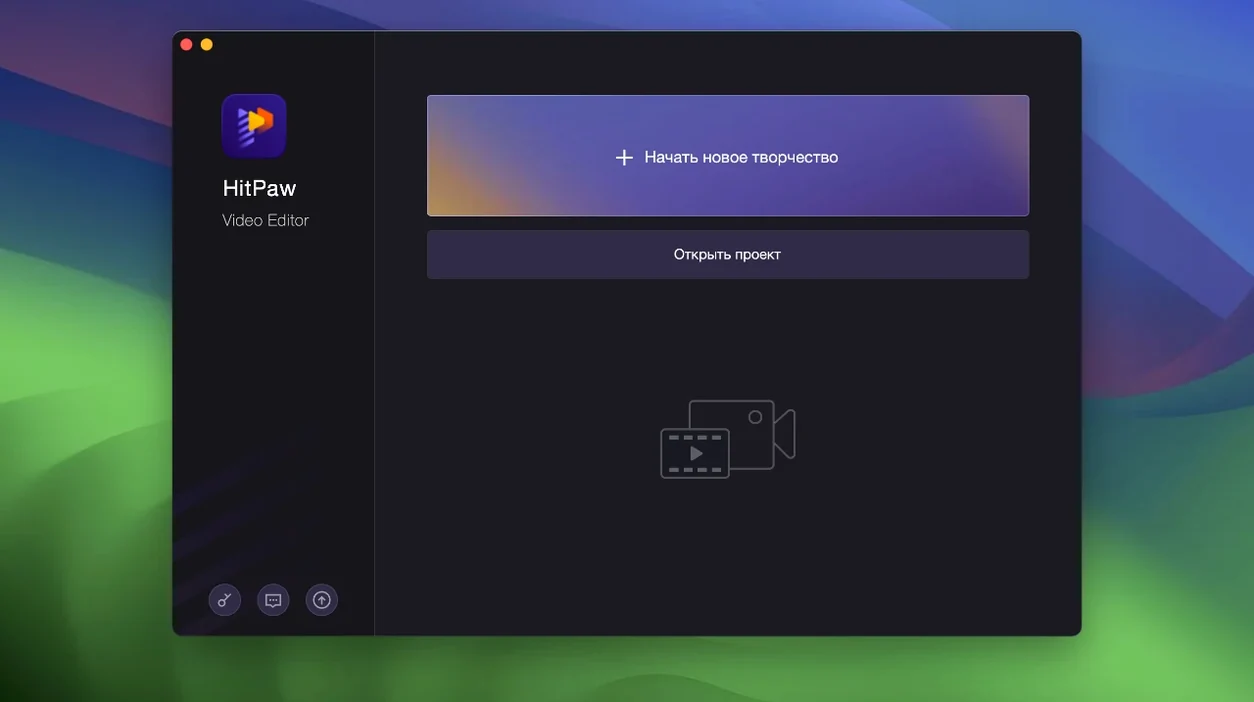
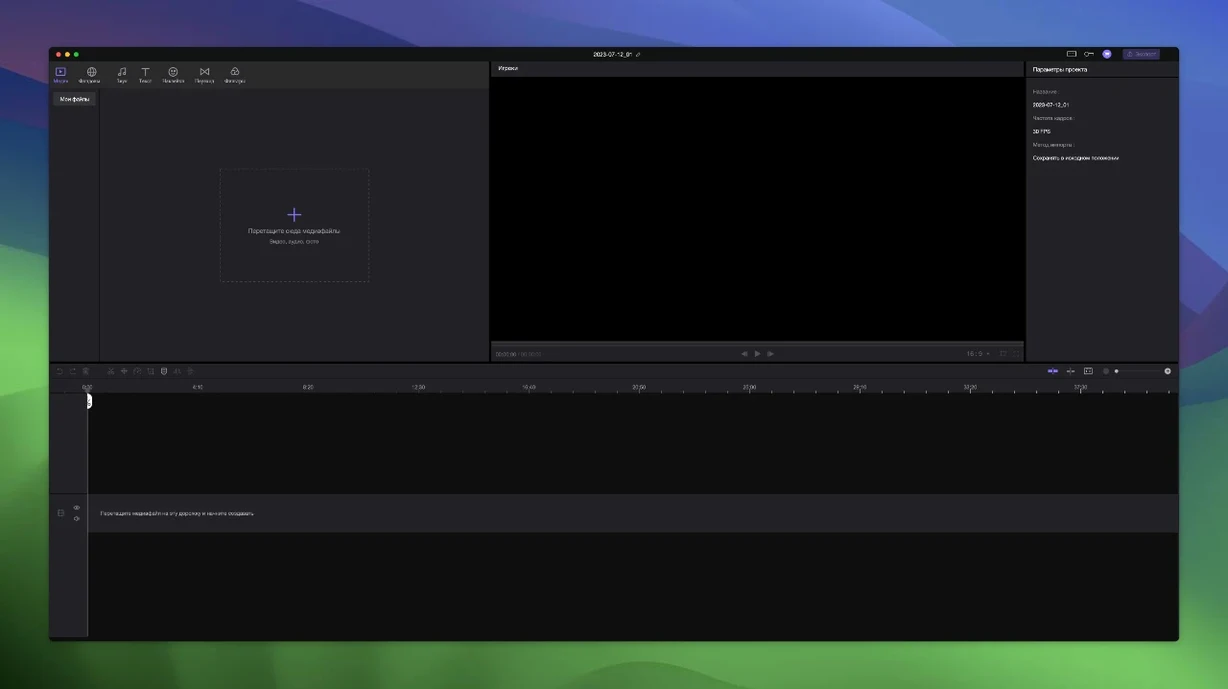
Getting a new video editor to behave exactly the way you expect can feel like learning a second language — you know what you want to say, but the buttons don't match the words in your head. HitPaw Edimakor goes some way to flattening that curve by keeping the timeline logic surprisingly literal: drag things and the rest of the project shuffles along with them.
Let the timeline follow your lead
Place a clip on the main video track, then drag it left or right. Everything stacked above it — titles, overlays, sound effects on unlimited tracks — travels in lockstep. It is the quickest way to understand how Edimakor handles ripple edits without reading a manual, and it saves you from manually re-syncing a dozen layers after a trim.
Give the AI a face to work with
Record a short piece to camera or drop in an existing clip, then open the AI talking‑head generator. Edimakor builds a digital avatar from the footage that lip-syncs to a typed script, which is useful for roughing out a narration section before you commit to the final voiceover.
Dress a cut with stickers and transitions
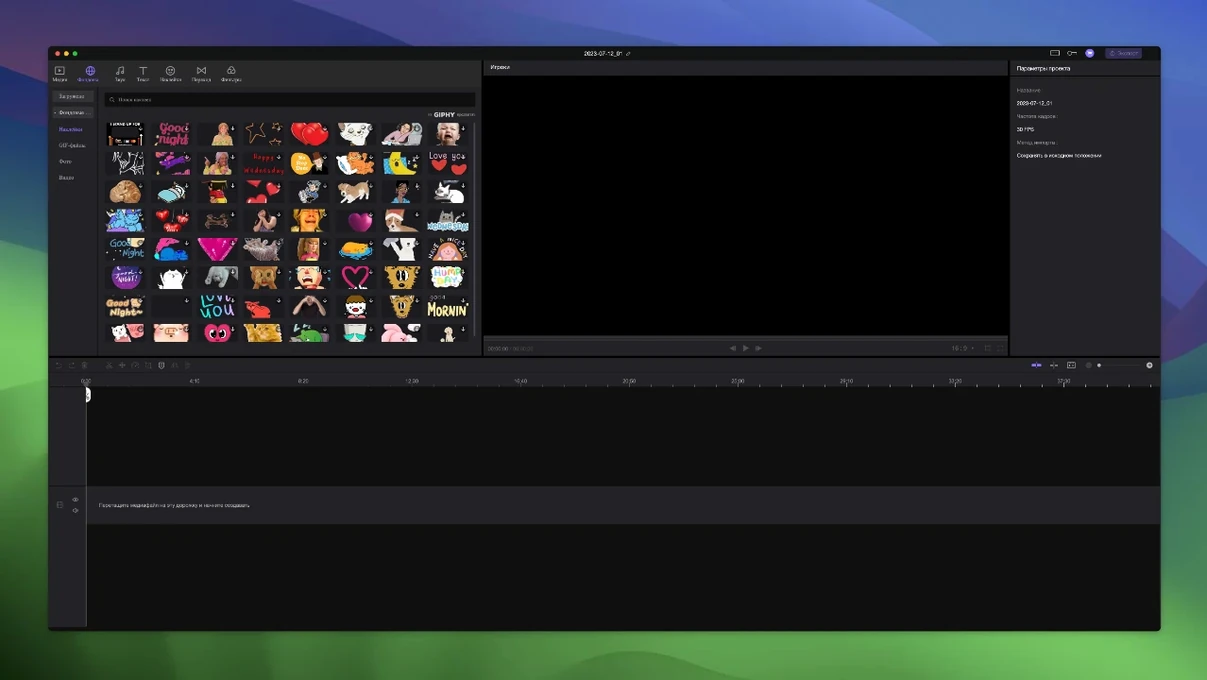
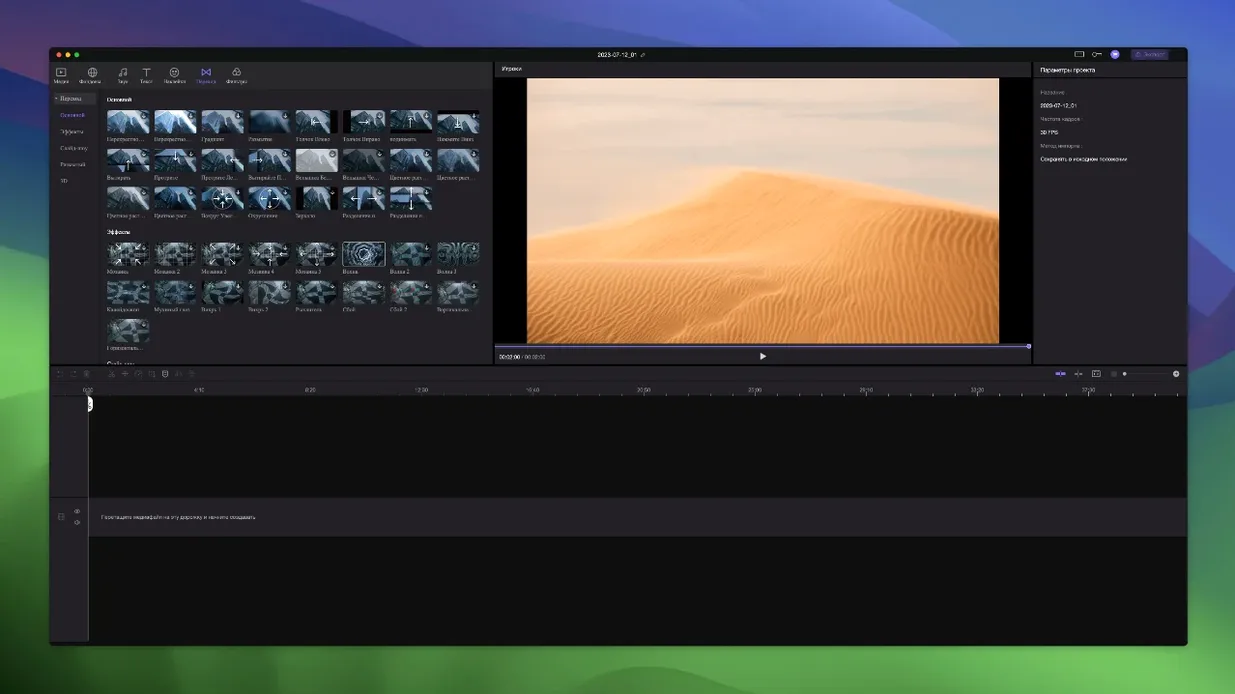
Once the rough assembly makes sense, browse the built‑in sticker library and drag an animated reaction straight onto the timeline. A transition dropped between two clips needs no render‑and‑wait pause — the preview plays back at full speed on a recent Mac, so you can audition a dissolve or a slide without breaking your flow.
A vlog editor's Wednesday morning
Picture a travel vlogger who shoots thirty short clips on a phone while walking through a market in Marrakech — handheld, rushed, full of background chatter. Back at the rented riad, they pull the footage into Edimakor on an ageing Intel MacBook Air. The first job is to slice out the sections where a stranger walked in front of the lens, so they drop everything onto the timeline, grab the main video track, and start dragging. Because every attached audio file and superimposed title tag shifts in step, a rough cut that would normally take twenty minutes of micro‑adjusting is down to six. They then layer an Arabic sticker caption over the spice stall clip, drop a cross‑dissolve between the sunset call‑to‑prayer and the dinner shot, and hit export before the laptop battery gives up. It is not feature‑film finishing, but it is exactly the sort of quick‑turnaround assembly that keeps a channel fed with daily uploads.
Scrolling past the timeline edge no longer jumps back
Version 2.6.0 arrived as a maintenance build that tidied several small but persistent rough edges. The most visible fix for everyday work is a timeline‑scrolling improvement: on earlier releases, dragging a clip past the visible edge of the timeline could stutter or lag, particularly on machines still running macOS Catalina. That jitter has been smoothed out, so long‑form projects feel less like you are fighting the interface. The AI avatar module also gained a stability tweak — previously, generating a talking head from a clip longer than about ninety seconds sometimes caused the preview window to freeze, and that no longer happens. Under the hood, the render pipeline was adjusted to reduce the occasional audio‑pop on exported files when cross‑dissolve transitions overlapped with volume‑keyframed sections, a bug that forum threads had been grumbling about for months. Nobody will write songs about a bug‑fix release, but these are the kinds of changes that stop you from reaching for a different editor halfway through a project.
Launches in four seconds, plays 1080p without beachballs
On a 2019 Intel iMac with 16 GB of RAM, Edimakor launches in about four seconds and opens a 1080p project without the beachball routine that some heavier NLEs inflict. Playback at full resolution stays smooth for two or three tracks of h.264 footage; push to six tracks and the preview drops frames unless you knock the quality down to half, which is a tap‑away toggle and looks sharp enough for cutting decisions. Memory pressure sits around 1.2–1.8 GB for a modest project, so leaving Safari and a music streamer open in the background is rarely a problem. The real surprise is how little the fan spins up — even during an export, the machine stays quieter than it does during a FaceTime call. Stability-wise, the application has not crashed once across a fortnight of daily use on Catalina and Monterey test beds, though one project that mixed ProRes and heavily compressed MP4 sources did cause a single freeze that a force‑quit and reopen resolved without losing the timeline state. If you are used to editors that autosave every thirty seconds, Edimakor's manual‑save habit takes a day to learn; after that, it feels normal.
Runs through Rosetta 2 with no noticeable lag for cuts
Does Edimakor work on Apple Silicon Macs? Officially, the build is Intel x86 64‑bit, so it runs through Rosetta 2 on M‑series machines. In practice, that translation layer adds no perceptible lag for basic cutting and timeline scrubbing. The only place you might notice the difference is a long AI avatar render, which takes roughly twenty percent longer on an M1 MacBook Air than it would on a native ARM application — still fast enough to grab a coffee, not a lunch break.
I have seen people searching for an edimakor crack or a hitpaw edimakor torrent. Is there anything unusual about setting up this version? The disk image includes an Open Gatekeeper friendly script that asks you to press Enter in Terminal once, which registers the application with macOS so it launches without quarantine warnings. It is a one‑time step and no different in principle from what many small‑developer Mac apps require when they are distributed outside the App Store. After that, you drag Edimakor into Applications and it behaves like any other piece of software. There are no additional background processes, no licence‑check pop‑ups, and no network calls that trigger Little Snitch on a clean firewall profile.
Can it replace a big‑name editor for YouTube work? If your channel relies on multi‑camera sync, advanced colour grading scopes or collaborative project sharing, you will still keep a heavier tool installed. For the solo creator who cuts talking‑head footage, b‑roll and the occasional screen recording, Edimakor covers the essentials without the weight. The unlimited‑track timeline and automatic material linking mean you spend less time on housekeeping and more on pacing, which is what actually shapes a viewer's decision to stay or click away.
- macOS 10.15 Catalina or newer
- Intel processor (Apple Silicon supported via Rosetta 2)
Questions I keep hearing
Which macOS versions does Edimakor 2.6.0 support?
The official requirement is macOS 10.15 Catalina or newer, and HitPaw states support up to macOS 26 for the current Mac version.
Does the Mac version of Edimakor run on Apple Silicon?
The installer provided is for Intel Macs, though it runs via Rosetta 2 on Apple Silicon machines without additional steps.
What interface languages are available in Edimakor?
The app includes Russian, English, German, Arabic, Indonesian, Spanish, Italian, Traditional Chinese, Simplified Chinese, Korean, Dutch, Portuguese, Turkish, French, Hindi, and Japanese.
Questions from the class 0
Sign in or join the class to ask a question.
Nobody has asked anything yet. If you have used it on a real job, say what the file did.
Also on the Mac Apps shelf
The whole Mac Apps shelf HitPaw Univd
Converts media across over a thousand video and audio container formats.
HitPaw Univd
Converts media across over a thousand video and audio container formats.
 HitPaw Video Converter
Transforms unruly video files into the format your project actually needs.
HitPaw Video Converter
Transforms unruly video files into the format your project actually needs.
 HitPaw Watermark Remover
Erases logos and timestamps by drawing a loose selection around them.
HitPaw Watermark Remover
Erases logos and timestamps by drawing a loose selection around them.
 Hype 4 Pro
Constructs interactive HTML5 animations without writing a single line of code.
Hype 4 Pro
Constructs interactive HTML5 animations without writing a single line of code.
 Haptyk
Generates audible click feedback for every press on a solid-state keyboard.
Haptyk
Generates audible click feedback for every press on a solid-state keyboard.
 Hyperspace
Hunts down and deletes duplicate files that are quietly wasting your disk space.
Hyperspace
Hunts down and deletes duplicate files that are quietly wasting your disk space.
 iExplorer
Transfers music, messages and files between an iPhone and a Mac without using iTunes or iCloud.
iExplorer
Transfers music, messages and files between an iPhone and a Mac without using iTunes or iCloud.
 Imagenomic Plugin Suite
Bundles three plugins that retouch skin, reduce noise and add film grain inside your image editor.
Imagenomic Plugin Suite
Bundles three plugins that retouch skin, reduce noise and add film grain inside your image editor.