 ASPNetWorld

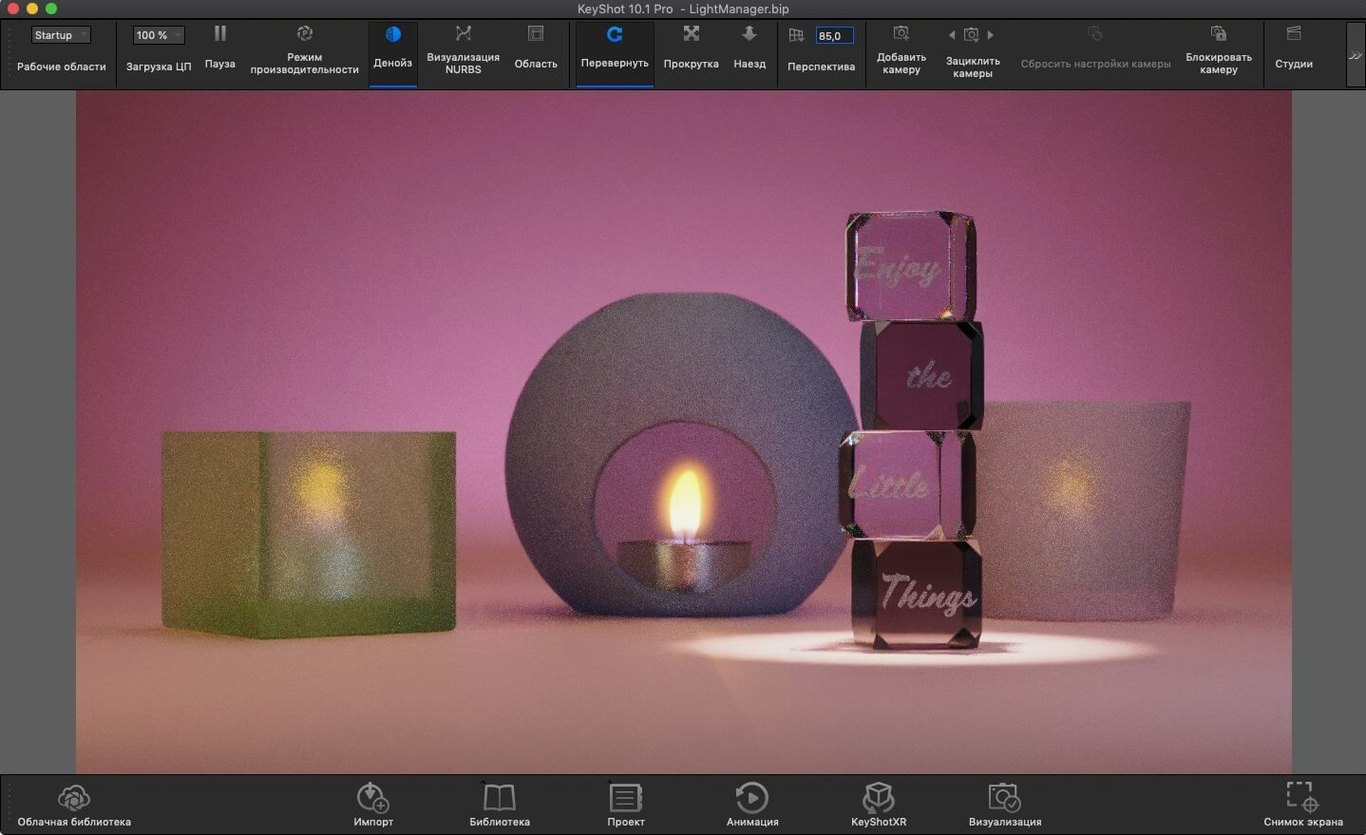
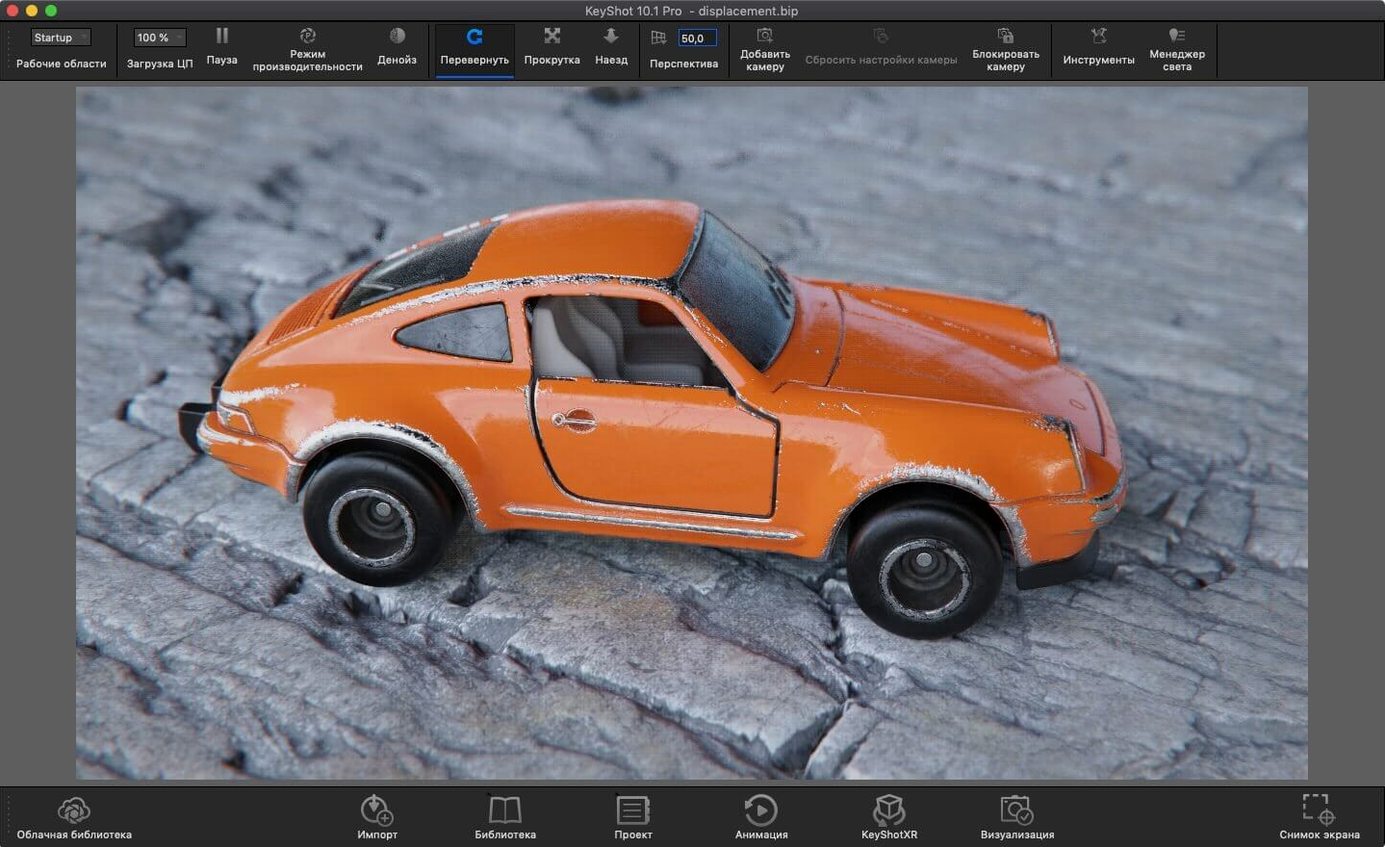
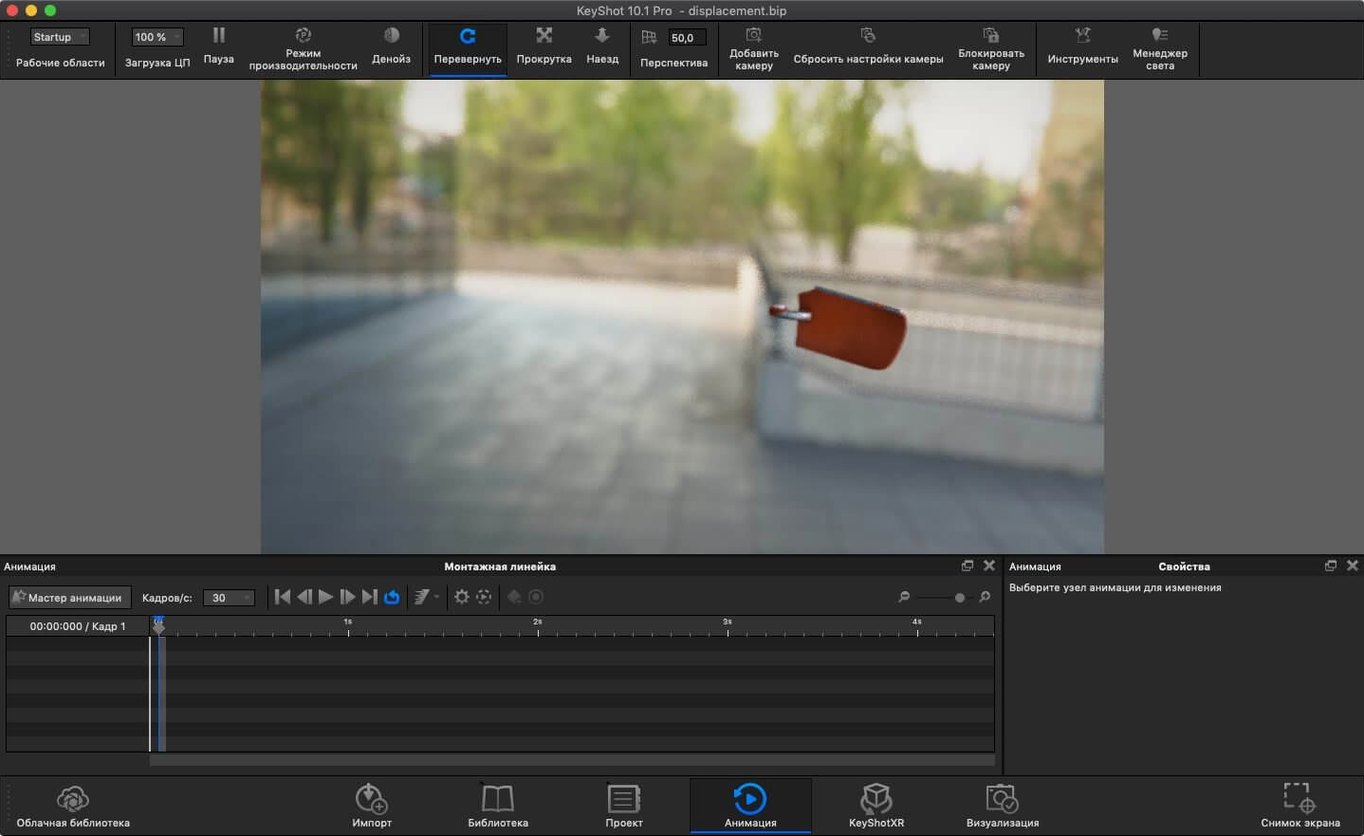
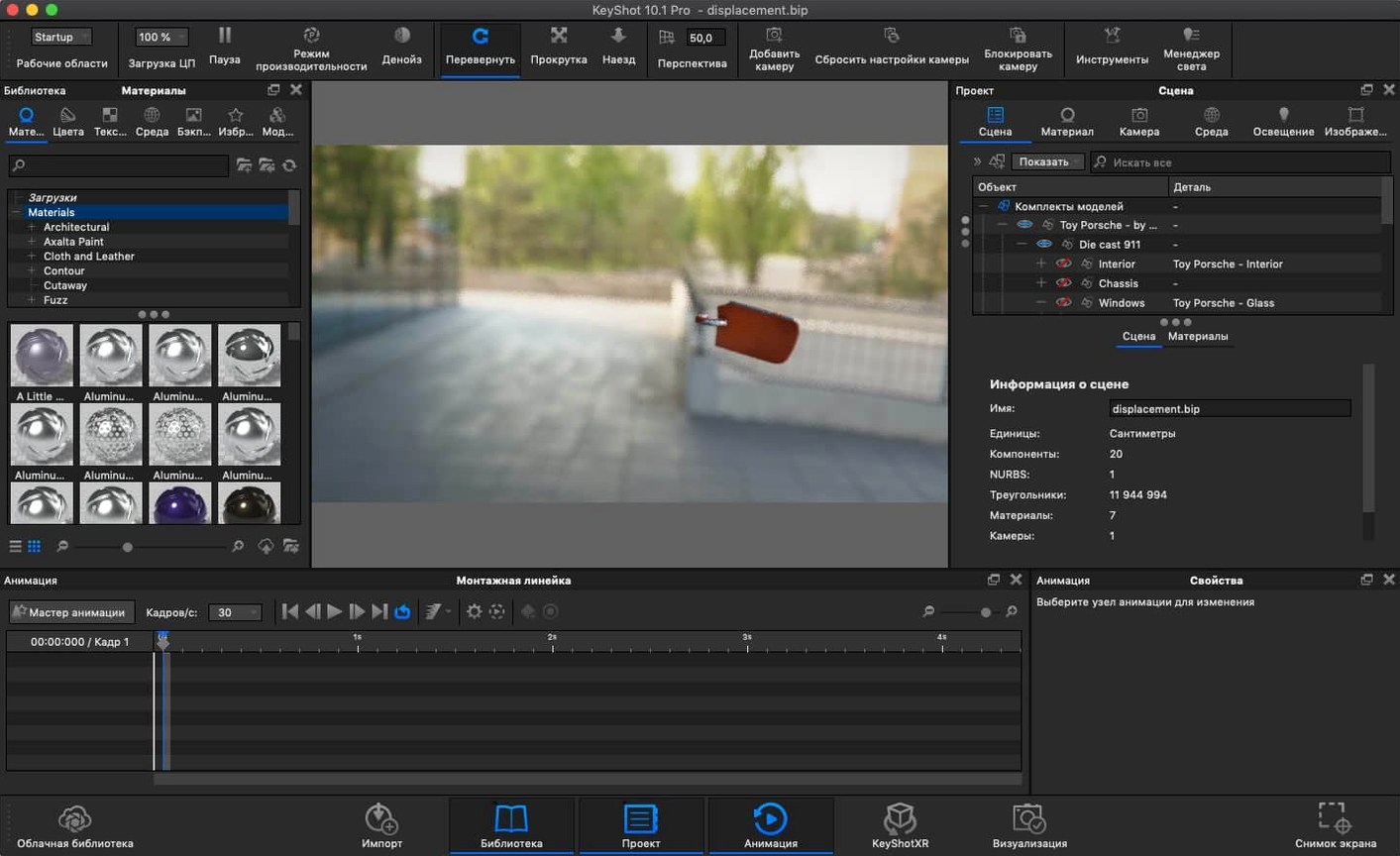
The Planar Light material type turns any geometry into an area light source with a single click, letting you illuminate a scene from a glowing panel or ceiling strip without placing separate light objects. It works hand in hand with the new Light Tool, which now gives you a dedicated gizmo for dragging Physical Lights into position — a genuine timesaver when you are blocking out a studio setup.
GPU ray tracing works on any Apple Silicon or Intel Mac running Monterey
KeyShot Studio 2025.1 needs macOS 12 Monterey or later and runs natively on both Intel and Apple Silicon machines, so you get the full GPU-accelerated ray tracing regardless of your chip. File compatibility stretches across the usual engineering suspects — OBJ, FBX, STEP, IGES, Collada, Parasolid and several others — meaning you can pull in CAD data without an intermediate conversion step.
Understand what the renderer actually does
At its core, KeyShot is a physically based ray tracer with real-time interactive output; you see the global illumination and material response update as you drag a light or swap a metal finish. That WYSIWYG approach means you spend less time waiting for test renders and more time dialling in the look, whether you are working in the standalone app or using it as a plugin inside another 3D package.
Know what arrived in the 2025 update
Beyond the lighting improvements, the latest release opens up the Re-tessellate Tool to the Scripting API for automated geometry refinement, and adds AR export in USDz and GLB formats so you can preview models at scale on a tablet or headset. A small but welcome addition is the new hotkey for Add Studio, which speeds up environment switching when you are comparing lighting rigs.
Everyday speed, stability and what it asks of your Mac
What hits you first is how little KeyShot punishes the machine during layout work. The real-time viewport stays fluid on an Apple Silicon Mac at resolutions that would make some hybrid renderers stutter, and the multi-core CPU scaling means even an older Intel iMac can churn through photon-map pre-passes at a respectable pace. Memory usage tends to sit comfortably around 4–6 GB for a typical product-viz scene with a dozen materials and two area lights; push into automotive interiors with full tessellation on a CAD import and you will see it climb, but the renderer rarely spills into swap unless you deliberately stack 8K texture atlases on every surface.
Stability earns a solid nod. I have run sessions that cross the eight-hour mark — overnight batch renders of turntable animations with caustics and ground shadows — and KeyShot Studio has not dropped a single frame. The one wobble worth knowing: importing a malformed STEP file with overlapping surface patches can freeze the geometry parser for a few seconds. A quick re-export from your CAD tool as a clean OBJ or FBX sorts that, and the Live Link plugins for SolidWorks and Rhinoceros tend to sidestep the issue entirely by keeping the data pipeline tidy.
GPU acceleration shifts a genuine load onto the Metal-capable graphics hardware, which keeps the interface snappy even while the CPU cores are busy with final gathering. Fans will spin up during a 4K render with interior caustics — that is physics doing its work, not a flaw — but the app never becomes sluggish to the point where you cannot rotate the camera or tweak a colour swatch mid-render. That interactive feedback loop is what makes the mac keyShot experience feel more like sculpting light than running a batch process.
A dedicated render engine versus a full 3D suite with node-based shading
Put KeyShot next to Blender’s Cycles and the philosophical divide is immediate. Cycles is a beautifully capable path tracer embedded in a full 3D suite, and it rewards users who enjoy node-shader deep dives and manual light-sample tuning. KeyShot Studio takes the opposite path: the material graph is largely pre-built, the lighting defaults are physically plausible from the first drag, and you get a production-grade still without opening a node editor. For a designer who needs to present a client-ready image by lunchtime, that difference is everything.
Next to Cinema 4D’s built-in Redshift integration, KeyShot loses the animation and mograph toolset but gains simplicity. Redshift is a biased GPU renderer that asks you to understand sample counts, GI engines and trace depths; KeyShot hides those knobs behind a single “quality” slider and gets out of your way. On a Mac Studio, both apps deliver quick feedback, but keyShot 10 crack searches often came from users who wanted that speed without a subscription wrapper — the appeal hasn’t faded for the 2025 version either.
Against Adobe Substance 3D Stager, the gap is narrower. Stager handles layout and lighting with a similar drag-and-drop grace, yet it stops short of the engineering-grade import precision and the caustic photon mapping that KeyShot offers. If your workflow starts with a Parasolid or IGES file from a mechanical CAD team, KeyShot Studio wins on geometry fidelity before you even touch a material preset.
Send models from Maya or SolidWorks and retain layer structure on import
KeyShot does not live in isolation. The plugin bridges for Maya, SketchUp and SolidWorks let you hit a single “send to KeyShot” button and watch the model appear with its layer structure intact; update the CAD file later and the Live Link re-imports only the changed parts without rebuilding your materials or camera angles. For Mac users who lean on the Finder, the app registers as a handler for OBJ, FBX and STEP files, so dragging a model onto the dock icon opens it inside the current scene rather than replacing it — tiny detail, huge workflow win.
macOS integration runs deeper than you might expect. The colour picker taps into the native system palette, meaning any swatch you save in KeyShot also becomes available in Pages or Sketch. Quick Look thumbnails work for .ksp scene files in the Finder, and the render queue can write directly to an iCloud Drive folder so a client on an iPad picks up the PNG the moment it finishes. Combine that with the new AR export in USDz format and you have a pipeline that goes from CAD import to augmented-reality review without leaving the Apple ecosystem.
For post-production, it plays nicely with Apple’s Preview and QuickTime for quick crops and trims, and the EXR output slots straight into Affinity Photo or DaVinci Resolve for compositing. If you keep a keyshot studio mac library of HDR environments in a local folder, the app’s environment browser respects Finder aliases, so you can organise your skies and studio domes with colour-coded tags and they appear in the same hierarchy inside KeyShot.
Little pleasures you might overlook
A handful of shortcuts hide just beneath the surface and repay the five minutes it takes to learn them. Holding Shift while rotating a physical light constrains the movement to one axis, which is a lifesaver when you are trying to edge a rim light along a car door without accidentally lifting it off the ground plane. Pressing Cmd-2 toggles the side panel collapse and gives you a full-viewport canvas for camera-framing — a simple trick that saves constant window-dragging.
The material graph, for all its apparent simplicity, supports right-click grouping of nodes, which lets you build reusable material templates for a product range and drop them onto new parts without reconnecting a dozen texture maps. And the Render Queue window accepts drag-and-drop from the scene tree, so you can build an overnight batch by pulling camera views and model variants into the queue as casually as organising a playlist.
One more: double-clicking a colour chip inside any material property opens the macOS colour picker, but holding Option while you click copies that colour to the clipboard as a hex string, ready to paste into a brand-guideline document. These are the small mercies that turn an hour of repetitive scene setup into a twenty-minute breeze.
A product shot workflow from start to finish
Let us walk through a typical still-image job: a pair of headphones against a soft gradient backdrop, destined for a web product page. You start by dragging the CAD model — a SolidWorks assembly exported as a STEP file — straight onto the KeyShot dock icon. The scene opens with a default three-point studio HDRI that gives you usable shadows immediately; real-time ray tracing means you see the metallic earcup reflections update as the geometry loads.
From the Library, you pull a brushed aluminium preset onto the headband and a soft-touch rubber onto the ear cushions. The material preview thumbnails are accurate enough that you rarely need to test-render before committing. For the earcup grille, you apply the new Planar Light material — not because it needs to glow, but because you want a subtle self-illuminated accent behind the mesh that picks out the perforations without adding a separate light object.
Lighting comes next. You drag a Physical Light from the new Light Tool gizmo library and position it camera-left with the Shift-constrained drag to keep it at headphone height. A quick Cmd-2 collapses the side panel and you frame the shot using the orbit and dolly controls. The real-time view already shows the specular highlight rolling across the aluminium band, so you nudge the light until the reflection falls pleasingly across the logo engraving.
With the composition locked, you open the Environment panel and swap the default HDRI for a warm studio dome. The global illumination updates in under a second — photon mapping does the heavy lifting — and the inter-object light bouncing between the two earcups adds the kind of subtle contact shadow that makes a render look photographed rather than computed. You drop the Render Quality slider to “Maximum” and set the output resolution to 4096 pixels wide.
The render queue picks up the still automatically. While it processes, you add a second camera angle looking down at the headband stitching and drop that into the queue as well. Both images land in an iCloud folder within three minutes on an M2 Max MacBook Pro. You open the PNG in Preview, crop a sliver off the edge, and the shot is ready for the web team. From CAD import to final deliverable, the whole sequence took under twenty minutes — and not once did you open a node graph or fiddle with sample counts.
Lighting workflow received the most attention in version 2025.1, with a dedicated Light Tool that makes placing Physical Lights far more intuitive than the old menu-diving method. A new hotkey for Add Studio speeds up environment switching, while the Scripting API now exposes the Re-tessellate Tool, giving technical artists programmatic control over mesh refinement for the first time.
- macOS 12 Monterey or later
- Runs natively on Intel and Apple Silicon Macs
Questions I keep hearing
Can KeyShot Studio 2025.1 open my CAD files directly?
Yes, it supports a wide range of engineering formats including STEP, IGES, JT, and Parasolid alongside common interchange files like OBJ and FBX.
Does the renderer work in real time on Apple Silicon?
It does — KeyShot runs natively on both Intel and Apple Silicon Macs, providing interactive ray-traced previews that update as you adjust materials and lighting.
Questions from the class 0
Sign in or join the class to ask a question.
Nobody has asked anything yet. If you have used it on a real job, say what the file did.
Also on the Mac Apps shelf
The whole Mac Apps shelf Keyboard Maestro
Triggers multi-step actions on your Mac from a single hotkey, shortcut or condition.
Keyboard Maestro
Triggers multi-step actions on your Mac from a single hotkey, shortcut or condition.
 Klack
Plays a satisfying mechanical keyboard sound through your speakers whenever you strike a key.
Klack
Plays a satisfying mechanical keyboard sound through your speakers whenever you strike a key.
 Kerlig
Rewrites highlighted text in a friendlier or clearer tone without leaving the app you are in.
Kerlig
Rewrites highlighted text in a friendlier or clearer tone without leaving the app you are in.
 Jump Desktop
Lets you control another Mac or PC from your current screen and drag files between them.
Jump Desktop
Lets you control another Mac or PC from your current screen and drag files between them.
 JPEGmini Pro
Shrinks JPEG file sizes without visibly changing the photo.
JPEGmini Pro
Shrinks JPEG file sizes without visibly changing the photo.
 LanScan
Scans your local network and lists every connected device with its IP and MAC address.
LanScan
Scans your local network and lists every connected device with its IP and MAC address.
 LaunchOS
Replaces the standard Launchpad with a faster, keyboard-friendly app launcher.
LaunchOS
Replaces the standard Launchpad with a faster, keyboard-friendly app launcher.
 iStat Menus
Puts CPU, memory, disk, network and weather stats right in your menu bar.
iStat Menus
Puts CPU, memory, disk, network and weather stats right in your menu bar.