 ASPNetWorld


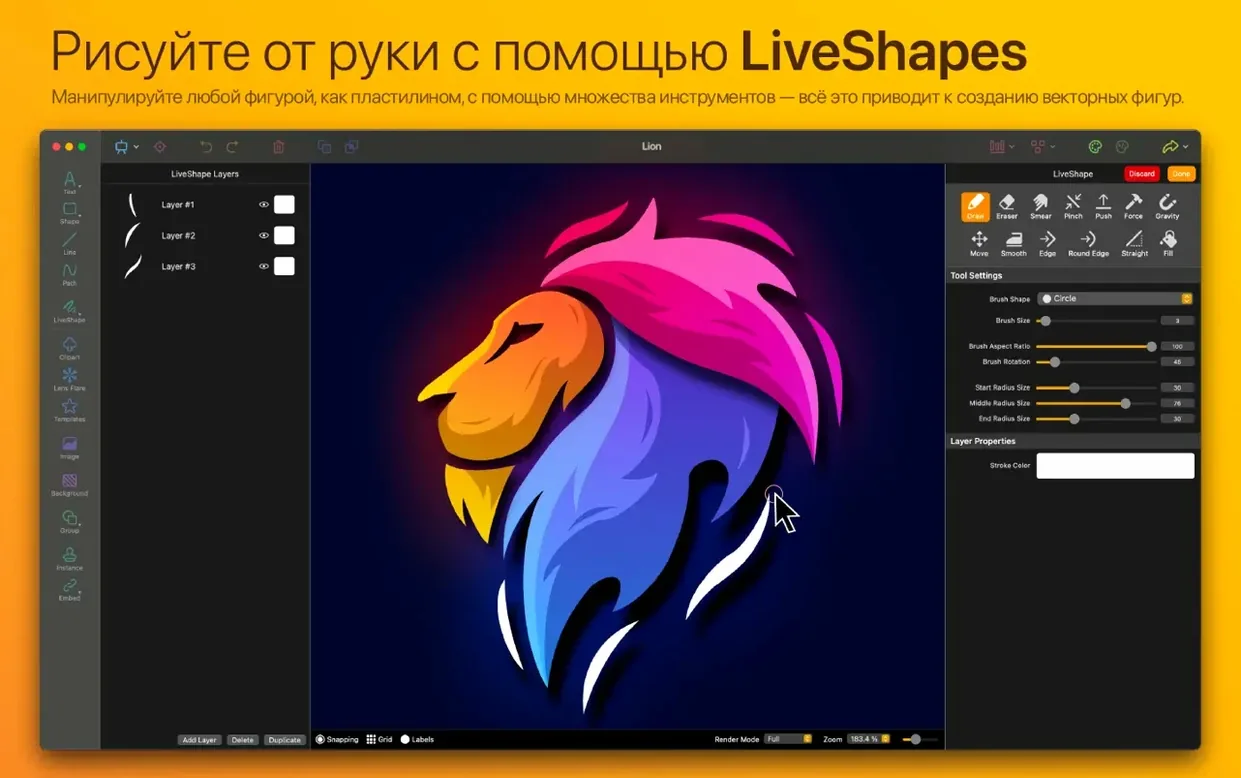

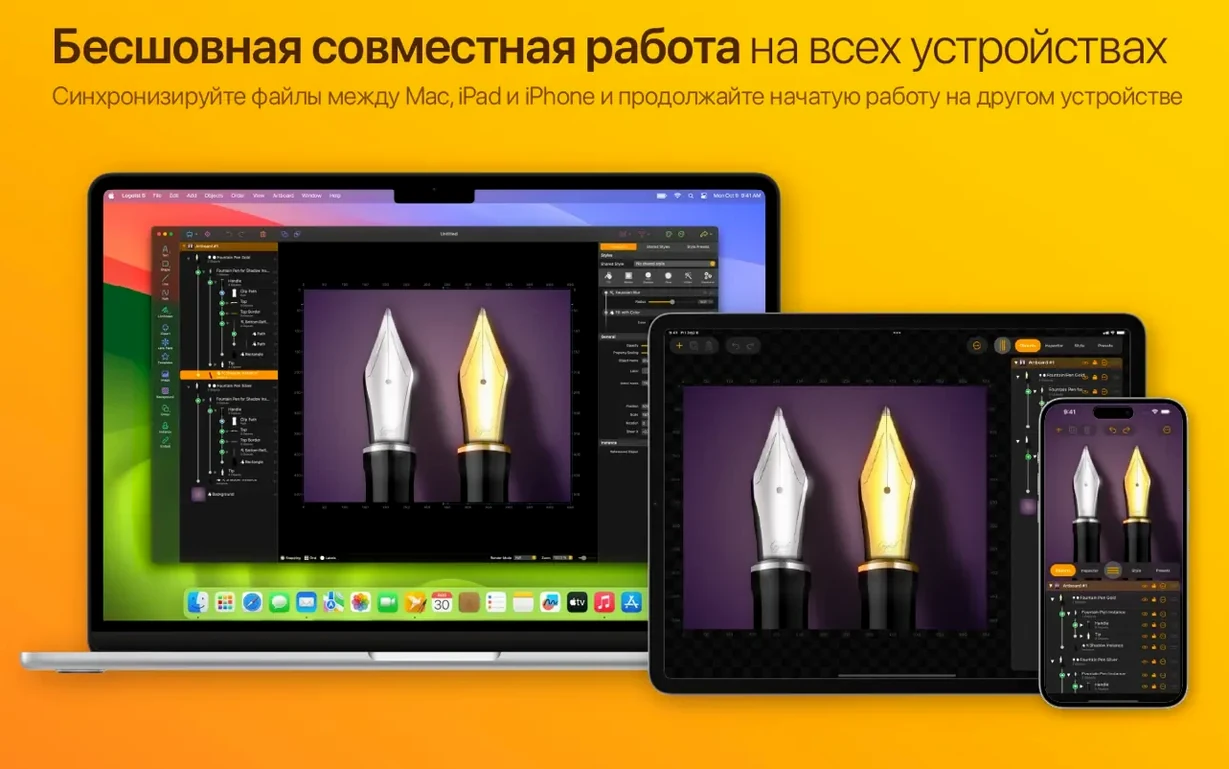
Showroom browsing and canvas fixes in the latest update
Version 5.2.2 builds on the 5.2 update that introduced the Logoist Showroom, a curated gallery for browsing and remixing community designs. The previous point release also ironed out canvas selection glitches that could trip you up when exporting specific artboards, so the whole export pipeline feels tighter now.
How does the path editor handle complex shapes?
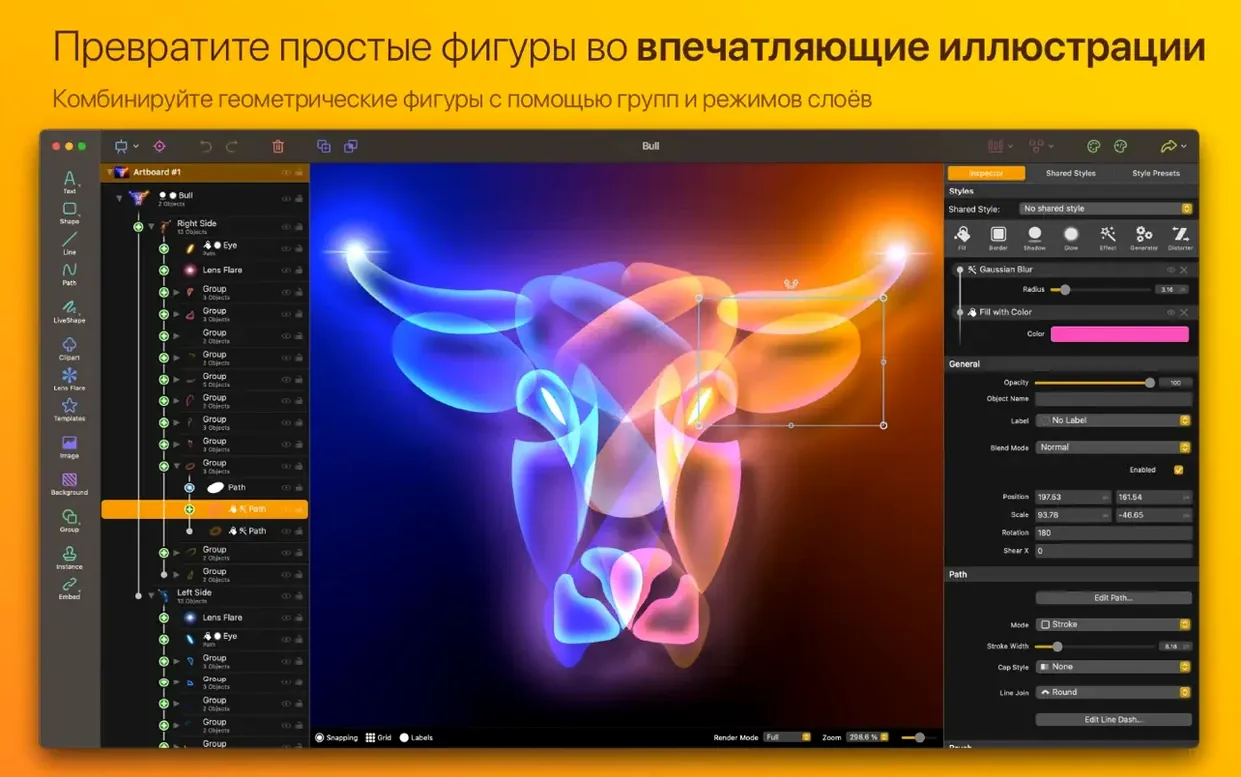
Beyond the standard Bézier controls, the path editor lets you switch node types on the fly—sharp corners, smooth curves, or asymmetric handles—without leaving the tool. You can also Boolean-combine multiple paths into a single compound shape, which stays non-destructive until you deliberately flatten it, a real time-saver when you are testing overlapping letterforms or intricate iconography.
What makes the style system worth learning?
Each object can carry a stack of non-destructive effects—think a fill, a stroke, an inner shadow, and a pattern overlay all simultaneously—and the order of that stack is draggable. The preset gallery gives you a fast start, but the power lies in saving your own layered style combos and applying them across different projects with one click, keeping brand assets visually consistent.
Which export formats give you the most professional flexibility?
SVG and EPS are the workhorses for sending work to a sign maker or a print shop because they preserve the vector data without rasterising your curves. Exporting to PSD keeps each layer intact in its own group, so a colleague opening the file in Photoshop can tweak individual elements without a flattened mess.
Templates welcome beginners but tinkerers unlock the real depth
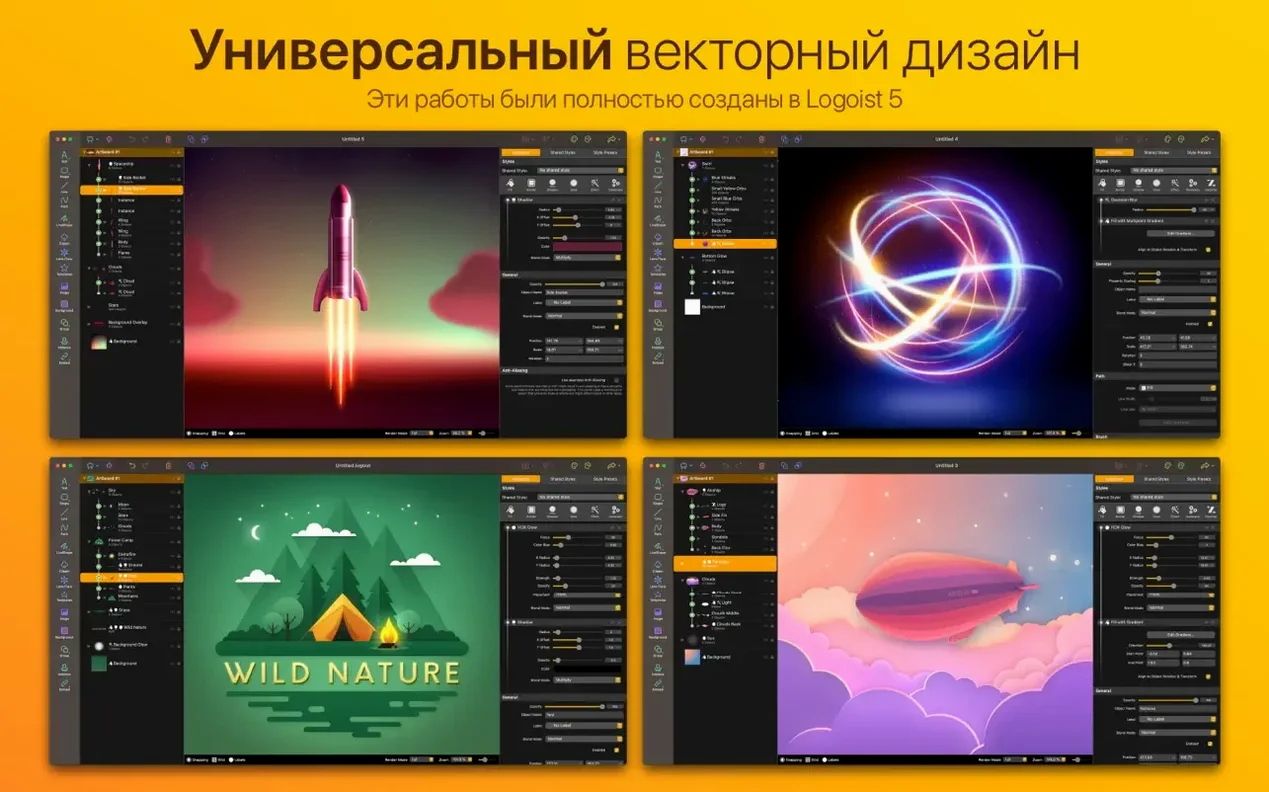
The template library and style presets mean someone with zero vector training can produce a polished YouTube channel badge inside an afternoon, so complete beginners are surprisingly well served. But the app also rewards people who tinker. If you are the sort of Mac user who already owns a folder of half-finished icon sets, you will gravitate towards the Boolean path tools and the non-destructive style stack straight away. Small studio owners get a particular sweetener: one file can house a full branding kit—primary logo, monochrome variant, app icon, and social-media lockup—on separate artboards, all kept visually consistent by the shared style library you build once and reuse across the whole set.
Switch to Display P3 before you start so colours stay vibrant
Open the preferences pane and switch the colour profile from the default sRGB to Display P3 if your Mac screen supports it—the wider gamut prevents your vibrant oranges and teals from looking muddy when you export for modern devices. Next, find the canvas grid setting and reduce the subdivision count to something your eye actually reads; the factory setting is dense enough to feel like graph paper, which fights against clean logo work. Finally, pin the Style Inspector to your sidebar rather than summoning it as a floating palette. Having the effect stack always visible makes you far more likely to reorder fills and shadows on the fly, and that is where the real visual depth comes from.
Scaffolding a coffee badge by deleting the template’s default icon
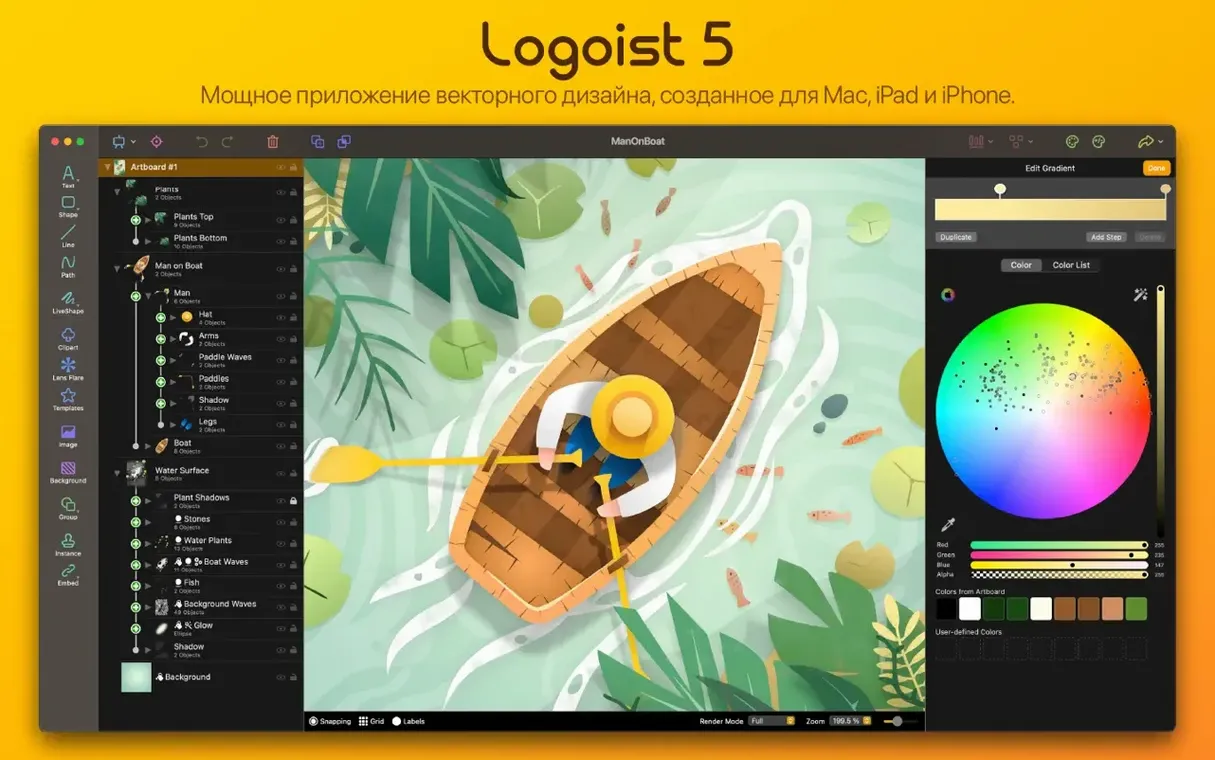
Picture a Thursday morning: you need a badge for a local coffee roaster’s bean bag label. You launch Logoist 5 and pick a circular template from the Showroom, then immediately delete the default icon in the centre—templates are scaffolding, not the building. You drag a coffee-plant silhouette from the built-in clip gallery onto the canvas and switch to the path editor to simplify a few overly detailed leaf nodes, pulling their handles until the shape reads clearly at thumbnail size. Stepping back, you stack a warm ochre fill, a roughened inner shadow, and a subtle halftone pattern from the effects library, dragging the pattern to sit below the shadow so the texture catches the light without overwhelming the silhouette. The roaster’s name arcs around the rim via the type-on-path tool; you kern the letters manually with the alt-arrow shortcut because the default spacing feels a degree too polite. With the badge complete, you duplicate the artboard, strip the colour down to a single flat black fill for the stamp variant, and export both as SVG and a high-resolution PNG—all without leaving the single-window workspace. The whole session took under forty minutes, and the style you saved from the ochre-and-halftone combo is now a single click away for next week’s tea tin label. If you want to settle into a similar rhythm, a logoist 5 mac download puts that toolset right in your dock.
Version 5.2.2 refines features introduced in the 5.2 cycle. The Logoist Showroom now offers a smoother browsing experience for discovering community designs, and canvas selection during image export has been fixed to match what you actually see on screen.
- Logoist Showroom for browsing and remixing shared designs.
- Fix for canvas selection accuracy when exporting images.
- macOS 15 or later — works natively on both Apple Silicon and Intel 64-bit Macs.
Questions I keep hearing
Can I use Logoist 5 on an Apple Silicon Mac?
Yes, the app runs natively on both ARM-based Macs and 64-bit Intel machines, so you get full performance regardless of your processor.
Where do the built-in templates and assets come from?
Logoist 5 ships with galleries of shapes, styles, clip-art sets, and effects, plus template categories for cards, collages and logos to kickstart a project.
Questions from the class 0
Sign in or join the class to ask a question.
Nobody has asked anything yet. If you have used it on a real job, say what the file did.
Also on the Mac Apps shelf
The whole Mac Apps shelf Live Home 3D Pro
Builds detailed floor plans and 3D walkthroughs of interior and exterior spaces.
Live Home 3D Pro
Builds detailed floor plans and 3D walkthroughs of interior and exterior spaces.
 Little Snitch
Alerts you to every network connection your Mac tries to make and lets you approve or deny it.
Little Snitch
Alerts you to every network connection your Mac tries to make and lets you approve or deny it.
 Linguist
Translates text you select in any app without switching windows.
Linguist
Translates text you select in any app without switching windows.
 Luminar AI
Edits photos using templates that analyse the image and apply adjustments automatically.
Luminar AI
Edits photos using templates that analyse the image and apply adjustments automatically.
 Luminar Neo
Layers multiple AI-driven edits onto a photo and lets you relight or swap backgrounds non-destructively.
Luminar Neo
Layers multiple AI-driven edits onto a photo and lets you relight or swap backgrounds non-destructively.
 MacBooster
Finds and clears system junk, duplicate files, and privacy traces to free up disk space.
MacBooster
Finds and clears system junk, duplicate files, and privacy traces to free up disk space.
 LightBurn
Designs artwork and controls a laser cutter from a single application.
LightBurn
Designs artwork and controls a laser cutter from a single application.
 MacCleaner Pro
Bundles app uninstallation, duplicate detection, and disk space analysis into a single toolkit.
MacCleaner Pro
Bundles app uninstallation, duplicate detection, and disk space analysis into a single toolkit.