 ASPNetWorld


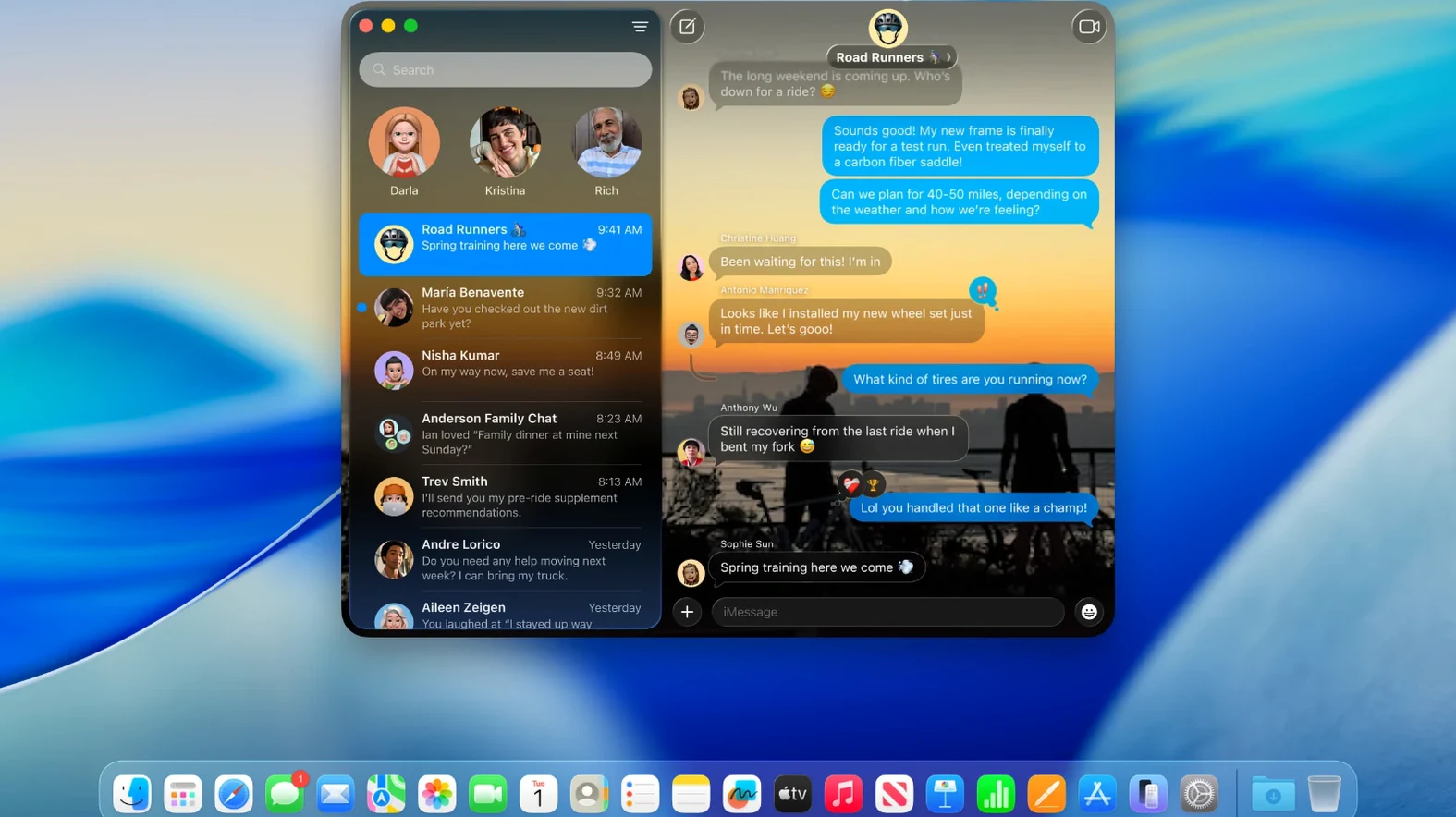
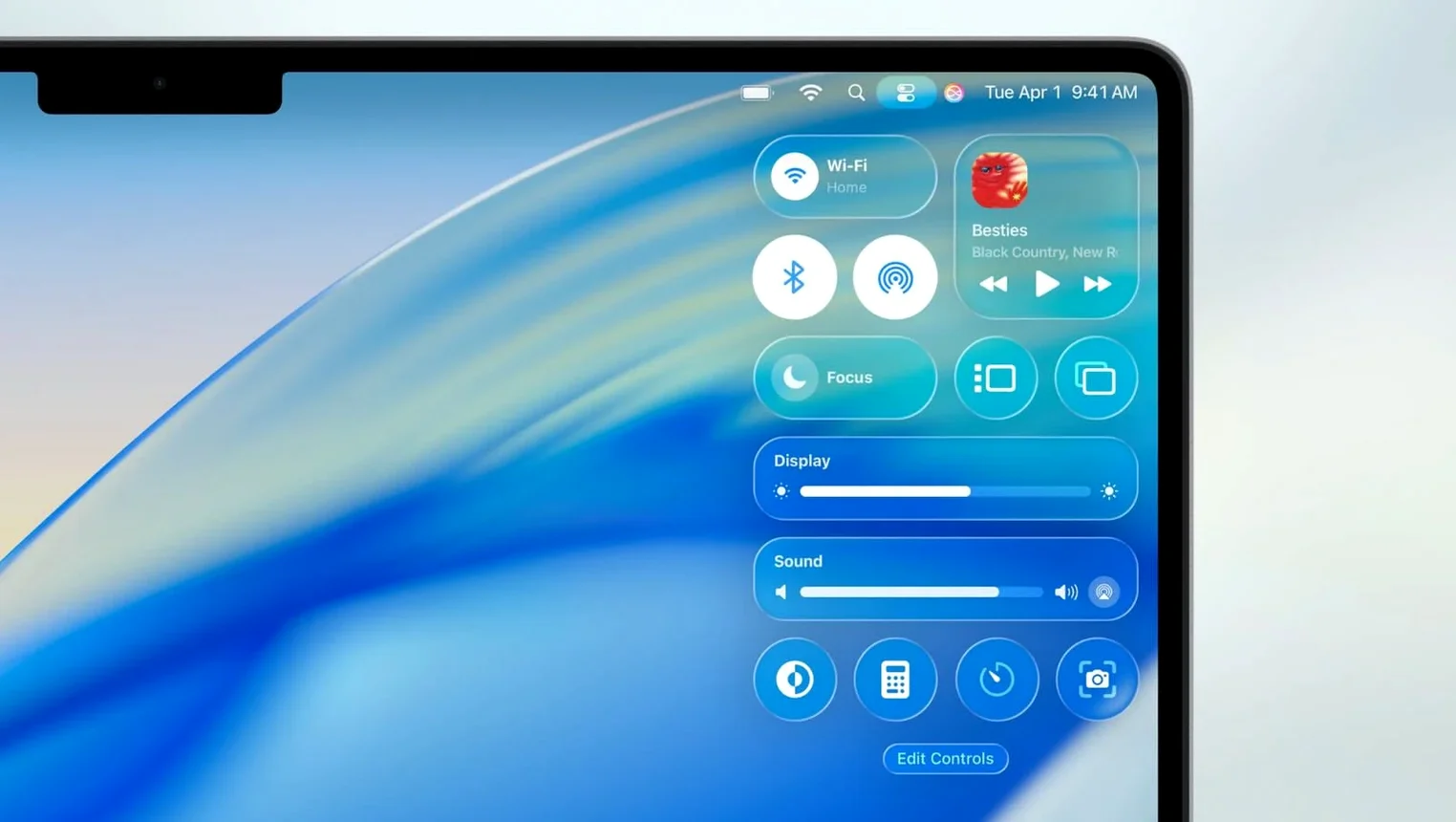
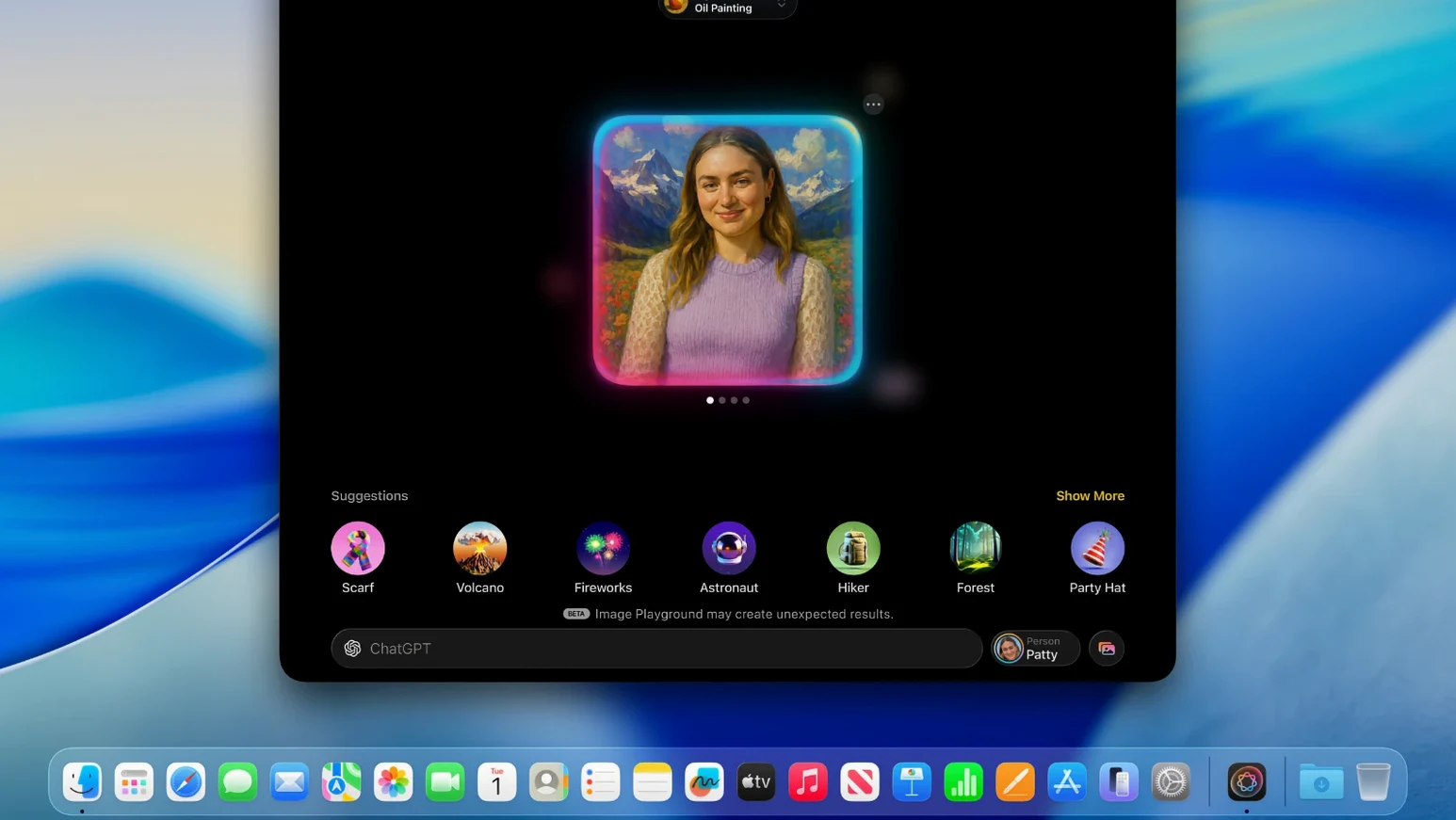
For years, running a proper firewall like Little Snitch meant accepting that your Mac’s built-in networking views were a bit of a blunt instrument. macOS Tahoe doesn’t replace that need for fine-grained control, but it does reshape the system those tools sit on top of in ways a demanding user will appreciate. The thinking isn’t flashy; it’s about making more of the machine’s own intelligence available without you having to open a dozen different panes.
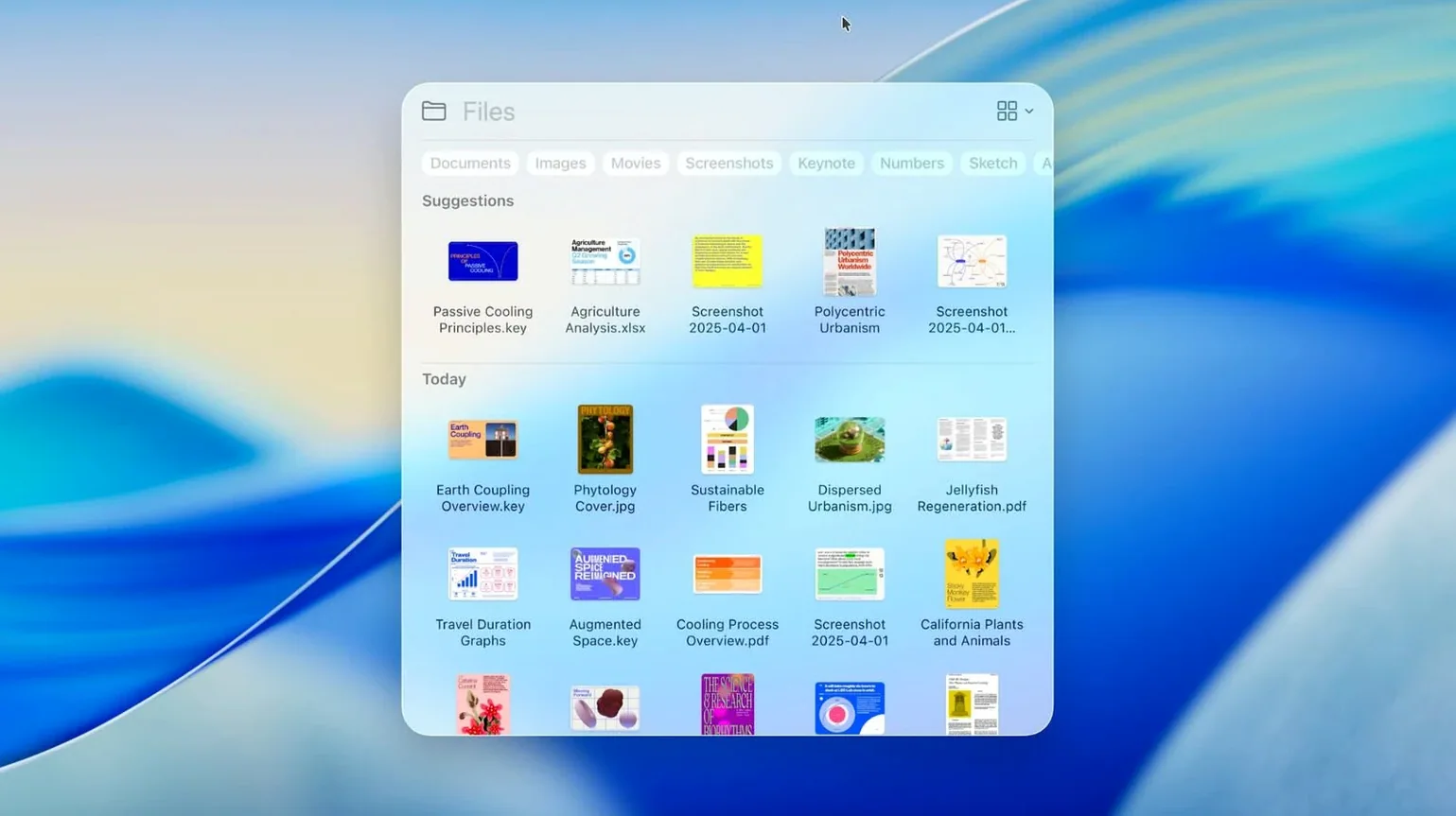
Take Spotlight. The update here isn’t just a cosmetic refresh — the indexer reaches deeper into file contents and system metadata, and the results surface actions, not just locations. For anyone who has trained themselves to hit Command-Space instead of digging through Finder, that means fewer keystrokes to act on what you find. It’s the sort of quiet plumbing improvement that makes the whole machine feel a beat faster.
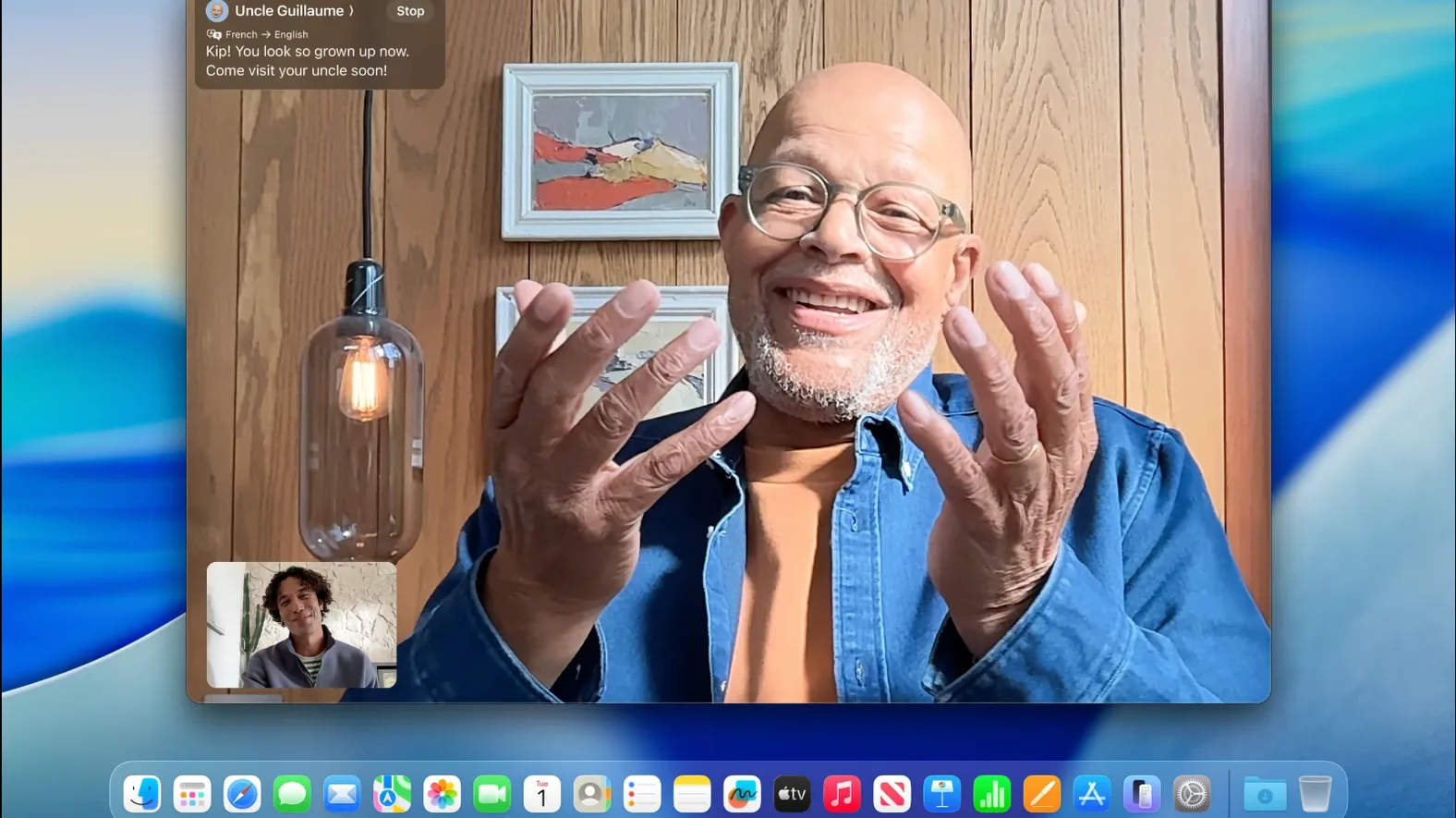
Then there’s the Phone app arriving on the Mac. It sounds like a consumer feature, but for someone juggling calls while working in a studio or lab — where the iPhone stays in a bag across the room — routing calls through the Mac’s audio interface and answering without breaking focus is a genuine workflow shift. Combined with Live Activities from iPhone appearing on the desktop, the boundary between devices thins in a way that feels practical rather than gimmicky.
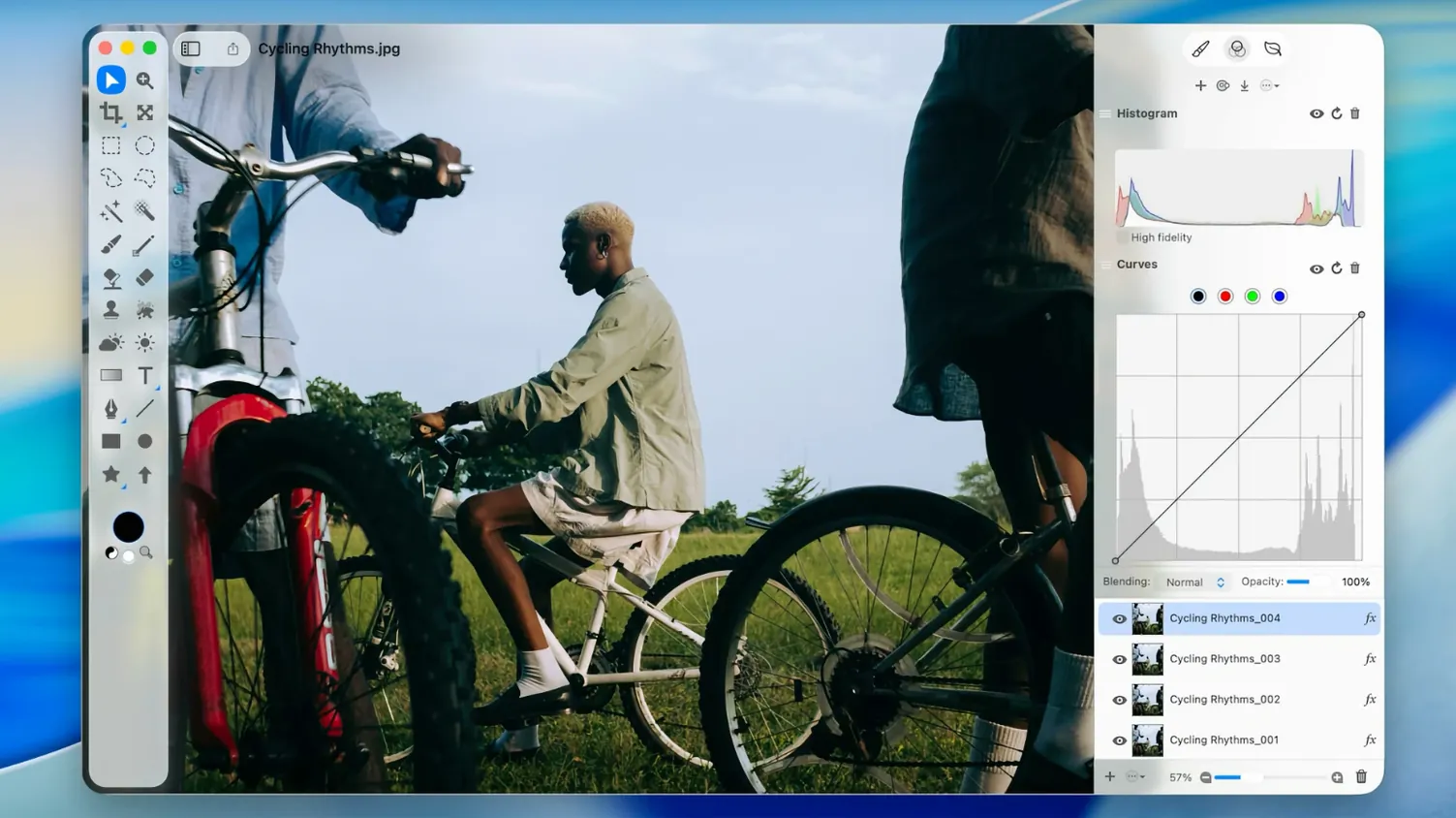
Underneath all of this, the expanded Apple Intelligence features start to thread system-wide suggestions into everyday tasks, from writing to image handling, in a manner that applications like Photoshop or CleanShot X can quietly lean on. It’s not about replacing pro tools; it’s about the OS providing a smarter stage for them to perform on. macOS Tahoe won’t grab headlines, but for those who live in the details, it tightens a lot of screws.
Drag a file straight from Spotlight’s results window
Some of the most useful touches in macOS Tahoe aren’t the ones Apple puts on stage. They’re the tiny behavioural shifts you stumble into days or weeks after installing. Spotlight’s redesigned results window, for instance, now lets you drag a file directly from the search list into an open Save dialog — a small thing, but it saves the ritual of revealing the file in Finder first. If you regularly work across a sprawling folder hierarchy, that alone can shave a noticeable amount of friction off an afternoon.
Another quiet change: holding the Option key while opening the new Apps view inside Spotlight collapses everything into a single scrolling grid sorted by last-used date, bypassing the default category clusters. It’s not documented anywhere obvious, but it makes the launcher behave more like a tidy desk drawer than a reorganised filing cabinet. Similarly, the Journal app gains a keyboard shortcut — Command-Option-J — that opens a quick-entry window from anywhere, so you can capture a thought mid-task without shifting context.
Live Activities from iPhone also respond to a right-click on the desktop widget area, offering per-app toggles for which notifications surface. If you edit video or audio and want delivery updates visible but prefer to silence social timers, that granularity is there — you just have to poke around to find it.
Tahoe tightens the Mac–iPhone connection beyond what Sonoma offered
Set macOS Tahoe alongside something like a well-maintained Sonoma installation, and the personality difference is one of tone rather than upheaval. Sonoma felt like a polish pass on Ventura; Tahoe tightens the relationship between the Mac and the iPhone in ways that a power user notices not in grand gestures but in cumulative ease. The Phone app and Live Activities bridge a gap that third-party tools previously spanned with varying degrees of grace, and the deeper Spotlight indexing gives the system a more proactive feel without veering into assistant territory.
Compare it with macOS Sequoia, and the shift is more pronounced. Sequoia leaned hard into Apple Intelligence as a new layer, but the implementation could feel detached from the desktop — a set of clever features orbiting the Finder rather than growing out of it. Tahoe integrates those same ideas into the day-to-day rhythm more naturally. Where Sequoia’s writing tools felt like a pop-over service, Tahoe’s suggestions surface inside the text you’re already editing, closer to how a spellchecker whispers rather than interrupts.
Against a lean, single-purpose operating system like a hardened Linux distribution — something you might run on a Mac for a dedicated audio rig or server — Tahoe is obviously a different beast. It carries the weight of the Apple ecosystem, and that weight is the point. The convenience isn’t minimalism; it’s the phone call that silently hands off to your Mac while you’re mastering a track, or the Spotlight query that pulls a buried setting without a trip through System Settings. Those moments accumulate. For someone who wants the machine to anticipate rather than just obey, Tahoe makes a quiet, compelling case.
Version 26.7.1 is a maintenance release focused squarely on stability and security. It’s recommended for all macOS Tahoe users.
- Patches a vulnerability where a specially crafted malicious file could trigger arbitrary code execution.
- Includes additional bug fixes and security hardening.
- Compatible with MacBook Air (Apple silicon, 2020 or later)
- Compatible with MacBook Pro (Apple silicon, 2020 or later) and MacBook Pro (13-inch, 2020, Four Thunderbolt 3 ports)
- Compatible with MacBook Pro (16-inch, 2019)
- Compatible with Mac mini (2020 or later)
- Compatible with iMac (2020 or later)
- Compatible with Mac Studio (2022 or later)
- Compatible with Mac Pro (2019 or later)
Questions I keep hearing
Does macOS Tahoe work with Intel Macs?
Yes, it supports Intel-based Mac Pro models introduced in 2019 or later, along with the 16-inch MacBook Pro from 2019 and the 13-inch MacBook Pro (2020, Four Thunderbolt 3 ports). Most other supported Macs require Apple silicon.
What does the macOS Tahoe 26.7.1 update fix?
Version 26.7.1 delivers bug fixes and security updates, including a patch for a risk where a maliciously crafted file could allow arbitrary code execution.
Questions from the class 0
Sign in or join the class to ask a question.
Nobody has asked anything yet. If you have used it on a real job, say what the file did.
Also on the Mac Apps shelf
The whole Mac Apps shelf macOS Mojave
Runs your Mac and added Dark Mode, desktop Stacks, and ports of News, Stocks, and Voice Memos.
macOS Mojave
Runs your Mac and added Dark Mode, desktop Stacks, and ports of News, Stocks, and Voice Memos.
 MacWhisper
Transcribes audio files into text entirely on your Mac without sending data to the cloud.
MacWhisper
Transcribes audio files into text entirely on your Mac without sending data to the cloud.
 macOS High Sierra
Runs your Mac on the system that brought APFS and HEVC video support.
macOS High Sierra
Runs your Mac on the system that brought APFS and HEVC video support.
 Magic Disk Cleaner
Finds and removes caches, logs and orphaned files that waste space.
Magic Disk Cleaner
Finds and removes caches, logs and orphaned files that waste space.
 macOS Catalina
Runs your Mac and introduced Sidecar, Voice Control, and a dedicated Music app separated from iTunes.
macOS Catalina
Runs your Mac and introduced Sidecar, Voice Control, and a dedicated Music app separated from iTunes.
 Magnet
Snaps windows into tidy arrangements with keyboard shortcuts or dragging.
Magnet
Snaps windows into tidy arrangements with keyboard shortcuts or dragging.
 MacGPT
Puts ChatGPT in your menu bar for quick questions, text rewrites, and inline assistance anywhere.
MacGPT
Puts ChatGPT in your menu bar for quick questions, text rewrites, and inline assistance anywhere.
 MacFamilyTree
Builds an interactive family tree that pulls historical records from online genealogy databases.
MacFamilyTree
Builds an interactive family tree that pulls historical records from online genealogy databases.