 ASPNetWorld

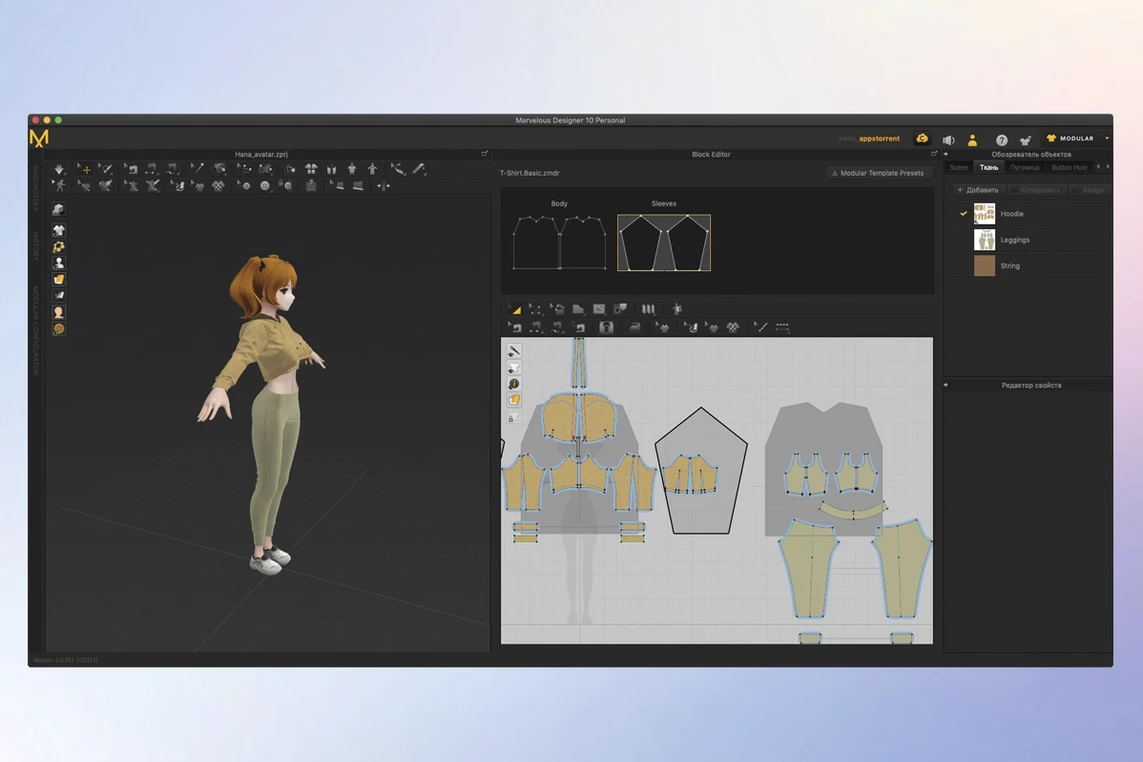
Costume designers in film, game studios building character wardrobes, and independent artists prototyping a fashion line all turn to the same tool.
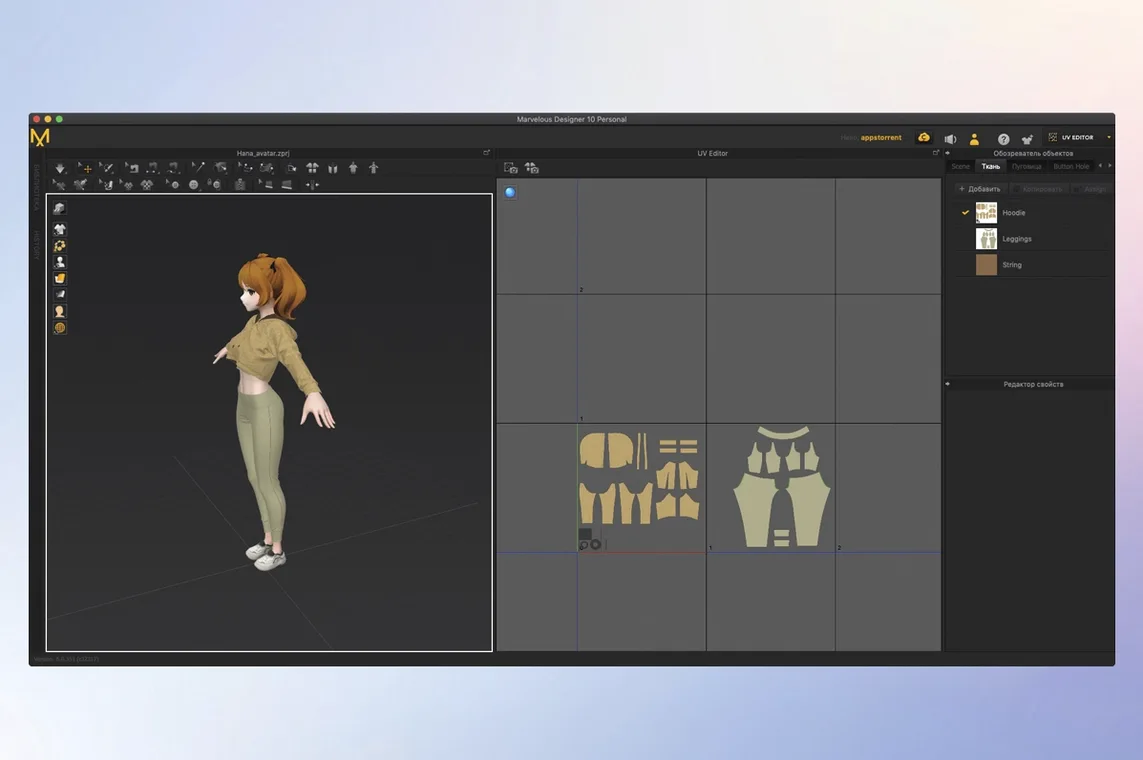
Pattern making — draw and edit polygonal pattern shapes directly, the way a tailor lays out flat pieces before stitching.
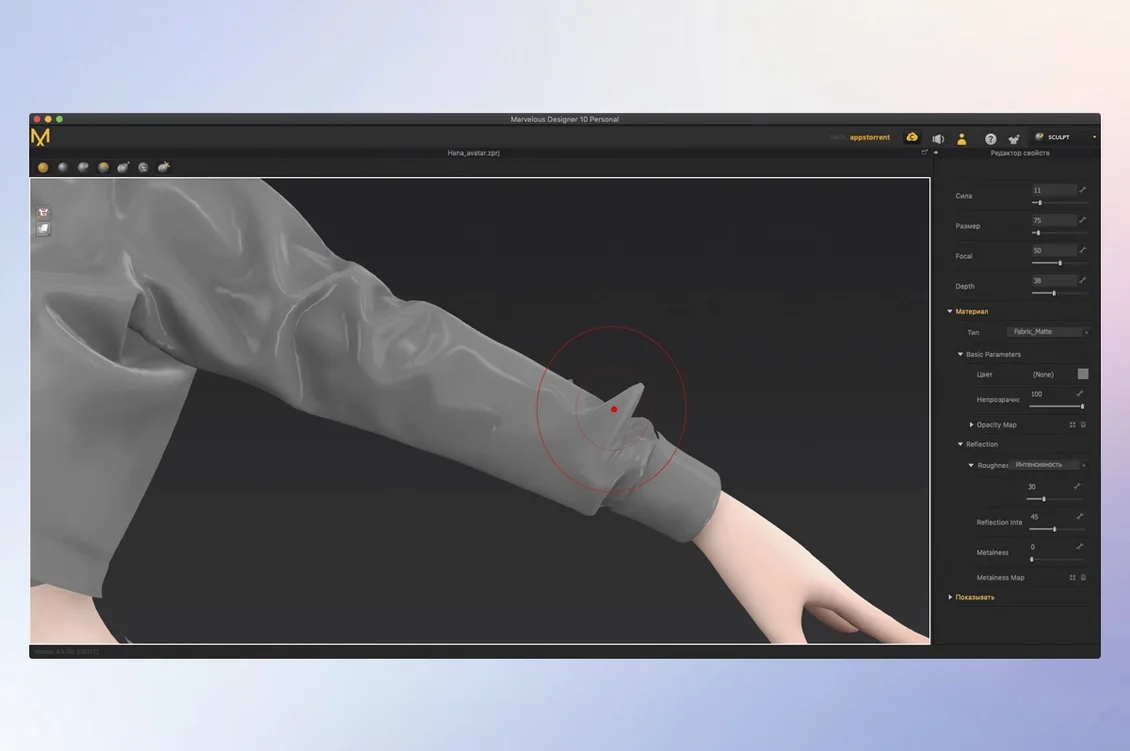
Fabric simulation — the software calculates how cloth behaves, draping it over buttons, folds and accessories with realistic weight and texture.
Real‑time feedback — every adjustment to a seam or fabric property appears on the 3D garment instantly, so you never wait for a render just to see a hem drop.
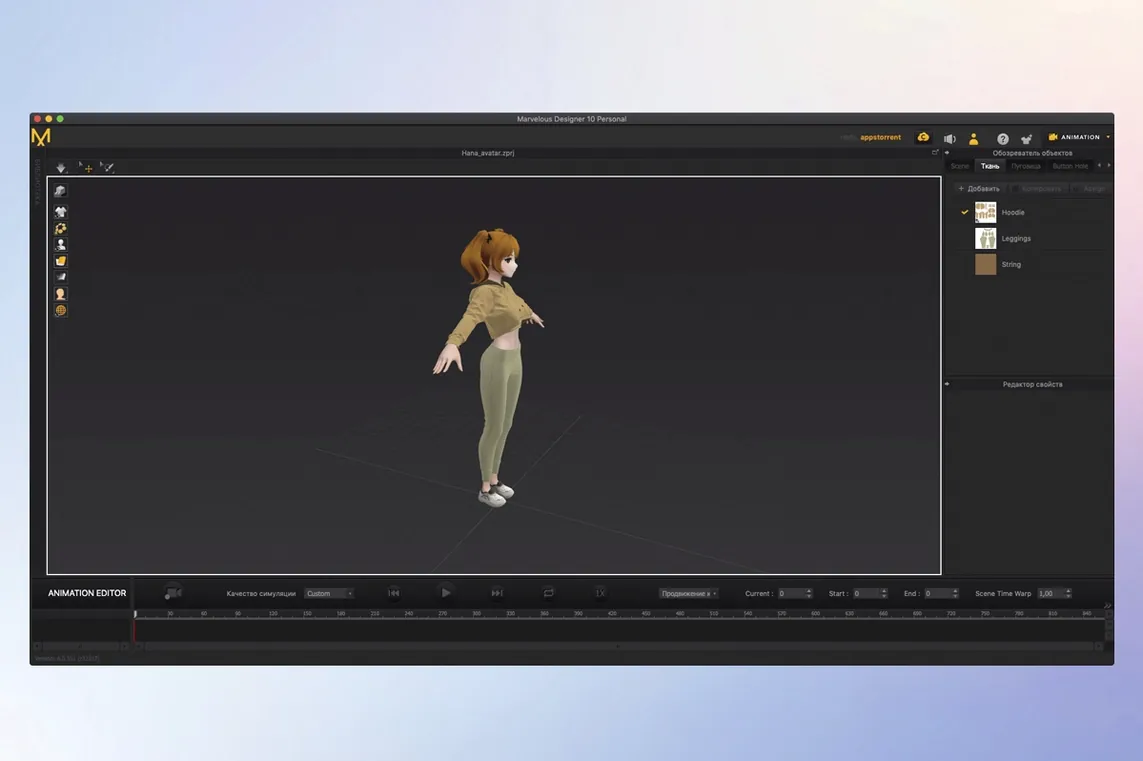
Motion recording — when a character walks or dances, Marvelous Designer records the clothing movement, capturing the natural swing and gathering of fabric you would expect on a moving body.
Reusable wardrobe — once a shirt or coat is made, it can be saved into a library and fitted to different avatars later, alongside the template‑based rigging in EveryWear that speeds up dressing a new character.
Why your fabric keeps exploding and how to calm it down
Even experienced users trip over the same handful of things, especially when they are pushing a garment from flat patterns to a finished drape. The good news is that most have simple fixes once you know where to look.
Simulation exploding on the first frame. You hit Simulate and the cloth shoots off into space. Nine times out of ten, the particle distance is too large for the scale of the scene. Open the Property Editor for the fabric and lower the Particle Distance — try 10mm for a human-scale garment rather than the default 20mm. While you are there, check that your avatar and patterns sit close together; a pattern hovering 50mm above the skin has nowhere to go but wild. Finally, make sure Skin Offset under the avatar’s properties is not set to zero. A value of 1–3mm gives the cloth just enough room to settle without pushing through the body.
Garment sliding off during animation. You record a character walking, the coat looks perfect on frame one, and by frame sixty it has migrated to the floor. The culprit is usually insufficient Freeze settings. Select the pattern pieces that should stay anchored — waistbands, shoulder seams, collars — and apply a higher freeze strength from the simulation properties. For belts or tight cuffs, you can pin a few internal edges entirely. Also check your Animation Cache file path; if the cache is not being written correctly, every frame becomes a fresh solve with no memory of the previous pose.
Seams puckering or pulling apart. When a sewn edge looks like a row of tiny accordion pleats, the sewing line direction on the two pattern pieces probably runs opposite ways. Click the sewing tool, select the broken seam, and look at the little arrows on the 2D pattern view. They should point the same way along the matching edges. Right‑click the seam and choose Reverse Sewing Direction if they do not. A second cause is a mismatch in edge length; a straight seam sewn to a curved one will always pucker, so split one edge to match the other’s segment count.
Yes, it runs natively on Apple Silicon
A few questions come up again and again in the forums, and they are worth answering plainly before you set up the application.
Does it run natively on Apple Silicon? Yes. The current build is a universal binary, so it launches without Rosetta on M‑series chips as well as on older Intel‑based machines. You get full performance on both architectures. On an M2 or M3 MacBook Pro, fabric simulation feels responsive even with multiple garments layered together.
How steep is the learning curve if I have only used a polygon modeller before? The shift from pushing vertices to laying out flat patterns takes a weekend to feel natural. The drawing tools — polylines, free curves, point placement — behave like vector‑illustration tools more than a DCC sculpting brush. The Trace function lets you draw a pattern outline directly on an avatar’s surface, which can feel more familiar to a 3D modeller than starting in the 2D window. The included online learning materials walk you through a full shirt project in under two hours.
Can I get a functional Mac version without going through a subscription? Many users search for phrases like Marvelous Designer Mac crack or Marvelous Designer torrent because they want to evaluate the software fully before committing to a payment model. The version listed here, Marvelous Designer for Mac, is a complete working build that lets you do exactly that. You will often see it bundled under the search term Marvelous Designer crack on independent download hubs, and it delivers the same simulation engine, the EveryWear rigging tools, and the Toon Shader as the official release.
Blocking out a summer dress in an hour
Picture a quiet afternoon. You launch the application, pick the default female avatar, and decide to block out a simple summer dress. Here is how the next hour unfolds.
First, you switch to the 2D pattern window and draw the front bodice with the polygon tool, clicking point by point around the avatar’s torso silhouette shown as a faint guide underneath. You mirror the piece across the centre line to create the back bodice, then draw two rectangular skirt panels. A soft fabric preset — Cotton_Summer — goes onto all four pieces from the fabric library. Particle distance stays at 10mm; you are not chasing fine wrinkles yet, just a good drape.
With the sewing tool active, you click the shoulder edge of the front bodice and then the matching edge of the back. A dotted seam line snaps into place. Repeat for the side seams and the skirt panels. You deliberately leave the hem and neckline unsewn for now. Pressing Simulate drops the dress onto the avatar. The shoulders settle, the skirt gathers around the hips. The armpit area pulls oddly, so you select the armhole edges and add a tiny bit of Elastic pressure in the property panel — just enough to let the fabric curve under the arm without cutting into the skin.
You want the hem to have a slight wave, so you grab the Pin tool, mark five points along the skirt bottom, and nudge two of them upward by a few centimetres. A second simulation lets the fabric fall into a gentle scalloped line. Happy with the shape, you open the EveryWear panel, auto‑rig the dress to the avatar’s skeleton, and save it into your wardrobe library. Twenty minutes start to finish, and the piece is ready to be dropped onto any other character in your scene.
Dressing a cel-shaded RPG fighter without clipping
Lena is a solo developer building a stylised RPG. Her characters are hand‑painted and cel‑shaded, and she needs a dozen different outfits that animate cleanly without clipping through the fighter rig she built in Maya. She has tried modelling clothes as static geometry before, and the results looked stiff — a cape that moved like a sheet of plywood.
She brings her fighter’s idle, walk, and attack animations into the application as an Alembic cache. Using the Toon Shader, she can preview how the garments will look with flat shading and ink outlines while she works, so there are no surprises later in her engine. She starts with a hooded cloak. The pattern is simple — a single large circle with a neck hole, plus a separate hood piece — but the simulation sells it. As the fighter lunges forward, the cloak billows and settles with a weighty delay that matches the animation’s timing.
The real time‑saver comes when she moves to the second character. The tavern keeper needs a tunic and apron. Lena opens the EveryWear template library, drags a base tunic onto the new, heavier avatar, and the rigging adjusts automatically to the different shoulder width. She resizes two pattern points, re‑simulates for five seconds, and exports the result back to Maya as a cached geometry sequence. What would have taken two evenings of manual skinning now fits into a coffee break. The whole wardrobe for six NPCs is done in a working week, and every piece moves like actual cloth rather than painted‑on decoration.
- macOS 12 or later
- Runs on both Intel and Apple Silicon Macs
Questions from the class 0
Sign in or join the class to ask a question.
Nobody has asked anything yet. If you have used it on a real job, say what the file did.
Also on the Mac Apps shelf
The whole Mac Apps shelf Marmoset Toolbag
Renders 3D models with realistic lighting and materials in real time.
Marmoset Toolbag
Renders 3D models with realistic lighting and materials in real time.
 MAMP PRO
Manages individual local web servers for each project you build.
MAMP PRO
Manages individual local web servers for each project you build.
 MAXON Cinema
Creates 3D scenes, animation and simulations for motion graphics.
MAXON Cinema
Creates 3D scenes, animation and simulations for motion graphics.
 Magnet
Snaps windows into tidy arrangements with keyboard shortcuts or dragging.
Magnet
Snaps windows into tidy arrangements with keyboard shortcuts or dragging.
 MediaMate
Shrinks the volume and brightness overlays into compact, useful HUDs.
MediaMate
Shrinks the volume and brightness overlays into compact, useful HUDs.
 Mela
Keeps your recipes organised and in sync across Apple devices.
Mela
Keeps your recipes organised and in sync across Apple devices.
 Magic Disk Cleaner
Finds and removes caches, logs and orphaned files that waste space.
Magic Disk Cleaner
Finds and removes caches, logs and orphaned files that waste space.
 MacWhisper
Transcribes audio files into text entirely on your Mac without sending data to the cloud.
MacWhisper
Transcribes audio files into text entirely on your Mac without sending data to the cloud.