 ASPNetWorld

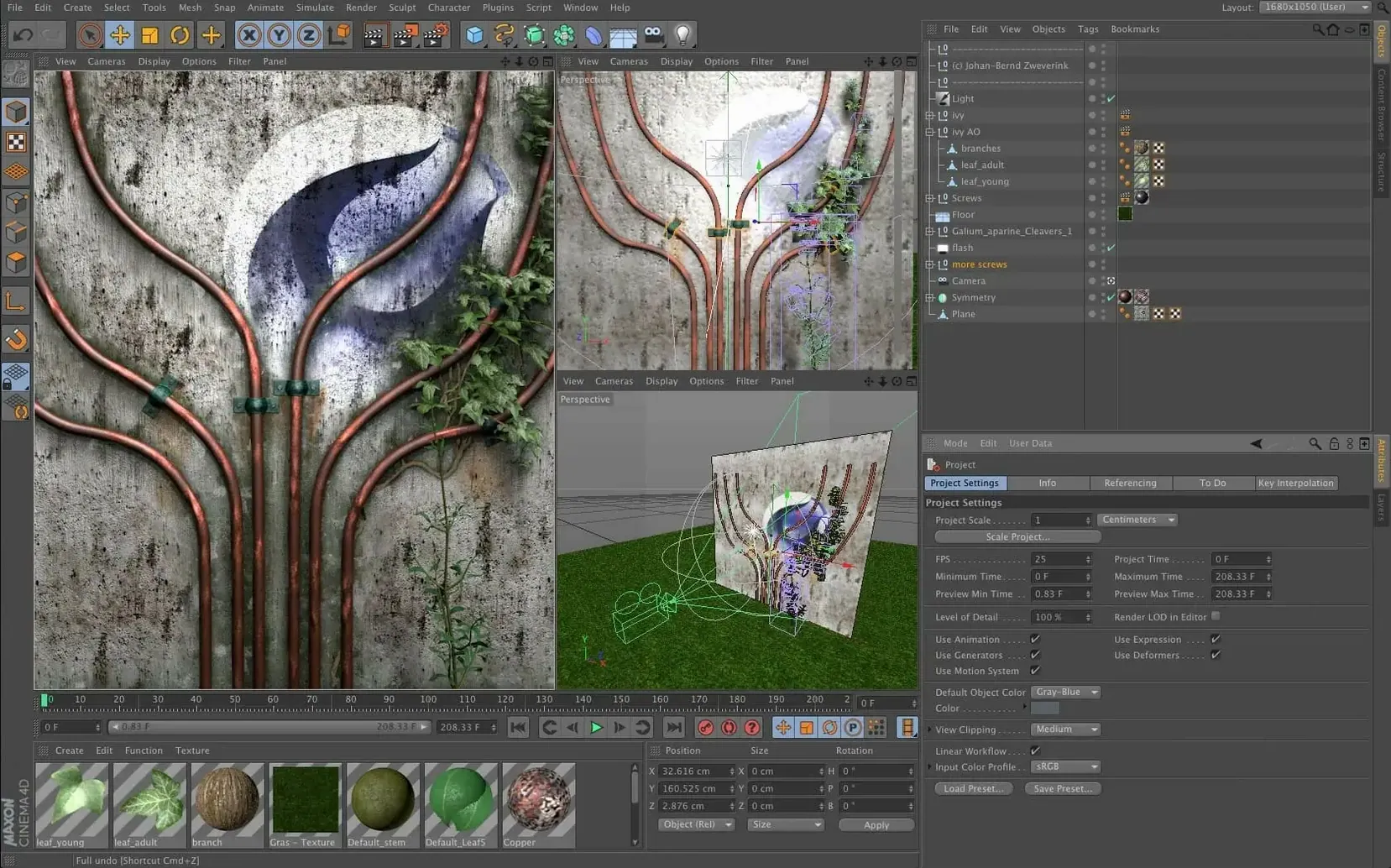
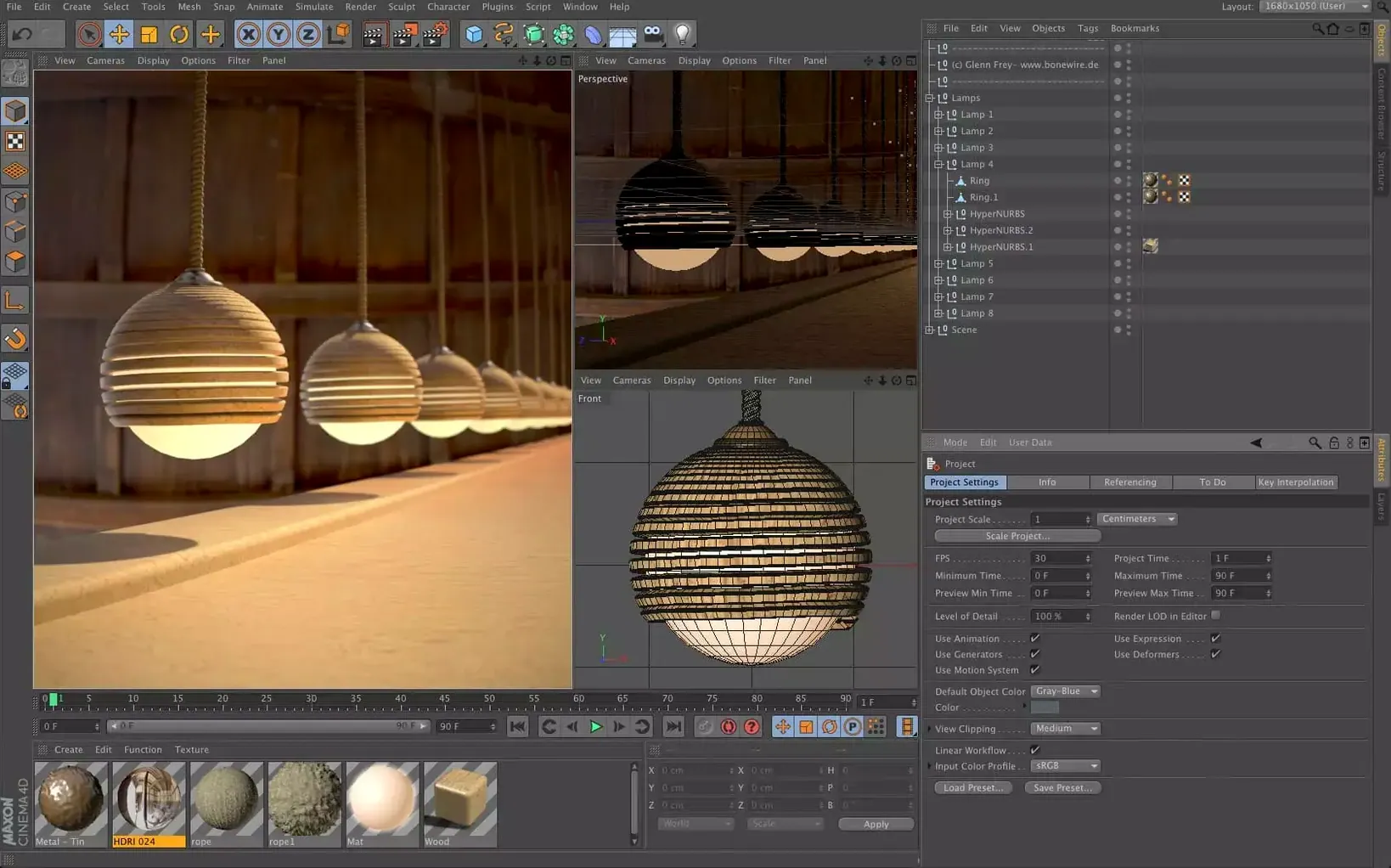
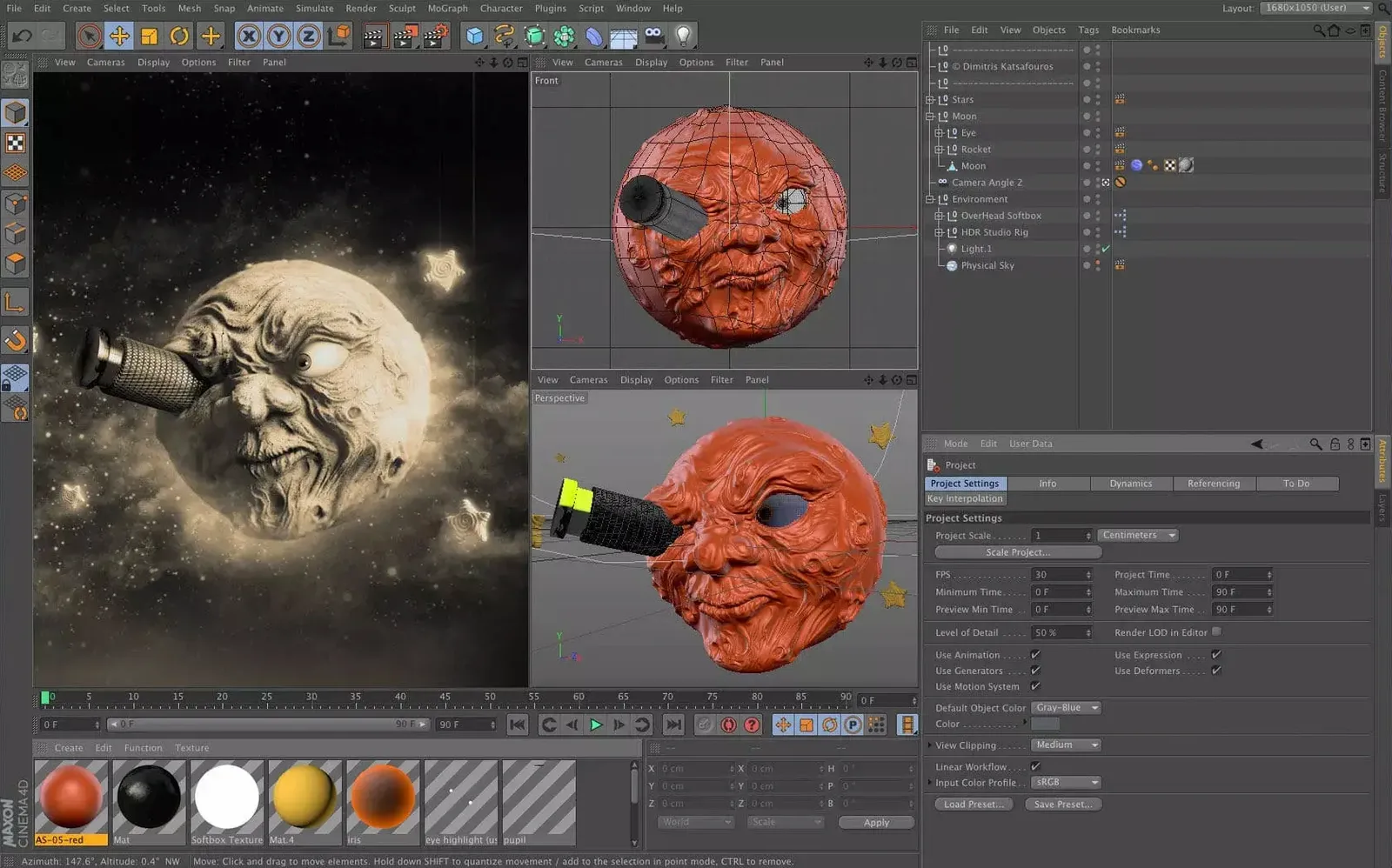
If you have spent any time compositing in After Effects, you will recognise the name Cinema 4D as the engine behind many a motion-graphics toolkit. Maxon’s standalone application takes that same 3D DNA and expands it into a full modelling, animation, simulation and rendering environment for design, visual effects, game development and AR work.
Building a scene with updated presets
The interface has been refreshed to put preset-based workflows front and centre, so you can block out a scene or apply a material look without starting from scratch each time.
Rigging and animating a character
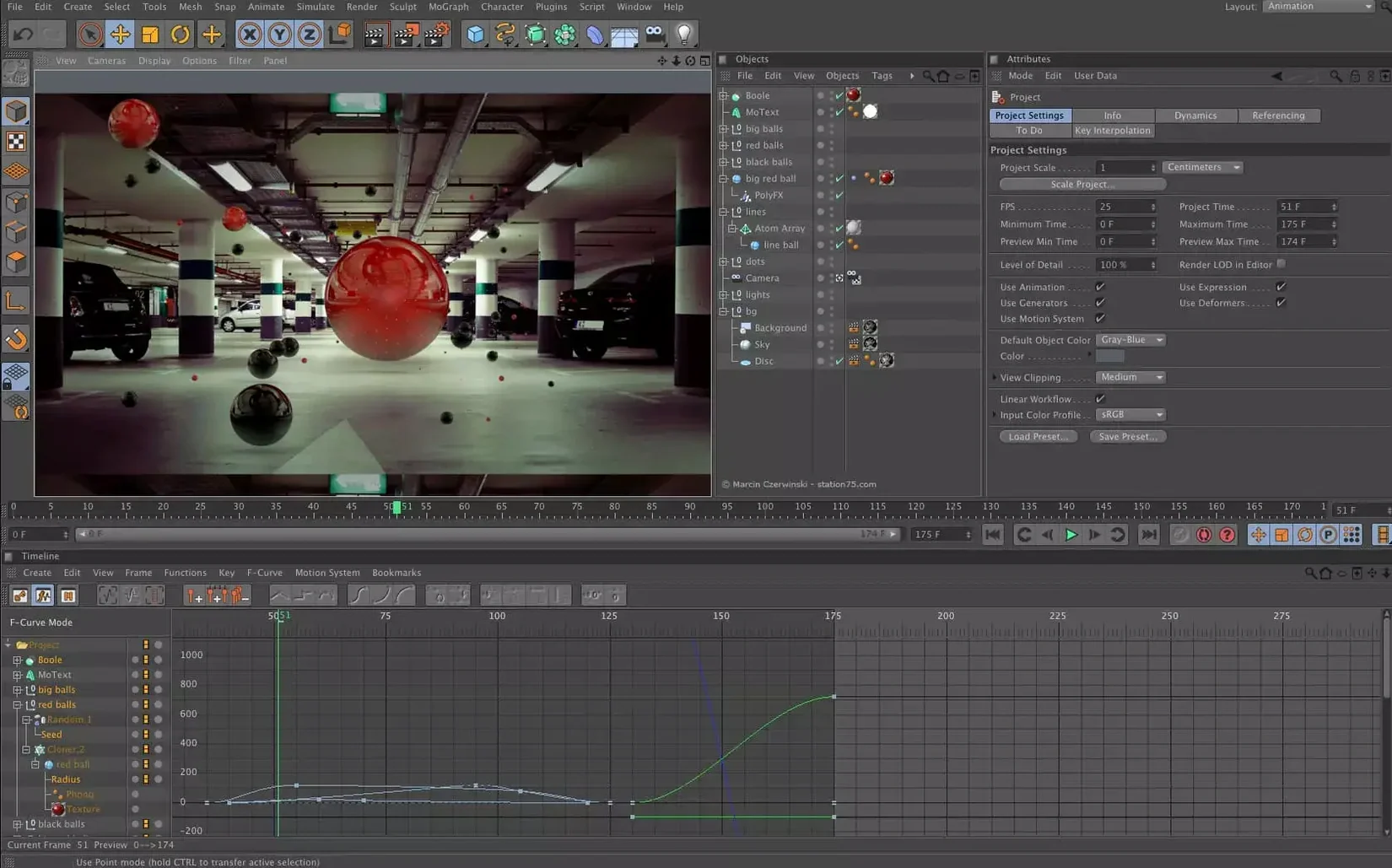
Character tools and the timeline work together smoothly, letting you rough out a walk cycle in the morning and refine the curves by afternoon.
Running a simulation and sending it to render
How Cinema 4D sits alongside other Mac 3D tools
Blender is the comparison that comes up most often, and for good reason. It is capable, free and open source, with a fiercely loyal community. Where Cinema 4D pulls ahead is in the polish of its interface and the coherence of its toolset. In Blender you often need to know which of several add-ons or modes handles a particular task; in Cinema 4D the MoGraph toolset, the take system and the renderer feel like parts of one conversation. If you earn your living from motion graphics and client deadlines are tight, that coherence saves real time.
Maya enters the picture when rigging and animation pipelines grow complex. Maya’s character rigging tools are deeper, and large VFX houses have built pipelines around them for decades. Cinema 4D does not try to out-rig Maya. What it does is make character work accessible enough that a generalist can rig a simple character, animate it, light it and render it without handing the file off to three specialists. For a small studio or a solo artist, that breadth matters more than raw depth in any one discipline.
Houdini sits at the other end of the spectrum. Its procedural, node-based approach is extraordinarily powerful for simulations and complex generative work. Cinema 4D’s scene nodes and Capsules bring a taste of that procedural thinking into a friendlier environment, but Houdini remains the choice for artists who want to build their own solvers from scratch. The two often coexist: a Houdini simulation exported as Alembic and shaded inside Cinema 4D is a common sight in broadcast pipelines.
Pulling faces on a cube to rough out a client logo
Imagine a Tuesday morning. A client has sent a logo and asked for a ten-second ident that feels “tactile and premium.” You open Cinema 4D and drag a cube into the viewport, then begin pulling faces and edges to rough out the letterforms as 3D geometry. The updated preset browser sits to one side; you grab a polished metal material and drop it onto the model, then tweak the roughness map so it catches light like brushed aluminium.
Next you open the MoGraph cloner, arrange a field of small geometric chips around the logo, and apply an effector that pushes them outward as the camera moves in. You scrub the timeline, adjust the falloff curve, and watch the chips scatter and settle. The movement already has weight. You add a soft-body tag to a ribbon element, pin its ends, and let gravity tug it into a gentle droop. The simulation solves in near-real time on an Apple Silicon machine, and you adjust the stiffness until the ribbon sags just enough to feel expensive.
With the animation blocked, you set up three cameras: a wide establishing shot, a slow dolly through the scattered chips, and a tight close-up on the ribbon’s curve. You use the take system to store different lighting setups for each shot—cool key light for the wide, warm rim light for the close-up—and jump between them in the viewport without duplicating the scene file. The render queue runs over lunch, and by the time the kettle boils for afternoon tea you have playblasts ready to send to the client. The whole session lives inside one application, from the first cube to the final frame.
The viewport stays responsive on Apple Silicon MacBook Air
Will it run smoothly on a MacBook Air? The short answer is yes, provided the Air has an Apple Silicon chip and enough memory. Cinema 4D’s viewport is responsive on integrated graphics for modelling and animation tasks. Rendering complex scenes on a fanless machine will eventually trigger thermal throttling, but for look-dev, layout and light animation work an M2 or M3 Air is perfectly capable. If you plan to run overnight renders regularly, a machine with active cooling and more GPU cores will serve you better.
How steep is the learning curve for someone coming from After Effects? The jump is real but manageable. Cinema 4D shares a certain sensibility with After Effects—keyframes, layers, effectors that behave vaguely like adjustment layers—and the refreshed preset system means you can produce a decent-looking render before you fully understand edge flow or UV unwrapping. Many motion designers learn by pushing MoGraph buttons and dissecting the results, and Cinema 4D is built for exactly that exploratory approach. You will not be modelling a photorealistic T-Rex in week one, but you will be moving cool 3D type around a screen within an afternoon.
Does it play nicely with other tools in a pipeline? Yes, and this is one of the quiet strengths of the software. Alembic, USD and FBX export are solid, so geometry and animation travel cleanly to Unreal Engine, Unity, or back into After Effects for compositing. The Redshift integration means a render started in Cinema 4D can be picked up by a render farm without translation headaches. And because the application reads and writes formats that most 3D tools understand, you are never painting yourself into a proprietary corner.
MoGraph turns static designs into animated broadcast bumpers
Motion graphics artists are the obvious answer, and they remain the core audience. The MoGraph module is still the fastest way to turn a static design into animated 3D type, broadcast bumpers and explainer sequences. If your day job involves After Effects and Illustrator, adding Cinema 4D to the toolset gives you a third dimension without a full career change into technical 3D work.
Architectural visualisers benefit more than people expect. The updated preset materials include enough glass, concrete and timber options to block out an interior quickly, and the physical sky system gives you natural daylight without fuss. The scene nodes let you populate a room with asset variants—different chairs, different plant pots—without manually placing each object, which turns a morning’s work into an afternoon’s.
Solo game developers and indie VR creators find a sweet spot here too. The application will not build your game logic, but it exports clean, optimised geometry to game engines and bakes lighting information that translates well. For an indie team of two or three people, one artist who knows Cinema 4D can handle character modelling, prop creation, simple rigging and level layout without the studio needing separate specialists. That versatility, on a platform as portable as a Mac, makes it a quiet workhorse for small-scale production work that still needs to punch above its weight.
Whether you are simulating cloth or soft bodies, the solver feeds straight into the built-in renderer, keeping the whole feedback loop inside one application.
The 2024.2 release, which arrived in December 2023, refines the interface and doubles down on preset-based workflows to help artists get results faster.
- macOS 11 or later
- Runs natively on both Intel and Apple Silicon Macs
Questions I keep hearing
Which operating systems does Cinema 4D support?
Maxon lists compatibility with macOS 11 and later, and with Windows, including Windows on Arm.
Questions from the class 0
Sign in or join the class to ask a question.
Nobody has asked anything yet. If you have used it on a real job, say what the file did.
Also on the Mac Apps shelf
The whole Mac Apps shelf MediaMate
Shrinks the volume and brightness overlays into compact, useful HUDs.
MediaMate
Shrinks the volume and brightness overlays into compact, useful HUDs.
 Mela
Keeps your recipes organised and in sync across Apple devices.
Mela
Keeps your recipes organised and in sync across Apple devices.
 Marvelous Designer
Simulates fabric so you can design and drape clothing in 3D.
Marvelous Designer
Simulates fabric so you can design and drape clothing in 3D.
 Marmoset Toolbag
Renders 3D models with realistic lighting and materials in real time.
Marmoset Toolbag
Renders 3D models with realistic lighting and materials in real time.
 MAMP PRO
Manages individual local web servers for each project you build.
MAMP PRO
Manages individual local web servers for each project you build.
 Magnet
Snaps windows into tidy arrangements with keyboard shortcuts or dragging.
Magnet
Snaps windows into tidy arrangements with keyboard shortcuts or dragging.
 Magic Disk Cleaner
Finds and removes caches, logs and orphaned files that waste space.
Magic Disk Cleaner
Finds and removes caches, logs and orphaned files that waste space.
 MacWhisper
Transcribes audio files into text entirely on your Mac without sending data to the cloud.
MacWhisper
Transcribes audio files into text entirely on your Mac without sending data to the cloud.