 ASPNetWorld

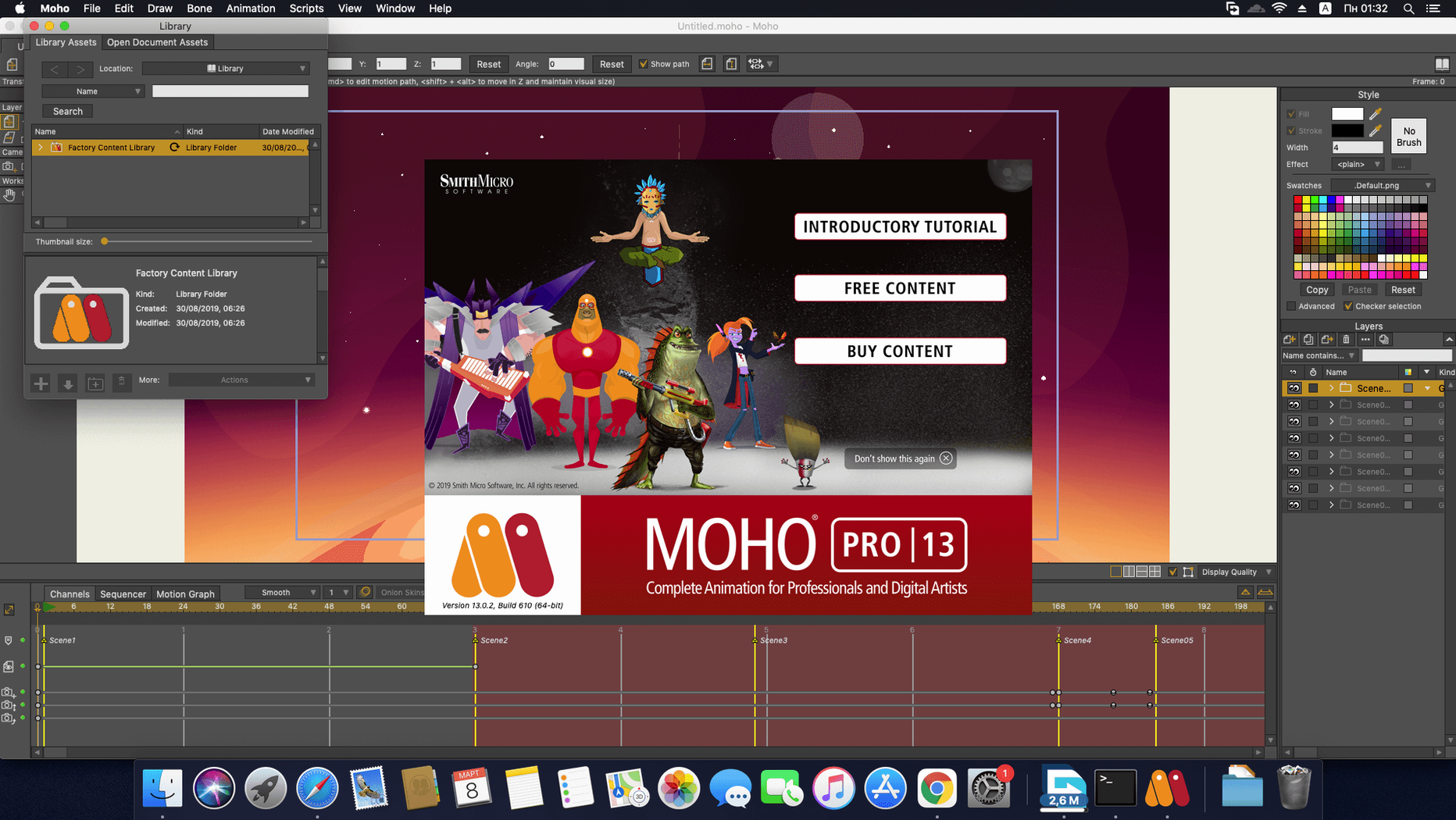
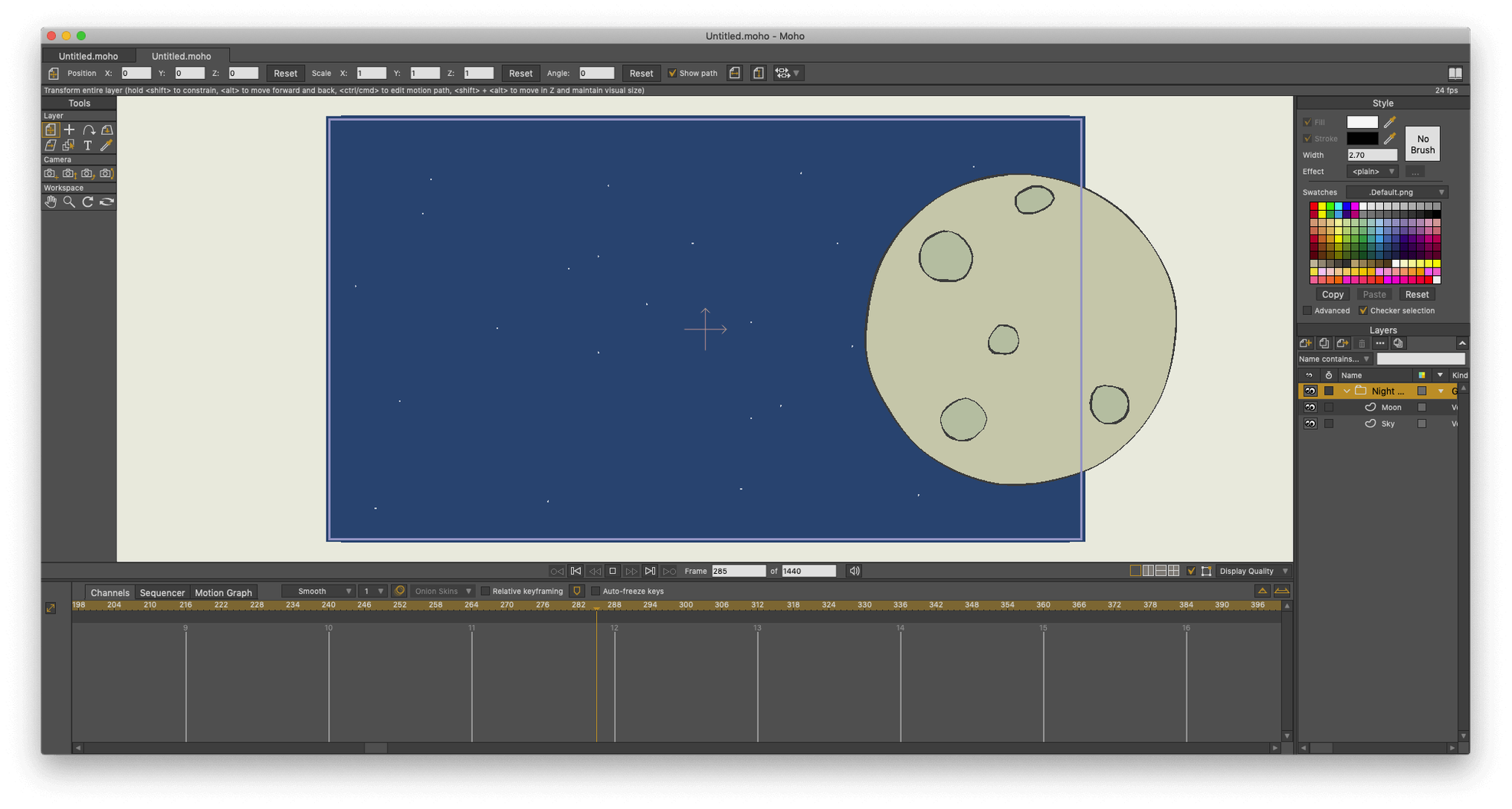
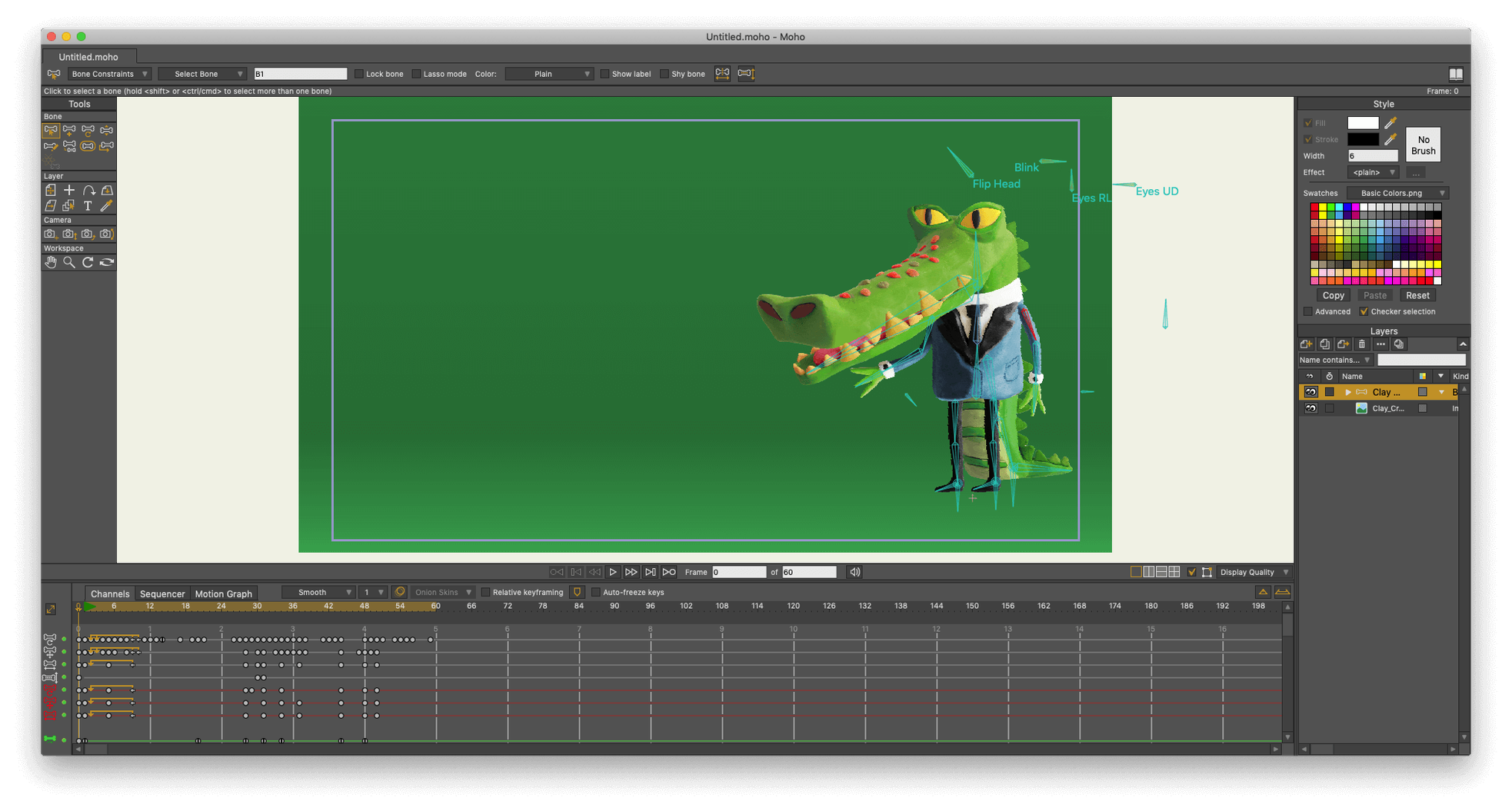
Right-click any vector layer in Moho and choose 'Convert to 3D' — suddenly your flat character sketch has depth, casting a real shadow across the floor plane. It is the sort of quiet surprise that runs all through this software, which started life years ago as Anime Studio Pro and has grown into a proper professional animation tool without losing that sense of play.
Features built around an animator's day
A handful of tools do the heavy lifting when you are on a deadline:
- Physics simulation controls. Set gravity, density, friction and elasticity per object. A cape flutters, a ball bounces, and you do not have to keyframe a single bit of it.
- Smart bone rigging. Build a skeleton once, then manipulate limbs with natural movement. Moho's bone system reduces the tweening work that eats up afternoons.
- Built-in visual library. A stocked collection of props, characters and backgrounds sits inside the app, ready to drag onto the canvas. Useful on days when you need a quick start rather than a blank page.
- LUA 5.1 scripting. Write custom tools or automate repetitive tasks. The scripting layer gives studios a way to bend the software around their pipeline, not the other way round.
Output that fits the project
Moho can render finished work as standard video files, image sequences, or even SWF if you are working for legacy web players. It handles full HD video import and export without fuss, and the current version adds glTF/GLB export — a direct line into game engines and modern 3D software. The interface speaks fifteen languages, so a team spread across different countries can work in their own tongue.
The blank canvas panic and other regular trip-ups
Moho Pro is stable, but a few wrinkles trip people up regularly. Knowing them ahead of time saves an hour of puzzled clicking.
- The canvas goes blank after a zoom. Nine times out of ten, you have accidentally scrolled the viewport miles away from the artwork. Hit
Cmd+Shift+F(Fit to View) before you start rebuilding your scene from scratch. - Bones move but the artwork does not follow. Check the layer binding. A vector layer needs to be a child of the bone layer, or explicitly bound via the Bind Layer tool. Simply placing it underneath in the layers panel is not enough.
- Exported video looks jagged. Moho defaults to a medium anti-aliasing setting. Before a final render, open File > Project Settings and push anti-aliasing to High, then tick Extra-smooth images if you have imported any bitmap work. The render takes longer but the edges clean right up.
- Physics objects fly off screen. The physics engine is literal-minded. If you set gravity too high or overlap colliding shapes at frame zero, the simulation explodes. Reset the timeline, lower the Density and Gravity values in the physics layer properties, and introduce forces gradually.
A quick search for moho mac threads will confirm these are the everyday headaches, not deep bugs. Most have a single-setting fix once you know where to look.
Why old scripts break after the Lua upgrade
Moho 14 brought a scripting upgrade to Lua 5.4.4, which matters most if you run custom tools or borrow scripts from other animators. Older scripts written for Lua 5.1 may need small syntax tweaks — it is worth checking the developer's forum before you panic that a favourite script has broken.
The 14.4 update, which is a free drop for anyone already on version 14, added glTF/GLB export. Practically, this means you can now rig and animate a character in Moho and hand it straight to a developer working in Unity, Unreal, or Godot without an intermediate conversion step. The export preserves bone hierarchies and animation clips, so what you see in Moho becomes what plays back in the engine.
The particle system got a quiet overhaul too. Layered particle effects now composite more predictably, and a handful of long-standing layer-ordering bugs were squashed. If you last tried particles a year ago and found them fiddly, the 14.4 build is worth revisiting.
Forgetting the origin point makes limbs spin wild
Teaching evening classes, I see the same patterns crop up. The biggest one is ignoring the origin point. Every layer and bone has an origin — the pivot around which it rotates and scales. Beginners drop a character's arm onto the canvas and start animating without moving the origin to the shoulder joint. The arm rotates from the middle of the bicep instead, and the movement looks broken. Always set the origin with the Transform Layer tool before you lay down a single keyframe.
Another habit: drawing everything on one layer. Moho's strength is the way layers interact — a head on one layer, a mouth on another, each eye separate. Stacking everything onto a single vector layer throws away the ability to use bone rigging and smart warp meshes properly. Split your character into logical parts from the first sketch.
Finally, new users tend to over-keyframe. They place a key on every frame, which defeats the purpose of Moho's interpolation engine. Use the minimum number of keys — a start pose, an end pose, maybe an anticipation or overshoot key — and let the software do the in-between work. Your timeline stays clean, and the motion looks smoother for it.
Drop the auto-save timer to 5 minutes
Fresh out of the box, a few preferences make a real difference to daily comfort.
- Auto-save interval. Head to Edit > Preferences > General and drop the auto-save timer to 5 minutes. Moho does not nag you when it saves, and a crash halfway through a complex rig becomes an annoyance rather than a disaster.
- Graph mode as default. In the timeline panel, switch the default keyframe interpolation from Smooth to Linear if you prefer to add easing by hand in the graph editor. Smooth interpolation can create unwanted overshoot on mechanical movements.
- Display quality during playback. Under View > Display Quality, set playback to Draft and final render to High. This keeps the viewport responsive while you scrub the timeline, especially on larger scenes with multiple bone rigs.
- GPU acceleration. In Edit > Preferences > Performance, confirm that Enable GPU acceleration is ticked. Moho leans on the graphics card for canvas drawing, and leaving it off makes even moderate scenes feel sluggish on a modern Mac.
If you picked up a Moho Pro 14 torrent just to test the waters, these tweaks are the first thing to apply — they turn a slightly sluggish demo experience into the responsive tool the paid users know. The same goes for anyone working from a Moho animation torrent build; the performance settings alone are worth five minutes of your time.
Version 14.4 focuses on getting your work out to more places and keeping the engine running smoothly:
- New glTF/GLB export for sending assets straight into video game engines and 3D software.
- Fixes and refinements applied to the particle system and layer handling.
- The scripting back end was upgraded to Lua 5.4.4 in Moho 14, bringing the automation layer up to date.
- macOS 10.15 or later
- 64-bit operating system required
- Intel or Apple Silicon Mac
- OpenGL 4.1 supported graphics card
- 2.0 GHz Intel Core i3 or higher
- 4 GB RAM or higher
- 1.6 GB free hard drive space
- Online connection required for activation
Questions I keep hearing
Can Moho turn 2D drawings into three-dimensional objects?
Yes — you can convert any 2D vector layer into a 3D object directly inside the program, complete with lighting and shadows.
What scripting language does Moho use for automation?
Moho supports scripting with LUA 5.1, which lets you write custom tools and automate repetitive animation tasks.
Which languages does the Moho interface support?
The interface is available in Russian, English, German, Spanish, Traditional Chinese, Simplified Chinese, French, and Japanese.
Questions from the class 0
Sign in or join the class to ask a question.
Nobody has asked anything yet. If you have used it on a real job, say what the file did.
Also on the Mac Apps shelf
The whole Mac Apps shelf Mitti
Cues video, audio and MIDI for theatre and live events.
Mitti
Cues video, audio and MIDI for theatre and live events.
 Mole
Clears cached clutter, logs, and forgotten files to reclaim disk space on your Mac.
Mole
Clears cached clutter, logs, and forgotten files to reclaim disk space on your Mac.
 Mission Control Plus
Lets you quit apps straight from the Mission Control overview.
Mission Control Plus
Lets you quit apps straight from the Mission Control overview.
 Moom
Saves and restores exact window layouts so you never drag and resize the same arrangement twice.
Moom
Saves and restores exact window layouts so you never drag and resize the same arrangement twice.
 Motion
Designs title sequences, particle effects, and transitions on a huge canvas for video editors.
Motion
Designs title sequences, particle effects, and transitions on a huge canvas for video editors.
 MotionVFX mInfographics
Drops animated charts and percentage counters straight into a Final Cut Pro timeline.
MotionVFX mInfographics
Drops animated charts and percentage counters straight into a Final Cut Pro timeline.
 Mimestream
Puts Gmail in a proper Mac window with fast search and swipe gestures.
Mimestream
Puts Gmail in a proper Mac window with fast search and swipe gestures.
 Millumin
Controls video, lighting and sound cues for live shows.
Millumin
Controls video, lighting and sound cues for live shows.