 ASPNetWorld
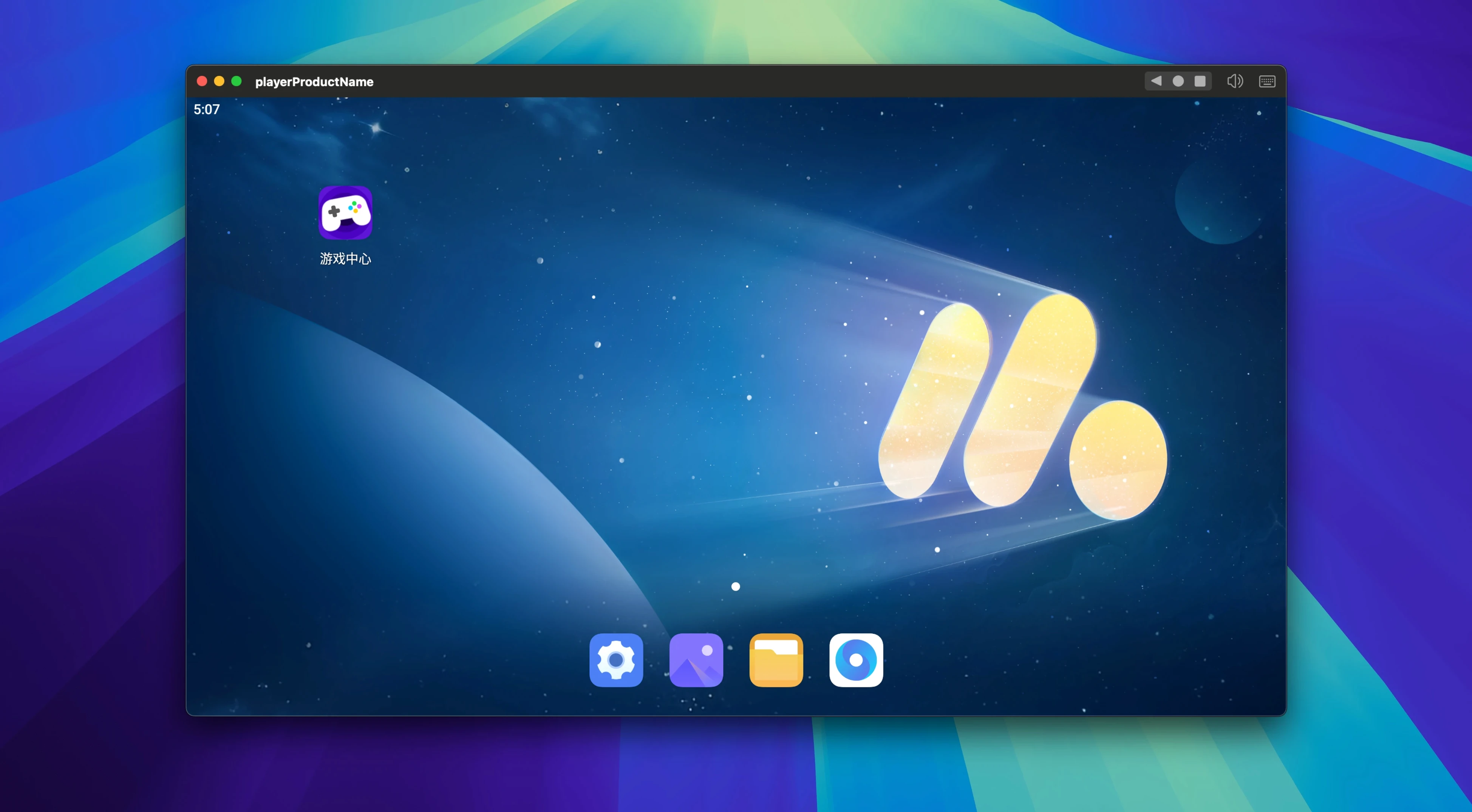
If you think of your Mac as a hub where creative work, communication and the odd mobile game overlap, an Android emulator starts to make sense—not as a separate world, but as another tile in the dock. MuMu Player Pro is NetEase’s macOS emulator built specifically for Apple Silicon, so it runs Android directly on the same ARM architecture your M-series chip uses, which helps keep the overhead low and the performance predictable.
- Runs on Apple Silicon Macs with macOS 11 or later, matching the ARM-based Android kernel to the hardware.
- Lets you set a custom display resolution, so the window sits naturally on a desktop display rather than forcing a phone-shaped ratio.
- FPS control from 30 up to 120 frames per second, useful when a touch-driven app feels sluggish or a rhythm game demands consistent timing.
- Built-in screen recording captures gameplay or app demos without needing a separate macOS recorder.
- Interface available in English and Simplified Chinese, with the core menus using the latter by default.
It is not trying to replace your Mac apps—it is a way to pull one or two Android-only tools into the same screen you already work on, with enough resolution and frame-rate control to make them feel native rather than bolted-on.
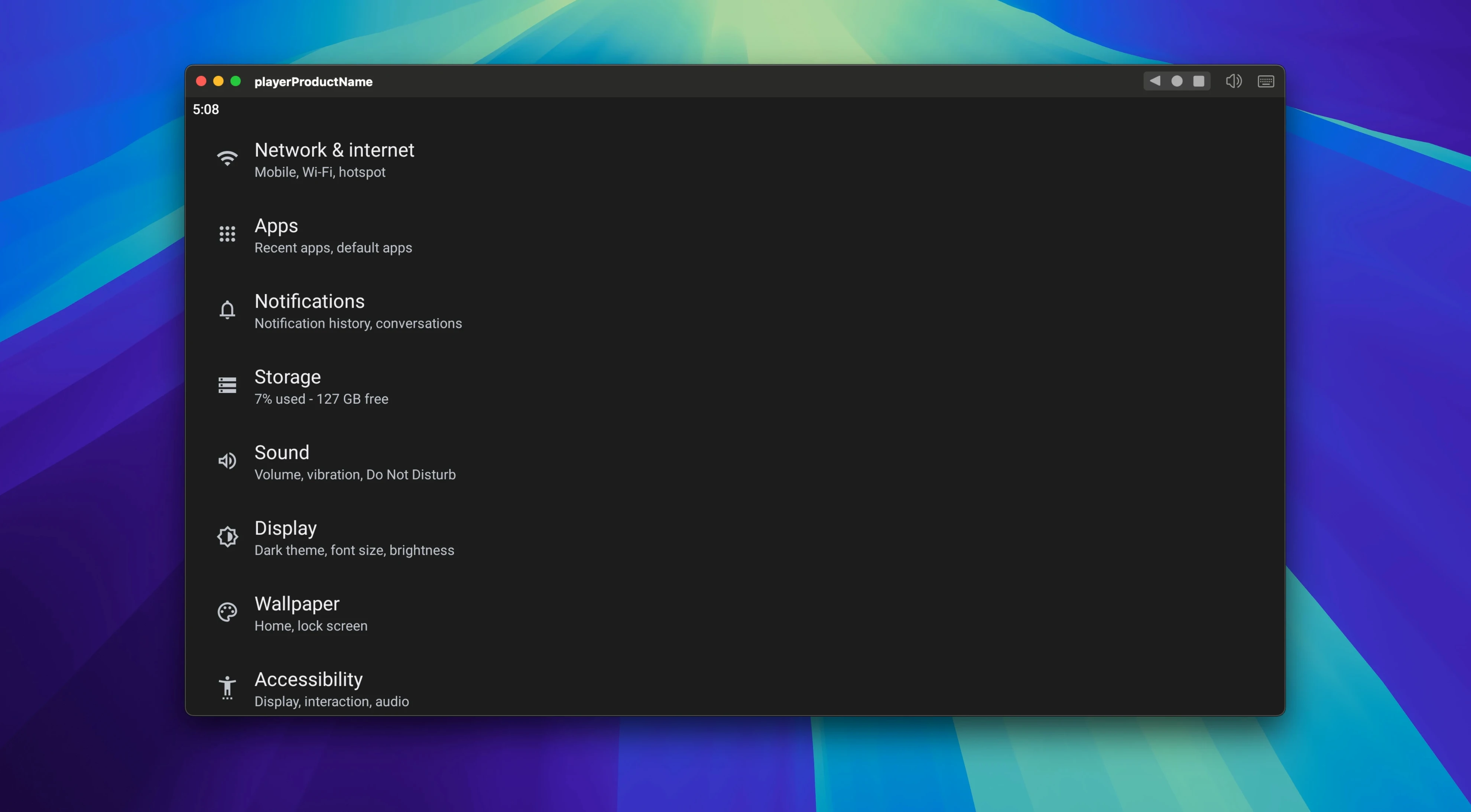
When you first launch MuMu Player Pro after dragging it into Applications, the emulator will default to a phone-shaped portrait window with a fixed set of Android permissions waiting to be granted. Spend the first ten minutes nudging it toward something that suits your desk. Open the settings cog and switch the display orientation to landscape if you plan to use the window side-by-side with a browser—it saves you from manually rotating every time. Next, bump the resolution to something closer to a MacBook panel, like 1920×1080, so text in apps doesn’t look blown up and fuzzy on a Retina display. The FPS slider is worth experimenting with early: leaving it at 60 is fine for messaging apps, but pushing it to 90 or 120 makes scrolling and animations feel noticeably snappier, as long as you’re not running heavy video work in the background. One small housekeeping tip—map a keyboard shortcut for taking screenshots under the keymapping panel, because the built-in macOS screenshot tool will capture the emulator window as a blank rectangle unless you use MuMu’s own capture.
A common point of confusion in the first few days is installing apps that aren’t on the Google Play Store. The emulator can sideload APK files directly: just download an APK inside the Android environment using the built-in browser, or drag one from Finder onto the emulator window. If you’ve ever hunted for an older version of an app or a utility that isn’t listed on the Play Store, this is where the emulator earns its keep. It also means you can test app builds without pushing them to a physical phone, which brings us neatly to a scenario where MuMu Player Pro slots into a real workflow.
A translator’s morning with WeChat and a glossary app
Imagine a freelance translator who works primarily on a Mac, but her clients in mainland China send briefs and audio files through WeChat, an app whose desktop web version deliberately withholds several messaging features. She also relies on a niche Chinese–English dictionary app that has no macOS equivalent and refuses to run under Rosetta. With MuMu Player Pro open on her second display, she has WeChat logged in and pinned to the left half of the emulator window, while the dictionary sits on the right. A client sends a voice message; she plays it through the emulator’s audio, pauses, taps a word she half-recognises into the dictionary, and types the translation into a Mac word processor on her main screen—never leaving the keyboard for more than a few seconds. She has set the emulator’s resolution to match the external monitor’s scaling, so the Android apps look crisp rather than stretched. Screen recording lets her capture a short walkthrough of a buggy app behaviour and send it straight to the developer without fumbling for her phone. The whole setup hinges on the fact that the emulator shares the Mac’s internet connection and clipboard, so text copied inside Android can be pasted into a Mac document with a single ⌘V.
Built for Apple Silicon instead of retrofitted Intel emulation
MuMu Player Pro isn’t the only way to get Android on a Mac, but it is one of the few that were built with Apple Silicon in mind from the start. That matters because emulators that rely on Intel-based virtualisation need Rosetta 2 to run, adding a translation layer that can make games stutter and apps feel laggy. The difference is most visible in rhythm games or anything that demands consistent frame pacing—native ARM emulation tends to hold a steadier frame graph.
Compared with BlueStacks, which has a long Windows pedigree and a macOS version that still runs through an Intel code path, MuMu Player Pro feels lighter and more at home on an M1 or M2 Mac. BlueStacks offers more built-in game-specific control templates, but it can be fussy about macOS updates, and some users find that a MuMu Player Pro crack Mac search surfaces precisely because they want to explore the emulator's full ARM-native performance without restrictions. Android Studio’s emulator is a free, official alternative, and it is excellent for developers who need to test multiple virtual devices at once. For a non-developer though, Android Studio is a heavy download—several gigabytes—and its emulator prioritises debugging tools over a polished consumer experience. MuMu Player Pro sits in the middle: more approachable than Android Studio, more ARM-native than BlueStacks, and tuned for people who want to treat an Android app like any other Mac window rather than manage a virtual device fleet.
The open-source QEMU-based emulators are another route, but they require command-line comfort and a willingness to tweak kernel images. If you’d rather spend that time actually using the app you came for, MuMu Player Pro’s preconfigured Android image and drag-and-drop APK installation save you an afternoon of reading documentation.
A handful of compatibility fixes that smooth out behaviour on recent macOS releases.
- macOS 11 or later
- Apple Silicon Mac
Questions I keep hearing
Does MuMu Player Pro work on Intel Macs?
No, it is built for Apple Silicon Macs only and requires macOS 11 or later.
Can I record my screen inside the emulator?
Yes, screen recording is built in, so you can capture Android app sessions without extra software.
What interface languages are available?
The interface supports English and Simplified Chinese, with the default being Simplified Chinese.
Questions from the class 0
Sign in or join the class to ask a question.
Nobody has asked anything yet. If you have used it on a real job, say what the file did.
Also on the Mac Apps shelf
The whole Mac Apps shelf Multitouch
Lets you assign custom finger swipes and taps to control apps without touching the keyboard.
Multitouch
Lets you assign custom finger swipes and taps to control apps without touching the keyboard.
 m’s HalfTone
Brings hands-on, animatable dot-pattern effects into After Effects with motion and transparency control.
m’s HalfTone
Brings hands-on, animatable dot-pattern effects into After Effects with motion and transparency control.
 Mp3tag
Edits metadata across a whole music library in one fast batch, not track by track.
Mp3tag
Edits metadata across a whole music library in one fast batch, not track by track.
 Movist Pro
Plays video files using either QuickTime or FFmpeg as the engine behind each codec.
Movist Pro
Plays video files using either QuickTime or FFmpeg as the engine behind each codec.
 Movavi Video Suite
Bundles video editing, file conversion, and screen recording into a single three-in-one tool.
Movavi Video Suite
Bundles video editing, file conversion, and screen recording into a single three-in-one tool.
 Movavi Video Editor
Turns raw clips into social videos, family montages, or short business promos in thirteen languages.
Movavi Video Editor
Turns raw clips into social videos, family montages, or short business promos in thirteen languages.
 Movavi Video Converter
Converts media into Opus audio, WebM video, and image sequences, not just MP4 files.
Movavi Video Converter
Converts media into Opus audio, WebM video, and image sequences, not just MP4 files.
 Navicat Premium
Connects to multiple databases so you can manage MySQL, Postgres, and others side by side.
Navicat Premium
Connects to multiple databases so you can manage MySQL, Postgres, and others side by side.