 ASPNetWorld

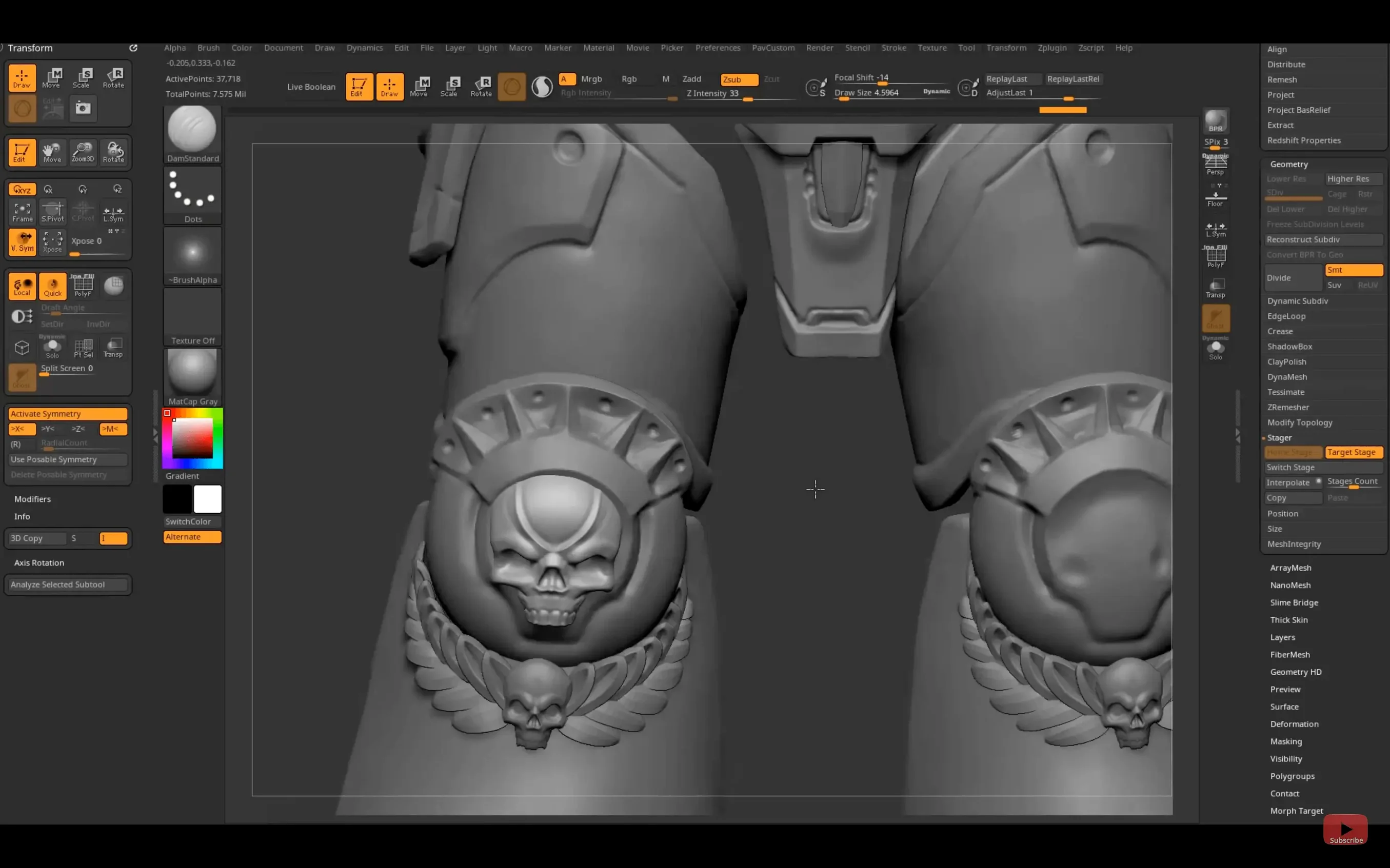
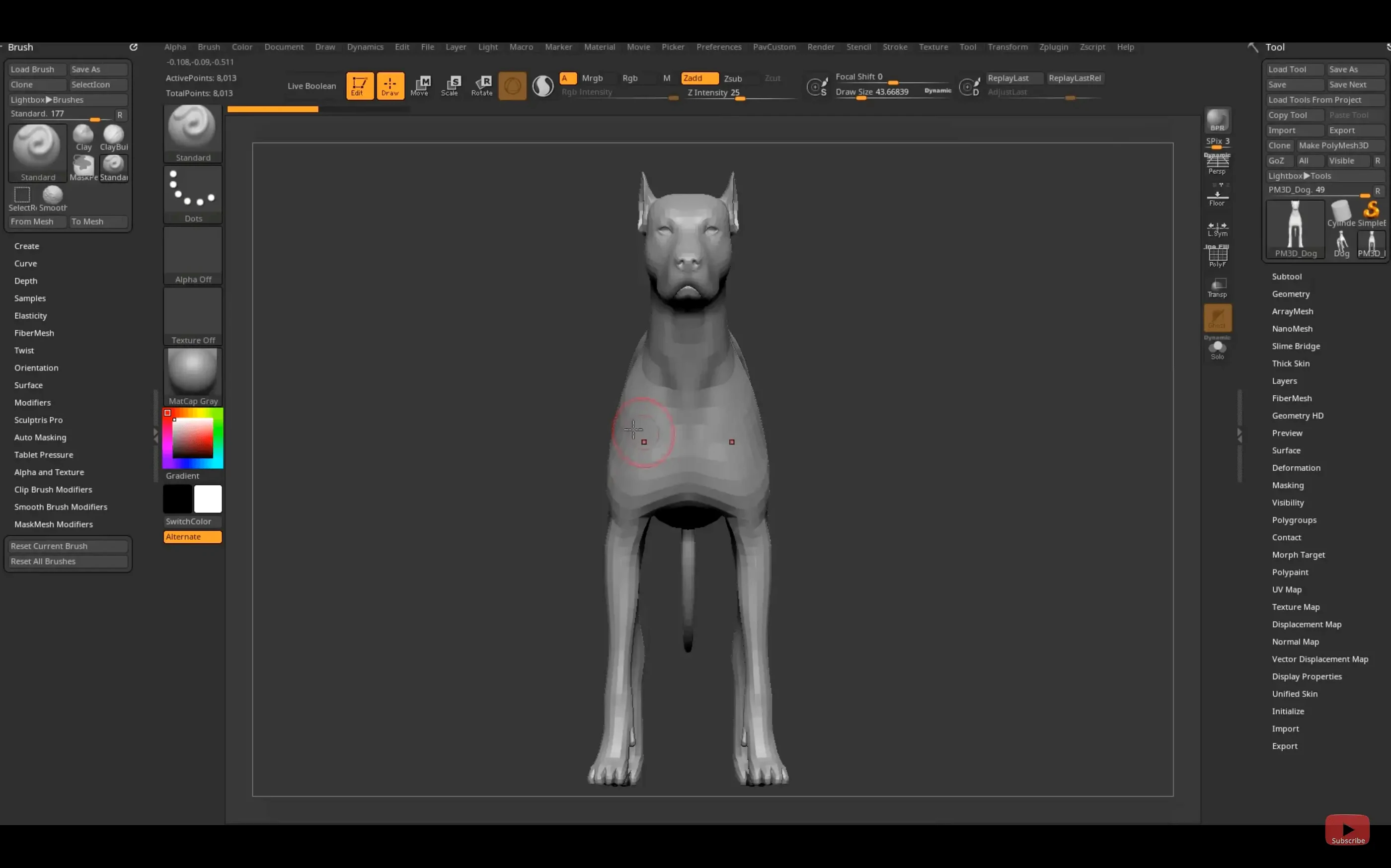
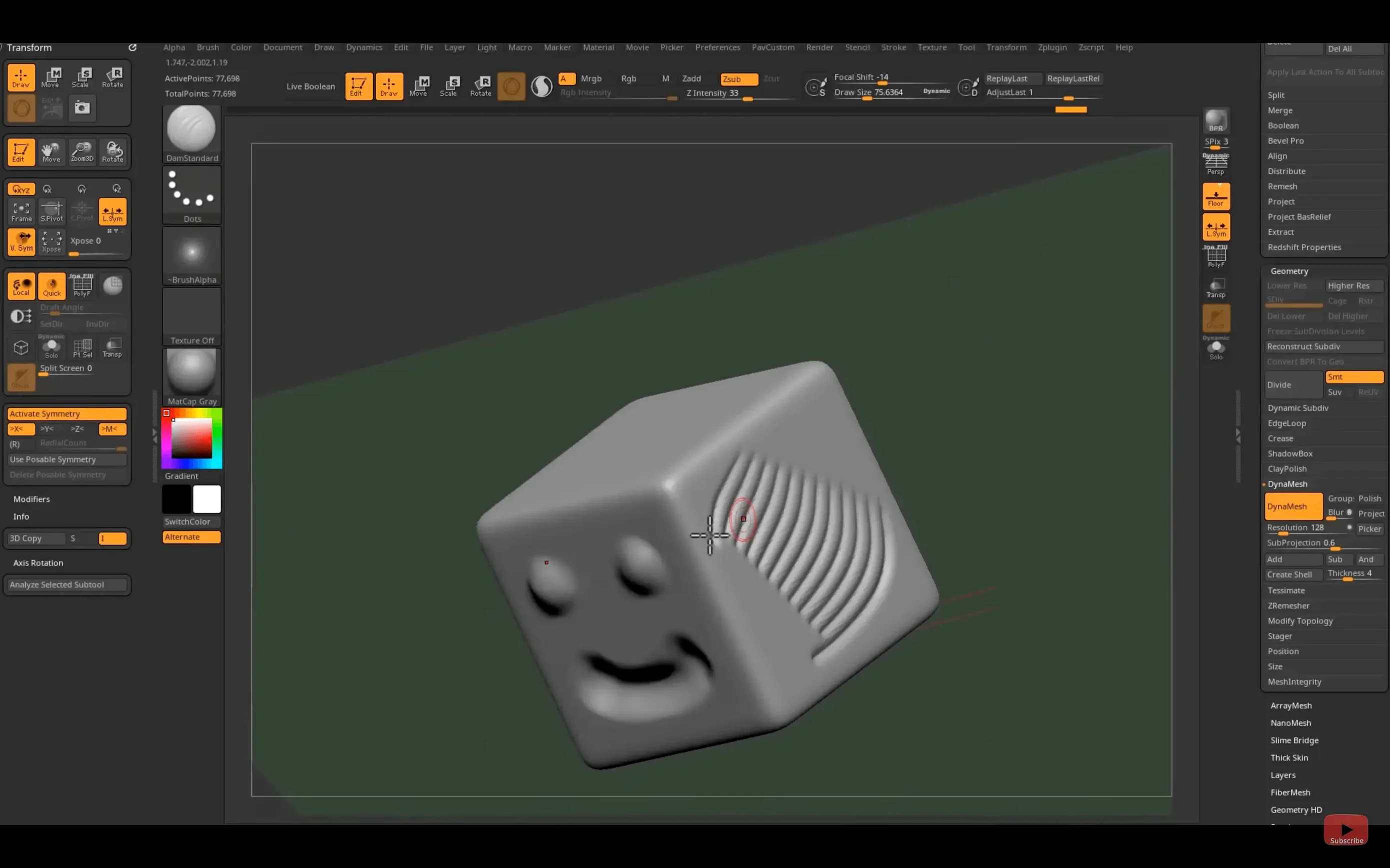
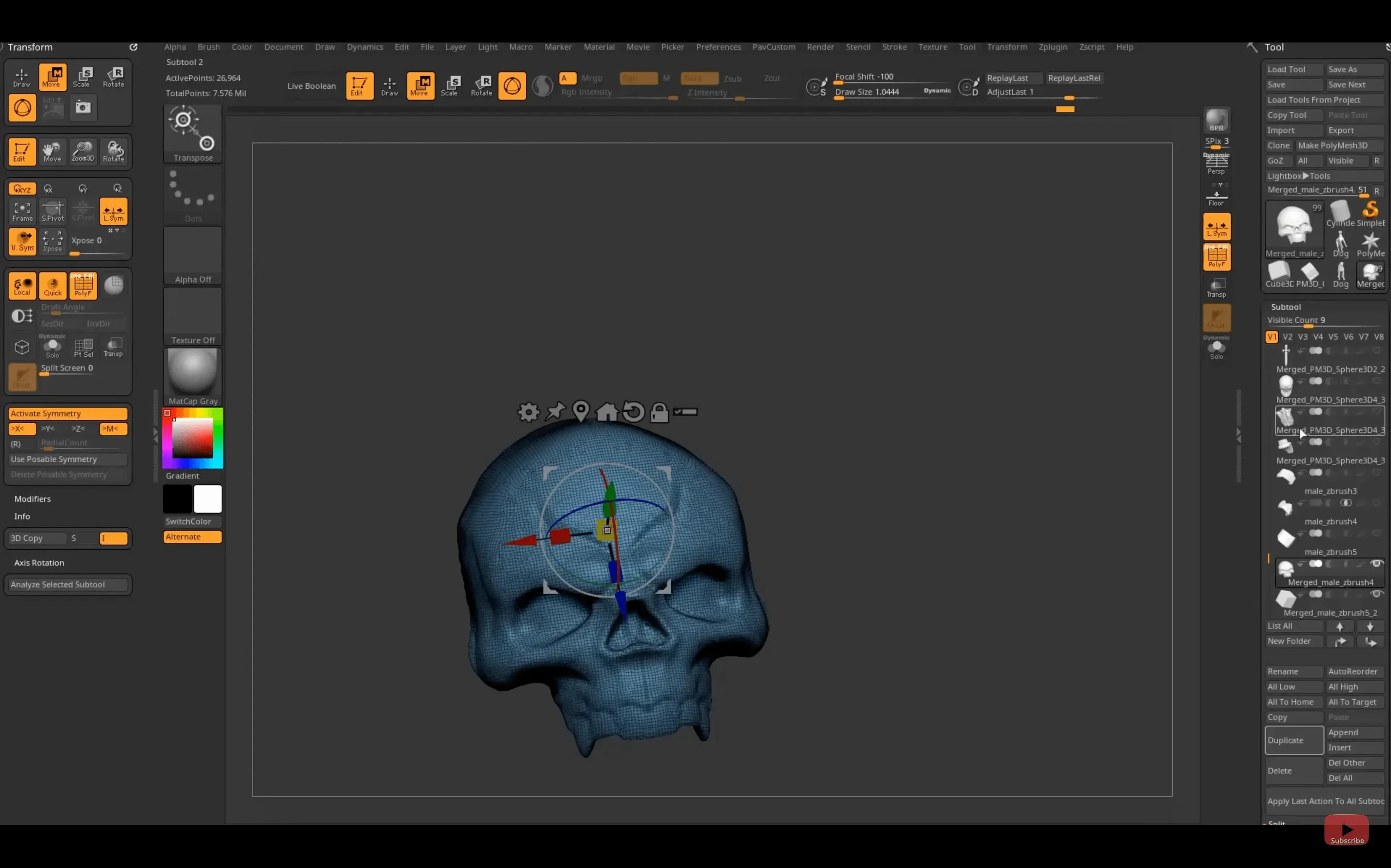
ZBrush stores every point on a model as a 'pixol'—a pixel with XYZ coordinates, colour, depth, orientation and material information all baked in.
Substance Bridge — a new one-click link that sends a model directly from ZBrush to Substance Painter with UVs, texture maps and material assignments preserved, ready for texturing work in film, games or collectible design.
Pixol — the fundamental data unit in ZBrush, holding more than a flat pixel ever could. This is what lets you sculpt with millions of polygons and still paint colour and material detail stroke by stroke, without separate texture maps getting in the way early on.
GoZ — a transport format that moves models between ZBrush and other 3D applications. The 2026.2.1 release updates this for Maya 2026 and 3ds Max 2026, keeping the round-trip smooth for studios running the latest pipelines.
Real-time rendering engine — the viewport draws your sculpt with shadows, ambient occlusion and material response as you work, so what you see is close to what a final render might feel like, long before you export.
How ZBrush Sits in a Modern Mac Workflow
A sculpt rarely stays in one application. ZBrush works best as the tactile heart of a longer chain: you build the high-resolution form here, then hand it off for topology, UV work, animation or rendering. The updated GoZ bridge makes this frictionless. With one button you can send a model to Maya 2026 for retopology and rigging, or bounce it to 3ds Max 2026 for scene assembly, then pull it back into ZBrush with any changes intact. The new Substance Bridge extends that chain into texturing: a single click pushes the sculpt into Substance Painter with all material zones and UVs recognised, so the transition from organic form to layered surface detail feels like one continuous thought rather than a file-export chore.
On the macOS side, ZBrush leans into what the system already does well. The real-time viewport benefits from Metal acceleration on Apple Silicon, and high-poly sculpts stay responsive on a MacBook Pro where a few years ago they would have crawled. Files sit naturally in iCloud or a studio's shared storage, and you can drag OBJ or FBX exports straight into Finder to share with collaborators who use Blender, Cinema 4D or Unreal Engine on the Mac. It's not a walled garden — it's a sculpting core that connects outward.
Starting a collectible figure from a rough sphere
Imagine a designer working on a limited-run vinyl figure. The brief asks for a stylised creature with exaggerated proportions, textured skin and a pose that reads well from a shelf. They start the evening with a rough sphere in ZBrush, pushing and pulling with the Move and Clay Buildup brushes until a silhouette emerges that matches the thumbnail sketch pinned beside the monitor. The real-time rendering engine lets them spin the model under soft viewport shadows, checking how the form reads from three-quarter angles — the kind of check that used to need a test render in another application.
By midnight, the high-resolution sculpt is done: millions of polygons, surface wrinkles painted in with an alpha-laden Standard brush, colour dabbed directly onto the clay with polypaint. They hit the Substance Bridge button and the model opens in Substance Painter a moment later, material zones already named. An hour of smart-material layering gives them a painted preview with subsurface scattering hints and metallic trim. The final render goes to the client the next morning, and the ZBrush file stays as the master — ready to be posed, exported for 3D printing, or used as the basis for packaging illustrations.
Sculpting into the tens of millions of polygons without the interface slowing
Character artists in games and film get the obvious benefit: they live in high-resolution sculpting, and ZBrush's ability to push polygon counts into the tens of millions without the interface grinding to a halt is the main reason they stay. But the software also suits illustrators who want to build 3D reference maquettes, jewellery designers working with intricate surface detail, and scientific illustrators reconstructing specimens from scan data. The common thread is that all of them need to feel the surface as they work, not just manipulate vertices through a spreadsheet-like editor.
Mac users who favour a portable setup do well here too. An Apple Silicon MacBook Air can handle surprisingly dense sculpts, and the iPad version — with custom hotkeys now saveable and shareable in 2026.2.1 — means a sculptor can rough out forms on a tablet during a commute, then refine them on the desktop later. The file format moves between both without conversion, so the morning train sketch becomes the afternoon hero asset without any export step.
A Hard-Surface Detailing Walkthrough
For a prop artist building a sci-fi weapon, the workflow might run like this:
- Block out the primary forms using ZModeler and simple primitives. Keep the polygon count low so edge loops stay clean and bevels behave predictably.
- Divide the mesh and switch to the Trim Dynamic and Polish brushes to sharpen edges and flatten panels. Work up through subdivision levels, adding panel lines with the Slice brush on a duplicated layer so you can dial back the cut depth later if needed.
- Apply surface noise via the Surface menu to add micro-texture — cast metal grain, anodised aluminium stippling — without committing geometry. This keeps the file lighter than actual sculpted pores and can be baked to a normal map at export time.
- Polypaint a colour ID map directly onto the high-res mesh. Use flat colours with no blending: red for the grip, blue for the barrel, green for the magazine housing. This ID map travels with the model through GoZ into Maya for retopology and UV layout, then into Substance Painter via the Substance Bridge, where it becomes a quick mask for material assignments.
- Export the finished low-poly and baked maps from Substance Painter. The ZBrush file remains the source of truth for any geometry revisions, and because the bridge preserved material zones, re-baking after a tweak is a single-click affair.
Throughout this process, the real-time viewport in ZBrush gives constant feedback on how the surface catches light. That immediate visual response is what stops hard-surface work from feeling mechanical — it stays sculptural even when the subject is a rifle casing rather than a dragon's head.
The 2026.2.1 update focuses on moving work between applications with less friction. A new Substance Bridge lets you send a model to Substance Painter in a single click, while GoZ support catches up with Maya 2026 and 3ds Max 2026. On the iPad side, custom hotkey sets can now be saved and shared.
- Substance Bridge for one-click transfer to Substance Painter
- Updated GoZ support for Maya 2026 and 3ds Max 2026
- Custom hotkeys can be saved and shared on iPad
- macOS 12.6 or later
- Apple Silicon or Intel 64-bit processor
Questions from the class 0
Sign in or join the class to ask a question.
Nobody has asked anything yet. If you have used it on a real job, say what the file did.
Also on the Mac Apps shelf
The whole Mac Apps shelf Pixelsnap
Measures the exact pixel distance between any two points on your screen.
Pixelsnap
Measures the exact pixel distance between any two points on your screen.
 Pixelmator Pro
Develops raw shots and composites artwork in a single-window photo editor.
Pixelmator Pro
Develops raw shots and composites artwork in a single-window photo editor.
 Pixea Plus
Displays photos and raw files instantly without importing them into a library first.
Pixea Plus
Displays photos and raw files instantly without importing them into a library first.
 Plasticity
Builds watertight solid models for manufacture through direct, history-free editing.
Plasticity
Builds watertight solid models for manufacture through direct, history-free editing.
 Picview - Image Viewer
 PlistEdit Pro
Displays and rearranges the nested tags inside macOS preference and configuration files.
PlistEdit Pro
Displays and rearranges the nested tags inside macOS preference and configuration files.
 PhotoScape X Pro
Browses, fixes and collages a folder of snaps inside a single welcoming window.
PhotoScape X Pro
Browses, fixes and collages a folder of snaps inside a single welcoming window.
 Photomator
Hands you professional colour and curve controls layered on top of your Apple Photos library.
Photomator
Hands you professional colour and curve controls layered on top of your Apple Photos library.