 ASPNetWorld

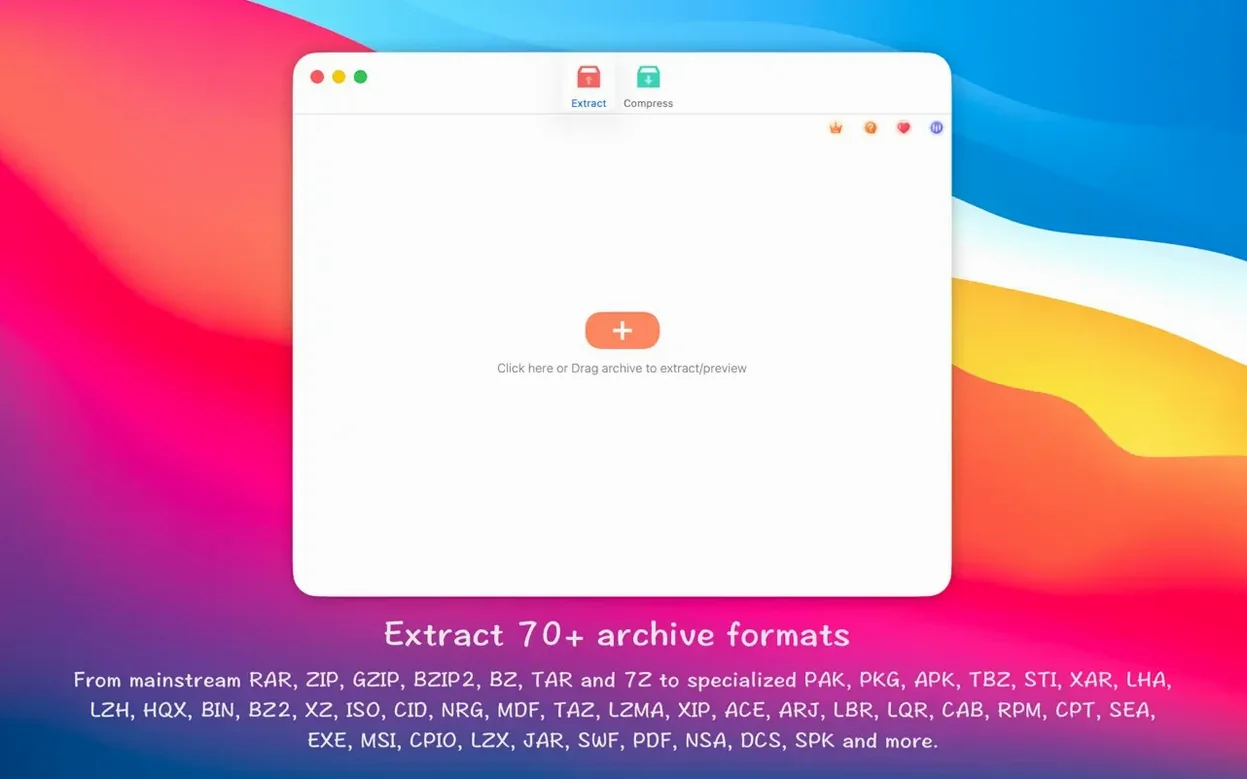
The application runs natively on both Apple Silicon and Intel 64-bit Macs, requiring macOS 11.5 or later. That universal binary support means the archive engine runs at full speed whether you're on an M-series chip or an older Intel machine, without a Rosetta translation layer getting in the way.
Which archive formats can you actually create?
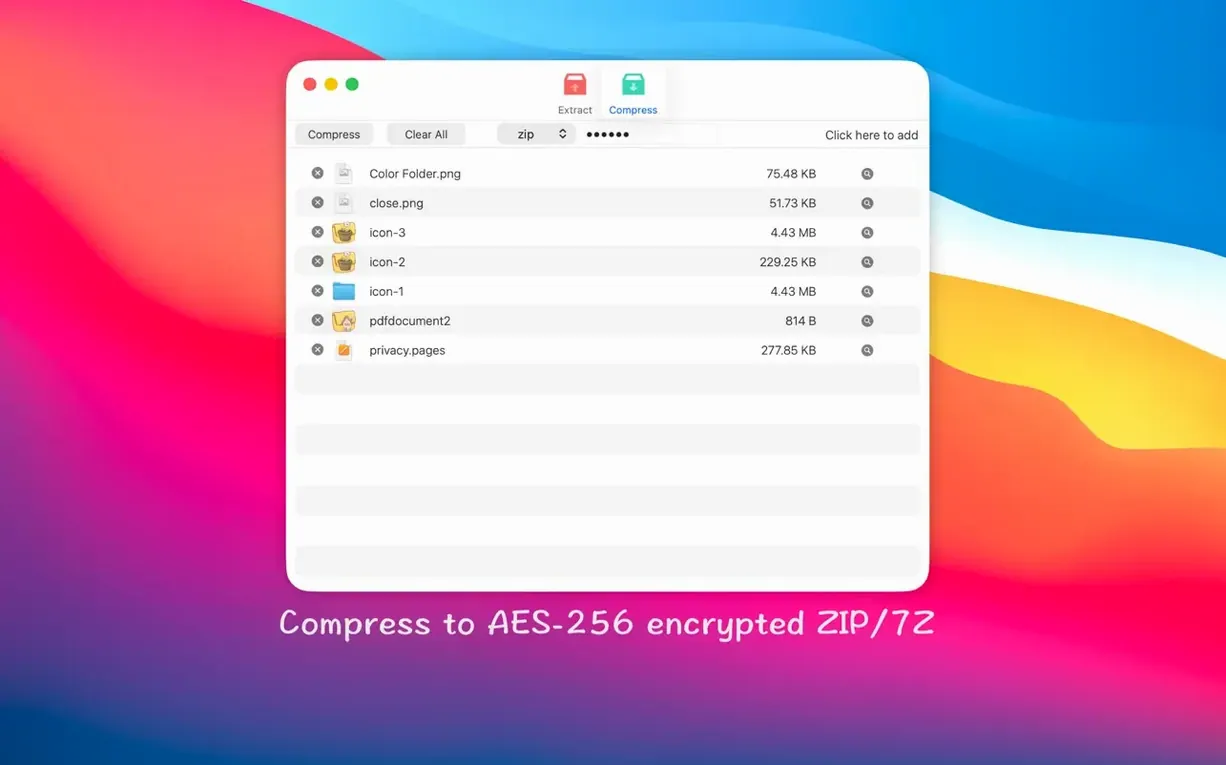
Beyond opening almost anything you throw at it, RAR Extractor lets you build password-protected ZIP and 7Z archives. The encryption uses AES-256, so you are not stuck with the weaker legacy ZIP cipher when you need to send something sensitive. That puts the creation side on par with dedicated compression tools.
Can you pull a single file out of a giant archive?
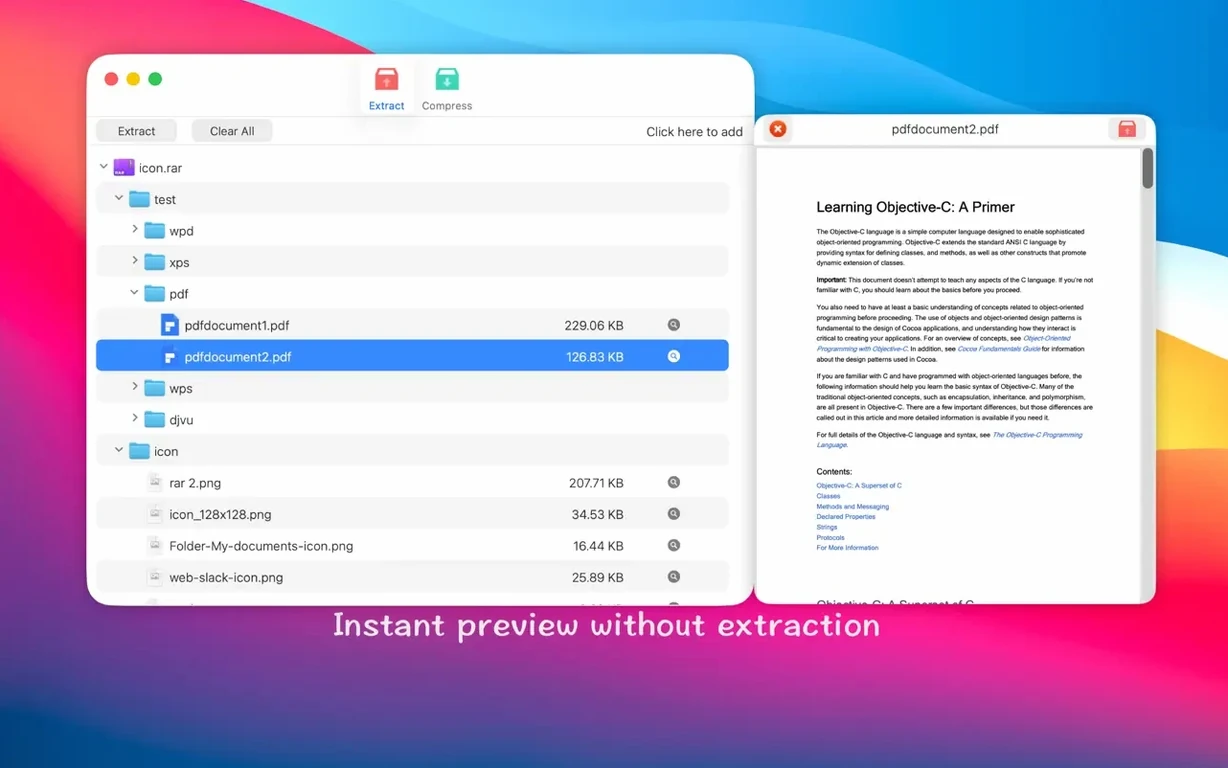
Yes, partial extraction is fully supported. You can preview the contents of an archive first—seeing exactly what is in that RAR, ISO or APK before committing to a full unpack—then tick a single folder or file and extract only that. For large downloads where you just need one config file or a lost document, this saves a surprising amount of time and disk thrashing.
How does the Dock icon change your workflow?
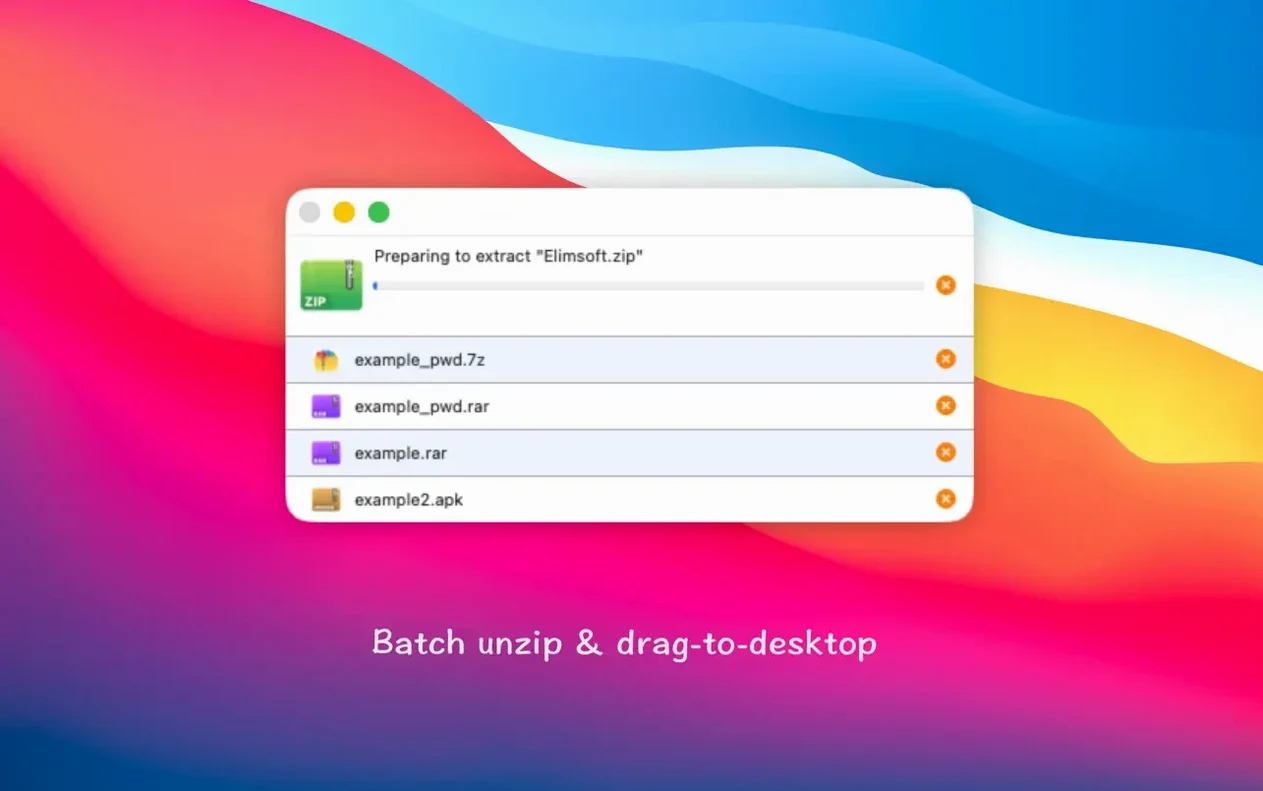
Dragging any supported archive—from a standard ZIP to a PKG installer or even a SWF file—straight onto the Dock icon triggers either a quick preview or immediate extraction, depending on your preferences. It is a small touch, but one that strips out the usual open-file-dialog dance when you are processing batches of downloads.
Setting it as default won’t lock you in
One of the first worries is whether setting RAR Extractor as the default archive app will break anything else. It will not. macOS keeps its own Archive Utility tucked away, and you can switch back at any time from the Finder's Get Info panel. What changes is that double-clicking a RAR, 7Z or even an ISO opens this tool instead, which means you stop seeing those "unsupported format" alerts that the built-in utility throws up for anything beyond ZIP.
Another common question is about the rar extractor - unzip torrent macos workflow. People downloading large multi-part RAR sets—season packs of shows, sample libraries, disk images shared across forums—want to know if it handles split archives cleanly. It does: open the first part, and the app stitches the volumes together during extraction without you needing to highlight all fifty chunks. That alone spares you from a tedious manual join step that trips up newcomers on macOS.
There is also a quiet concern about security when the app asks for accessibility or file-access permissions on first launch. Those prompts are normal for any utility that needs to read and write across folders outside its sandbox, especially when you drag files to the Dock icon or set it as the default handler. Granting them simply lets the extractor do its job without nagging you for every archive you open.
Why a passworded archive can look like a silent failure
A mistake I see in my evening classes happens when someone drags a password-protected archive onto the Dock icon, sees a flash of activity, and assumes the extraction failed because no folder appeared. The app does not always pop a password dialog to the front—it can hide behind other windows. If nothing seems to happen, check for a small prompt asking for the encryption key before you assume the archive is corrupt.
Another slip is assuming that creating a password-protected ZIP locks everything inside it. The AES-256 encryption secures the file contents and their names, but the archive structure—how many files, their approximate sizes—remains visible to anyone who can see the ZIP on disk. If you need total opacity, 7Z with header encryption is the better choice, though RAR Extractor handles both formats with the same password panel.
Beginners also occasionally point the app at an APK or JAR file expecting to see readable source code. What you get are the compiled classes and resources—the raw internals of an Android package or Java archive. That is useful for digging out assets or configuration files, but it will not decompile the app logic.
Unpacking a client’s confidential multi-part RAR set
Picture a video editor who receives a client's footage as a password-protected multi-part RAR set. The files land via a cloud link marked "confidential," and the password arrives separately in a text message. She drags the first RAR part onto the Dock icon, types the password once, and walks away to make coffee. By the time the kettle boils, the app has unpacked the stitched ProRes clips into a dated folder on her scratch drive, and she has already previewed the folder structure with Quick Look before committing to the extraction. No command-line juggling, no forgotten unrar incantations—just a clean, encrypted hand-off that keeps the client's footage secure until it hits her timeline.
- macOS 11.5 or later
- Apple Silicon and Intel 64-bit Macs
Questions I keep hearing
Does it handle odd formats like APK and JAR files?
Yes, alongside the usual RAR and ZIP formats, it recognises APK, JAR, ISO, SWF, PDF and several others, treating them as archives you can browse and unpack.
What kind of encryption does it use for protected archives?
When creating password-protected ZIP and 7Z files, RAR Extractor applies AES-256 encryption, which is the current strong standard.
Can I see what is inside an archive before extracting everything?
Absolutely. A built-in preview lets you browse the file tree of an archive so you can extract just a single file or folder rather than the whole thing.
Questions from the class 0
Sign in or join the class to ask a question.
Nobody has asked anything yet. If you have used it on a real job, say what the file did.
Also on the Mac Apps shelf
The whole Mac Apps shelf RAR Extractor
Previews and extracts compressed archive contents.
RAR Extractor
Previews and extracts compressed archive contents.
 Radio Silence
Blocks background network chatter from selected apps.
Radio Silence
Blocks background network chatter from selected apps.
 Raycast Pro
Launches apps and commands from a keyboard palette.
Raycast Pro
Launches apps and commands from a keyboard palette.
 QuarkXPress
Designs precise layouts for print and digital publishing.
QuarkXPress
Designs precise layouts for print and digital publishing.
 Remove-It
Uninstalls apps and removes their leftover files.
Remove-It
Uninstalls apps and removes their leftover files.
 PyCharm
Provides coding tools for Python development and debugging.
PyCharm
Provides coding tools for Python development and debugging.
 Rhino
Models precise 3D forms for design and manufacturing.
Rhino
Models precise 3D forms for design and manufacturing.
 Rider
Builds .NET and Unity projects in a cross-platform IDE.
Rider
Builds .NET and Unity projects in a cross-platform IDE.