 ASPNetWorld

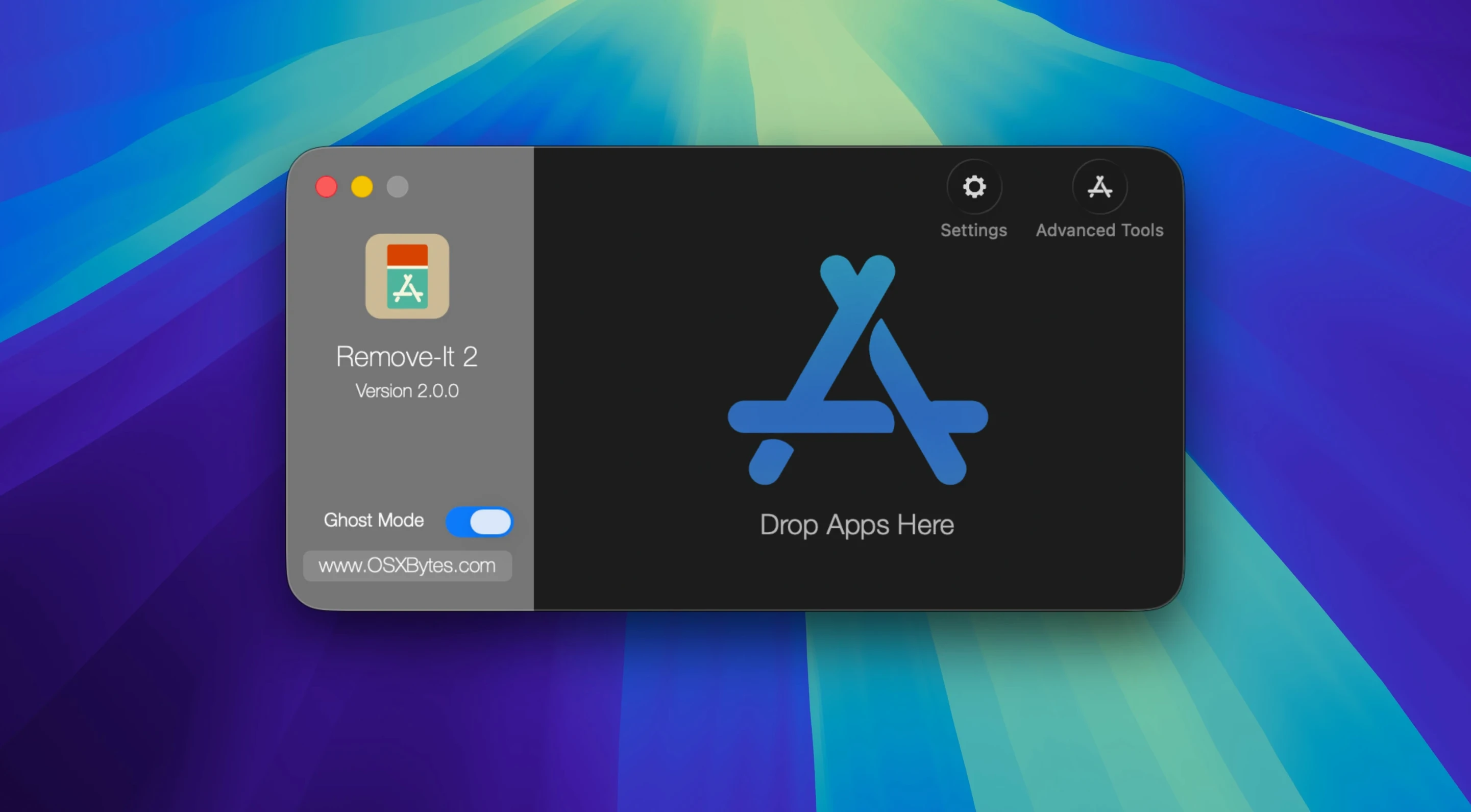
Version 2.0.0.3.300 arrives as a maintenance release with no flashy new features, which tells you something about the tool itself: the core idea has been settled for a while. Remove-It — also known as iTrash — is a macOS uninstaller built around one stubborn truth. Dragging an application to the Trash deletes the app but leaves its preferences, caches and support files scattered across your Library folders.
What stayed the same
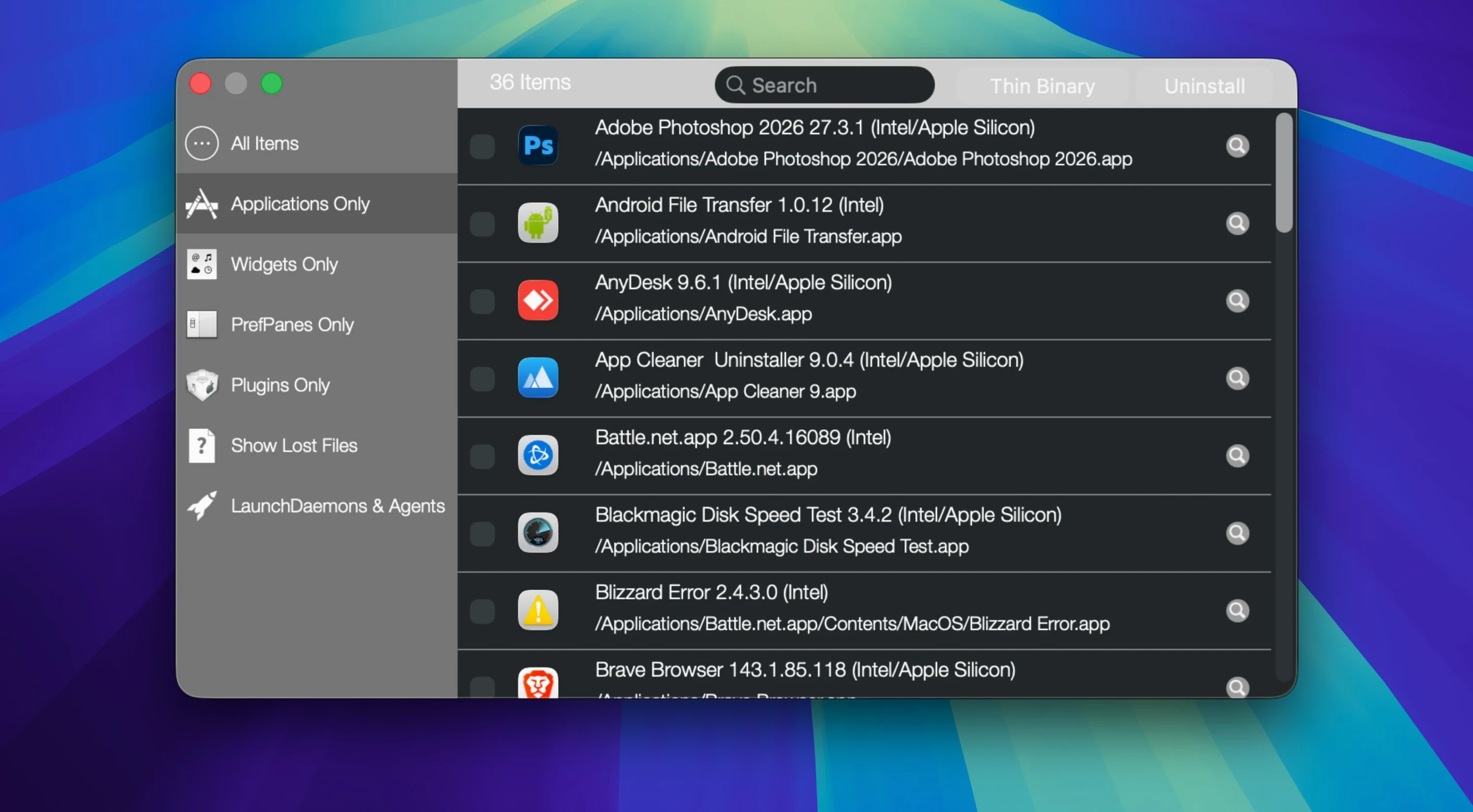
Remove-It still shows every installed application on every mounted volume, not just the ones sitting in the main Applications folder. When you drop something into the Trash, the app can detect that action and offer to hunt down the related files. It does not delete anything automatically; it presents what it finds and removes those extras only when you ask. You can protect specific applications from ever being touched — useful for default macOS apps or anything you want to keep permanently — and a background mode keeps watching without getting in your way. Expert mode digs a little deeper, surfacing possible related files that a standard scan might overlook. Supporting both Apple Silicon and Intel Macs from macOS 10.15 onward, it speaks one interface language: English.
Why it still matters
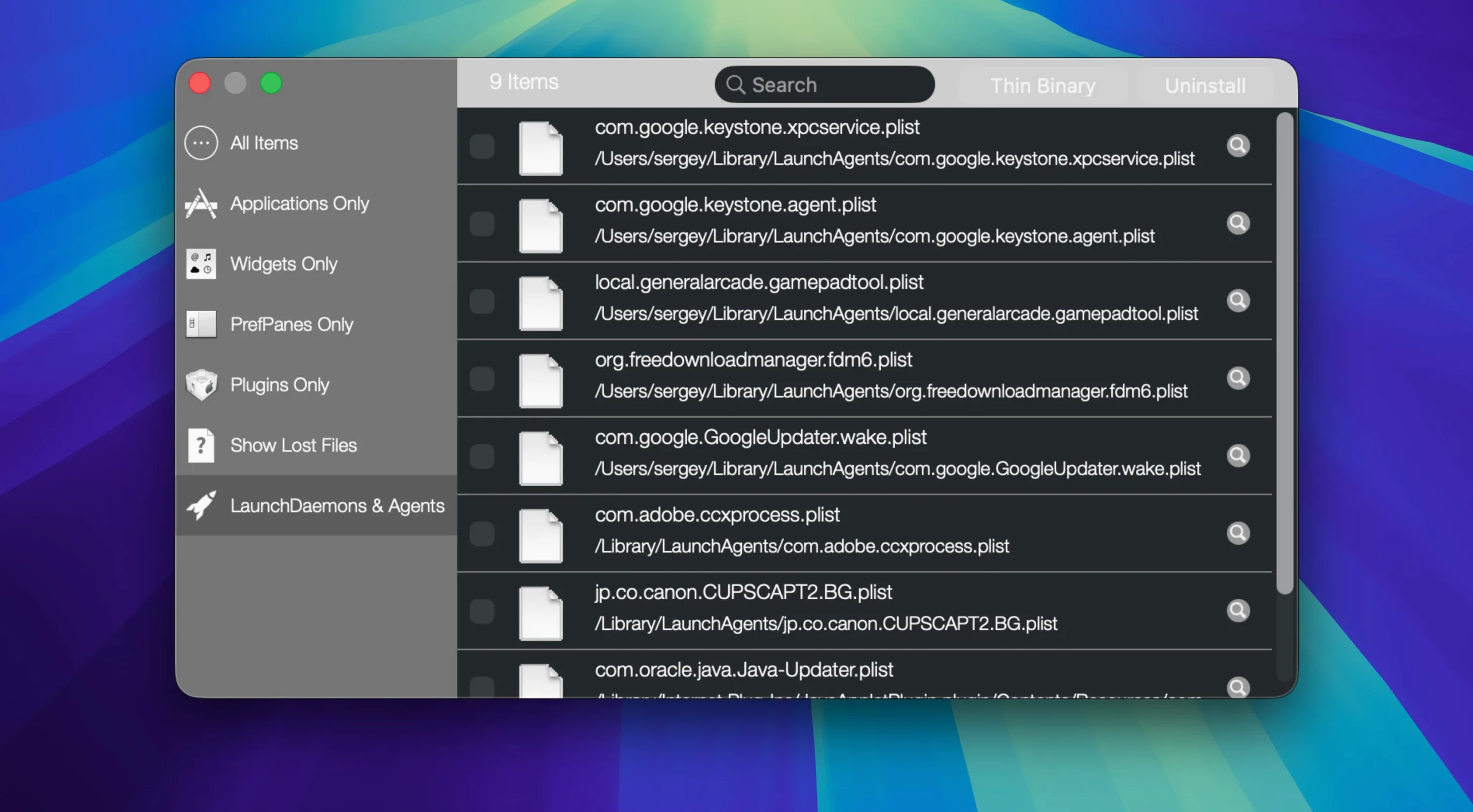
After years of use, a Mac collects digital dust. A single removed app might leave behind a .plist preference file, a cache folder, a saved state and a container in Group Containers. Multiply that by a few dozen trial apps and the leftovers start to matter. Remove-It addresses that without turning the process into a lecture. It watches, it shows, and it waits for your say-so — a teacher who points at the mess but never tidies without permission.
A start-to-finish cleanup run
Picture a machine that experimented with half a dozen vector drawing apps last year. Only one survived, but the Library folders still hold the evidence. Open Remove-It and let it populate the list — it scans inside folders, so even a forgotten app stashed in ~/Downloads/OldStuff/ will appear. Find the first candidate in the list, or just drag its icon from anywhere on the Mac straight into the Remove-It window. The app thinks for a moment, then shows a tidy tree of everything it associates with that title: the main .app bundle, a preferences plist in ~/Library/Preferences/, a cache folder, maybe a saved application state and a sandbox container. Tick the items you want gone — usually all of them — and hit the remove button. Repeat for the next two drawing apps, then drop a fourth one into the Trash and watch Remove-It wake from its background mode with a quiet prompt asking if you want to chase down the strays. Five minutes, four apps, and a surprisingly large chunk of freed space without ever opening the Finder's Go to Folder dialog.
Settings to visit before your first run
The out-of-the-box behaviour is sensible, but a few options reward early attention. Open the protection list first: add your daily-driver apps — browsers, email clients, any creative suite — and tick the box to protect default macOS applications. One accidental drag-and-drop without that safeguard can make a tedious afternoon. Next, if you plan to use the background watcher, head into its preferences and tell it whether to watch only the main Trash or every volume you mount. The difference matters if you clean up external drives. Finally, flip on Expert mode only when you need it. The Levenshtein distance search algorithm that powers the ordinary scan already catches what most uninstallers miss; Expert mode widens the net to find files whose names diverge further from the application name, which is brilliant for crufty old software but can surface a few false positives you will need to check manually. A quick review of the protected folders list also pays off — add any directory where you keep portable apps or scripts, and Remove-It will leave them alone.
How it compares with similar Mac apps
AppCleaner has been the free favourite for years: drop an app, tick the boxes, done. It is fast and simple but scans only when you act, offers no background watching and does not hunt through every volume for stray installations. CleanMyMac bundles uninstalling into a much larger system-cleaning suite, which suits people who want one dashboard for everything — leftover files, malware scans, optimisation routines — but can feel heavy if all you want is a tidy uninstall. Remove-It sits between them, closer in spirit to AppCleaner but with the watcher mode and the deeper Expert scan that CleanMyMac-style tools charge for. It is a single-purpose tool that stays out of the way, which for anyone who regularly tests software or simply hates the slow creep of orphaned plists becomes a quiet essential.
- macOS 10.15 or later
- Apple Silicon and Intel Macs
Questions I keep hearing
Does Remove-It delete files automatically?
No, it only removes related files when you explicitly request it, and you can protect default applications or any app you choose from ever being selected for removal.
Questions from the class 0
Sign in or join the class to ask a question.
Nobody has asked anything yet. If you have used it on a real job, say what the file did.
Also on the Mac Apps shelf
The whole Mac Apps shelf Raycast Pro
Launches apps and commands from a keyboard palette.
Raycast Pro
Launches apps and commands from a keyboard palette.
 Rhino
Models precise 3D forms for design and manufacturing.
Rhino
Models precise 3D forms for design and manufacturing.
 Rider
Builds .NET and Unity projects in a cross-platform IDE.
Rider
Builds .NET and Unity projects in a cross-platform IDE.
 RightFont
Manages and previews fonts directly from the menu bar.
RightFont
Manages and previews fonts directly from the menu bar.
 RAR Extractor
Previews and extracts compressed archive contents.
RAR Extractor
Previews and extracts compressed archive contents.
 RAR Extractor - unzip
Extracts files from compressed archives like RAR and ZIP.
RAR Extractor - unzip
Extracts files from compressed archives like RAR and ZIP.
 Radio Silence
Blocks background network chatter from selected apps.
Radio Silence
Blocks background network chatter from selected apps.
 QuarkXPress
Designs precise layouts for print and digital publishing.
QuarkXPress
Designs precise layouts for print and digital publishing.