 ASPNetWorld

Every developer knows the quiet frustration of an editor that stumbles as a project grows, or that simply refuses to launch after an OS update. The question of compatibility becomes the first thing you check, often before a feature list. Sublime Text 4 removes that particular worry with a single, clean download that runs natively on practically every Mac in active use.
Runs natively on Intel and Apple Silicon Macs
- macOS 10.13 or later — which covers every Mac from the last several years.
- Intel or Apple Silicon processor — the app is a Universal 2 binary, so it never runs through Rosetta translation; it talks directly to your M1, M2, or Intel chip.
The editing engine you get
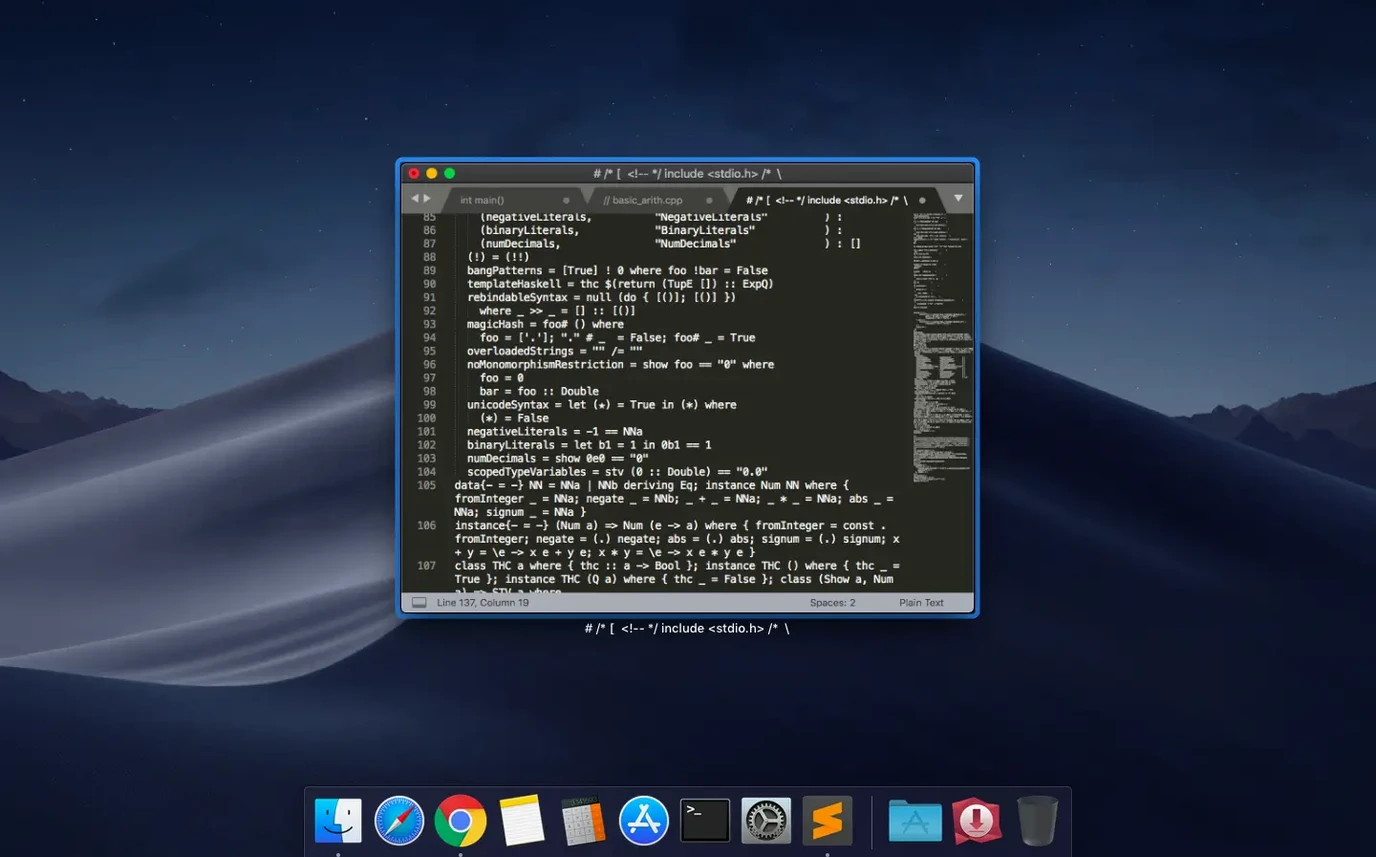
Once it is running, the editor reveals its strength in navigation. A fuzzy search lets you jump to any file in a project by typing a few characters from its name, and the same search-as-you-type logic works inside documents. Syntax highlighting covers a long list of languages—from C++ and Python to LaTeX and Haskell—while a built-in checker catches errors as you type. You can split the window into up to four panes to see different files side by side, and defined snippets save you from typing the same code structure twice. Package updates arrive quietly from their repositories so you are never stuck on an old plugin.
Editing React, CSS, and Jest tests side by side
Picture a front-end developer starting her day with three files open across two panes: a React component in the left pane, its accompanying CSS module in the top right, and a Jest test file tucked below it. She spots a class name that needs renaming across all three files. Instead of hopping between them one at a time, she puts her cursor on the class name, taps Cmd+D a few times to select each occurrence, and all four edit points glow at once. She types the new name and watches it change simultaneously. What could have been a twitchy, error-prone minute of copy-pasting becomes five seconds of certainty. By the time her coffee has cooled, she has already run the test suite from inside the editor using a saved build system, watched the green dots appear in the output pane, and moved on to her next ticket—all without touching the terminal.
Built for developers who switch languages all day
Sublime Text attracts a particular temperament. It suits people who want an editor to start fast and stay fast, without a loading screen that lingers. Developers who work across several languages in a single day get the most from it: the syntax engine switches context instantly when you open a Python script after a morning spent in Rust, and the same keyboard shortcuts carry across both. Writers of structured prose—Markdown documentation, LaTeX papers, even long-form technical notes—find the minimap on the right-hand edge a surprisingly useful navigation aid; it shows a miniature, colour-coded silhouette of the whole document that you can drag to scroll. System users who need to peek at configuration files or write quick shell scripts benefit from the lightweight footprint and the fact that Sublime never insists on turning a quick edit into a full-blown project. The common thread is a preference for responsiveness over feature sprawl, for an editor that feels like a sharp knife rather than a Swiss Army knife with every tool permanently unfolded.
Wait for the package index before installing anything
The most common rough patch involves package installation. The built-in package manager needs a moment to index repositories on first launch, and if you fire up the command palette and type an install command before that indexing finishes, Sublime can appear to hang. The fix is simple: wait thirty seconds, open the command palette again, and try Package Control: Install Package—this time the list will populate. Another snag affects users of macOS 10.13 and 10.14, where a compatibility hiccup in earlier builds caused the vintage mode M command to fail silently; Build 4215 specifically addresses that, so if you are on an older but still-supported system, updating to this build resolves it. A third, less obvious issue: the multiple-cursor feature occasionally confuses people who trigger it accidentally by holding Cmd and clicking in several places, then find themselves typing in five spots at once. Tapping Esc collapses all cursors back to one. If you ever lose track of where you are in a large file, the minimap is clickable—you do not have to squint and drag the tiny highlighted rectangle; you can click anywhere on the map to jump straight to that part of the document.
M1 and M2 Macs never touch Rosetta translation
Will this slow down my M1 Mac? No. Sublime Text 4 is a Universal 2 binary, which means the code that runs on Apple Silicon is compiled natively for that architecture. It never passes through Rosetta translation, so the processor tackles it directly. The memory footprint stays modest even with a dozen tabs open, and launch time—even on a cold start—is measured in heartbeats, not breaths.
Can I use it for something other than code? Yes, and many people do. The editor handles plain text with the same speed it brings to Python or JavaScript. For long-form writing, the distraction-free mode strips away every UI element except the text, and the spell-checker catches errors in comments and prose alike. If you are working on a thesis in LaTeX, the syntax highlighting picks up commands and environments, and you can build the PDF from inside the app with a one-line build system configuration.
What happens if I install a package that breaks something? The package manager lets you disable or remove packages without restarting the editor. Open Package Control: List Packages, select the troublesome one, and choose Disable or Remove. The change takes effect immediately. Because packages live in a user-accessible folder under ~/Library/Application Support/Sublime Text, you can also delete them manually if you ever need to wipe the slate clean—an approach that has rescued more than one developer after a late-night experiment with an untested plugin.
The latest Build 4215 tidies up two specific rough edges for Mac users. A glitch that stopped the vintage M command from working has been fixed, and a compatibility issue with macOS 10.13 and 10.14 has been resolved.
- macOS 10.13 or later
- Intel or Apple Silicon processor (Universal 2 binary)
Questions I keep hearing
Does Sublime Text 4 run natively on Apple Silicon?
Yes, it is a Universal 2 binary that runs natively on both Apple Silicon (M1, M2, M3) and Intel Macs without any translation layer.
Which older versions of macOS can I install Sublime Text 4 on?
You can install it on any Mac running macOS 10.13 or later. Build 4215 also fixed a specific compatibility issue with macOS 10.13 and 10.14.
Questions from the class 0
Sign in or join the class to ask a question.
Nobody has asked anything yet. If you have used it on a real job, say what the file did.
Also on the Mac Apps shelf
The whole Mac Apps shelf Super Vectorizer Pro
Traces pixel images into scalable vectors.
Super Vectorizer Pro
Traces pixel images into scalable vectors.
 SuperDuper!
Makes bootable backups of your entire Mac.
SuperDuper!
Makes bootable backups of your entire Mac.
 Sweet Home
Designs home interiors in 3D.
Sweet Home
Designs home interiors in 3D.
 SwitchResX
Manages display resolutions and settings.
SwitchResX
Manages display resolutions and settings.
 TablePlus
Manages databases in a visual interface.
TablePlus
Manages databases in a visual interface.
 Tayasui Sketches Pro
Draws and paints with natural-feeling brushes.
Tayasui Sketches Pro
Draws and paints with natural-feeling brushes.
 TechSmith Snagit
Captures screens and records your screen.
TechSmith Snagit
Captures screens and records your screen.
 Techtool Pro
Diagnoses and repairs Mac hardware issues.
Techtool Pro
Diagnoses and repairs Mac hardware issues.