 ASPNetWorld

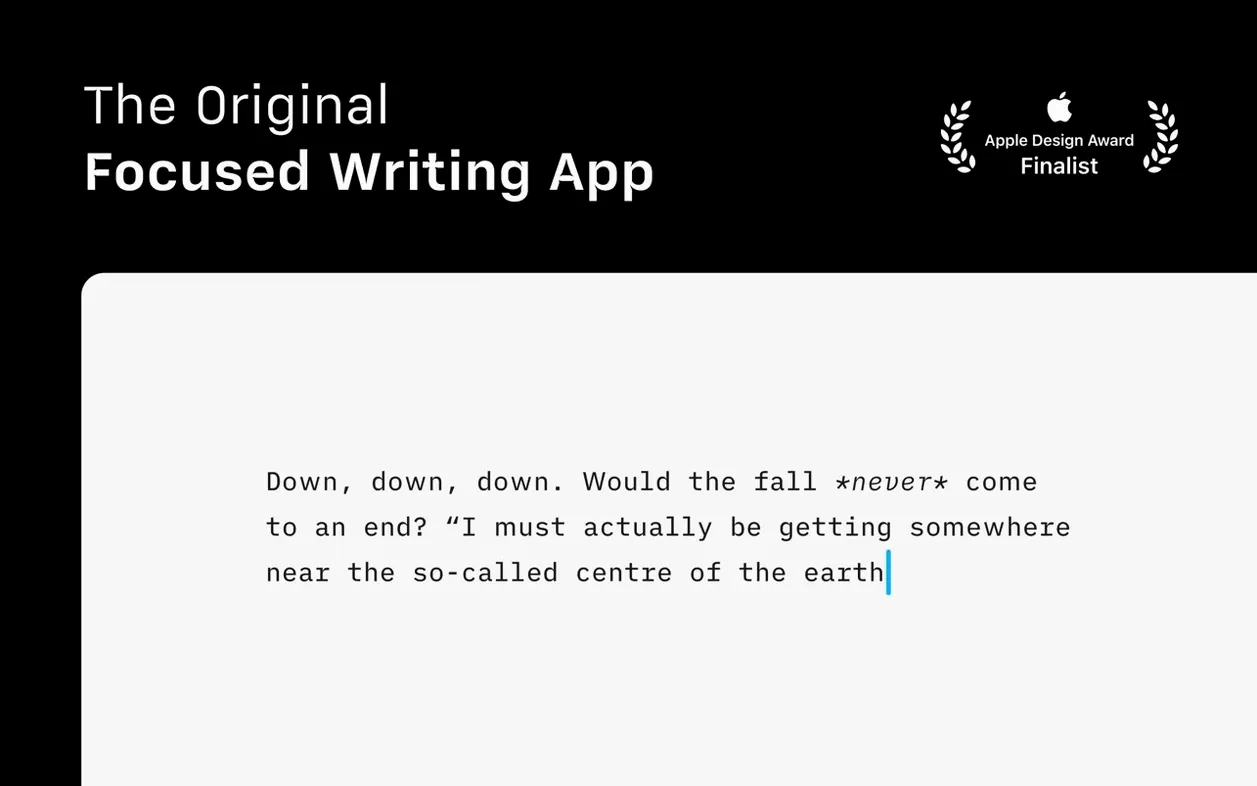
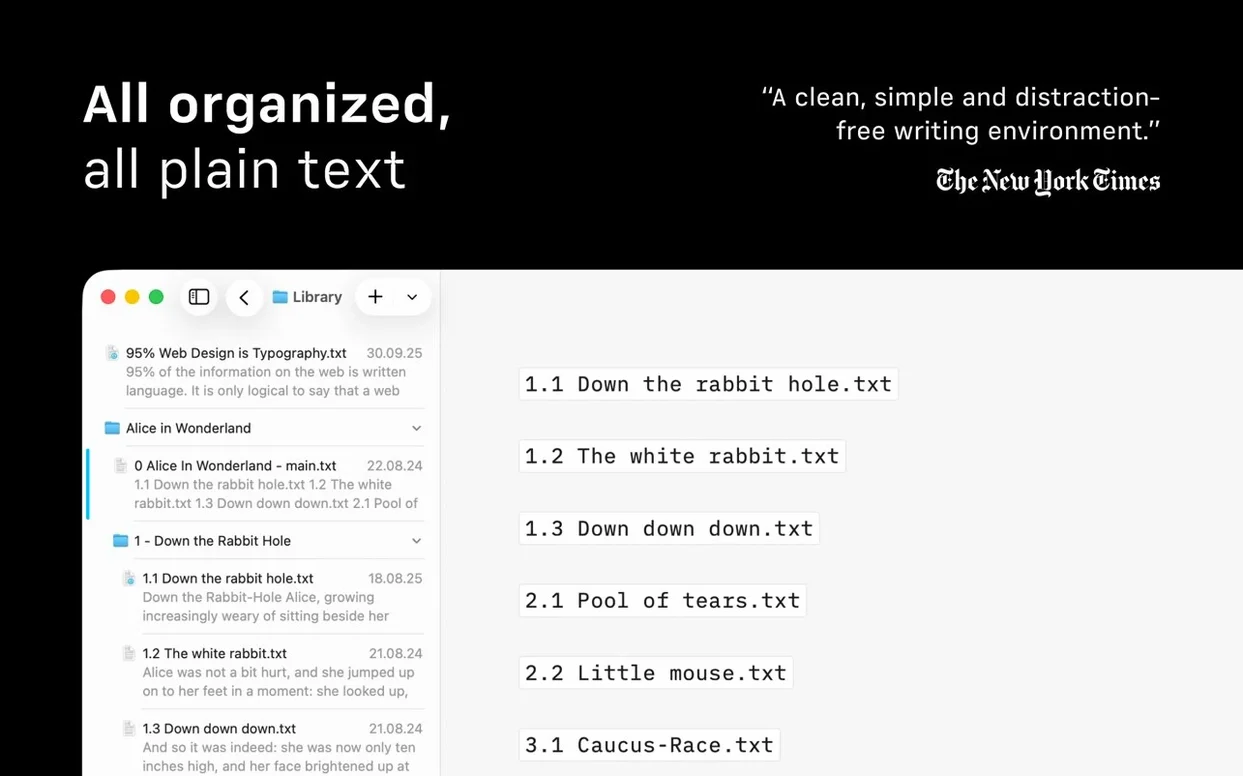
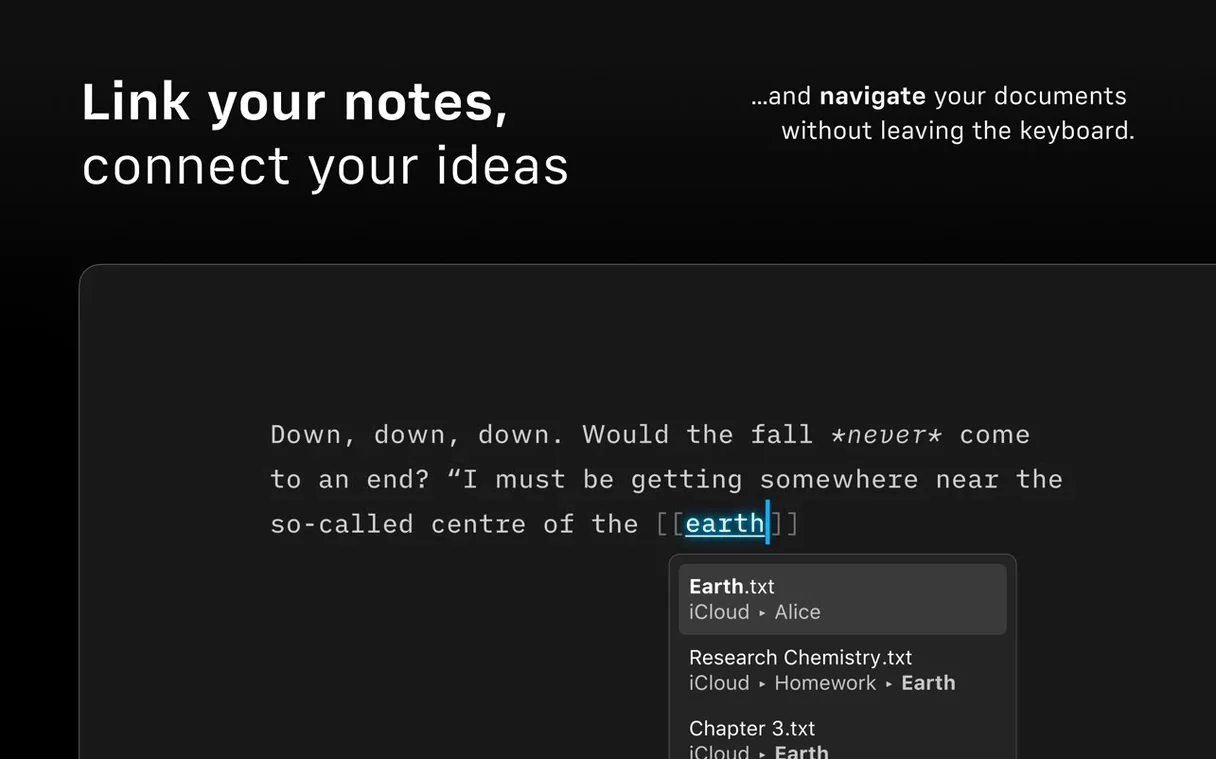
If you have ever typed a document in Apple Notes and wished the toolbars and chrome would simply leave you alone, iA Writer follows that instinct all the way to a clean sheet of paper.
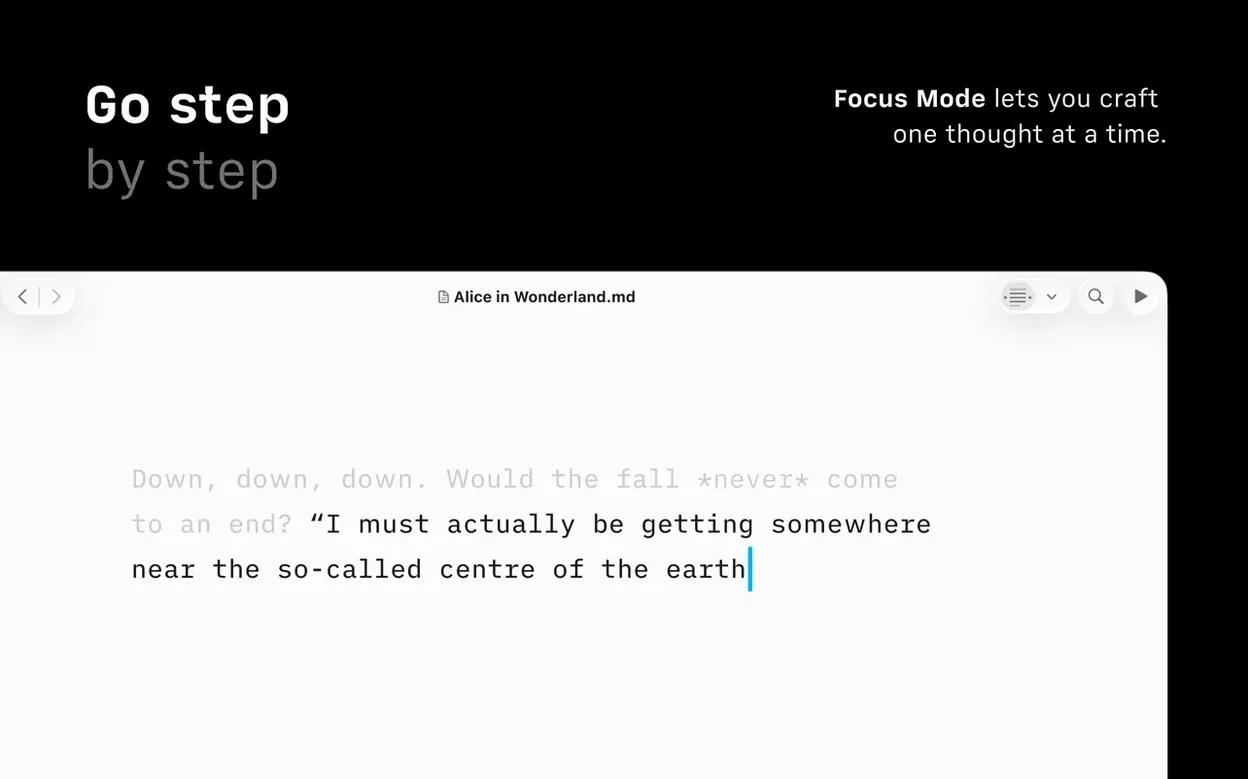
Focus Mode
A readability trick that dims everything on the page except the current sentence or paragraph. It pulls your eye back to the phrase you are wrestling with, which is especially useful when a long draft starts to feel untidy.
Command Palette
A search-driven panel, added in version 8, that lets you run formatting actions, pick an export format, or tag authorship without touching a menu.
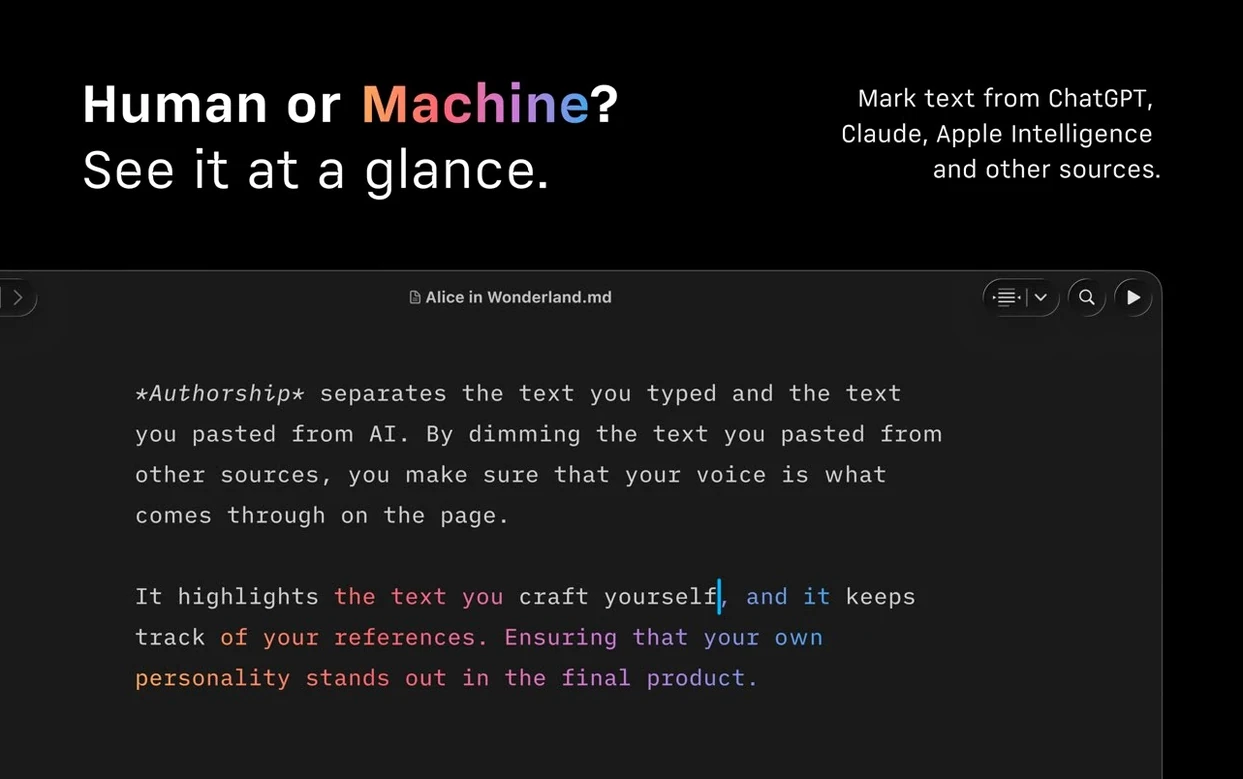
Authorship
When more than one person shapes a text, the app assigns a colour to each contributor and shows those colours in the interface menus, so you can see who wrote what at a glance.
Publishing and export
Drafts can travel straight to WordPress or Medium, or be turned into HTML, PDF, and Microsoft Word DOCX files. The PDF engine supports customisable templates, so a finished document can carry a house style without extra layout work.
Accessibility
Bloggers and journalists skip the copy-paste dance with WordPress and Medium
It suits anyone who writes in plain text and publishes to the web, but three groups tend to settle into it particularly well. Bloggers and freelance journalists use the WordPress and Medium publishing paths to skip the copy-paste dance between editor and browser. Students building long-form essays lean on the Document Outline, added in version 8, to hop between sections without endless scrolling. And editors who receive drafts from several contributors appreciate Authorship colours right in the interface—there is no need to open a separate diff tool just to see who added that paragraph on the third rewrite.
If your day involves switching between a Markdown scratchpad, a notes app, and a word processor, iA Writer absorbs most of that friction. The Library pane pulls documents from different cloud folders into one searchable list, so you spend less time hunting through Finder windows. It is less suited to heavily formatted layouts with columns and wrapped images; the tool deliberately strips formatting down to semantics, not decoration.
Stays responsive even while indexing hundreds of text files
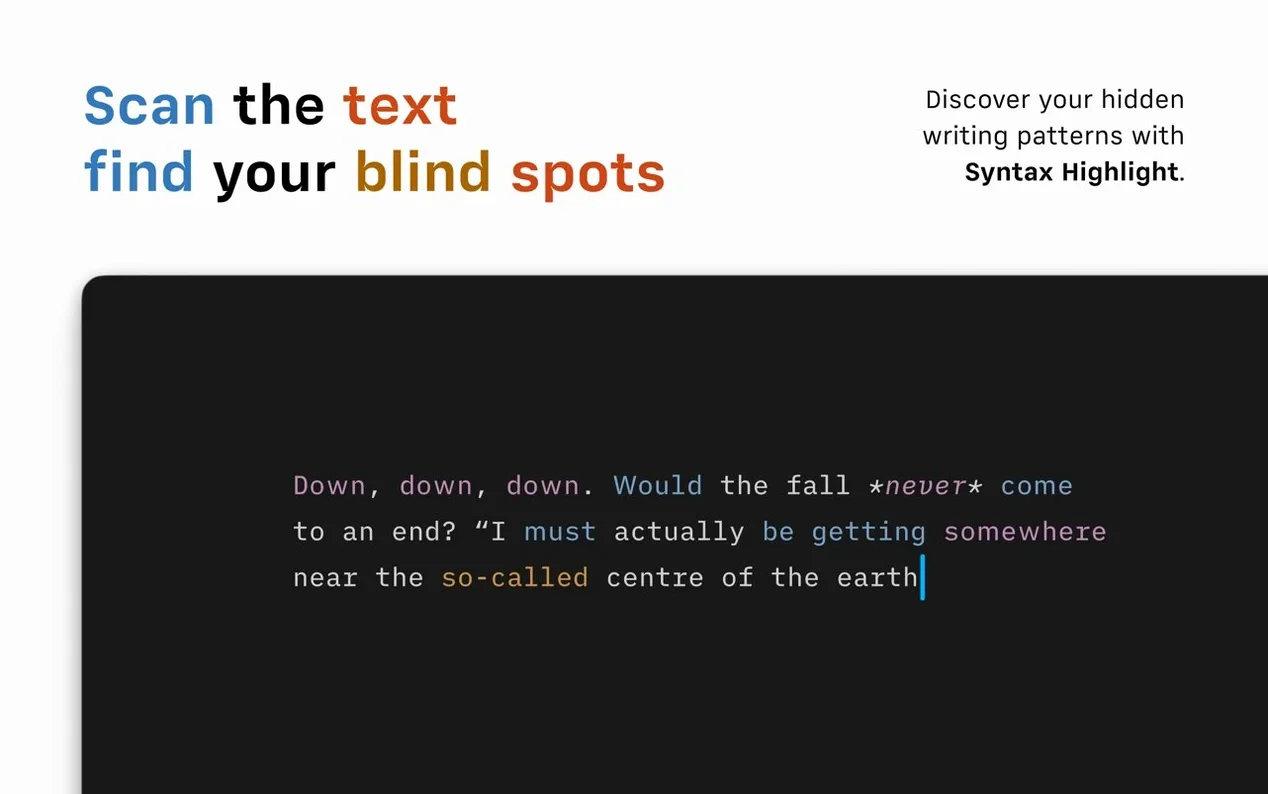
On Apple Silicon and Intel machines alike, the app launches in a breath and stays responsive even when the Library indexes a few hundred text files. Memory use hovers around modest territory—on a 16 GB MacBook Air, I rarely saw iA Writer climb above 200 MB, even with a dozen documents open. The syntax highlight engine, which flags weak verbs and repeated nouns, does a quick pass on opening and never causes a perceptible lag. Exports to PDF and DOCX are similarly brisk; a 5,000-word draft renders to a styled PDF in under three seconds on an M2 machine.
Stability under macOS 10.15 and later has been solid through the 8.x releases. The 8.0.9 update is a small bug-fix round, and in daily use I have not encountered a crash triggered by the app itself. One edge case worth knowing: if you point the Library at a cloud-synced folder with poor connectivity, the file list can pause while the sync layer times out. Moving that folder to a local path or a more stable service sorts it.
Formatting vanishes when you treat it like a rich-text editor
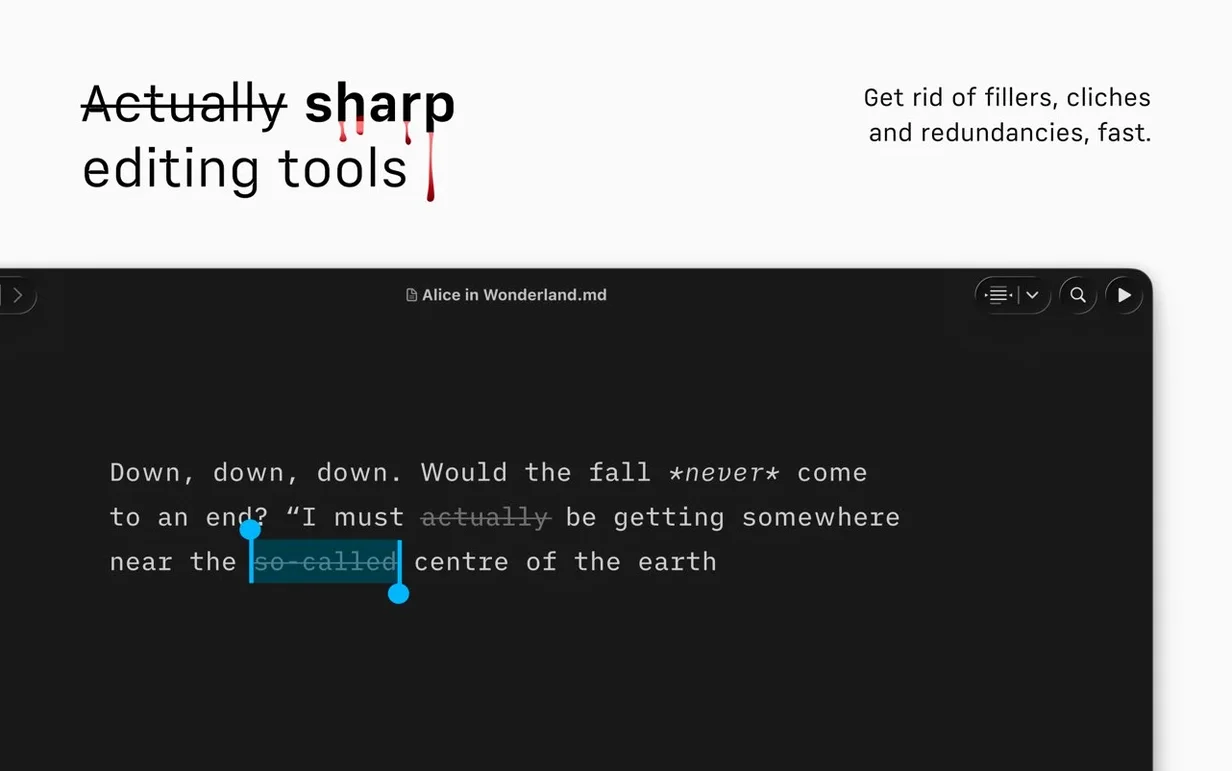
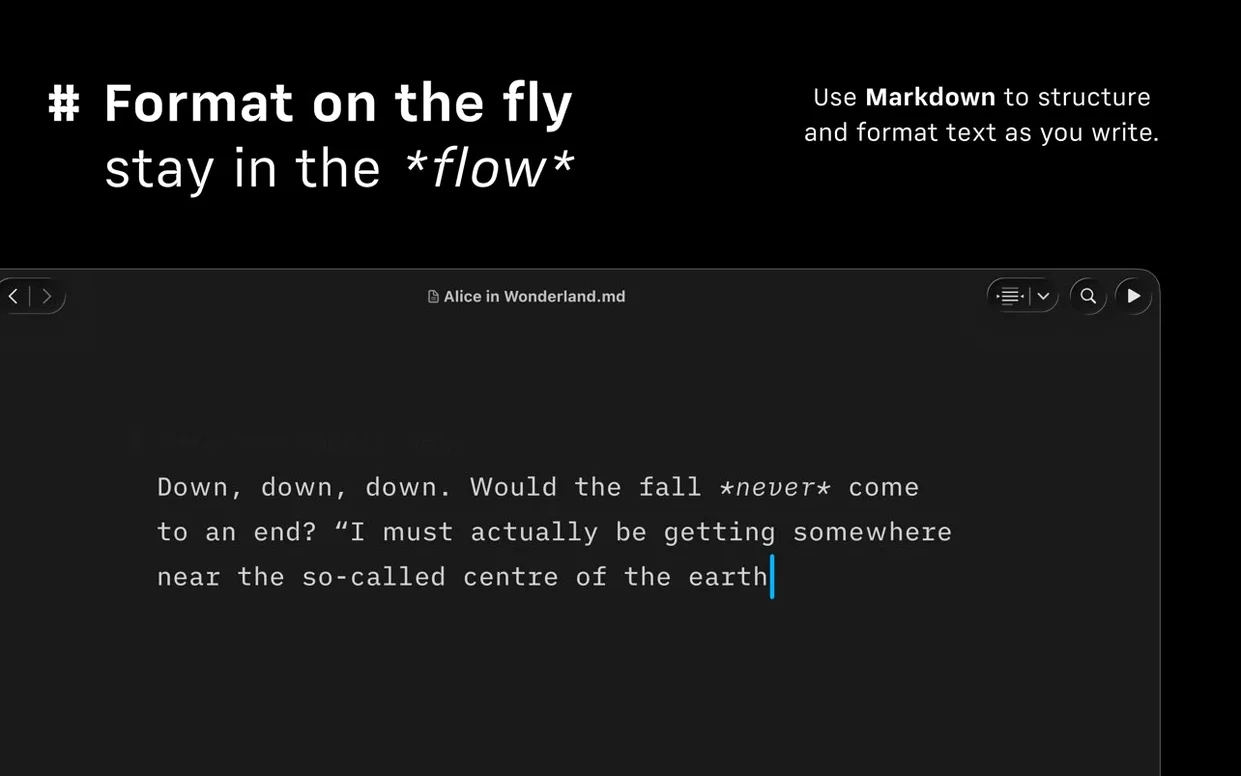
The most common slip is treating iA Writer like a rich-text editor and then wondering why the formatting vanishes. Everything here is Markdown—a hash for a heading, asterisks for bold—and the preview pane is your friend while you build that muscle memory. A related habit: new users sometimes disable the syntax highlight tools before trying them, then complain the writing feels unpolished. Leave the adjective and redundancy checks switched on for a few drafts; you can always ignore a highlight, but you cannot act on something you never saw.
Another early stumble involves the Command Palette. People forget it exists and navigate menus the long way. Press Cmd-Shift-P and type what you want—"pdf," "word," "focus"—and the palette narrows the options instantly. It is the fastest route to export, formatting, and authorship tagging, yet it sits overlooked on its own shortcut.
Rename the file extension to .md to fix a stuck raw Markdown preview
Preview pane shows raw Markdown. This usually means the file extension is not .md or .txt. Rename the document with a Markdown extension and the preview re-renders immediately. If you prefer plain-text extensions, tweak the preferences under "Files" so the app recognises your chosen format.
PDF template looks wrong. Custom templates rely on specific style tags in your Markdown. When the exported PDF loses font choices or spacing, open the template file and check that the class names match what iA Writer's engine expects. A missing closing tag in the template CSS can silently break the whole layout.
Focus Mode dims too much or too little. The default setting dims everything outside the current sentence, which some writers find jumpy. Switch it to paragraph-level dimming in the View menu, and the movement feels calmer on longer paragraphs. If Focus Mode refuses to engage at all, check that you are not in a selection-heavy editing state—it needs a blinking cursor, not a highlighted block.
WordPress publishing fails. Almost always a credentials mismatch. Delete the saved site entry from the publishing settings, re-add it, and test with a one-paragraph draft before firing off a long post. iA Writer talks to WordPress's REST API, so any security plugin that blocks XML-RPC or REST access on your host will need a whitelist rule for the app.
Library feels cluttered. The version 8 compact Library layout hides dates and text excerpts, which helps when you browse by title alone. Toggle it from the Library pane's bottom toolbar. If you still feel overwhelmed, restrict the Library to one or two active project folders rather than adding every cloud directory you own.
A handful of writers look for an ia writer free download or search ia writer mac download to test the waters before committing. That initial trial period is the right moment to throw a real project at the app—open a messy draft, run the syntax check, export to PDF, and publish a test post. The workflow clicks fastest when you use it on something that matters, not a throwaway list.
Built-in support for VoiceOver and Reduced Motion keeps the writing environment comfortable for a wider range of working habits.
Version 8.0.9 tidies up a handful of small bugs and brings a refreshed look for anyone running macOS 26 or later. A new Document Outline with Quick Search makes it much easier to jump between sections in a long manuscript.
- macOS 10.15 (Catalina) or later
- Apple Silicon or Intel 64-bit processor
Questions I keep hearing
Which file formats does iA Writer export to?
It exports documents as HTML, PDF, and Microsoft Word DOCX files, with customisable PDF templates available.
Does the app work with screen readers?
Yes, iA Writer supports VoiceOver and also includes a Reduced Motion setting for users who prefer minimal animation.
Questions from the class 0
Sign in or join the class to ask a question.
Nobody has asked anything yet. If you have used it on a real job, say what the file did.
Also on the Office shelf
The whole Office shelf Keep It
Gathers notes, web links, images and files into one searchable library on your Mac.
Keep It
Gathers notes, web links, images and files into one searchable library on your Mac.
 GraphPad Prism
Combines statistics, graphing and curve fitting in a single research workspace.
GraphPad Prism
Combines statistics, graphing and curve fitting in a single research workspace.
 GrandTotal
Creates clean, custom invoices and estimates free of spreadsheet clutter.
GrandTotal
Creates clean, custom invoices and estimates free of spreadsheet clutter.
 GoodNotes
Brings your handwritten iPad notes to the Mac desktop for editing and organising.
GoodNotes
Brings your handwritten iPad notes to the Mac desktop for editing and organising.
 Final Draft
Formats your screenplay as you type, keeping character names and cues tidy.
Final Draft
Formats your screenplay as you type, keeping character names and cues tidy.
 EndNote
Collects, organises, and cites your research references inside a word processor.
EndNote
Collects, organises, and cites your research references inside a word processor.
 Microsoft Excel
Organises numbers and data into spreadsheets for analysis and charts.
Microsoft Excel
Organises numbers and data into spreadsheets for analysis and charts.
 Microsoft Office
Brings together the core apps for documents, spreadsheets and email.
Microsoft Office
Brings together the core apps for documents, spreadsheets and email.