 ASPNetWorld
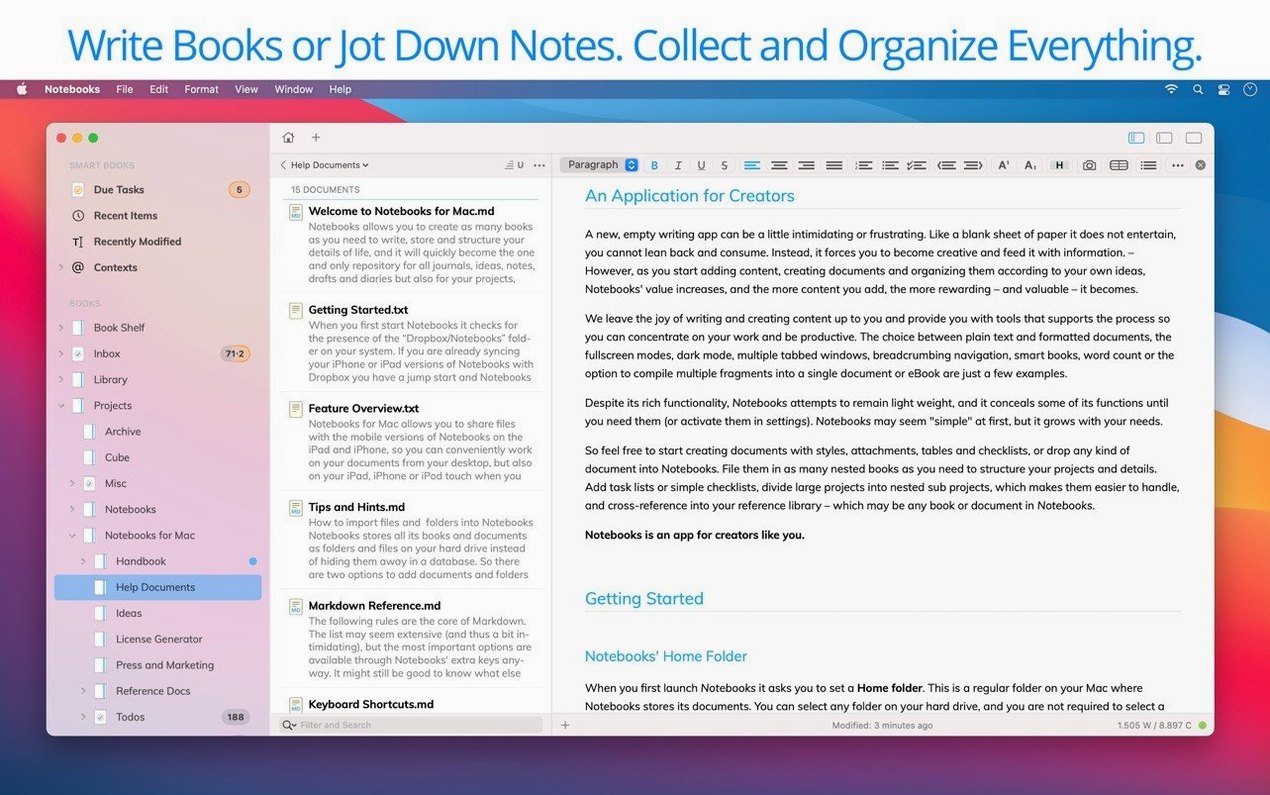
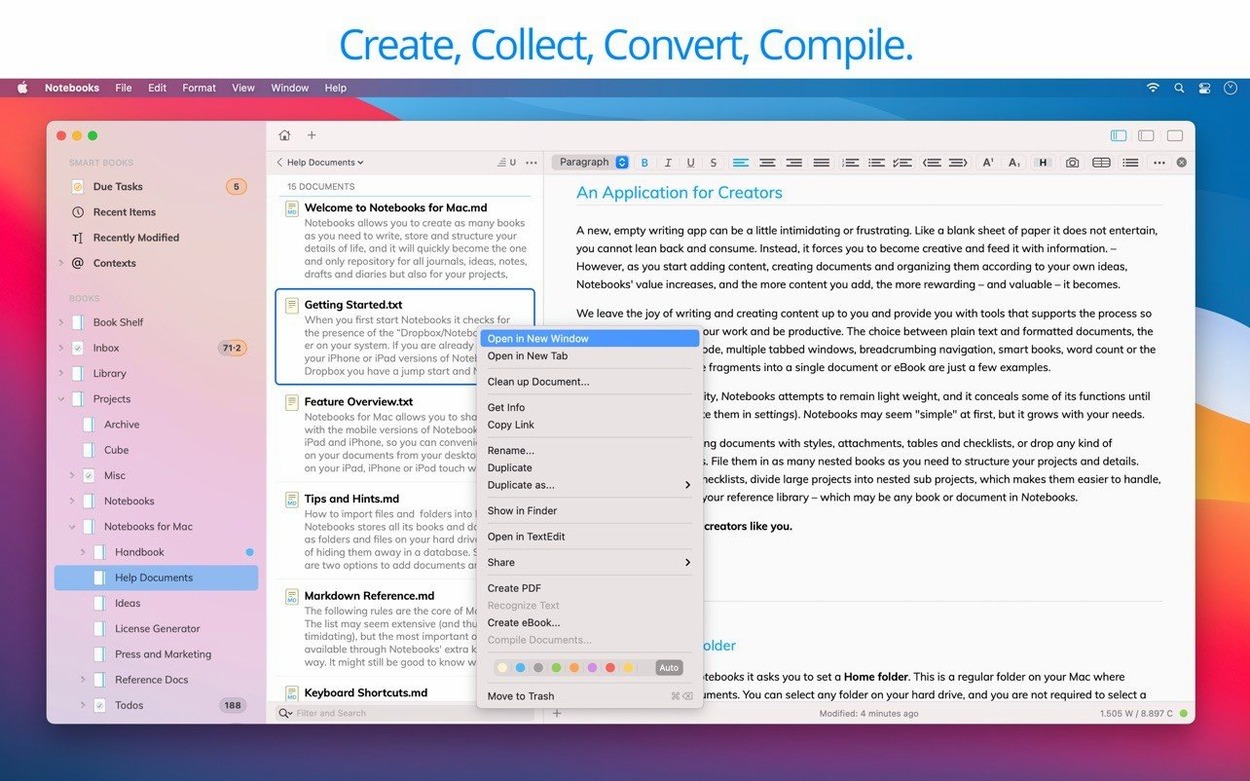
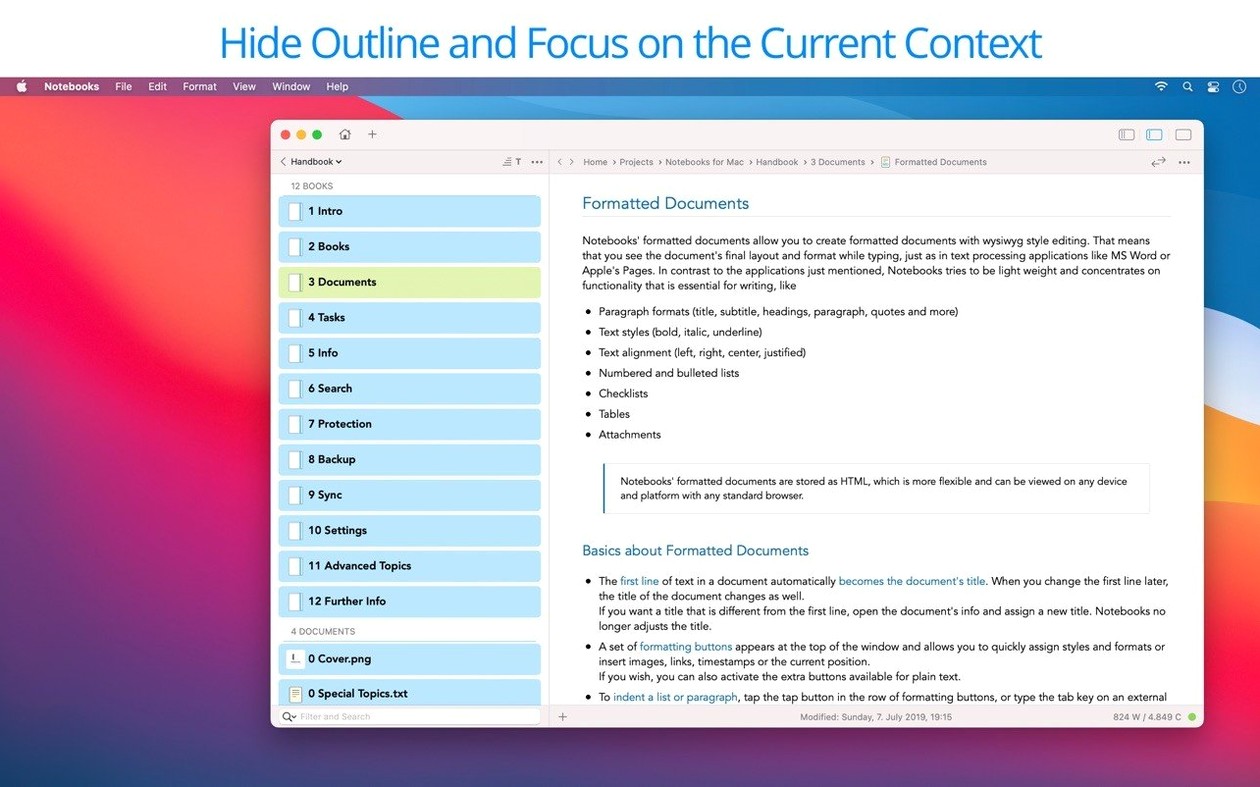
Version 4.0 of Notebooks is a quiet overhaul. There's a new app icon and a long list of interface inconsistencies have been resolved, but the real work has happened under the surface. Editing everyday documents feels more responsive, typing performance is noticeably improved, and the outline and document list behave more predictably. Think of it as the developer sanding down every rough edge so the app gets out of your way. If you are opening it for the first time, two areas deserve your immediate attention.
Start a book and treat it as a scratchpad
Notebooks presents itself as a writing app and text editor, but it is really a shape-shifting container for your thoughts. A good first experiment is to create a new book and throw different kinds of content into it. Type a quick plain text note, drop in a PDF, drag across a few Office documents, and then add a photo or a short video clip. The app displays them all inline without fuss. Because it can also function as a personal wiki or a Zettelkasten, those seemingly random items can later be linked together. For now, just watch how the app accepts almost anything you give it and makes it browsable in one place.
Use tasks to find structure in chaos
Once you have a few notes inside a book, try the task extraction. Write a line that looks like an action item — something simple such as "chase invoice" or "review draft" — and check whether Notebooks picks it up. Version 4.0 makes this process more consistent, so the app should reliably gather to-dos from across your documents. It is a gentle way to introduce structure without forcing you to switch to a dedicated task manager. For the best experience, ensure Spotlight search is enabled on the drive that holds your documents; Notebooks leans on it to keep everything findable as your collection grows.
What the latest refinements actually change day to day
The jump to version 4.0 is less about new features and more about removing small frictions that accumulate over a working week. PDF handling has become more convenient — flipping through long reference documents or annotating a scanned contract now feels smoother, with fewer hesitations when you scroll past a heavy page. The enhanced Liquid Glass support means the interface follows Apple’s design language more faithfully, so if you work on a recent Mac the window chrome and toolbar icons sit naturally alongside your other apps instead of looking borrowed from an earlier era.
Task extraction works more reliably now, which matters when you are drafting meeting notes at speed and hoping the app catches every stray “follow up on…” without you having to reformat it. The refined outline and document list also behave more predictably; nested books expand and collapse the way muscle memory expects, and the list no longer jumps to surprising positions after you rename something. Put together, the changes let you stay inside your writing flow rather than managing the tool.
Practical moves for your first few days
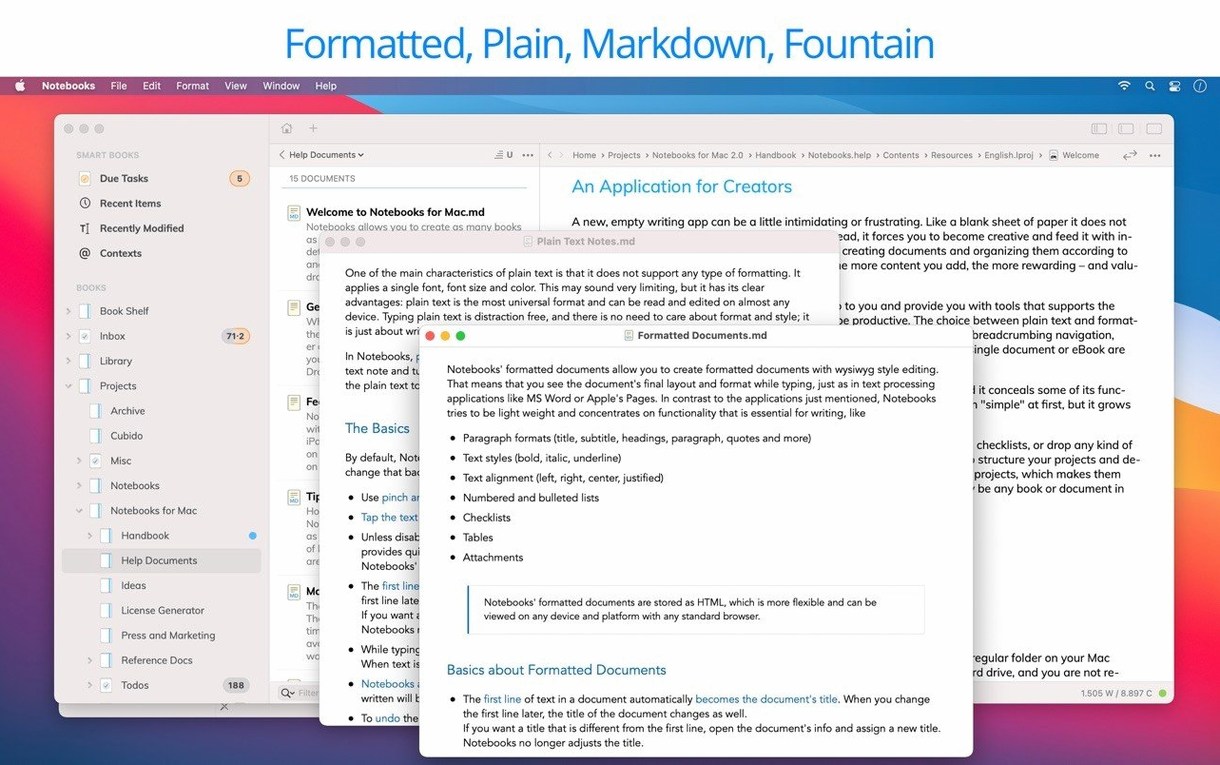
After you mount the disk image and run the installer, open the app and immediately create a dedicated “Sandbox” book. Use it to test behaviours without polluting your real notes. Drag in a PDF with mixed text and images, then try the improved scrolling. Paste a chunk of Markdown and watch the editor render it inline — Notebooks handles plain text and formatted views side by side, which takes a day to feel natural. Type five or six quick sentences that sound like tasks, then jump to the document list to see how reliably the task extraction gathers them. This twenty-minute exercise builds confidence faster than reading documentation.
Next, connect your sync method. If you use Dropbox or a WebDAV server, point Notebooks at a test folder first, not your main library, and let it synchronise across devices overnight. The iPad and iPhone versions share the same file structure, so a notebooks mac download paired with its iOS counterpart turns your phone into a satellite capture tool — snap a photo, speak a voice memo, and find it waiting on the desktop the next morning. Once the sync feels solid, move your real books into place. And keep Spotlight enabled on that drive; version 4.0 still leans on it for the kind of instant search that makes a large collection feel small.
Version 4.0 is a polish-and-refinement release that touches nearly every corner of the app. The editing experience has been improved for daily use, task extraction is more consistent, and typing feels snappier. The outline and document list now behave more predictably. Working with PDFs is more convenient, Liquid Glass support has been enhanced, and a fresh app icon ties it together. Under the hood, numerous interface inconsistencies have been ironed out.
- macOS 10.11 or later
- Apple Silicon and Intel Macs (64-bit)
- Spotlight search enabled on the document drive for best results
Questions from the class 0
Sign in or join the class to ask a question.
Nobody has asked anything yet. If you have used it on a real job, say what the file did.
Also on the Office shelf
The whole Office shelf Numbers Creator Studio
Builds spreadsheets, charts, and pivot tables with Apple’s clean, collaborative workbook environment.
Numbers Creator Studio
Builds spreadsheets, charts, and pivot tables with Apple’s clean, collaborative workbook environment.
 Nitro PDF Pro
Lets you edit text, swap images, and sign documents right inside a PDF without converting it first.
Nitro PDF Pro
Lets you edit text, swap images, and sign documents right inside a PDF without converting it first.
 OmniPlan Pro
Plots company-wide project schedules, tracks resources, and tests timelines with Monte Carlo simulation.
OmniPlan Pro
Plots company-wide project schedules, tracks resources, and tests timelines with Monte Carlo simulation.
 OmniReader Pro
Opens EPUB, CHM, and Kindle books on your Mac for a comfortable, ad-free reading session.
OmniReader Pro
Opens EPUB, CHM, and Kindle books on your Mac for a comfortable, ad-free reading session.
 PDF Expert
Edits text and images directly inside a PDF without hunting for the original file.
PDF Expert
Edits text and images directly inside a PDF without hunting for the original file.
 PDF Reader Pro
Reorders and merges scattered documents into one tidy PDF without altering the originals.
PDF Reader Pro
Reorders and merges scattered documents into one tidy PDF without altering the originals.
 PDFelement Pro
Turns a flat scanned contract into a searchable, fillable and signable PDF.
PDFelement Pro
Turns a flat scanned contract into a searchable, fillable and signable PDF.
 Money Pro
Tracks personal finances, budgets, and bills across all your accounts in one place.
Money Pro
Tracks personal finances, budgets, and bills across all your accounts in one place.