 ASPNetWorld

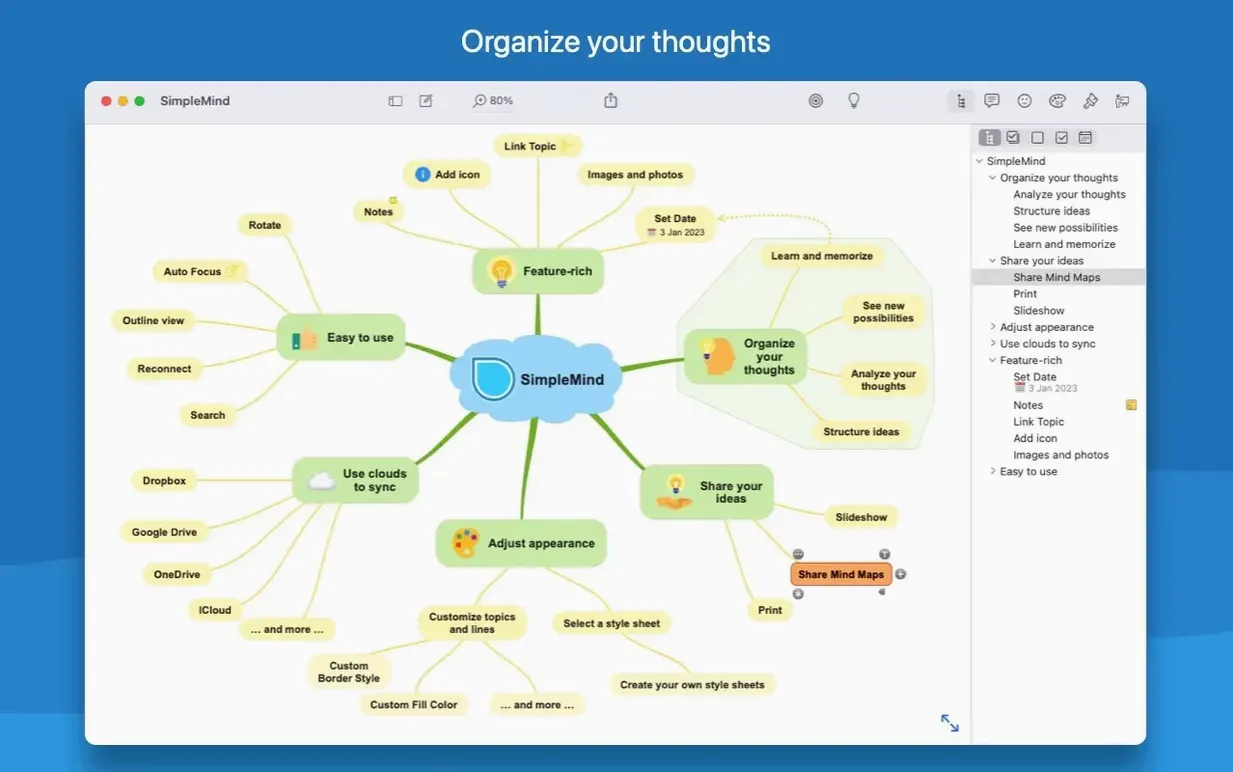
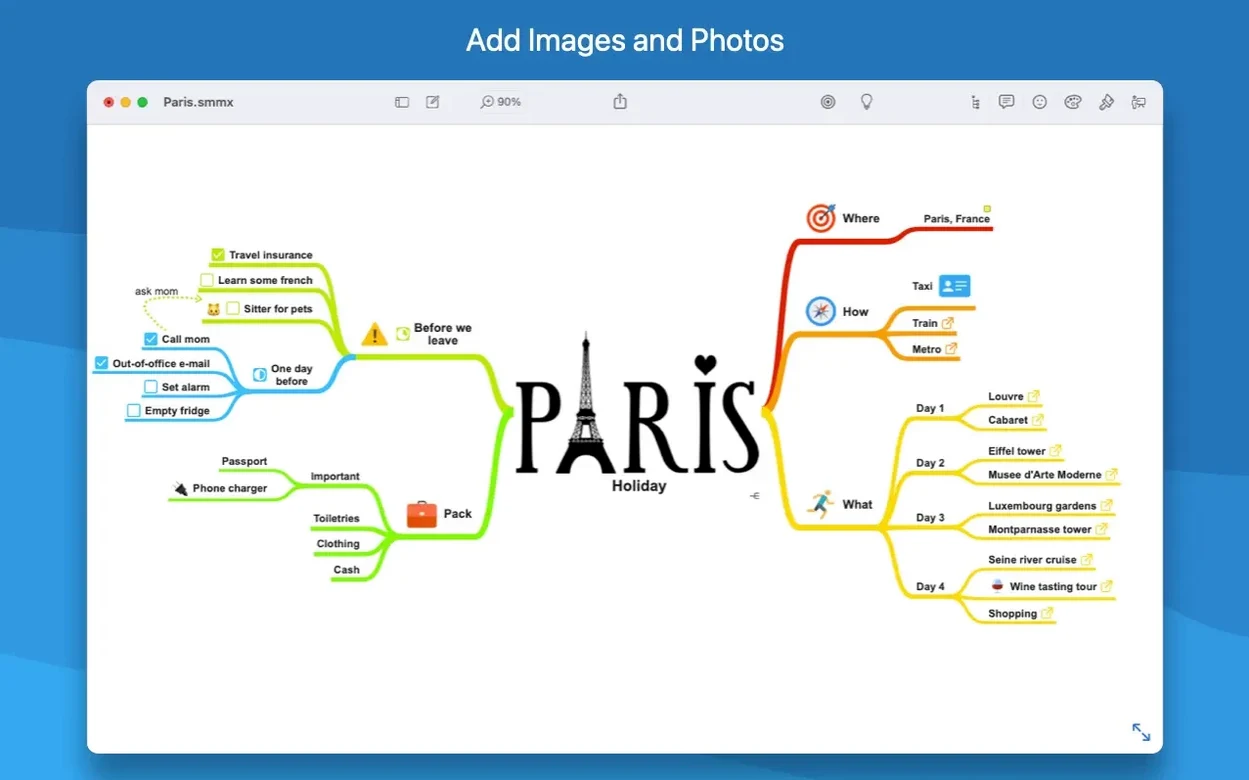
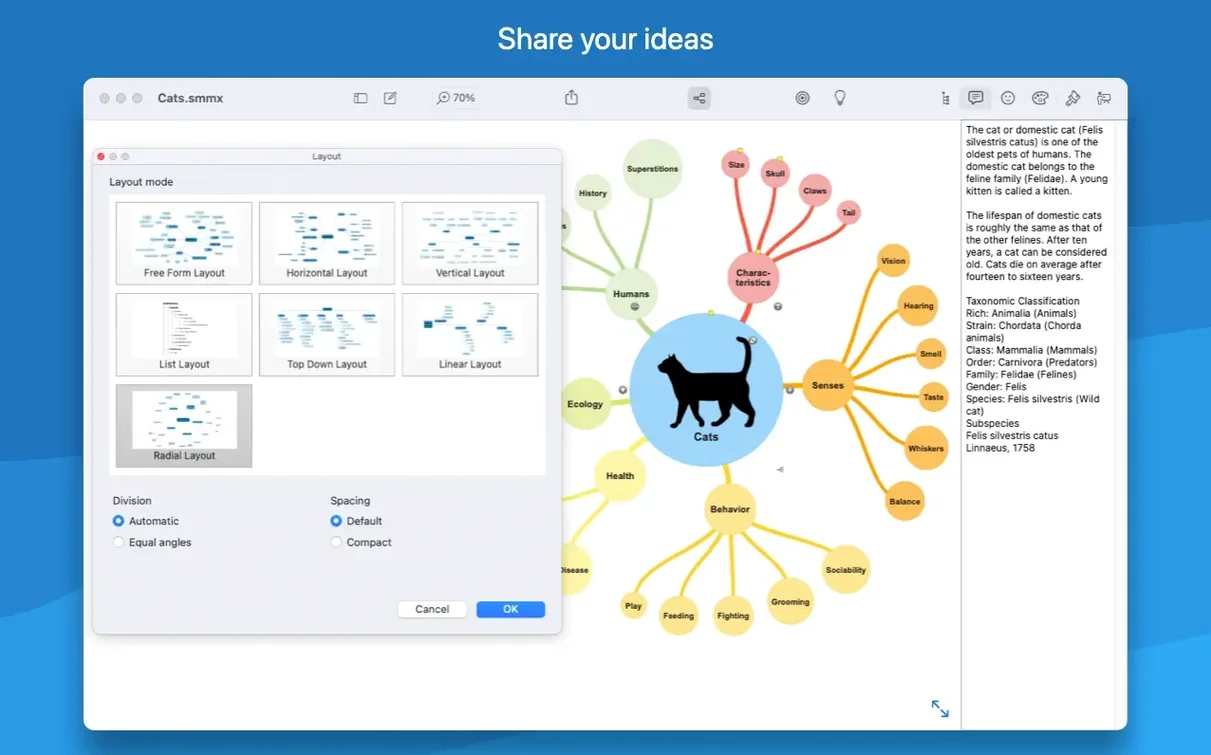
If your Notes app has become a graveyard of half-formed lists, SimpleMind Pro offers a more spatial way to think. It's a mind mapping app where ideas radiate from a central node rather than marching down a page, which feels like a natural partner to the structured world of Reminders or Calendar—one for free-form exploration, the others for scheduled action.
Building a map that makes sense
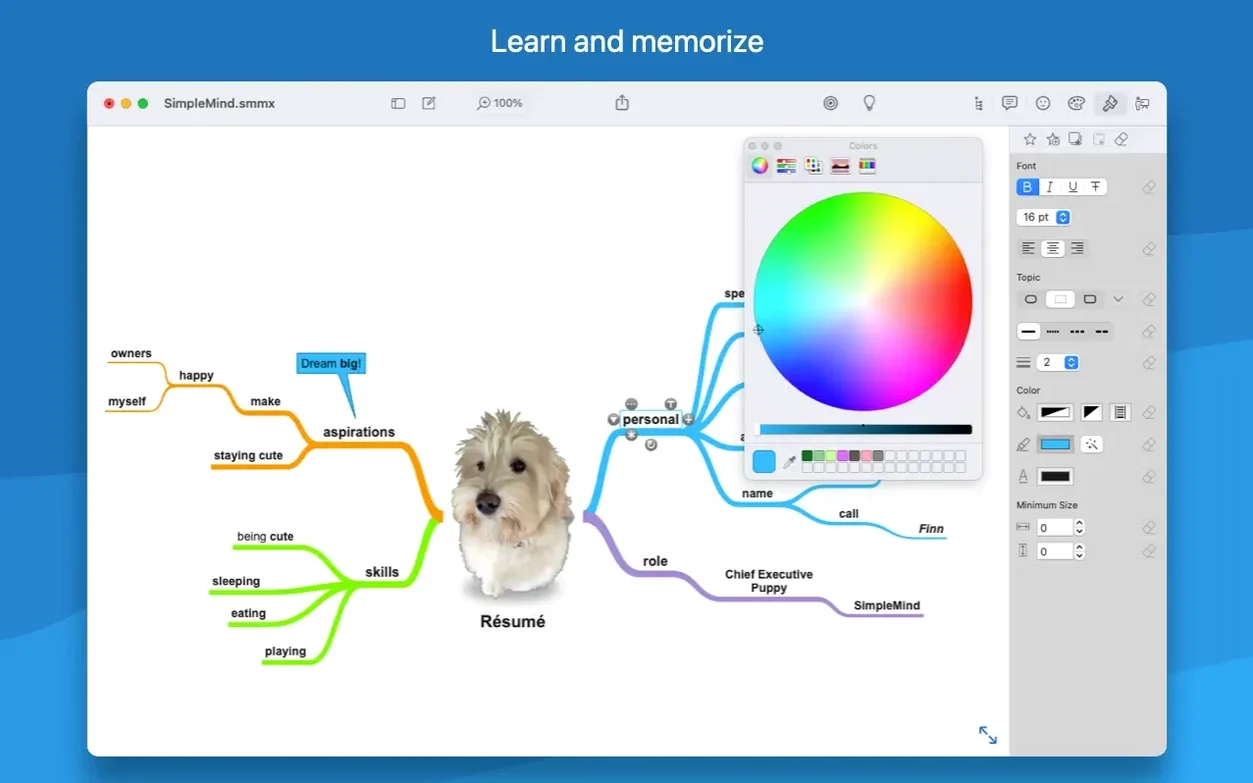
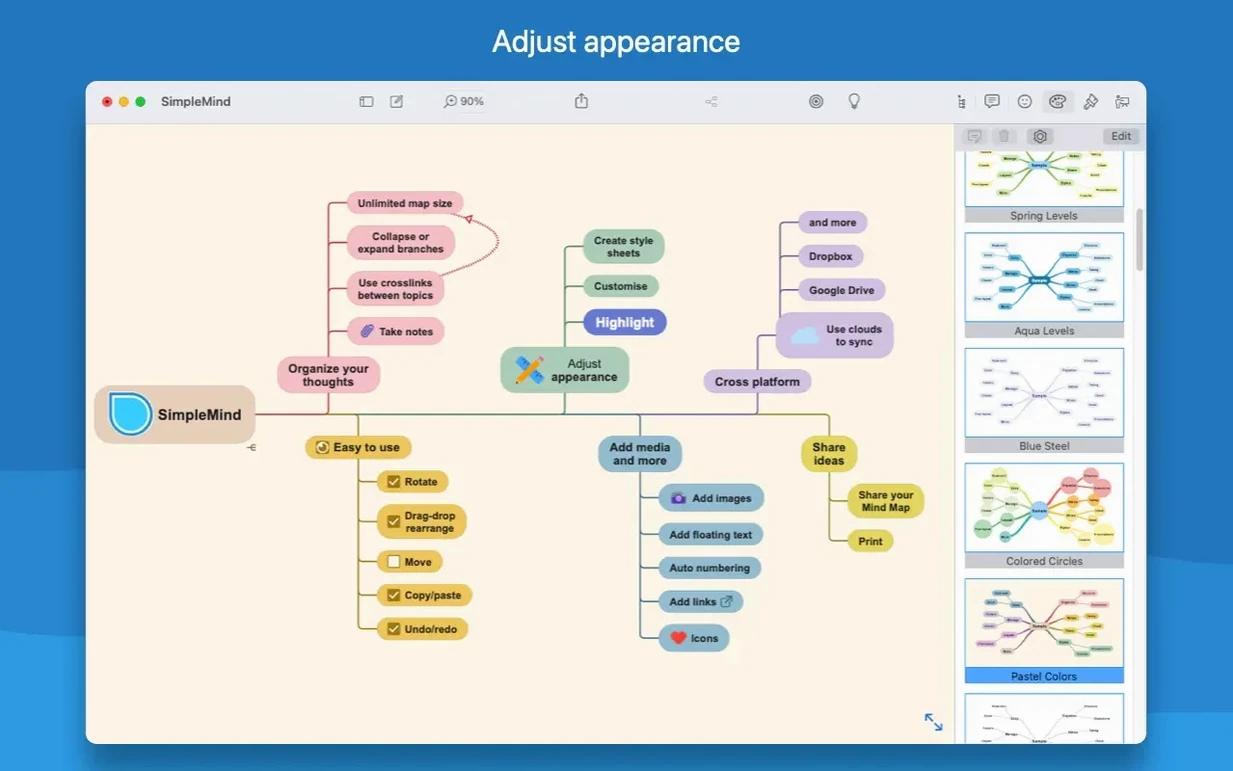
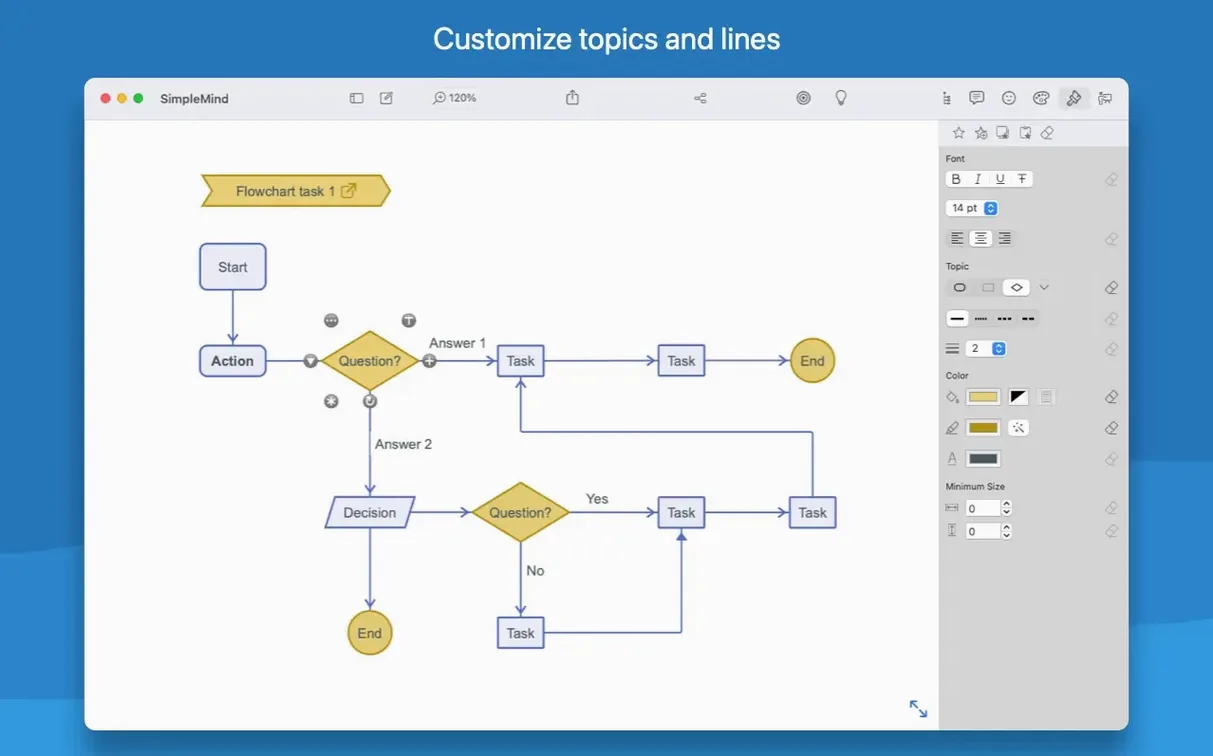
Adding a topic is as direct as tapping or dragging a node area, and the layout adjusts automatically when you restore or move branches by drag and drop. The style palette lets you assign colours, borders, and line weights to give each branch its own visual logic, with the option to dip into custom colours when the defaults don't fit. Moving or duplicating sections between maps is handled by standard cut, copy, and paste, a small detail that means you won't lose a thread when an idea belongs in more than one place.
Synchronise a mind map from iPad to Mac for final polish
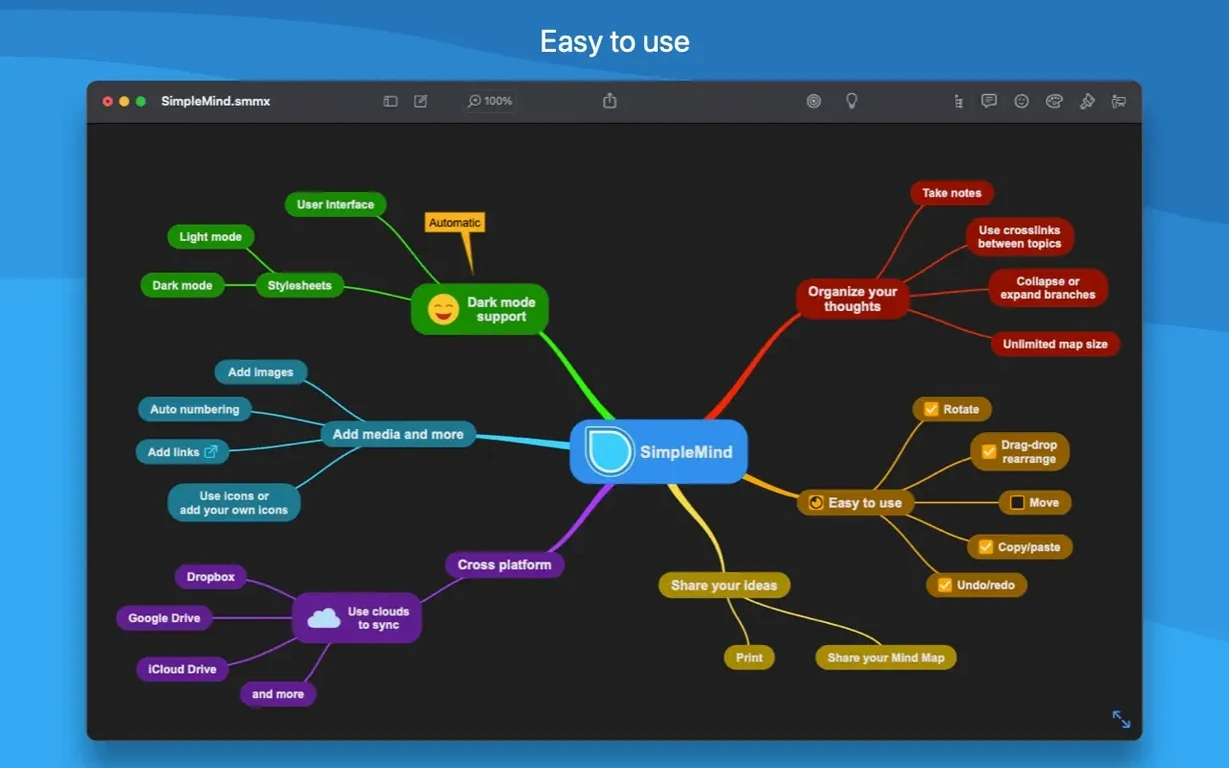
Because the app synchronises mind maps across platforms, a brainstorming session started on an iPad can be tidied up later at the desk. Interface languages span Russian, English, German, Arabic, Italian, Traditional Chinese, Simplified Chinese, Korean, Dutch, Portuguese, Thai, French, and Japanese, which makes it a reasonable choice if you share maps with colleagues who work in different languages. The thinking behind the tool is simple: help you organise thoughts, remember information, and generate new ideas without the interface getting in the way of the thought itself.
MindNode strips back the interface for a meditative mapping rhythm
SimpleMind Pro’s closest cousins are MindNode and iThoughts, and the differences are more about working rhythm than raw feature counts. MindNode feels deliberately pared back—it’s the app you reach for when you want a clean, almost meditative mapping session where the structure grows with a single keystroke. iThoughts leans the other way, dense with import and export options that suit project managers who need their mind maps to shake hands with Microsoft Project or OPML outlines.
SimpleMind Pro sits between the two. It gives you the drag-and-drop freedom and visual styling that MindNode users cherish, but it also keeps things like cross-platform sync and multi-language support front and centre. The style palette is a little more hands-on than MindNode’s smart themes—you pick colours, borders, and line weights yourself rather than relying on calculated harmony—which suits people who want that control without stepping into the complexity iThoughts can bring. A small but telling feature is the ability to create a new mind map from a selection or the clipboard: it turns a stray thought into its own canvas without ceremony.
Cross-device note-takers move seamlessly between Mac and iPad
Three groups tend to settle into SimpleMind Pro quickly. The first is the cross-device note-taker who sketches a map on a Mac during a lecture or meeting, then reshapes it on an iPad later. The sync makes that handoff painless. The second is the visual thinker who finds a linear bullet list stifling and needs the spatial layout to spot connections that a vertical scroll hides. The third is anyone working in a multilingual team—the fourteen interface languages mean a shared map can be viewed in the reader’s preferred language without reformatting.
If your main job is long-form writing or Gantt-chart project tracking, a mind mapper is a sidekick rather than the star, but for early-stage planning, revision notes, or untangling a knotty problem, it earns its place in the dock.
Drag operations stay responsive on maps with hundreds of nodes
In practice, SimpleMind Pro runs without fuss on Apple Silicon and older Intel Macs alike. Maps with hundreds of nodes stay responsive during drag operations, and the undo/redo mechanism hasn’t shown the hesitation that plagues some editors when you’re twenty steps deep. Memory usage stays modest—even sprawling maps rarely push it beyond what a modern Mac considers background noise. The sandboxed Mac App Store edition and the direct edition share the same core, so stability feels identical whether you’ve gone one route or the other.
One workflow worth knowing about: if you’re handed a map from the free edition, transferring it into SimpleMind Pro is straightforward, which means you can test the waters without rebuilding anything. The app doesn’t try to be a graphics tool, a word processor, or a task manager—it stays focused on mapping—and that restraint keeps it lightweight and quick to launch. Some users hunting for a SimpleMind Pro crack Mac solution find themselves surprised by how capable the legitimate build is once they see the sync and layout engine in action on their own hardware.
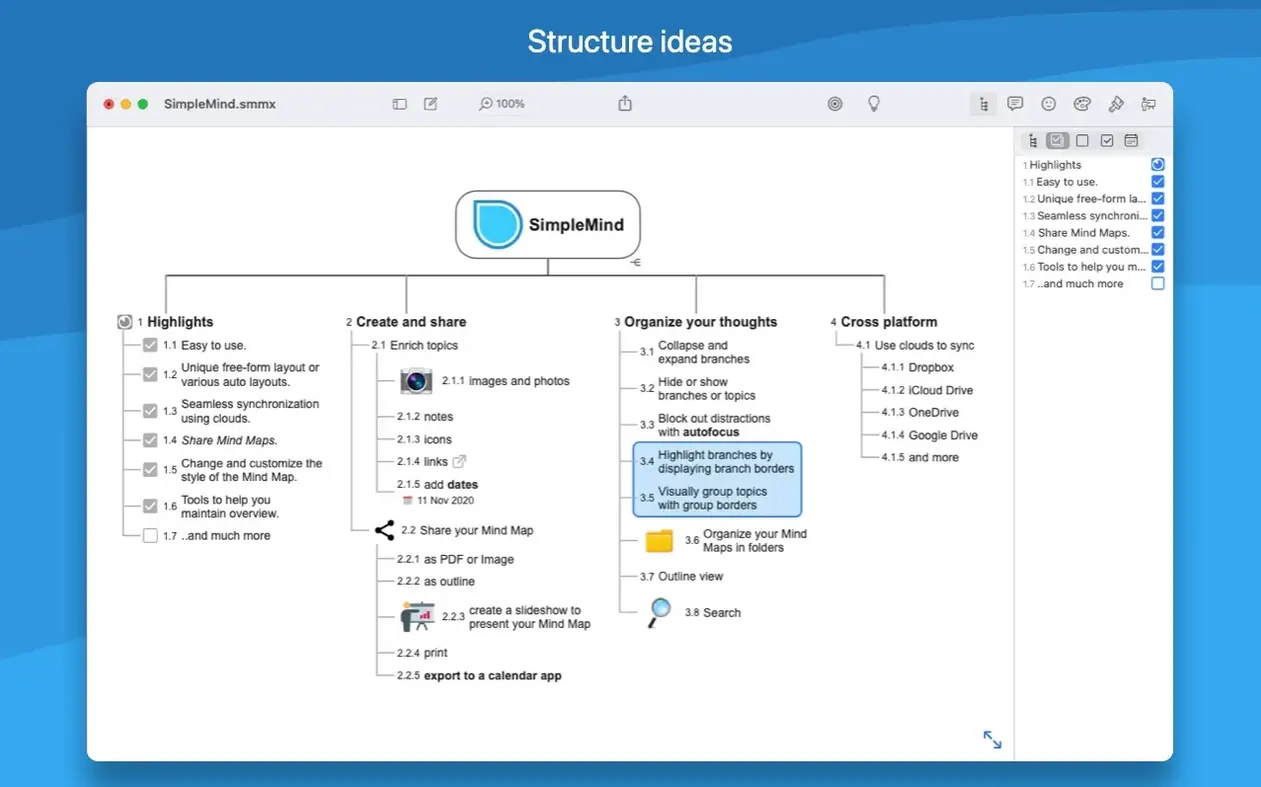
SimpleMind Pro 2.10.2 tightens the connection between its visual maps and the structured Outline view. The built-in search now works directly inside the Outline, highlighting matches as you type, so filtering and combining filters feels more immediate — you see the logic of your search reflected in the list straight away. A new "Today" date filter has been added to that search arsenal, which is a small thing that makes daily planning sessions considerably quicker.
On the cosmetic front, you can now set a custom background image or pattern behind your mind maps, giving presentations and brainstorming boards a more personal feel without leaving the app. The text tools also gain superscript and subscript for numbers — handy if your maps include chemical formulas, mathematical notation, or footnote markers.
- macOS 10.13 (High Sierra) or later
- Runs natively on both Apple Silicon and Intel 64-bit Macs
Questions from the class 0
Sign in or join the class to ask a question.
Nobody has asked anything yet. If you have used it on a real job, say what the file did.
Also on the Office shelf
The whole Office shelf SideNotes
Keeps a tidy panel of quick notes that slides out from the edge of your screen.
SideNotes
Keeps a tidy panel of quick notes that slides out from the edge of your screen.
 Scrivener
Gathers your notes, research and scattered text sections into a single long-form writing project.
Scrivener
Gathers your notes, research and scattered text sections into a single long-form writing project.
 SpeakMe
Reads text aloud on any recent Mac.
SpeakMe
Reads text aloud on any recent Mac.
 QuickBooks Mac Plus
Tracks small business income, expenses and payroll.
QuickBooks Mac Plus
Tracks small business income, expenses and payroll.
 Text Workflow
Transforms messy text with chains of reusable steps you can save and share.
Text Workflow
Transforms messy text with chains of reusable steps you can save and share.
 Things
Captures to-dos the moment they occur and organises them into a calm daily list.
Things
Captures to-dos the moment they occur and organises them into a calm daily list.
 PDFelement Pro
Turns a flat scanned contract into a searchable, fillable and signable PDF.
PDFelement Pro
Turns a flat scanned contract into a searchable, fillable and signable PDF.
 PDF Reader Pro
Reorders and merges scattered documents into one tidy PDF without altering the originals.
PDF Reader Pro
Reorders and merges scattered documents into one tidy PDF without altering the originals.