 ASPNetWorld

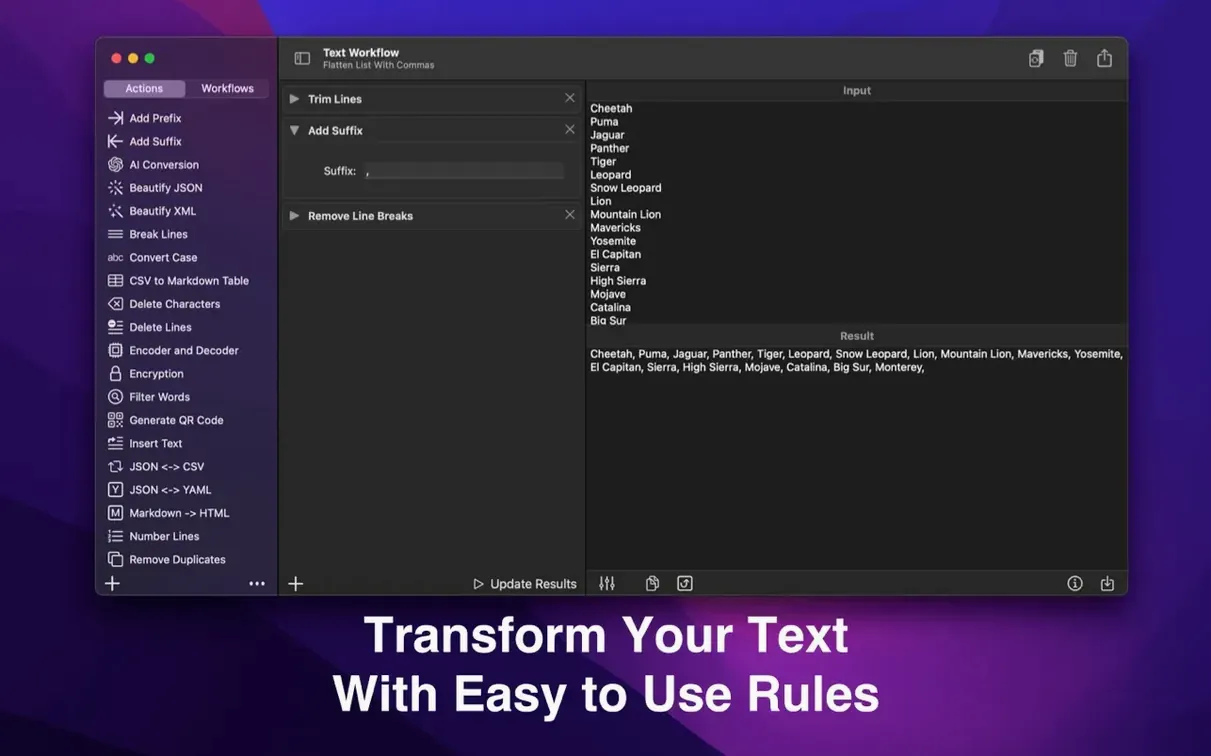
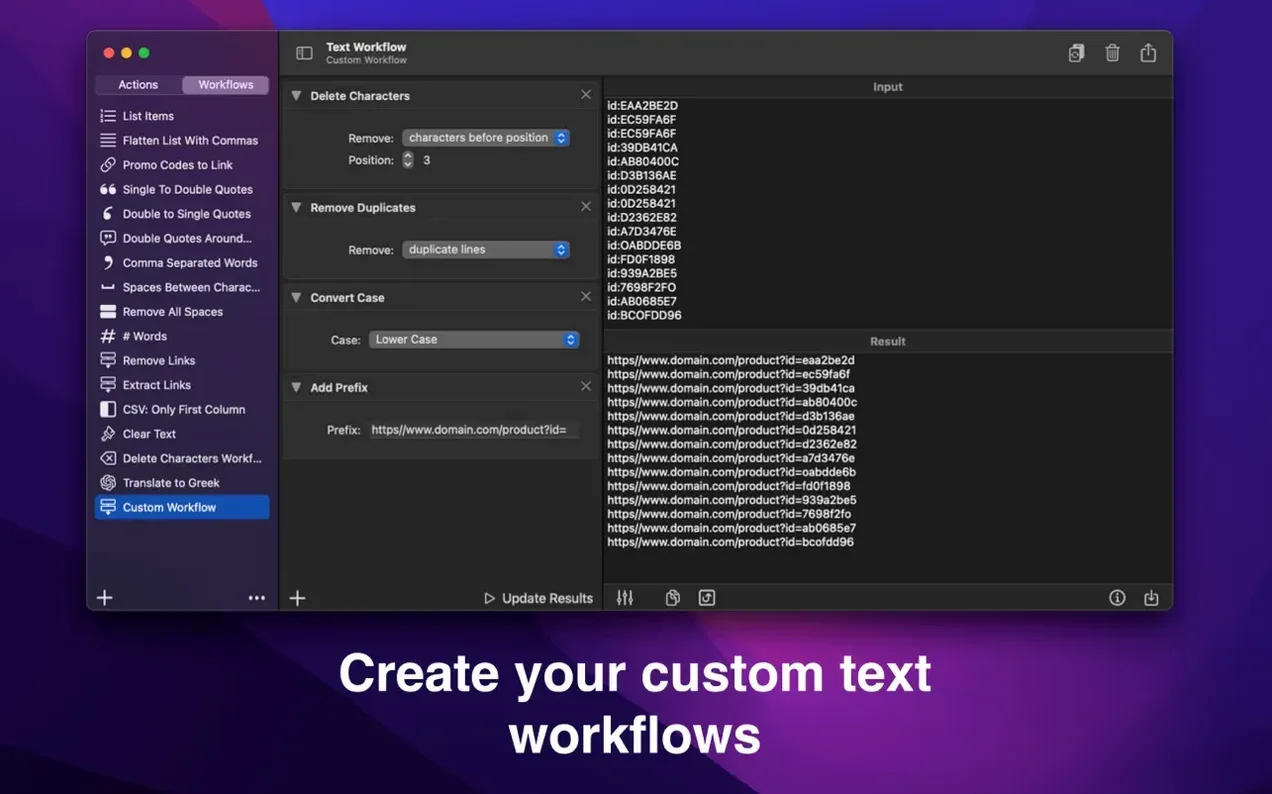
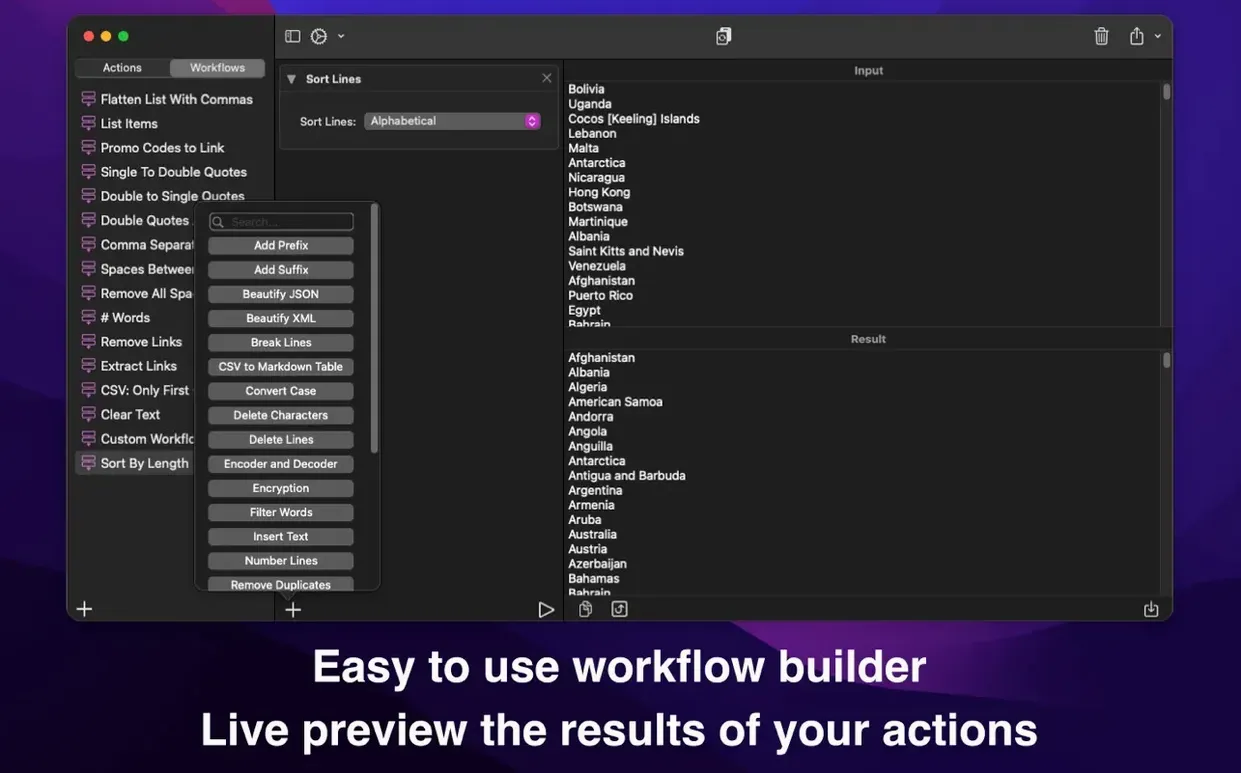
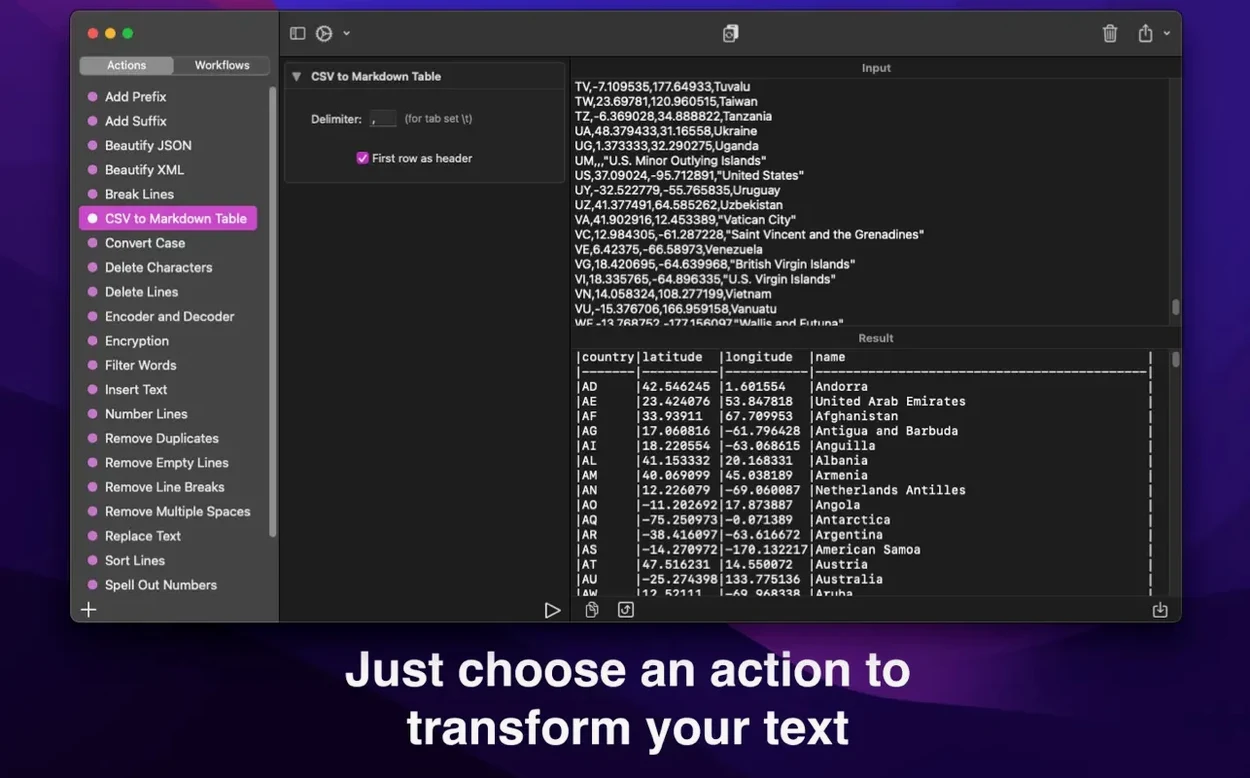
With over a dozen transformation actions that can be chained together, Text Workflow is built around one central idea: taking unruly text and making it behave. The current version, 2.9.0, runs on macOS 13 or later and keeps its focus firmly on repeatable, shareable workflows — sequences of steps you design once and trigger whenever you need them. You might use it to clean a mailing list, format a chunk of XML, or prepare copy for import into another tool. Here is what the app brings to the table right now.
- Sorting actions that arrange lines alphabetically, in reverse, shuffled, or by line length.
- Cleanup tools for removing line breaks, extra spaces, duplicate lines, duplicate words, and empty lines.
- Text replacement, plus the ability to add prefixes and suffixes to lines in one pass.
- Encoding and decoding support for Base64 and URL-encoded text.
- A filtering system that can keep or discard words based on whether they start with, contain, or exclude a given string.
- Workflows that export to a file and sync between the Mac and iPhone apps through iCloud, so a setup you build at your desk is waiting on your phone.
What has stayed the same is the deliberate, modular approach. Actions like adding line numbers or formatting XML are individual building blocks, not buried inside a single monolithic command. You decide the order, and because workflows are portable files, a colleague can drop yours into their copy of the app and get identical results. There is no new feature list to unpack in this release — version 2.9.0 is a maintenance update — but the toolset itself remains a quiet workhorse for anyone who regularly wrangles text into shape.
From messy text file to CSV with SKU prefixes
Imagine a freelance copywriter who receives a client’s product descriptions as a messy text file. The lines are unsorted, some are duplicated, and the whole thing needs to be turned into a CSV‑ready list with a SKU prefix added to each row. In Text Workflow, they build a chain of three actions: remove duplicate lines, sort lines alphabetically, then add the prefix SKU- to every line. The workflow takes about twenty seconds to assemble, and they save it as ClientA_Cleanup.workflow. Next month, when the same client sends another batch, the copywriter drags the file into the app, picks the saved workflow, and the whole job is done before the kettle has boiled.
Turn on action descriptions for a one-line explanation beneath each step
Out of the box, the app’s behaviour is sensible, but a couple of tweaks make it feel more like your own. Head to the preferences pane and turn on Show action descriptions — it adds a one‑line explanation beneath each action in the workflow builder, which is a godsend when you are revisiting a workflow you built six weeks ago. If you often work with code or markup, enable Preserve indentation so the app does not strip leading tabs or spaces from lines you want to keep structured. Finally, set a default export folder for workflow files. It saves you from navigating to the same directory every time you want to share a chain of actions with a colleague.
Remove empty lines before adding numbers to keep lists clean
A few friction points come up often enough to be worth a mention. The first is the order of actions: if you remove empty lines before adding line numbers, you get a clean numbered list; do it the other way round and you will wonder where half your numbers went. Think of the workflow as a physical assembly line — each action hands its output to the next, so sequence matters.
Another snag involves the remove characters action. People sometimes ask it to strip alphanumeric characters from a string, expecting to keep punctuation, but the action does exactly what it says and wipes out letters and digits alike. If you need to keep certain symbols, use remove selected characters instead and specify only the ones you want gone. It is slower to set up but far more precise.
Lastly, a text workflow torrent macos search occasionally lands someone here looking for a cracked version. The app is compact and well‑maintained, and the iCloud sync alone makes the legitimate copy worth keeping. If you're running a cracked copy and a workflow file fails to sync between Mac and iPhone, a quick fix is to open the file on the Mac, make a trivial change — like toggling an action off and on again — and re‑save it. That nudges iCloud into refreshing the file, and it usually appears on the phone within a minute.
Version 3.0.0 brings a welcome change to how Text Workflow thinks about actions — you're no longer limited to running full workflows. Individual actions can now be triggered directly from the menu bar or via Shortcuts, which opens up a lot of quick, single-purpose uses. Each action remembers its own options too, so once you've configured something the way you like it, that setting sticks around even after a restart. If you ever want to reset an action to its defaults, just tap the O key.
- Single actions everywhere — run any action on its own from the menu bar or through Shortcuts, not just complete workflows.
- Persistent action options — set an action's options once and they're preserved across sessions. Hit O to return to the defaults.
- Copy to Clipboard action — a new action that you can place at the end of a workflow so the processed text lands on your clipboard, ready to paste wherever you need it.
- Undo for Clear Input — the Clear Input shortcut (⌘K) can now be reversed with ⌘Z, which saves you from that sinking feeling when you clear something by accident.
- Under the hood — performance and stability improvements across the board.
- macOS 13 or later
- Works on both Apple Silicon and Intel 64-bit Macs
Questions I keep hearing
Does Text Workflow sync between Mac and iPhone?
Yes, workflows sync through iCloud, so the same transformations are available on both platforms.
Questions from the class 0
Sign in or join the class to ask a question.
Nobody has asked anything yet. If you have used it on a real job, say what the file did.
Also on the Office shelf
The whole Office shelf Things
Captures to-dos the moment they occur and organises them into a calm daily list.
Things
Captures to-dos the moment they occur and organises them into a calm daily list.
 Typora
Writes in Markdown and sees a clean, formatted document appear around your words as you type.
Typora
Writes in Markdown and sees a clean, formatted document appear around your words as you type.
 SpeakMe
Reads text aloud on any recent Mac.
SpeakMe
Reads text aloud on any recent Mac.
 Vellum
Turns your manuscript into polished ebook and print editions without wrestling styles.
Vellum
Turns your manuscript into polished ebook and print editions without wrestling styles.
 SimpleMind Pro
Maps your ideas outwards from a central node instead of writing them in a vertical list.
SimpleMind Pro
Maps your ideas outwards from a central node instead of writing them in a vertical list.
 VueScan Pro
Brings its own drivers to keep your old scanner working long after manufacturer support ends.
VueScan Pro
Brings its own drivers to keep your old scanner working long after manufacturer support ends.
 SideNotes
Keeps a tidy panel of quick notes that slides out from the edge of your screen.
SideNotes
Keeps a tidy panel of quick notes that slides out from the edge of your screen.
 Wolfram Mathematica
Complements your spreadsheet and text editor with thousands of built-in maths and AI functions.
Wolfram Mathematica
Complements your spreadsheet and text editor with thousands of built-in maths and AI functions.