 ASPNetWorld
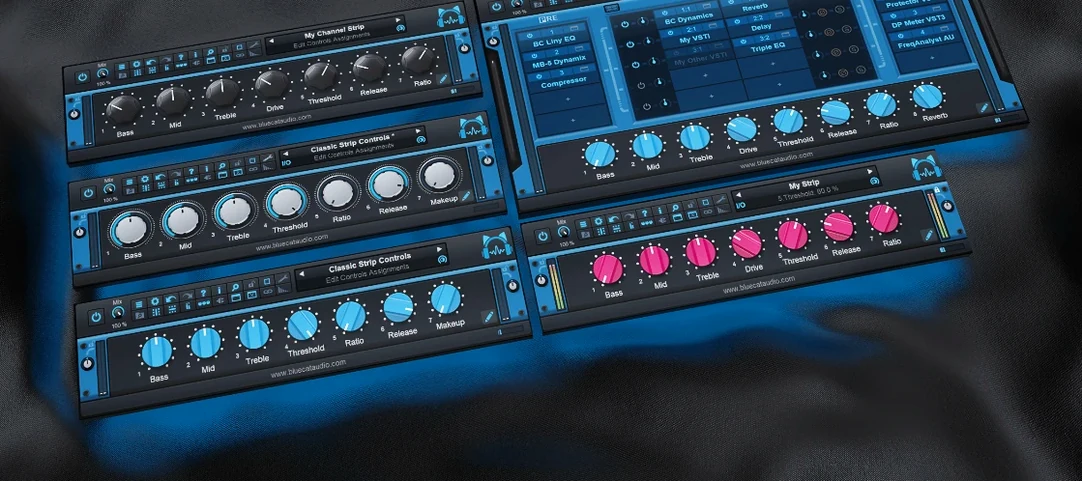
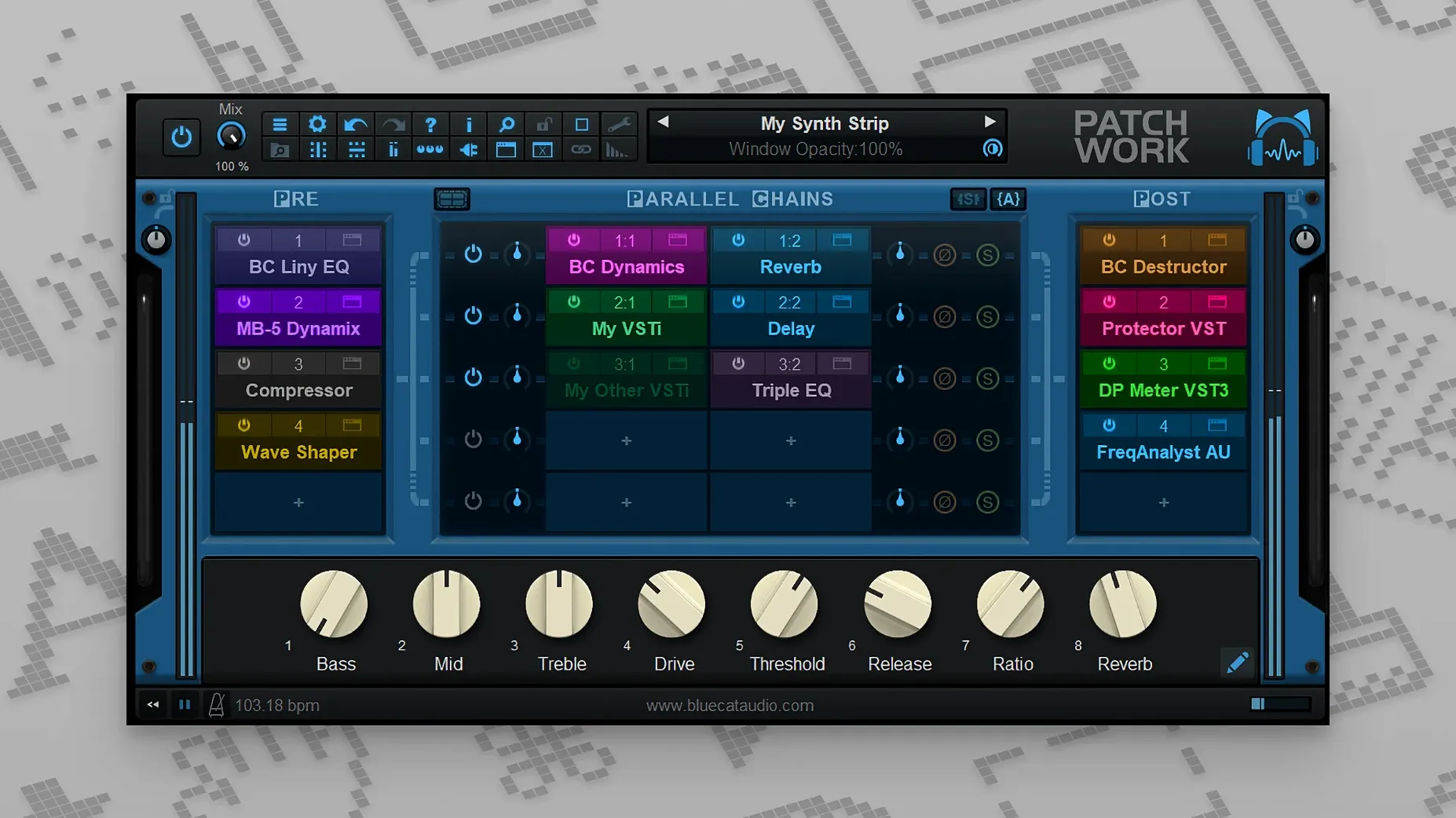
If you’ve ever used a channel strip plug-in — one of those all-in-one EQ, compressor and gate racks — you already understand half of what PatchWork does. It’s that idea, but with the walls knocked down. Blue Cat’s PatchWork lets you build your own strip from any third-party or built-in plug-ins you own, chaining them in series or parallel, then saving the whole lot as a single preset your DAW sees as one insert.
Building a custom channel strip
Drop PatchWork onto a vocal or drum track and you can wire a preamp emulation into a surgical EQ, then split to parallel compressors, all inside one slot. The drag-and-drop patching grid makes signal routing feel more like connecting hardware than filling in a DAW menu.
Turning a bus into a creative playground
On a send or mix bus, PatchWork hosts up to 64 plug-ins — VST, VST3, Audio Unit, or its own built-in effects — so you can stack saturation, modulation and spatial tools well beyond what a typical console strip allows. Parallel chains let you blend a dry signal with heavily processed layers without leaving the plug-in window.
Managing a live or MIDI-heavy setup
MIDI control runs deep. You can map hardware faders to plug-in parameters and, since the 2.75 release, toggle individual plug-in bypass and window visibility via MIDI. The enhanced presets browser returns results as you type, which makes flicking between complex chains on stage far less of a staring contest.
Stacking spectral processors beyond the DAW's insert limit
Imagine a sound designer working on a game’s creature vocalisations. She has a raw recording of scrap metal and a library of spectral processors, but her DAW’s insert slots are already crowded with dialogue treatments. She drops PatchWork onto a new track, loads a granular pitch-shifter in the first slot, then splits the path into two parallel chains. One chain feeds a ring modulator; the other runs through a convolution reverb loaded with a tiny glass-bottle impulse response. A built-in gain plug-in at the merge point keeps the blended output from clipping. She saves the whole tangle as “Metal Beast Breath” and can recall it instantly next session — no rebuilding, no lost inspiration.
Ignoring the parallel routing engine and burning CPU on series chains
One I see in evening classes all the time is treating PatchWork like a simple insert rack and ignoring the parallel routing. A student will stack four plug-ins in series, wonder why the CPU meter is groaning, and never think to split the load across lanes where processing can be shared. Another classic is forgetting the plug-in scanner. Newcomers install a shiny new VST3 and grumble that it doesn’t appear in the browser, when a quick pass through the scanner would have catalogued it. Finally, people often overlook the built-in plug-ins — the gain, stereo tools and basic meters are genuinely useful for gain-staging between fancier processors, but they get ignored in the rush to load the big-name compressor.
Waking a silent plug-in by showing its hidden interface
The plug-in that won’t open is a perennial headache. On macOS, VST3 editor loading only happens when the interface is shown, so if you’ve hidden the window and the plug-in goes quiet, showing the UI usually wakes it. If an Audio Unit misbehaves, try the VST version instead — PatchWork’s multi-format support is your safety net.
Latency mismatches in parallel chains can cause phase cancellation that thins out the sound. You’ll hear it most on bass-heavy material. The fix is to insert a simple delay plug-in (even PatchWork’s own tools can nudge timing) on the faster lane until the two paths align by ear, or switch all plug-ins to report latency correctly and let the host compensate.
Users who fetch a bluecat patchwork crack mac build from unofficial sources sometimes hit a brick wall where the plug-in scanner refuses to recognise newly installed plug-ins. If a blue cat patchwork torrent version is floating around with a tampered scanner, rebuilding the plug-in cache from scratch — clearing the old database and rescanning everything — often restores order. The same applies if you grabbed a blue cat's patchwork torrent and find the Audio Unit bridge unstable; switching to VST3 versions of the same plug-ins usually sidesteps the problem entirely.
Workflow: designing a parallel drum crush from start to finish
Let’s walk through a specific task: setting up a heavily compressed parallel drum bus that doesn’t swamp the transients.
- Insert PatchWork on the drum bus. This keeps the entire parallel processing inside one plug-in slot, leaving your DAW’s mixer clean.
- Load a high-pass EQ in the first serial slot. Rolling off below 100 Hz stops the sub frequencies from triggering the compressor too hard later.
- Right-click and add a parallel lane. You now have two paths: Lane A stays empty as the dry signal path; Lane B becomes the crush lane.
- On Lane B, drop a character compressor. Set the ratio to 8:1, attack fast, release medium, and pull the threshold down until you’re getting 10–15 dB of gain reduction. The sound will be aggressive and pumping — that’s the point.
- Add a saturator after the compressor. A touch of tape-style saturation rounds off the compressor’s artifacts and adds density.
- Insert a gain plug-in on Lane B and drop the output by 6 dB. The crushed signal needs to sit underneath the dry lane, not overwhelm it.
- Blend using the lane faders. Bring Lane B up until the drums feel thick and exciting, then back it off a hair. The dry lane keeps the stick attack intact.
- Save the chain. Right-click, save the effects chain, and name it “Drum Crush Parallel”. Next session it loads in seconds.
That setup normally takes five inserts and a messy send bus. PatchWork wraps it into one recallable block — and the MIDI control means you can ride the crush level from a fader while the band plays.
- macOS 10.9 or later
- Intel and Apple Silicon Macs (64-bit only)
Questions I keep hearing
What plug-in formats does PatchWork host on macOS?
It loads Audio Unit, VST and VST3 plug-ins alongside its own built-in effects, up to 64 in a single instance.
Questions from the class 0
Sign in or join the class to ask a question.
Nobody has asked anything yet. If you have used it on a real job, say what the file did.
Also on the VST Plugins shelf
The whole VST Plugins shelf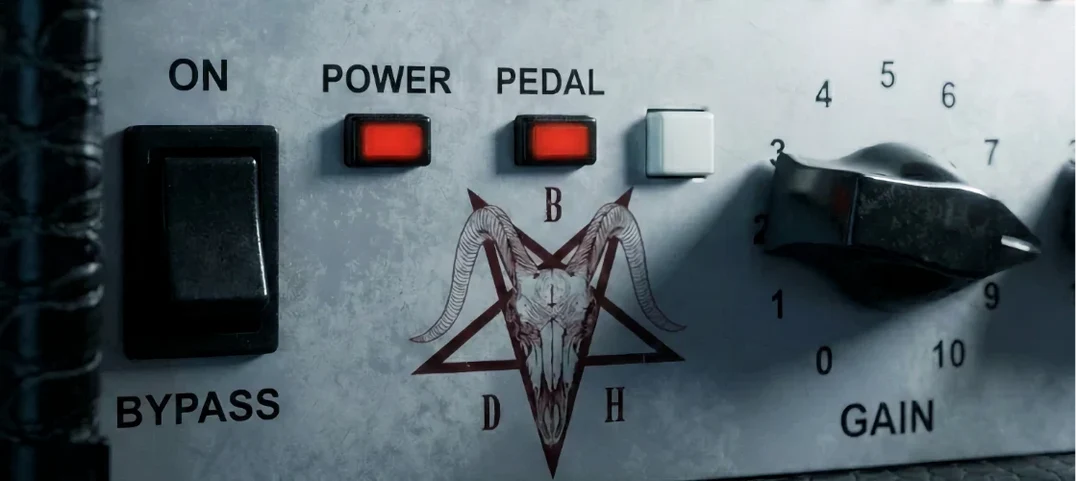 Bogren Digital Ampknob BDH 66o6 Plus
Delivers a ready-mixed heavy guitar tone with a single gain knob and a built-in cab.
Bogren Digital Ampknob BDH 66o6 Plus
Delivers a ready-mixed heavy guitar tone with a single gain knob and a built-in cab.
 Cableguys Snapback
Layers a second sample underneath your drum hit and snaps its timing to the transient.
Cableguys Snapback
Layers a second sample underneath your drum hit and snaps its timing to the transient.
 Arturia Tape MELLO-FI
Degrades a clean signal into a wobbling, softened, tape-aged version of itself.
Arturia Tape MELLO-FI
Degrades a clean signal into a wobbling, softened, tape-aged version of itself.
 Arturia Pigments
Rewards sound designers with a deep, semi-modular engine for building patches from scratch.
Arturia Pigments
Rewards sound designers with a deep, semi-modular engine for building patches from scratch.
 Arturia Mellotron V
Summons the breathing, unstable tape textures of the original Mellotron without the maintenance.
Arturia Mellotron V
Summons the breathing, unstable tape textures of the original Mellotron without the maintenance.
 Arturia FX Collection
Bundles over thirty precise modelled processors, from studio classics to creative oddities.
Arturia FX Collection
Bundles over thirty precise modelled processors, from studio classics to creative oddities.
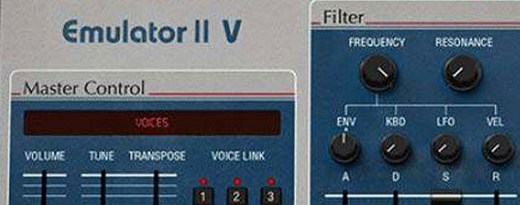 Arturia Emulator II V
Recreates the crunchy, grainy character of an early 8-bit sampling keyboard.
Arturia Emulator II V
Recreates the crunchy, grainy character of an early 8-bit sampling keyboard.
 Arturia Efx AMBIENT
Generates evolving, three-dimensional backgrounds from any static input signal.
Arturia Efx AMBIENT
Generates evolving, three-dimensional backgrounds from any static input signal.