 ASPNetWorld

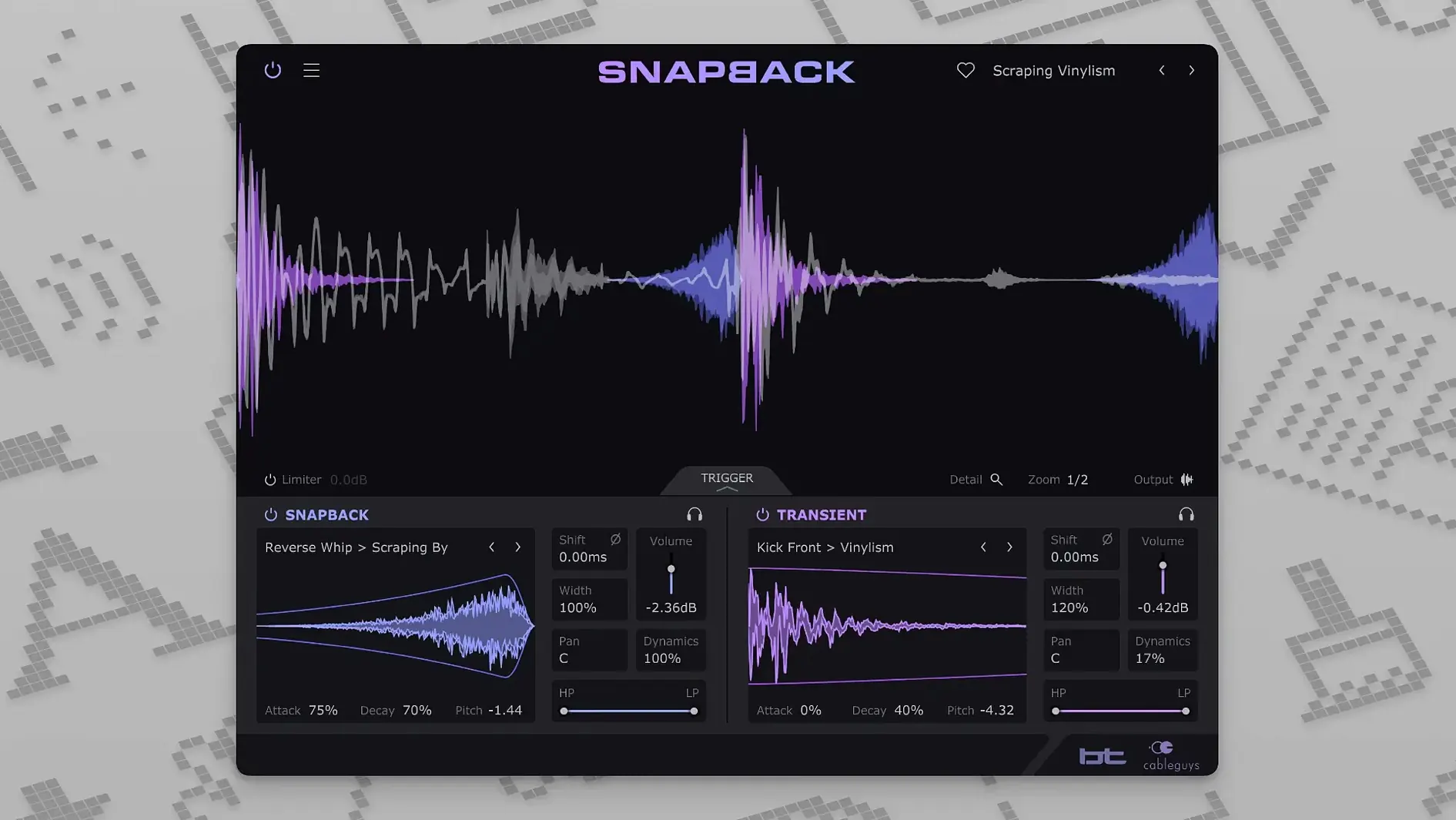
Your kick track is solid but it needs more knock — that chesty thump that lives in the first dozen milliseconds. You drag a sample onto the channel, nudge it left and right, squint at two waveforms that refuse to line up, and after twenty minutes the groove still isn't right. That is the job Snapback does in real time. It listens to the incoming audio, spots every transient, and locks the layered sample to it without manual slipping or trial-and-error placement.
On a kick or snare bus, the plugin works as an intelligent envelope follower. It can push a click or noise layer ahead of the original hit — placing the sample before the transient — which is a trick that changes perceived attack without compressing the life out of the body. A built-in waveform visualizer shows both the source and the sample in a shared timeline, so the alignment you hear is also something you can see and verify. Filters let you carve the added texture into a specific frequency pocket, and phase adjustment keeps low-end reinforcements from cancelling out the very weight you are adding.
Across a percussion group, the workflow shifts from surgical layering to broad character work. You might feed a shaker bus through Snapback with a short noise sample to glue the top end, or use it on toms to add a consistent stick-attack without altering the natural sustain of each drum. Because detection is automatic and per-hit, tempo changes and loose performances do not break the timing — the plugin re-syncs on every strike.
Version 1.1 introduced a Reverse button, so you can flip the sample for sucked-in rises and transitional effects directly on the drum track, without duplicating the audio to a separate editor. That single addition turns the plugin from a layering tool into a sound-design device that fits neatly at the end of a drum chain or on a parallel bus, where reversed textures often sit best.
Who gets the most out of Snapback, and why
A producer working in a treated room with high-end monitors will hear what Snapback does within seconds of loading it. But the plugin genuinely earns its keep for three particular types of Mac user, each for a different reason.
Beatmakers and sample-based producers who build kits from found sounds and layered one-shots tend to spend half a session nudging waveforms. Snapback eliminates that ritual. Drop a crusty vinyl kick under a clean 808, or slide a finger-snap transient onto a dull snare sample, and the alignment happens before you reach for the transport controls. The built-in library of more than 200 samples means you can audition attack layers without ever opening Finder. For someone working to a quick deadline — a beat a day, a pack a week — that speed matters more than anything else.
Mix engineers working with live drums face a different problem: inconsistency. A drummer hits the snare slightly harder on the chorus, or the kick beater angle changes between takes. Snapback's per-hit detection means the layered sample follows the performance rather than sitting at a fixed offset. You can add the same click or sub reinforcement to every strike, confident that phase alignment and timing stay locked. On a full kit, running the plugin across kick, snare, and tom channels gives the whole performance a polished, record-ready attack without ironing out the dynamics that make it feel alive.
Sound designers will reach for the Reverse button — added in version 1.1 — more than most. Flipping a noise sample and placing it before a snare hit creates a sucked-in rise that would normally require a separate reverse-print track and careful manual placement. Doing it inside the plugin, on a parallel bus, keeps the session tidy and the idea immediate. That same trick works on cymbal swells, transitional percussion, and electronic impacts, making Snapback a capable sound-design layer as well as a mixing utility.
How Snapback compares with similar drum-layering plugins
Several Mac plugins promise to add weight or attack to drums, but they approach the task from different angles. Understanding those differences helps when you are deciding which tool suits a particular session.
Snapback versus XLN Audio DS-10 Drum Shaper. DS-10 works as a transient shaper with three frequency bands — it boosts or cuts the attack, body, and tail of a sound using envelope-following rather than layering. It is excellent for reshaping a single drum sound without adding external samples, but it cannot introduce a completely new texture. Snapback wins when the source lacks something fundamental — a kick with no click, a snare with no crack — because it brings an entirely new sample into play. DS-10 stays closer to the original signal; Snapback augments it with fresh audio.
Snapback versus Slate Digital Trigger 2. Trigger 2 is a full drum-replacement engine designed to substitute entire kit pieces with triggered samples, complete with velocity mapping and multi-velocity layers. It is the right choice when you need to replace a poorly recorded snare entirely. Snapback does not aim to replace — it layers. That makes it faster for the common scenario where the source drum is good but needs a specific frequency or attack emphasis. Trigger 2 requires more setup; Snapback is essentially instant.
Snapback versus Waves Smack Attack. Smack Attack is a transient designer, similar in concept to DS-10, controlling the attack and sustain envelope of the incoming signal. It does not layer samples at all. If you download a Snapback VST torrent expecting a transient designer, you may be surprised to find a sample-layering instrument instead. Snapback's strength is additive — it brings something new to the sound rather than reshaping what is already there.
Mistakes beginners make with Snapback
The plugin is straightforward on the surface, but a few habits trip up new users within the first hour of use.
Layering on the wrong frequency range. Adding a bright click sample to a kick that already has plenty of beater attack creates a brittle, unpleasant top end. The filters are there for a reason — carve the sample into the frequency pocket that the source lacks. If your kick has solid low end but no knock, high-pass the sample around 2 kHz and blend gently. If the snare has crack but no body, use a low-pass filter on the sample and tuck it underneath the original.
Ignoring phase. Two low-frequency waveforms sitting on top of each other can cancel almost entirely if their phase relationship is wrong. The phase adjustment knob is not cosmetic — small rotations can be the difference between a reinforced kick and a thinner one than you started with. Listen in mono while you dial it in; if the low end collapses when you sum to mono, the phase needs attention.
Setting the sample volume too high. The goal is usually reinforcement, not replacement. A sample that sits 6 dB or more above the source starts to sound like a separate sound rather than part of the original. Start with the sample fader at minus 10 dB or lower, then bring it up until you notice the difference, then back it off a touch. The best layered sounds are felt more than heard.
Common snags and how to sort them out
No plugin is completely free of quirks, and Snapback has a few behaviours worth knowing about before they interrupt a session.
Detection misses on soft hits. If the source drum has wide dynamic variation — ghost notes on a snare, for instance — the detection threshold may miss the quietest strikes. The cure is usually to place the plugin after a compressor in the signal chain, or to route the drum to a bus with a more consistent level before Snapback processes it. A subtle boost around the transient frequency can also help the detector lock on.
Latency on pre-transient placement. Placing a sample before the transient requires the plugin to look ahead, which introduces a small amount of latency. Most DAWs compensate for this automatically, but in complex routing setups — parallel buses, multi-output instruments — you might need to check that compensation is working correctly. If you hear flamming between the dry and processed signals, try toggling delay compensation off and back on in your host.
User samples not loading. Snapback accepts a range of common file formats, but very long samples — anything over a few seconds — can be confusing because the plugin is designed for short attack and texture layers. Trim your samples to the relevant portion before importing. If a sample refuses to load at all, check the sample rate — extremely high-rate files sometimes need converting to standard 44.1 kHz or 48 kHz audio first.
If a cableguys snapback torrent you have found behaves oddly — missing the sample library, failing to recall user samples
Version 1.1 brings two workflow refinements. A new Reverse button flips the layered sample for riser and transition effects directly on the drum channel, and the number of addressable MIDI ports has expanded from 16 to 256 — useful in larger template setups where port assignments run tight.
- macOS 10.13 or newer
- Apple Silicon (ARM) or Intel 64-bit processor
- DAW host supporting VST 2, VST 3, AU, or AAX
Questions I keep hearing
Does Snapback work on Apple Silicon Macs?
Yes, it supports both ARM and x86 64-bit Macs running macOS 10.13 or later in VST 2, VST 3, AU, and AAX formats.
Can I place a sample before the drum hit?
Absolutely — a key feature is the ability to position the layered sample ahead of the transient, which lets you shape the perceived attack of kicks and snares without heavy compression.
Questions from the class 0
Sign in or join the class to ask a question.
Nobody has asked anything yet. If you have used it on a real job, say what the file did.
Also on the VST Plugins shelf
The whole VST Plugins shelf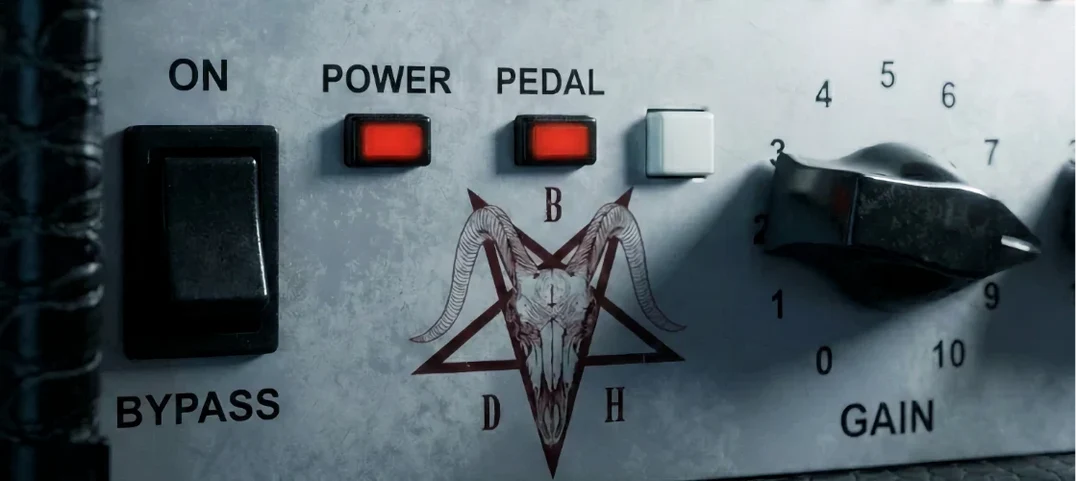 Bogren Digital Ampknob BDH 66o6 Plus
Delivers a ready-mixed heavy guitar tone with a single gain knob and a built-in cab.
Bogren Digital Ampknob BDH 66o6 Plus
Delivers a ready-mixed heavy guitar tone with a single gain knob and a built-in cab.
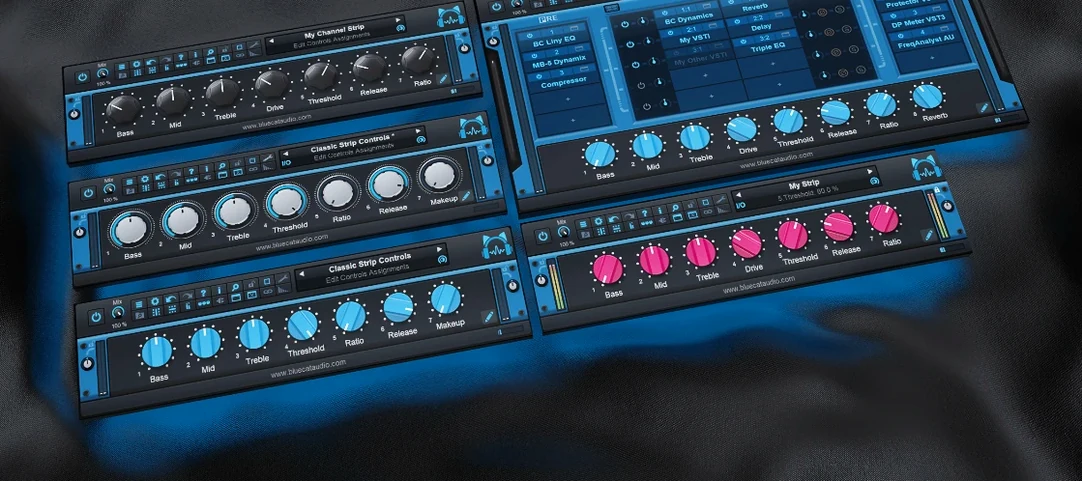 Blue Cat Audio Blue Cats PatchWork
Hosts your favourite plug-ins inside a single rack so you can chain up a custom processing strip.
Blue Cat Audio Blue Cats PatchWork
Hosts your favourite plug-ins inside a single rack so you can chain up a custom processing strip.
 Arturia Tape MELLO-FI
Degrades a clean signal into a wobbling, softened, tape-aged version of itself.
Arturia Tape MELLO-FI
Degrades a clean signal into a wobbling, softened, tape-aged version of itself.
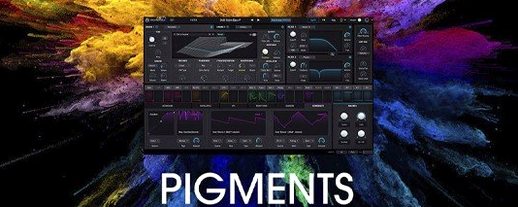 Arturia Pigments
Rewards sound designers with a deep, semi-modular engine for building patches from scratch.
Arturia Pigments
Rewards sound designers with a deep, semi-modular engine for building patches from scratch.
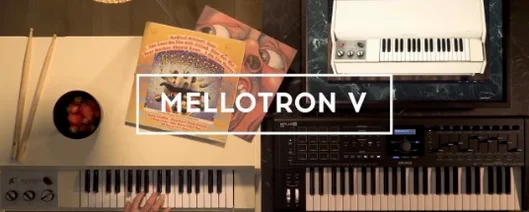 Arturia Mellotron V
Summons the breathing, unstable tape textures of the original Mellotron without the maintenance.
Arturia Mellotron V
Summons the breathing, unstable tape textures of the original Mellotron without the maintenance.
 Cymatics QUAKE
Synthesises weighty 808 bass sounds from scratch with built-in saturation circuits.
Cymatics QUAKE
Synthesises weighty 808 bass sounds from scratch with built-in saturation circuits.
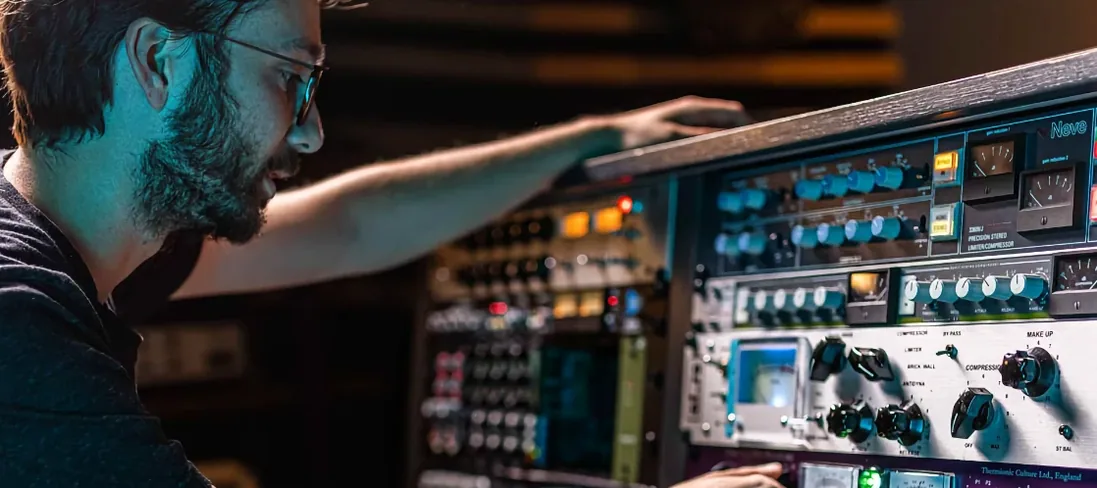 Arturia FX Collection
Bundles over thirty precise modelled processors, from studio classics to creative oddities.
Arturia FX Collection
Bundles over thirty precise modelled processors, from studio classics to creative oddities.
 Arturia Emulator II V
Recreates the crunchy, grainy character of an early 8-bit sampling keyboard.
Arturia Emulator II V
Recreates the crunchy, grainy character of an early 8-bit sampling keyboard.