 ASPNetWorld
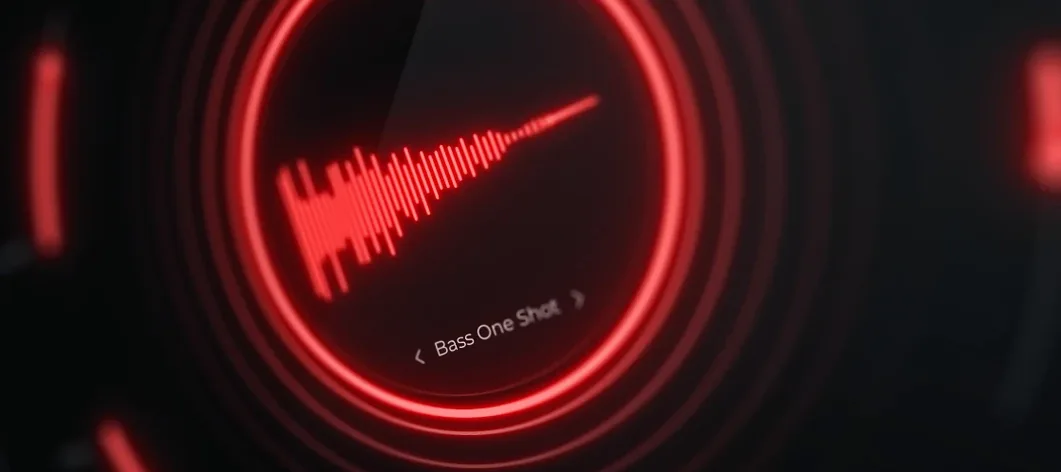
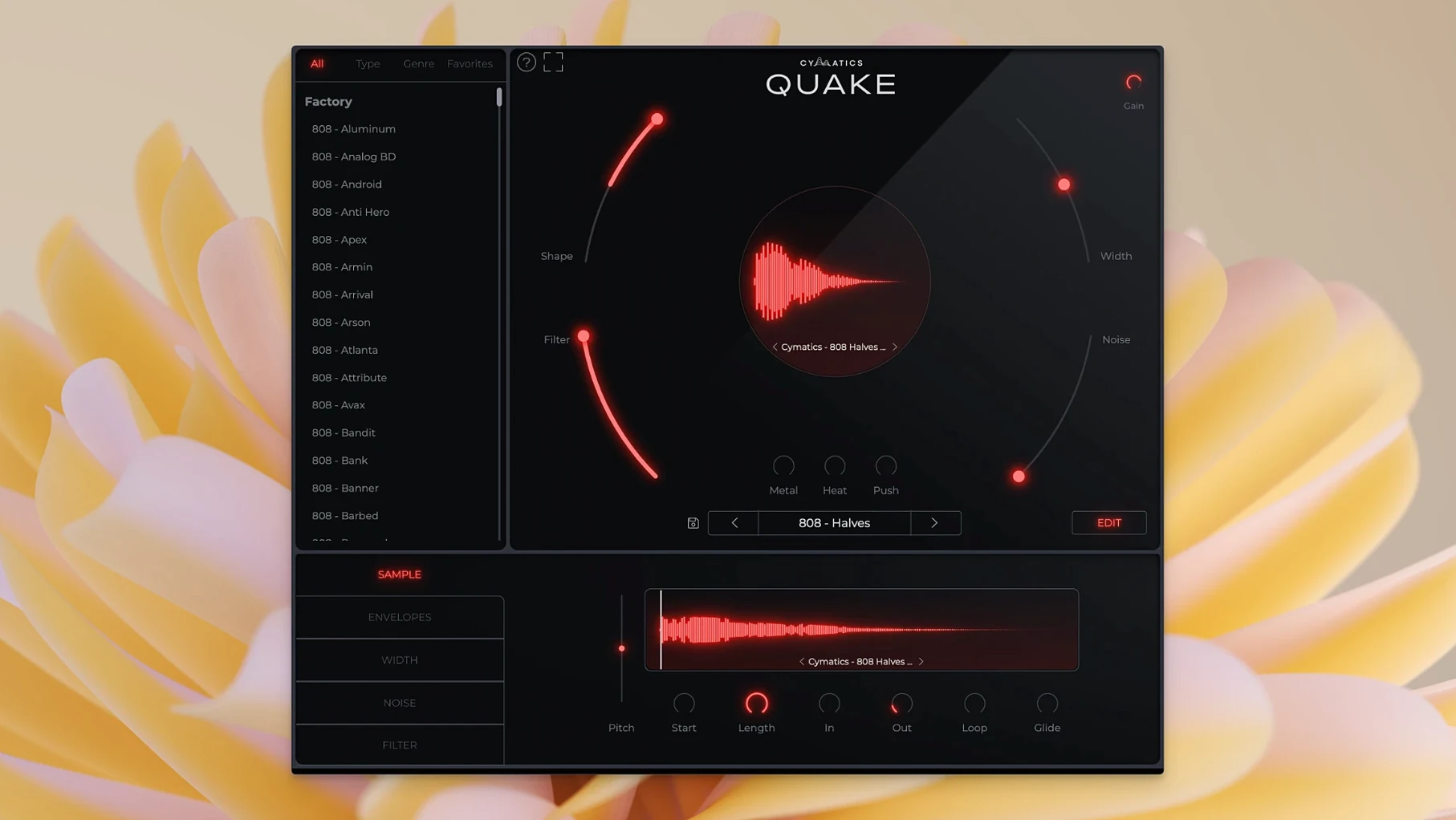
The Metal circuit is where I usually start, because it introduces a kind of gritty, mid-forward saturation that sits beautifully against a kick drum without eating up headroom. QUAKE isn't a sample pack — it's a standalone bass engine built for designing 808s and bass sounds from the ground up, and every control is tuned for that one job.
I place QUAKE beside the kick channel as a dedicated instrument
I treat QUAKE as a dedicated instrument track in my template, right next to the kick channel. That way the width, envelope and saturation decisions happen at the source, before any bus processing. The Width control lets you push just the upper harmonics out to the sides while keeping the fundamental dead centre, which is brilliant for Drill and EDM drops. The Shape and Filter knobs then let you dial in the transient snap and tonal body — think of Shape as the voice of the 808 and Filter as the room it stands in.
Routing and tonal sweet spots
On the bus side, I'll send QUAKE to a parallel distortion chain for extra bite, but honestly the onboard Metal, Heat and Push stages often make that redundant. Metal gives you that speaker-cone-edge tone; Heat warms things into tape-ish saturation; Push drives the whole signal into a dense, compressed crunch. The preset library covers Trap, House, R&B and about ten other styles right out of the box, so you can load up a starting point and tweak the three saturation flavours to fit the arrangement. It runs natively on Intel and Apple Silicon Macs from macOS 10.14 onward.
How QUAKE sits alongside other bass tools
When I put QUAKE next to something like Xfer Serum or Native Instruments Massive, the difference isn't about one being better — it's about time. Serum can build any bass sound imaginable, but you'll spend twenty minutes routing envelopes, tuning wavetable positions and layering noise oscillators. QUAKE collapses that into a single window where Shape, Filter and the three saturation stages already speak the language of 808s and bass drops. It's a specialist, not a generalist.
Against a sample-based 808 designer like Initial Audio 808 Studio 2, QUAKE pulls ahead on the synthesis side. 808 Studio leans heavily on layered samples, which is fine until you need a note outside the sampled range and the character thins out. Because QUAKE generates everything from oscillators and saturation circuits, the tone stays consistent from C0 to C4. That matters when you're pitching 808s in a Drill pattern or sliding between notes in an R&B line — there's no crossfade artefact, no multisample gap. You do lose the convenience of dragging in your own one-shot, but for pure sound design the trade-off makes sense.
SubLab is the other one producers ask about. SubLab nails the sub-bass foundation beautifully, and its X-Sub harmonic generator is genuinely clever. QUAKE doesn't try to compete on the pure sub layer; instead it's built around what happens above 100 Hz — the grit, the width, the transient shape. I've ended up using both in the same project: SubLab for the chest-pressure low end, QUAKE for the aggressive mid-bass that cuts through on a phone speaker. They complement each other better than they compete.
First days with QUAKE: a practical walkthrough
When you first install it, resist the urge to scroll through all the presets in one go. I've seen students do that and then complain they can't find a sound — the library is deep enough that you'll get ear fatigue before you reach the halfway point. Instead, pick three presets from different genres that you wouldn't normally reach for. Try a House preset on a Trap beat, or an EDM preset on a slow R&B track. Because the controls are so immediate — Width, Shape, Filter, Metal, Heat, Push — you can twist a sound into an entirely different genre in under a minute, and you'll learn how each knob behaves under real pressure.
Set up a sidechain routing early, even if you don't think you need it. Route your kick to QUAKE's track and use your DAW's stock compressor to duck the bass on each hit. The Filter control is your ally here: pull it down to around 80–120 Hz during the ducking test, listen for any low-end pile-up, then ease it back up until the bass body returns without masking the kick transient. Doing this on day one prevents you from building a whole arrangement around a bass tone that fights the kick later.
Another habit worth forming is saving your own starting-point presets. Once you dial in a Width setting and saturation balance that works with your monitoring setup, save it as "Flat Start" or "My Clean 808". That way you're not always loading a heavily processed preset and stripping it back — you have a neutral foundation that already respects your room and headphones.
I widen the default stereo image to 40% before anything else
The Width control defaults to a fairly narrow stereo image, which is sensible for club systems but can feel boxy on headphones. I set it to about 40% as a new baseline and adjust per track. The trick is to solo just the bass and switch your monitoring to mono periodically — if the low end disappears when you collapse to mono, you've pushed Width too far. A little goes a long way.
The Noise knob is easy to overlook, but it's one of the quiet workhorses. Adding even a touch of analog-modelled noise — say 15–20% — gives the sustain portion of an 808 more texture. This matters hugely on headphones, where a perfectly clean sine-wave tail sounds sterile. I turn Noise up until I can just perceive it, then back it off a notch. On speakers you won't consciously hear it; you'll just notice the bass feels more alive.
Push is the saturation stage that can catch you out. It's loud, it's compressed, and it's easy to overdo. My advice: set Push to zero, dial in Metal and Heat first to get the tone right, then bring Push up slowly. Think of Push as the "finished record" crunch — useful when you need the bass to sound mastered before it hits the master bus, but dangerous if you stack it on top of an already-saturated patch.
The quake bass engine is tuned for short, punchy Trap and Drill 808s
Beatmakers working in Trap, Drill and modern R&B will feel at home fastest. The quake bass engine is tuned for the kind of short, punchy, harmonically dense 808s that define those genres. The preset library's Trap and Drill starting points are among its best, and the Metal and Push controls deliver exactly the midrange aggression that cuts through sparse arrangements.
Sound designers and electronic producers who build their own patches will also dig deep into QUAKE. Because every control is on one panel — no tab switching, no modulation matrix to navigate — you can treat it like a hardware unit and work fast. I've used it on a pop production where the brief was "make the bass sound like a rusty chain," and the combination of Metal at 70%, Noise at 30% and a narrow Filter opening got me there in three minutes. That speed of iteration is what keeps it in my template.
Beginners who are still learning synthesis will find it less overwhelming than a full-featured synth, precisely because the options are limited and purpose-built. You can't accidentally route an LFO to the wrong parameter or corrupt a wavetable. Every knob does one thing that makes sense in the context of bass, and the presets give you a safe starting point to reverse-engineer. If you're new to production and tired of scrolling through sample packs looking for the right 808, QUAKE gives you the tools to build it yourself without a steep learning curve.
- macOS 10.14 or later
- Intel and Apple Silicon Macs supported
- Plugin formats: VST3, AU
- Interface language: English
Questions I keep hearing
What do the Metal, Heat and Push controls do?
They add three distinct types of saturation and distortion — Metal is edgy and mid-forward, Heat introduces warmer tape-style saturation, and Push drives the signal into dense, compressed crunch.
Does QUAKE come with ready-made sounds?
Yes, it includes an expansive preset library of bass sounds for Trap, House, R&B, EDM, Drill and eight other genres, so you can start designing immediately.
Is QUAKE a sample pack or an instrument?
It is a standalone instrument plugin for designing your own bass and 808 sounds, not a sample pack.
Questions from the class 0
Sign in or join the class to ask a question.
Nobody has asked anything yet. If you have used it on a real job, say what the file did.
Also on the VST Plugins shelf
The whole VST Plugins shelf Cymatics VOXITY
Puts a lead vocal's EQ, compression and spatial sweetening inside a single plug-in.
Cymatics VOXITY
Puts a lead vocal's EQ, compression and spatial sweetening inside a single plug-in.
 Devious Machines Infiltrator
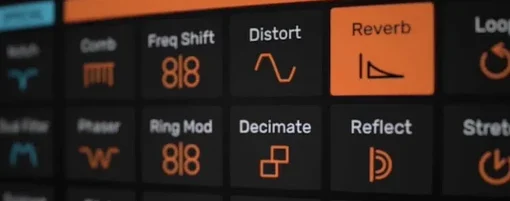
Sequences a chain of audio effects step by step from a single MIDI note.
Devious Machines Infiltrator
Sequences a chain of audio effects step by step from a single MIDI note.
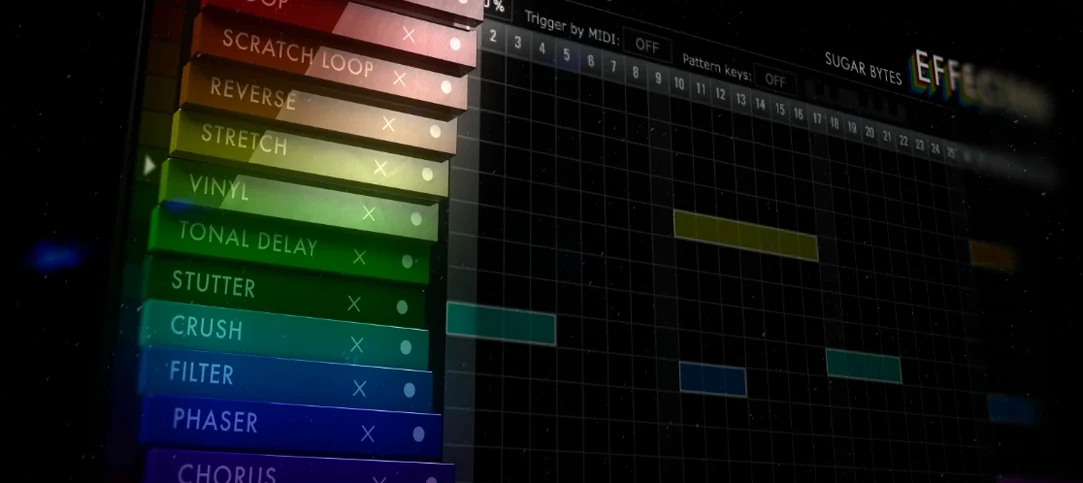 Effectrix
Paints sequenced audio effects across a step grid to transform a loop over time.
Effectrix
Paints sequenced audio effects across a step grid to transform a loop over time.
 elastiquePitch
Shifts the pitch and formant of a recording independently without changing its length.
elastiquePitch
Shifts the pitch and formant of a recording independently without changing its length.
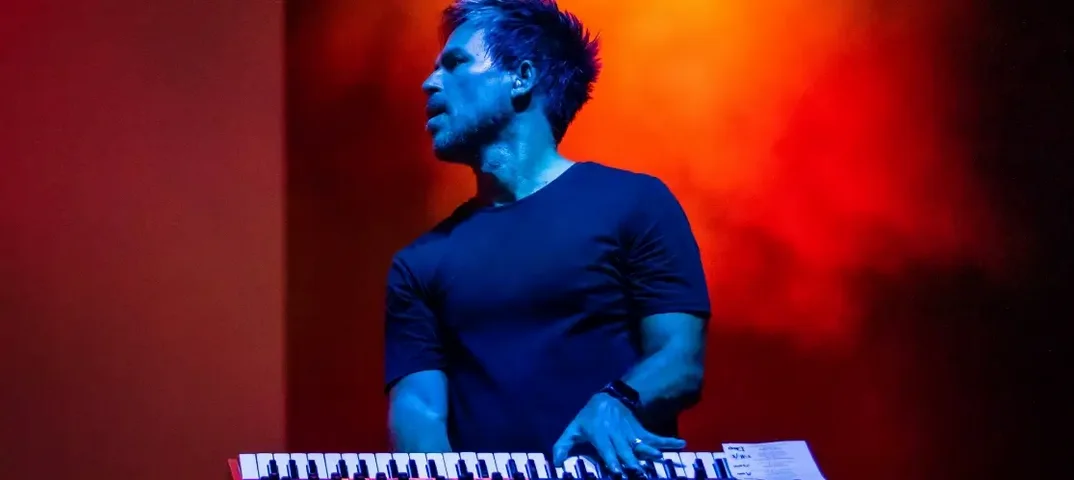 Cableguys Snapback
Layers a second sample underneath your drum hit and snaps its timing to the transient.
Cableguys Snapback
Layers a second sample underneath your drum hit and snaps its timing to the transient.
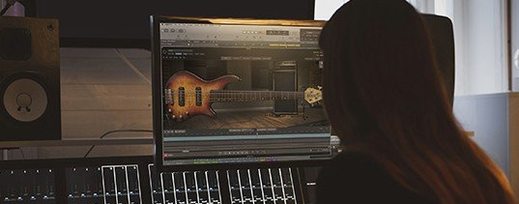 EZbass
Turns your chords into realistic basslines with fingerstyle detail and ghost notes.
EZbass
Turns your chords into realistic basslines with fingerstyle detail and ghost notes.
 EZdrummer
Builds full drum tracks from your ideas when no drummer is available.
EZdrummer
Builds full drum tracks from your ideas when no drummer is available.
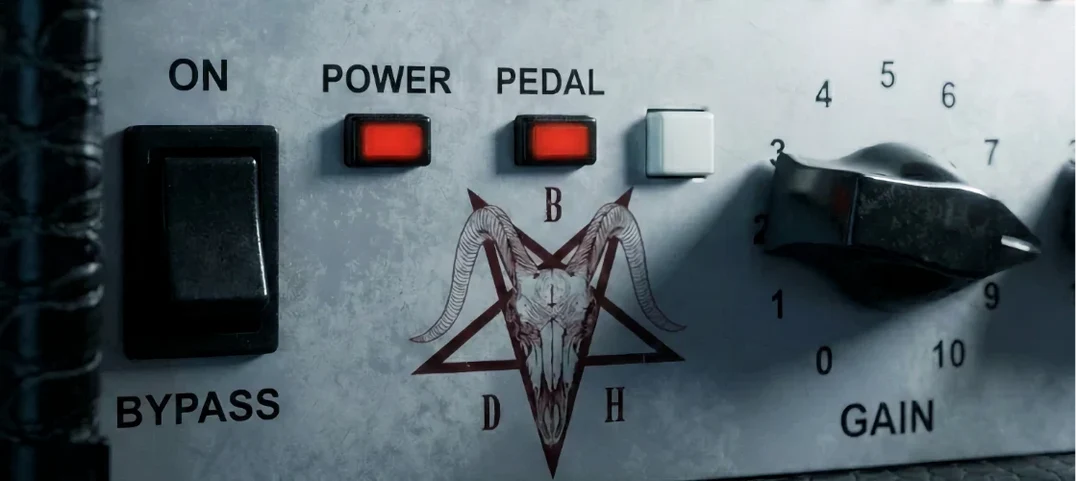 Bogren Digital Ampknob BDH 66o6 Plus
Delivers a ready-mixed heavy guitar tone with a single gain knob and a built-in cab.
Bogren Digital Ampknob BDH 66o6 Plus
Delivers a ready-mixed heavy guitar tone with a single gain knob and a built-in cab.