 ASPNetWorld

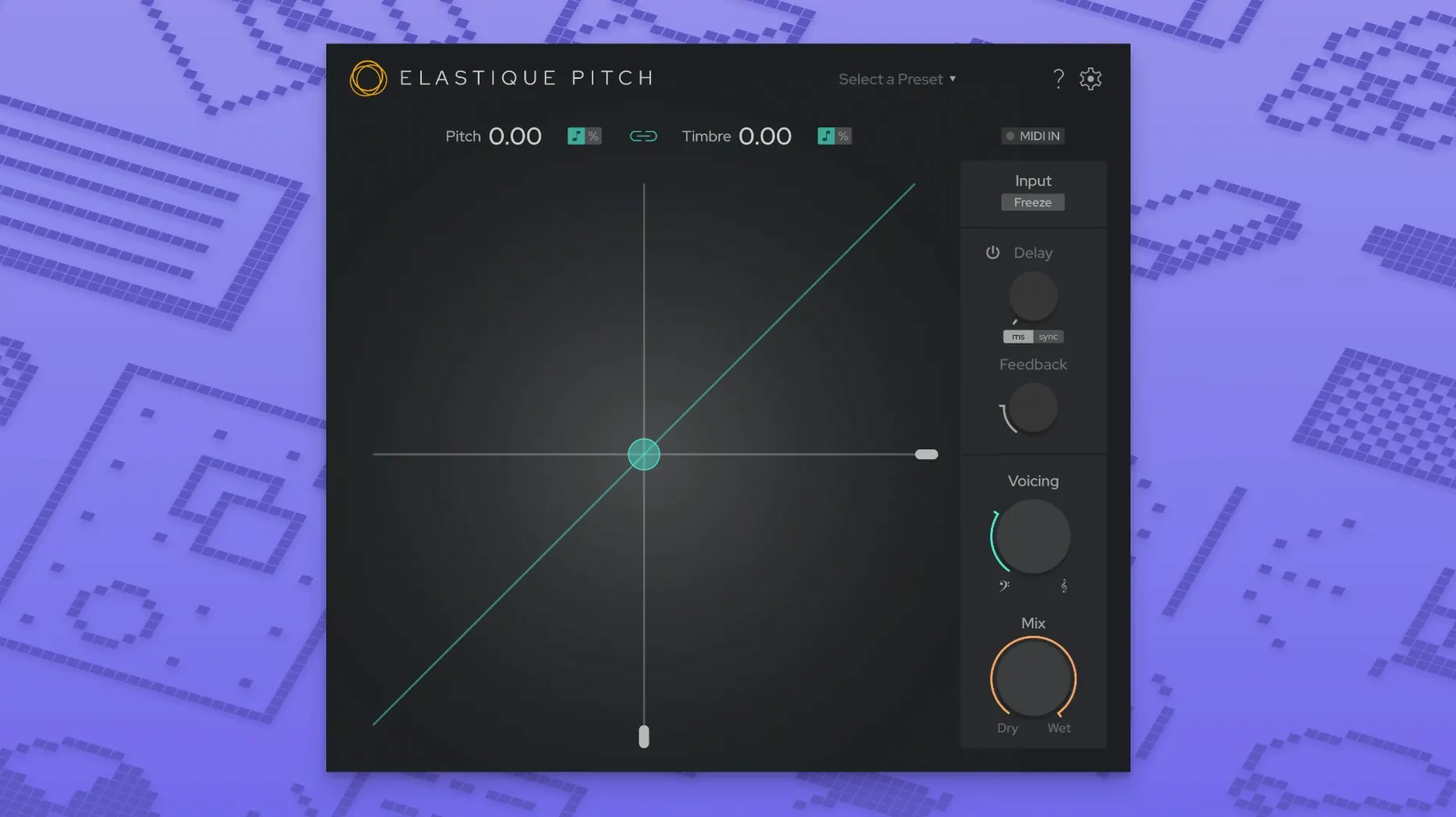
elastiquePitch v2.5 is a 64‑bit plug‑in that runs natively on both Apple Silicon and Intel Macs, needing macOS 10.15 Catalina or later. It loads into any AU, VST3 or AAX host that supports 64‑bit processing, and version 2.5 opens up the channel count to 16 — useful when you are working in surround or immersive formats rather than just stereo music sessions.
Drop it on a vocal and shift formants during playback
Think of it as a real‑time processor, not a file‑based editor. Drop it on a vocal track and you can nudge formants and pitch independently while the playback runs. In post‑production, the same algorithm can handle frame‑rate conversions — those small percentage shifts that keep audio in sync when picture editorial changes the speed. A less obvious trick is the built‑in pitch‑shifted echo: you feed a little of the shifted signal back into itself and suddenly a spoken phrase carries a harmonic tail that follows the original contour.
The sound under the hood
At the centre is zplane’s ÉLASTIQUEPRO algorithm, the same family of processing you hear in several major DAWs, just presented here as a dedicated insert effect. The redesigned interface keeps the controls minimal — coarse and fine pitch knobs, a formant slider, and a mix control — so you spend less time menu‑diving and more time listening. Because the plug‑in processes up to sixteen channels, multichannel workflows stay coherent: all channels pass through the same pitch‑shift calculation, preserving the spatial image without extra routing.
The cleaner layout that lets you tweak a vocal without stopping
Most of what version 2.5.0 brings is felt rather than seen, though the redesigned interface is the part you notice first. The controls sit in a cleaner arrangement, which matters when you are adjusting a vocal during playback and do not want to hunt for the fine pitch knob while the transport runs. In practice, the visual refresh simply removes a layer of friction: you find the formant slider faster, you read the current shift value at a glance, and you move on.
The expanded multichannel support up to 16 channels is a quieter but more substantial change. If you have worked with surround stems before, you know how tedious it can be to split a 5.1 bed into stereo pairs just to apply pitch correction and then rebuild it. Now the plug-in handles the whole channel count in one instance, which keeps inter-channel phase relationships intact. For music producers the difference is less dramatic, but anyone doing ambisonic work or film audio will feel it immediately.
The shift to the latest ÉLASTIQUEPRO algorithm is the kind of update that does not announce itself loudly. The improvements show up as slightly cleaner transients on percussive material, fewer warbling artefacts on sustained notes, and a more natural result when you push the formant control to extremes. It is the same character you already know — just a little more composed under pressure.
Transparent surgical shifts next to Little AlterBoy’s deliberate colour
Set alongside something like Soundtoys Little AlterBoy, elastiquePitch takes a more surgical route. Little AlterBoy is a character piece — it colours the signal deliberately, and that is part of its charm. elastiquePitch v2.5 leans towards transparency, giving you pitch and formant control without imposing a particular sonic signature. If you need a robotic effect, either will get you there; if you want to shift a lead vocal up a semitone and have it still sound like the same singer, elastiquePitch is the more natural fit.
Against a general-purpose pitch shifter built into a DAW, such as Logic’s built-in Pitch Shifter, the difference comes down to algorithm quality and control depth. The stock tools are fine for quick tasks, but elastiquePitch offers finer adjustment, multichannel handling, and a formant section that feels more predictable when you separate timbre from pitch. The dedicated plug-in also tends to sit more comfortably in a long chain of inserts, where a stock effect can feel like an afterthought.
A third comparison is with Waves SoundShifter, which also covers pitch, formant and time. SoundShifter integrates tightly with other Waves tools and offers graphical automation of pitch curves. elastiquePitch counters with a simpler, more immediate interface and that 16-channel support. If your work involves a lot of automation drawing, the Waves approach may appeal; if you prefer to set a value with a knob and keep moving, elastiquePitch feels quicker.
A working example: dialogue editor on a documentary
Imagine a dialogue editor tidying up an interview recorded on location. The interviewee’s voice drifts slightly sharp during a long answer, so the editor inserts elastiquePitch on the dialogue track and pulls the fine pitch control down by around 40 cents. The formant slider stays untouched, so the speaker’s vocal character does not thin out. Then, after the picture editor changes the cut, a short section of the interview needs to run 4% faster to match the new timing. The editor applies the same plug-in to that region, shifts pitch down by the corresponding amount to compensate, and the dialogue slot back into the scene without drawing attention to itself. The whole fix takes less time than writing an email to the director explaining why the sync is off.
Because elastiquePitch works in real time, the editor can audition the change against picture immediately, rather than bouncing a file, listening, and repeating. And because the plug-in is available in AAX as well as AU and VST3, the same instance works whether the editor is in Pro Tools on a studio Mac or in a portable rig running a different host.
A few percent CPU on Apple Silicon, even with all 16 channels active
On a modern Apple Silicon Mac, a single instance of elastiquePitch v2.5 barely registers in CPU meters — typically a few percent at most on a stereo track, a little more when all 16 channels are active. The ÉLASTIQUEPRO algorithm is efficient by design, so you can run several instances across a session without the fan spinning up. On older Intel machines the load is naturally higher, but the plug-in remains comfortable for the kind of modest pitch corrections most sessions call for.
Stability has been a non-issue in extended use. The plug-in loads quickly, handles host tempo changes without spitting out clicks, and recovers cleanly from preset changes during playback. Latency is low enough for tracking in most hosts, though I tend to reserve it for mixing and post work where the extra headroom matters. If you have searched for elastique pitch v2 mac or elastique pitch v2 free download mac while gathering options, you will find the plug-in runs without fuss once installed through the standard disk image procedure.
Version 2.5 brings a cleaner control layout alongside deeper multichannel support for post‑production workflows.
- Redesigned user interface that puts the key controls front and centre.
- Expanded multichannel support — now handles up to 16 audio channels.
- Updated core processing with the latest ÉLASTIQUEPRO algorithm.
- macOS 10.15 Catalina or later
- Apple Silicon or Intel processor
- 64‑bit AU, VST3, or AAX host
Questions I keep hearing
Does elastiquePitch v2.5 work on Apple Silicon Macs?
Yes, it supports both ARM (Apple Silicon) and x86 (Intel) architectures natively, so no Rosetta translation is required.
Can I use elastiquePitch for real‑time vocal tuning?
Absolutely — it is designed for real‑time pitch and formant adjustment, making it well suited for subtle vocal correction or creative voice design during playback.
What plug‑in formats does version 2.5 come in?
It is a 64‑bit plug‑in available in AU, VST3 and AAX formats, covering all major macOS DAWs.
Questions from the class 0
Sign in or join the class to ask a question.
Nobody has asked anything yet. If you have used it on a real job, say what the file did.
Also on the VST Plugins shelf
The whole VST Plugins shelf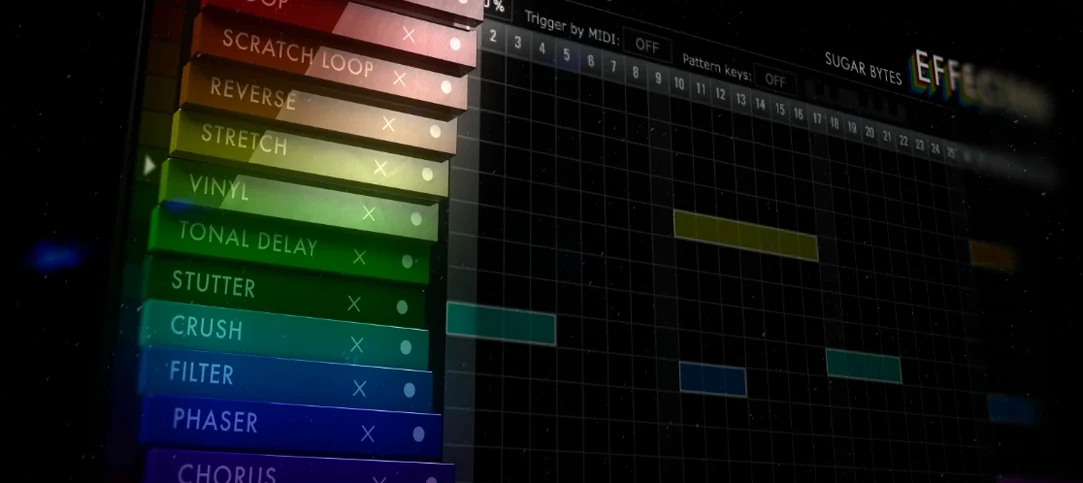 Effectrix
Paints sequenced audio effects across a step grid to transform a loop over time.
Effectrix
Paints sequenced audio effects across a step grid to transform a loop over time.
 EZbass
Turns your chords into realistic basslines with fingerstyle detail and ghost notes.
EZbass
Turns your chords into realistic basslines with fingerstyle detail and ghost notes.
 EZdrummer
Builds full drum tracks from your ideas when no drummer is available.
EZdrummer
Builds full drum tracks from your ideas when no drummer is available.
 FabFilter Total Bundle
Brings together a suite of tools to shape and polish your mixes.
FabFilter Total Bundle
Brings together a suite of tools to shape and polish your mixes.
 Devious Machines Infiltrator
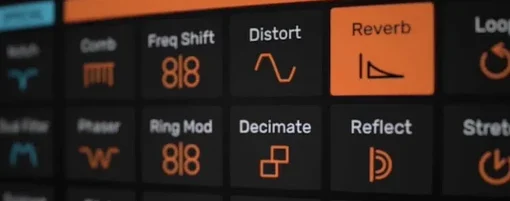
Sequences a chain of audio effects step by step from a single MIDI note.
Devious Machines Infiltrator
Sequences a chain of audio effects step by step from a single MIDI note.
 Cymatics VOXITY
Puts a lead vocal's EQ, compression and spatial sweetening inside a single plug-in.
Cymatics VOXITY
Puts a lead vocal's EQ, compression and spatial sweetening inside a single plug-in.
 Cymatics QUAKE
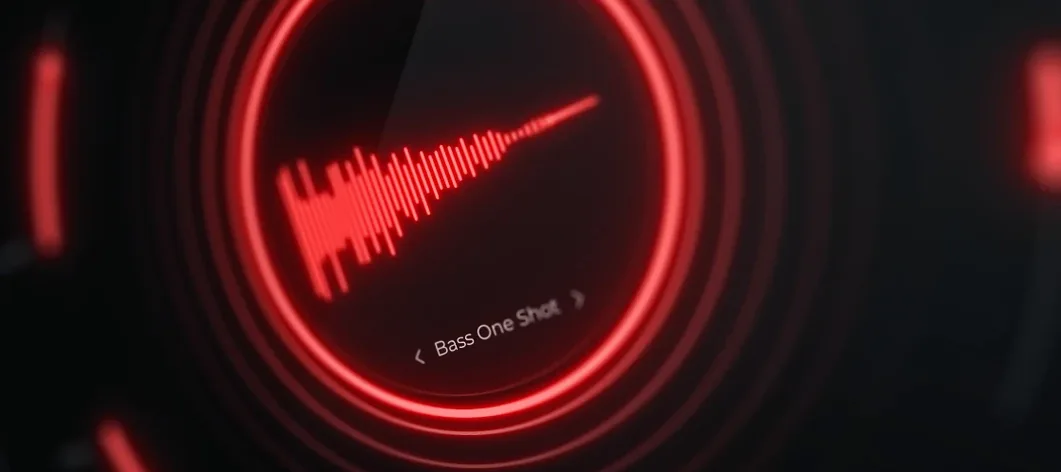
Synthesises weighty 808 bass sounds from scratch with built-in saturation circuits.
Cymatics QUAKE
Synthesises weighty 808 bass sounds from scratch with built-in saturation circuits.
 Cableguys Snapback
Layers a second sample underneath your drum hit and snaps its timing to the transient.
Cableguys Snapback
Layers a second sample underneath your drum hit and snaps its timing to the transient.