 ASPNetWorld
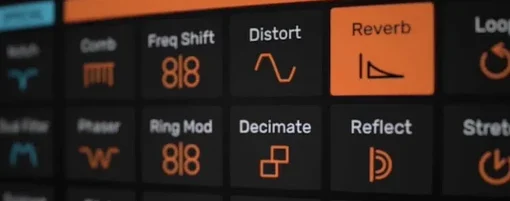
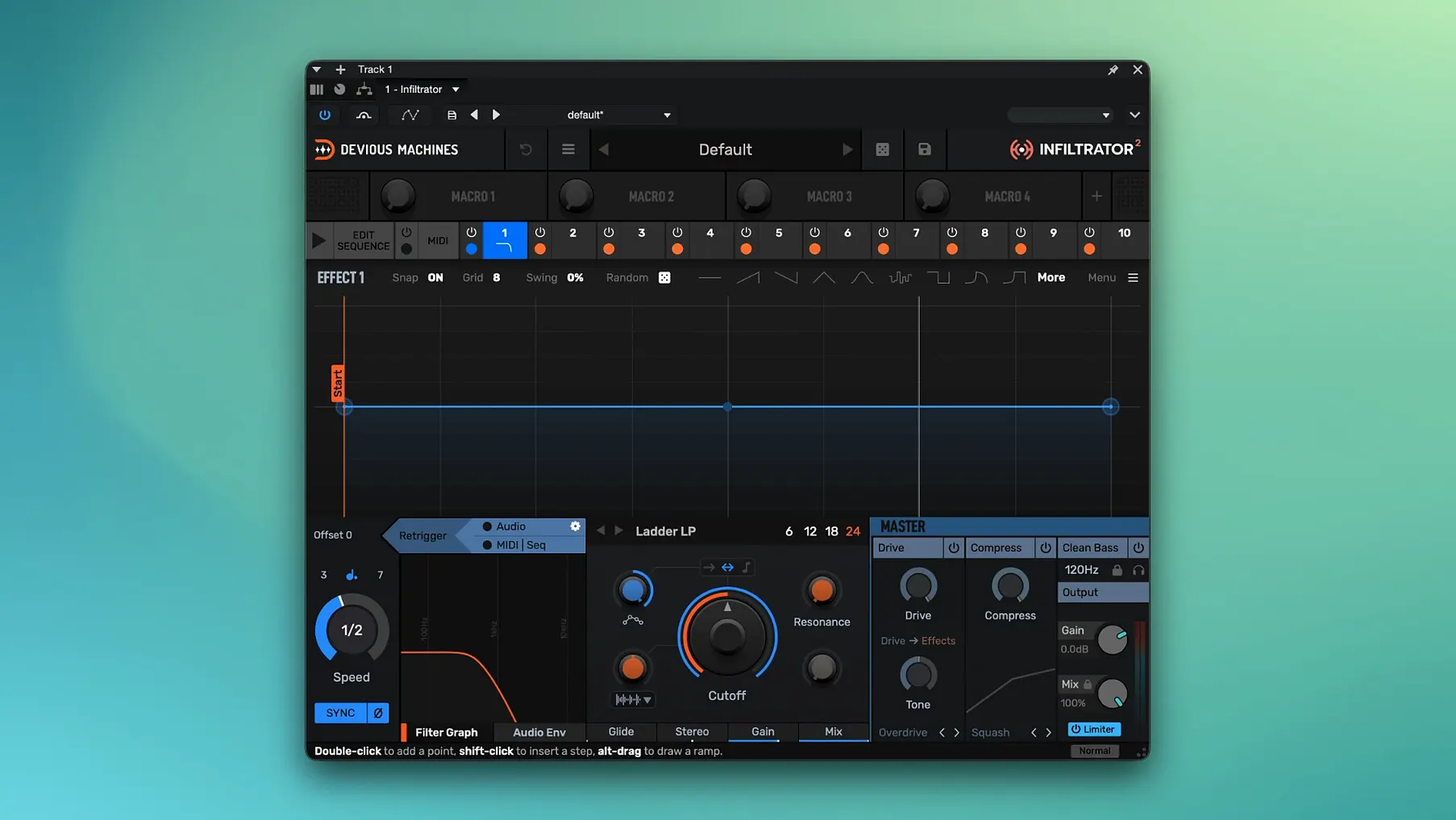
Picture a drum loop that morphs from a tight, gated filter sweep into a crushed bit-reduction swell, then snaps into a rhythmic stutter on the final beat—all triggered from a single MIDI note. Infiltrator 2.5 builds those chains inside one plug-in window.
Multi-effect sequencer — a slot that houses up to ten processing modules, triggered in order by an internal step sequencer, an envelope follower, or MIDI input.
Modulation — the movement of any parameter over time. Version 2 doubles the available modulation sources compared to the original, so you can animate a filter cutoff with a sine-wave LFO while simultaneously dragging the wet/dry mix with an input envelope.
Compatibility is straightforward. The plug-in ships as VST, VST3, AU and AAX on macOS 10.11 onwards, with native 64-bit ARM and x86 support. Projects saved with the first-generation Infiltrator open cleanly here—the developers made sure of that.
Sonically, the engine spans from precise surgical EQ cuts to filthy-rate ring modulation and everything in between. The sequencer grid lets you draw effect on/off states per step, set curve shapes, and lock timing to custom beat divisions added in 2.5. A new output limiter catches the level spikes that aggressive stacking can produce, keeping your gain staging sensible without forcing you to dial back the chaos.
Speed, Stability and Day-to-day Use
Loading Infiltrator into a project feels about the same as inserting any heavy-lifting dynamics processor: a brief pause while the interface draws, then it’s ready. Once the plug-in is active, the audio engine runs on a separate processing thread that doesn’t jitter your transport controls or slow down the arrange page, even when all ten slots are stuffed with effects and three modulation lanes are swinging at different rates.
Memory use sits around 70–90 MB for a typical instance on Apple Silicon, climbing a little when you load convolution-based effects or extra-long delay buffers. That’s modest enough to keep a dozen instances scattered across a mix without nudging the system into swap territory on a 16 GB machine. Intel users see slightly higher CPU figures—nothing dramatic, just the usual Rosetta-free gap when the plug-in is running natively on each architecture.
Stability under heavy automation is one of its quiet strengths. Dragging a curve shape while the transport runs, or jumping between presets mid-playback, doesn’t provoke the spike-and-silence routine that some sequenced effects still trip over. The output limiter added in 2.5 earns its keep here: when a stacked chain of distortion, resonant filtering and wide stereo imaging pushes the level 12 dB past sensible, the limiter clamps it before your audio interface’s meters turn solid red. You hear the squashed transient rather than a digital crack, which matters when you’re performing rather than mixing offline.
Custom beat divisions replace the tempo-sync workaround
Version 2.5 didn’t rewrite the interface or move the furniture; it tightened a handful of things that used to need workarounds. The custom beat divisions are the obvious one. Before 2.5, step timing locked to straight note values—quarter notes, eighths, sixteenths. Now you can set a step to last a dotted eighth or a triplet sixteenth, which means a filter sweep can follow a swung drum pattern without you nudging automation points by hand.
The output limiter changed the gain-staging conversation entirely. Earlier versions asked you to keep a close eye on the output meter and ride the master volume knob, especially with resonant filter spikes or bit-crushing chains. 2.5 gives you a soft-knee limiter right before the output stage, so you can push the drive modules harder and let the limiter catch the overs. It’s not a creative effect—it’s a safety net, and it’s quick enough that transient detail survives intact unless you deliberately bury it.
Under the hood, the 2.5.26 build tightened up AU validation on recent macOS versions and fixed a rare bug where the plug-in could lose sync with the host tempo when the sample rate changed mid-session. Neither is glamorous, but both remove friction from long mixing days.
Building a Rhythmic Filter Gate: A Walkthrough
Say you have a sustained pad chord that needs to pump in time with the kick drum, but you want the gate pattern to shift character as the chord decays. Here’s one way to do it inside Infiltrator, using features that 2.5 made smoother.
Start by inserting the plug-in on the pad track and clearing the default chain so you have a blank slot list. Drag a Filter module into slot one—low-pass, 24 dB slope, cutoff around 800 Hz, no resonance yet. Leave the second slot empty for a moment. In slot three, place a VCA (voltage-controlled amplifier), which is your gate. Route the VCA’s gain control to the internal step sequencer by right-clicking the gain knob and picking the sequencer as the source.
Open the sequencer grid and set the length to 16 steps. Draw a pattern where steps 1, 5, 9 and 13 are at full gain and the rest drop to silence—that gives you a quarter-note pulse. Now turn on the sequencer’s curve smoothing, set to about 20%, so the gate doesn’t click when it opens and closes. Play the pad and listen: the chord chops in time, but it’s static.
To make it move, add a second modulation lane. Click back to the Filter module, right-click the cutoff knob and assign an envelope follower modulated by the input signal. Set the envelope attack fast—5 ms—and the release to around 200 ms. The filter now opens as each pad chord hits and closes as it fades, while the VCA still chops the rhythm on top. The two modulations stack: rhythmic gating from the sequencer, dynamic filtering from the envelope.
Finally, drop a Delay module into slot two, set to dotted-eighth ping-pong with the mix around 30%. Because 2.5 lets you set that dotted-eighth timing as a custom beat division, the delay repeats land in the gaps between the gate pulses rather than smearing over them. The whole chain moves from a static chop to a breathing, syncopated texture, and you built it in one window with no external sidechain routing.
Demo mode white noise isn't a bug
White noise bursts in demo mode. If you’re evaluating the plug-in without a licence, Devious Machines designed the demo to spit out a few seconds of white noise at unpredictable intervals. It’s not a bug and it won’t damage anything, but it will startle you if your monitoring level is high. Keep a hand near the monitor controller when you’re testing, or render short sections to audio and edit out the noise afterwards.
Sequencer losing sync after sample rate changes. If you open a project at 44.1 kHz, then switch your interface to 48 kHz while Infiltrator is active, the step sequencer can drift out of phase with the host tempo. The 2.5.26 build fixed most instances of this, but if you still hit it, removing and reinserting the plug-in forces a fresh sync lock. It takes ten seconds.
Massive CPU spikes with ten active slots. Stacking ten effects with high-quality oversampling on each module will tax any processor. If you’re building chains that heavy during composition, toggle Infiltrator’s internal oversampling down to 2x or switch it off while you’re sketching the pattern, then crank it back up for the final bounce. The sequencer grid stays editable at any quality setting.
AU validation failure on older macOS versions. Occasionally, Logic Pro’s AU manager rejects the plug-in on first scan. Quit your DAW, open Terminal and run killall -9 AudioComponentRegistrar, then relaunch. The re-scan almost always passes. If it doesn’t, the installer package includes a separate component file you can drop into your user Library folder manually—the included instructions spell out where it goes.
Version 2.5 tightens the sequencing workflow and protects your output stage.
- Custom beat divisions for tempo-synced effects—set step lengths to dotted, triplet, or freely divided values instead of being locked to straight subdivisions.
- Output limiter added to catch any overs caused by stacking multiple high-gain effects in a single preset.
- Build 2.5.26 is the current Mac download, incorporating these changes.
- macOS Mac OS X 10.11 or later
- Apple Silicon or Intel processor
- Host supporting VST, VST3, AU or AAX (64-bit)
Questions I keep hearing
Does Infiltrator 2.5 work on Apple Silicon Macs?
Yes, the Mac build is a universal binary that runs natively on both Apple Silicon (ARM) and Intel processors from macOS 10.11 onward.
Can I load old Infiltrator sessions in version 2?
Full project compatibility is maintained, so any session created with the original version should open correctly with all settings intact.
Questions from the class 0
Sign in or join the class to ask a question.
Nobody has asked anything yet. If you have used it on a real job, say what the file did.
Also on the VST Plugins shelf
The whole VST Plugins shelf Cymatics VOXITY
Puts a lead vocal's EQ, compression and spatial sweetening inside a single plug-in.
Cymatics VOXITY
Puts a lead vocal's EQ, compression and spatial sweetening inside a single plug-in.
 Cymatics QUAKE
Synthesises weighty 808 bass sounds from scratch with built-in saturation circuits.
Cymatics QUAKE
Synthesises weighty 808 bass sounds from scratch with built-in saturation circuits.
 Effectrix
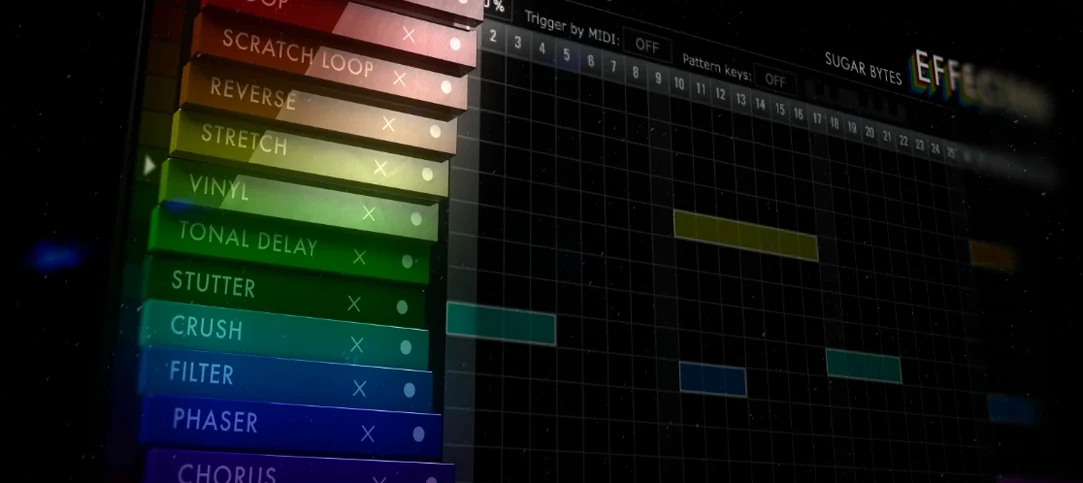
Paints sequenced audio effects across a step grid to transform a loop over time.
Effectrix
Paints sequenced audio effects across a step grid to transform a loop over time.
 elastiquePitch
Shifts the pitch and formant of a recording independently without changing its length.
elastiquePitch
Shifts the pitch and formant of a recording independently without changing its length.
 EZbass
Turns your chords into realistic basslines with fingerstyle detail and ghost notes.
EZbass
Turns your chords into realistic basslines with fingerstyle detail and ghost notes.
 EZdrummer
Builds full drum tracks from your ideas when no drummer is available.
EZdrummer
Builds full drum tracks from your ideas when no drummer is available.
 FabFilter Total Bundle
Brings together a suite of tools to shape and polish your mixes.
FabFilter Total Bundle
Brings together a suite of tools to shape and polish your mixes.
 Cableguys Snapback
Layers a second sample underneath your drum hit and snaps its timing to the transient.
Cableguys Snapback
Layers a second sample underneath your drum hit and snaps its timing to the transient.