 ASPNetWorld
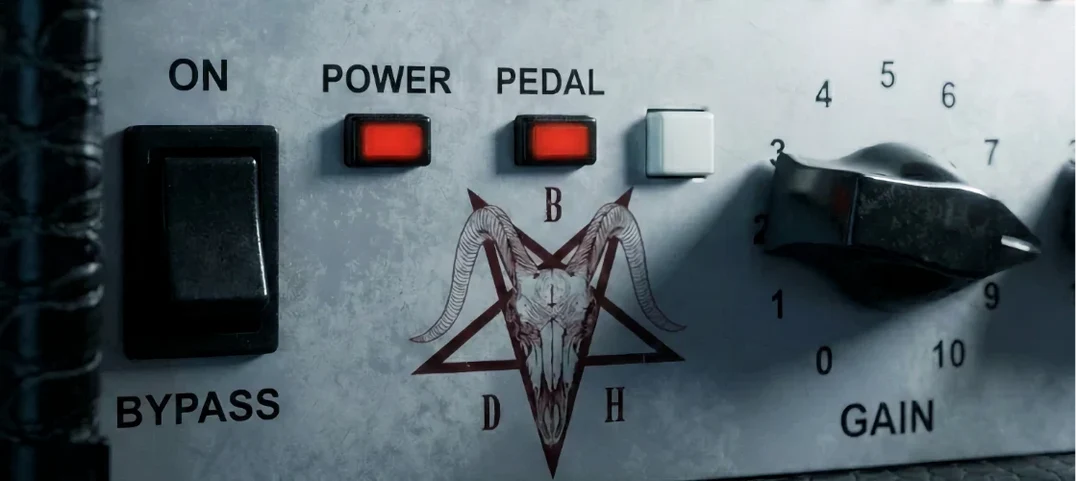
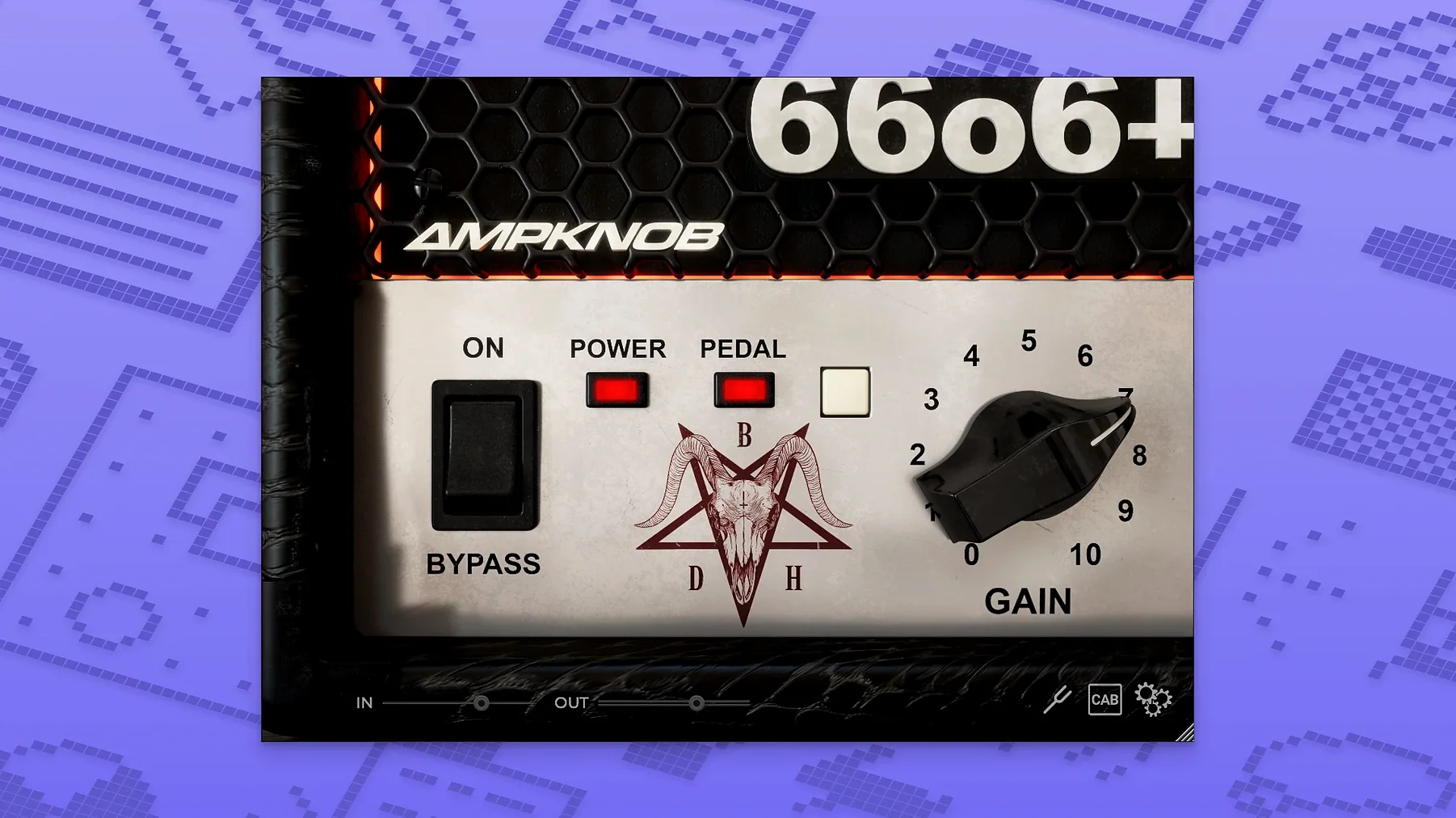
Compatible with both Apple Silicon and Intel 64-bit Macs running macOS 10.13 or later, the Ampknob BDH 66o6 Plus slots into a session wherever a guitar track needs more body and a cleaner attack without a wall of knobs to decipher.
Sound character — Voiced by producer Jens Bogren, the plugin leans into an American-style mid-focused clean tone. One central switch shifts the entire character, making it quick to audition a darker weight or a more open top end during playback.
Density — Thickens the harmonic content of a DI or already-amped track, so a thin-sounding double-track sits more solidly in a busy chorus.
Clarity and attack — Brings the pick transient forward without making the top end brittle. Useful on a bus feeding a dense rock mix where rhythm guitars need to cut through without extra volume.
Where it lives — Patch it directly on a guitar channel for its core tone, or place it on a parallel bus. Blending a little BDH 66o6 Plus into a group of layered guitars adds a sense of shared space that EQ alone rarely achieves.
A tracking engineer’s safety net
A friend who runs a small project studio outside Bristol told me about a session where the guitarist arrived with a well-loved combo amp that hummed and fizzed the moment they pushed the gain past three o’clock. The takes were good — tight double-tracking, solid riffs — but the recorded tone was thinner than anyone wanted. Rather than scrap the tracks, he dropped the BDH 66o6 Plus across both channels, nudged the character switch to the more saturated side, and suddenly the guitars had a chesty weight that the original amp never delivered. The DI signal was clean, so the plugin wasn’t fighting room noise; it was simply supplying the harmonic fill that the real amplifier lacked. He ended up printing the processed tracks and sending them off to mix with a note that said “don’t touch the tone.” That’s the kind of rescue mission this plugin handles well — not fixing a broken recording, but giving a slightly underpowered take the density and forward attack it needed from the start.
Dialling in a doubled rhythm tone from scratch
Here’s a workflow I’ve settled into when building a modern rock rhythm sound with the 66o6 Plus. Start with a clean DI, no amp sim yet. Insert the plugin as the first processor on the channel. Leave the main knob at noon — that’s the midpoint where the mid-focused clean character is most neutral. Engage the pedal switch; it adds a push that tightens the low end before the signal hits your usual amp sim or IR loader further down the chain. If the riff has palm-muted chugs, listen for the attack. A small clockwise turn of the main knob — maybe to two o’clock — brings out the pick transient without making the tone harsh. Record the double track. Pan the first take hard left, the second hard right. On the left channel, keep the character switch in the restrained position; on the right, flick it to the more energetic setting. The difference is subtle in isolation but in the centre of a mix the stereo field widens because the harmonic emphasis shifts slightly between the two sides. Check the low mids around 250 Hz on the bus — the plugin’s density often fills that zone enough that you can ease off the usual EQ boost, which keeps the overall mix cleaner.
Audition the character switch before you touch the main knob
The interface is deliberately sparse, but a few early tweaks pay off. First, audition the character switch before touching the main control. It sets the overall voicing, and everything else reacts to it. If you start twisting the knob in one mode, then switch after, you’ll often need to readjust — so pick a lane early. Second, try the pedal on even if you’re not after an aggressive tone. It tightens the sub-100 Hz region in a way that helps layered guitars sit on a busy bass line without masking. Third, resist the urge to dime the main knob. The sweet spot for adding density without blurring the attack lives between eleven and three o’clock; past that, the saturation can soften the transient more than most rhythm parts want. On a lead line, though, that same upper range adds a singing sustain that feels closer to a cranked power-amp section. If you’re using the plugin on a parallel bus, start with the main knob at ten o’clock and the character switch on the restrained setting — then blend in just enough to make the group sound like it was tracked in the same room.
It works on a DI or in front of an amp sim
Does it replace an amp sim, or is it meant to sit alongside one? It works either way. On a DI it provides the core amp character — mid-focused, American-voiced, with that hot-rodded late-nineties high-gain texture — but plenty of engineers place it after an existing amp modeller to reshape the tone without rebuilding the whole chain. The pedal switch and character toggle make it useful as a tone-sculpting stage rather than a strict all-or-nothing amplifier.
How does it compare to other Bogren Digital plugins in the same line? Think of the BDH range as sharing the same knob-driven, no-menus philosophy, with each version voiced around a different amplifier blueprint. The 66o6 Plus draws from a modified high-gain design from around 2000, so it naturally tilts toward tighter lows and a cleaner midrange push than some of its siblings. If you’ve used the earlier Ampknob releases, the workflow feels identical — the difference is in the harmonic signature once you start turning the knob.
Will it run on an older Intel Mac without issues? The plugin supports macOS 10.13 and later, and the build covers both Intel 64-bit and Apple Silicon architectures. On my 2015 iMac — certainly not a spring chicken — a single instance sits comfortably in a Logic session alongside a drum sampler and a handful of EQs, so an older machine shouldn’t be a barrier unless you’re already pushing the session close to its limits.
- Operating system: macOS 10.13 or later
- Architecture: Apple Silicon and Intel 64-bit
- Interface language: English
Questions I keep hearing
Does the Ampknob BDH 66o6 Plus run natively on Apple Silicon?
Yes, it runs natively on both Apple Silicon and Intel 64-bit Mac systems.
What kind of amp sound does the BDH 66o6 Plus produce?
It recreates amplifiers with an American character and a mid-focused clean tone, adding density and a more defined attack to the guitar signal.
Can I use the BDH 66o6 Plus on something other than a guitar track?
While designed for guitar, its density and clarity character can work well on a parallel bus for other mid-range sources if you're after a thicker, more present texture.
Questions from the class 0
Sign in or join the class to ask a question.
Nobody has asked anything yet. If you have used it on a real job, say what the file did.
Also on the VST Plugins shelf
The whole VST Plugins shelf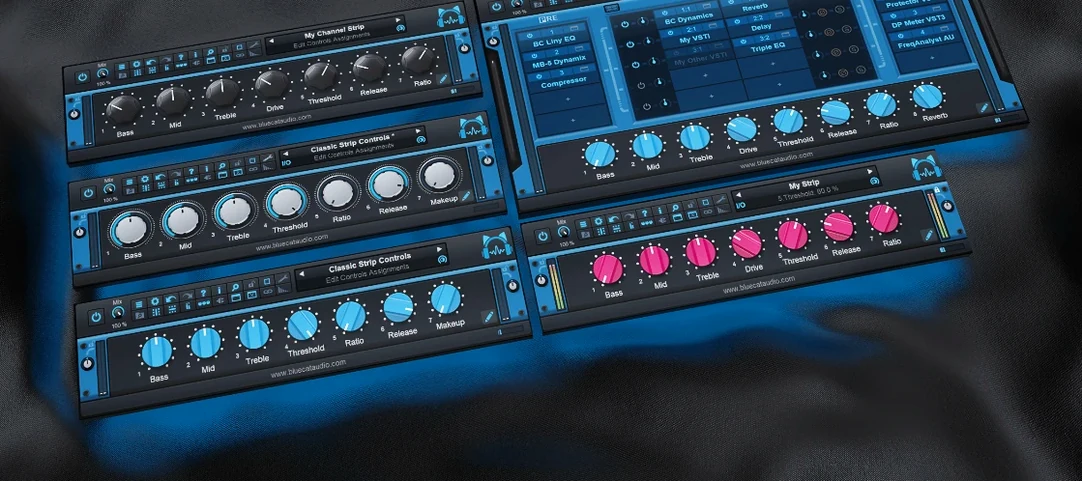 Blue Cat Audio Blue Cats PatchWork
Hosts your favourite plug-ins inside a single rack so you can chain up a custom processing strip.
Blue Cat Audio Blue Cats PatchWork
Hosts your favourite plug-ins inside a single rack so you can chain up a custom processing strip.
 Cableguys Snapback
Layers a second sample underneath your drum hit and snaps its timing to the transient.
Cableguys Snapback
Layers a second sample underneath your drum hit and snaps its timing to the transient.
 Arturia Tape MELLO-FI
Degrades a clean signal into a wobbling, softened, tape-aged version of itself.
Arturia Tape MELLO-FI
Degrades a clean signal into a wobbling, softened, tape-aged version of itself.
 Arturia Pigments
Rewards sound designers with a deep, semi-modular engine for building patches from scratch.
Arturia Pigments
Rewards sound designers with a deep, semi-modular engine for building patches from scratch.
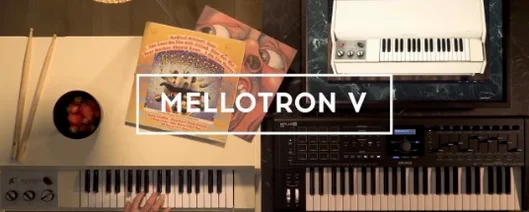 Arturia Mellotron V
Summons the breathing, unstable tape textures of the original Mellotron without the maintenance.
Arturia Mellotron V
Summons the breathing, unstable tape textures of the original Mellotron without the maintenance.
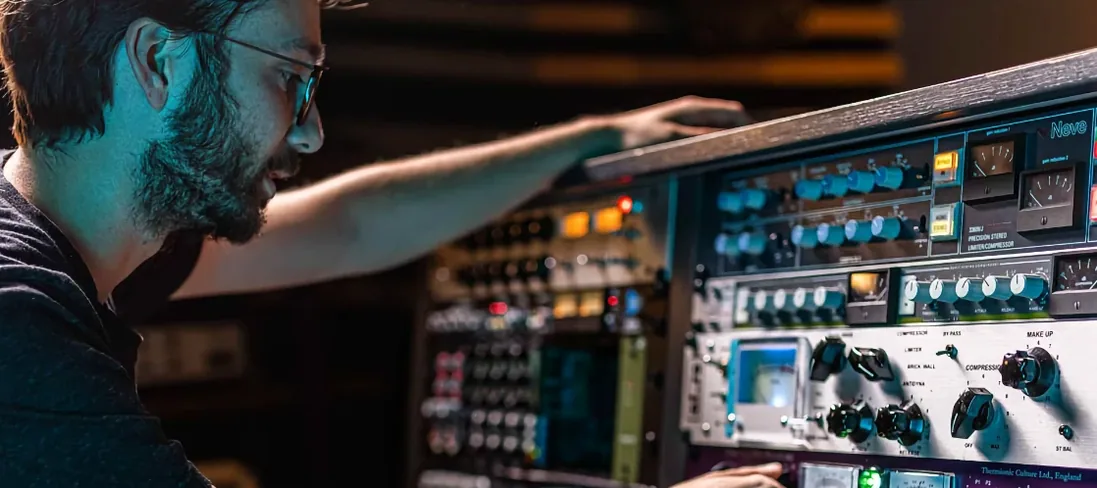 Arturia FX Collection
Bundles over thirty precise modelled processors, from studio classics to creative oddities.
Arturia FX Collection
Bundles over thirty precise modelled processors, from studio classics to creative oddities.
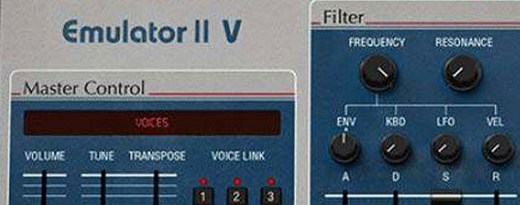 Arturia Emulator II V
Recreates the crunchy, grainy character of an early 8-bit sampling keyboard.
Arturia Emulator II V
Recreates the crunchy, grainy character of an early 8-bit sampling keyboard.
 Arturia Efx AMBIENT
Generates evolving, three-dimensional backgrounds from any static input signal.
Arturia Efx AMBIENT
Generates evolving, three-dimensional backgrounds from any static input signal.