 ASPNetWorld
Version 1.2.0 brings crisp pitch shifting, MTS-ESP microtuning and five spectral effects that reshape how a sample behaves under your fingers.
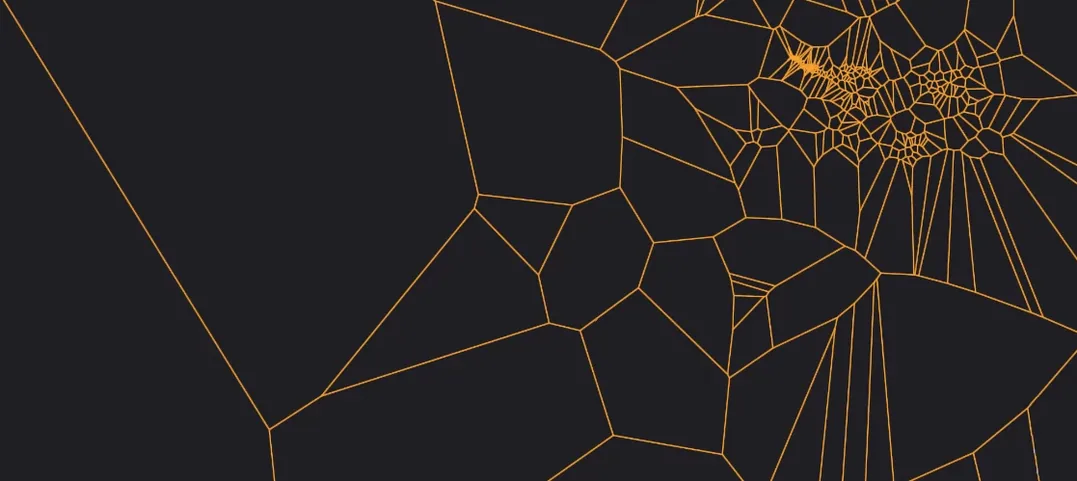
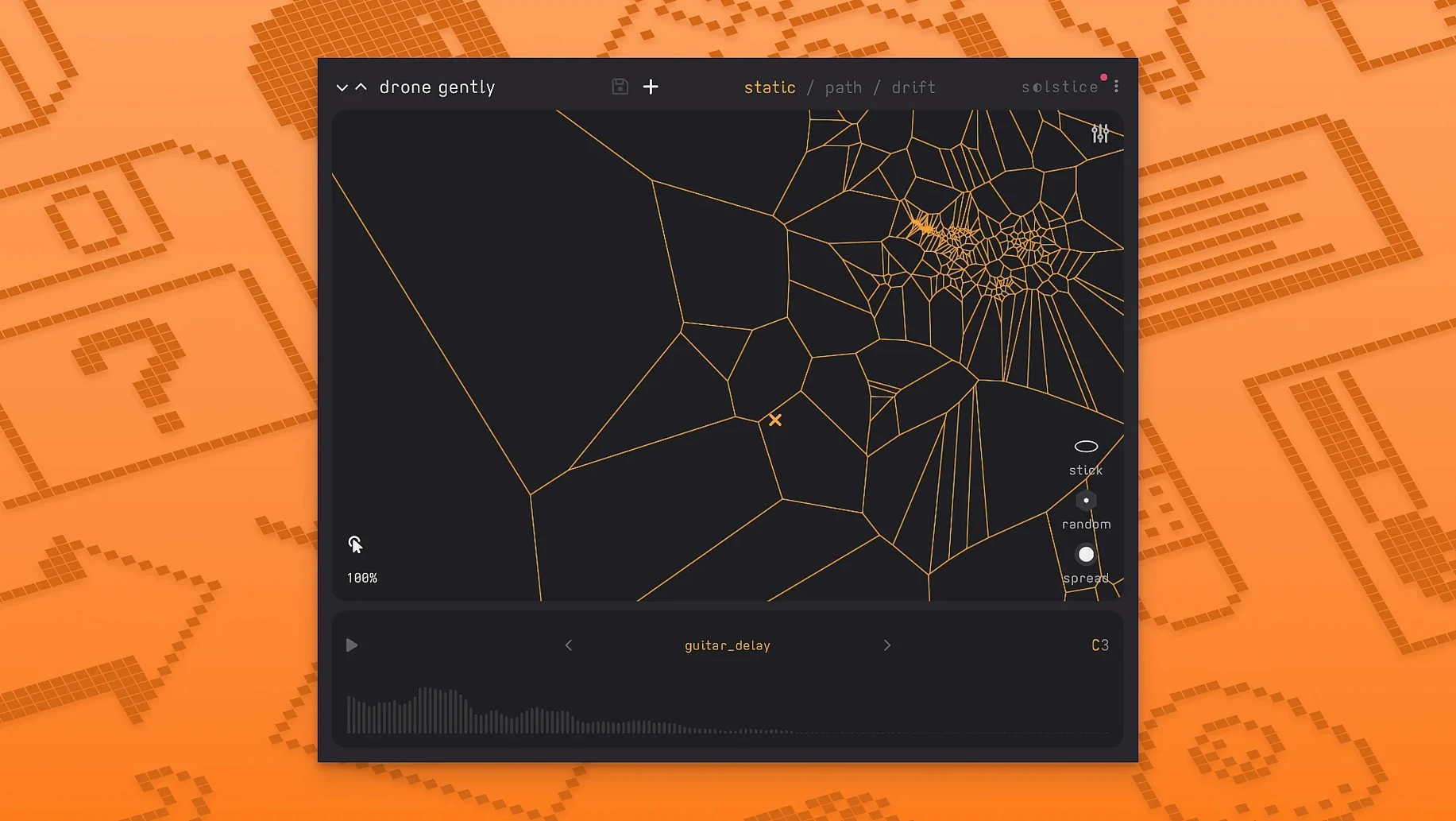
Spectral map — Solstice unpacks a sample into its frequency and amplitude components and arranges them across a two-dimensional plane. The horizontal axis represents time; the vertical axis represents pitch. What you get is a contour of the original sound, ready to be explored.
Playback cursor — Click or drag across the map and you hear the exact timbre at that coordinate. A kick drum becomes a rising string-like drone when you trace a diagonal line; a vocal phrase breaks into shards of consonants and breath.
Drift — Let the cursor wander on its own. The movement can be slow and tidal or jittery and insect-like, generating patterns you would never plot deliberately. It turns a static map into a living, restless texture.
Spectral effects — The new texture, tilt, flutter, stretch and bloom processors work directly on the underlying spectral data rather than the audio output. Tilt tips the harmonic balance toward brightness or warmth; stretch lengthens the time axis without altering pitch, and bloom adds a soft, shimmering decay that feels almost acoustic.
Reverb modulation — The onboard reverb now responds to modulation sources inside the map, so ambience can pulse with the drift or tighten in silent regions. MPE support means each finger on a compatible controller can steer the cursor independently, with its own pressure and slide data.
The default spectral map can sound grainy until you learn to sculpt it
Loading a sample and expecting instant beauty is the most common stumble. Solstice doesn't play the sample back — it reconstructs it as a spectral landscape, and the default map can sound grainy, hollow or oddly pitched until you learn to read the terrain. Give it a few minutes of quiet exploration before judging the result.
Another early misstep is dragging the cursor too fast across the map. Rapid movement produces a blur of transients that can sound like a corrupted file. Slow, deliberate gestures reveal the timbral detail. Think of it as bowing a string rather than tapping a key — the speed of your drag is part of the performance.
Beginners also overlook the drift parameters. Leaving drift at its default speed and range might produce movements too subtle to notice, or so wide they leap between unrelated regions. Adjust the rate and radius until the cursor moves through areas that share spectral DNA — the ear will follow the logic, even if the path is random.
Finally, spectral effects applied to the wrong sample create sour, phasey results. Stretch, for instance, works beautifully on sustained notes but can tear apart percussive transients. Listen to how each effect interacts with the spectral data, not just the output level. Back it off before it gets brittle.
How Solstice fits with other apps and macOS features
Solstice runs as an AUv3 or AAX plugin, so it slots directly into Logic Pro, Ableton Live, GarageBand and any host that supports modern instrument plug-ins. On an Apple Silicon Mac, it loads as a native process — no Rosetta translation needed — and shares memory efficiently with the host, which matters when you have several spectral maps active at once.
With MTS-ESP support now baked in, Solstice responds to microtuning tables set by other MTS-ESP-aware software. Load a scale in ODDSound MTS-ESP Suite or a compatible synth, and Solstice maps pitch across custom temperaments without manual retuning. This matters for just intonation work, Gamelan-inspired pieces or anything that drifts away from equal temperament.
MPE integration means a ROLI Seaboard, LinnStrument or Ableton Push can feed independent cursor positions per note. Combine this with Logic's MIDI routing: send one controller to Solstice on track one, another to a different instance on track two, and pan them hard left and right. Each side evolves from the same source sample but diverges through separate drift paths.
macOS's IAC Driver (found in Audio MIDI Setup) lets you route MIDI internally between apps. Record cursor movements as MIDI data from one instance and feed them to a second instance loaded with a completely different sample. The result is a ghost performance — the gesture preserved, the sound transformed.
Start with a single sustained piano note instead of a complex file
Start with a sample you know intimately — a single sustained piano note, a short vocal phrase, a field recording of rain. The map will feel less abstract when the source is familiar. Spend ten minutes just clicking different points and noting how the original audio fragments into partials and noise.
Map the mod wheel on your controller to drift rate before anything else. Pushing the wheel forward increases the cursor's wandering speed; pulling it back brings stillness. This single mapping turns drift from an automated curiosity into a performative control you can ride throughout a track.
Create three user presets early: one with slow drift and bloom engaged, one with fast drift and tilt shifted toward brightness, one static but with stretch applied. These become starting points for future sessions and save you from rebuilding settings when inspiration strikes.
Assign the reverb modulation amount to an unused MIDI CC and record automation passes into your DAW. The reverb tail will swell and recede in sync with the cursor's position on the map, which can make a sparse arrangement feel three-dimensional without adding extra effects channels.
Finally, bounce short phrases of cursor movement to audio and drop them back into the project as loops. Solstice's output is entirely deterministic — the same MIDI input produces the same spectral output — so you can layer processed and unprocessed takes for thickness or reverse a bounce and let the backwards spectral trail act as a riser.
Walking through an evening with a four-second bowed cymbal recording
Let's walk through a typical evening with Solstice. I load a four-second recording of a bowed cymbal into an empty instance inside Logic. The spectral map appears: a dark blue wash with a bright ridge along the upper third, where the bow catches the metal. I click the ridge and hear a silvery, almost vocal tone — nothing like the original crash.
I set the drift radius to about a quarter of the map's width and the rate to a lazy lilt that takes eight seconds to cross from the ridge down to the murkier low-frequency band. The cursor starts to wander. I engage bloom at thirty percent and the silvery tones now trail into a soft halo that decays in uneven steps, as if the reverb itself is breathing.
On a second track, I load the same sample again but pitch it down an octave using the new crisp pitch shifter. The map reorganises — lower, broader, with denser clusters near the bottom. I set the drift to a narrow, fast jitter and engage flutter, which introduces rapid spectral wobbles that sound like tape warble routed through a microscope.
I grab my MIDI controller and play a simple three-note chord. With MPE enabled, each note occupies its own cursor lane, so the chord isn't a static stack of tones — it's three independent explorers crawling across the map at slightly different speeds. The harmony bends and breathes. I record a minute of this, then automate the tilt effect to brighten gradually, pulling the high partials forward as the piece builds.
By the end of the session, the bowed cymbal has become a shimmering pad, a glitchy texture layer and a lead voice that sounds like glass harmonica. Nothing was played in from a keyboard with traditional intent. The map did the heavy lifting; I just steered the drift and nudged the effects. That's the Solstice workflow in miniature — part instrument, part collaborator, never quite repeating itself.
Version 1.2.0 expands the control set and tuning capabilities significantly.
- Basic MPE support for independent per-finger cursor control on compatible controllers.
- MTS-ESP support for microtonal scales that stay in tune across a whole session.
- Five spectral effects — texture, tilt, flutter, stretch and bloom — that process the frequency data directly.
- Crisp pitch shifting and reverb modulation control, both refined for smoother results when dragging across the map.
- macOS 12 or later
- Apple Silicon or 64-bit Intel processor
- Audio Unit, VST3 or AAX host
Questions I keep hearing
What does Minuit Solstice actually turn a sample into?
A spectral sample map — a visual, playable grid where one axis is time and the other is pitch, with each point producing a unique timbre drawn from the original recording.
Does Solstice work on Apple Silicon Macs?
Yes, version 1.2.0 runs natively on both ARM and 64-bit Intel Macs and requires macOS 12 or later.
Questions from the class 0
Sign in or join the class to ask a question.
Nobody has asked anything yet. If you have used it on a real job, say what the file did.
Also on the VST Plugins shelf
The whole VST Plugins shelf MiniMeters
Displays audio metering so you can see what your mix is doing.
MiniMeters
Displays audio metering so you can see what your mix is doing.
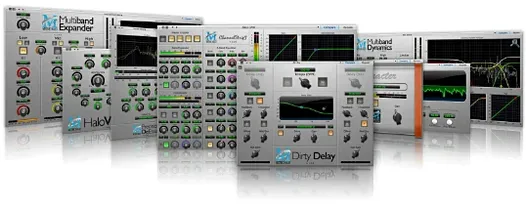 Metric Halo Production Bundle
Shapes individual instruments and buses with studio-grade processors.
Metric Halo Production Bundle
Shapes individual instruments and buses with studio-grade processors.
 Melodyne
Edits the pitch and timing of recorded audio as individual notes.
Melodyne
Edits the pitch and timing of recorded audio as individual notes.
 MeldaProduction MCompleteBundle
Provides a full suite of effects and instruments with consistent controls.
MeldaProduction MCompleteBundle
Provides a full suite of effects and instruments with consistent controls.
 Native Instruments Massive X
Generates deep, moving bass and lead sounds through a polyphonic wavetable synthesis engine.
Native Instruments Massive X
Generates deep, moving bass and lead sounds through a polyphonic wavetable synthesis engine.
 Neural DSP Archetype Petrucci
Recreates the signature amplifier and effects rig of a progressive-metal guitarist.
Neural DSP Archetype Petrucci
Recreates the signature amplifier and effects rig of a progressive-metal guitarist.
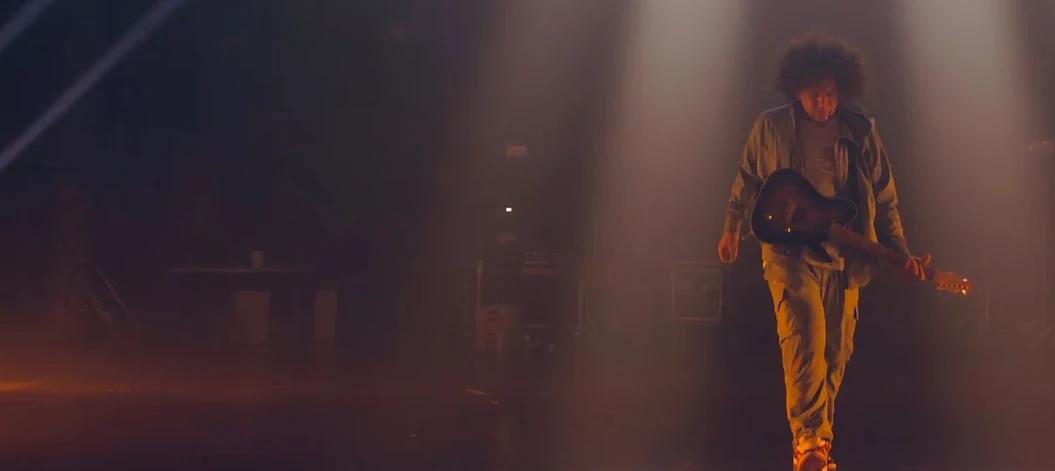 Neural DSP Archetype Rabea X
Recreates a versatile guitar amplifier and a built-in analogue-style monosynth in one plugin.
Neural DSP Archetype Rabea X
Recreates a versatile guitar amplifier and a built-in analogue-style monosynth in one plugin.
 Neural DSP Mantra
Processes a vocal track with pitch correction, compression, saturation, and spatial effects inside your DAW.
Neural DSP Mantra
Processes a vocal track with pitch correction, compression, saturation, and spatial effects inside your DAW.