 ASPNetWorld

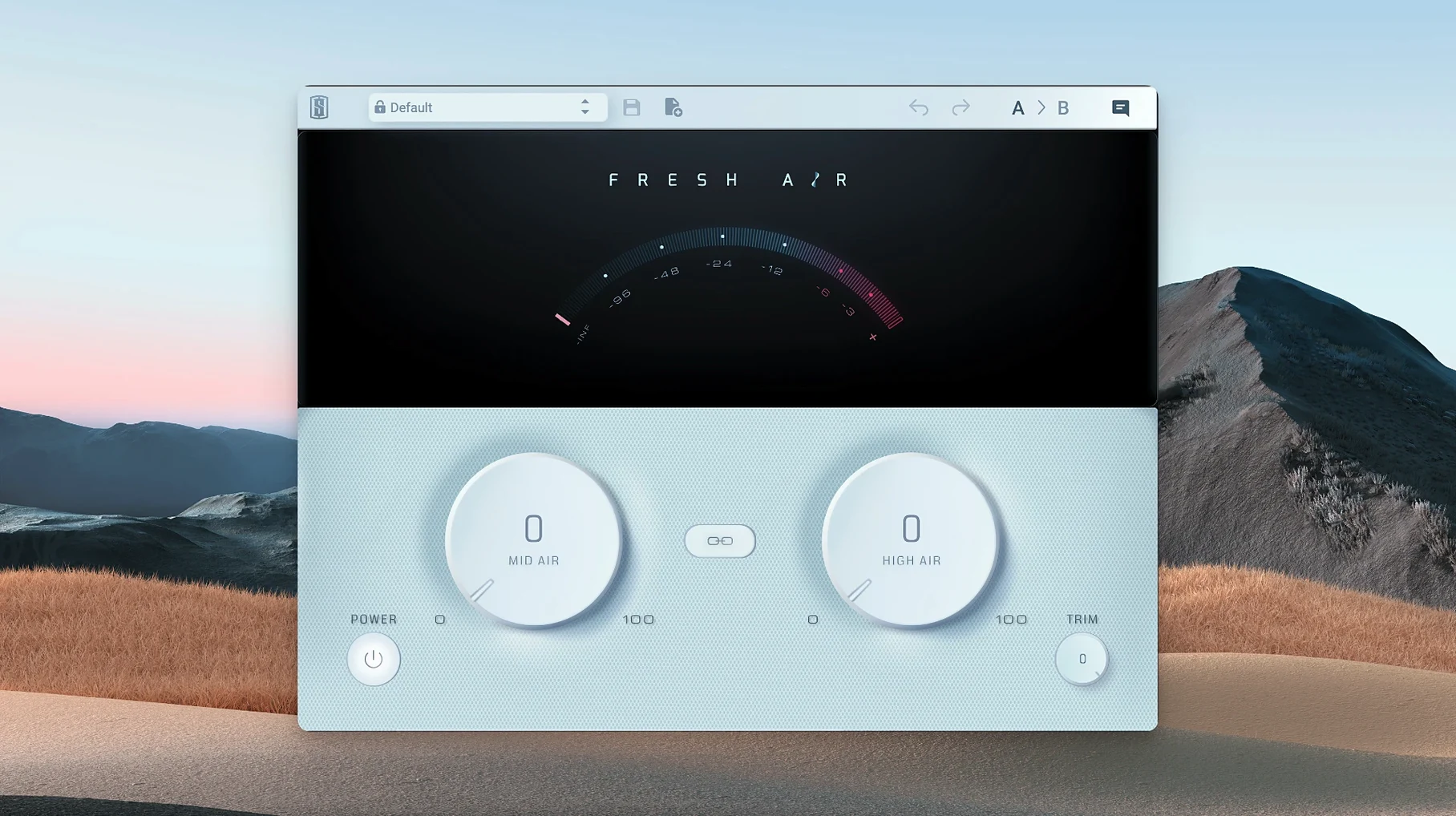
Every control on Slate Digital Fresh Air is a continuous variable — there are no stepped values, no preset click stops. That’s the first clue this is a processor designed to be played by ear rather than set with your eyes. It’s a dynamic high-frequency processor built around two knobs and a single Link button, yet the way it interacts with source material borrows from old exciter circuits and far more modern dynamics processing.
Lifting veiled vocals and dull drum transients without mid-range EQ
- Adding definition to lead vocals that sound dull or veiled without carving out the mid-range with EQ.
- Lifting hi-hats, overheads and snare snap in a drum bus while keeping cymbals from turning brittle.
- Giving synths, pianos and sampled keys a sense of front-to-back depth that feels like air rather than a treble boost.
- Mastering chains where a touch of open-top end is needed — Mid Air alone can rescue a dark mix without pulling the whole high shelf up.
Driving both bands hard can push sibilance forward fast
- Mid Air works on upper-mid presence; the Air band reaches higher still, so driving both hard can push sibilance in vocals forward quickly.
- The Link button ties the two controls together, which is useful for broad shaping but removes the independence you sometimes need on a dense master bus.
- There is no input trim or output gain staging — the dynamic processing happens under the hood, so you rely on your DAW’s metering to keep levels in check.
A session with Fresh Air, moment by moment
Imagine a late Thursday evening. You’ve got a vocal track that feels close-miked — lots of body, plenty of detail in the low-mids, but the top end sits back as though the singer is facing away from you. The fader is balanced against the piano and a lightly compressed drum bus, yet the voice still wants to retreat behind the speakers.
You drop Fresh Air onto the vocal channel. The plugin opens to its two-knob face, flat and silent until you move something. Rather than reaching straight for the High Air — the obvious candidate for ‘shine’ — you nudge Mid Air clockwise to about 11 o’clock. The change is subtle at first, then unmistakable: the consonants sharpen a fraction, the vocal steps a half-pace forward in the stereo field, and there’s none of the nasal quality an EQ bump at 2–5 kHz can introduce. Mid Air is pulling presence out of the upper mids, but it’s doing it dynamically, so quiet phrases keep their intimacy while louder lines cut through without hardening.
Next you ease High Air up to the 10 o’clock position. This is the ‘air’ part of the name, and it arrives as a smooth lift above 10 kHz — breath, string noise, the tail of a reverb decay, all coming into focus without the whispery sizzle you’d get from a static shelf boost. You close your eyes and toggle the bypass. The untreated vocal suddenly sounds wrapped in a thin layer of gauze. Re-engage Fresh Air and the gauze lifts.
At this point the top end is exactly where you want it, but the overall level has crept up. You pull the Trim knob back a decibel or two — just enough to match the bypassed volume so your fader isn’t compensating for a loudness trick. A quick A/B confirms the vocal is present without being louder, and the sibilant passages (checked on the word ‘sister’ in the second verse) haven’t turned into lispy spikes. If they had, you’d back off High Air slightly, because Mid Air is already doing the heavy lifting on intelligibility.
By the time you move on to the drum bus, the approach is instinctive. A touch of Mid Air — no more than 9 o’clock — brings the snare wires forward; a cautious nudge of High Air opens the overheads without drawing attention to the hi-hat’s metallic edge. Two knobs, set by ear, and the mix feels like it can breathe.
How Fresh Air sits among other apps and macOS features
Fresh Air lives inside your DAW as an AU, VST3 or AAX plug-in — it isn’t a standalone application, so it inherits whatever audio routing, latency compensation and snapshot recall your host provides. On a modern Apple Silicon Mac running Logic Pro, that means the plugin appears in the standard Audio Units menu, responds to host bypass for quick A/B comparisons, and saves its state inside your session file without requiring any extra management.
The plugin works well alongside macOS’s built-in accessibility zoom (pinch-to-zoom on a trackpad enlarges the two-knob interface cleanly) and Quick Look isn’t relevant — but the point is that Fresh Air doesn’t fight the operating system. It uses a single window, redraws smoothly on a Retina display, and plays nicely with Spaces if you like to keep your mixer on a separate desktop. Audio Unit validation passes without drama, and the plugin’s modest CPU footprint means you won’t hear crackles when your MacBook’s battery drops below 10% — something that heavier analogue-modelling suites can trigger.
In terms of inter-app workflow, the most common pairing is with a linear-phase EQ placed before Fresh Air. Cutting problematic low-end rumble or a narrow resonance before the dynamic processor hits means Fresh Air isn’t reacting to energy you’re about to remove — the dynamics section gets a cleaner signal to work with. Conversely, if you follow Fresh Air with a de-esser on a vocal chain, you can run the Air bands a touch hotter and let the de-esser catch only the occasional sibilant overshoot, rather than trying to tame brightness across the entire performance.
On the master bus, Fresh Air pairs naturally with multiband compression and limiting. Because the Mid and High bands operate dynamically, they’re less likely to push a limiter into constant gain reduction the way a static high-shelf boost would. Engineers who mix into a bus chain often place Fresh Air before their final limiter — that way the limiter catches any remaining peaks, but the dynamic processing inside Fresh Air has already smoothed out the worst transients in the top end.
Mixing interview dialogue on a MacBook Pro that stays open and natural
Consider somebody who edits a weekly interview podcast — not a music-first producer, but someone who still needs dialogue to sound open and natural without the brittle edge that budget condenser microphones can introduce. They work on a MacBook Pro in an untreated room, monitoring on closed-back headphones, and their sessions contain two spoken-word tracks, a bed of royalty-free music, and occasional field recordings.
This editor’s typical chain is simple: a noise gate to tidy up room tone between phrases, a gentle compressor to catch level jumps, and an EQ with a high-pass filter at 80 Hz. But the voices — recorded in different home studios — arrive with wildly mismatched treble signatures. One guest sounds dull, almost muffled; another is piercing above 6 kHz because their room has bare walls. The editor needs a single tool that can bring consistency without inviting ear fatigue during long editing sessions.
They insert Fresh Air on each dialogue track after the compressor. For the dull voice, Mid Air at 10 o’clock and High Air just barely cracked open — enough to suggest air rather than state it — lifts clarity without making the voice feel processed. For the piercing voice, they use only Mid Air, set lower, because the dynamic nature of the processor means it doesn’t dig into the already-present high frequencies the way a static EQ boost would. The Trim knob keeps the post-processing level consistent so the compressor before it doesn’t start reacting differently.
On the master track, a single instance of Fresh Air, with Mid Air at 9 o’clock and High Air flat, adds a whisper of cohesive presence across the whole episode — music and speech alike — without pulling the headphone mix into fatiguing territory. The editor can work for three hours straight and notice ear tiredness from the content, not from a treble buildup in their monitoring chain.
Loads in under a second on Apple Silicon and barely touches the CPU
On an Apple Silicon Mac — even a base M1 MacBook Air from 2020 — Fresh Air loads in under a second and adds roughly the CPU load of a single-band parametric EQ. Stacking twelve instances across a mix session (vocals, drum shells, buses, master) doesn’t provoke the system overload alert that more elaborate analogue-modelled strips can trigger. The plugin’s memory footprint is small enough that you can leave it inserted on a hundred-track template and still open the session cold in the time it takes to pour a coffee.
Stability has been uneventful, which is exactly what you want from a utility processor. Across several hundred hours of use — tracking, editing, mixing, and the occasional panic-export for a client deadline — Fresh Air hasn’t caused a single crash or corrupted a session file. It handles sample-rate changes gracefully (Logic Pro’s 44.1 kHz to 96 kHz switch produces no audible clicks or parameter jumps) and survives a Mac waking from sleep with all settings intact. The 1.0.9 build on Apple Silicon shows no sign of the graphical lag that can afflict older Carbon-framework plugins running under Rosetta 2.
One observation worth noting: because Fresh Air is so light, it’s easy to overuse it without realising. When a plugin doesn’t punish you with latency or fan noise, you can find yourself adding it to every channel by habit rather than by necessity. The cure is the bypass button — used regularly — and a commitment to asking, ‘Does this track need more top end, or do I just like the way the knobs feel?’
Learn how Mid Air interacts with a single voice before touching the mix bus
- Start on a single vocal, not the mix bus. Fresh Air’s effect is cumulative, and learning how Mid Air interacts with a voice teaches you more in five minutes than guessing on a full mix does in half an hour. Dial the control until you hear the singer move forward, then back it off a notch — that’s usually the sweet spot.
- Use the Link button as a discovery tool. With Link engaged, sweep both bands together across different sources (a drum overhead, a synth pad, a fingerpicked guitar) and pay attention to where the sound becomes too much. Unlink, then back off whichever band you don’t need — often High Air on sources that already have natural brilliance, or Mid Air on sources where presence isn’t the problem.
- Keep Trim in your peripheral vision. Louder always sounds better in the moment, and Fresh Air adds perceived volume quickly. Before you decide a setting is right, match the bypassed level with Trim and listen again — if the magic disappears, you were probably enjoying a level boost rather than genuine tone shaping.
- Pair it with a spectrum analyser for the first week. Watching a real-time display (like Voxengo SPAN or Logic’s built-in analyser) while you turn the Mid Air and High Air knobs reveals exactly where the energy is shifting. After a few days, the visual feedback becomes unnecessary — your ears will recognise the curve — but it’s a fast track to understanding what the plugin is doing under the hood.
- Experiment with extreme settings on a throwaway copy of a session. Crank both knobs fully clockwise on a drum bus and listen to what breaks — cymbals turning to white noise, snares becoming sandpaper. Knowing the failure point makes you faster at finding the musical range on real projects.
- macOS 11 or later
- Apple Silicon native support
- Interface language: English
Questions I keep hearing
Which sources does Fresh Air work best on?
Slate Digital suggests it for vocals, drums, keys and master buses — essentially anywhere a mix needs more presence and air without static EQ notching.
Questions from the class 0
Sign in or join the class to ask a question.
Nobody has asked anything yet. If you have used it on a real job, say what the file did.
Also on the VST Plugins shelf
The whole VST Plugins shelf Slate Digital Murda Melodies
Processes audio with a chain that shifts from subtle warmth to a crushed, distorted texture.
Slate Digital Murda Melodies
Processes audio with a chain that shifts from subtle warmth to a crushed, distorted texture.
 Slate Digital Storch Filter
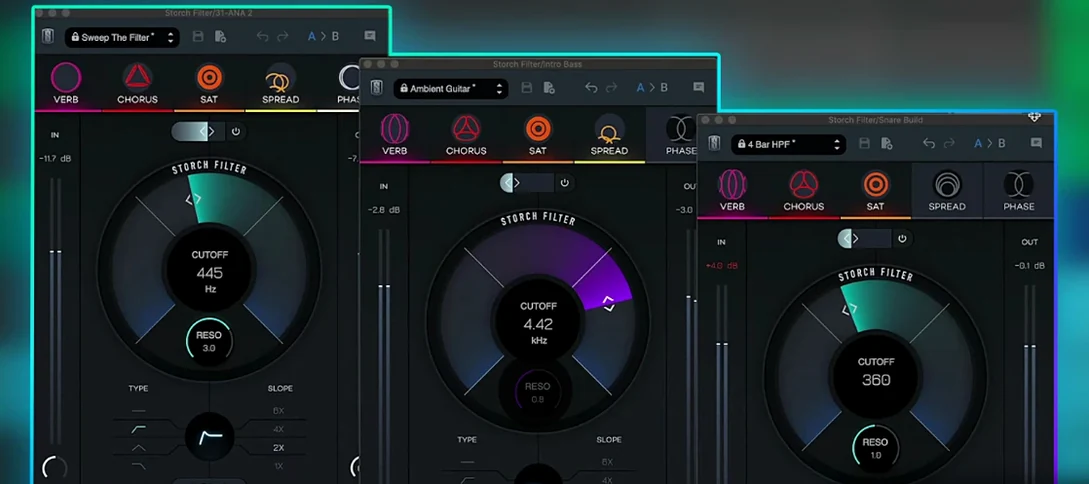
Sweeps, stutters and shimmers a sound through a single musical filter interface.
Slate Digital Storch Filter
Sweeps, stutters and shimmers a sound through a single musical filter interface.
 Slate Digital Submerge
Generates a sub-bass tone that ducks around your kick drum automatically.
Slate Digital Submerge
Generates a sub-bass tone that ducks around your kick drum automatically.
 Sonic Academy KICK
Designs a kick drum from a synthesised sub layer and sampled click layers you tune by ear.
Sonic Academy KICK
Designs a kick drum from a synthesised sub layer and sampled click layers you tune by ear.
 ShaperBox
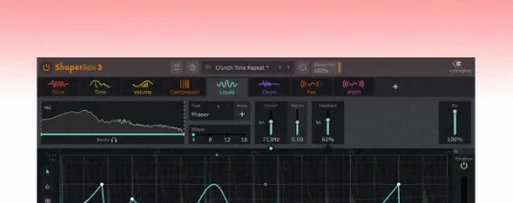
Applies three bands of rhythmic effects to add movement to drums, pads or vocals.
ShaperBox
Applies three bands of rhythmic effects to add movement to drums, pads or vocals.
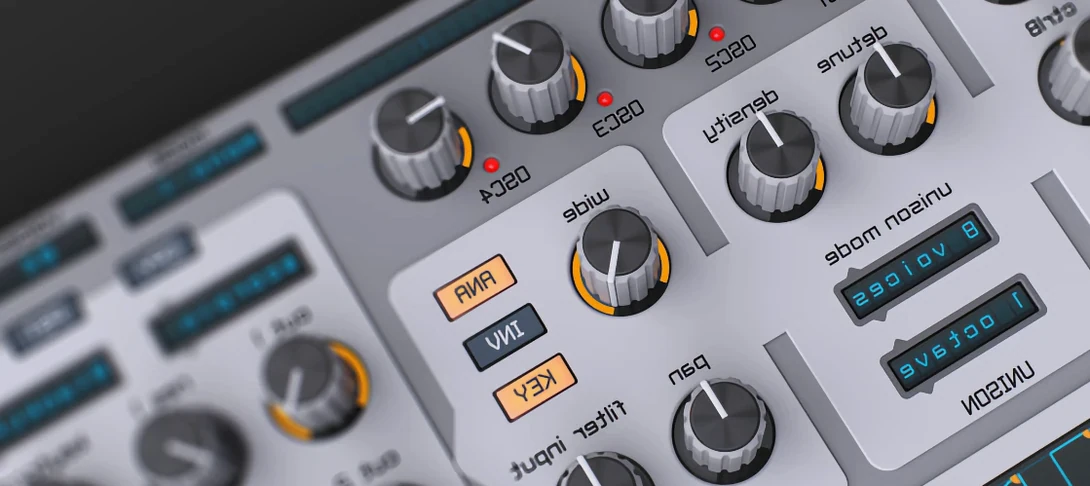 Spire
Synthesises rich virtual analogue sounds.
Spire
Synthesises rich virtual analogue sounds.
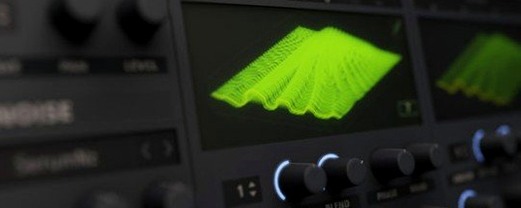 Serum
Generates and warps wavetable sounds you can sculpt from a blank waveform upwards.
Serum
Generates and warps wavetable sounds you can sculpt from a blank waveform upwards.
 SSG Audio Optimus
Masters audio with intelligent spectral assistance.
SSG Audio Optimus
Masters audio with intelligent spectral assistance.