 ASPNetWorld
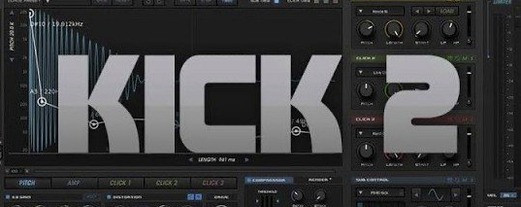
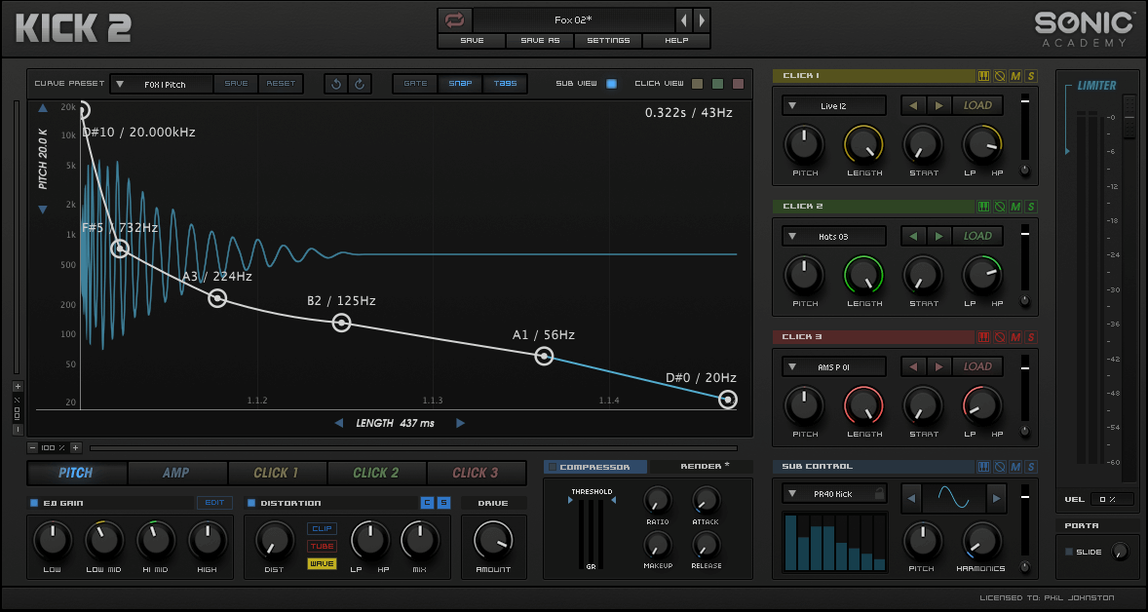
Producers who build their low-end from scratch, rather than hunting through sample packs, tend to reach for a dedicated kick designer. Sonic Academy KICK is one such tool, blending a synthesised sub oscillator with a set of sampled click layers. The idea is that you get the weight of a pure tone and the attack of a real transient, all within a single plugin window where every knob pulls the sound in a particular direction.
- A sub oscillator that generates the fundamental thump, with precise pitch and length controls so the tail sits exactly where you want it in the bar.
- Three separate click-shaping areas, letting you layer and tune the attack transient from sampled material until it cuts through a busy mix.
- A trio of distortion algorithms that push the body from warm saturation into aggressive, clipped territory without needing an external saturator.
- One low-frequency oscillator that can be routed to modulate pitch or amplitude, adding the slow movement heard in rolling techno or deep house patterns.
- Over 230 factory presets that act as starting points—covering the snap of a 909 kick drum, the hollow knock of an acoustic 26-inch, and plenty of modern electronic designs.
What makes the workflow feel immediate is the way the sub and click sections stay visually separate. You can hear a click that needs more bite, reach for its dedicated envelope, and fix it without disturbing the low-end mass you have already dialled in. The distortion sits downstream of both, so it glues the layers together in a way that sounds like a single struck drum rather than two elements pasted on top of each other. It is a focused tool for a focused job, and it handles the tidy shaping that a general-purpose synth would need a chain of extra plugins to achieve.
A night in a techno producer’s studio
Picture a small home setup just outside Manchester: an Intel Mac Mini driving a pair of monitors, a MIDI keyboard pushed to one side, and a track that needs muscle in the low end. The producer has a rolling 16-bar loop running—filtered chords, a tight hi-hat pattern, and a bassline that ducks whenever the kick lands. The placeholder kick is a sample from an old pack, and it is not cutting it. Too much papery attack, not enough chest.
She drops an instance of Sonic Academy KICK onto the drum bus channel and mutes the old sample. The default preset is too polite, so she pulls up a patch from the factory bank that hints at a 909 kick drum character—short, solid, with a bit of mid-range knock. The sub oscillator is already doing the heavy lifting, so she nudges the pitch envelope to lengthen the tail by roughly sixty milliseconds and notes how the low E of her bassline suddenly has a proper partner. The click section gets the most attention. She swaps the top click sample for a tighter transient and trims its decay until the attack sits just ahead of the bass note, not on top of it. A small amount of the second distortion algorithm—the one that adds even-order harmonics without fizzing up the highs—glues the sub and click into a single percussive event. Ten minutes in, and the kick is no longer fighting the mix; it is framing it.
The whole adjustment happens without leaving the plugin window. No bouncing, no layering three tracks, no drawing automation to tame a rogue resonance. That is the real-world value: you hear a problem, turn a dedicated control, and carry on writing.
Skipping the synthesis engine leaves key changes thin
New users often treat KICK like a sample player and ignore the synthesis side entirely. They load a click they like, set a quick sub note, then wonder why the result falls apart when the key changes. The sub oscillator needs to be tuned to the root of the track, and its pitch-bend amount should be checked across at least an octave. A click that sounds great on C2 can sound nasal and wrong on F1 if the sub is drifting.
A related slip is treating the three click-shaping areas as three identical slots. Each one has its own envelope and filtering, and stacking three transient sounds without adjusting their decay times creates a blurred attack rather than a sharp one. Beginners often load a full-frequency click into every slot, then push the distortion to compensate. The kick ends up sounding like a wooden box full of bees. A better approach is to dedicate one click to the very front of the transient, one to a short body resonance around 200–400 Hz, and leave the third empty unless the genre genuinely calls for that density. If you are building a 26 kick drum sound for a downtempo track, you might only need a single well-chosen click and a sub wave with a slightly softened attack.
The most frequent oversight, though, is ignoring the internal limiter. It sits last in the signal chain by default, and its threshold can squish the tail of the kick if it is set too aggressively. Beginners dial in a lovely decaying sub, then flatten it without realising. Pull the threshold back until the gain reduction meter barely flickers on the loudest hits, and you will keep the dynamic shape you worked so hard to construct.
A philosophy split from Kick 2’s three click bands
Put KICK beside Kick 2—the plugin that its name occasionally echoes in search results—and the difference is one of philosophy. Kick 2 splits its interface into three click bands that behave more like flexible sample slots, and it places a heavier emphasis on visual feedback and drag-and-drop workflow. Sonic Academy KICK keeps the sub oscillator front and centre, with click layers arranged as supporting elements rather than equal partners. The result is a kick that feels more synthesised at its core, which suits producers who prefer to build the fundamental from a waveform rather than sculpting it entirely from samples.
Against a general-purpose drum synth like PunchBOX, the contrast sharpens further. PunchBOX offers multiple synthesis engines—sine, triangle, noise, and a range of sampled attack layers—and bundles a full effects rack. It can design kicks, snares, and toms with equal confidence. Sonic Academy KICK does one thing, but the trade-off is a layout where every knob is relevant. You never scroll past a hi-hat section to find the compressor. For a producer whose sessions involve shaping twenty kick variations in an afternoon, that focus saves genuine screen time. The distortion section in KICK is also more integrated: the three algorithms feel like they were tuned specifically for low-frequency transients, whereas PunchBOX’s effects are more generic.
Compared with the original Kick by Nicky Romero, this updated version—version 1.1.1—adds the extra click-shaping area and the choice of sub waveforms beyond a pure sine. The earlier plugin relied almost entirely on a single click sample and a sine-based sub, which gave it a signature punch but limited its range. The current release stretches from soft, round acoustic-style thumps to the overdriven attack of industrial techno without feeling like you are working against its design.
Sits lightly on an Intel Mac with thirty audio tracks
On an Intel Mac running a reasonably busy session—thirty audio tracks, half a dozen software instruments, and a modest selection of mixing plugins—KICK sits lightly. The 64-bit x86 architecture means it loads quickly and does not trigger the memory warnings that older 32-bit bridging could cause. An instance typically consumes less than one percent of a modern Intel processor’s capacity during playback, and the figure only rises when you automate parameters at audio rate, which is rare for a kick drum track. The plugin does not attempt to run a real-time analyser or a waveform display, and that restraint keeps the GUI responsive even when the transport is rolling.
Stability has been uneventful in the best sense. Over a solid week of daily use—swapping presets, automating the LFO, pushing the distortion algorithms hard—the plugin has not caused a single crash or audio dropout. The only minor quirk observed is that dragging a click sample onto the waveform display while the transport is running can introduce a half-second pause the first time, though this smooths out on subsequent drags within the same session. It is the sort of behaviour you learn once and then forget about.
Swap the default sine sub for a character that fits you
Out of the box, the factory default state sounds clean and a little reserved. A few tweaks make the plugin feel more like your own instrument.
- Sub oscillator waveform. The default is a pure sine wave, which is mathematically perfect but can lack character on smaller speakers. Switching to the triangle or the additional low-end waveform options adds a touch of harmonic content that translates better on earbuds and laptop speakers.
- Distortion routing. The first distortion algorithm is assigned by default, but the third—a harder, more clipped style—often suits genres built around a dominant 909 kick drum aesthetic. Spend five minutes cycling through the algorithms at low drive settings before you touch the EQ.
- Click envelope linking. By default, the three click envelopes operate independently. There is a small toggle to link their decay stages, and enabling it tightens the overall transient considerably. It is a one-click change that can rescue a flabby attack without any further adjustment.
- LFO phase reset. The LFO is free-running out of the box, which means the modulation phase varies on each trigger. For consistent pitch dives or amplitude pulses—the kind heard in classic sonic academy kick presets—switch the LFO to key-triggered mode so it resets with every MIDI note.
Kick 3 1.1.8 rolls out with the developer's latest corrections and low‑level polish.
- macOS 10.13 (High Sierra) or any later version.
- Runs natively on both Apple Silicon and 64‑bit Intel processors.
Questions I keep hearing
What is the current version of Sonic Academy KICK?
The current version is 1.1.1, and the plugin is sometimes referred to as Kick 2 in download materials.
How does the plugin generate its sound?
It combines a synthesised sub oscillator for the low-end weight with sampled click layers for the attack transient, then passes the result through selectable distortion.
Questions from the class 0
Sign in or join the class to ask a question.
Nobody has asked anything yet. If you have used it on a real job, say what the file did.
Also on the VST Plugins shelf
The whole VST Plugins shelf Slate Digital Submerge
Generates a sub-bass tone that ducks around your kick drum automatically.
Slate Digital Submerge
Generates a sub-bass tone that ducks around your kick drum automatically.
 Slate Digital Storch Filter
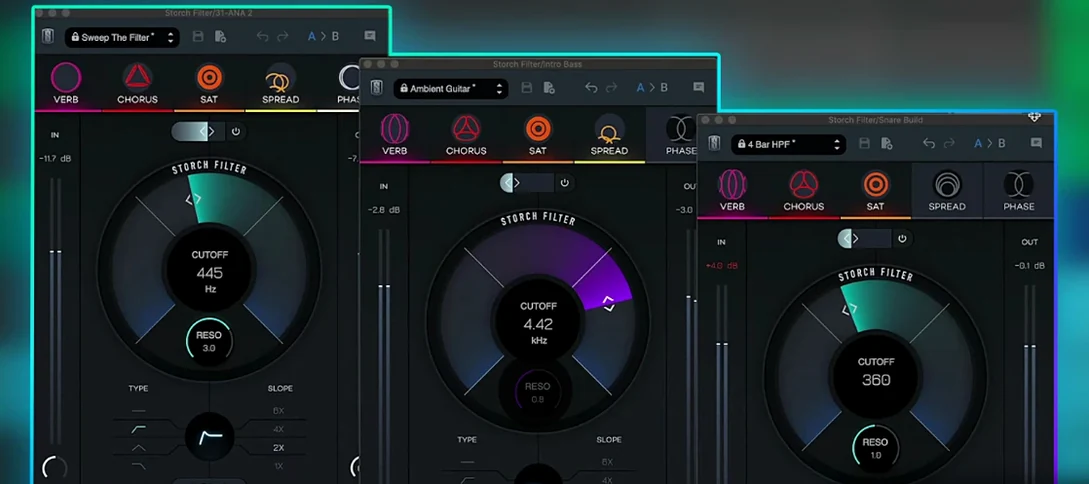
Sweeps, stutters and shimmers a sound through a single musical filter interface.
Slate Digital Storch Filter
Sweeps, stutters and shimmers a sound through a single musical filter interface.
 Spire
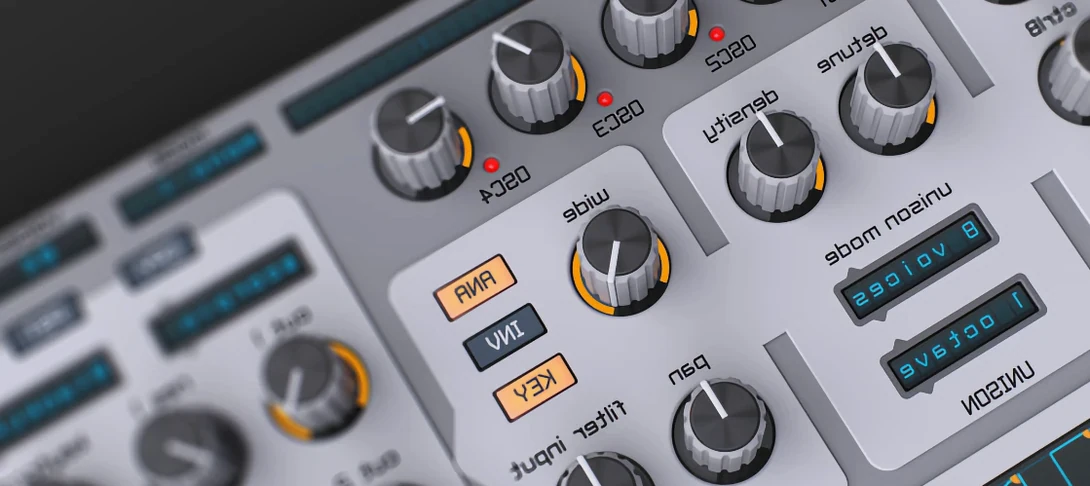
Synthesises rich virtual analogue sounds.
Spire
Synthesises rich virtual analogue sounds.
 Slate Digital Murda Melodies
Processes audio with a chain that shifts from subtle warmth to a crushed, distorted texture.
Slate Digital Murda Melodies
Processes audio with a chain that shifts from subtle warmth to a crushed, distorted texture.
 SSG Audio Optimus
Masters audio with intelligent spectral assistance.
SSG Audio Optimus
Masters audio with intelligent spectral assistance.
 Slate Digital Fresh Air
Opens up the top end of a track with two simple knobs that add presence and shine.
Slate Digital Fresh Air
Opens up the top end of a track with two simple knobs that add presence and shine.
 Steinberg SpectraLayers Pro
Edits audio spectrally and visually.
Steinberg SpectraLayers Pro
Edits audio spectrally and visually.
 ShaperBox
Applies three bands of rhythmic effects to add movement to drums, pads or vocals.
ShaperBox
Applies three bands of rhythmic effects to add movement to drums, pads or vocals.